Genre-aware art direction


Focused image workflow
AI Movie Poster Generator
Build an original movie poster concept from one clear film brief, then review typography, rights, crop, and production details.
Create with AI Movie Poster Generator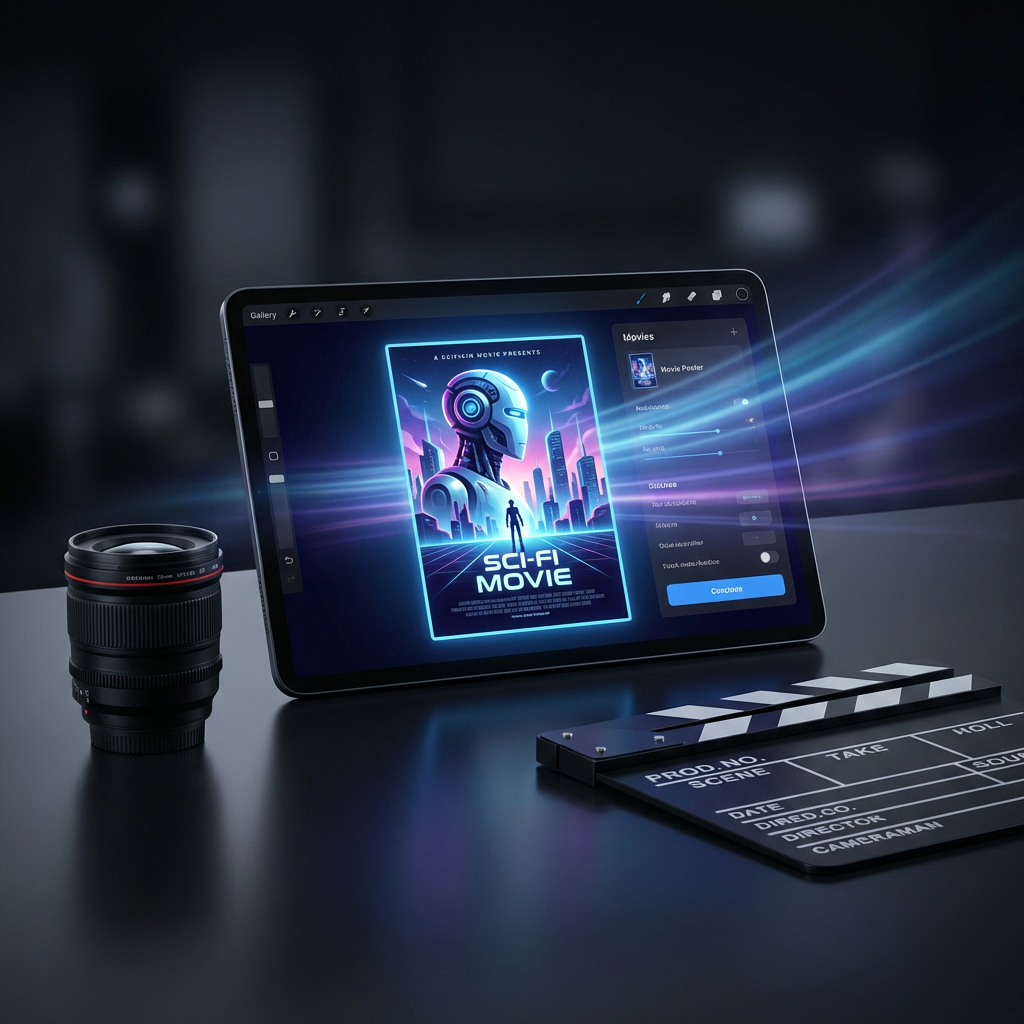
Generate a movie poster concept
Replace the sample title, premise, subject, genre, and campaign format. Generate the visual direction first, then proof all names, typography, credits, crop, and print details before publishing.
530 / 2000
Use 1K for quick drafts. Upgrade for 2K/4K finals and no-watermark exports.
Art style
Explore examples, workflow details, and practical guidance
Theatrical and social formats
One structured source brief
Proof-ready production notes
Workflow
Build, generate, then review
Write one complete brief
Add the title, genre, premise, audience mood, and the single character, object, or image viewers should remember.
Choose the campaign format
Set theatrical, festival, social portrait, story, or streaming proportions before generation so the composition fits its real destination.
Generate and proof
Compare visual directions, then verify title spelling, names, likeness rights, billing details, safe areas, crop, and print resolution.
Art direction
What to refine after the first draft
One memorable visual promise
Direct the poster around a single focal subject and genre signal instead of asking the image to summarize the whole plot.
Campaign-aware composition
Choose the crop first and reserve usable space for title, tagline, credits, release details, and platform-safe margins.
Human production review
Treat generated typography and credits as draft material. Proof every word and replace production-critical text before release.
Example directions
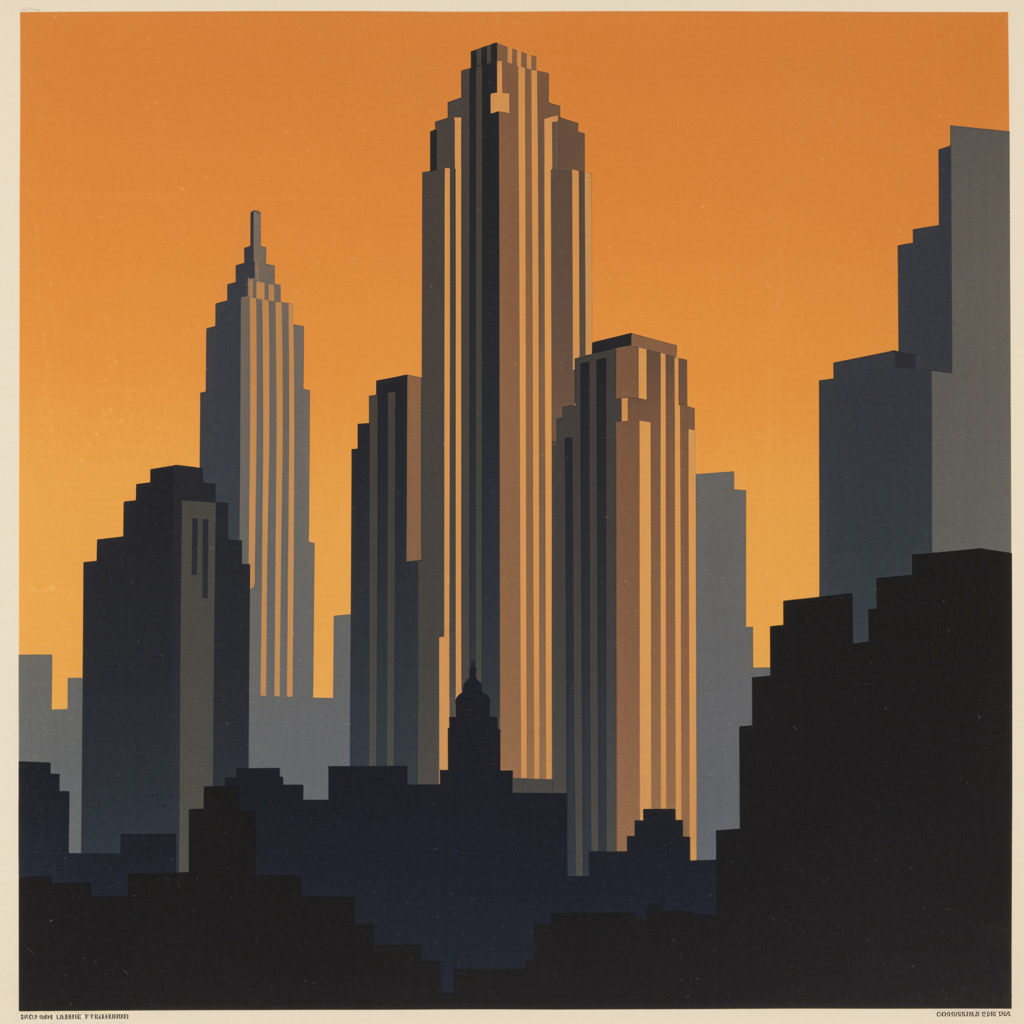
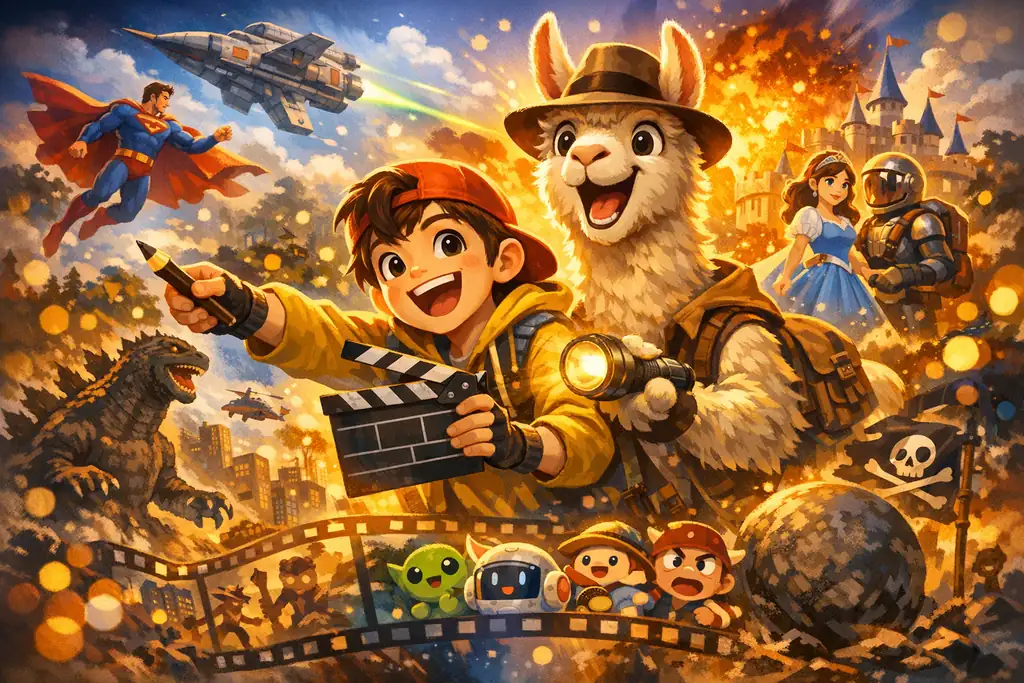
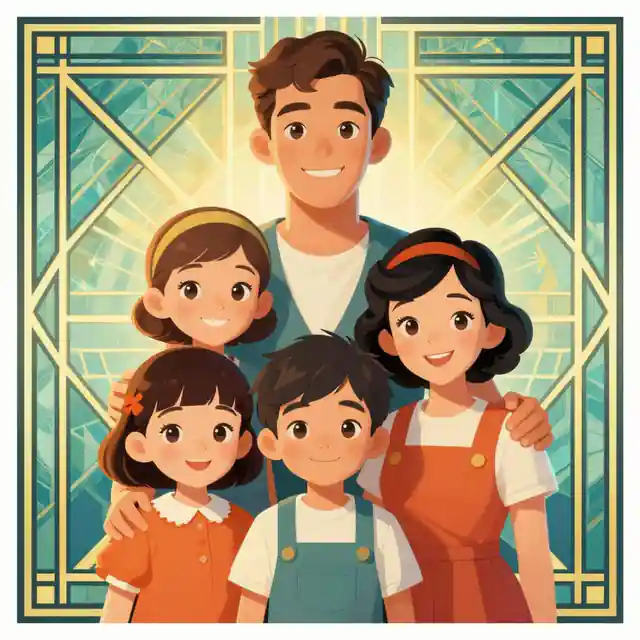
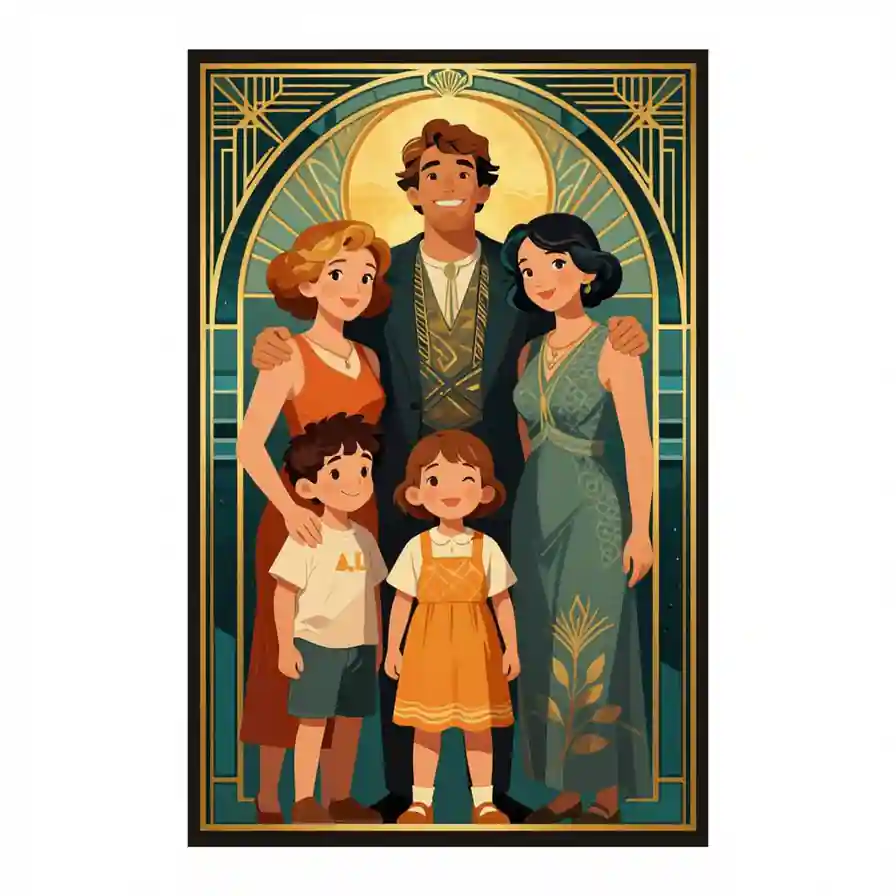
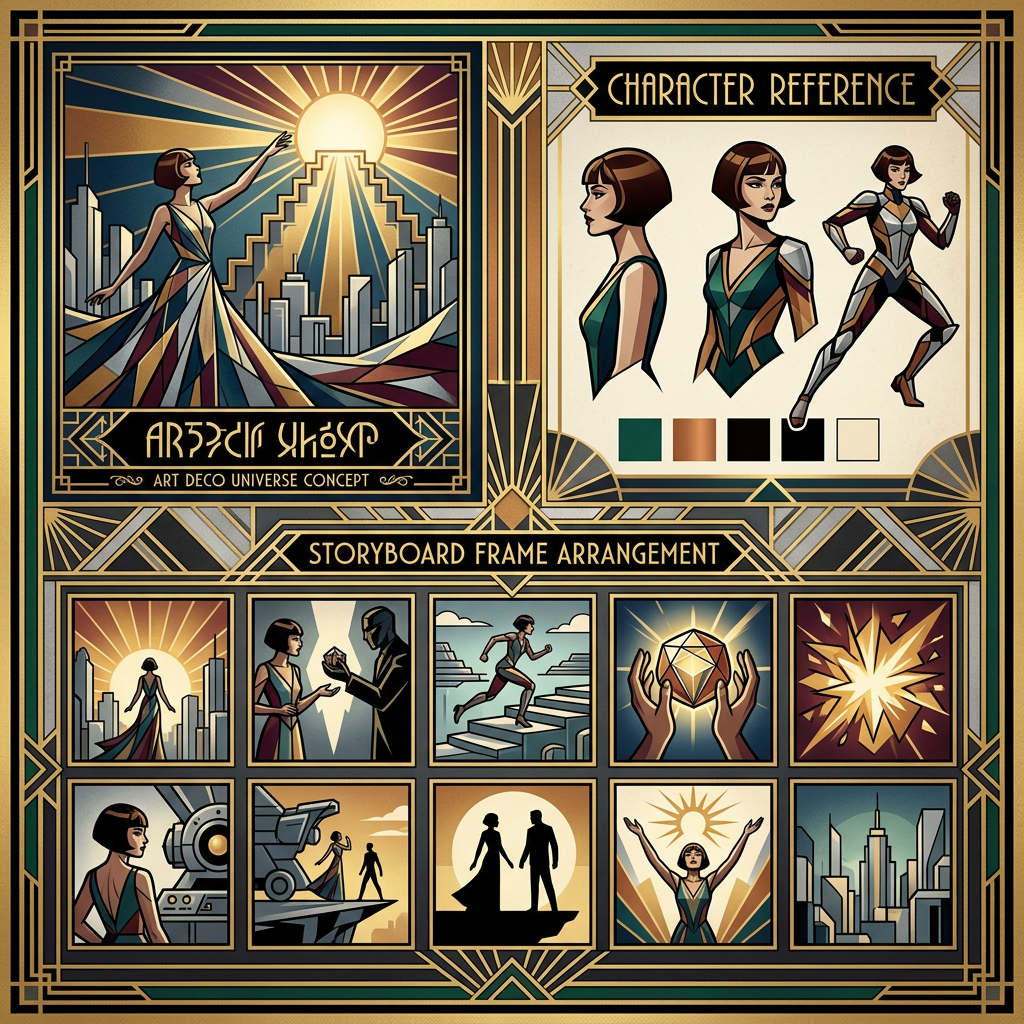
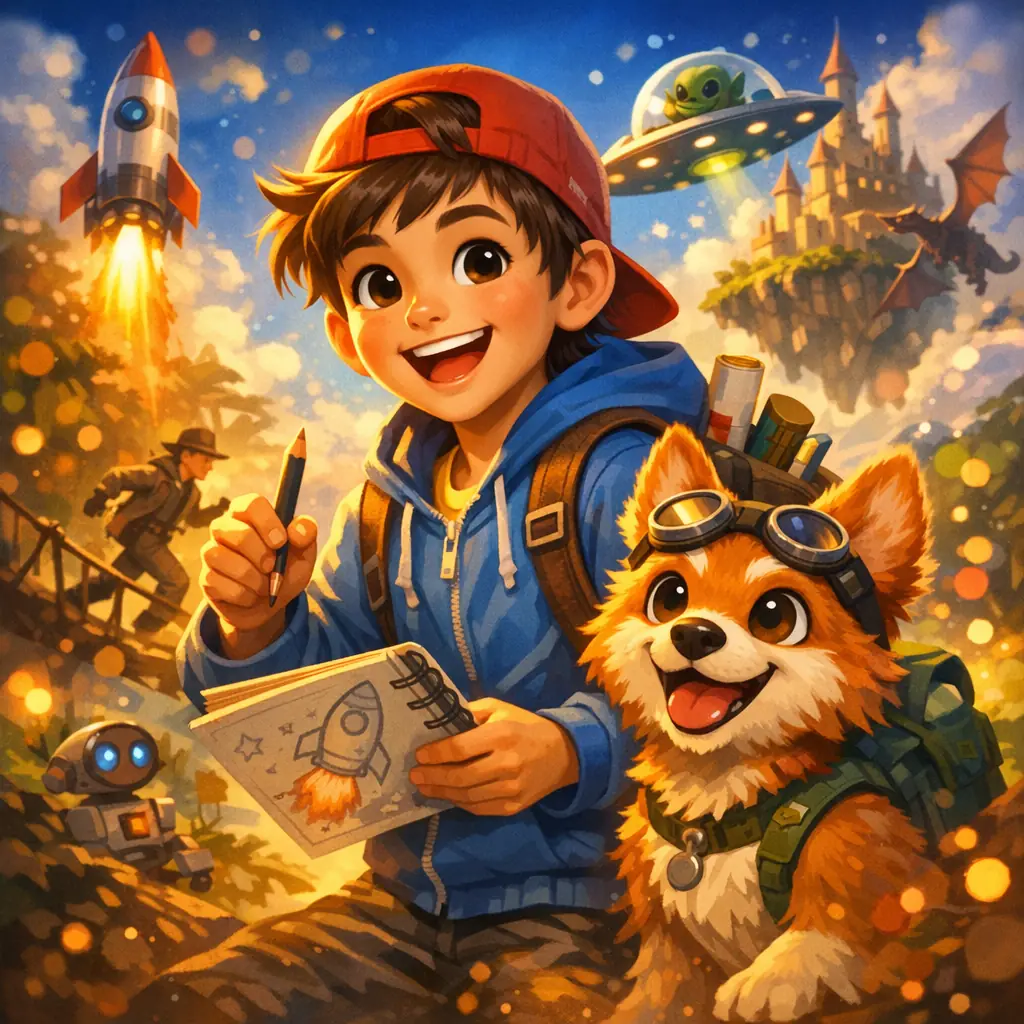
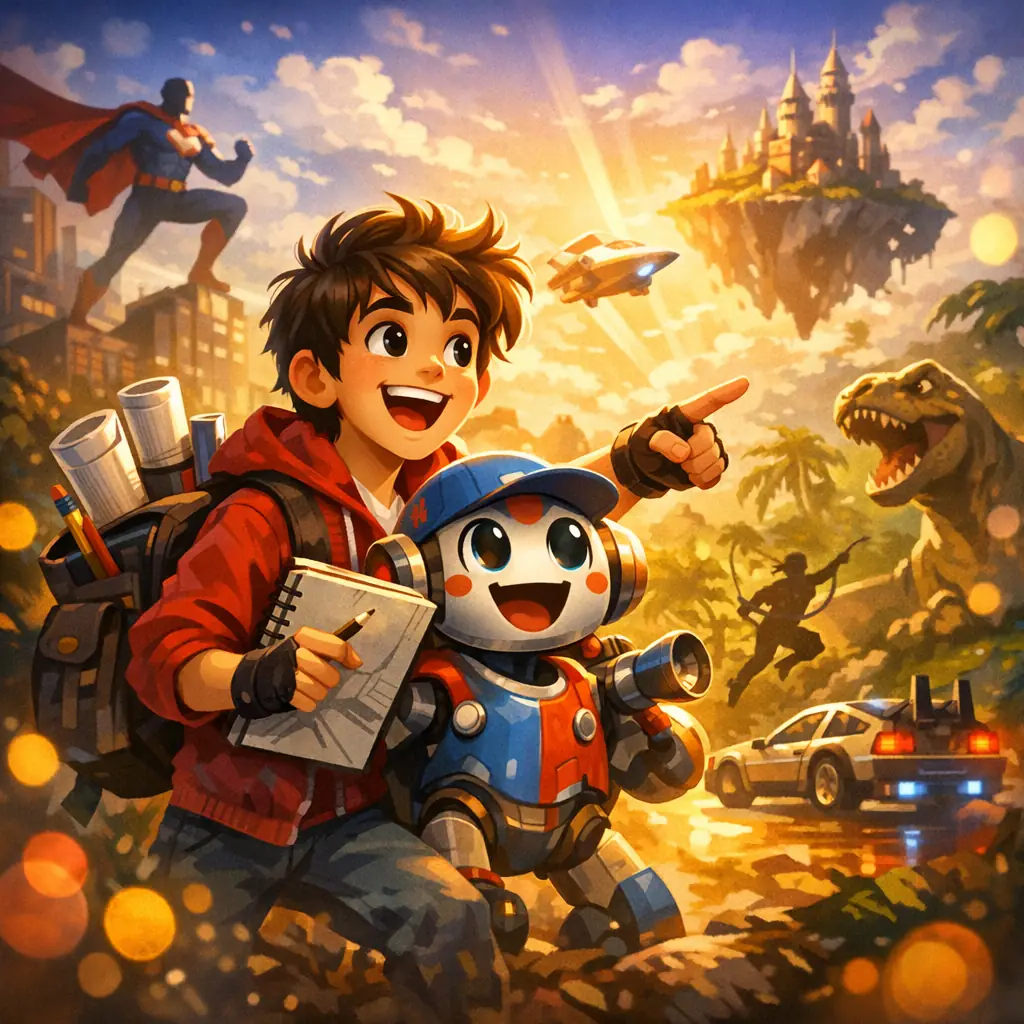
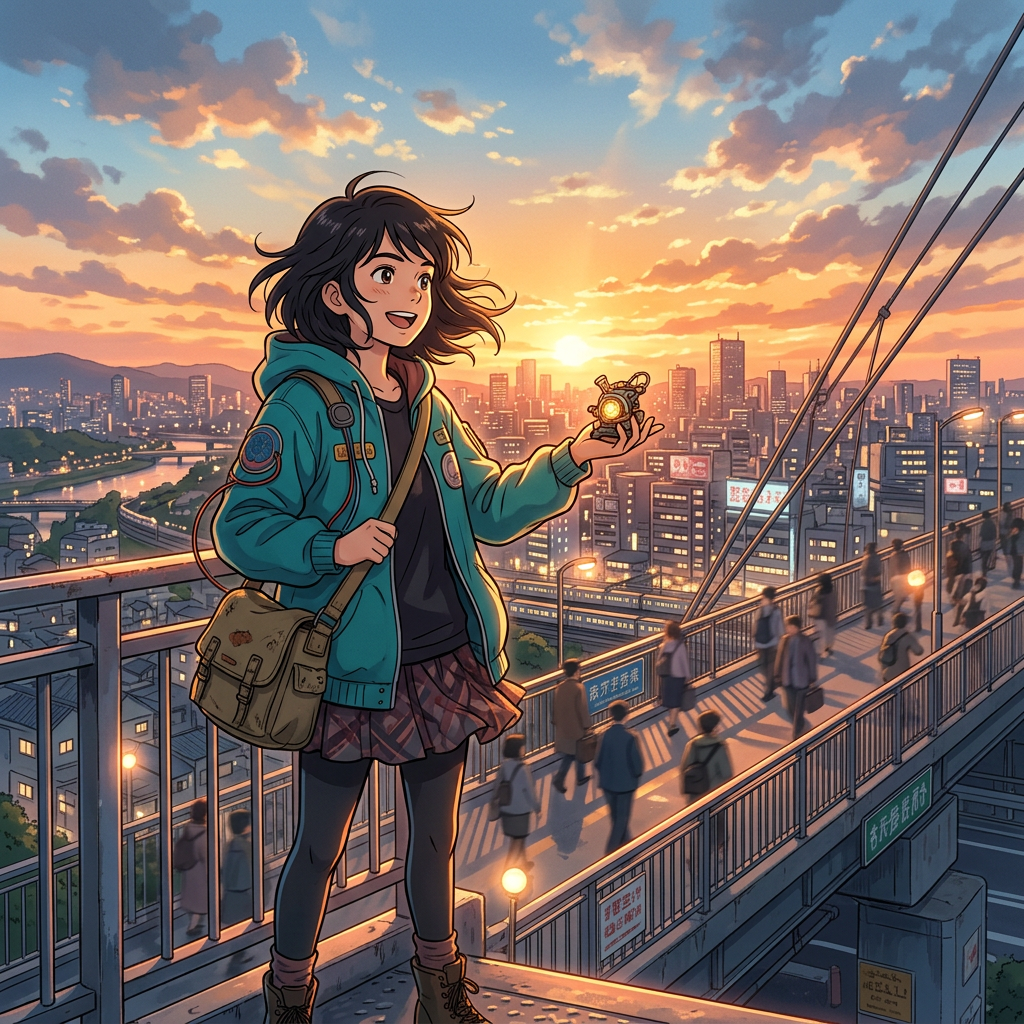
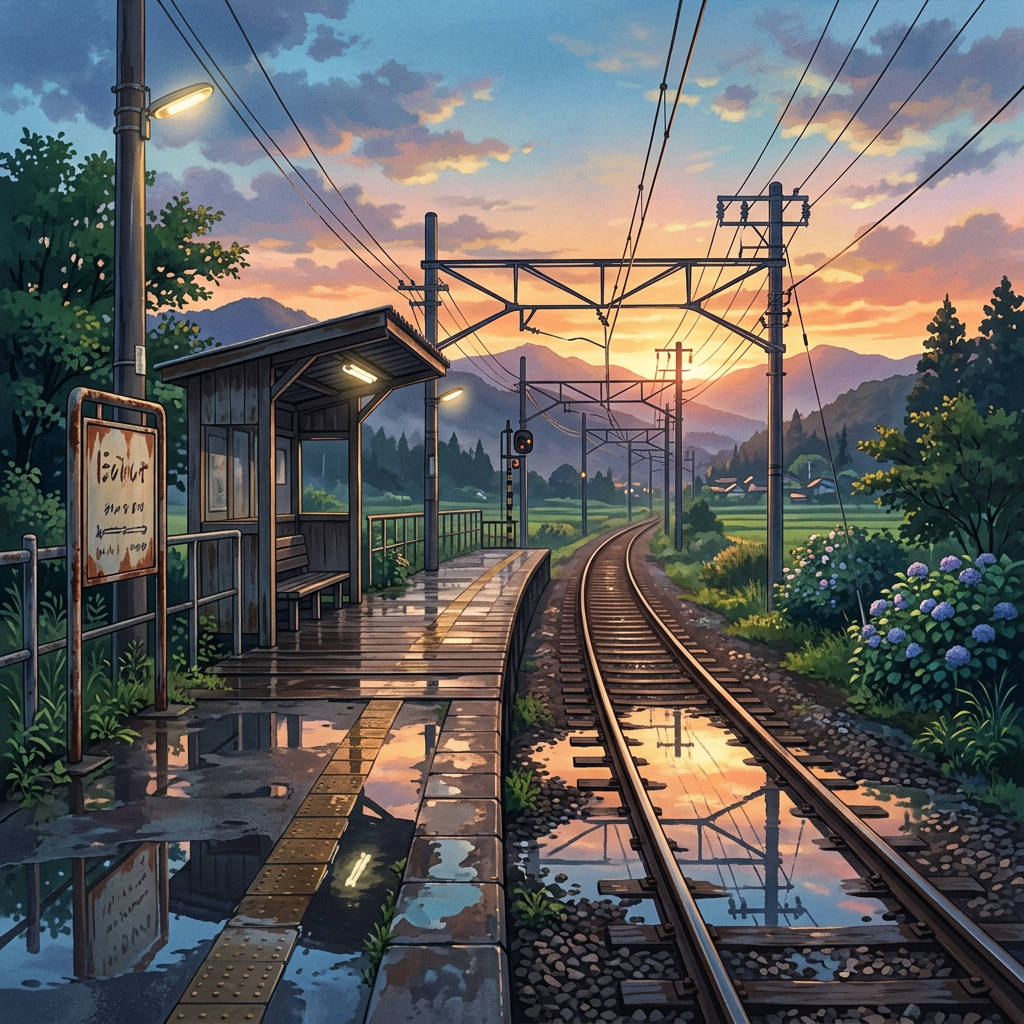
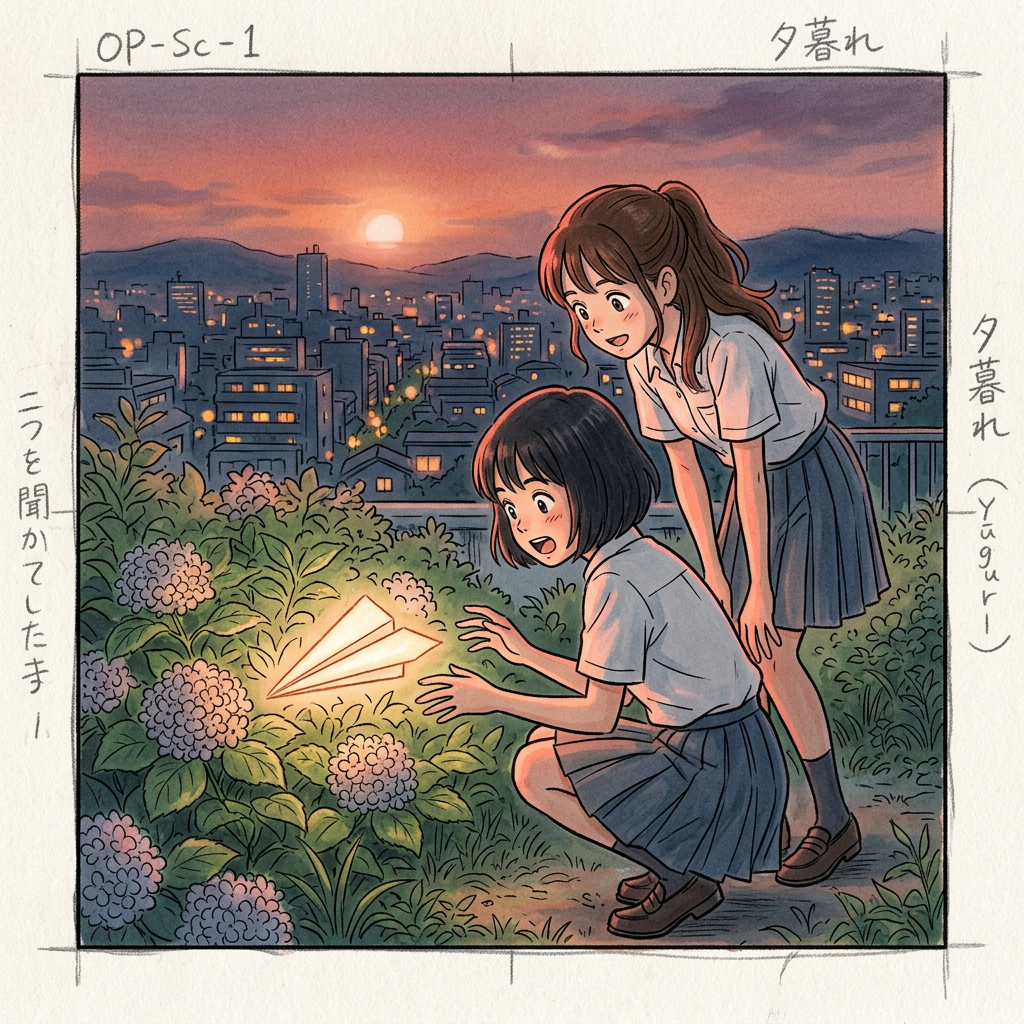
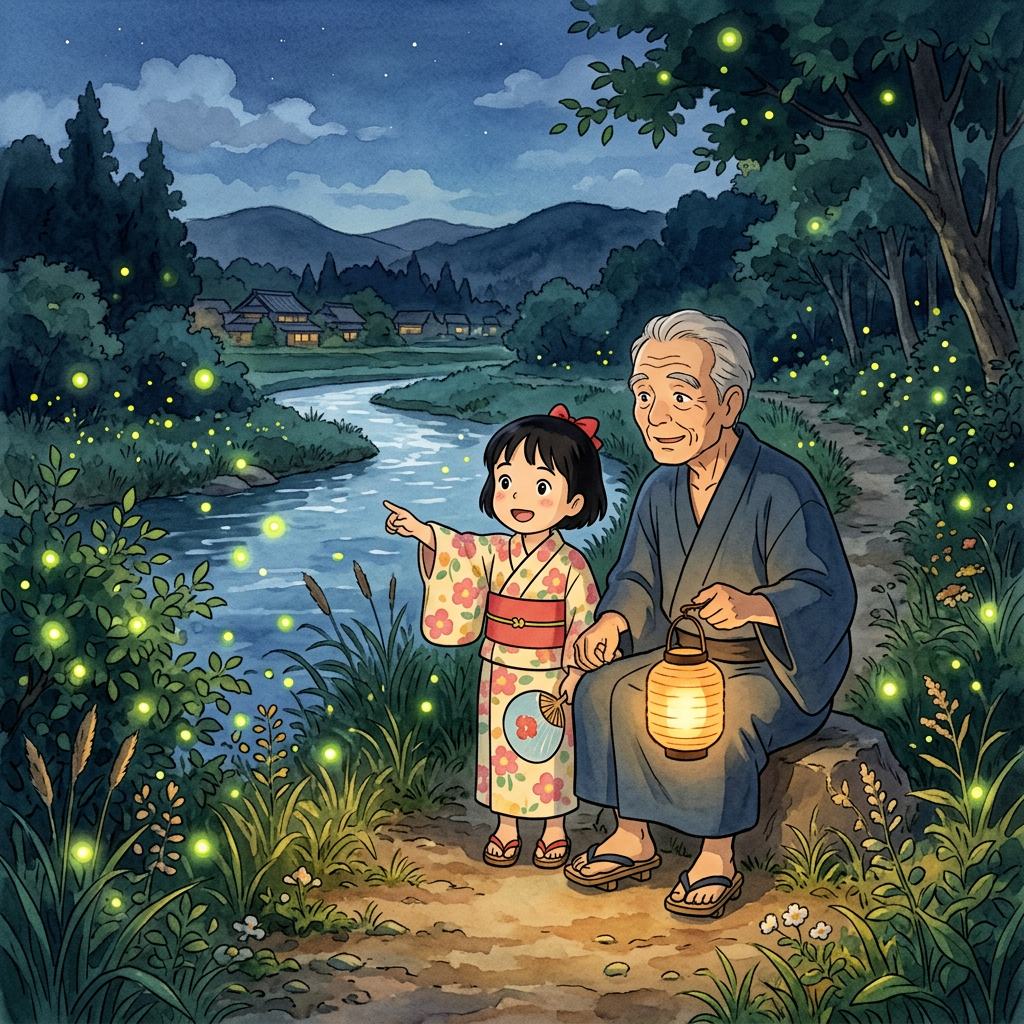
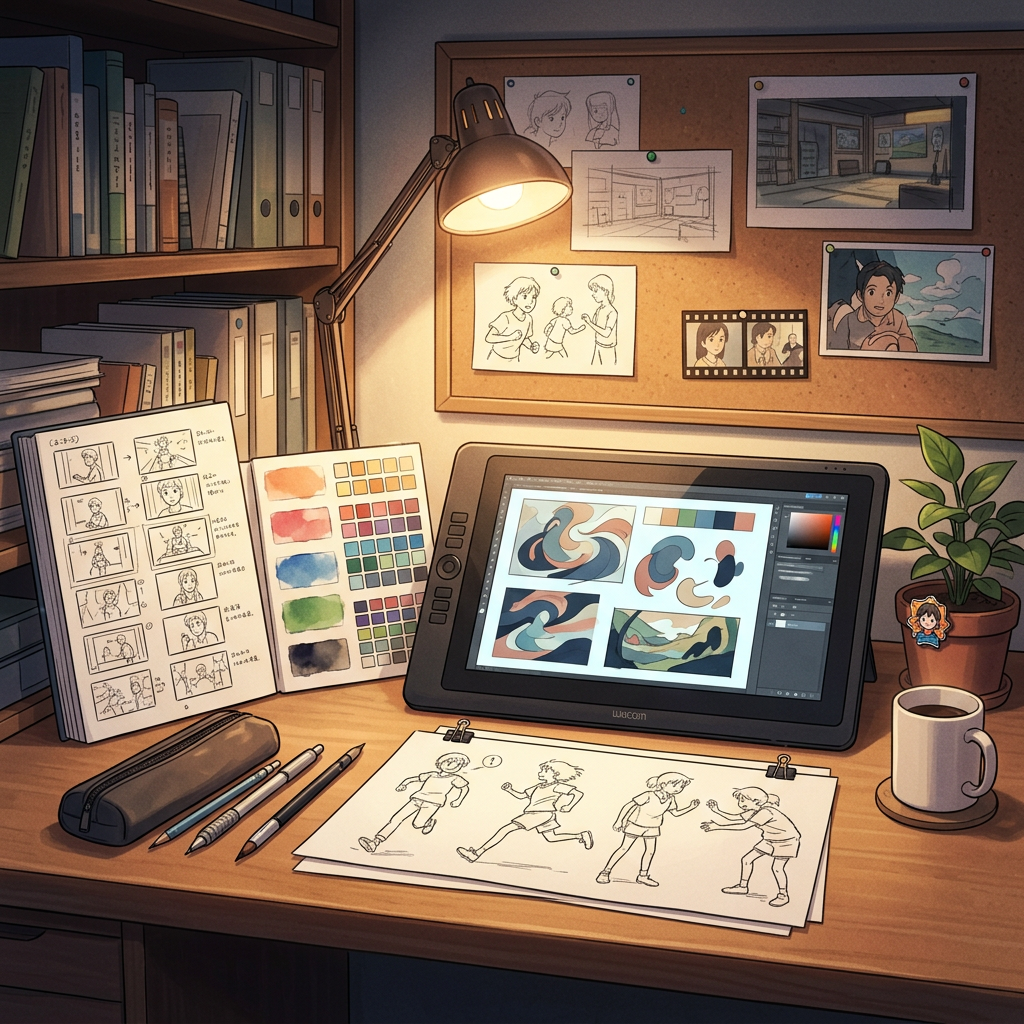
Compare complete visual directions

FAQ
Practical questions
Can I upload actor or character references?
Use references only when you have permission. Keep the prompt focused on wardrobe, pose, lighting, and composition, and verify likeness rights before publishing the poster.
Is generated poster text ready to publish?
Not automatically. Review the title, tagline, names, credits, dates, and legal lines. For production work, add final typography in a design tool after the image direction is approved.
Which format should I generate first?
Start with the primary campaign destination: 2:3 for a theatrical one-sheet, 4:5 for social feeds, 9:16 for stories, or 16:9 for streaming and presentation covers.
Are generated movie posters ready for commercial printing?
Use the output as a draft. Confirm image rights, likeness permissions, crop, bleed, color, typography, and final resolution with the printer or distribution platform.
Take the strongest direction into production
Generate several directions, choose the one with the clearest visual promise, then proof the details before publishing or printing.