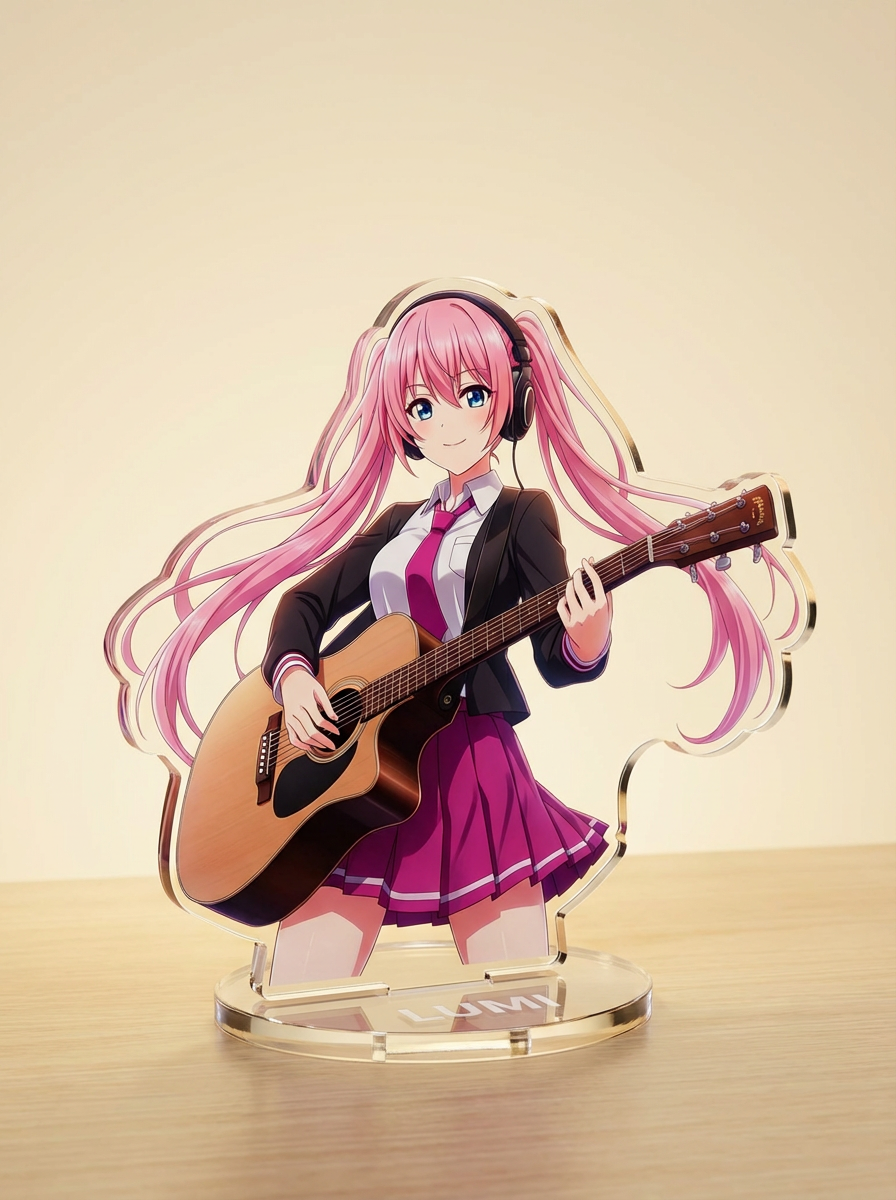
1
Upload / Describe
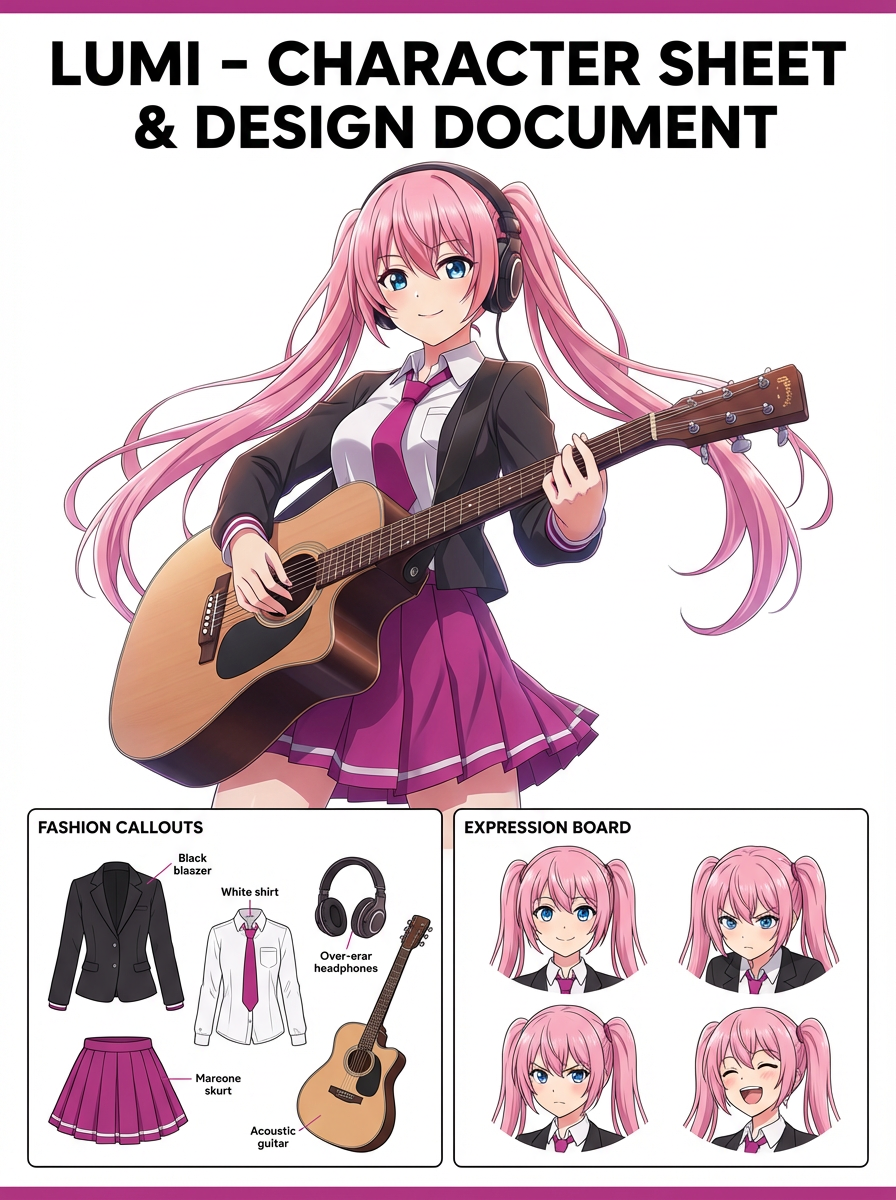
Upload your image and describe the exact transformation you want.


Turn characters into giant statue visuals with civic-scale framing, skyline context, and a landmark-style presentation.
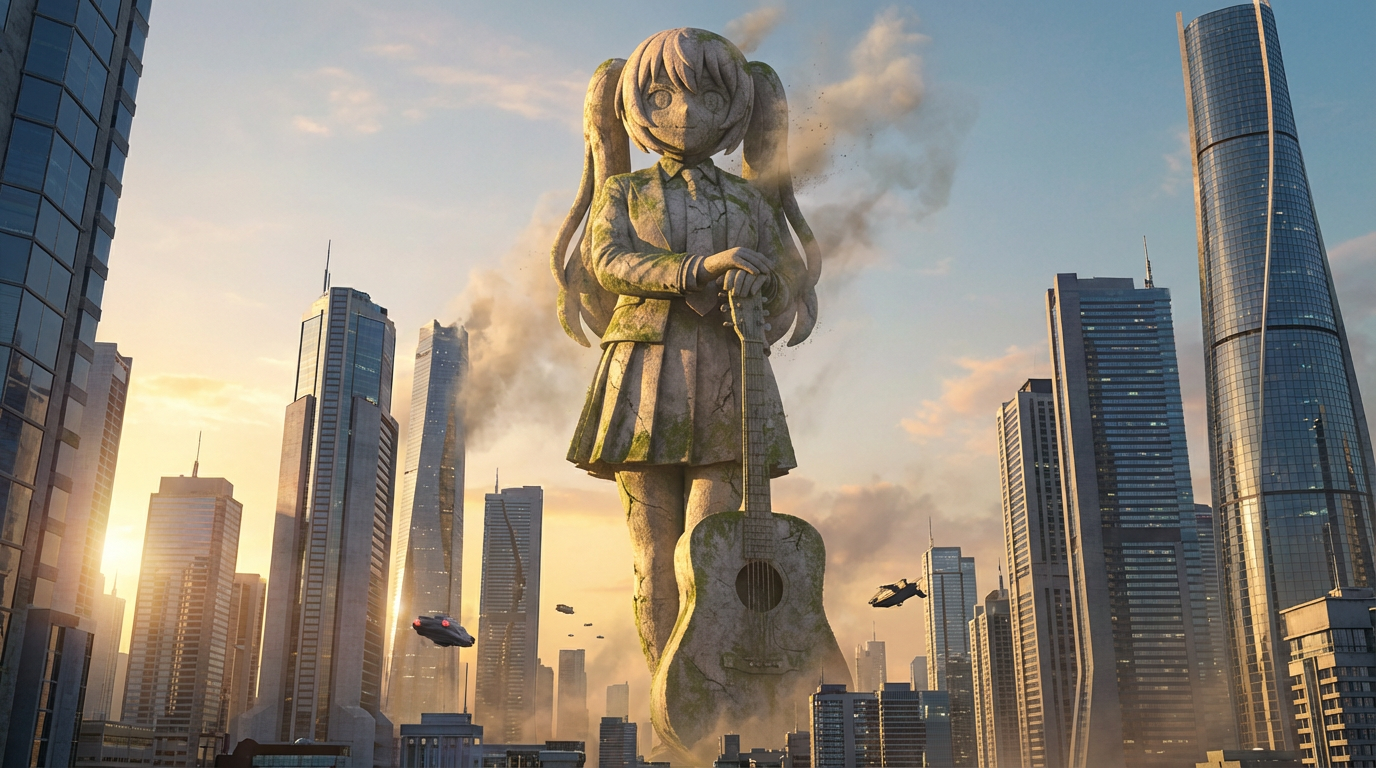
Describe the monument scale, material, city backdrop, and dramatic angle you want, then generate a statue-style scene.
Upload your image and describe the exact transformation you want.
Choose the right image model and aspect ratio for speed, quality, and output framing.
Generate your AI giant statue image, review variations, and move into the game workspace to continue creating.
See how creators use AI Giant Statue Generator with Lumi-powered visuals.
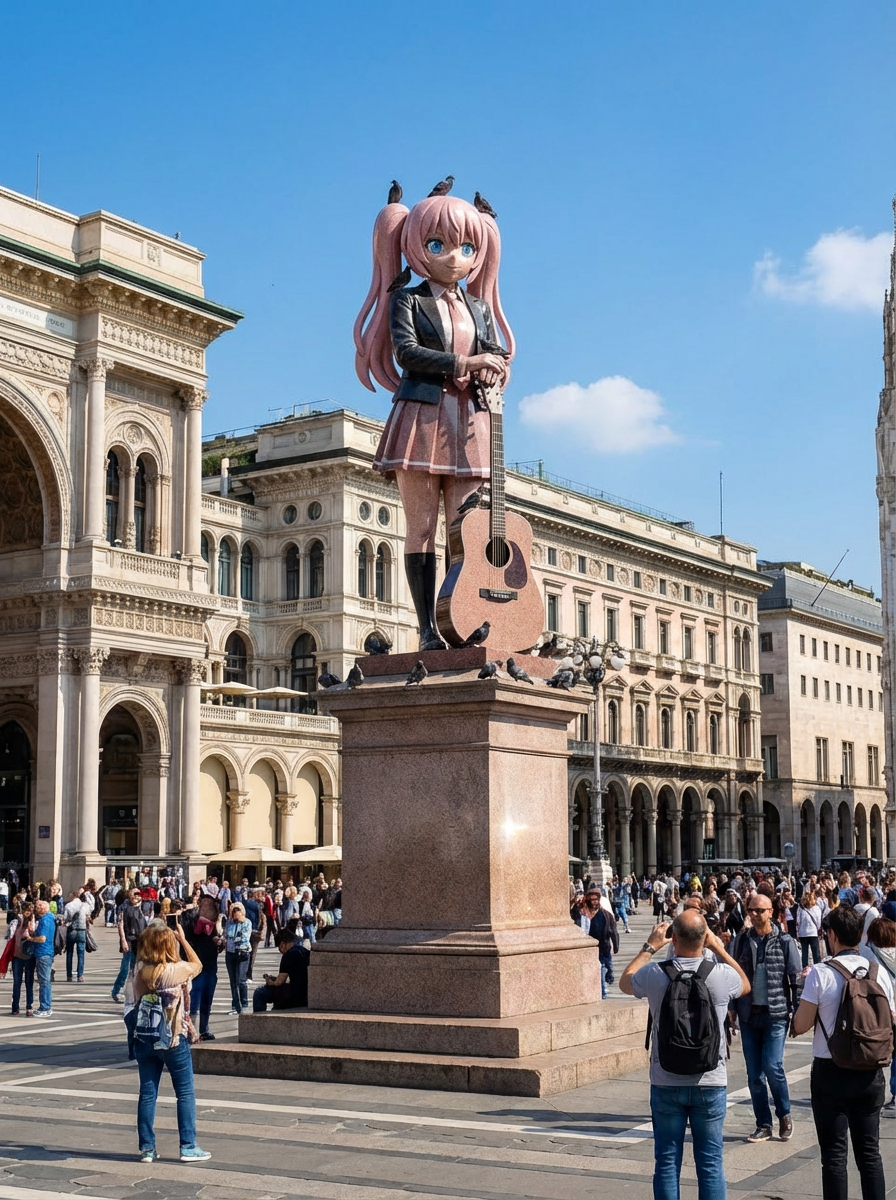
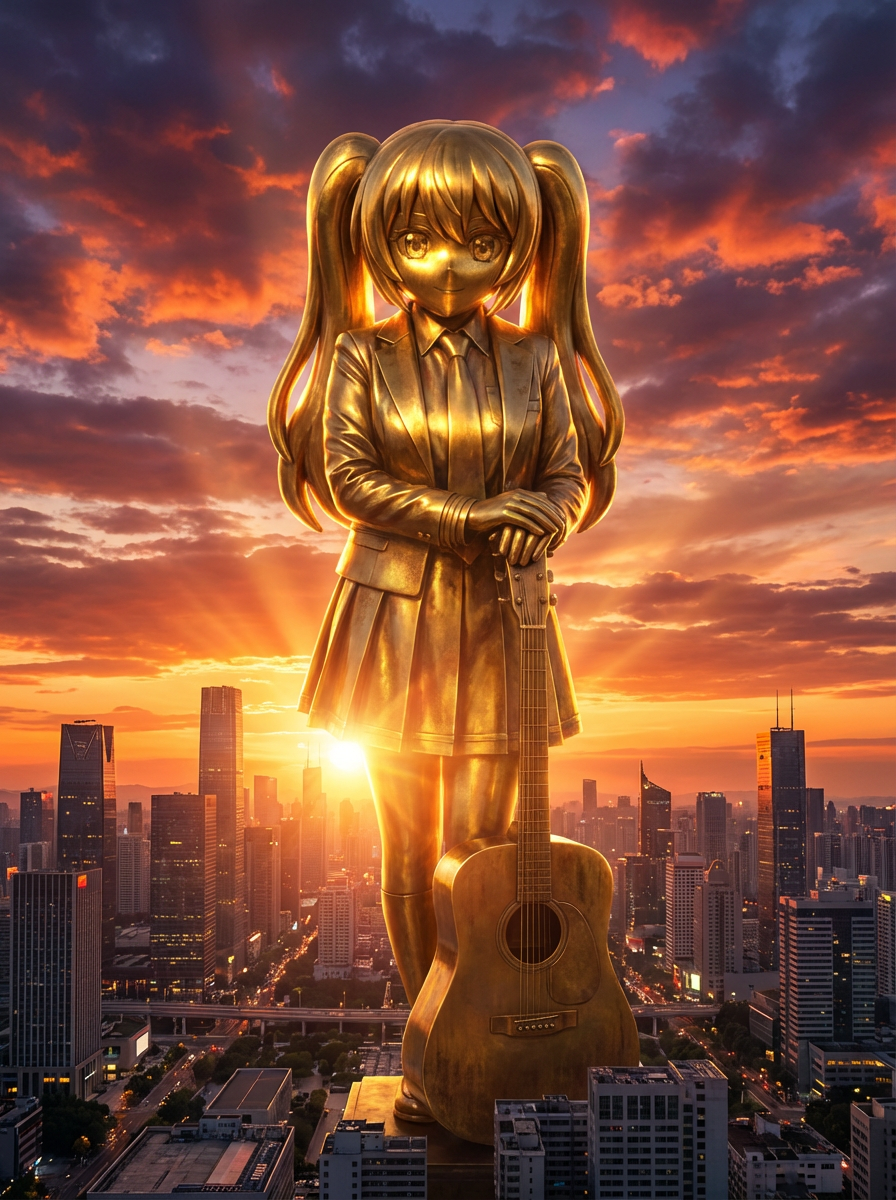
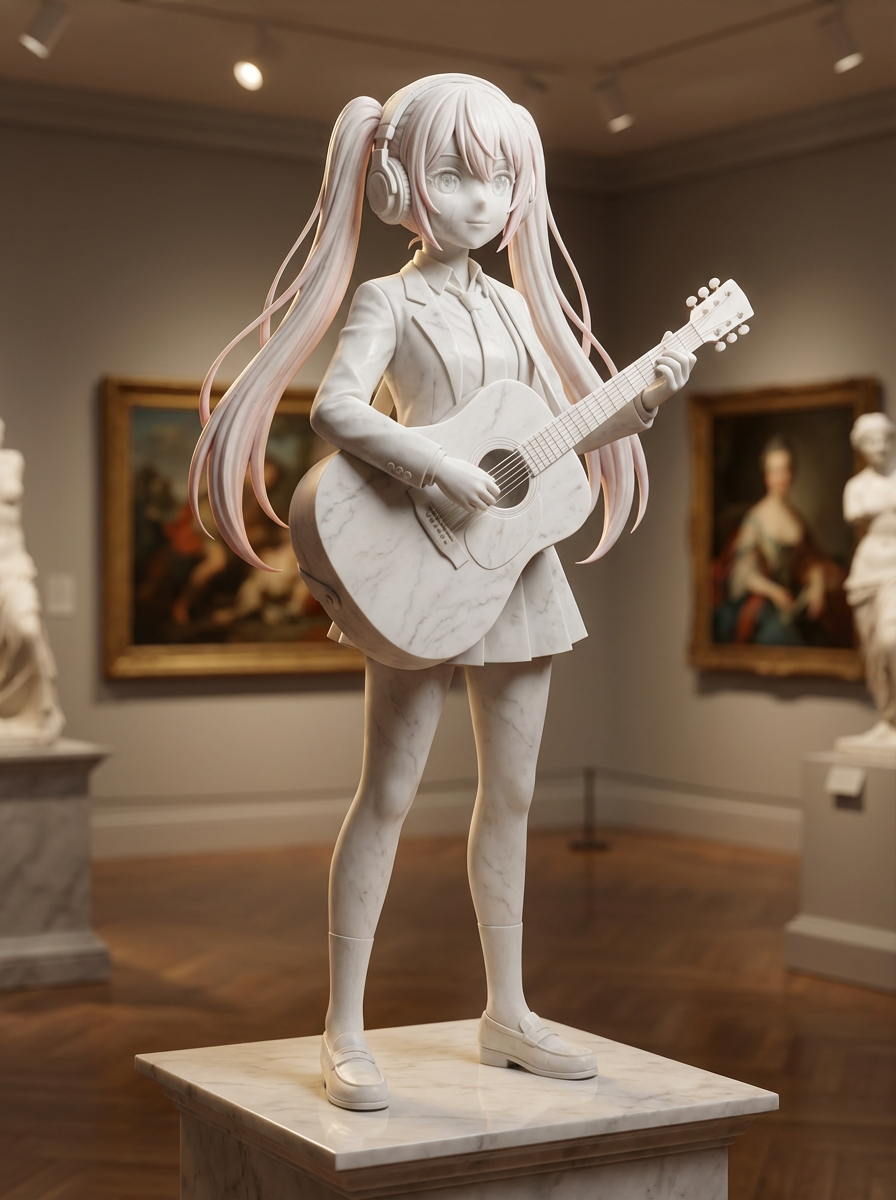
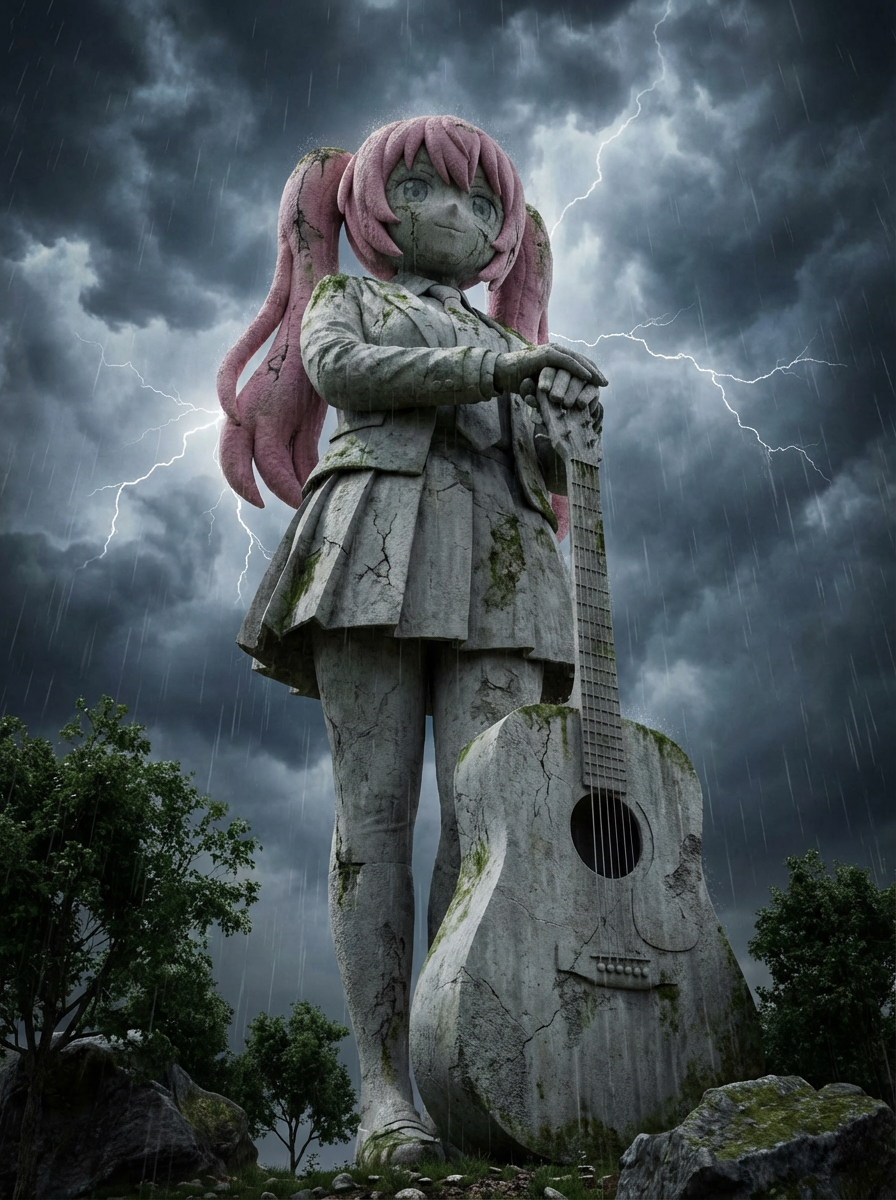
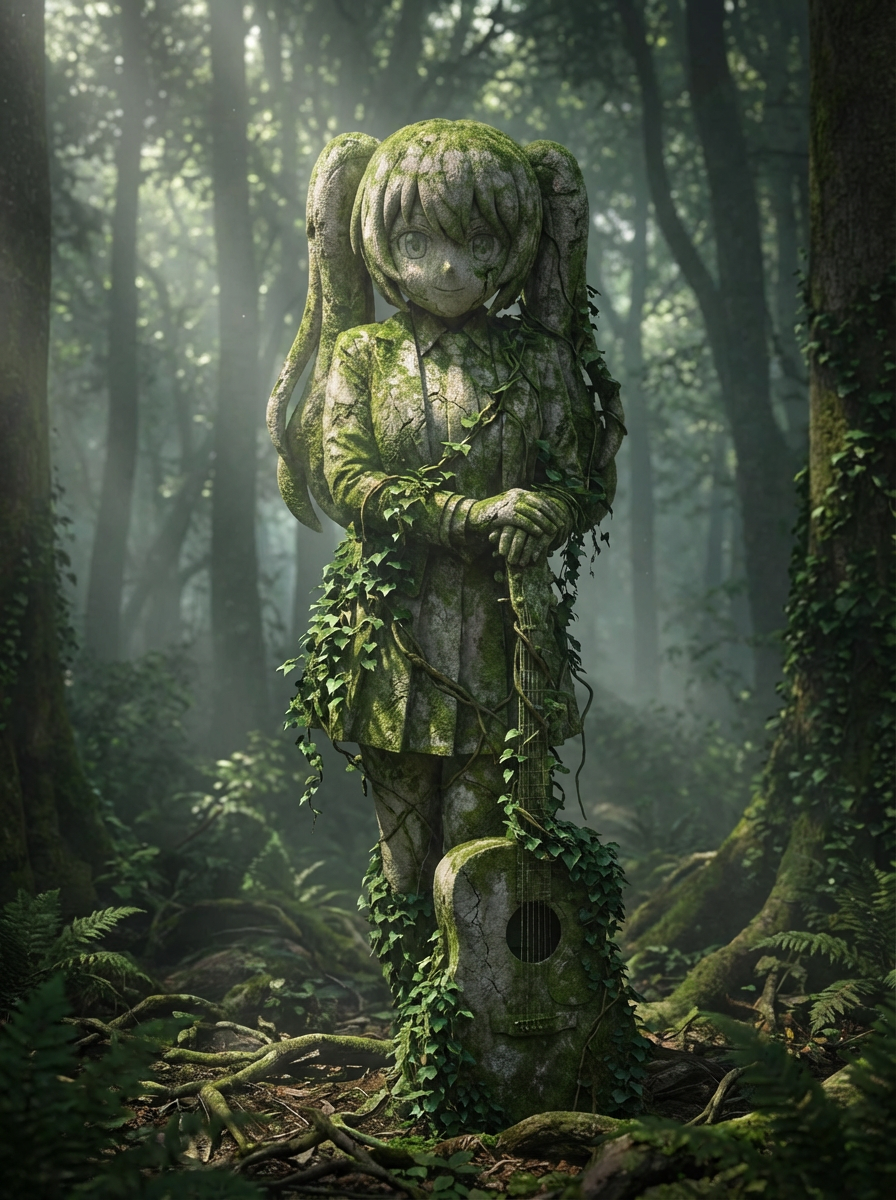
Transform characters into oversized monument scenes with landmark scale, skyline context, and a statue-like presence.
The default prompts focus on environment, size contrast, and statue materials instead of simple style transfer.
Place the monument in a civic square, fantasy capital, modern skyline, or any other environment you describe.
Use low camera angles, surrounding buildings, crowds, and lighting to make the scale feel believable.
Yes. The prompt field lets you shape the environment and architectural style around the statue.
Explore more AI-powered generator pages that open into the same Lumi-first creation flow.