

AI manga translatorRead your manga in another language.
Translate manga, manhwa and comic pages online. Upload a page, choose a language and review the translated image beside your original.
Start for free with eligible account credits. Sign-in required to translate; Fast and basic models use 150 credits per page. Paid models and batch limits are shown before you start.
- JPG, PNG & WebP
- Compare original and translation
- Download your translated image
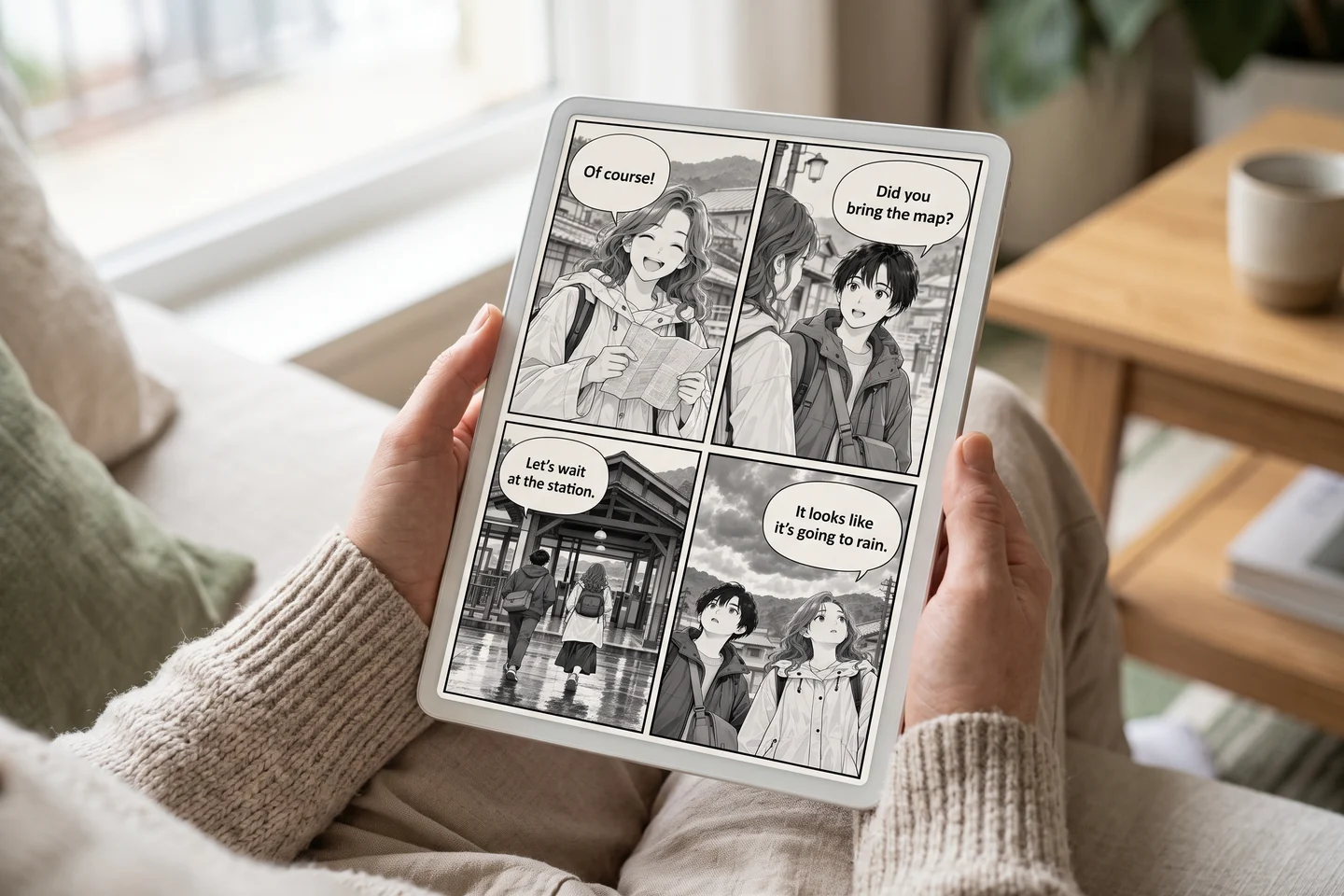
Your translation workspace
Upload. Translate. Compare.
Check the page, target language and total credits before generating. Review small lettering and names in the result before you share it.
Translate a manga page
Choose an image and a target language, then compare the generated translation with your original.
A lower-cost option for a first translated draft.
Each page is a separate generation request. Credits, model access and plan limits apply.
Free-plan output includes a watermark. Paid-plan output does not.
or choose images from your device
JPG, PNG and WebP · up to 8 MiB per page
Free accounts can queue one page. Generation requires enough eligible available credits.
Images are uploaded to your account for processing. Use pages you own or have permission to translate.
Your pages
0 of 1 pagesAdd a page to start. Your original stays available for comparison.
Try an original sample
Original AI-generated practice material. Selecting a sample adds its source page; translation uses the displayed credits.
Compare your page
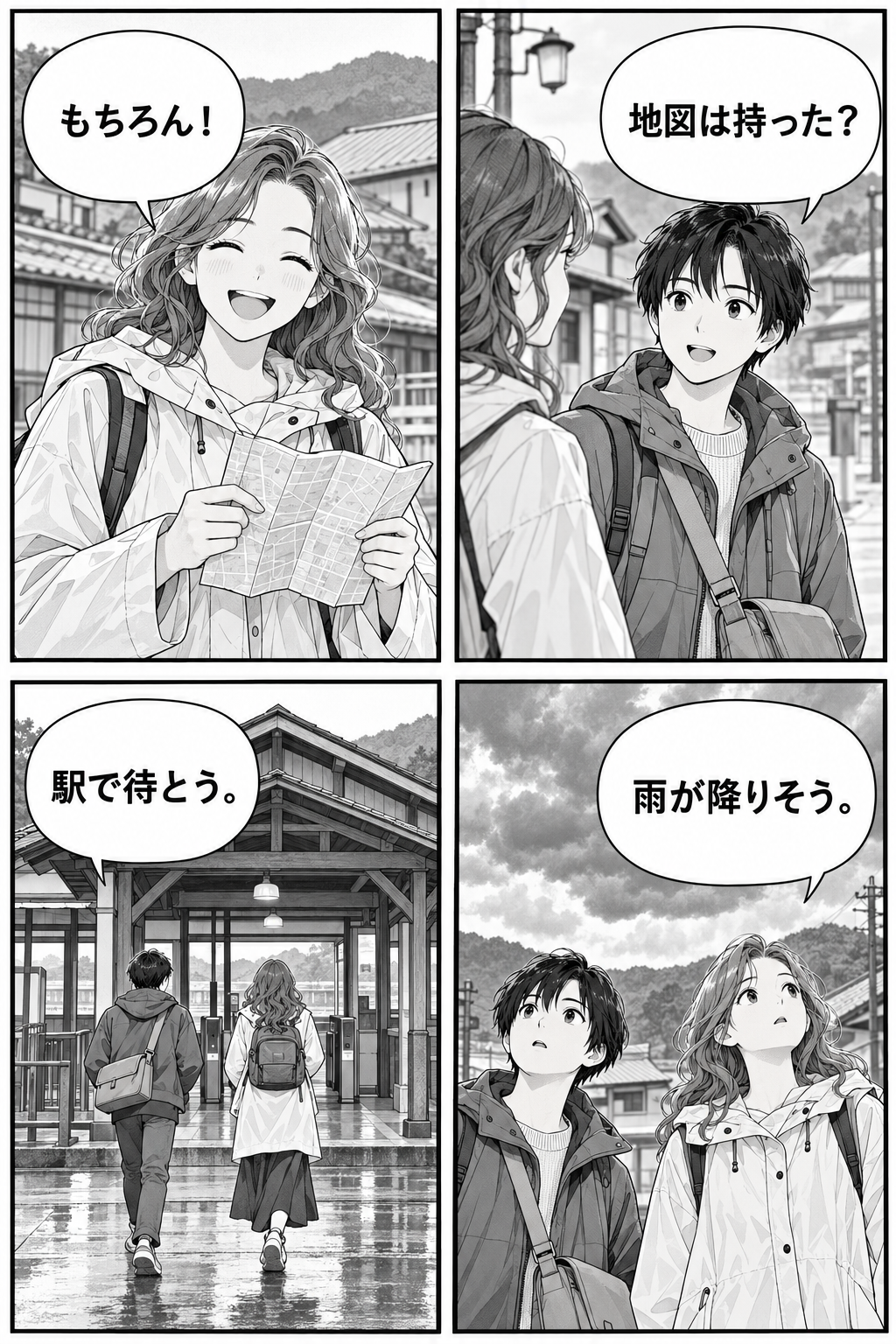
Image editing can change artwork or lettering. Compare names, speech balloons and fine details.
From manga page to a readable translation
A short workflow, with a review step built in.
- 01
Add a clear original
Upload a JPG, PNG or WebP page up to 8 MiB. Use the original scan where possible: tiny screenshots and long, dense pages make dialogue harder to read.
Check that every speech balloon is legible before uploading.
- 02
Choose the language and model
Select your target language, then review the per-page cost and total for your selected pages. Free accounts process one page at a time; paid accounts can queue up to 10.
A menu language is a translation target, not a guarantee of equal quality.
- 03
Compare and download
Inspect the generated image alongside its original, then download the result. Review names, speaker order, sound effects and text that approaches a balloon edge.
The result is a raster image. Artwork and lettering can change during generation.
Original / Translation
Look closely at the whole page
Use the same original and translated page to check the result. Full-page previews keep the speech balloons and panel order visible.
Original sample artwork is AI-generated. Any measured translation result is identified with its model, settings and limitations; presentation concepts are labeled separately.
Japanese → English: four dialogue balloons
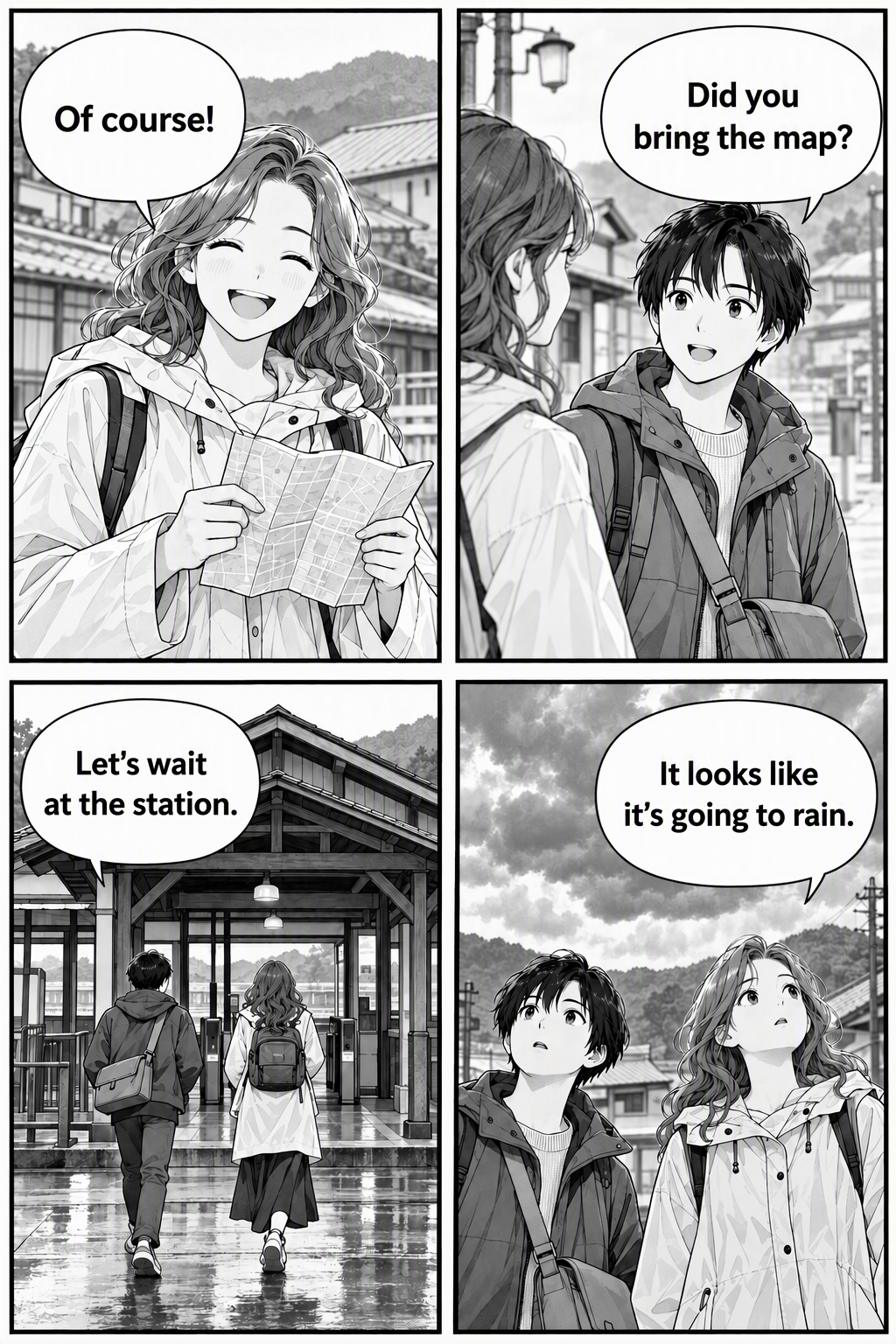
GPT Image 2 Fast · low quality · Japanese → English · 4 detected text regions · 1024 × 1536 input and output.
In this one controlled run, all four short English lines stayed inside their balloons and the two-by-two panel layout remained visible. The pipeline took 30.55 seconds, excluding upload, sign-in and billing.
First-party component check using the same OCR/translation preparation and image generator as the public route. The configured Vertex OCR returned 404; Azure vision fallback identified four regions, then all four were translated before image editing. This easy horizontal-text sample does not test vertical dialogue, sound effects, other languages, batch performance or pixel-identical artwork.
A manga translation workflow that keeps review in reach
Dialogue first, page context included
The workflow looks for text regions and uses page context to prepare the translation. Vertical dialogue, unusual lettering and sound effects still need a reader’s check.
Original and translated views
Compare the full images instead of judging a cropped bubble. Check the speaker, expression and panel sequence together, especially when a short line has more than one meaning.
One page or a small batch
Start with one page, then use a paid account to queue a chapter section of up to 10 images. Each page has its own status and credit cost; retry a failed page without resubmitting successful ones.
Give your translated pages a life beyond the preview
Reading on a tablet, reviewing a printed page, or assembling a multilingual zine: check the result at the size people will actually read.
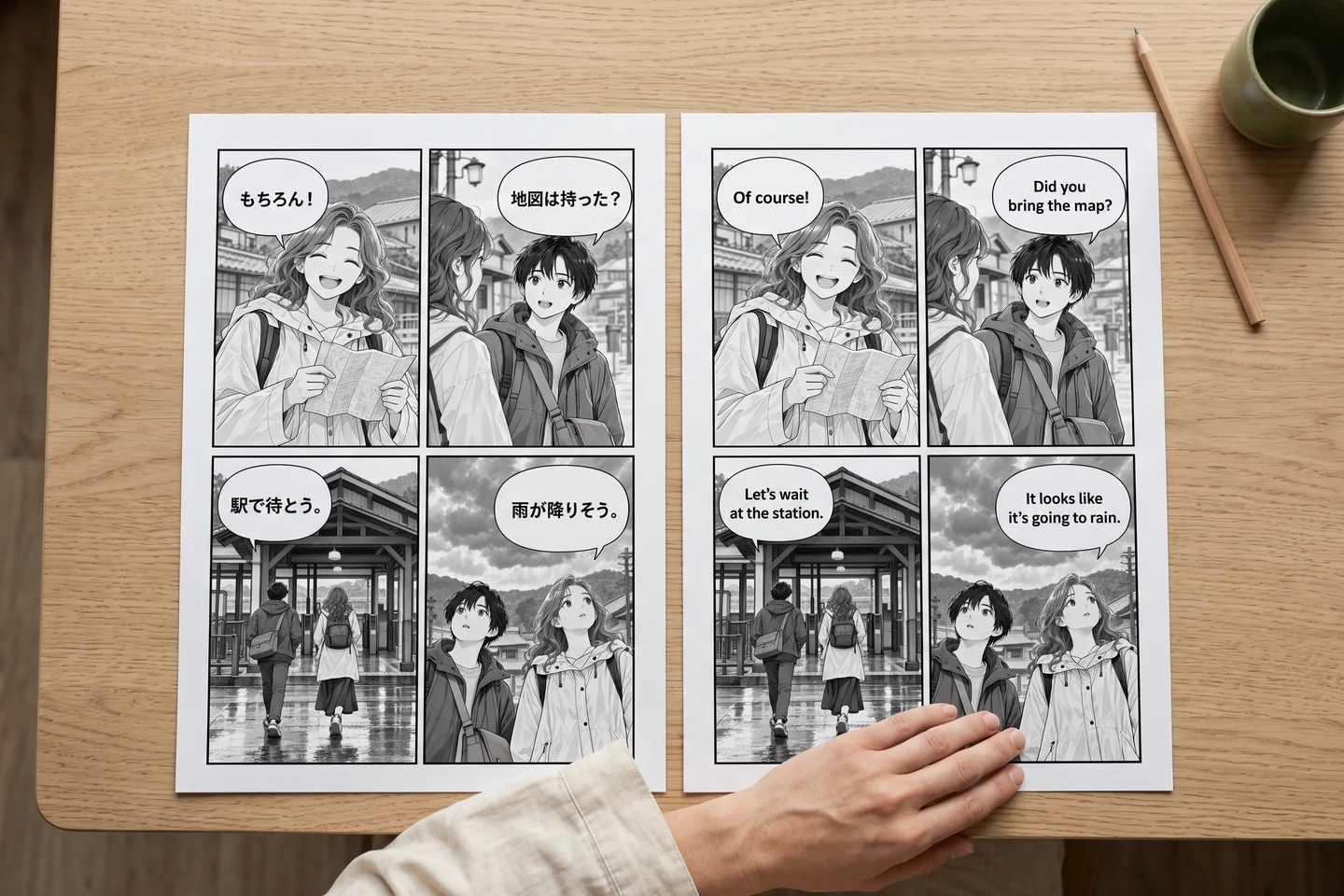
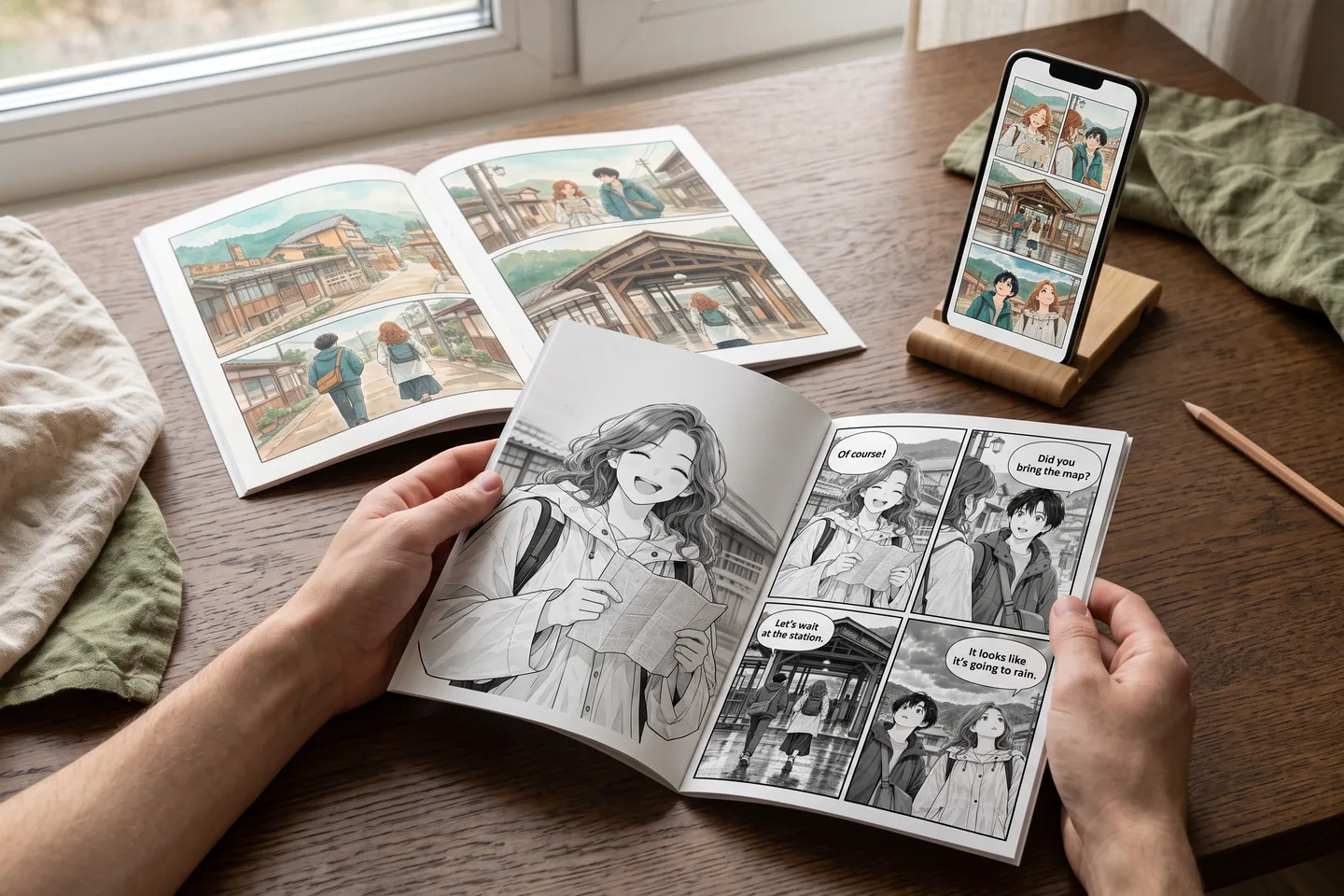
AI-generated concepts show possible uses. They are not customer photographs, verified translation outputs, or a printing and fulfilment service.
Three checks before you share a translated page
These are practical review exercises, not claims of a completed customer project.
A Japanese dialogue page
Keep the original beside the English result. Read every balloon in panel order and compare recurring names.
Check small kana, interrupted dialogue and the speaker’s expression. A plausible English sentence can still have the wrong speaker or tone.
Use a sharper source or try one page with another model. Correct final wording in your preferred image editor when needed.
A vertical Korean webtoon strip
Use a manageable strip with readable lettering instead of a tiny full-chapter screenshot.
Inspect the first and last panels, captions between panels, and the exported image dimensions.
Split a very long source into readable sections in an image editor, preserving sequence, then translate each section.
An Arabic or French reading copy
Inspect the downloaded page on the device or print size you intend to use.
Review right-to-left order and connected Arabic letters, or accented characters and longer French lines. Check every balloon edge.
Ask a fluent reader to review meaning and tone before publication; choose wording that fits the final layout.
Translate manga into the language you read
Choose English, Japanese, Korean, Simplified or Traditional Chinese, Spanish, French, Arabic and more in the tool. Names are displayed in your interface language. Quality varies with the source, writing system, model and page.
Japanese → English
Check vertical speech, omitted subjects, names and sound effects.
Korean → English
Review webtoon captions, honourifics and the order of a long strip.
Chinese → English
Check compact dialogue, names and the meaning of short expressions.
Into your reading language
Review punctuation, accents, script direction and the space available in each balloon.
Know the cost before you translate
Upload and inspect your queue before generating. Translation uses account credits; eligible credits can cover a free start. Paid model access and page limits depend on your plan.
GPT Image 2 Fast
150credits / page
Eligible account credits
LlamaGen Fast
150credits / page
Eligible account credits
LlamaGen Ultra Lite
300credits / page
Paid plan
GPT Image 2 Medium
600credits / page
Paid plan
GPT Image 2 High
1,800credits / page
Paid plan
The total is the selected model’s cost multiplied by the number of pages submitted. A batch is not a single-page charge. Check current billing and plan terms for your account.
View current plansWhat to expect from the result
- Upload JPG, PNG or WebP images up to 8 MiB each. PDF, EPUB, CBZ and ZIP imports are not provided by this uploader.
- Translation produces a new raster image, not editable text layers, a PSD or a pixel-identical original. Small art details and lettering may change.
- Very large pages can exceed a model’s image limits. Free-plan oversized inputs can be rejected; paid processing can resize an oversized image.
- Use pages you own or have permission to translate. Check third-party artwork and publication rights before sharing.
- Translations can misread stylised lettering, lose sound effects or mistranslate names. Human review remains part of the workflow.
- The recent-results list belongs to the current browser session. Do not rely on it as a permanent project archive; download results you want to keep.
Manga translator FAQ
Is this manga translator free?
You can start for free when eligible account credits are available. Sign-in is required to generate a translation. GPT Image 2 Fast and LlamaGen Fast use 150 credits per page; paid models use more credits and require a paid plan. The tool shows your selected cost before you start. It is not unlimited free translation.
How do I translate Japanese manga into English?
Upload a clear JPG, PNG or WebP page, choose English and a model, then translate. Compare the original and result before downloading. Check vertical dialogue, names, sound effects and speech-balloon fit; a fluent reader should review work intended for publication.
Can I translate manhwa, manhua and webtoons?
Yes, you can upload image pages from those formats, with permission to translate them. Source clarity and page length matter. For a very long webtoon, split it into readable image sections before uploading and keep the section order.
Can I upload a PDF or an entire chapter ZIP?
The uploader accepts JPG, PNG and WebP images up to 8 MiB each. It does not import PDF, EPUB, CBZ or ZIP files. Free accounts process one page at a time; paid accounts can queue up to 10 separate page images.
Does it preserve the artwork exactly?
The workflow aims to retain the composition while replacing the text, but it generates a new image. Lines, small details, balloon shapes and image dimensions can change. Compare the full result with your original before sharing or printing.
Can I edit the translated text or export a PSD?
This tool downloads the translated raster image. It does not provide editable speech-balloon text layers or PSD export. For precise corrections, use an image editor on the downloaded result, or retry a page with a clearer source or another model.
Which translation languages are supported?
The selector includes English, Japanese, Korean, Chinese, Spanish, French, Arabic and many other targets. A listed language is not a guarantee of equal OCR, typography or translation quality. Check your chosen language with a fluent reader, especially stylised text and right-to-left scripts.
Are my results saved forever?
The recent-results view is kept in the current browser session and is not a permanent project archive. Download the images you want to keep. See the privacy policy for information about uploaded content and service processing.
Sources and product details
How to verify the workflow
These sources explain the product conditions and a relevant layout standard. They are not independent certifications of LlamaGen translation quality.
Current LlamaGen plans
Check plan access, included credits and paid-model conditions for your account.
Terms and refund conditions
Read the service, purchase and refund terms before paying.
Privacy and uploaded content
Review the policy before uploading sensitive or unpublished pages.
W3C Requirements for Japanese Text Layout
A reference for Japanese text layout and reading conventions; it does not evaluate this translator.
Continue creating
Make the next page readable.
Start with one clear page. Choose a language, check the credits, then review the result.
Translate a manga page