

Vertical layout needs planning
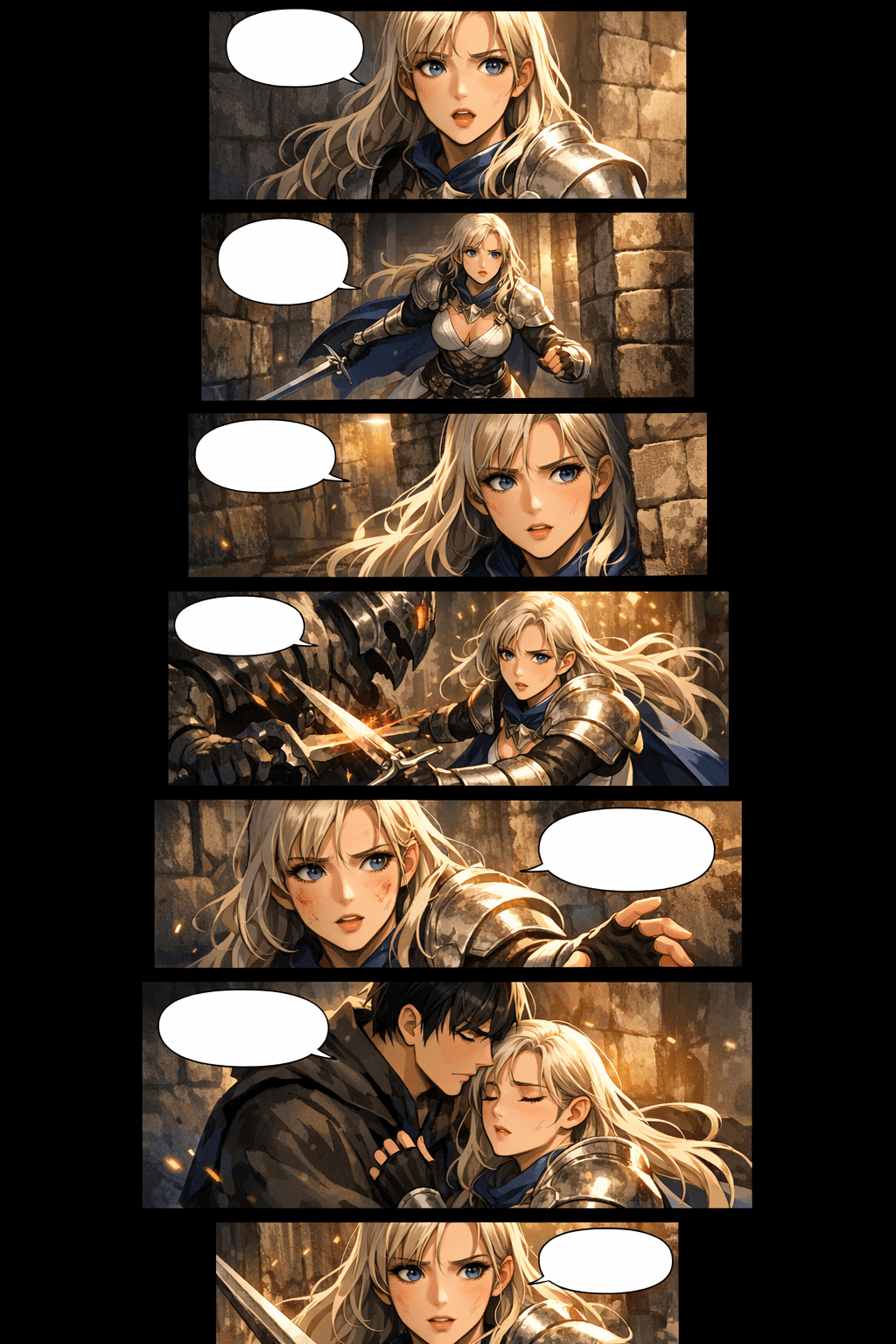
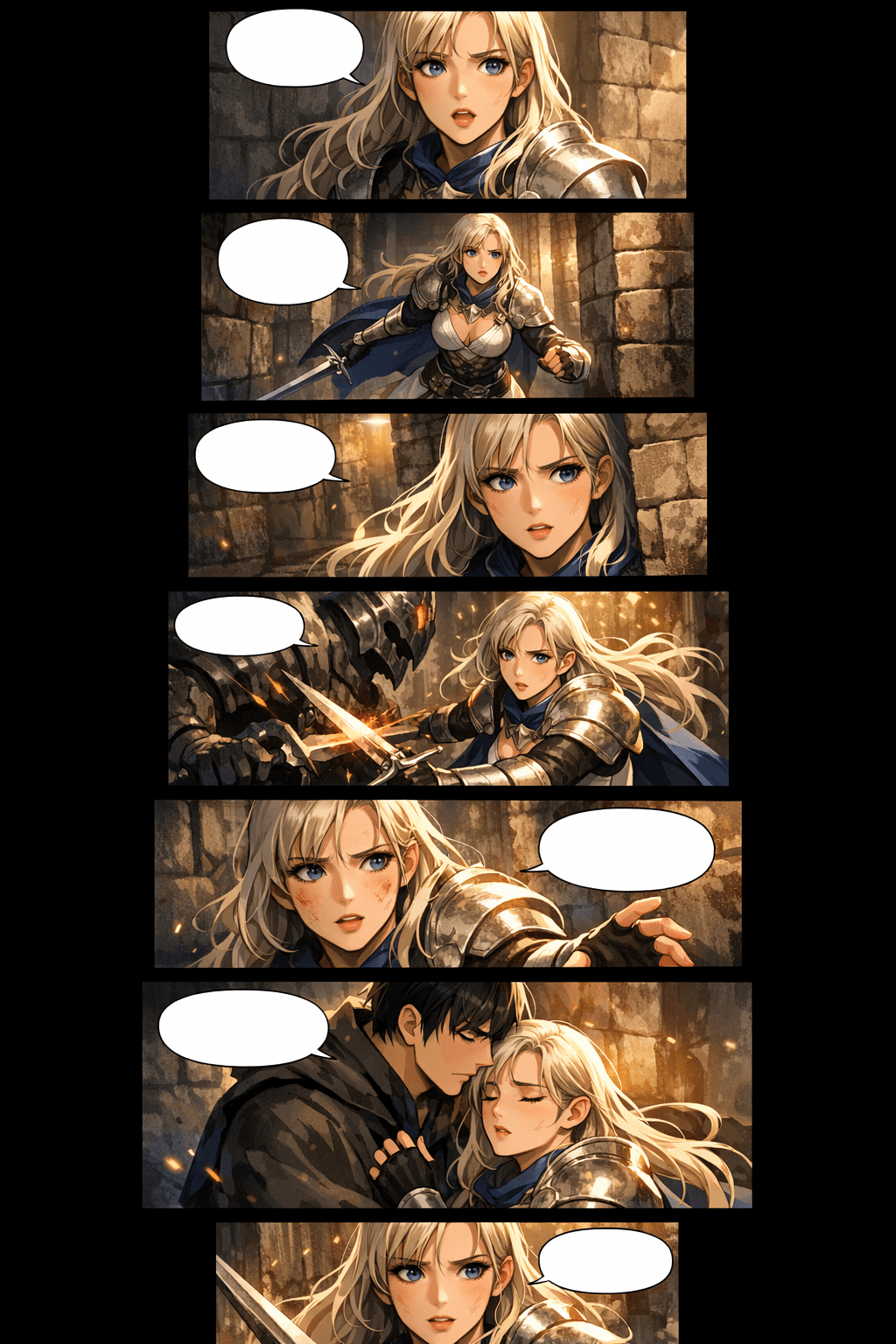
Use mobile-first panel spacing, tall compositions, transition gaps, and stacked scenes so the episode scrolls naturally instead of feeling like a cropped comic page.
Use LlamaGen as an AI Webtoon Creator for vertical formatting, character consistency, mobile optimisation, and professional webtoon episodes. Start with a prompt or script, then generate scroll-ready panels that feel like one story instead of separate images.
Go from story intent to a scroll-ready webtoon draft, then refine the panels that matter most.
Paste a premise, dialogue scene, chapter outline, or short script. The AI webtoon generator uses that context to plan panel beats, mood, characters, and scene progression.
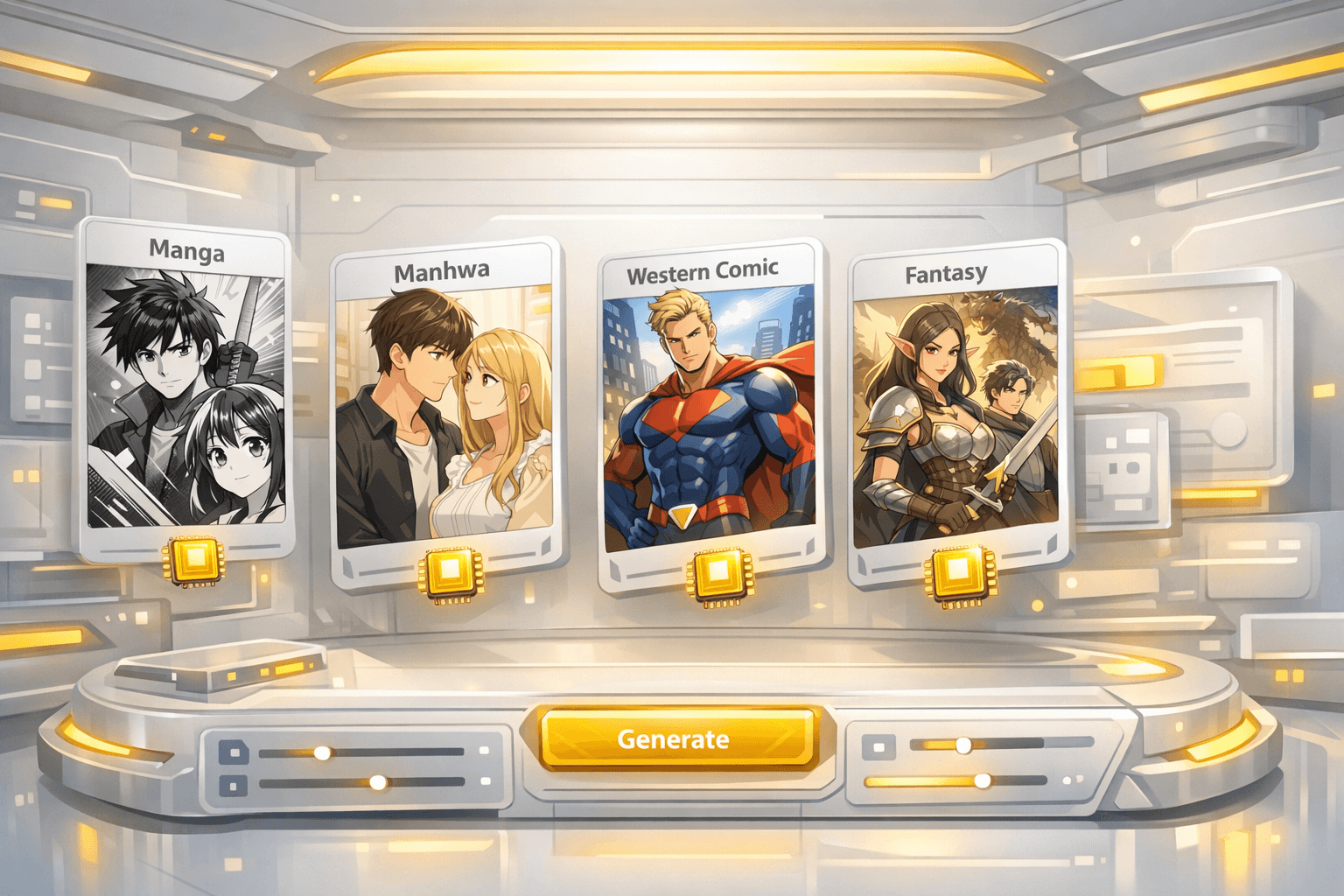
Pick manhwa, manga, western comic, romance, action, fantasy, or a custom style. Add character cues and panel goals so the result keeps a consistent visual language.

Generate the episode, review panel rhythm, fix weak character shots, adjust spacing, then download images that can be sliced for webtoon platforms or shared as a preview.
A strong first draft gives you the cast, scene flow, panel pacing, and mobile reading rhythm needed to keep editing towards a publishable episode.
Use the generator for the first pass, then refine character shots, spacing, and export slices before publishing.
Traditional webtoon production is difficult because every episode combines writing, drawing, colouring, layout, continuity, and platform formatting. LlamaGen brings those tasks together in one visual storytelling workflow.
Use mobile-first panel spacing, tall compositions, transition gaps, and stacked scenes so the episode scrolls naturally instead of feeling like a cropped comic page.
Carry character cues through the prompt, use reference-style descriptions, and regenerate weak shots until faces, outfits, silhouettes, and expressions stay recognisable.
Draft multiple scenes quickly, then spend human effort on story polish, lettering, redrawing key moments, and final release decisions.
Plan image width, slices, section height, file size, and format before upload so the final episode is easier to prepare for WEBTOON, Tapas, or your own site.
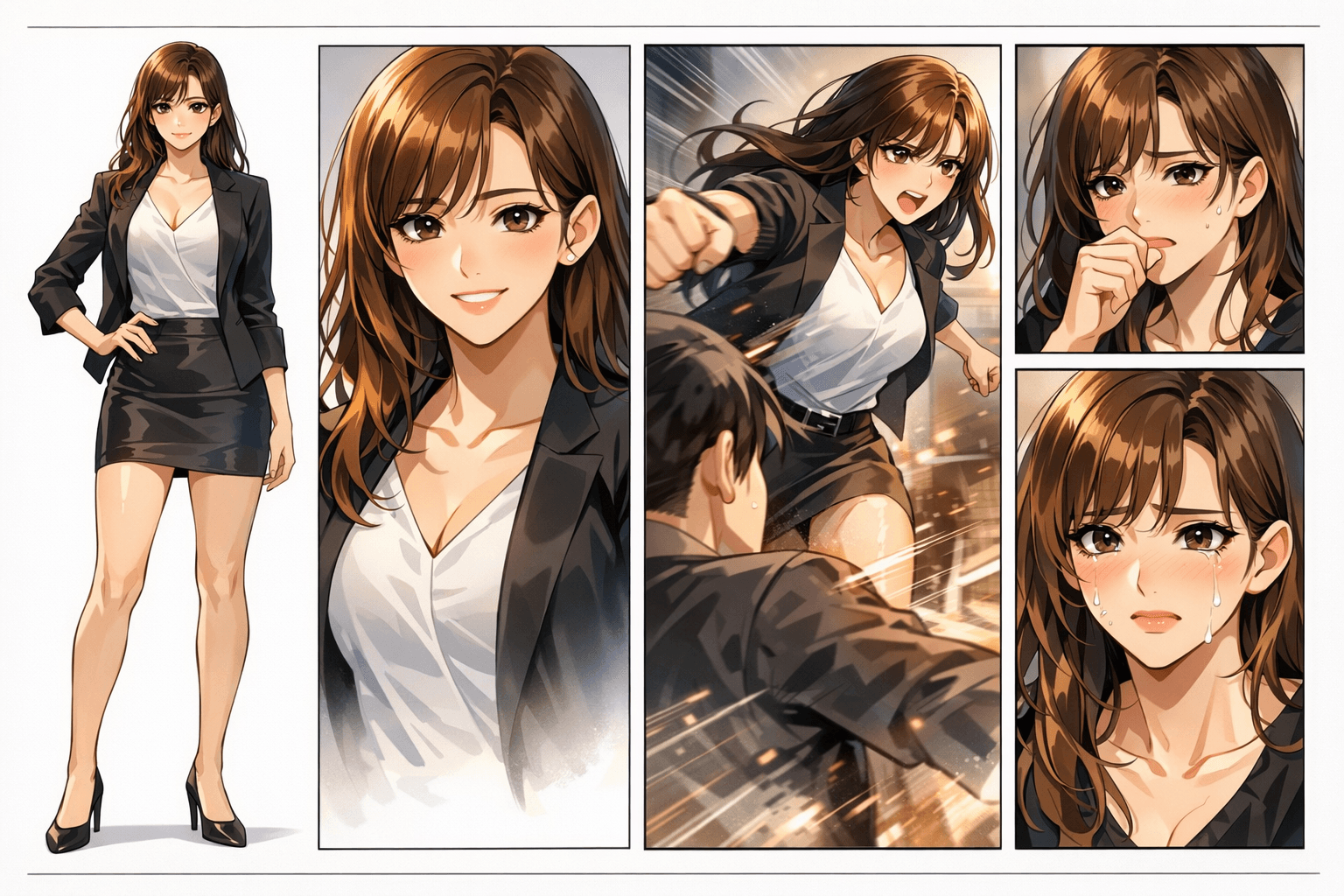
A real webtoon page has to hold together character identity, panel rhythm, background continuity, and emotional pacing. One weak panel can break the whole episode.
The panels may look colourful, but character identity, hand details, scene continuity, and reading flow quickly fall apart.
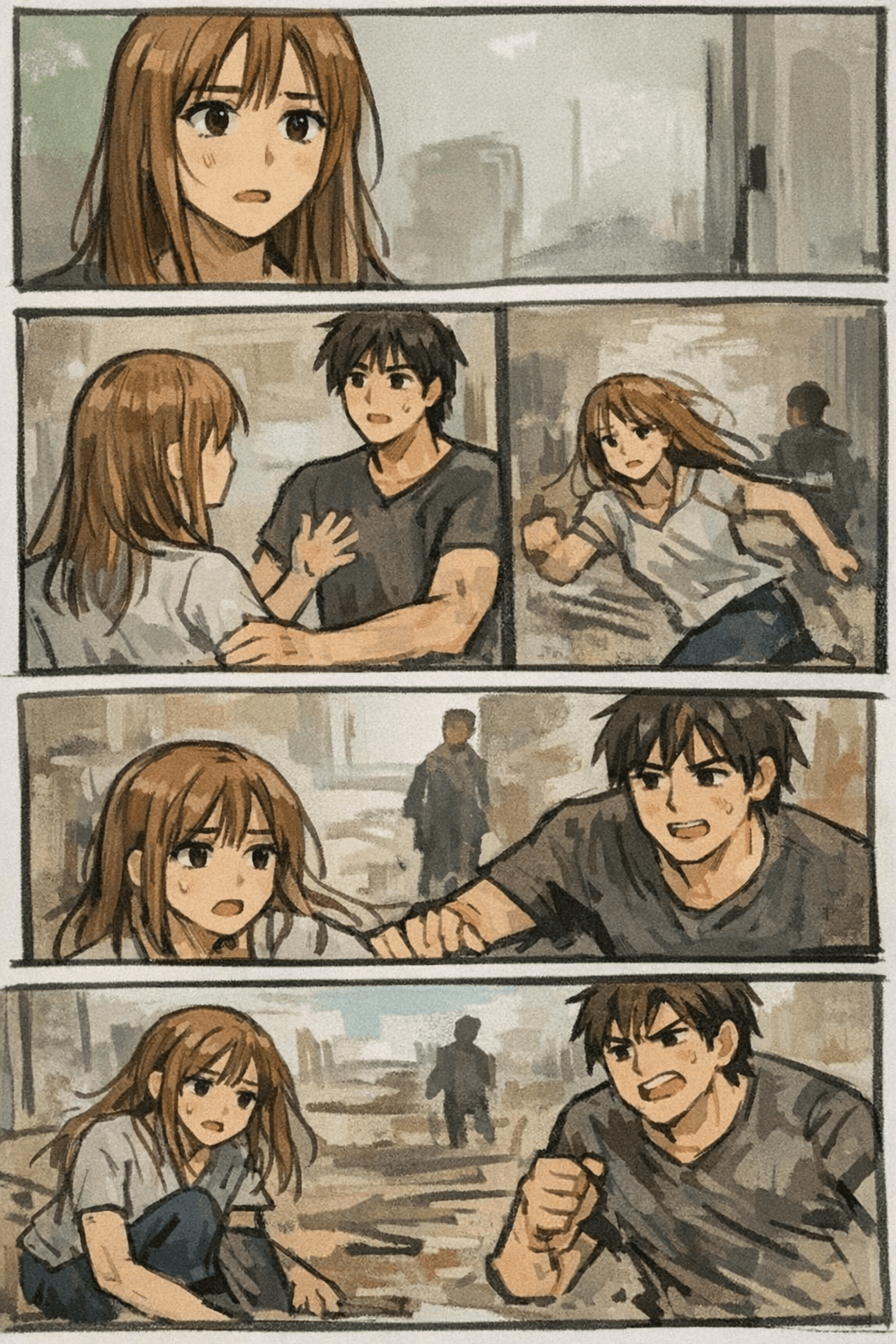
LlamaGen focuses on the complete webtoon result: prompt, characters, panel pacing, visual style, and regeneration until the episode feels coherent.
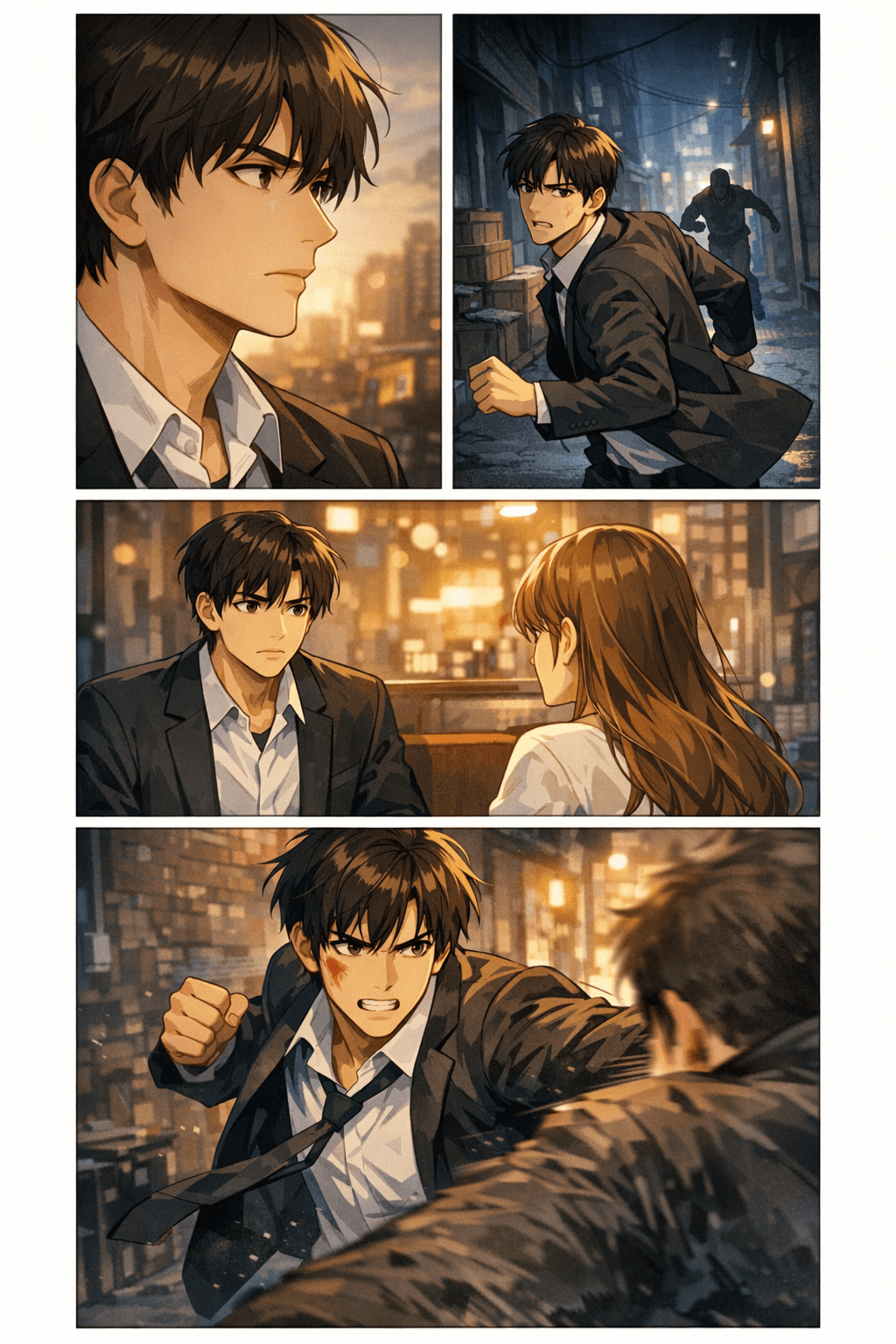
Creators want to know whether an AI webtoon draft can fit into a real export workflow. These specs help you plan width, slice height, file size, format, and mobile readability before you download or upload.
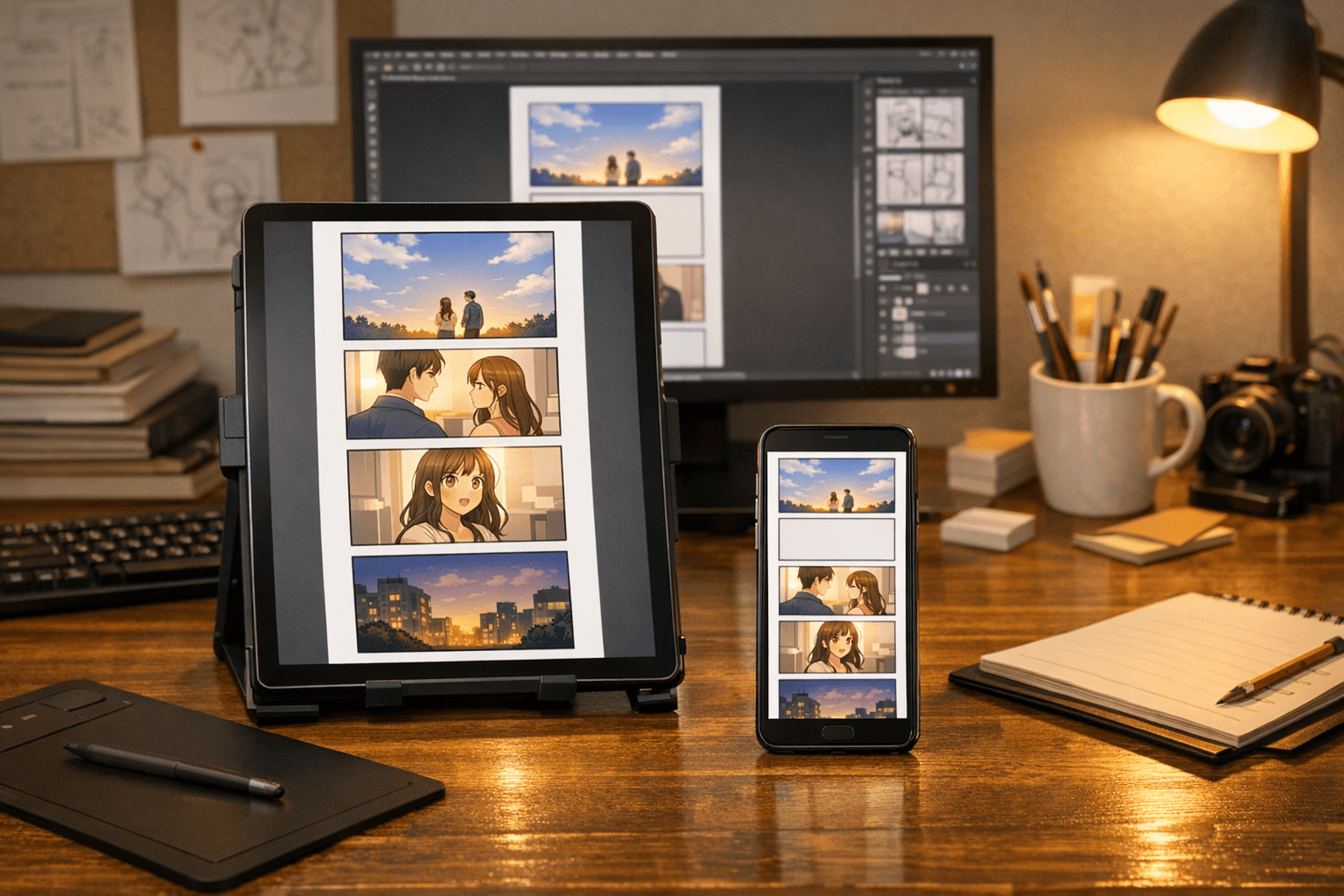
A practical first episode often lands around 40–60 panels after revisions, depending on genre and pacing.
Use 400–800px breathing space for emotional beats and 4 or more blank sections when the story needs a scene transition.
These are the elements that turn this from a lightweight feature page into a genuinely useful creator resource.
Compose panels for scroll pacing, pauses, reveals, impact frames, and mobile-first reading.
Keep character identity, wardrobe cues, face shape, and emotional beats easier to review across panels.
Carry locations, lighting, props, and atmosphere across a sequence instead of restarting every image.
Plan file format, slice height, image width, compression, and destination platform before download.
Draft romance, fantasy, action, thriller, slice-of-life, school drama, comedy, or manhwa-inspired episodes.
Redraw weak panels, improve expressions, strengthen pacing, and create alternate shots for key moments.
Use webtoon pages as concept proofs for collaborators, clients, communities, and early audience testing.
Give non-artists, writers, and small teams a faster way to test whether a story works visually.


See AI-generated webtoon pages with rich image context: fantasy scenes, romantic manhwa beats, action panels, thriller pacing, and slice-of-life episodes.
Vertical webtoon panels with dramatic fantasy scenes and professional scroll formatting
Premium vertical scroll webtoon episode page, consistent heroine, stacked mobile panels, cinematic fantasy lighting.
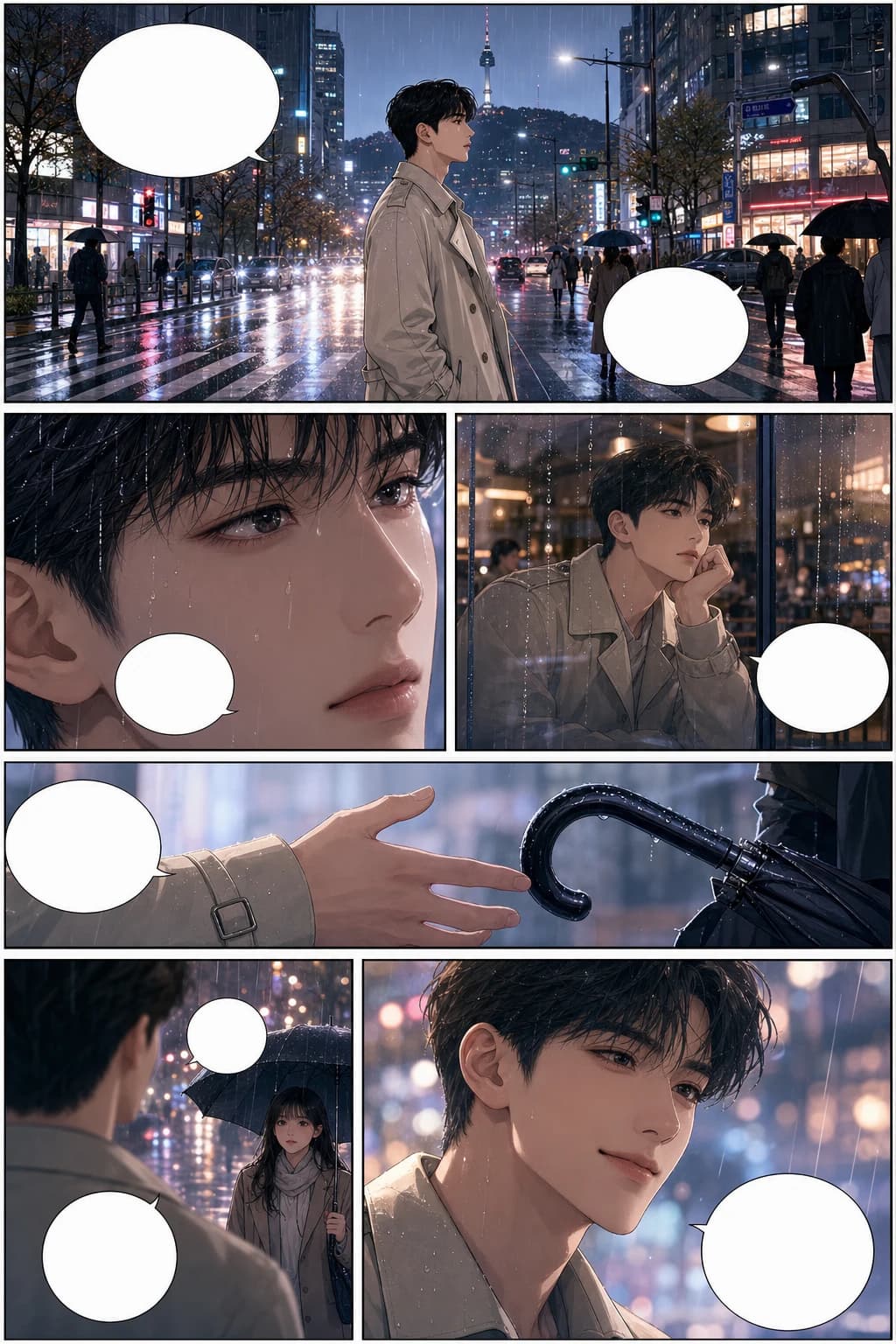
Romantic Korean manhwa webtoon scene with consistent characters and rainy city panel pacing
Full-colour Korean manhwa comic page, 6 panels, consistent protagonist, rainy city romance, blank speech bubbles.
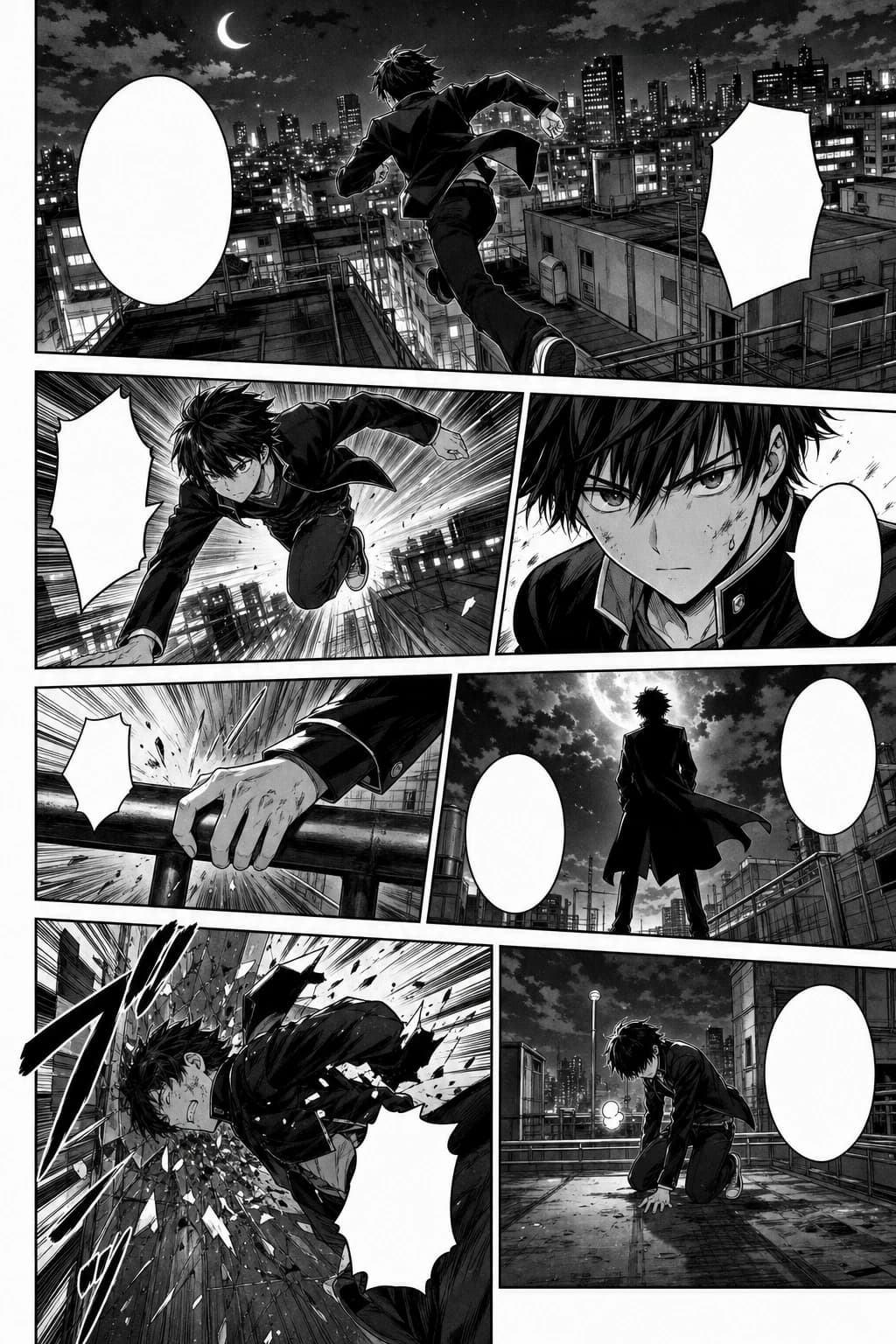
Action-packed webtoon panel sequence in black-and-white manga style with rooftop motion
Black-and-white Japanese manga page, 7 panels, screentone, speed lines, consistent action character.
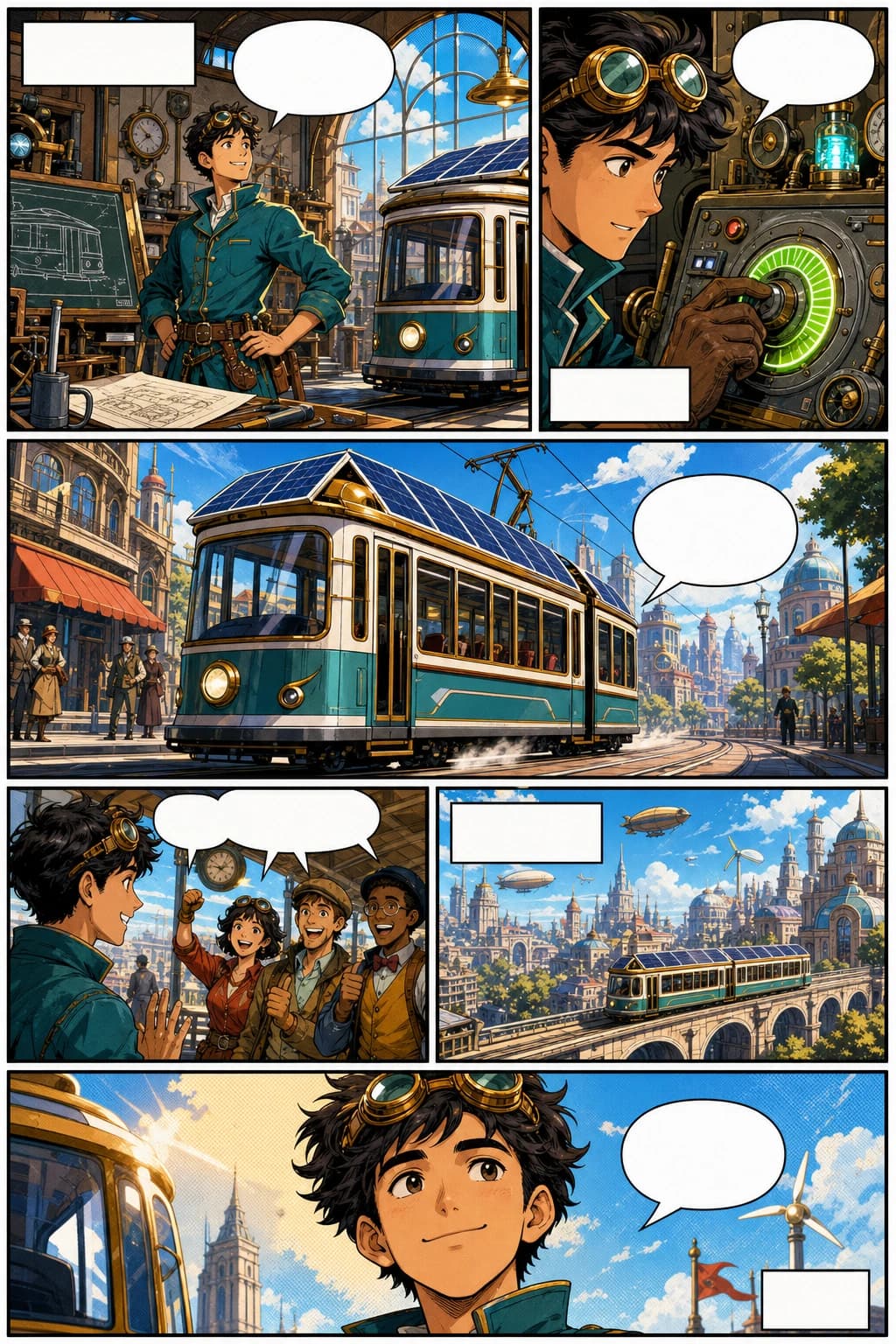
Western comic webtoon page with a retro-futurist inventor and bold vertical panels
Western comic book page, 6 panels, original inventor character, bold ink, halftone colour, blank captions.
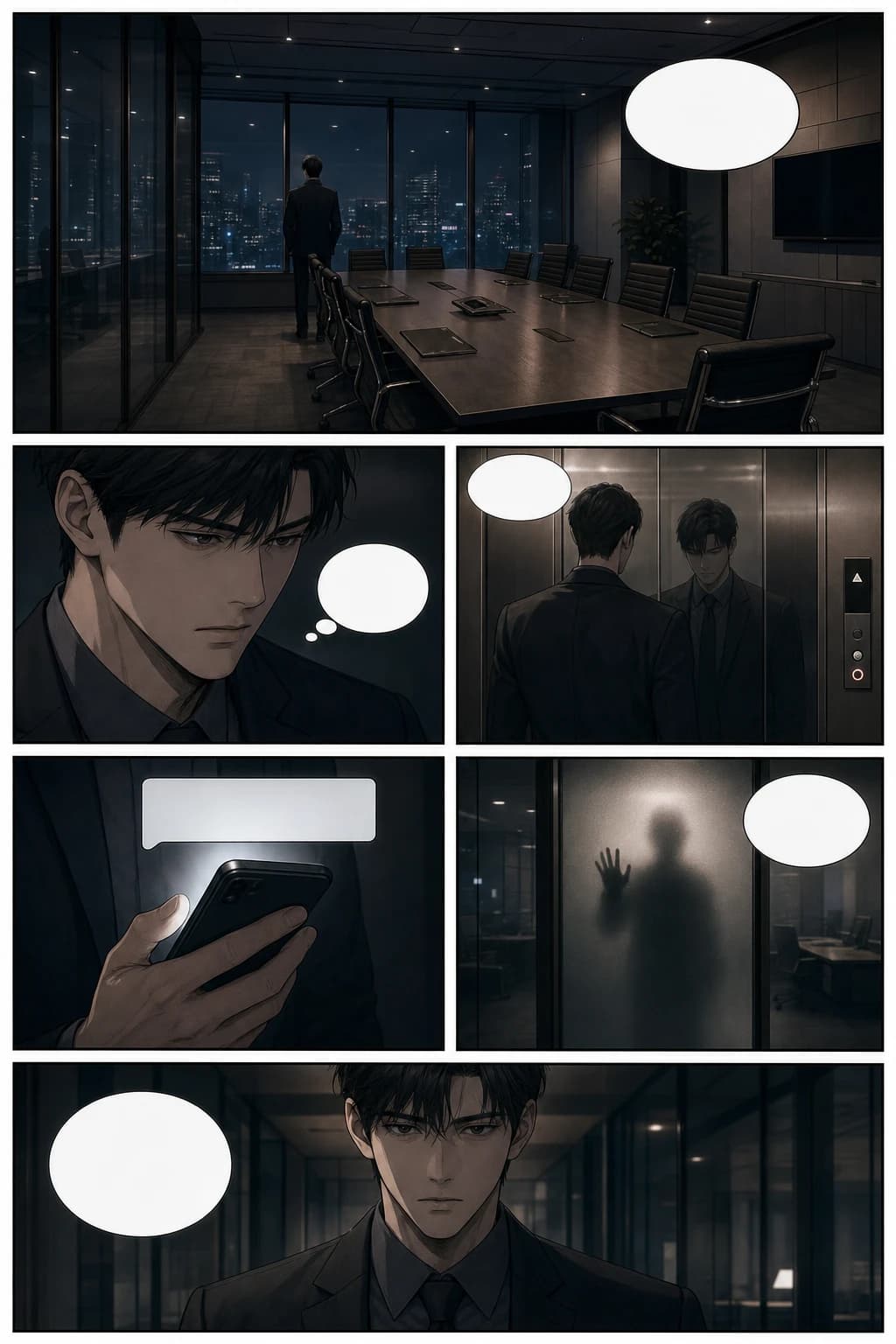
Thriller manhwa webtoon page with cinematic office suspense and vertical scroll pacing
Psychological thriller manhwa page, 6 panels, glass office scene, cinematic pacing, blank speech bubbles.
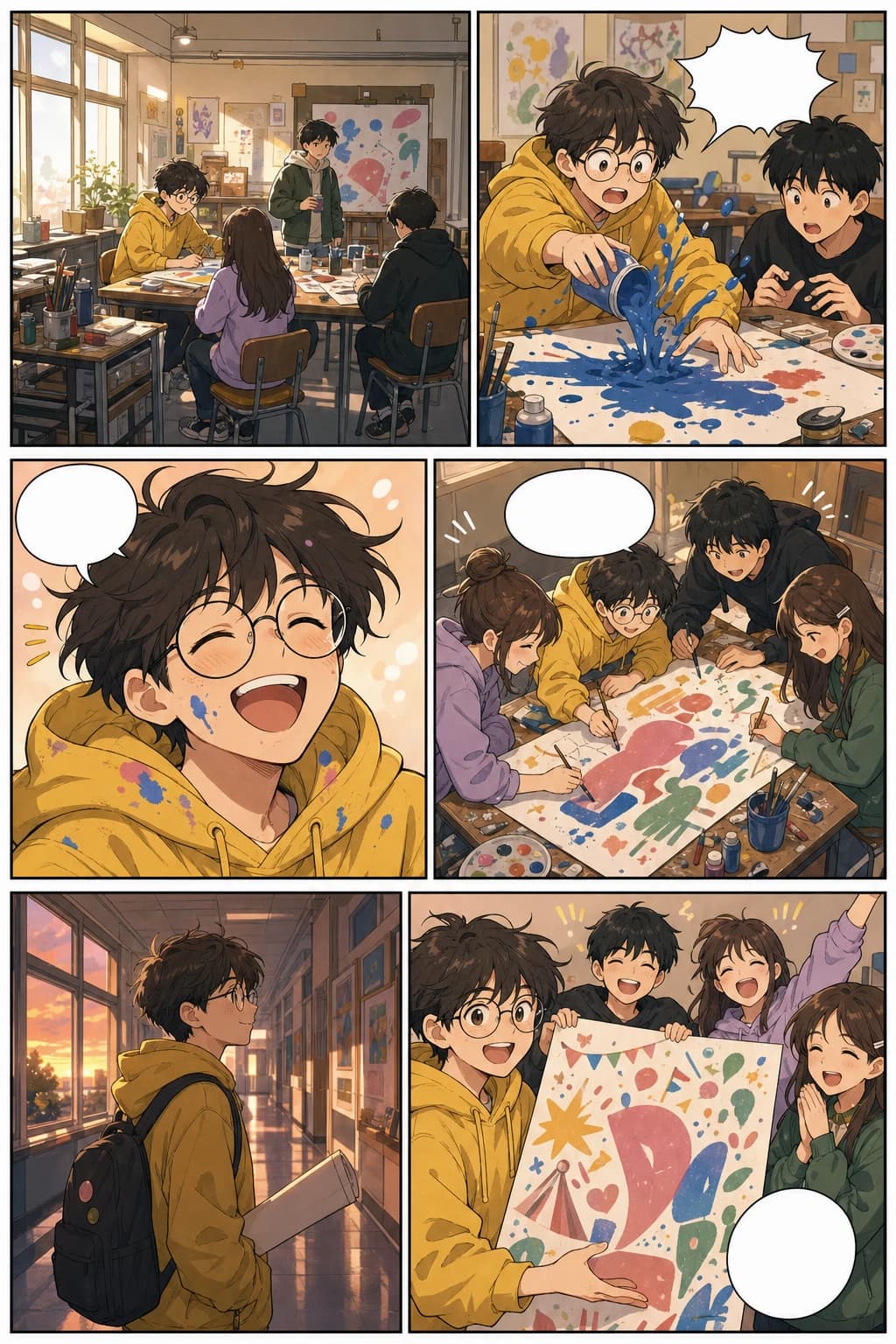
Slice-of-life vertical webtoon page with school art club panels and warm mobile formatting
Colourful slice-of-life webtoon page, 6 panels, consistent art student, warm school festival story.
This guide covers both learning and creation needs: what webtoons are, how AI helps, and how the tool fits into real creator workflows.
Turn a chapter outline into visual pages before committing to a long comic production cycle.
Draft layouts, scene beats, covers, and social previews while keeping more energy for final art direction.
Create a quick visual proof for clients, publishers, collaborators, or early audience validation.
Convert lessons, campaigns, explainers, and brand stories into readable vertical comics.
Build more than just a good-looking panel. Plan the story flow, mobile pacing, recurring characters, platform format, and the journey from idea to a publishable episode.
Generate story-based webtoon pages from prompts, scene notes, scripts, or character moments while keeping the workflow focused on sequential art.
Create pages for how readers actually consume webtoons: tall mobile screens, stacked panels, breathing room, and episode pacing.
Plan a recurring cast with recognisable faces, clothing cues, expressions, and poses so the episode reads like one cohesive story.
Prepare image slices, width, file size, and export options for WEBTOON, Tapas, social previews, pitch decks, and your own site.
Move from premise to script, generated panels, layout review, redraws, downloads, and a release package without rebuilding the story each time.
Use AI to draft, test, and package episodes faster while still reviewing originality, platform rules, lettering, and the final creative polish.
Practical answers for choosing a format, working across devices, and turning a story beat into a finished vertical episode.
The best way to create a webtoon online with AI is to start with a story beat or script, generate vertical panels, review character consistency, then refine spacing, dialogue, and export slices. LlamaGen supports this workflow through its AI comic strips studio.
LlamaGen can work as both a webtoon maker and a vertical comic maker. The workflow focuses on mobile-first scrolling panels, recurring characters, clear scene pacing, and a smooth handoff into the full comic creation studio.
Create vertical comic episodes, manhwa-style scenes, mobile-first story pages, character moments, and text-to-webtoon drafts that you can refine before publishing.
Yes. Mobile and desktop creators both enter the comic strips studio. Use a phone for a compact creation flow or a larger screen when you want more space to review panels and revise an episode.
Continue the same topic cluster
Move between webtoon, manga, comic, character design, background, storyboard, and vertical comic workflows without leaving the visual storytelling path.
Launch app
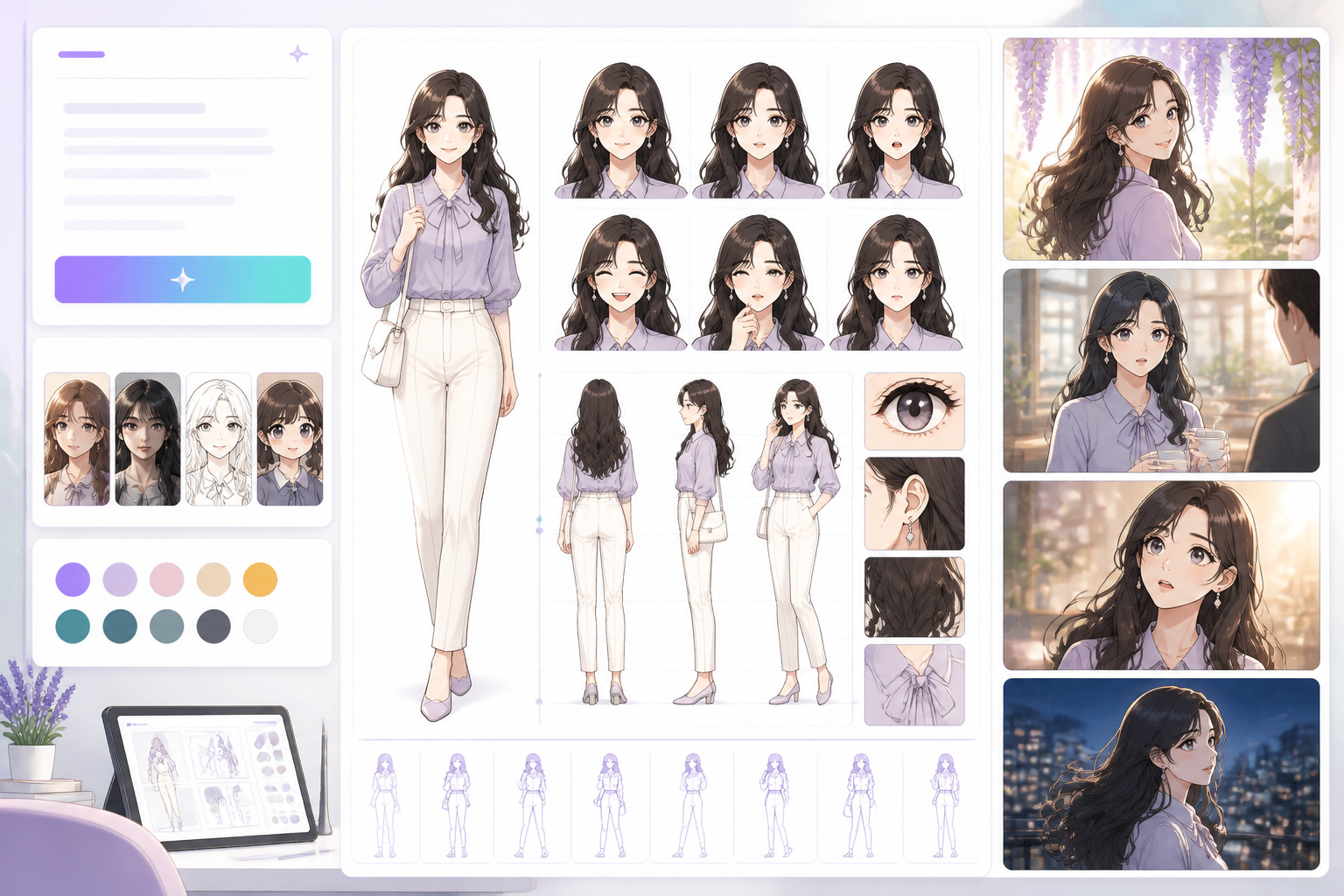
Open a focused workflow inside AI Manga Studio.
Launch app
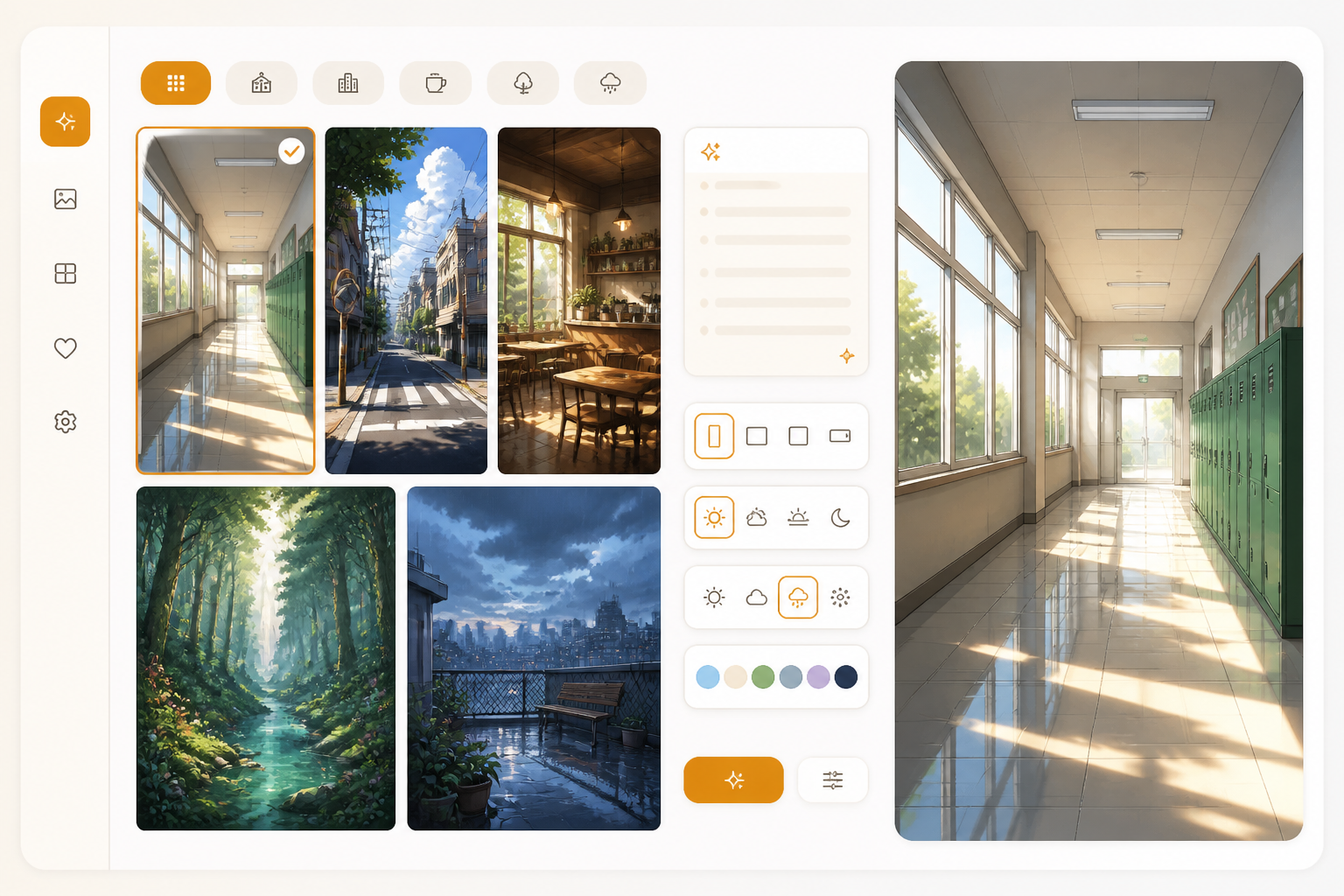
Open a focused workflow inside AI Manga Studio.
Launch app
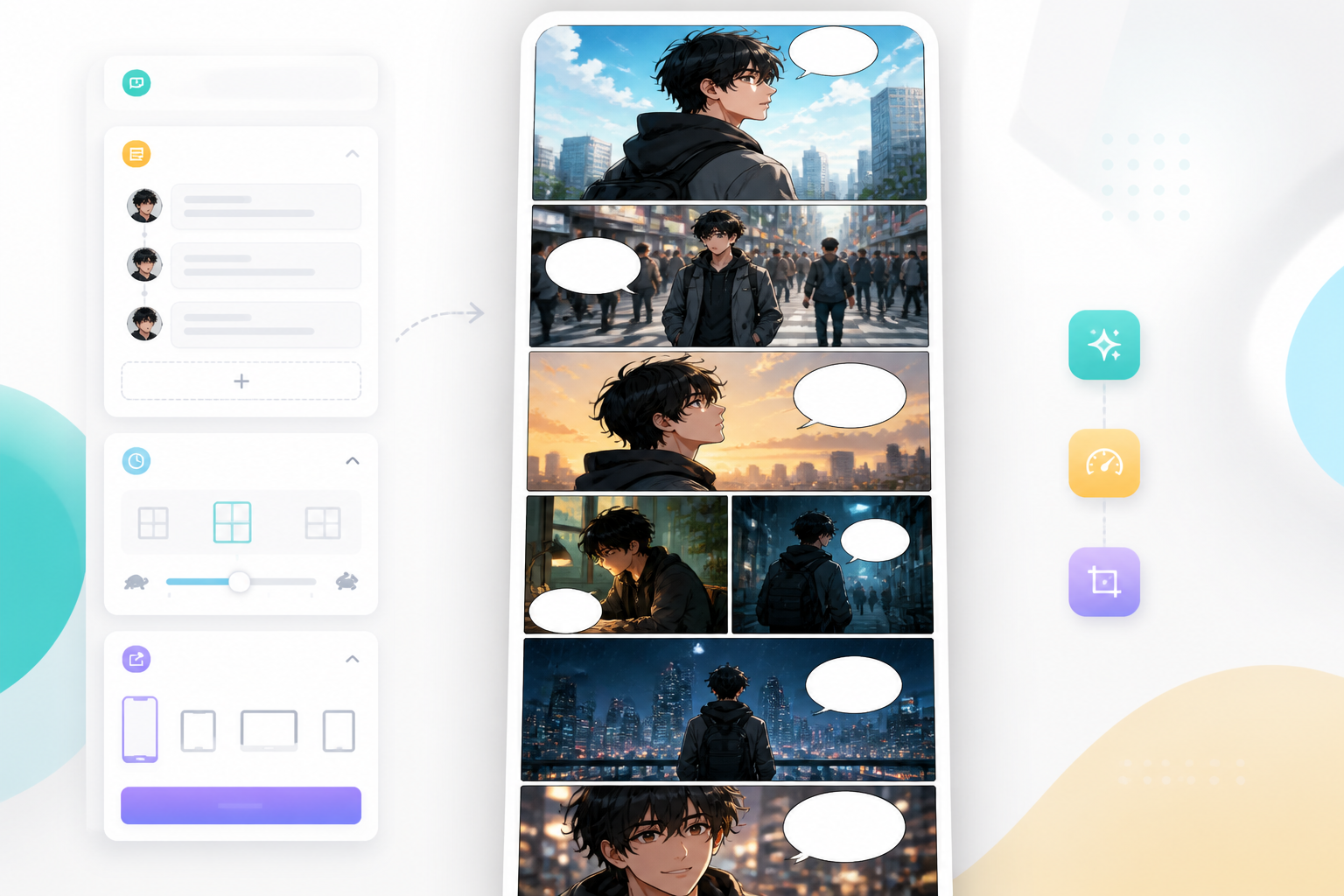
Open a focused workflow inside AI Manga Studio.
Launch app
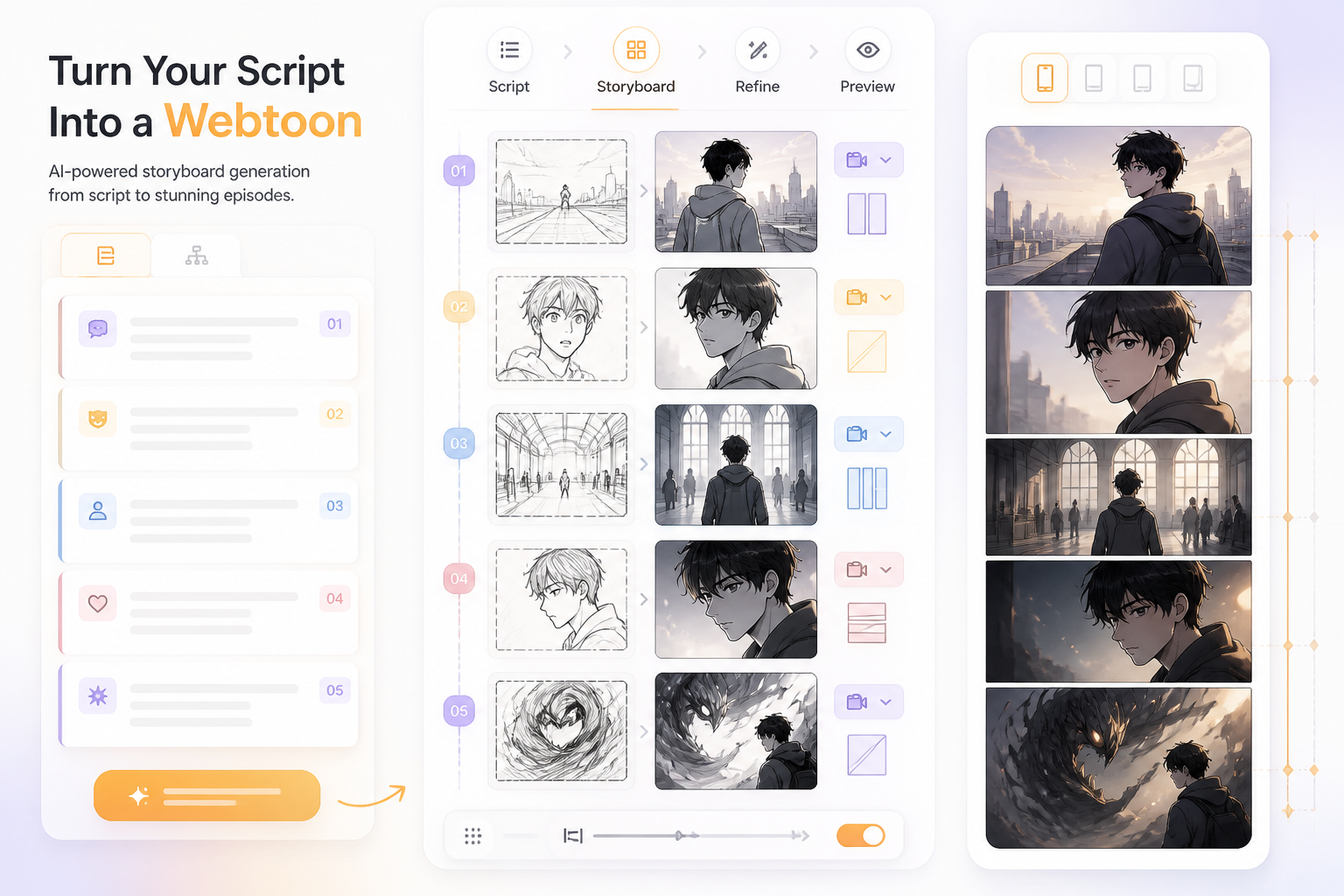
Open a focused workflow inside AI Manga Studio.
Launch app
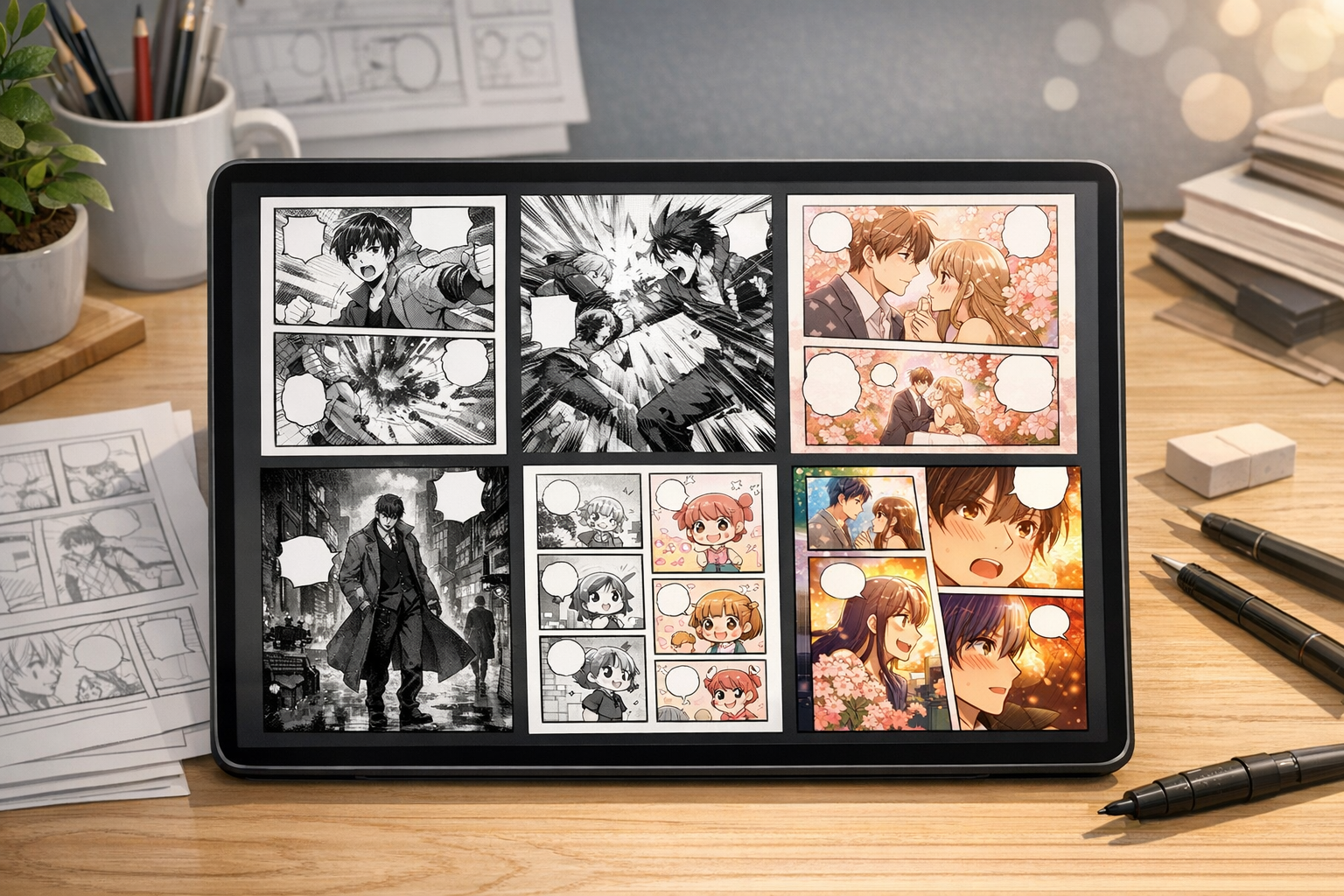
Our AI Manga Generator lets you create thousands of Manga in minutes.
Launch app

Create Stunning Comics without Drawing Skills using our cutting-edge AI Comic Generator.
Launch app
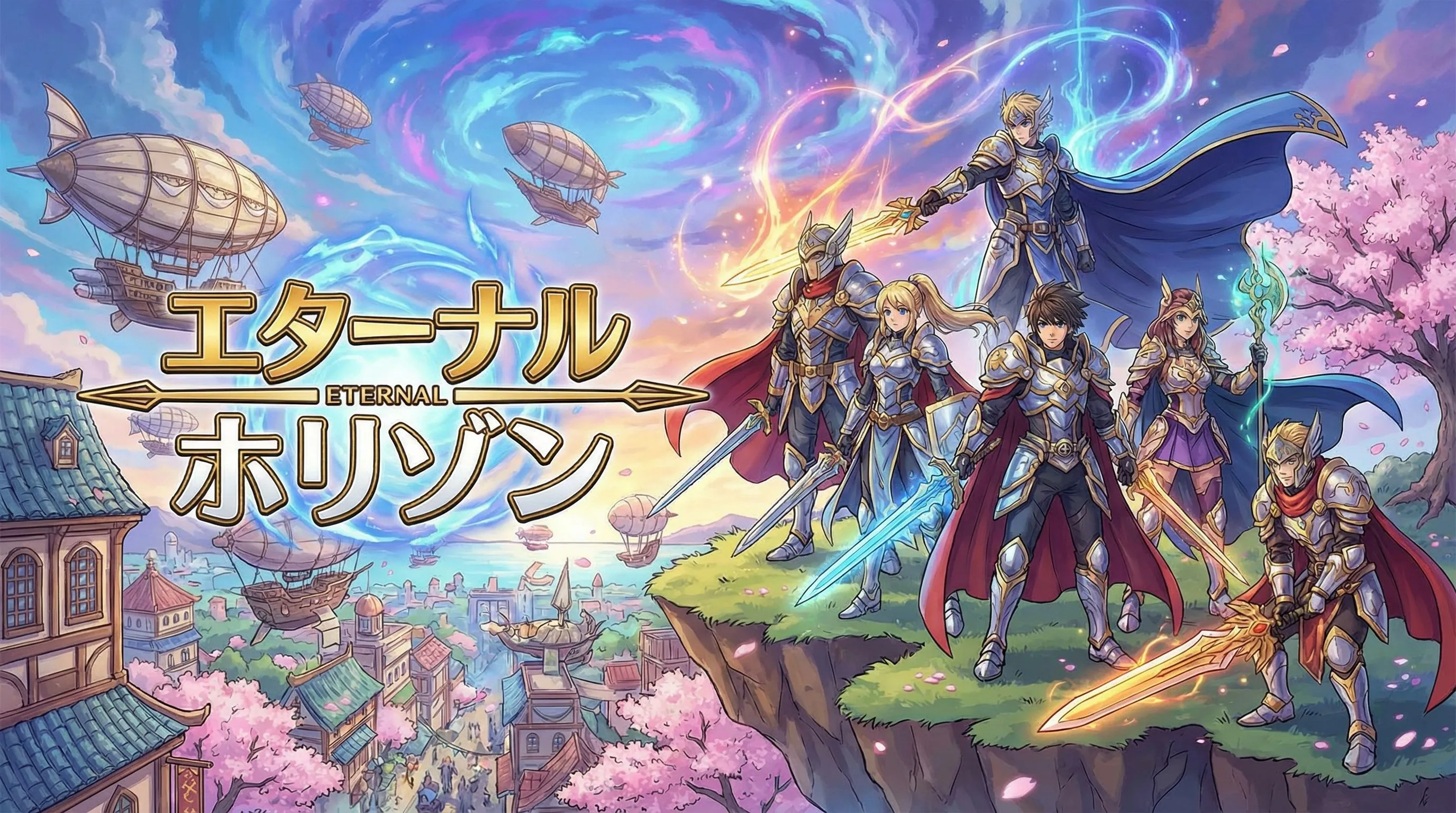
Open a focused workflow inside AI Manga Studio.
Launch app
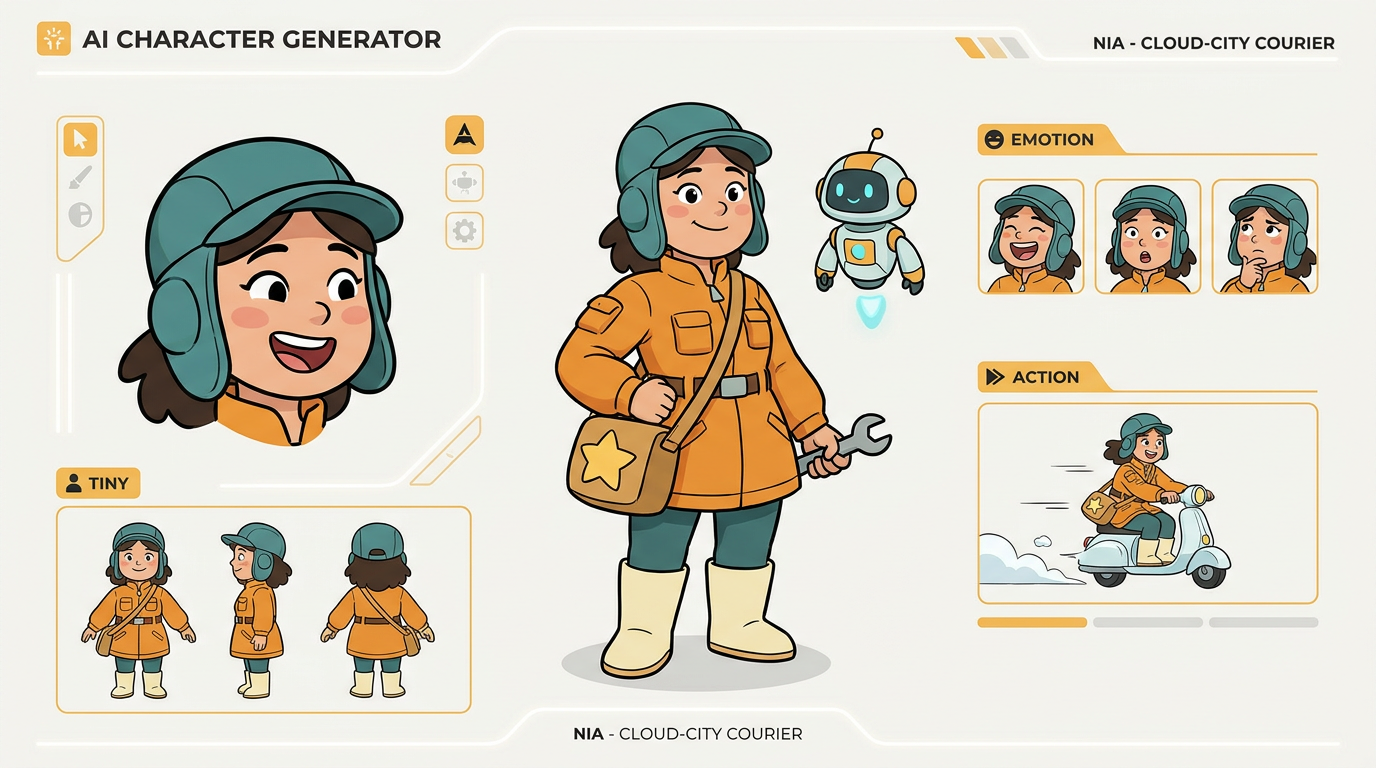
Create unique characters for your comic strips with our AI Character Design tool.
Use these current publishing references when you slice, compress, preview, or upload a webtoon episode. Always review each platform's AI content and monetisation policies before release.
Couldn't find something? Message us
Start with a prompt, generate your first episode draft, then refine characters, spacing, and export slices for the platform you care about.
