

1. Upload your photo or image
Start free with one picture. Use a portrait, pet photo, product shot, scene, or screenshot you want to convert into a comic style.
Upload a photo or image and turn it into comic-style artwork, comic-book panels, or a quick photo-to-comic result. Then refine it further with captions, panels, or studio edits.
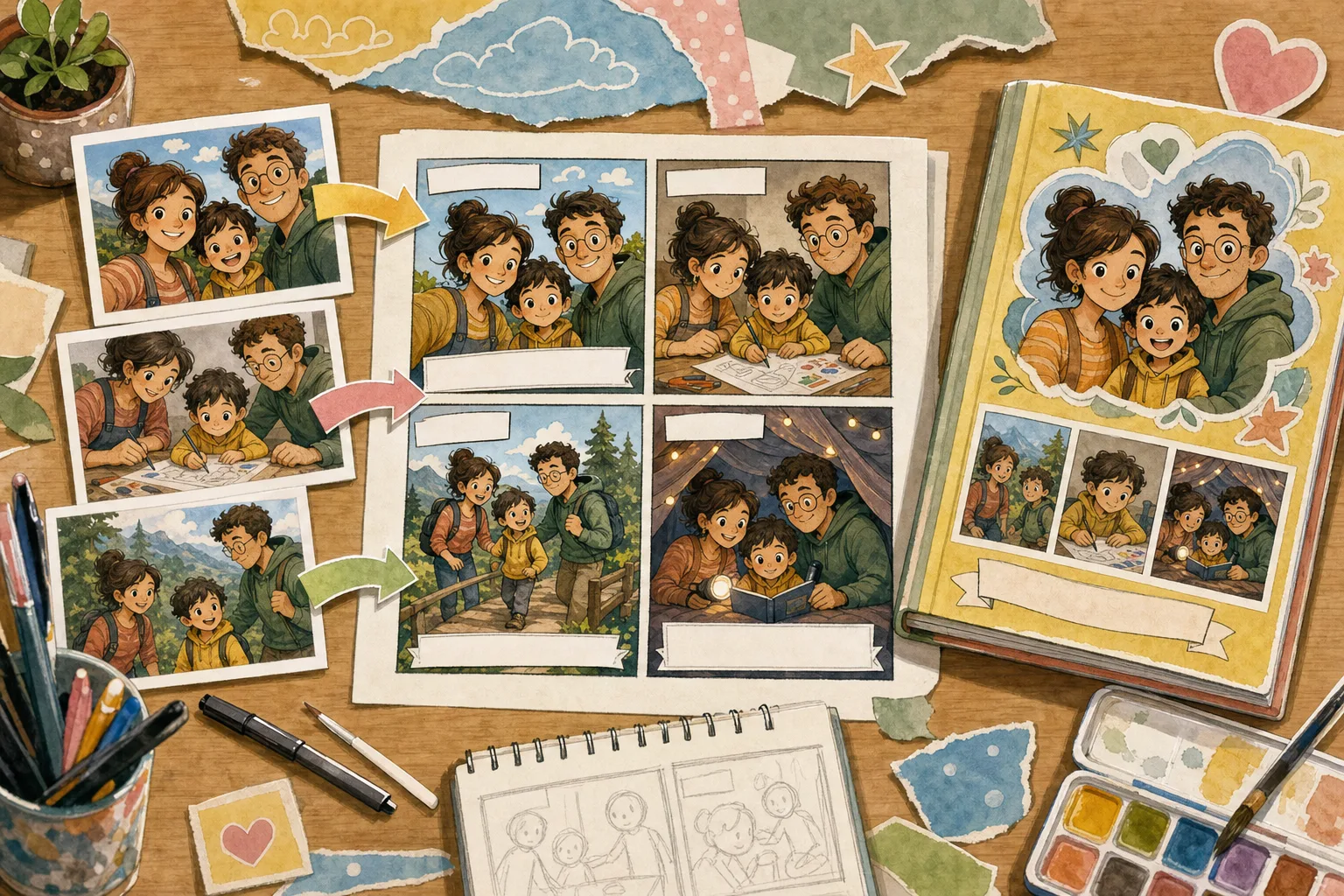
1Upload one photo
2Choose a comic style
See a finished photo-inspired comic as a reading copy, a print to share and a keepsake paired with its reference picture.
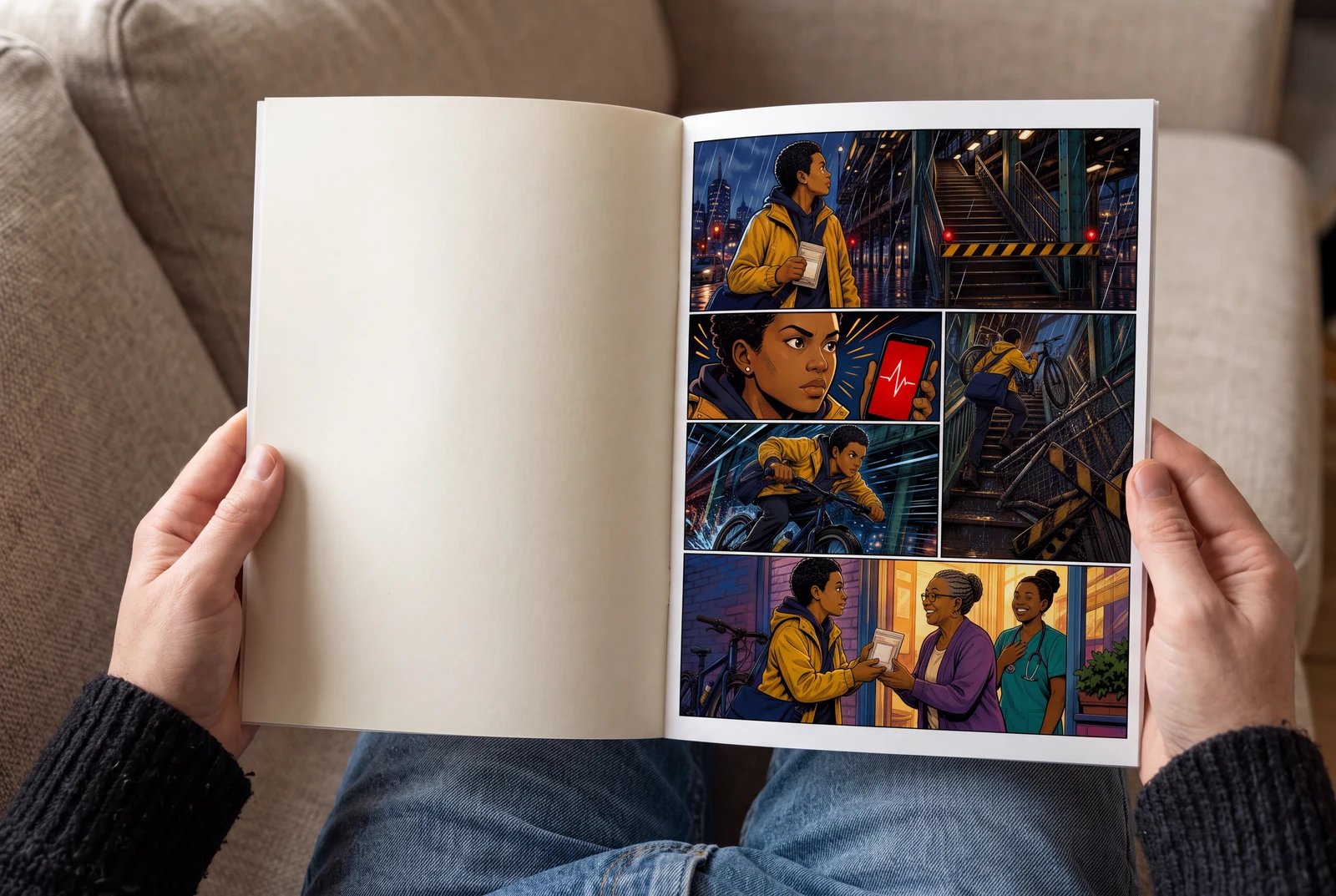
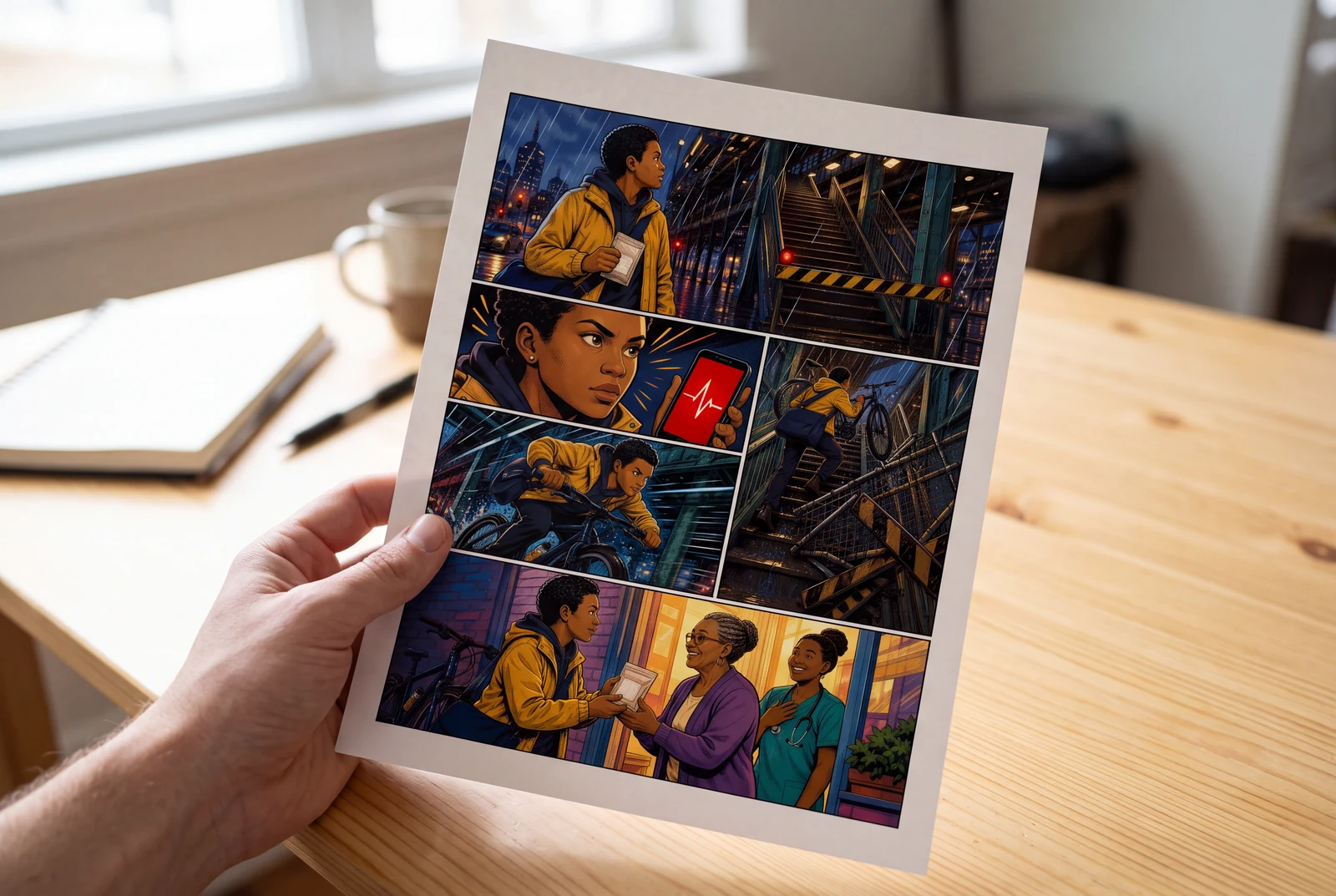
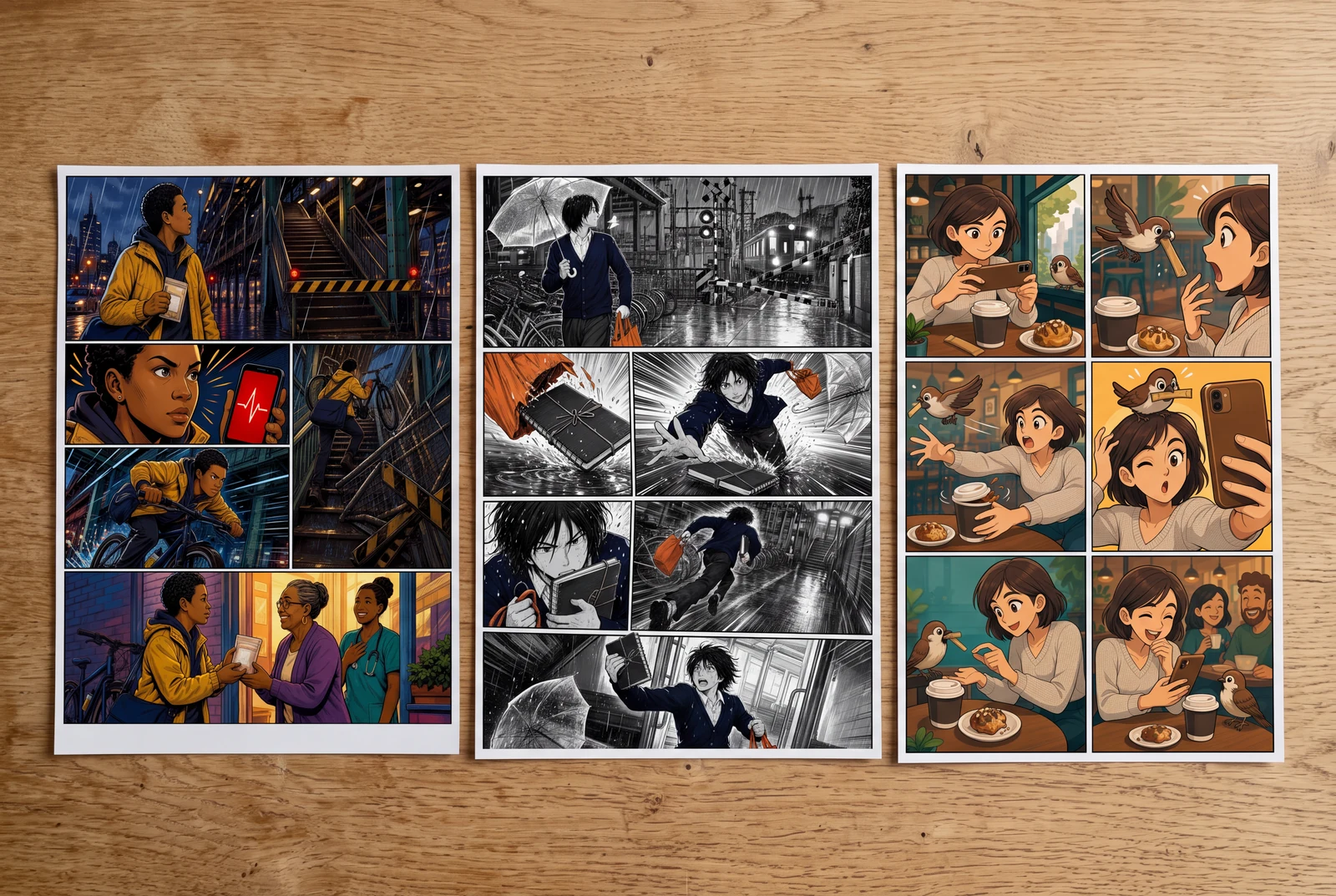
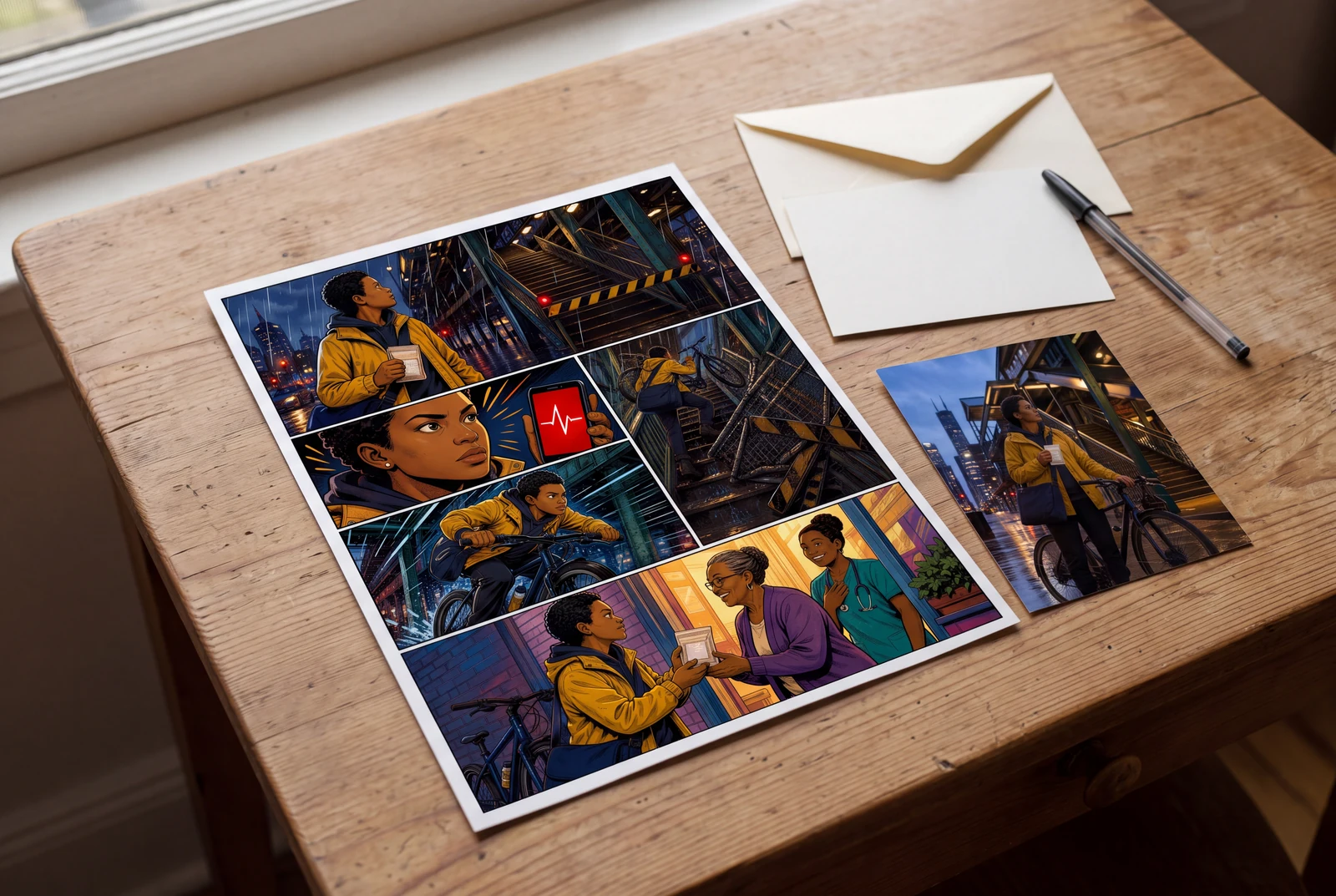
AI-generated display concepts for presenting your downloaded artwork.
A short path from image to comic style, comic-book art, or an editable comic panel
Start free with one picture. Use a portrait, pet photo, product shot, scene, or screenshot you want to convert into a comic style.
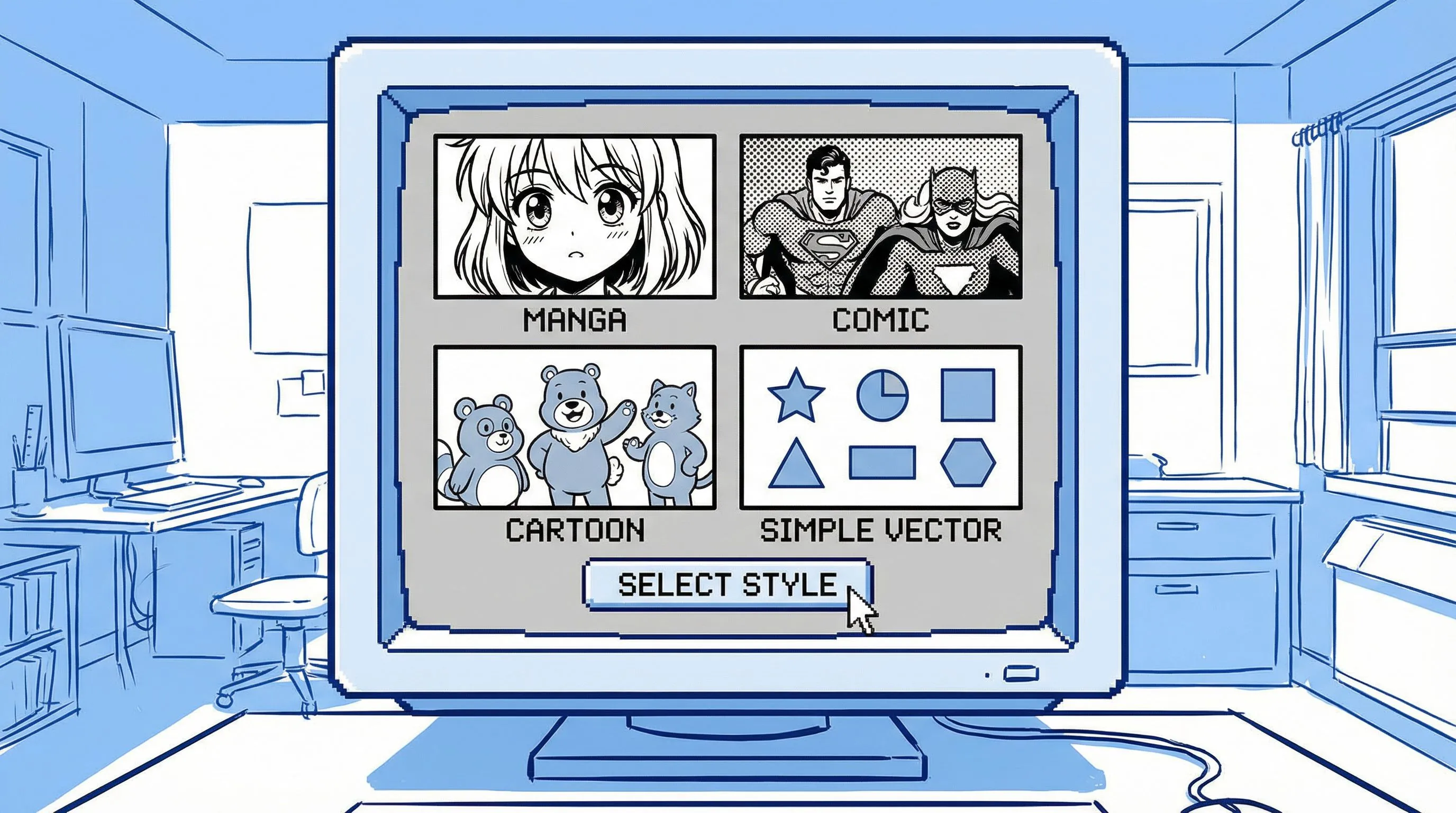
Ask for image-to-comic, photo-to-comic style, comic-book art from photo, a 4-panel comic, or a simple online comic filter result.
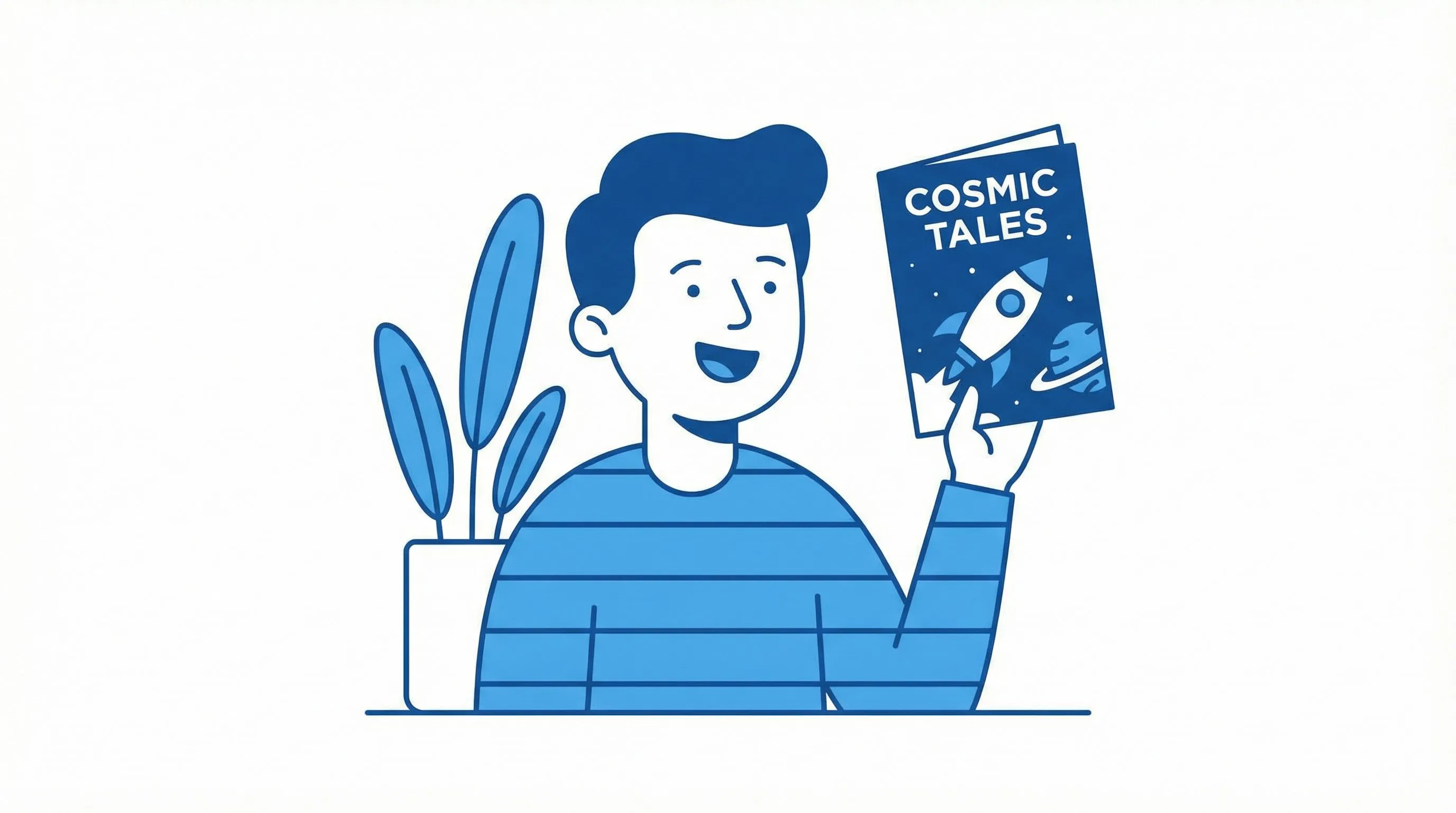
Open the comic draft in the studio to refine the look, panels, captions, prompts, and export-ready creative assets.
Image to Comic
No forced character setup before the user sees value. Upload the picture, choose a comic style, and generate a first photo-to-comic draft that can become a panel, ad, meme, storyboard, or keepsake.
Start With One Photo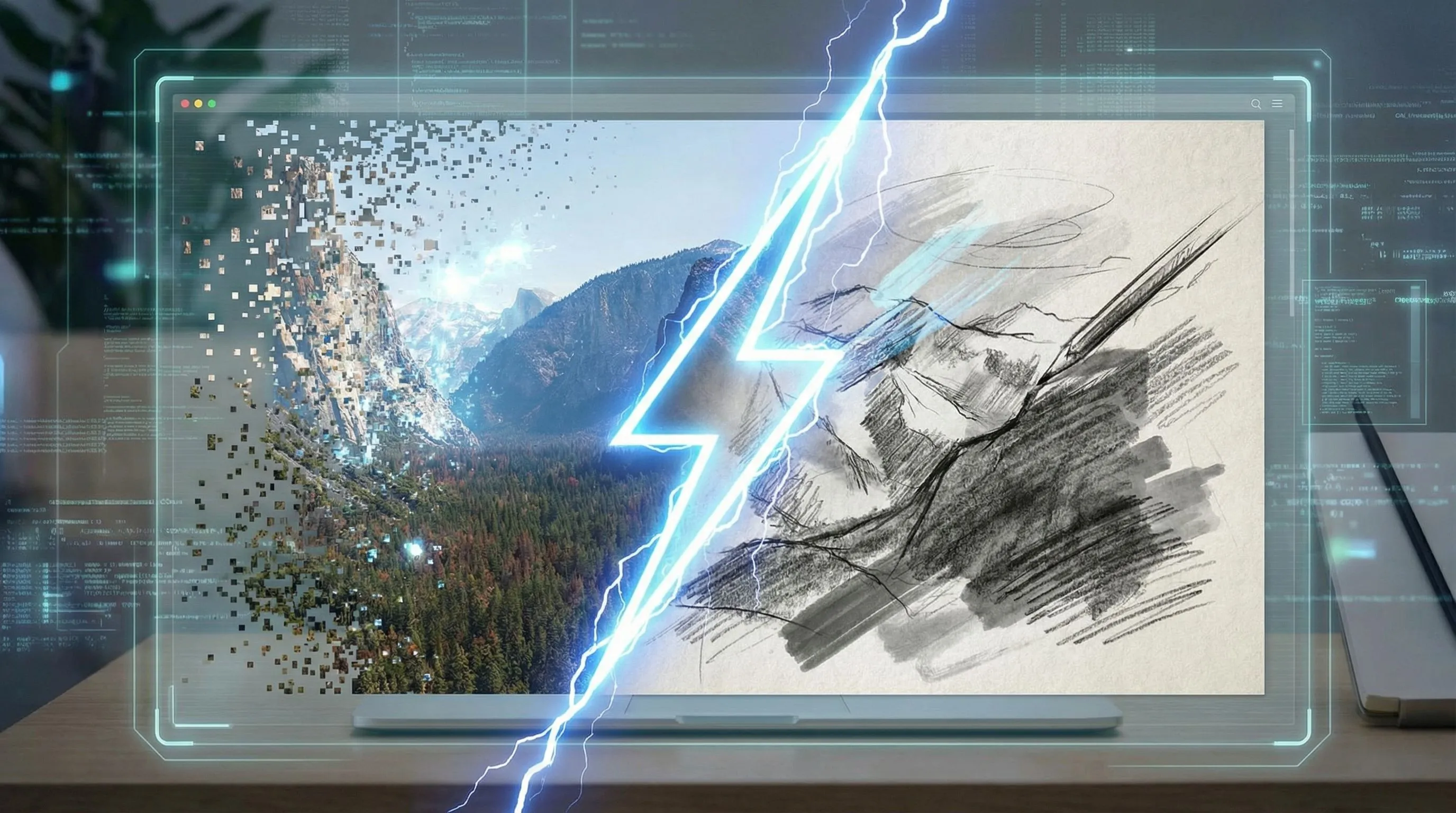
Personalised Character Comic
When the output needs recurring people, products, or scenes, continue into the full studio workflow to add multiple references and reusable style directions.
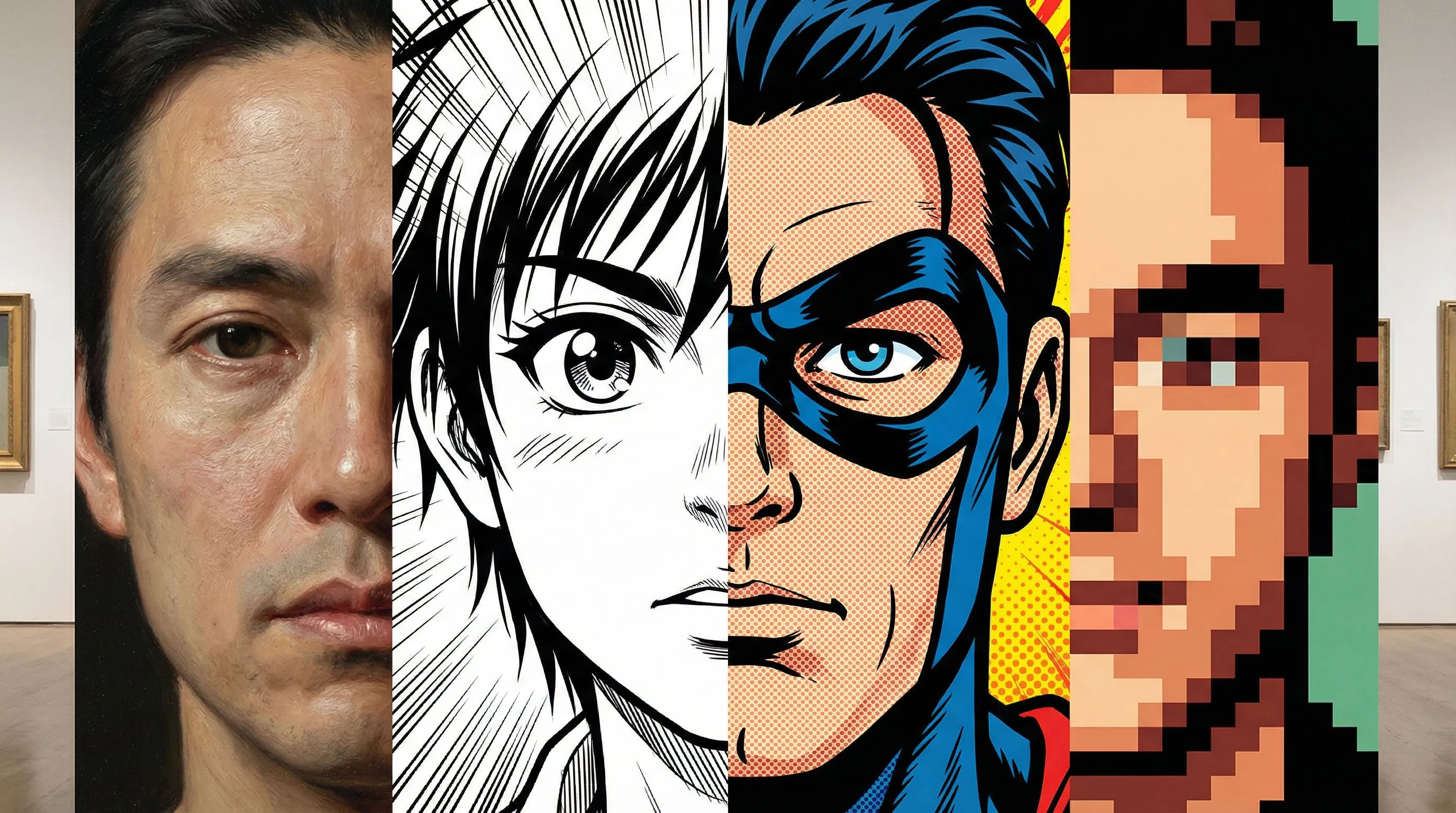
Match the output to the query: a single comic-style image, a comic-book panel, or an editable comic sequence.
Convert portraits, pets, products, and scenes into bold comic-style images with ink lines, halftone shading, and readable composition.
Use one instruction to steer the image towards superhero panels, manga-inspired scenes, retro comic art, or clean cartoon comic looks.
Start with one image and a simple comic filter direction, then keep editing if the draft needs captions, panels, or stronger continuity.
A filter changes the look. LlamaGen helps turn a picture into a comic asset with a clear purpose.
The workflow is designed for production value: consistency, purpose, and editable output.
| Need | LlamaGen Image to Comic | Basic Photo Filter |
|---|---|---|
| Input | Image plus prompt, with optional multi-reference support and style templates for projects that need continuity. | One image and a generic style preset. |
| Purpose | Can create ads, explainers, social stories, storyboards, and training visuals. | Usually produces one stylised picture. |
| Consistency | Multiple references help preserve products, people, scenes, and visual direction. | Hard to keep identity or product details consistent across outputs. |
| Output | Editable comic project with panels, captions, prompts, and refinements. | A flat image with limited iteration paths. |
Generated with Gemini 3.1 Flash
Start with one picture for a quick comic-style result, then add references when the idea needs a longer personalised comic

Four-panel case
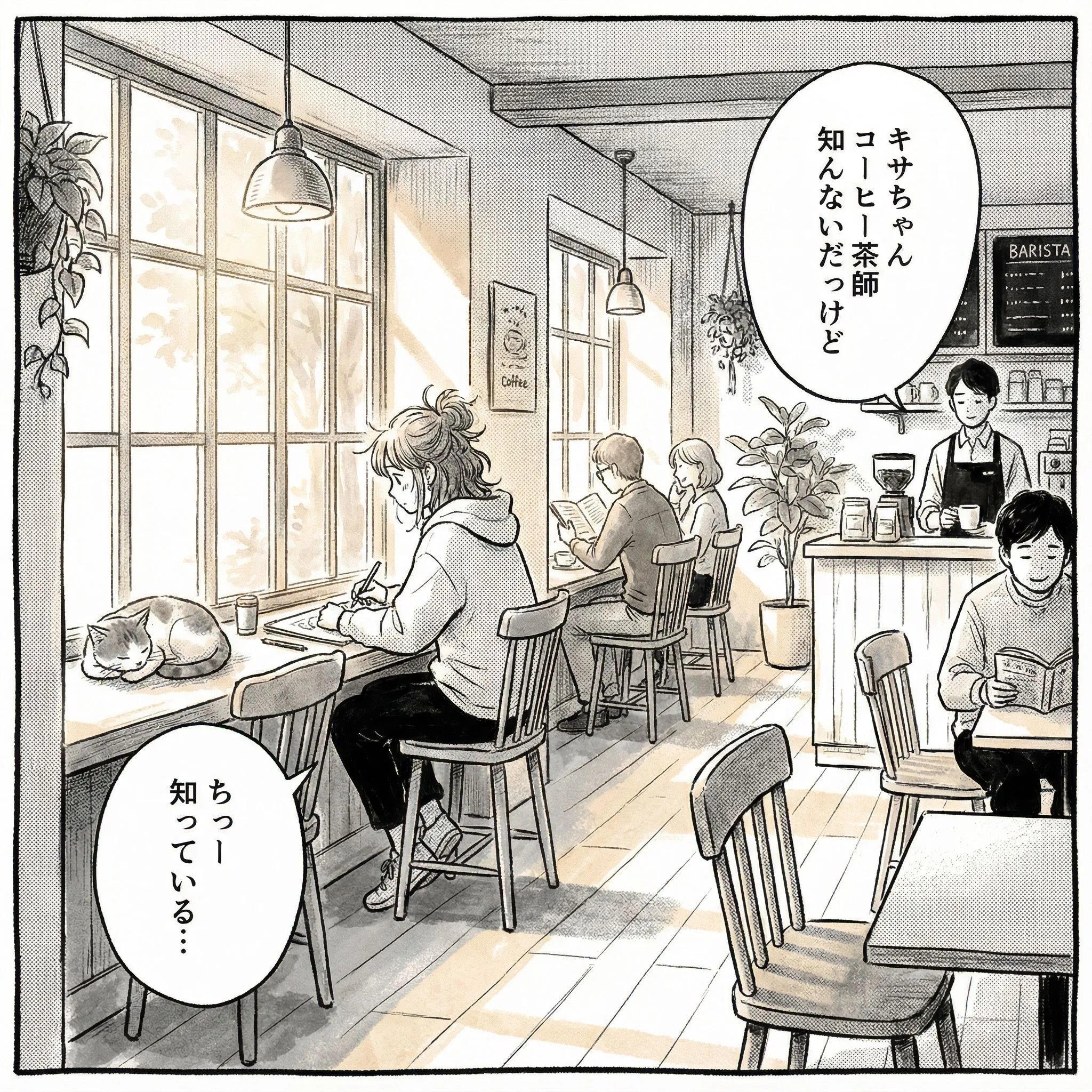
Campaign comic: high-energy launch visual with a clear hero moment.
Campaign comic: high-energy launch visual with a clear hero moment.
Four-panel case
Social story: relatable everyday scene with expressive character reaction.
Social story: relatable everyday scene with expressive character reaction.
Four-panel case
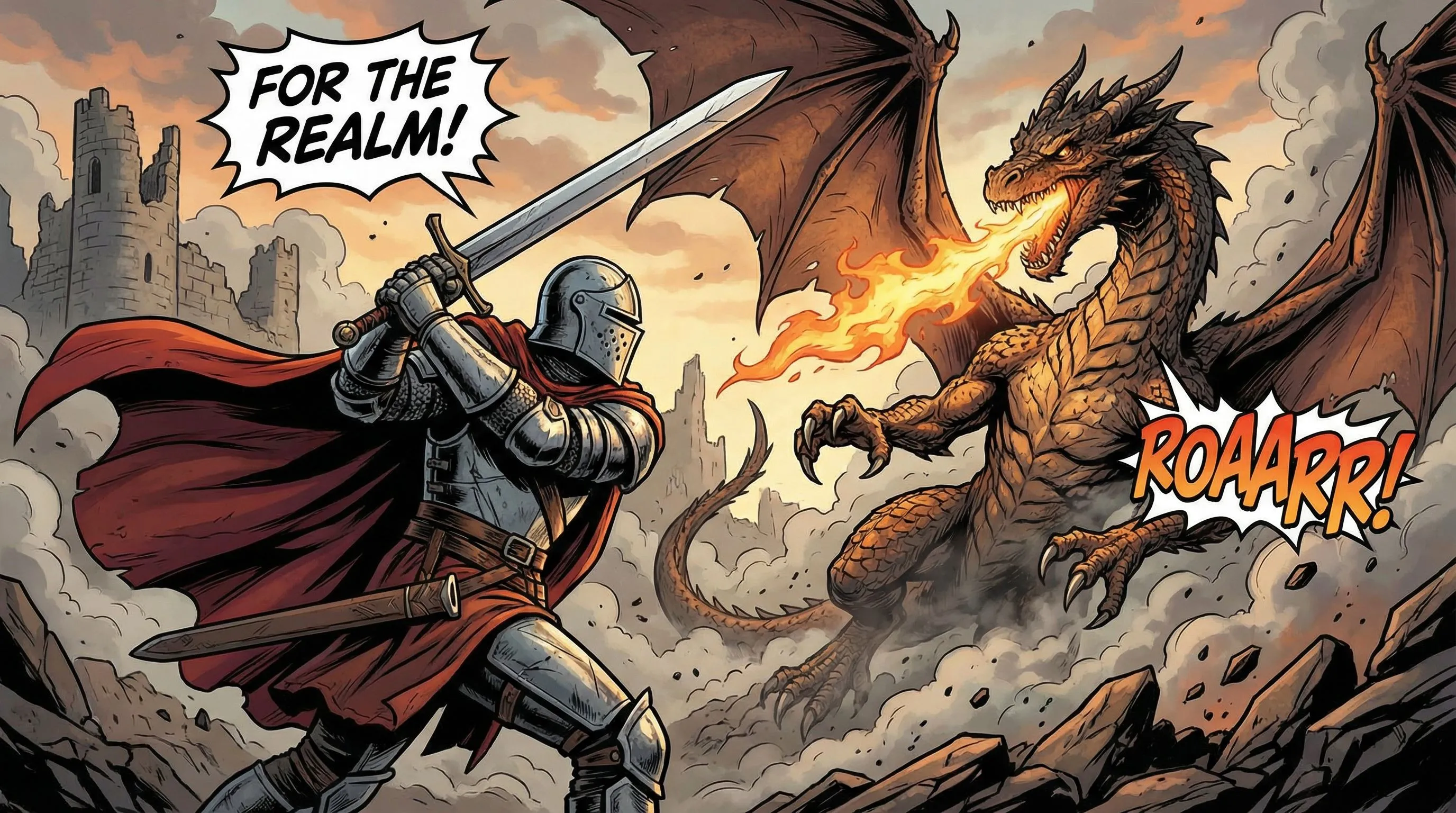
Storyboard draft: conflict, action, and readable panel composition.
Storyboard draft: conflict, action, and readable panel composition.
From reference photo to finished project
Review your first result, then use a focused guide to shape the story, keep a pet recognisable, fix weak panels or explore motion.
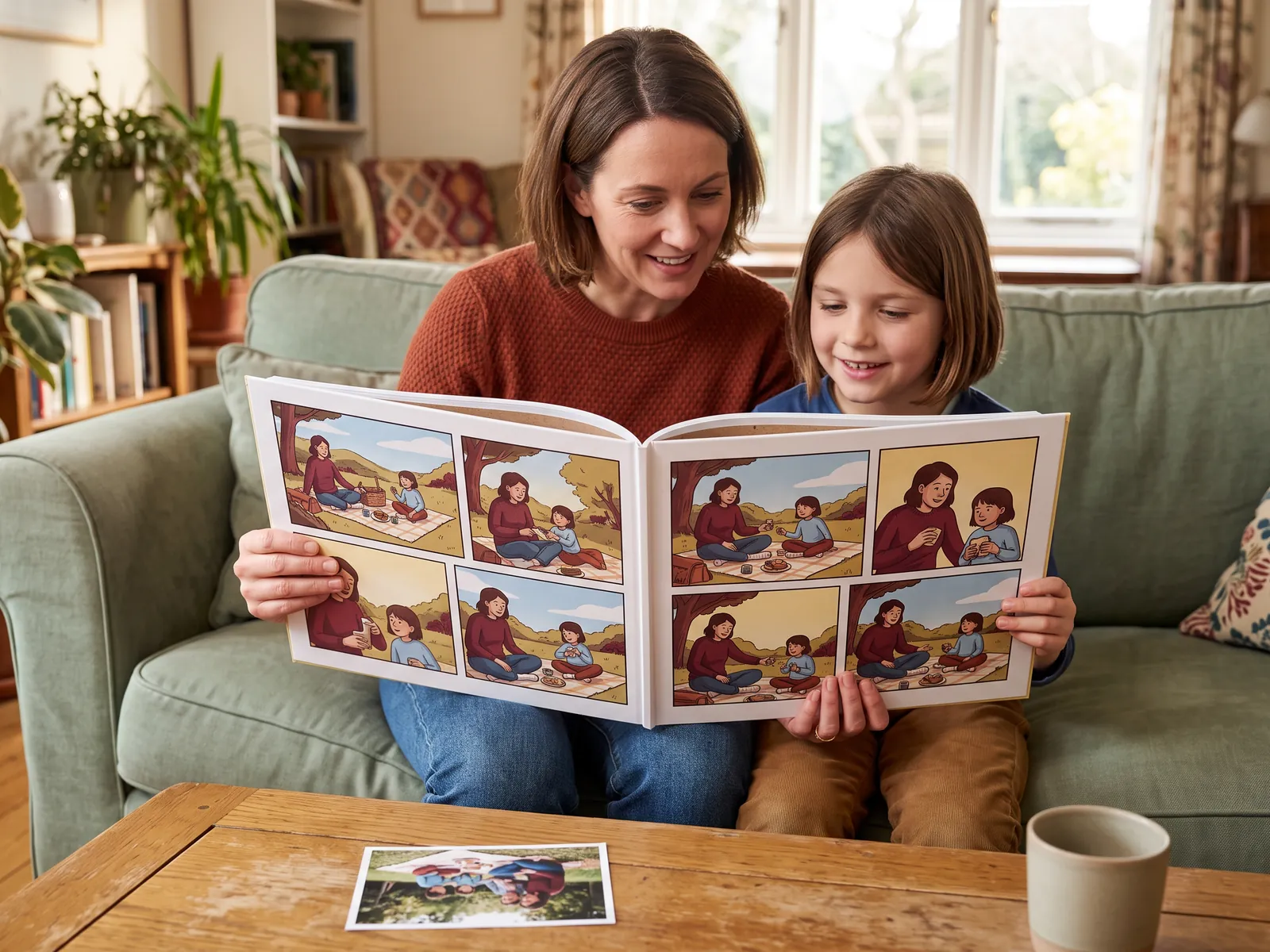
Turn a familiar moment into a short sequence. Build the prompt around your subject, the details to preserve and a clear story turn.
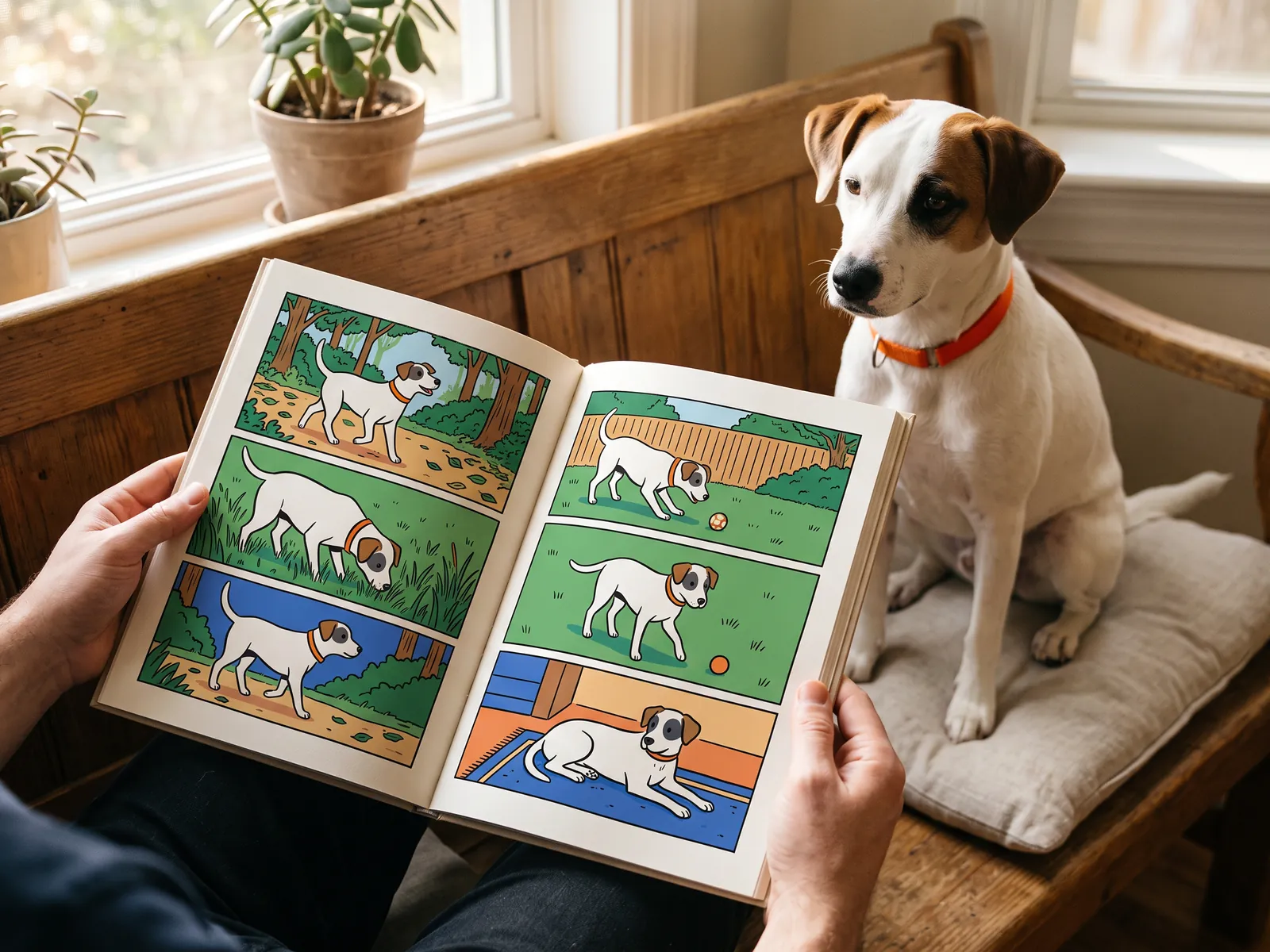
Use coat markings, colour and accessories as reference details, then compare the same features across the story.
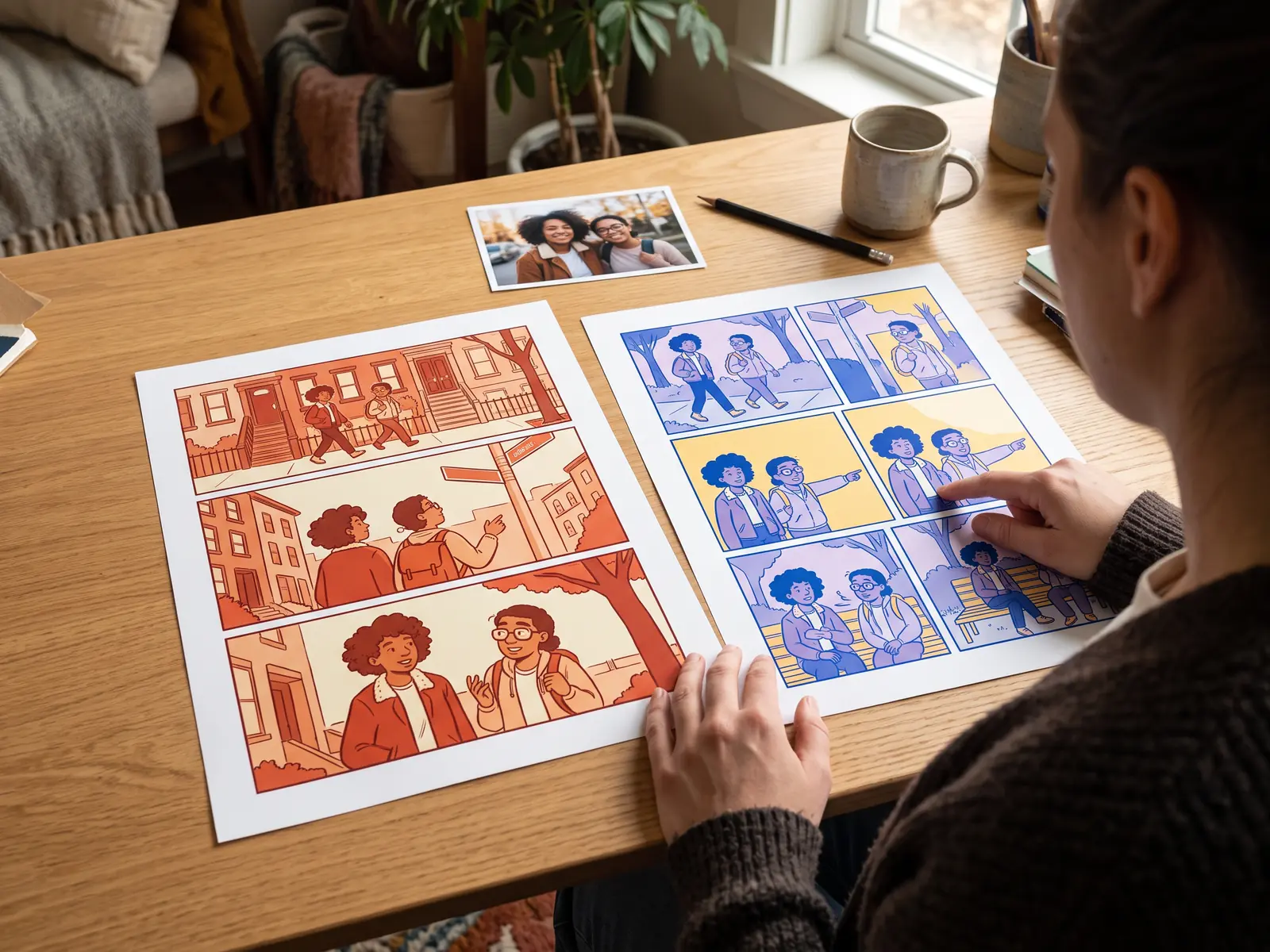
Check changed faces, anatomy, lettering and crowded scenes. Adjust one condition at a time so you can see what improved.
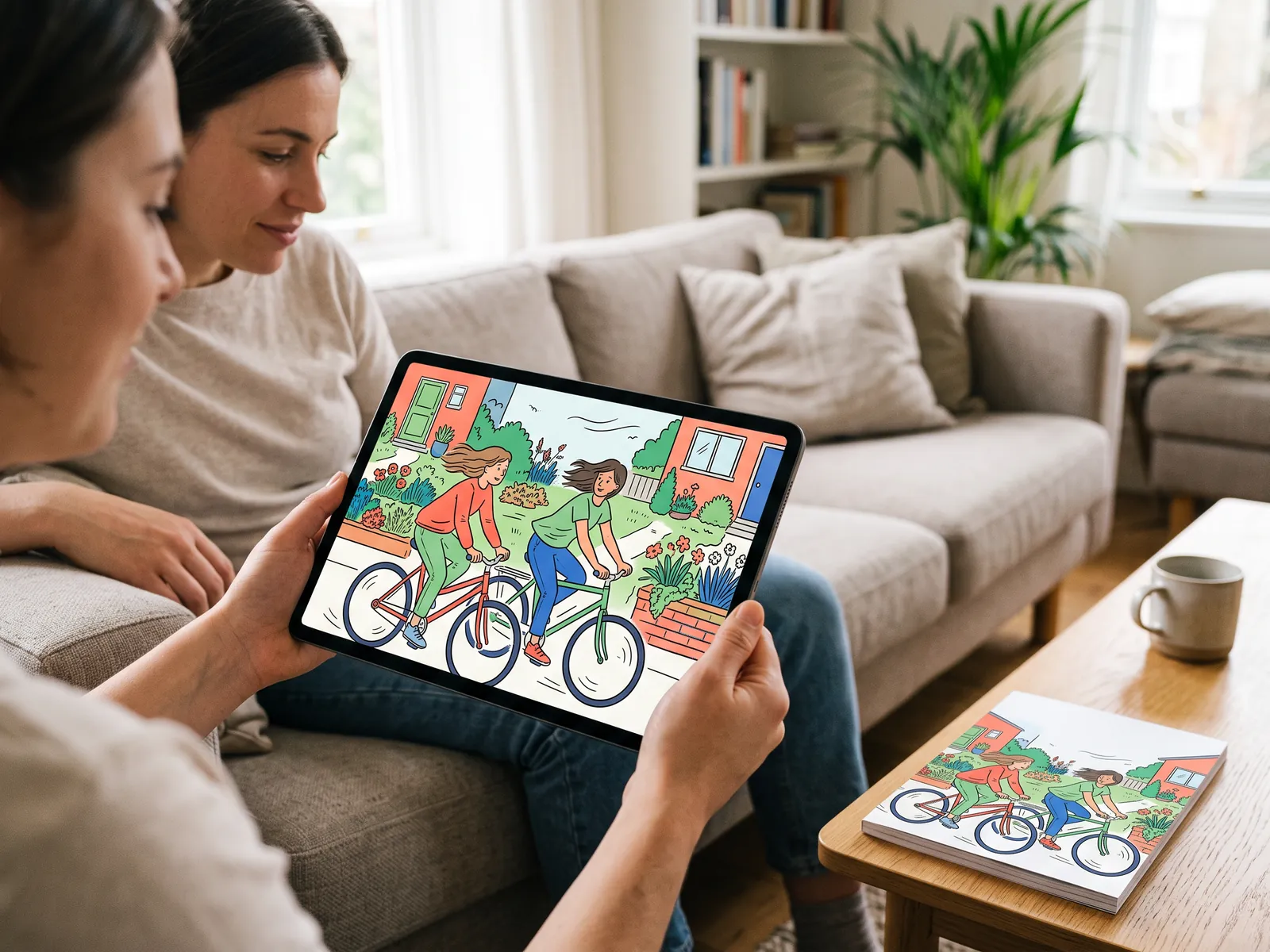
Learn what motion can add to a still comic panel, what may change during animation and how to review the result before sharing.
AI-generated concept images illustrate these creative workflows.
Yes. Upload a photo or image, describe the comic style you want, and use LlamaGen as a photo-to-comic AI generator for comic-style images, panels, and editable comic drafts.
The upload workflow supports common image formats such as JPG, PNG, GIF, WebP, HEIC, and HEIF. For story notes, start with the prompt box and keep the uploaded image focused on the visual you want to transform.
Commercial use depends on your LlamaGen plan terms and the rights you have to the source image. Use the first result to test whether the comic direction works before creating production assets.
A basic filter usually restyles one image. LlamaGen can start with that image, then continue into panels, captions, prompts, character references, and studio refinements.
Yes. After the first photo-to-comic draft, use additional references and studio refinements when the project needs recurring people, products, scenes, or longer personalised comic sequences.
LlamaGen uses your character references, names, notes, style choices, and prompt context to make recurring characters easier to recognise across the comic.
Photos are uploaded for processing and may be sent to AI providers under the Privacy Policy. Use only photos you are allowed to share and avoid uploading sensitive personal or client material without permission.
Use a photo that clearly shows the eyes, ears, muzzle and coat markings. Describe those details, specify whether the pet should remain on four legs and start with a simple scene or short sequence.
Start with one photo, choose a comic style, and keep refining the result into a panel, comic-book image, or personalised comic sequence.
Turn My Picture Into Comic