AI Manga Studio
Open Studio

The future of AI Manga Studio starts now.

Compose pages, refine panels, and preview layouts in one studio-quality workflow.

Open Manga Studio

Go straight to the studio to start creating.

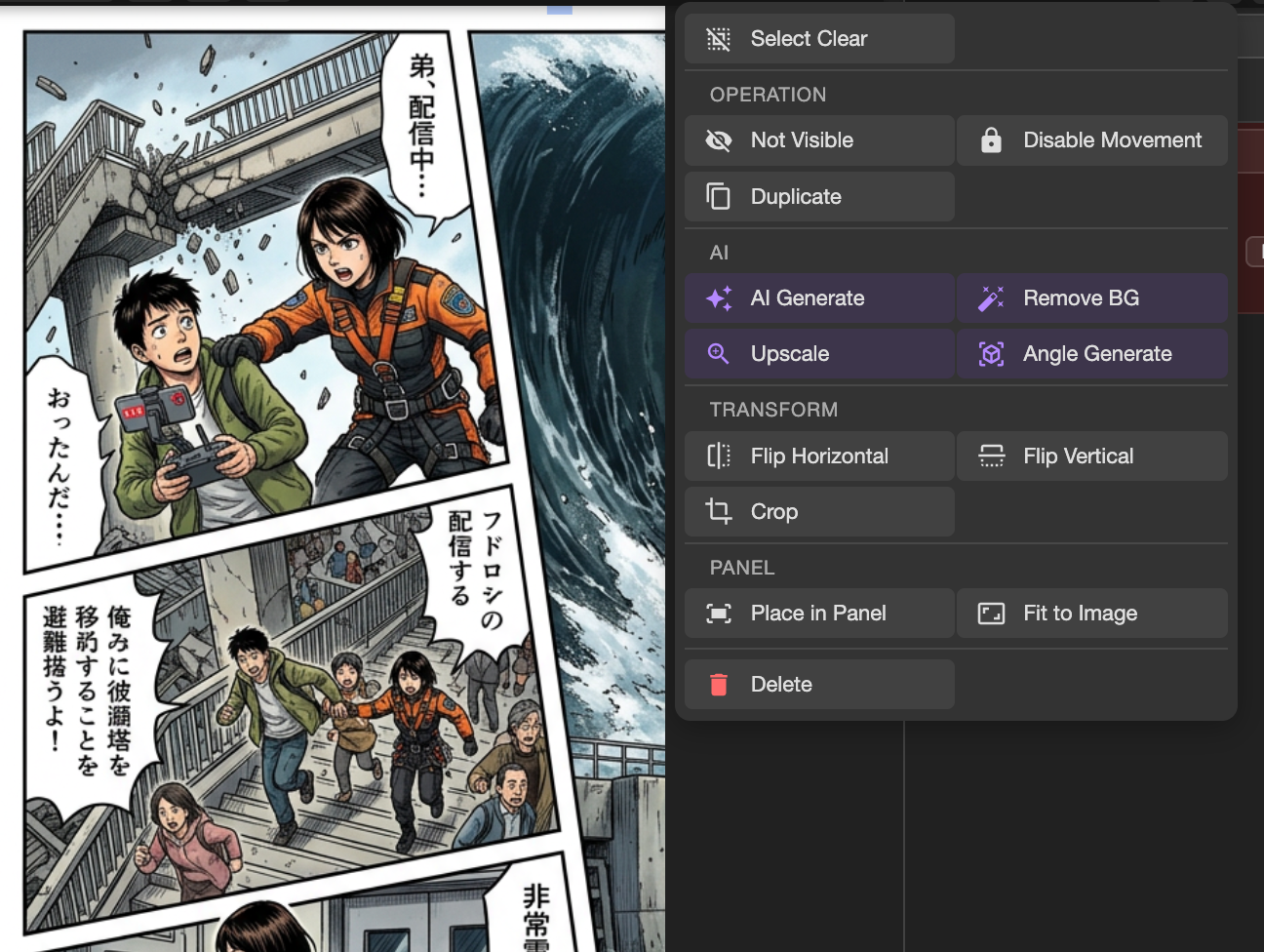
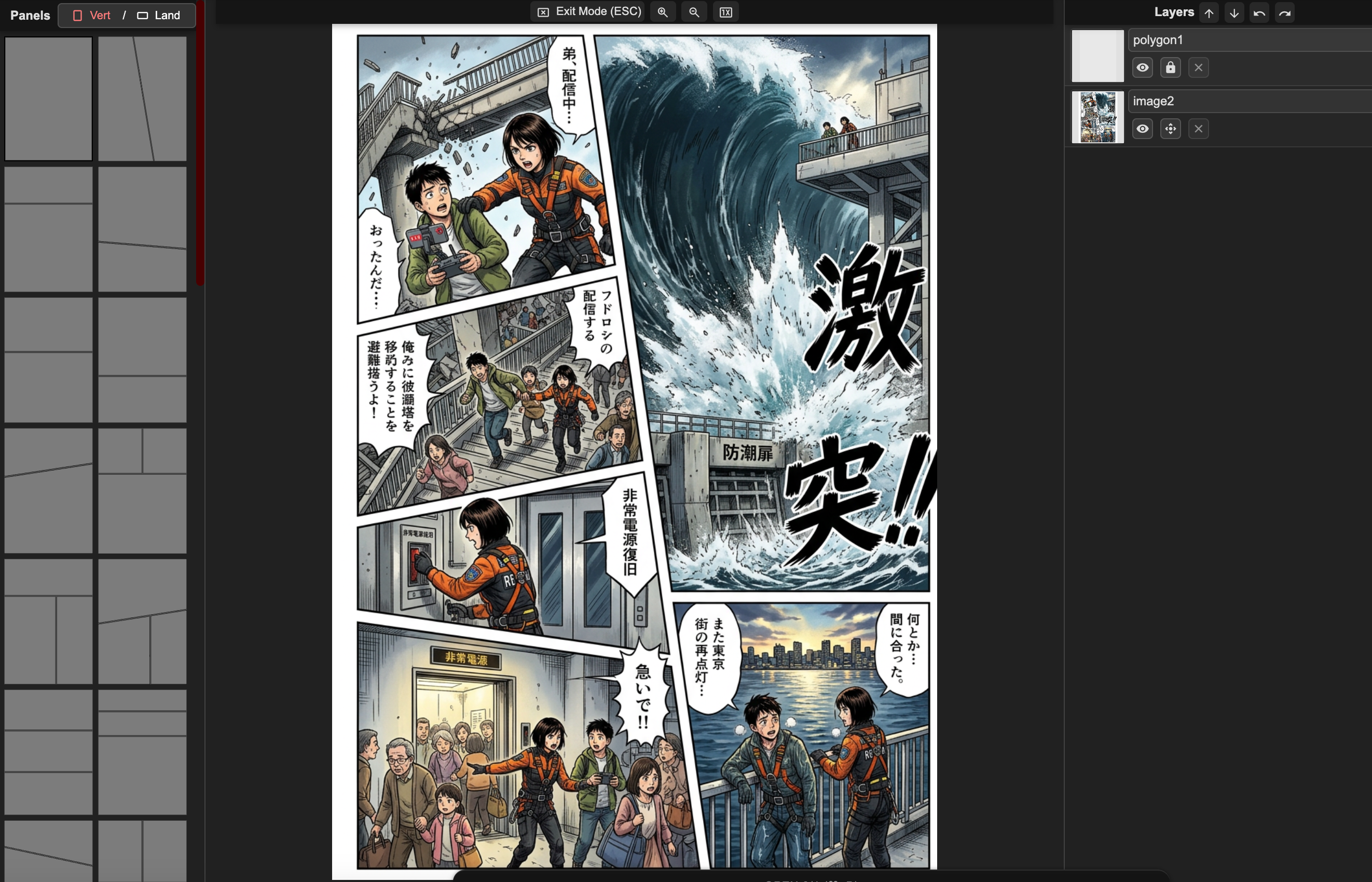
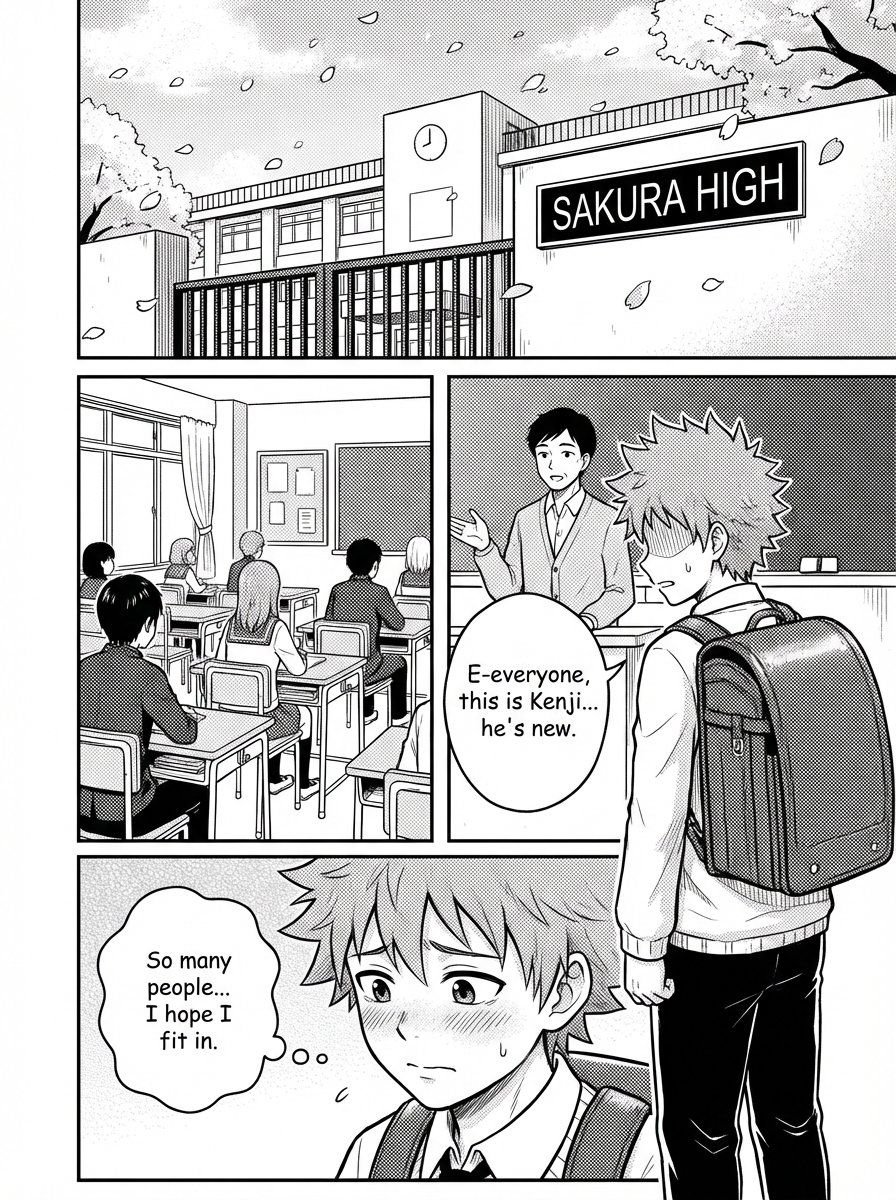
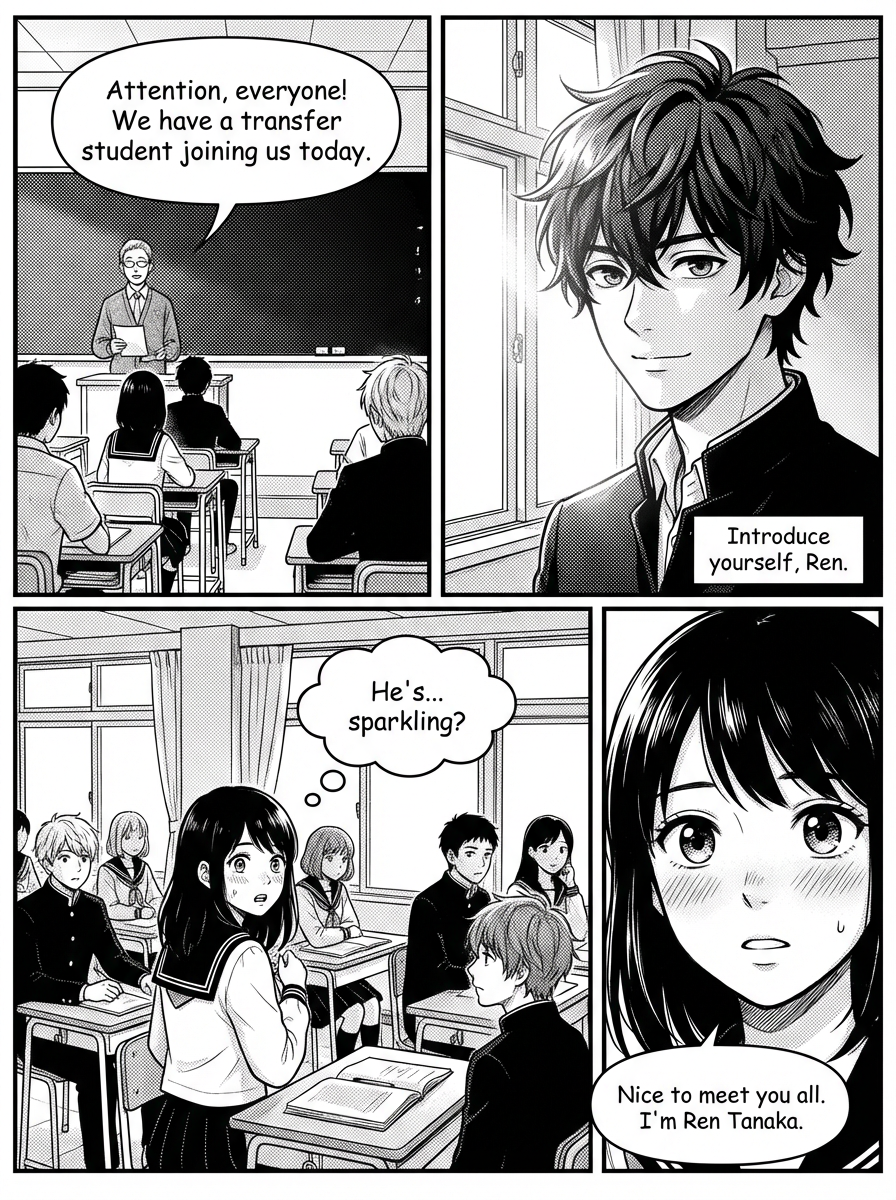
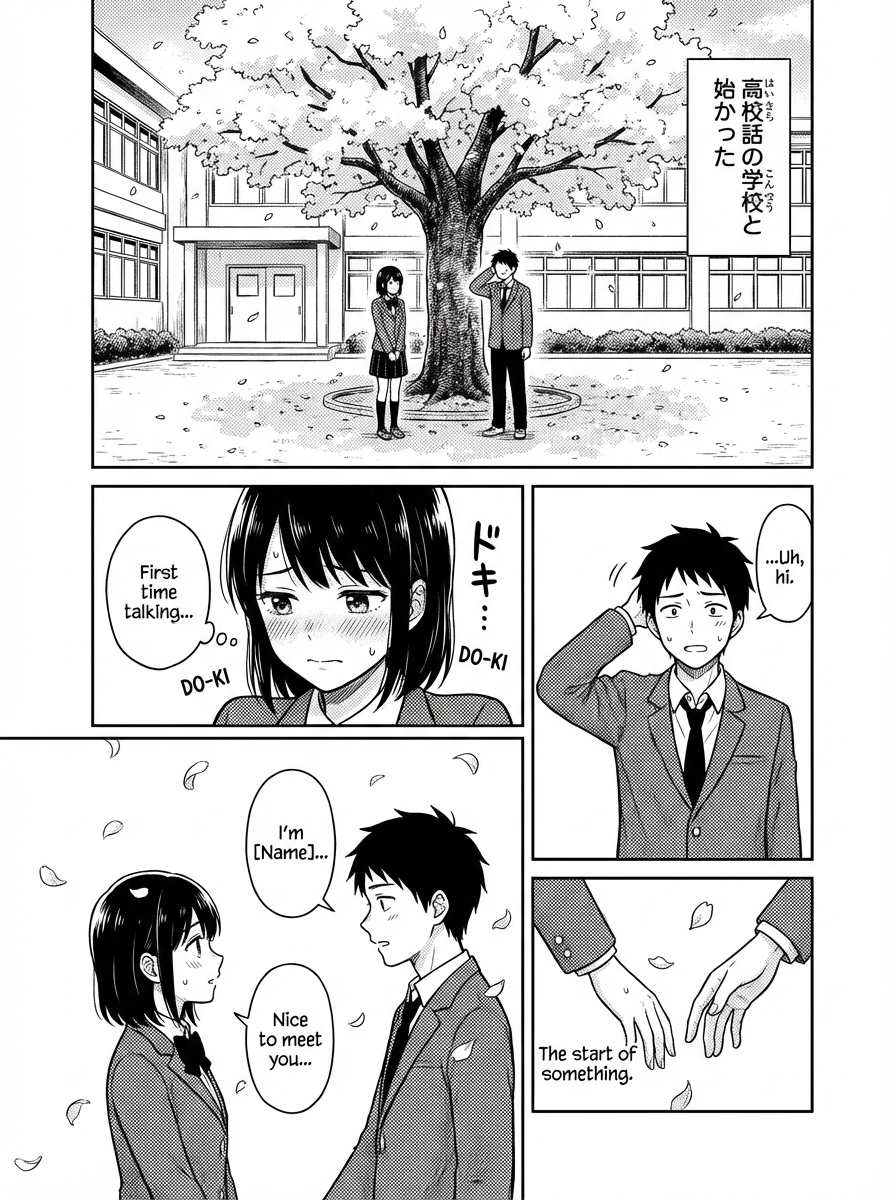
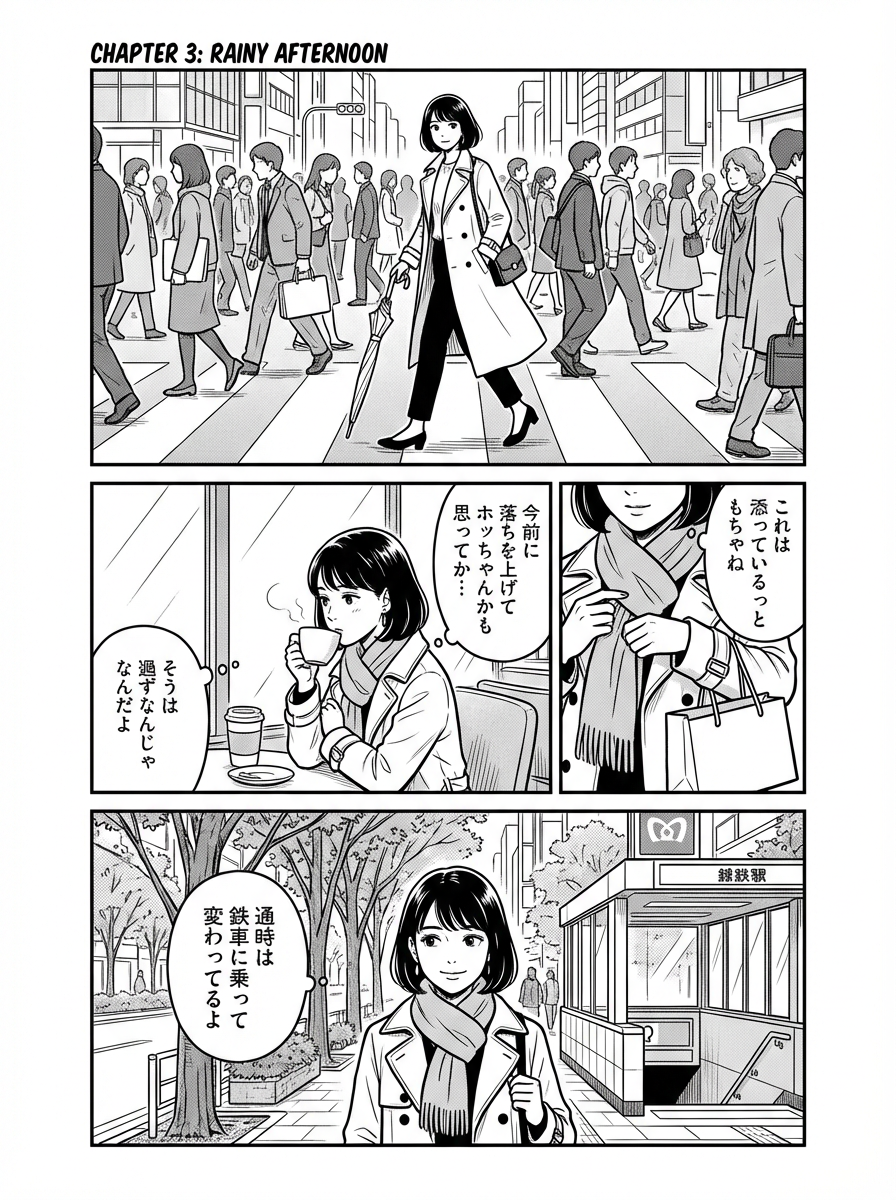
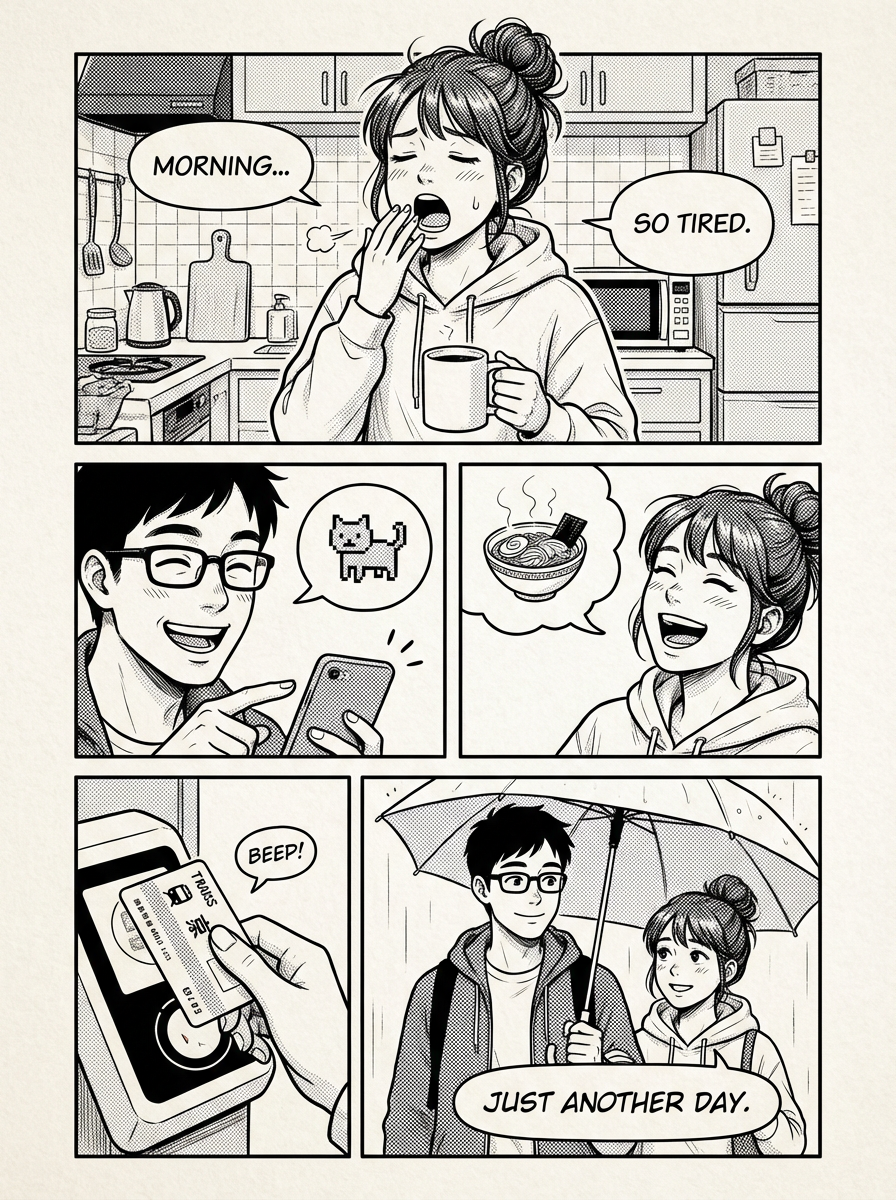
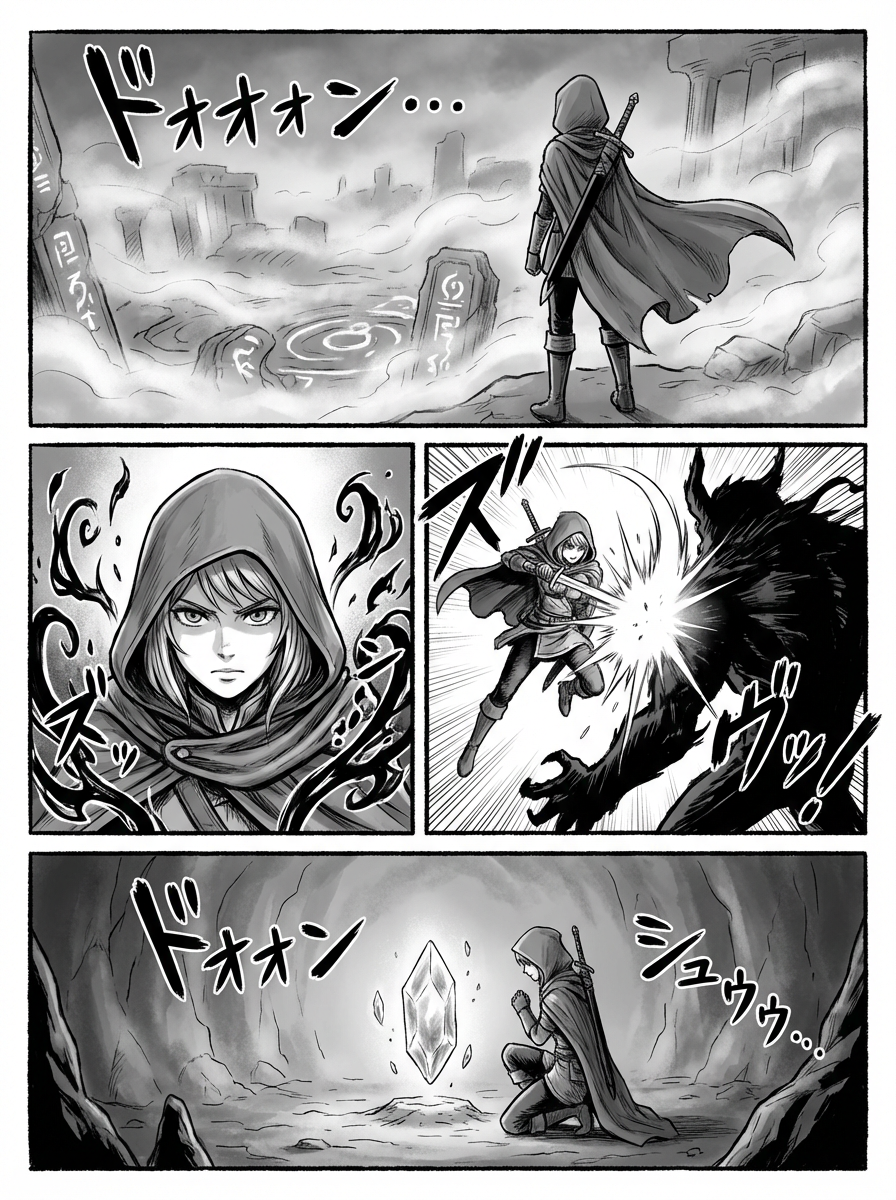
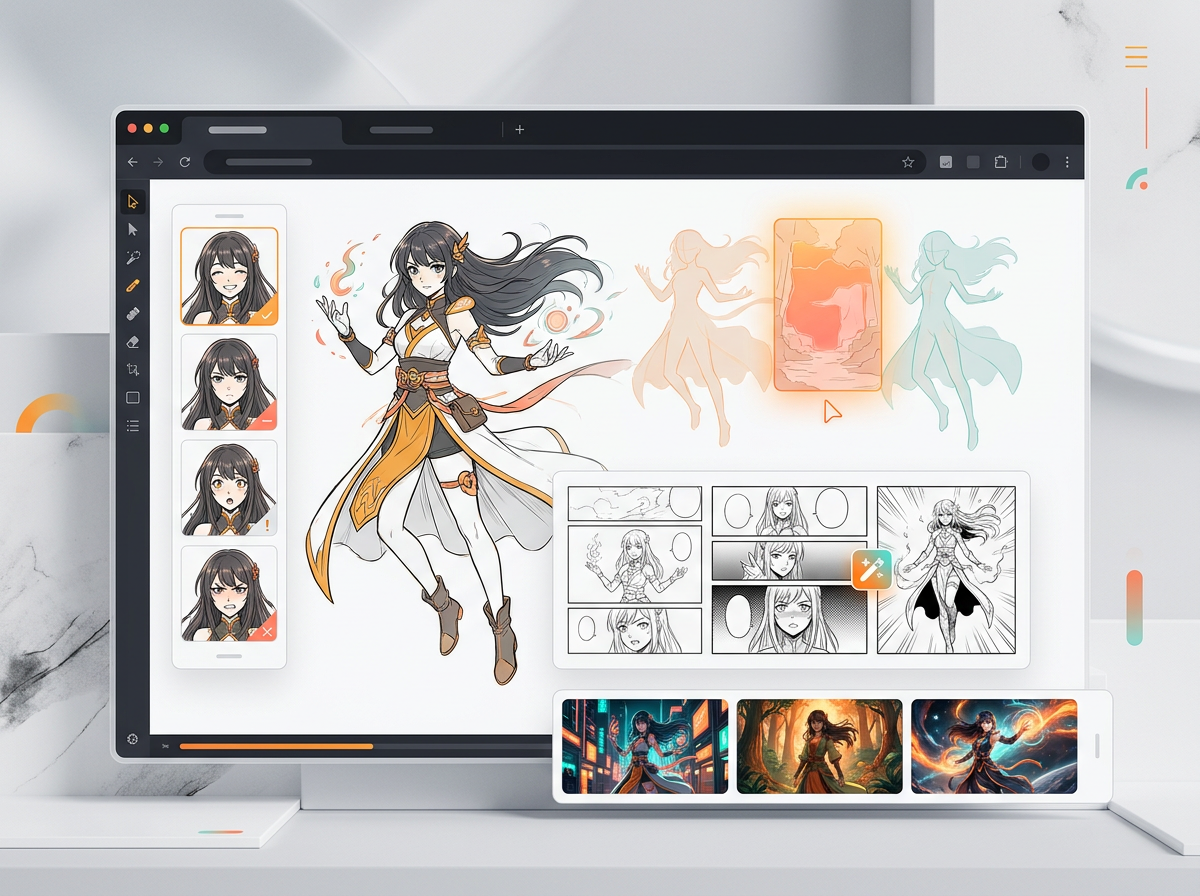
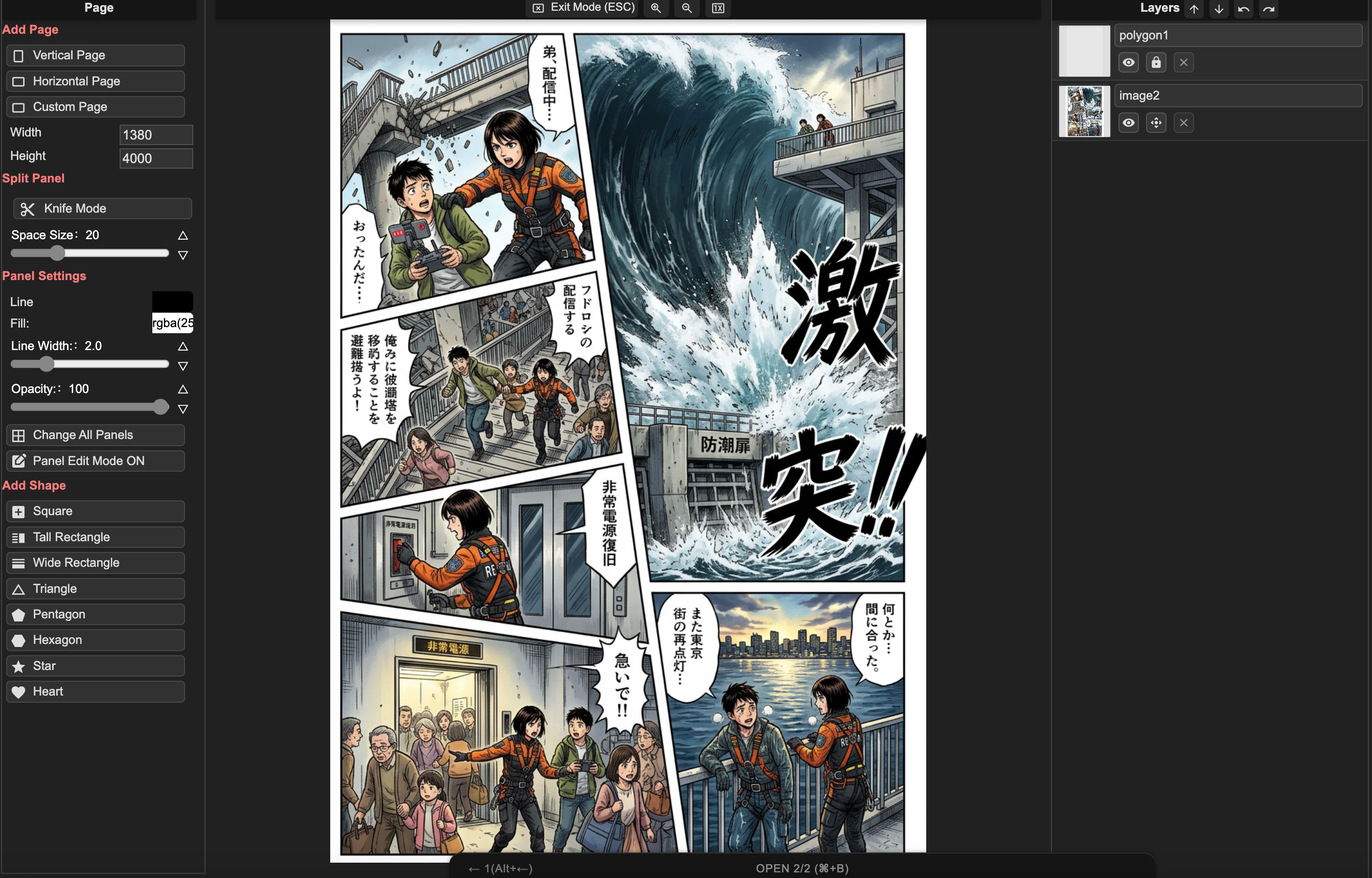
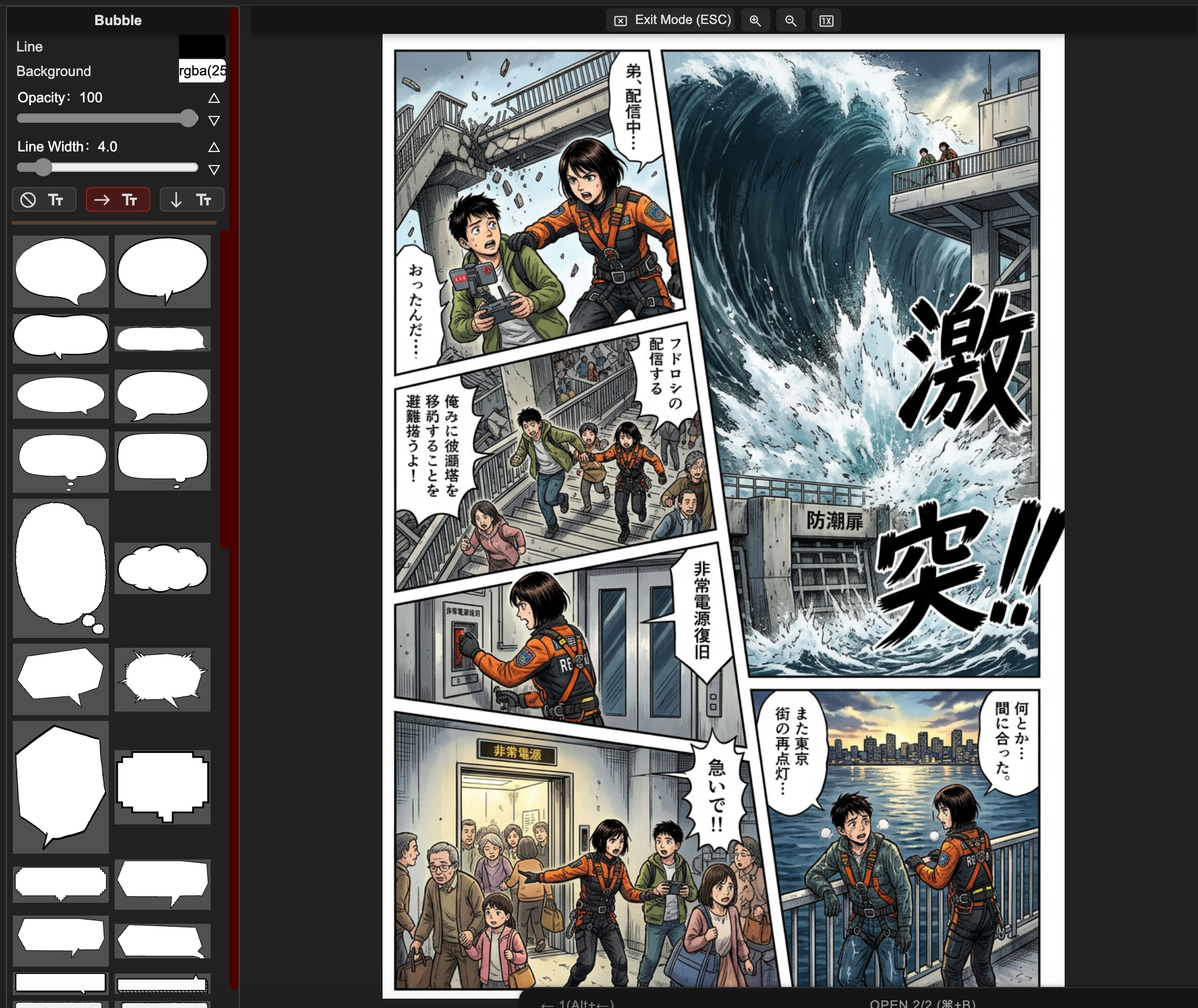
AI manga page composition workspaceAI manga layout creation interfaceAI text to manga workflowAI manga advanced text editor

Page composition

Build a clean page structure with guided panel placement and layout presets.

Creator pain points

The hard part is not one pretty image. It is finishing a manga.

Most creators arrive with a story, a character, or a deadline. They need a workflow that keeps the page readable, the cast consistent, and the edits under control.

First chapter

The blank page is still blank after the idea.

"I have a whole story in my head, but I do not know what the first page should look like."

Guide the story into panels

Start from scene beats, panel count, layout, and text-safe composition so the first draft has a reading path instead of one disconnected illustration.

Best for zero-to-first-page creators.

Character continuity

A beautiful panel is useless if the hero changes faces.

"I do not need ten pretty characters. I need the same character to act through the chapter."

Keep character cues visible

Use references, pose notes, expression targets, and style prompts so characters, outfits, and scene tone stay more stable across panels.

Best for OC, manhwa, and serial manga projects.

Revision control

One wrong hand should not force a full reroll.

"I only want to fix this face, this hand, or this speech bubble. Do not replace the whole page."

Edit the weak region

Retouch local areas, improve faces, revise staging, and adjust bubbles while keeping the parts of the page that already work.

Best for creators who care about delivery, not random retries.

Publishing confidence

Creators need to know what happens after export.

"Can I publish this? Can I turn panels into manga clips? Will readers understand the story?"

Prepare output for the next step

Plan pages, individual panels, clip-ready moments, lettering, and export paths inside one browser manga studio for Mac, Windows, and teams.

Best for indie creators and small content teams.

AI Manga Studio editor with manga text and panel controls
Creator use cases

Who AI Manga Studio helps most.

Built for creators with stories, original characters, serial chapters, or small-team projects that need a repeatable manga production workflow.

Story-first beginners

Turn an idea into the first page

They do not need a blank prompt box. They need help turning a premise into characters, page beats, layouts, and a readable first draft.

Pain

No drawing skill, no panel language, and no confidence about where the chapter should start.

Value

Helpful when you want the first page to stop feeling impossible.

OC and character creators

Keep one cast consistent

They want the same original character to appear across poses, outfits, expressions, and scenes without losing identity.

Pain

Face drift, costume drift, stiff poses, and style changes break the emotional connection to the character.

Value

Helpful when the character matters more than a random pretty result.

Indie manga and webtoon creators

Reduce production drag

They already know the story. They need faster backgrounds, color passes, cleanup, lettering support, and repeatable page output.

Pain

Weekly updates, long pages, and revision pressure make the workload feel endless.

Value

Helpful when the goal is less cleanup, fewer rerolls, and more control.

Small studios and content teams

Prototype and publish faster

They create IP tests, ads, story pitches, education comics, manga clips, or client-facing concept pages.

Pain

They need consistency, reviewable drafts, commercial-use clarity, and assets that can move into publishing or video workflows.

Value

Helpful when teammates or clients need to review the same visual direction.

Why workflow matters

A pretty image can still fail as a manga page.

LlamaGen gives you a calmer path from story to pages that can be revised, read, and shared.

Characters drift
Dialogue covers the art
One mistake triggers a full reroll
Single image prompt

A nice render, but not a chapter workflow

One prompt can produce a polished image while still missing reading order, character continuity, bubble space, and a way to revise only one panel.

Generic AI manga output before layout and text review
The story has no panel plan
The cast can drift from scene to scene
Editing often means starting over
LlamaGen AI Manga Studio

A workflow for finished pages

LlamaGen keeps the workflow focused on sequential art: story beats, layouts, generation, panel review, lettering, and export-ready assets.

LlamaGen AI Manga Studio workspace for page editing
Layout-first manga page creation
Panel-level revision and prompt iteration
Browser manga studio for Mac, teams, and clip-ready assets
AI Manga Studio guide

More than a manga image generator: a production workflow.

Creators searching for AI Manga Studio usually want to finish a story, keep characters consistent, revise panels, add readable lettering, and prepare assets for publishing or manga clips.

AI Manga Studio and manga studio online

Use one browser workspace for page layout, AI generation, panel review, prompt iteration, and final polish instead of losing focus across disconnected image tools.

Manga studio for Mac without installing software

Open LlamaGen in a Mac browser when you want fast page drafts, character references, bubbles, and export-ready panels without installing a desktop-only setup.

Manga clips and social-ready panels

Plan panels and page moments as short manga clips, story previews, episode teasers, or assets for comic-to-video workflows.

Manhwa, manga, comic, and cartoon studio styles

Draft black-and-white manga pages, full-color manhwa-inspired scenes, comic studio layouts, cartoon panels, fantasy action, romance chapters, or custom visual styles.

Layout, typography, and bubble control

Go beyond a single image by controlling panel count, reading order, text direction, speech bubbles, sound effects, and page balance.

Connected LlamaGen manga project flow

Move between the public AI Manga Studio page, the signed-in /manga project workspace, and the manga.llamagen.ai editor concepts for layout, layers, text, and export.

Creator-ready output

Plan manga pages, manga clips, and export assets with the right constraints.

Use AI Manga Studio as a practical production hub: draft the page, review the panels, polish text, then decide whether the output becomes a page, social preview, pitch asset, or clip storyboard.

Manga layout tool with panel templates and export planning

Browser and Mac workflow

  • Use LlamaGen as a manga studio for Mac by opening the browser-based editor without installing desktop software.
  • Keep page drafts, layout references, prompt notes, and panel revisions in one connected workflow.
  • Use the signed-in /manga workspace when you want project-level creation and saved manga work.
Open the /manga project workspace

Manga page layout

  • Plan 3-5 panel pages for fast drafts, then expand to denser layouts when a scene needs more beats.
  • Use wide panels for establishing shots, tall panels for character emphasis, and irregular panels for action or dream sequences.
  • Reserve text-safe areas before generation so speech bubbles and captions do not cover the important artwork.
Open AI Manga Studio

Manga clips and downstream video

  • Export individual panels or page moments as assets for manga clips, short teasers, story previews, or comic-to-video workflows.
  • Keep camera direction, action beats, and character pose notes in the prompt when a panel may later become motion.
  • Use stronger close-ups and clear silhouettes for panels that need to read quickly in social clips.
Explore comic to video

Publishing, privacy, and rights review

  • Keep a record of story prompts, character references, edits, and exported versions when a project is meant for serious publishing.
  • Avoid known IP lookalikes, copied characters, and unlicensed third-party reference art when building commercial manga or client work.
  • Review privacy and project settings before uploading unpublished scripts, character bibles, or client-owned creative material.
Read privacy policy

A strong manga page draft usually starts with story purpose, layout, character cues, and text-safe panel composition before final polish.

Manga production workflow

What helps creators finish, not just generate.

A better manga workflow supports the outcomes creators care about: first drafts, consistent characters, controlled edits, readable lettering, exports, and publishing review.

Story-to-page path

Move from premise and chapter beat into page structure, panel rhythm, and a draft that can be reviewed visually.

Character consistency

Use references, visual cues, pose notes, and revision loops so recurring characters feel like the same cast.

Panel-level control

Fix weak faces, hands, backgrounds, bubbles, or staging without throwing away the whole page.

Readable manga lettering

Plan text-safe areas, speech bubbles, vertical text, and spacing so the page reads cleanly.

Browser manga studio

Work as a manga studio for Mac, Windows, or browser-first teams without a heavy local setup.

Manga clips and exports

Prepare pages, single panels, social previews, pitch assets, or manga clips from the same workflow.

Publish with more confidence

Keep prompts, references, edits, and export versions organized so serious projects are easier to review before release.

Manga and comic formats

Create manga pages, comic studio layouts, manhwa-inspired scenes, cartoon panels, manga clips, and browser-based Mac workflows.
AI Manga workflow

From story idea to first chapter draft.

Break the work into the steps creators actually face: page beats, layouts, generation, edits, lettering, and export.

Step 1

Plan the page

Plan the page

Turn a scene into readable beats

Panel rhythm: Choose a structure that fits the scene instead of forcing every story into one image prompt.

Page control: Split, copy, delete, and reshape panels when the pacing needs another close-up or reaction.

Text-safe space: Reserve room for dialogue and captions before a great image gets covered by bubbles.

Step 2

Generate the draft

Generate
Generate the draft

Keep the story in control

Story prompt: Describe the page, tone, characters, and scene beats so the draft supports the chapter.

Character context: Carry character cues, outfits, expressions, and style notes across panels to reduce drift.

Review loop: Keep the stronger panels, then regenerate or retouch only the parts that break the scene.

Step 3

Edit and publish

Edit and publish

Fix the page without starting over

Local edits: Retouch weak faces, hands, backgrounds, and expressions instead of replacing the whole page.

Readable lettering: Adjust bubbles, vertical text, and spacing so the page reads like manga, not a raw render.

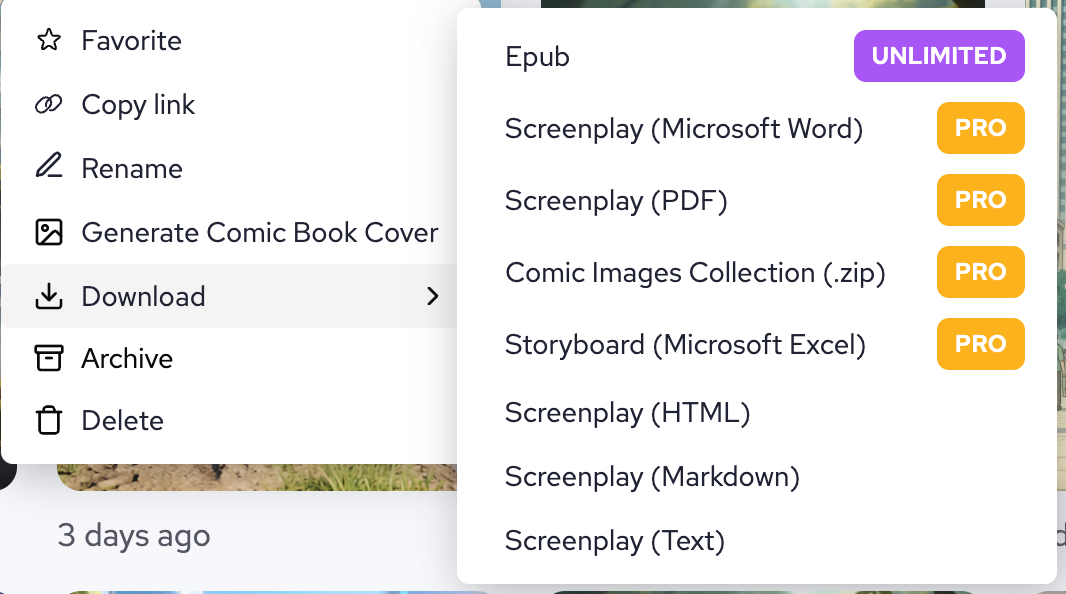
Export paths: Prepare pages, individual panels, or manga clips for review, social posts, and publishing workflows.

A full-featured AI manga studio inside your browser.

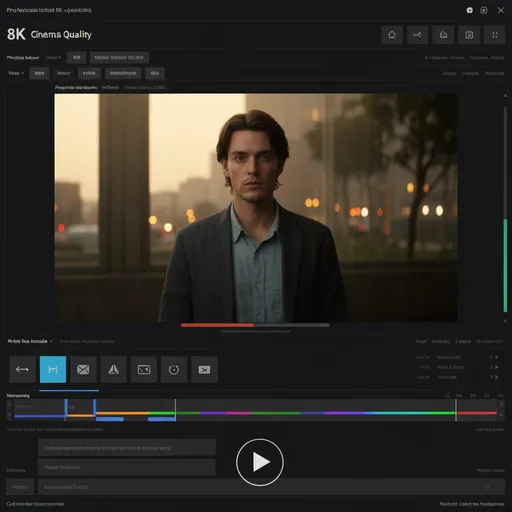
Open the same manga studio for Mac, Windows, or tablet browsers. Plan pages, edit panels, add text, generate character scenes, and prepare export-ready manga artwork in one place.

Open Manga Studio
AI Manga Studio Interface
Complete manga stories

See how a story evolves page by page.

Switch between story types, review panel beats, and inspect the prompt behind each page.

Chapter 1: The Meeting

Page 1 / 3

Chapter 1: The Meeting

Panel breakdown

Panel 1: Sakura

"Another ordinary day at school..."

Wide shot of the school building with cherry blossoms.

Panel 2: Sakura

"I wonder if anything exciting will happen today."

Close-up of Sakura looking thoughtful.

Panel 3: Takeshi

"Excuse me, you dropped this."

Takeshi returns a book to Sakura.

Prompt used

manga page layout, 4 panels, school romance scene, anime style, cherry blossoms, high school students, romantic atmosphere, detailed backgrounds

Prompt gallery

Story examples and reusable prompt building blocks.

Browse example scenes, inspect the prompt language, and copy structures that already work.

Romance

School Romance

Meet Sakura - A shy high school student
Panel 1

Meet Sakura - A shy high school student

full manga page, 3 panels, anime style, shy high school girl with long black hair, school uniform, cherry blossoms background, spring morning

Reusable scene prompt
Takeshi - The popular student who notices her
Panel 2

Takeshi - The popular student who notices her

full manga page, 4 panels, anime style, handsome boy with brown hair, school uniform, confident smile, classroom background, sunlight through window

Reusable scene prompt
Their first conversation changes everything
Panel 3

Their first conversation changes everything

full manga page, 5 panels, anime style, two students talking under cherry tree, school courtyard, pink petals falling, romantic atmosphere, soft lighting

Reusable scene prompt
Character Design

anime style, cool ninja girl, black outfit, moonlight, rooftop scene, mysterious atmosphere

manga style, cute cat girl, maid outfit, cafe background, kawaii expression, pastel colors

anime style, serious businessman, suit and tie, office background, professional look, realistic lighting

Action Scenes

dynamic fight scene, two martial artists, energy effects, dramatic angles, speed lines

mecha battle, giant robots, city background, explosions, detailed machinery, epic scale

magical girl transformation, sparkling effects, dramatic pose, colorful background

Emotional Moments

sad anime girl, tears, rain background, melancholic atmosphere, soft lighting

happy couple, sunset beach, romantic mood, warm colors, gentle expressions

childhood friends reunion, emotional embrace, nostalgic atmosphere, cherry blossoms

Backgrounds and Settings

traditional Japanese garden, koi pond, bridge, peaceful atmosphere, detailed architecture

futuristic cityscape, neon lights, flying cars, cyberpunk aesthetic, night scene

magical library, floating books, mystical atmosphere, ancient knowledge, fantasy setting

Pro Tips for Better Prompts

Be Specific

Include details about style, mood, lighting, and character expressions.

Add style cues

Mention the art style, camera distance, mood, and level of detail you want.

Set the Scene

Describe the background, atmosphere, and overall composition.

AI Manga layout tool

Build panel layouts with more intent.

Choose preset comic structures or create custom panel compositions for action beats, dialogue scenes, and vertical storytelling.

Layout Creation Tool
Text to Manga Tool
Text-to-Manga AI

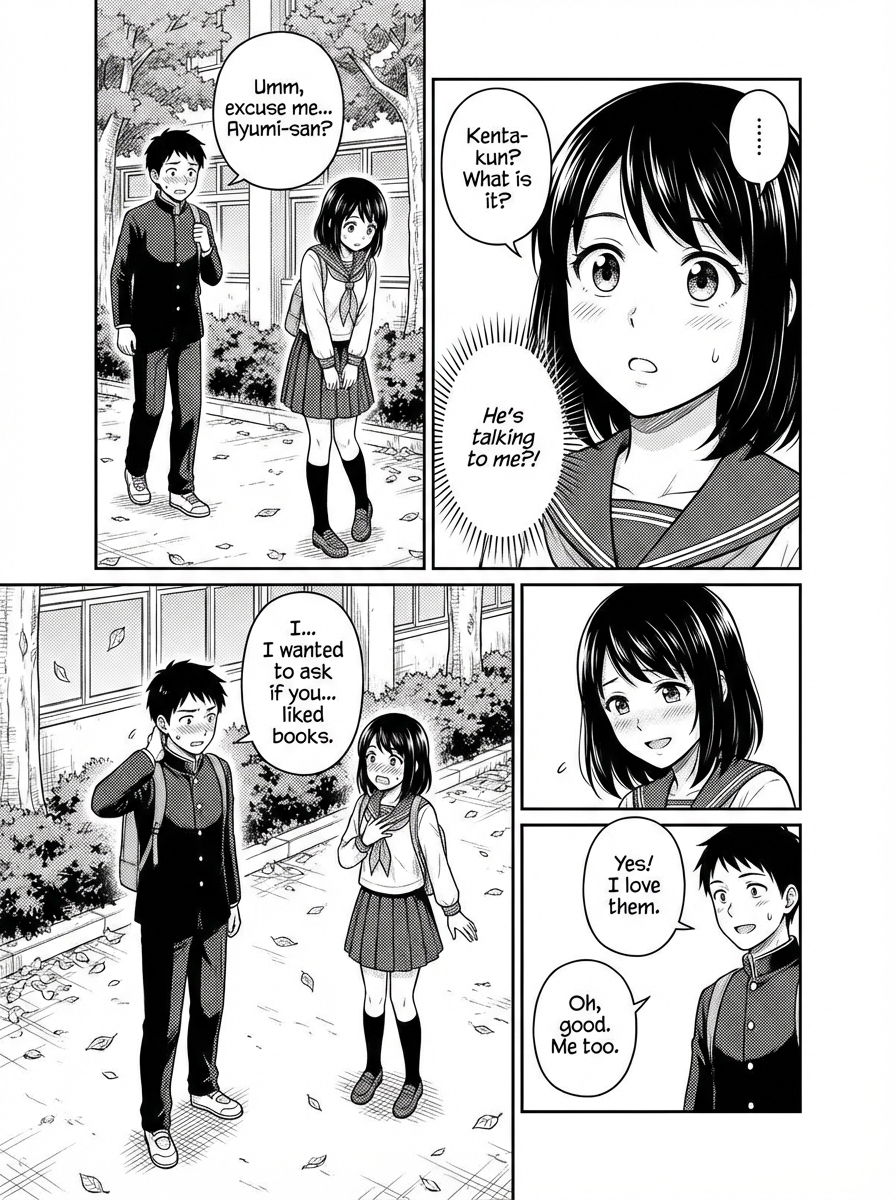
Turn a prompt into a readable manga page.

Describe the page, generate the first pass, and keep refining in canvas until your pacing, staging, and dialogue feel right.

Advanced text support

Use manga typography that actually fits the format.

Support vertical text, speech bubble placement, and manga-friendly font choices so the final page reads like a finished comic, not a rough mockup.

Advanced Text Editor
Example works

Generated examples with polished manga aesthetics.

Review the kind of character art, color range, and composition quality you can aim for.

Diverse Characters

Generate casts across ages, archetypes, and visual moods.

Rich Art Styles

Support manga, anime, painterly, and cinematic presentation styles.

Rich Colour Expression

Move from restrained monochrome accents to vivid color storytelling.

Precise Composition Control

Guide poses, camera angles, and scene balance at the page level.

Beautiful Girl Style
Generation example

Beautiful Girl Style

Polished 4-panel page with expressive character acting.

Casual Style
Generation example

Casual Style

Slice-of-life page with softer tone and everyday pacing.

Fantasy Style
Generation example

Fantasy Style

Atmospheric fantasy page with stylized composition and effects.

AI Anime Art Generator
AI anime art generator

Create anime artwork inside the same studio environment.

Use the infinite canvas for character art, edits, inpainting, pose control, and scene variations without breaking focus.

Text-to-image

Create anime characters and scenes with one click.

Inpaint

Edit weak regions without rebuilding the full page.

Face Enhancement

Improve expression clarity and facial detail.

Pose Control

Guide body language and panel staging more precisely.

FAQ

Questions, answered clearly.

story beats, layouts, panel review, character prompts, speech bubbles, local edits, and export paths.

Ready to create

Start with the story. Finish with editable manga pages.

Use LlamaGen.AI to plan, generate, revise, add lettering, and prepare manga pages or manga clips without losing the thread of the project.

Pro quality
Readable, polished manga page output
Fast generation
Rapid iteration from prompt to page
Full control
Layout, text, and polish in one place
Powered by
LlamaGen.AI