Find a story worth following
Explore a character's goal, an unusual setting, or a difficult choice. Compare different openings before you commit to a direction.
Use LlamaGen.ai as an AI story generator and story writer. Turn a simple idea into a structured draft with plot, characters, dialogue, and a path into storyboard or comic panels.
Try the first draft here. Free access has limits; saved projects and visual tools use your account and plan credits.
See how it worksPick a prompt to read an illustrative opening, then generate your own version. These samples are prepared examples, not live results or customer testimonials.

Example opening
The radio said Mara's name before she switched it on. On Platform Three, rain gathered around a red suitcase. She had checked the platform a minute ago. Empty. Now someone had left a case beneath the broken clock, with a luggage tag written in her handwriting.
Start with something specific: a radio operator alone at a station, a red suitcase, and a message that knows her name. Generate an opening, read what works, then change the stakes or point of view. The next decision stays yours.
Generate story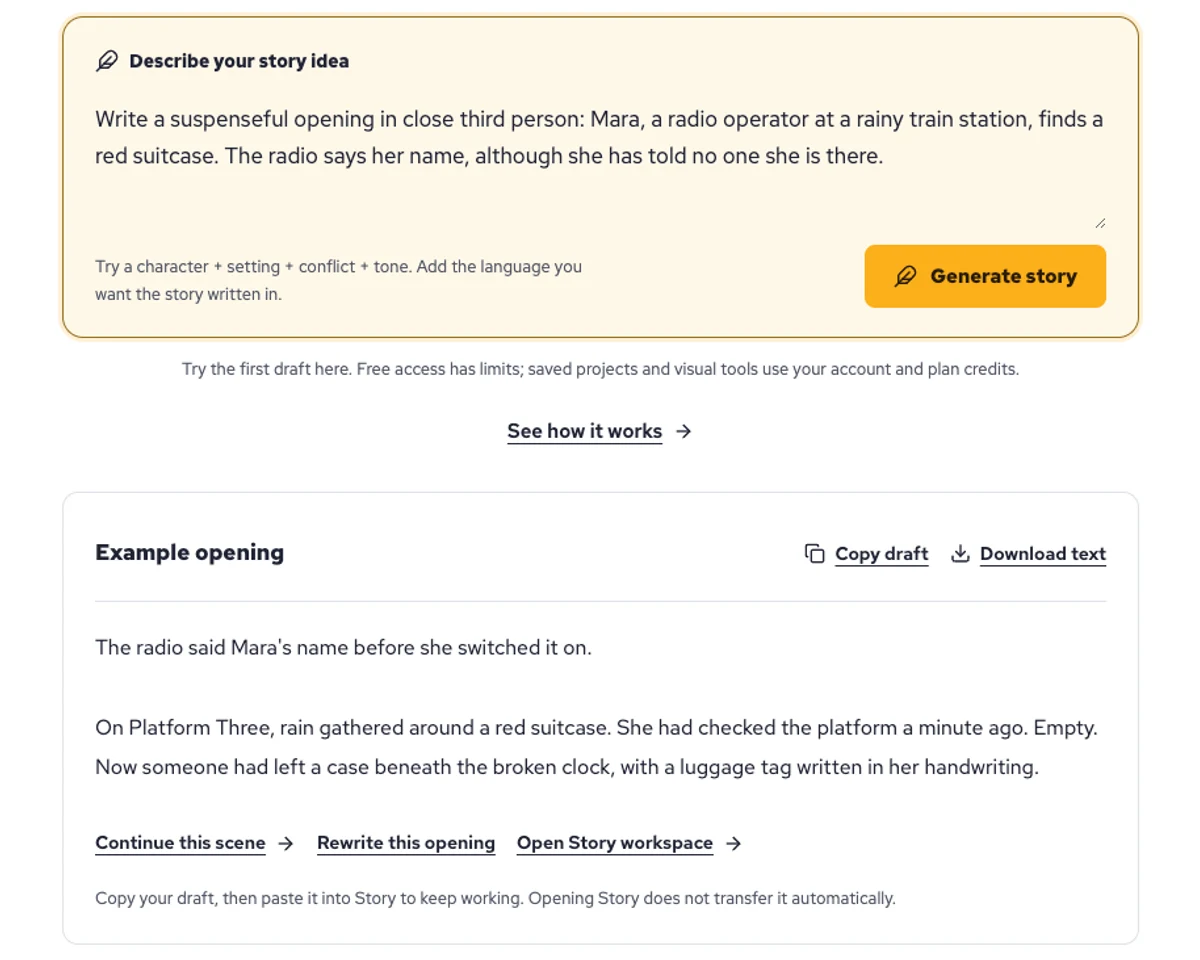
Explore a character's goal, an unusual setting, or a difficult choice. Compare different openings before you commit to a direction.
Paste an unfinished idea or use Continue after a draft. Read each new scene for names, motives, and details that need to stay consistent.
Use Rewrite to try a sharper opening. Copy a version you like before generating another, then edit the phrasing in your own voice.
This illustrative sequence follows Mara, her teal raincoat, and a red suitcase through four station shots. Use it as a guide: keep a character, location, and key prop consistent when you adapt your own draft into a storyboard or comic.
Explore script to storyboardThe same rainy-station story, imagined as a reading copy, a handheld proof, different cover designs, and a coordinated author set.
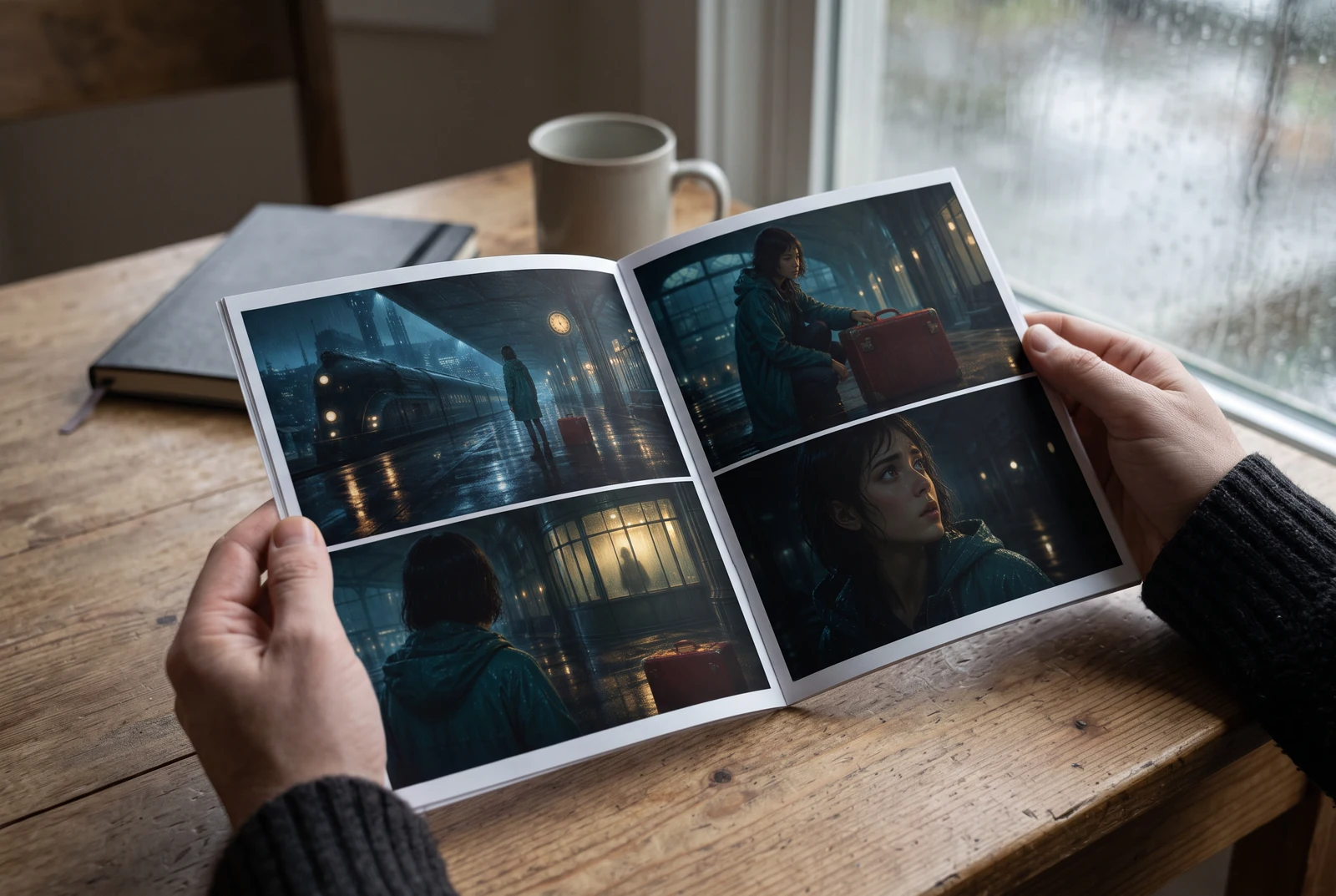
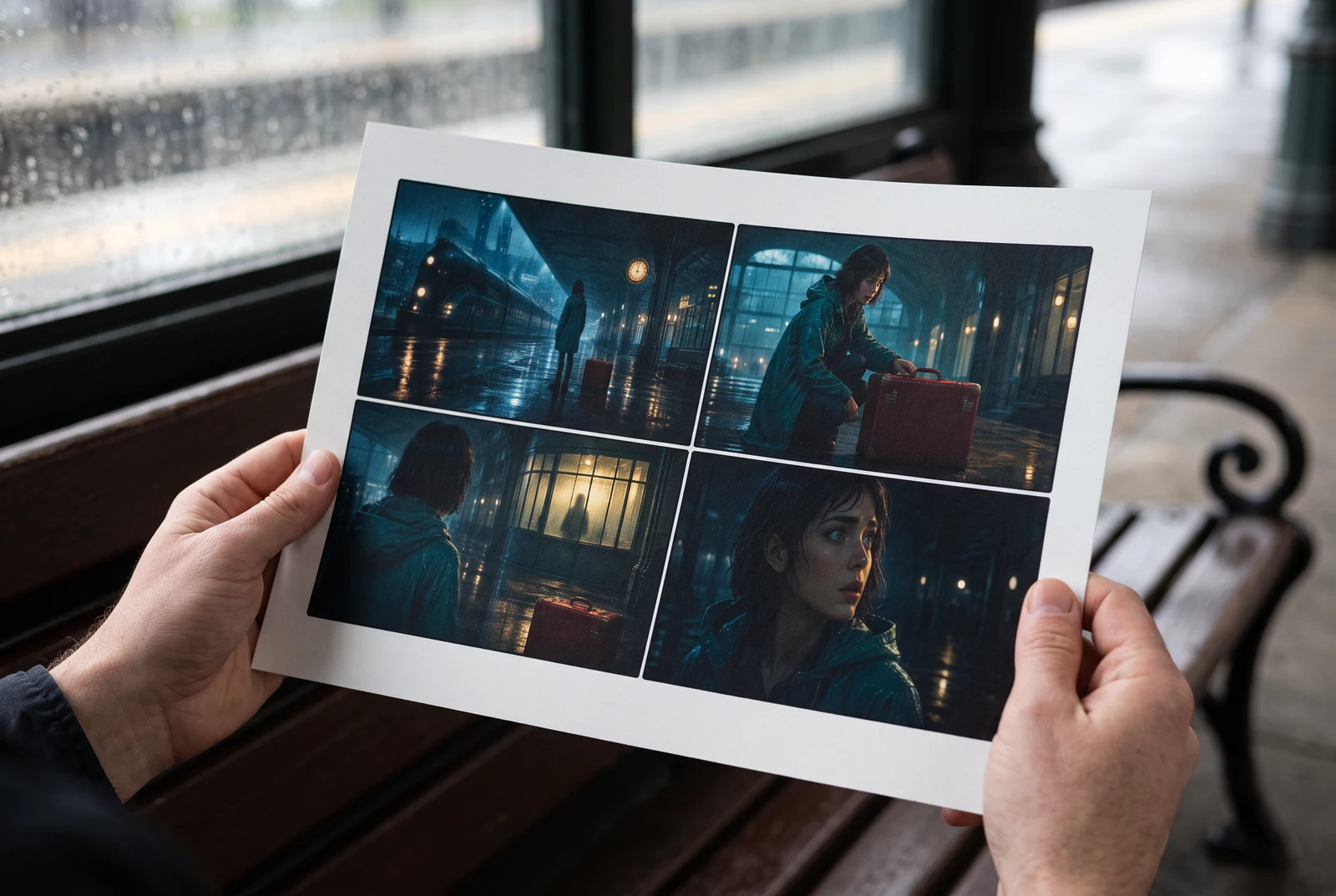
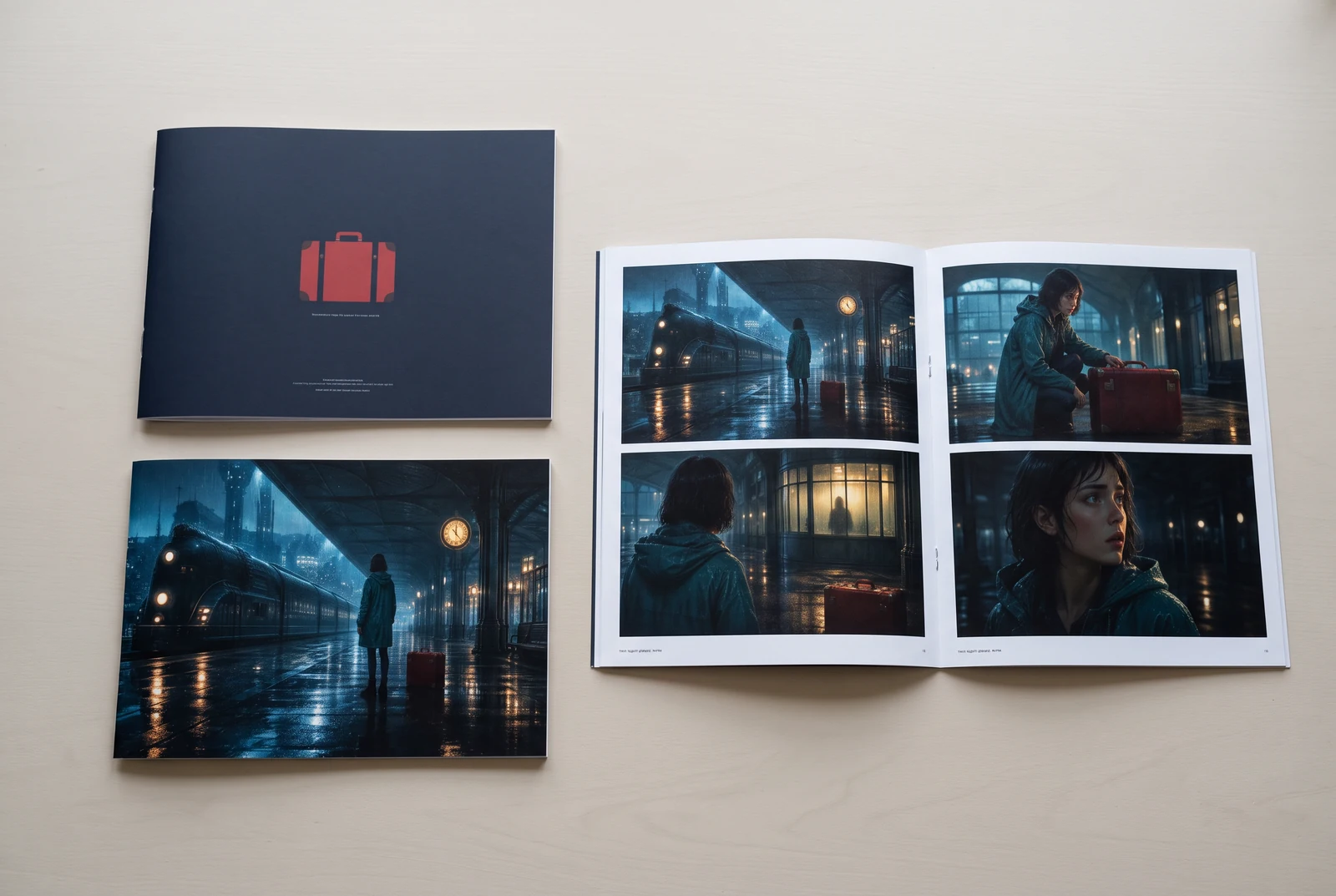
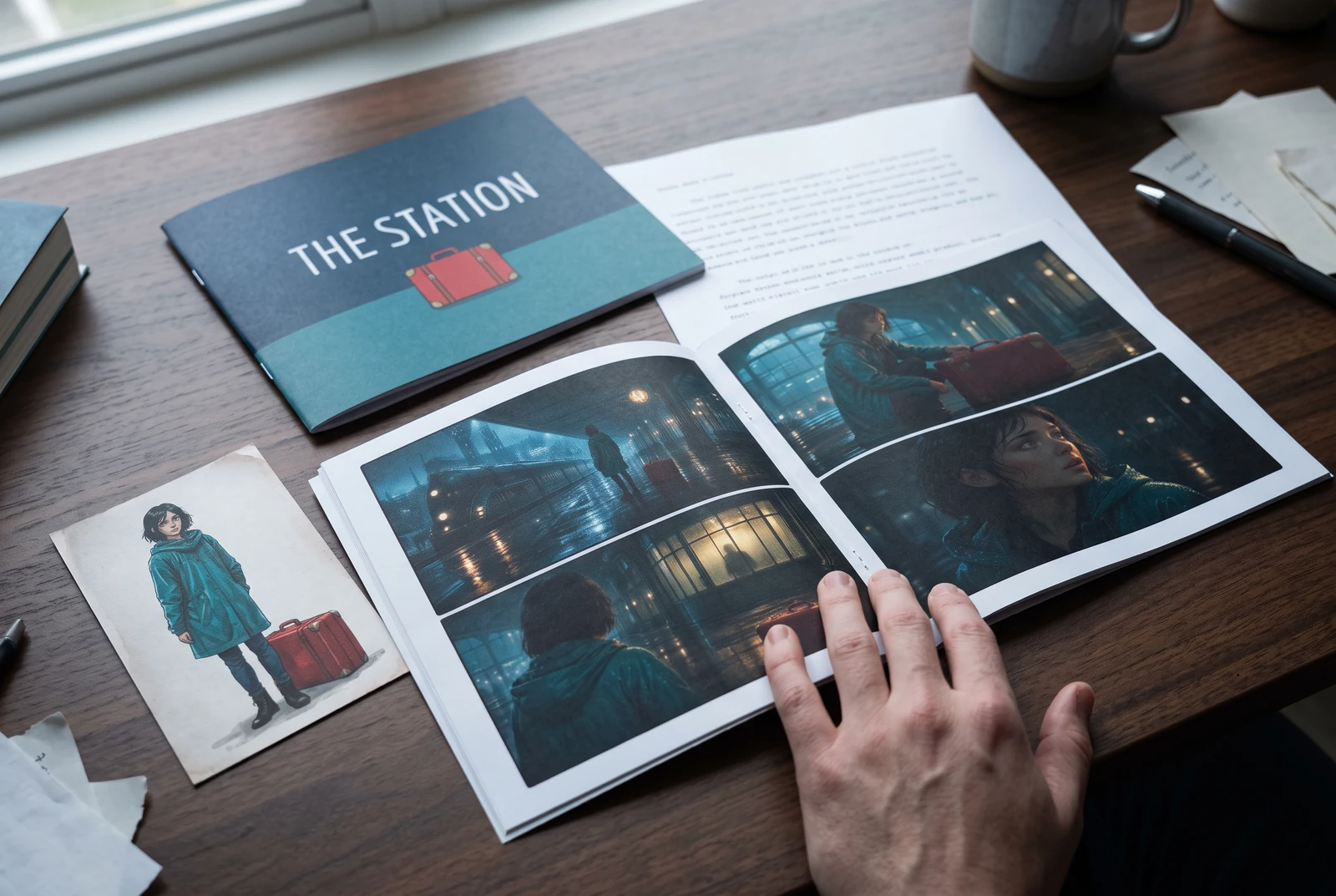
AI-generated display concepts using original LlamaGen story art. Paper examples illustrate personal printing and reading; they are not customer photographs or a print-delivery offer.
Test a premise, change the point of view, or work through the opening of a short story.
Draft scene beats and dialogue before planning comic panels or storyboard shots.
Create writing prompts and sample narratives. Review the output and follow your classroom or team's AI rules.
Describe a protagonist, setting, goal, and obstacle. Choose a tone and output language in your prompt.
Select Generate story. The result is a draft to review; one response is not a complete book.
Check the voice, facts, and continuity. Continue the next scene or rewrite the opening. Copy a version before replacing it.
Download the text or copy it into Story. Adapt approved beats into a storyboard or comic in a separate workflow.
AI can invent facts, repeat familiar phrasing, or lose track of a character. Review every draft before sharing it. Follow LlamaGen's terms and your school or workplace rules; check third-party material before publishing.
It's a browser-based tool that turns your ideas into structured stories using AI. Enter a prompt and get a draft with plot, characters, dialogue, scene beats, and visual direction for fiction, comics, classroom writing, videos, or visual novels.
A good prompt includes your story idea, genre, and tone. For example: 'A lonely witch opens a café in the forest' with a warm, slice‑of‑life feel. The clearer your idea, the better your story. Include specific details about characters, setting, emotional tone, and any key plot points you want.
You can edit or expand the story, or use it as a base to create comic panels or visual novel scenes with illustrations, layouts, and dialogue using our tools. Many creators use generated stories as scripts for developing panel compositions, character expressions, and visual flow.
It saves time, sparks creativity, and helps writers of all levels overcome blocks. Whether you're building fiction, a comic, a visual novel, a classroom prompt, or a video script, it gives you a fast starting point with narrative structure that would normally take hours to develop.
You may use drafts you generate for lawful personal or commercial projects under LlamaGen's terms. Generation does not grant exclusive rights, and AI text can resemble existing work. Review the result and seek local legal advice before you publish a book or campaign.
You can generate a first draft on this page without buying writing software. Signing in unlocks Story, saved history, storyboard, comic, and video workflows, which use your plan credits.
The tool supports flexible story prompts across romance, fantasy, horror, drama, comedy, school life, and experimental genres. It does not force your idea into one generic template, while still keeping generation within platform safety rules.
You can keep generating new drafts, alternate endings, plot twists, character arcs, and scene versions while you explore. Longer projects, saved history, and visual production use your account and plan credits.
Most stories generate in 5-10 seconds depending on complexity and length. Our AI processes your prompt almost instantly, so you can iterate quickly and explore multiple story directions in minutes.
We support all major genres including young adult romance, urban fantasy, superhero, sci‑fi, horror, mystery, slice‑of‑life, action, supernatural, comedy, drama, historical, and more. Just specify your preferred genre in the prompt.
You can generate a first draft on this page without creating an account. Signing in unlocks Story, history across sessions, storyboard, comic, and video workflows, which use your plan credits.
Currently, English prompts produce the most reliable drafts. You can still write a premise in another language; review the result carefully and continue editing in Story.
LlamaGen builds tools for writing, comics, and storyboards. Explore the team and product, check plan details, or contact support before choosing a workflow.
Write a premise. Explore an opening. Decide what happens next.
Generate story