Image-to-video workflow


Focused image workflow
Turn Picture Into Video
Upload a picture, describe the motion, and create a short AI video online with LlamaGen's image-to-video model workflow.
Turn Picture Into Video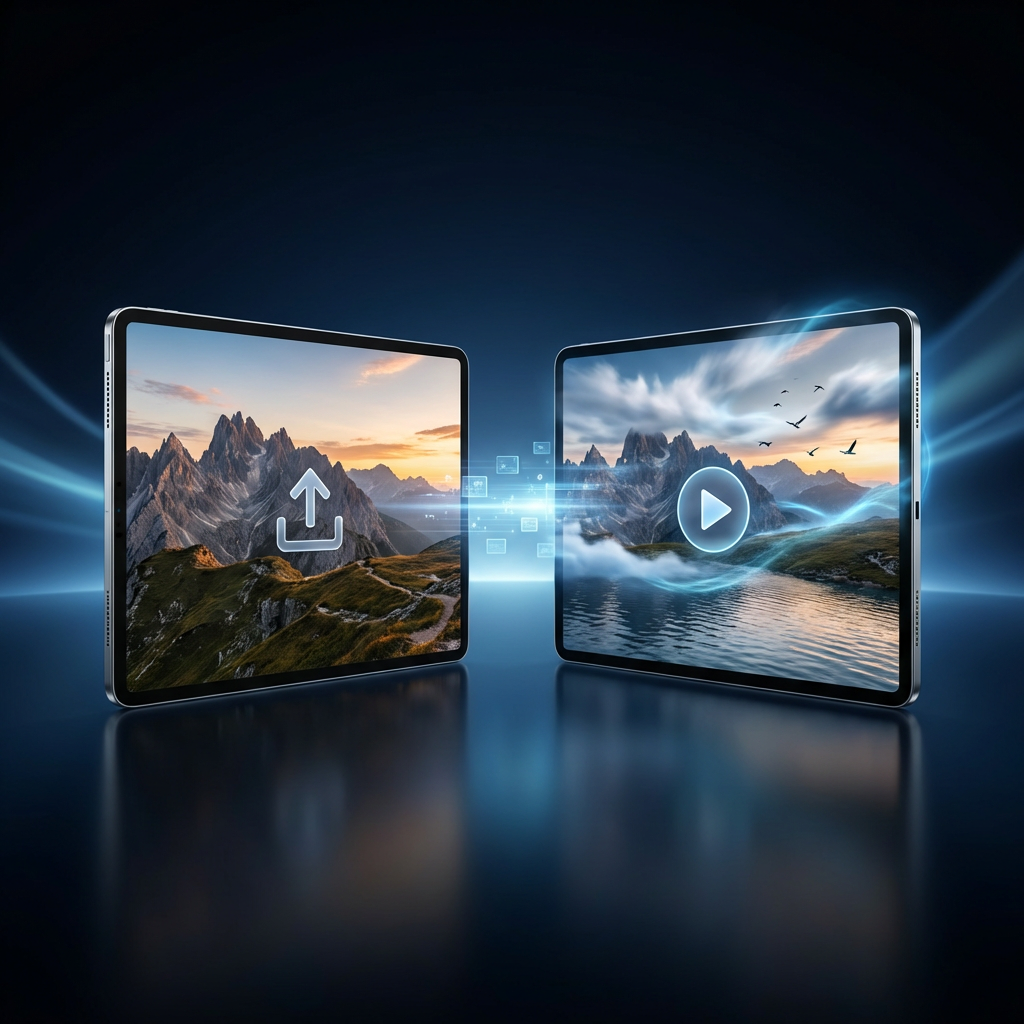
Turn a picture into a video with AI
Upload a picture, describe the motion you want, and use LlamaGen's video model workflow to create an AI video from the still image.
Auto Translate
188 / 2000
Explore examples, workflow details, and practical guidance
Prompt-guided motion
Social-ready clips
Powered by LlamaGen video models
Workflow
Build, generate, then review
Step 1
Upload the picture you want to animate in the generator.
Step 2
Describe the motion, camera direction, mood, and any details that should stay consistent.
Step 3
Generate the video and refine the prompt until the image moves the way you want.
Art direction
What to refine after the first draft
Picture-first video generation
Use your uploaded image as the visual reference so the generated video starts from your actual picture instead of a blank text prompt.
Motion prompts for better control
Guide the result with camera movement, subject action, background motion, mood, and video style instructions.
Built on LlamaGen video models
The page helps creators turn a still image into a short AI video with LlamaGen.
Example directions
Compare complete visual directions
FAQ
Practical questions
What is Turn Picture Into Video?
Turn Picture Into Video is a LlamaGen tool page for creating a short AI video from an uploaded picture.
Do I need to upload a picture?
Yes. The selected video model supports image input, so upload a picture first and then describe how it should move.
What should I write in the prompt?
Describe camera movement, subject motion, mood, background animation, and anything that should stay faithful to the original picture.
Take the strongest direction into production
Generate several directions, choose the one with the clearest visual promise, then proof the details before publishing or printing.