Choose a readable PDF
Upload a PDF up to 50 MB. Extract the relevant pages first when the document is long.


PDF to Comic
Turn a readable document into a comic draft. Choose the passage that matters, define your reader, and carry the source into a panel-by-panel story.
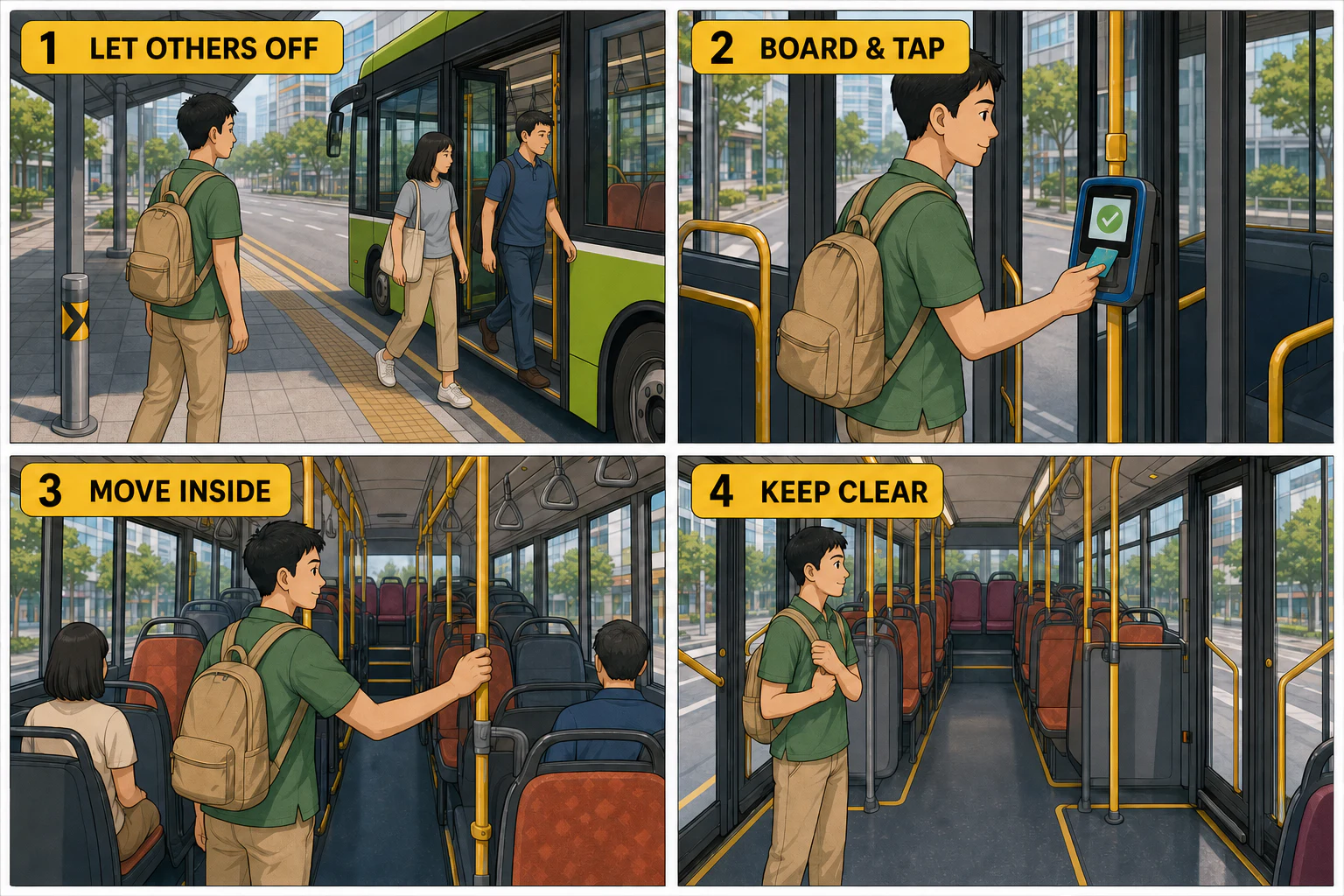
Existing LlamaGen illustration, not a conversion of your uploaded file.
View example sourceFrom passage to panels
A PDF contains more than a comic can say at once. Name the passage, identify the reader, and give each panel one job.
Illustrative source excerpt
Before boarding, wait to one side and let passengers leave. Have your payment card ready. Board and tap, then move inside. Keep the doorway and aisle clear.
This is an editorial planning exercise using an existing illustration, not a verified PDF conversion. Local transport rules may differ.
Show where the passenger waits; make the boarding order visible.
Place the card and reader where the viewer can see the tap.
Use the same clothing and bag to make continuity easy to check.
Show the clear doorway instead of adding another long caption.
The workflow
Upload a PDF up to 50 MB. Extract the relevant pages first when the document is long.
Name the page range, audience, and facts to preserve in the direction field.
Open the draft in Studio. Compare names, numbers, captions, and reading order with the source.
Made for this source
Your uploaded PDF is passed as source context. File upload does not guarantee that every page or scanned word will be understood.
Ask for an explainer, a narrative, or a step-by-step guide. Specify what to keep verbatim and what can be shortened.
Refine the draft's panels, captions, and composition in Studio instead of treating the first generation as final.
The example library
These existing LlamaGen illustrations demonstrate sequence, continuity, and readable actions. They are visual references, not claimed results from the sample PDF.
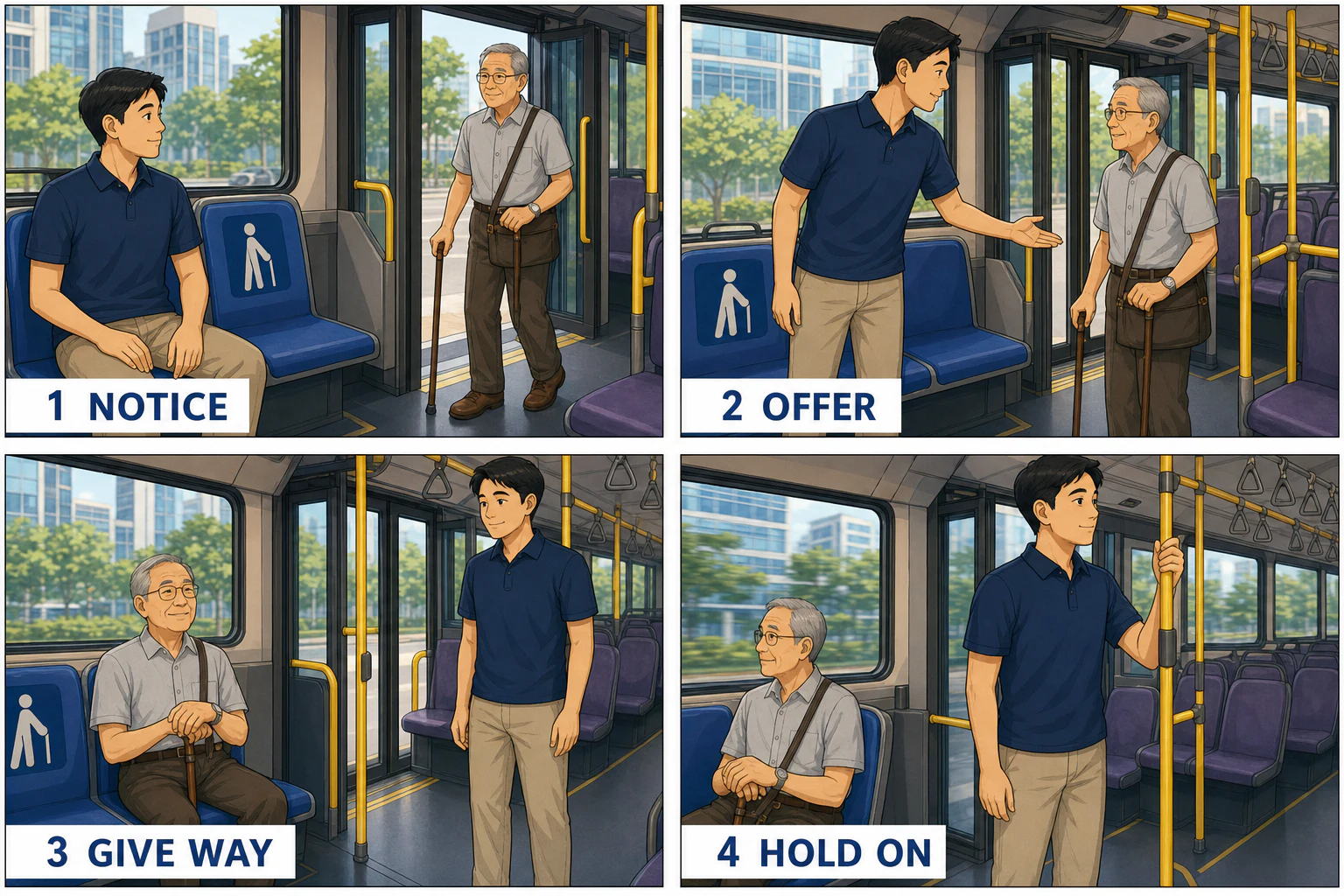
Existing LlamaGen illustration, not a conversion of your uploaded file.
View example source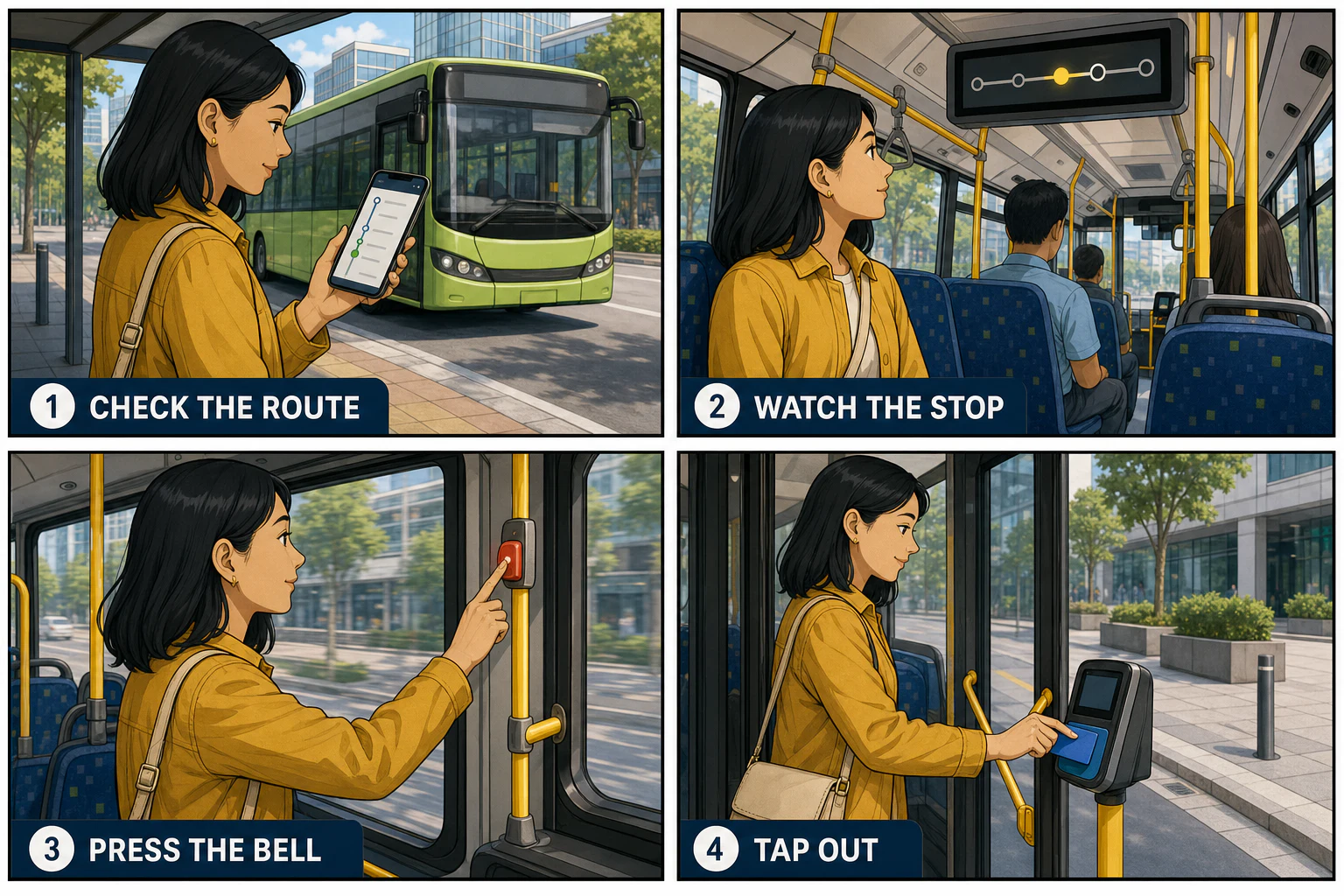
Existing LlamaGen illustration, not a conversion of your uploaded file.
View example sourcePut it to work
Turn one concept or process into a short illustrated lesson; verify terminology before using it in class.
Show observable actions in order. Preserve exceptions and safety instructions from the original document.
Adapt one scene with a small cast, keeping character names and the narrative point of view consistent.
A useful starting brief
For a lesson or practical handout.
Adapt the selected passage into four panels for a first-time reader. Preserve factual terms and the order of actions. Use one clear action and one short caption per panel. Do not invent statistics or quotations.
For a procedure with a definite order.
Use the uploaded PDF to explain one process in four panels. Keep the same person and objects throughout. Include a visible starting condition, the key action, a check, and the expected outcome. Keep source warnings intact.
For a short narrative excerpt.
Adapt only the selected scene from the PDF. Keep character names, relationships, and the ending unchanged. Reduce exposition to short captions and use expressions and staging to carry the story.
The review pass
If pages are scanned, rotated, protected, or difficult to read, supply a cleaner excerpt. Do not assume OCR was accurate.
Check names, numbers, quotations, and warnings against the PDF. Generated details can be wrong.
Use documents you may adapt. Remove confidential or personal information before uploading.
Questions, answered
It creates a comic-page draft using an uploaded PDF as source context and your direction as an adaptation brief. It is not a page-for-page PDF export.
The upload accepts .pdf files up to 50 MB. Prefer readable, unprotected documents. A successful upload does not guarantee accurate reading of every scanned page.
Describe the page range in the direction field. For better control, create a PDF containing only that excerpt before uploading; there is no page-range extraction control on this page.
Not automatically. Ask for important facts to remain unchanged, then compare the draft with the source before sharing.
Yes. A successful generation opens the draft in LlamaGen Studio, where you can continue refining the comic.
Sign in to upload and create. Generation uses account credits; if the balance is insufficient, the existing upgrade flow explains your options.
From the community
The examples above are selected from the existing LlamaGen library. For broader styles and creator feedback, explore the full gallery and community wall.
The complete original collection is still here. These are general style references, not results from this converter. Original prompts and artwork retain their source language.
Loading the reference library…
A different starting point
Bring your source and a clear direction. Create a first draft, then review the details in LlamaGen Studio.
Back to your sourceExplore LlamaGen
Move from a single generated image or video into comics, manga, storyboards, and connected visual stories.