Turn Picture Into Comic Online

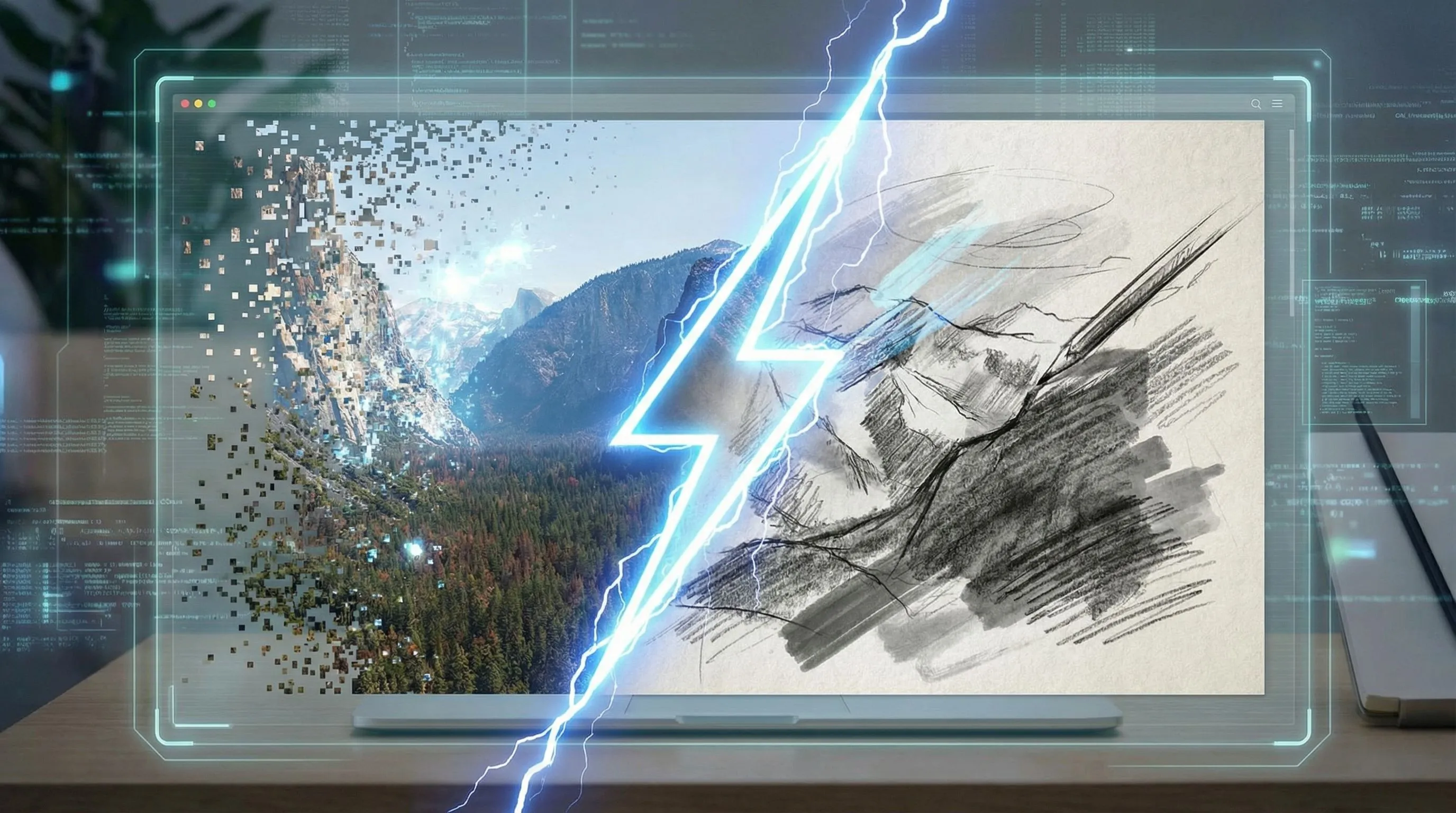
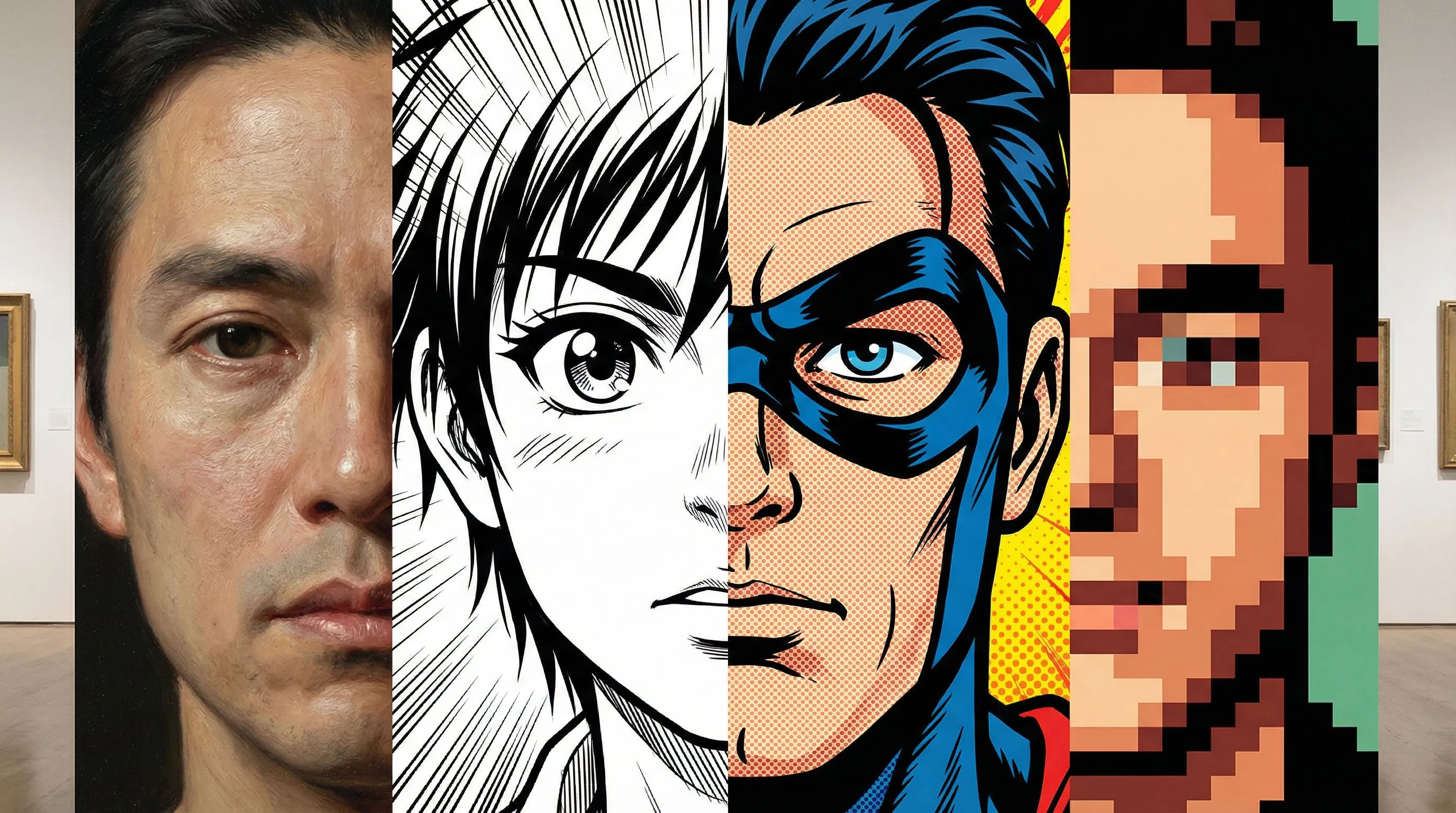
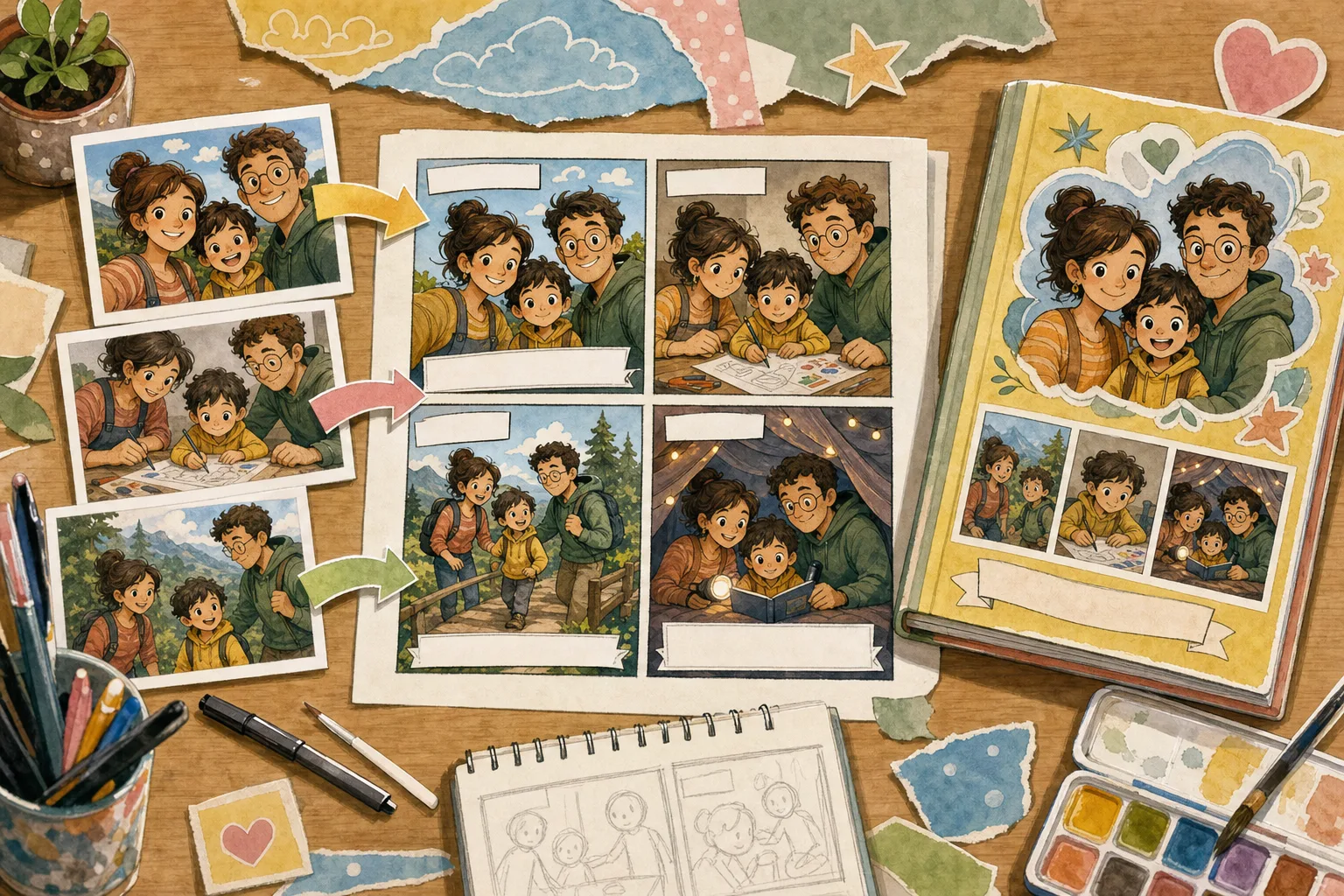
Upload a photo or image first. Convert it into comic-style artwork, comic book panels, or a quick photo-to-comic filter result before moving into captions, panels, or studio refinements.

Before and after example of a photo turned into comic art
Example resultYour photo, reimagined as a comic

1Upload one photo

2Choose a comic style

Add a story idea (optional)
Preview first · free sign-in required when you generate

Picture-to-story proof

One picture can become a real comic story

Each example starts with one original picture and ends with a six-panel page that has setup, action, a turn, and a resolution. Compare the source and finished page in one view.

Case 01Color American comic

A rain-soaked medicine run becomes a six-panel rescue story

The original courier portrait supplies the cast, wardrobe, bicycle, and location. The comic page adds obstacles, movement, and a complete delivery payoff.

The story moves through

  1. 1A blocked station entrance establishes the problem.
  2. 2An urgent alert turns concern into action.
  3. 3The courier races and carries the bicycle over the barrier.
  4. 4The medicine reaches the clinic and resolves the scene.
Input 1 pictureStory 4 beatsOutput 6 panelsReview Approved
Open full-resolution comparison
File details and known limits

Input

SHA-256 db884d4626f832c20c181a64e538082a01d6cf658db6a87e5c581d1cbb97dfa0

Output

SHA-256 f0514867227c193d6da807535ca7cbf9a68e568b1aef27eccfae49b3ab37b27c

Known limitation

These are curated story transformations, not pixel-perfect reconstructions. The generation interface did not expose a public model identifier, seed, latency, or per-image cost.
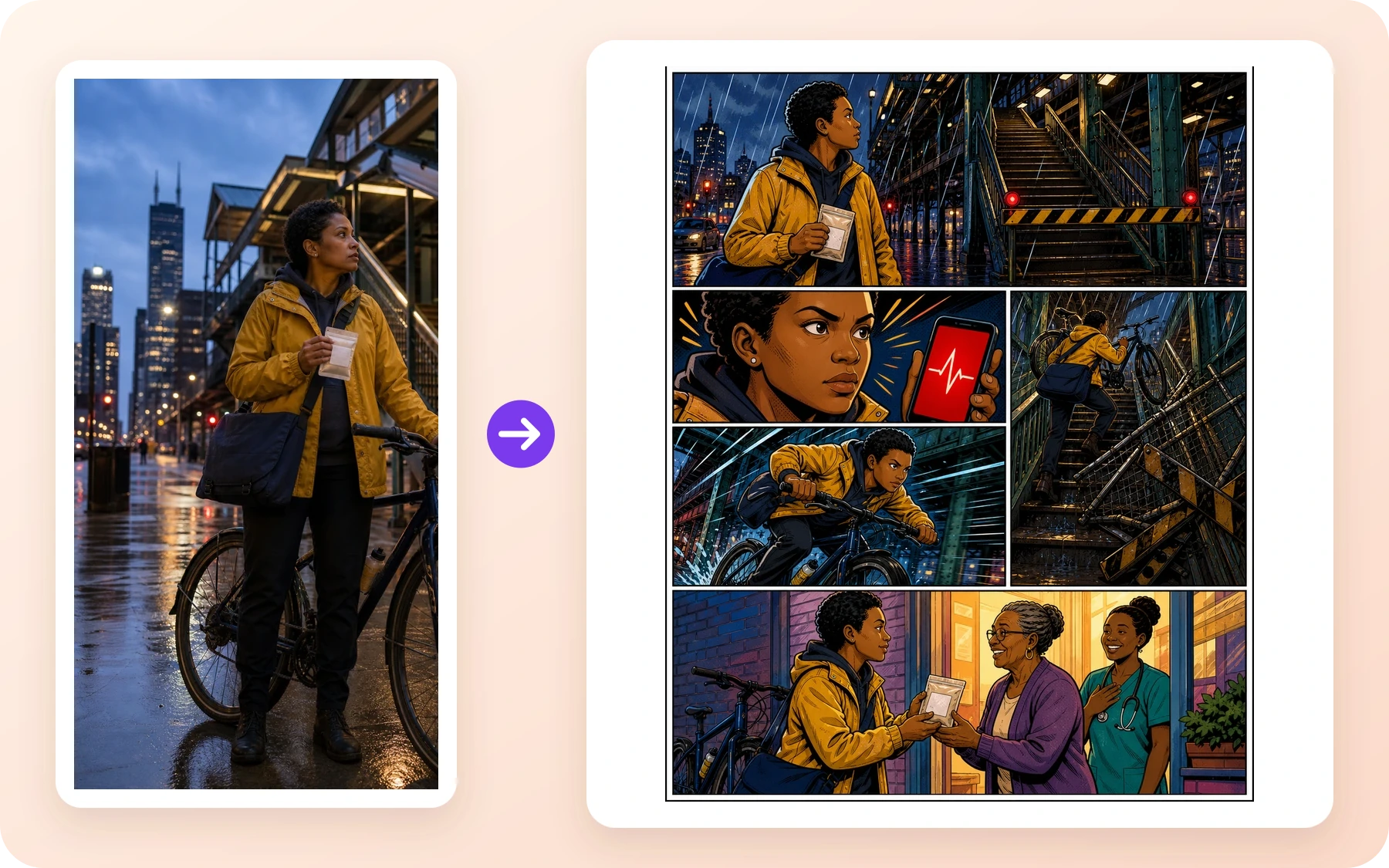
Original rainy Chicago courier photograph beside a colorful six-panel American comic rescue story
Case 02Hot-blooded manga

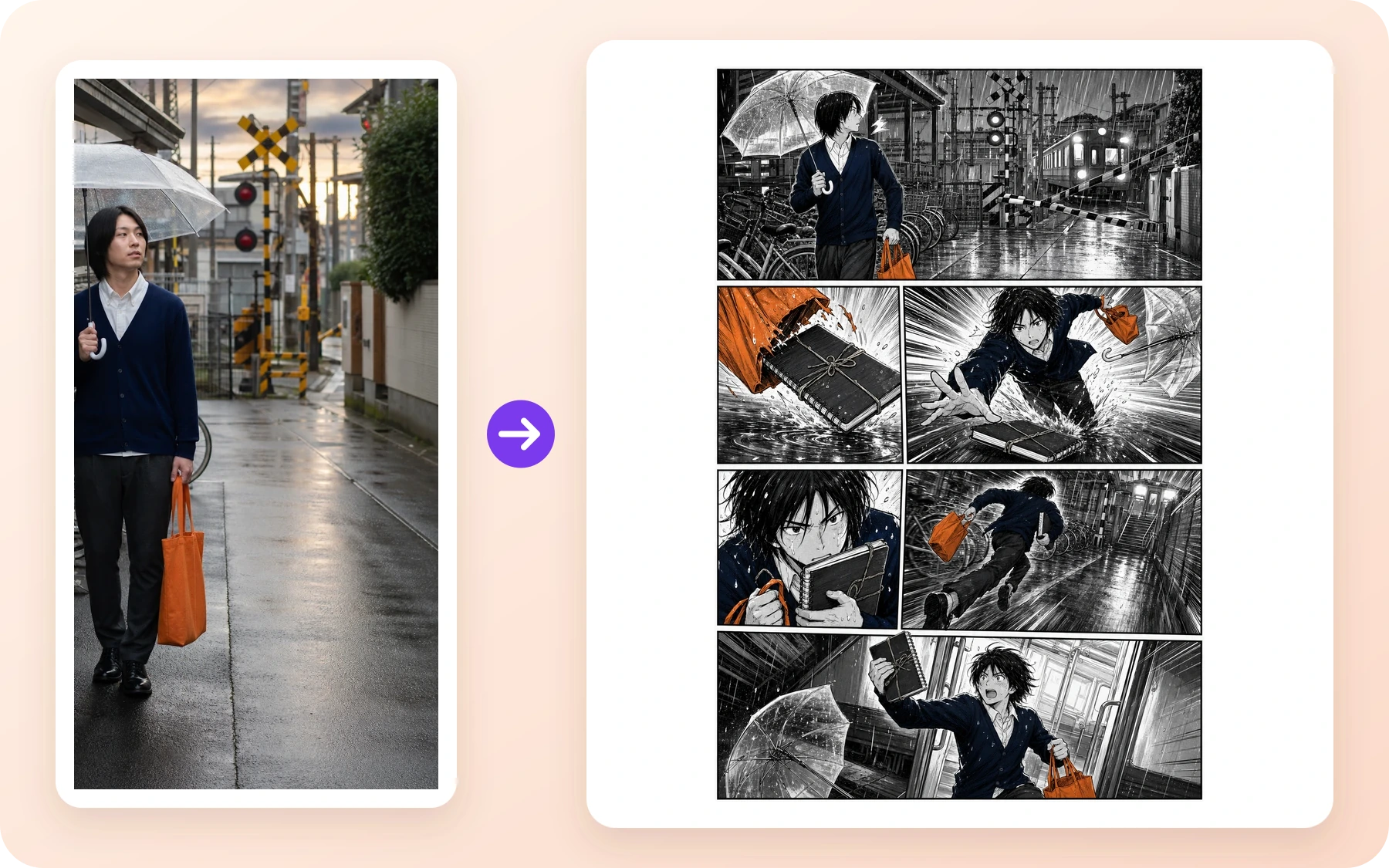
A rainy railway portrait becomes a last-train sprint

The commuter, clear umbrella, orange tote, and crossing stay recognizable while the page adds speed lines, a rescued sketchbook, and a triumphant final beat.

The story moves through

  1. 1The lowering gate and approaching train create a deadline.
  2. 2A torn tote sends the sketchbook toward a puddle.
  3. 3The commuter saves it and sprints for the platform.
  4. 4The final panel lands on the open train doorway.
Input 1 pictureStory 4 beatsOutput 6 panelsReview Approved
Open full-resolution comparison
File details and known limits

Input

SHA-256 ecffb7de0e5b7aad6d1b7189715f4e68955c3028be0c84ea05d251b873716898

Output

SHA-256 ab79568cc8ed4a5301ab11695330a3f6194de63018cd2ba6b56b3c6eef9dcc81

Known limitation

These are curated story transformations, not pixel-perfect reconstructions. The generation interface did not expose a public model identifier, seed, latency, or per-image cost.
Original rainy Japanese railway portrait beside a six-panel hot-blooded manga last-train story
Case 032D cartoon comic

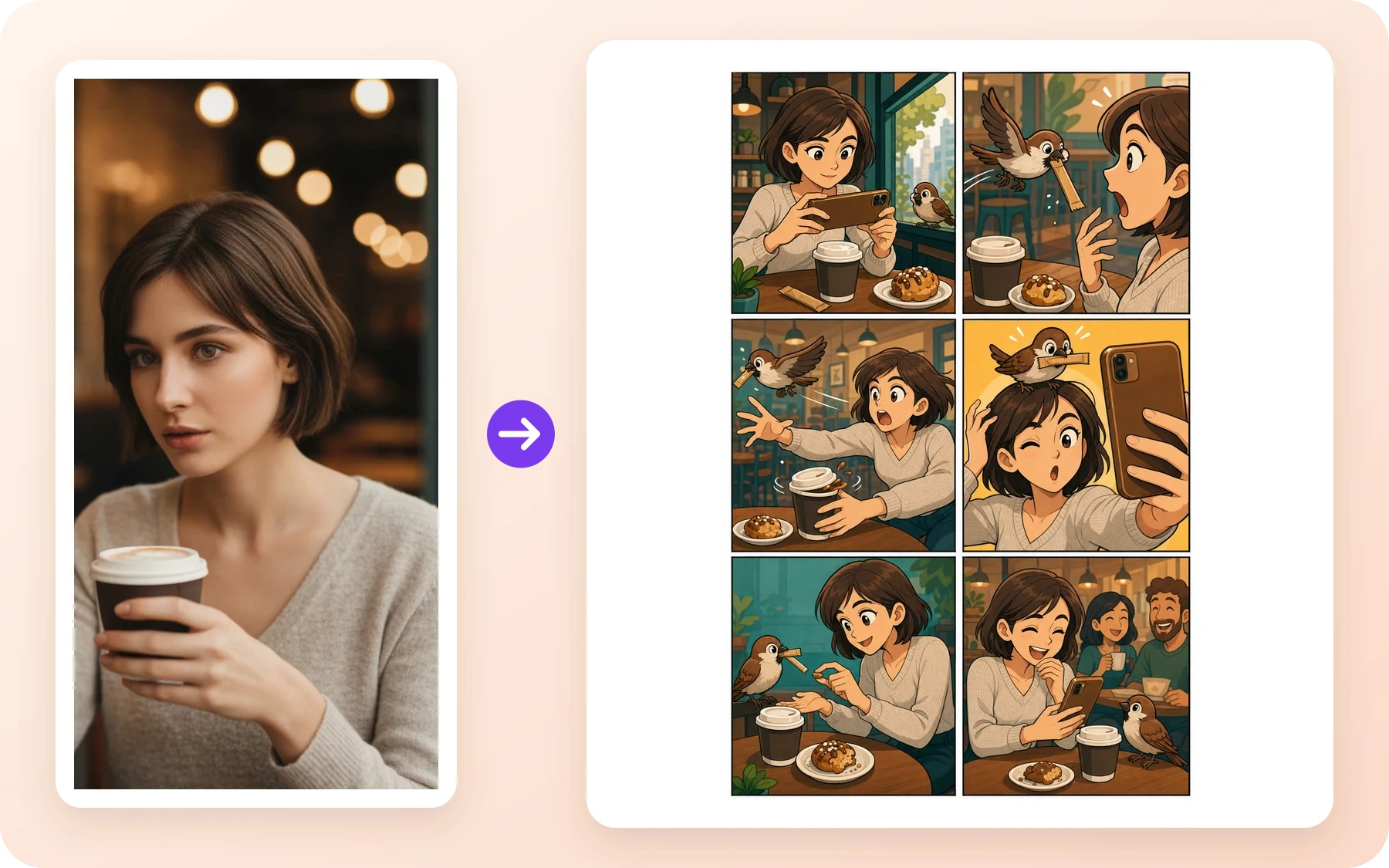
A café portrait becomes a six-panel sparrow comedy

The phone, coffee cup, hairstyle, and café mood carry into a playful cartoon sequence with a small conflict and a warm visual punchline.

The story moves through

  1. 1A sparrow notices the staged coffee photo.
  2. 2It steals the sugar stick and triggers a chase.
  3. 3The phone captures an accidental bird-on-head selfie.
  4. 4A shared pastry crumb turns the mishap into a happy ending.
Input 1 pictureStory 4 beatsOutput 6 panelsReview Approved
Open full-resolution comparison
File details and known limits

Input

SHA-256 bef0a007ac4d9eeae014841b64e5b19051e21b3eb963c6251a2323da375efaa7

Output

SHA-256 154d2e6df4926342c737e0724947f774e1685f13cbbfe5a40b49bd94d7103970

Known limitation

These are curated story transformations, not pixel-perfect reconstructions. The generation interface did not expose a public model identifier, seed, latency, or per-image cost.
Original café portrait beside a six-panel 2D cartoon comic about a mischievous sparrow

These examples show three different story-first styles. Upload your own picture to build the next sequence.

Create a comic from my picture

How to Turn a Picture Into Comic Art

A short path from image to comic style, comic book art, or an editable comic panel

1. Upload your photo or image

1. Upload your photo or image

Start free with one picture. Use a portrait, pet photo, product shot, scene, or screenshot you want to convert into a comic style.

2. Choose the comic direction

2. Choose the comic direction

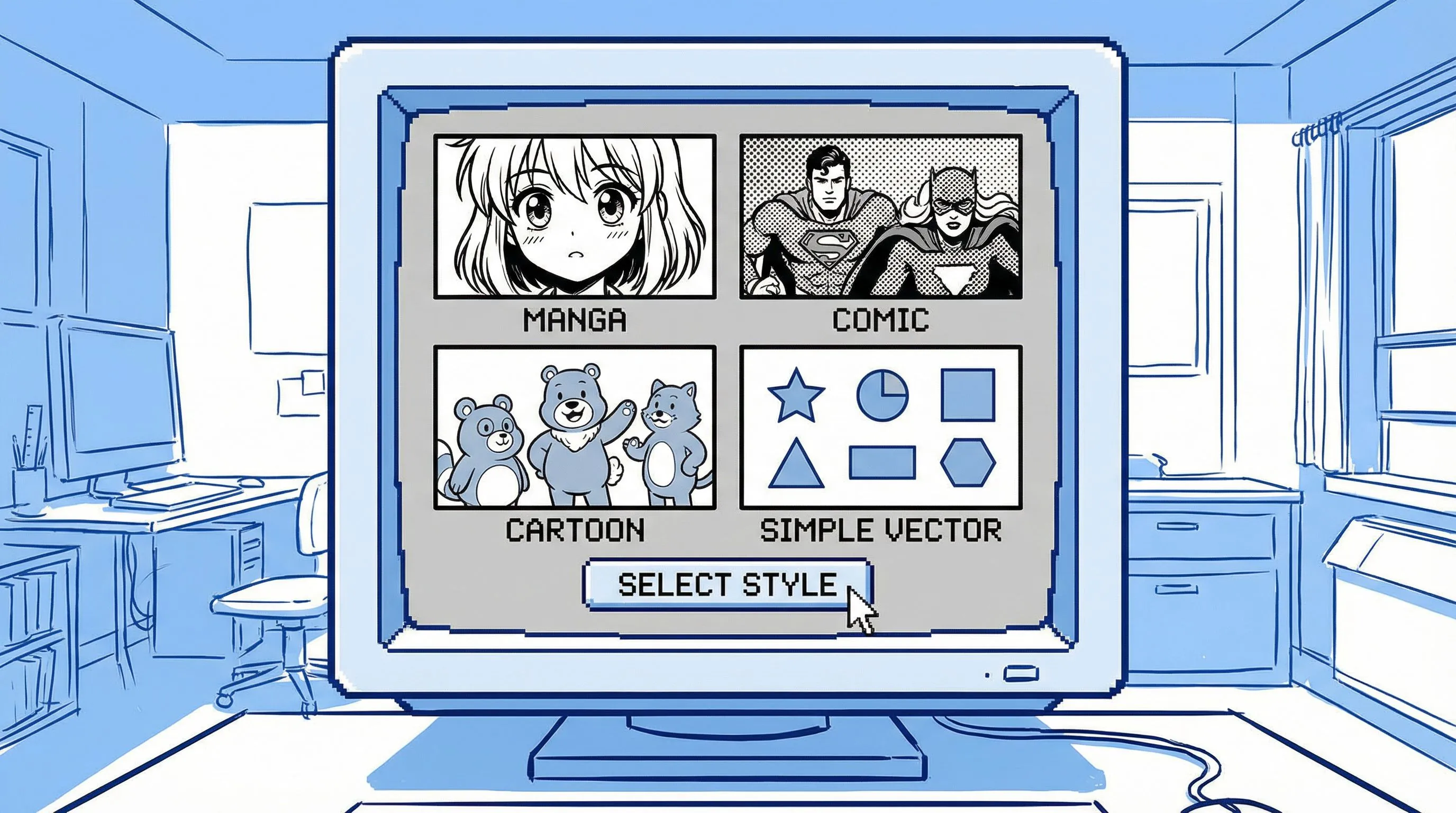
Ask for image to comic, photo to comic style, comic book art from photo, a 4-panel comic, or a simple online comic filter result.

3. Generate and refine

3. Generate and refine

Open the comic draft in the studio to refine the look, panels, captions, prompts, and export-ready creative assets.

Image to Comic

Convert a photo into comic style before planning a bigger story

No forced character setup before the user sees value. Upload the picture, choose a comic style, and generate a first photo-to-comic draft that can become a panel, ad, meme, storyboard, or keepsake.

Start With One Photo
Image to Comic

Personalized Character Comic

Move into character consistency after the photo-to-comic result works

When the output needs recurring people, products, or scenes, continue into the full studio workflow to add multiple references and reusable style directions.

Campaign comicAnime socialCinematic explainerFunny problem/solution
Unlock More References
Personalized Character Comic

Photo to Comic, Comic Book Art, and Online Comic Filter Workflows

Match the output to the query: a single comic-style image, a comic book panel, or an editable comic sequence.

Photo to Comic Style

Convert portraits, pets, products, and scenes into bold comic-style images with ink lines, halftone shading, and readable composition.

Comic Book Art from Photo

Use one instruction to steer the image toward superhero panels, manga-inspired scenes, retro comic art, or clean cartoon comic looks.

Free Online Comic Filter Start

Start with one image and a simple comic filter direction, then keep editing if the draft needs captions, panels, or stronger continuity.

LlamaGen Image to Comic vs Basic Comic Filter

A filter changes the look. LlamaGen helps turn a picture into a comic asset with a job to do.

Why this matters for output quality

The workflow is designed for production value: consistency, purpose, and editable output.

NeedLlamaGen Image to ComicBasic Photo Filter
Input
Image plus prompt, with optional multi-reference support and style templates for projects that need continuity.
One image and a generic style preset.
Purpose
Can create ads, explainers, social stories, storyboards, and training visuals.
Usually produces a single stylized picture.
Consistency
Multiple references help preserve products, people, scenes, and visual direction.
Hard to keep identity or product details consistent across outputs.
Output
Editable comic project with panels, captions, prompts, and refinements.
A flat image with limited iteration paths.

Generated with Gemini 3.1 Flash

Photo to Comic Examples

Start with one picture for a quick comic-style result, then add references when the idea needs a longer personalized comic

Action comic style product launch scene

Four-panel case

Action comic style product launch scene

Campaign comic: high-energy launch visual with a clear hero moment.

Campaign comic: high-energy launch visual with a clear hero moment.

Slice of life manga comic panel

Four-panel case

Slice of life manga comic panel

Social story: relatable everyday scene with expressive character reaction.

Social story: relatable everyday scene with expressive character reaction.

Fantasy comic panel

Four-panel case

Fantasy comic panel

Storyboard draft: conflict, action, and readable panel composition.

Storyboard draft: conflict, action, and readable panel composition.

Community Love

Trusted by comic creators and enthusiasts worldwide

I use this to quickly prototype panel layouts. It captures the American comic style perfectly.

Stan M.

Comic Artist

The manga filter is amazing. I can turn my cosplay photos into actual manga pages.

Emily R.

Manga Fan

Great for getting inspiration when I am stuck. The noir style is particularly impressive.

Chris P.

Illustrator

Frequently Asked Questions

Can I turn a picture into a comic online?+

Yes. Upload a photo or image, describe the comic style you want, and use LlamaGen as a photo to comic AI generator for comic-style images, panels, and editable comic drafts.

What file formats are supported?+

The upload workflow supports common image formats such as JPG, PNG, GIF, WebP, HEIC, and HEIF. For story notes, start with the prompt box and keep the uploaded image focused on the visual you want to transform.

Can I use the images commercially?+

Commercial use depends on your LlamaGen plan terms and the rights you have to the source image. Use the first result to test whether the comic direction works before creating production assets.

How is this different from a basic photo-to-comic filter?+

A basic filter usually restyles one image. LlamaGen can start with that image, then continue into panels, captions, prompts, character references, and studio refinements.

Can I make a personalized comic with recurring characters?+

Yes. After the first photo-to-comic draft, use additional references and studio refinements when the project needs recurring people, products, scenes, or longer personalized comic sequences.

How does LlamaGen.Ai ensure consistency in AI-generated comics?+

LlamaGen uses your character references, names, notes, style choices, and prompt context to make recurring characters easier to recognize across the comic.

Ready to Turn a Picture Into Comic Art?

Start with one photo, choose a comic style, and keep refining the result into a panel, comic book image, or personalized comic sequence.

Turn My Picture Into Comic

Create Your First Comic Today

Generate your first comic in under a minute. No credit card required.