Find a story worth following
Explore a character's goal, an unusual setting, or a difficult choice. Compare different openings before you commit to a direction.
Käytä LlamaGen.ai:tä AI-tarinoiden luontityökaluna ja tarinan kirjoittajana. Muuta yksinkertainen idea jäsennellyksi luonnokseksi, jossa on juoni, hahmot, dialogi ja polku storyboardiin tai sarjakuvapaneeleihin.
Try the first draft here. Free access has limits; saved projects and visual tools use your account and plan credits.
See how it worksPick a prompt to read an illustrative opening, then generate your own version. These samples are prepared examples, not live results or customer testimonials.
Example opening
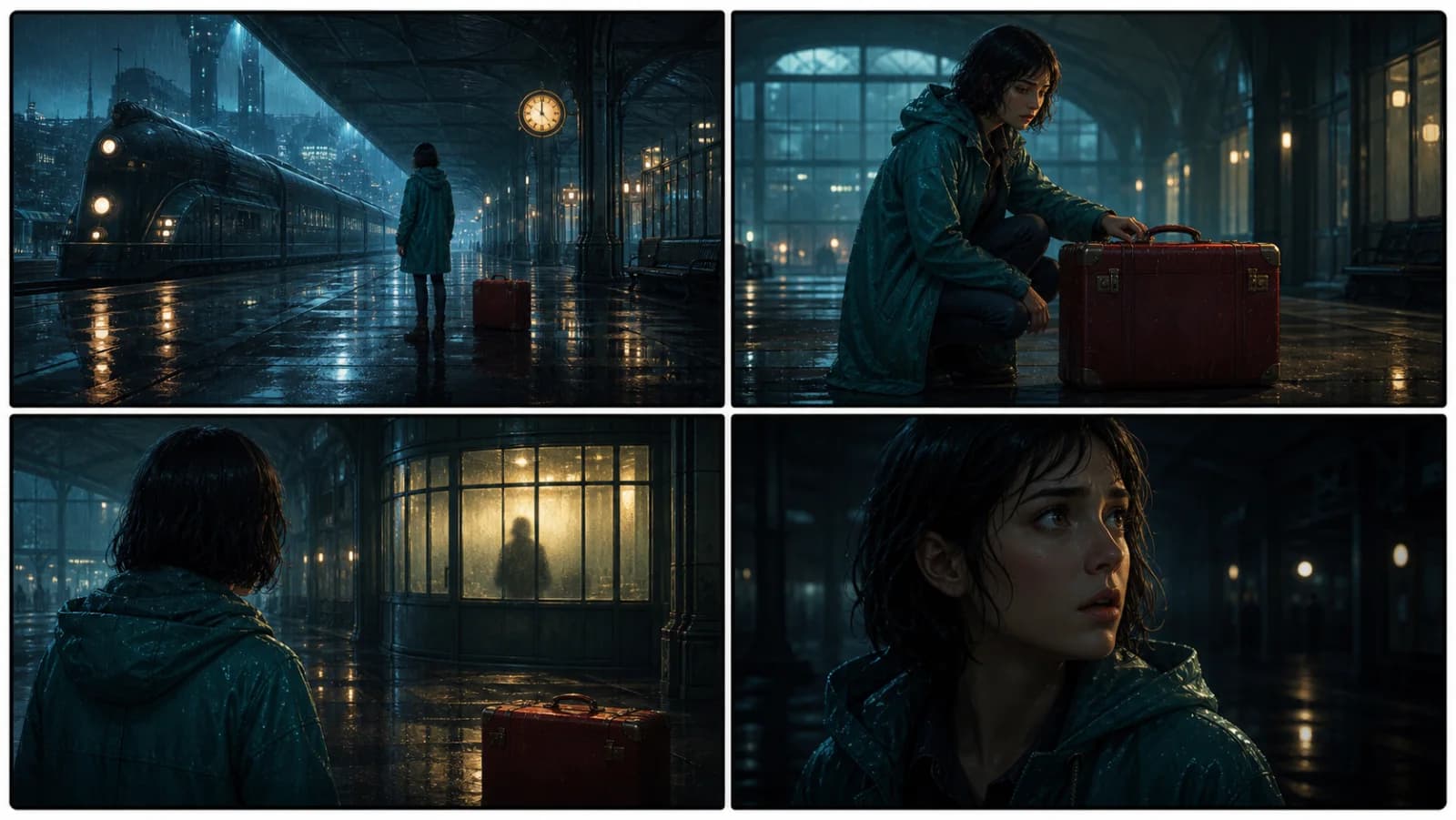
The radio said Mara's name before she switched it on. On Platform Three, rain gathered around a red suitcase. She had checked the platform a minute ago. Empty. Now someone had left a case beneath the broken clock, with a luggage tag written in her handwriting.
Start with something specific: a radio operator alone at a station, a red suitcase, and a message that knows her name. Generate an opening, read what works, then change the stakes or point of view. The next decision stays yours.
Generate story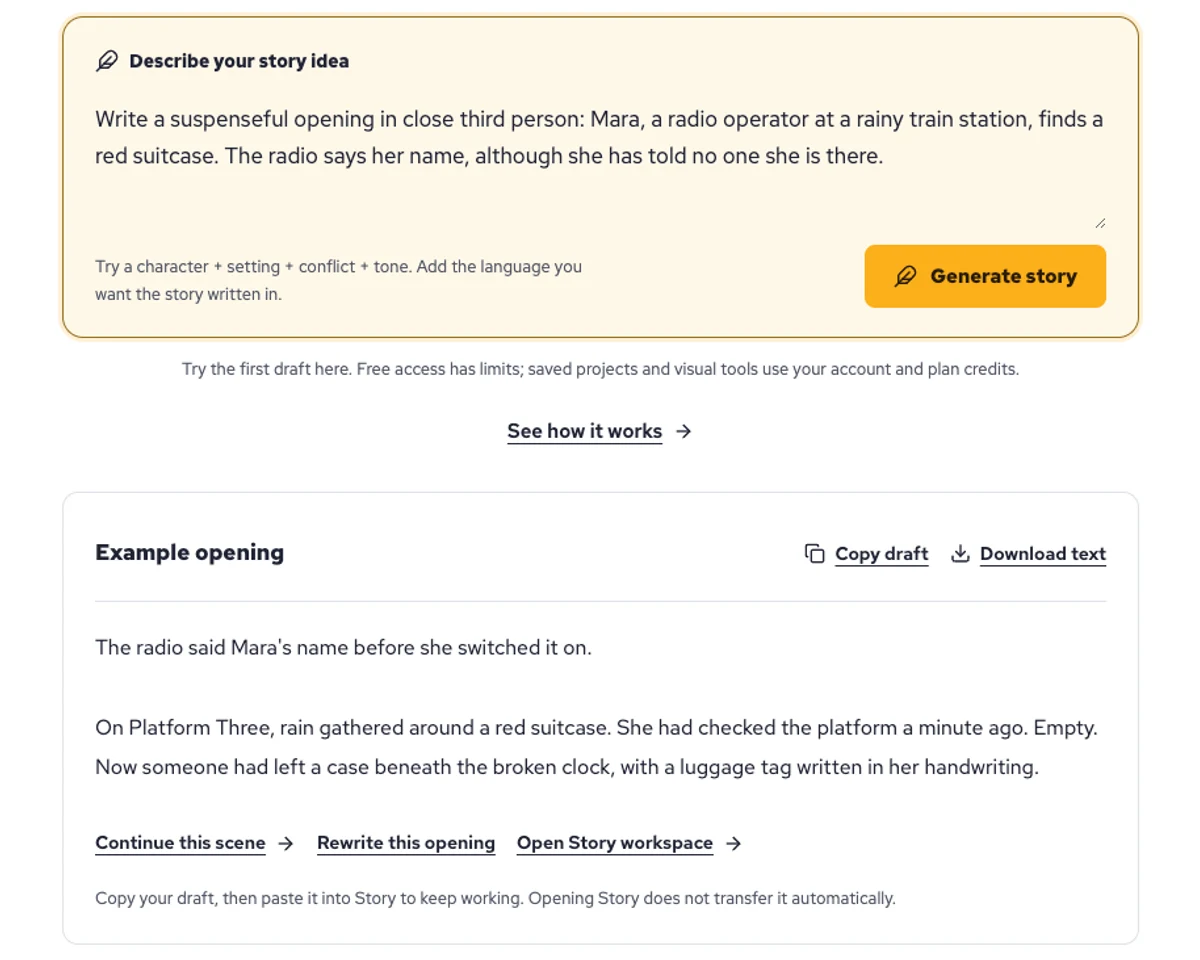
Explore a character's goal, an unusual setting, or a difficult choice. Compare different openings before you commit to a direction.
Paste an unfinished idea or use Continue after a draft. Read each new scene for names, motives, and details that need to stay consistent.
Use Rewrite to try a sharper opening. Copy a version you like before generating another, then edit the phrasing in your own voice.
This illustrative sequence follows Mara, her teal raincoat, and a red suitcase through four station shots. Use it as a guide: keep a character, location, and key prop consistent when you adapt your own draft into a storyboard or comic.
Explore script to storyboardThe same rainy-station story, imagined as a reading copy, a handheld proof, different cover designs, and a coordinated author set.
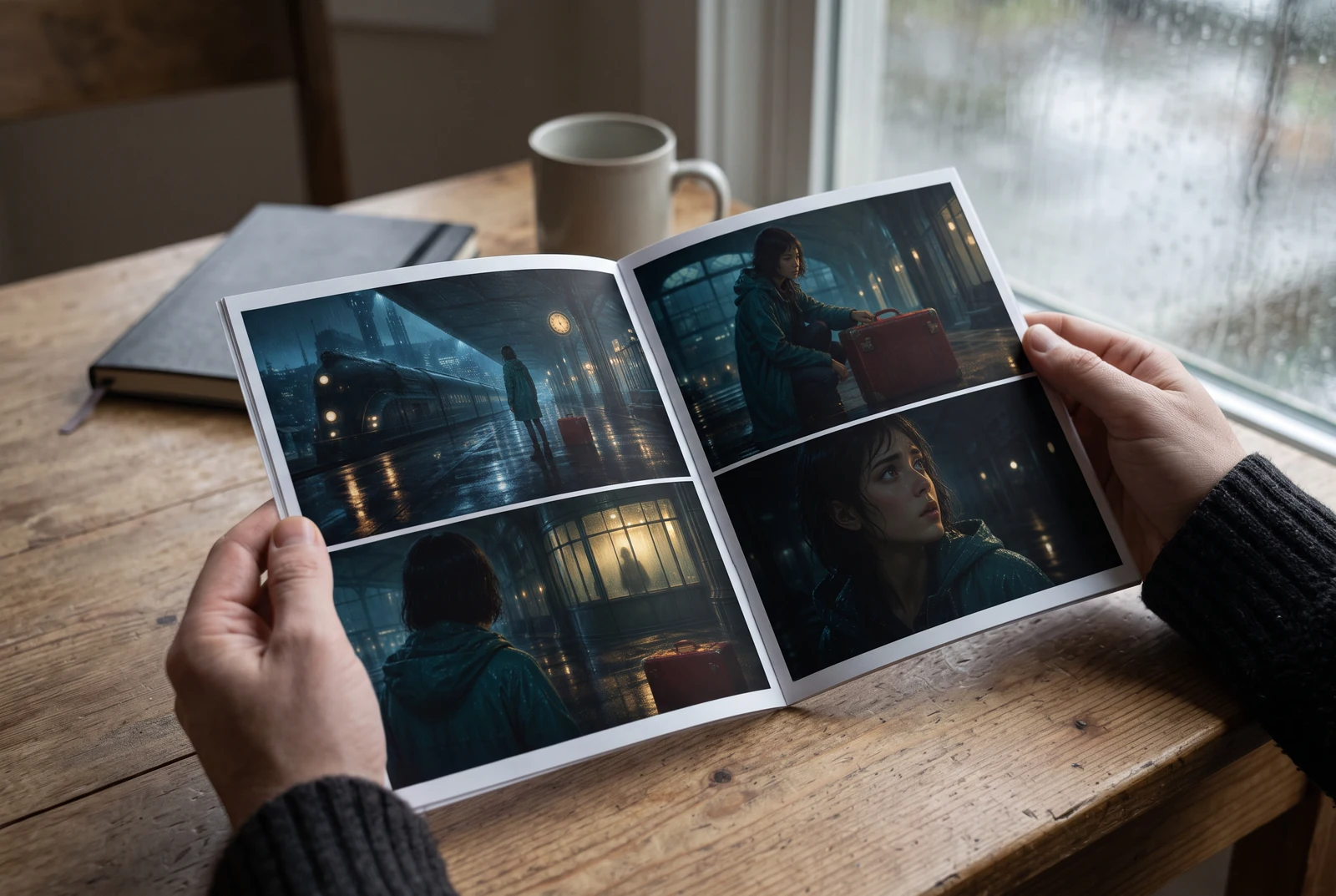
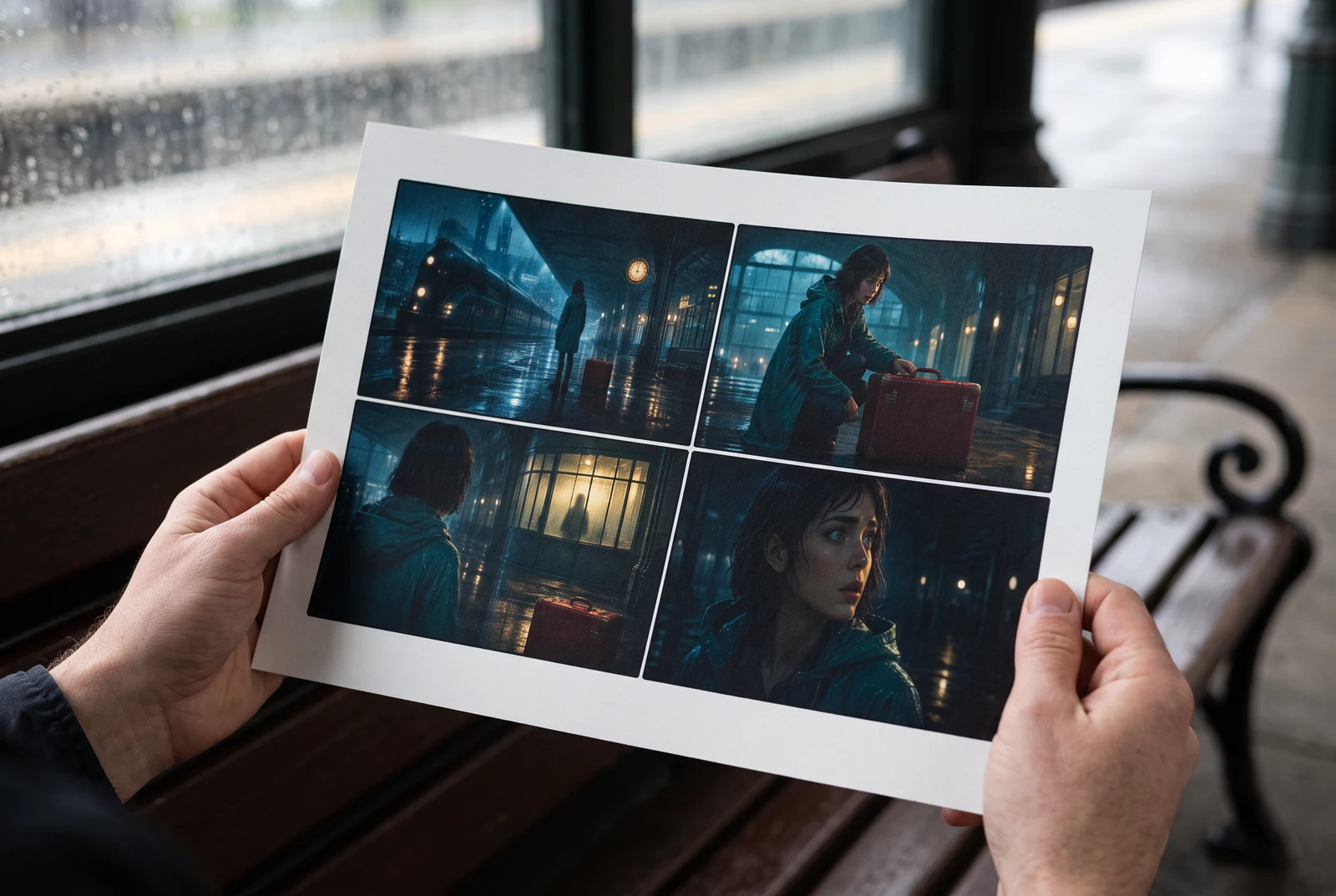
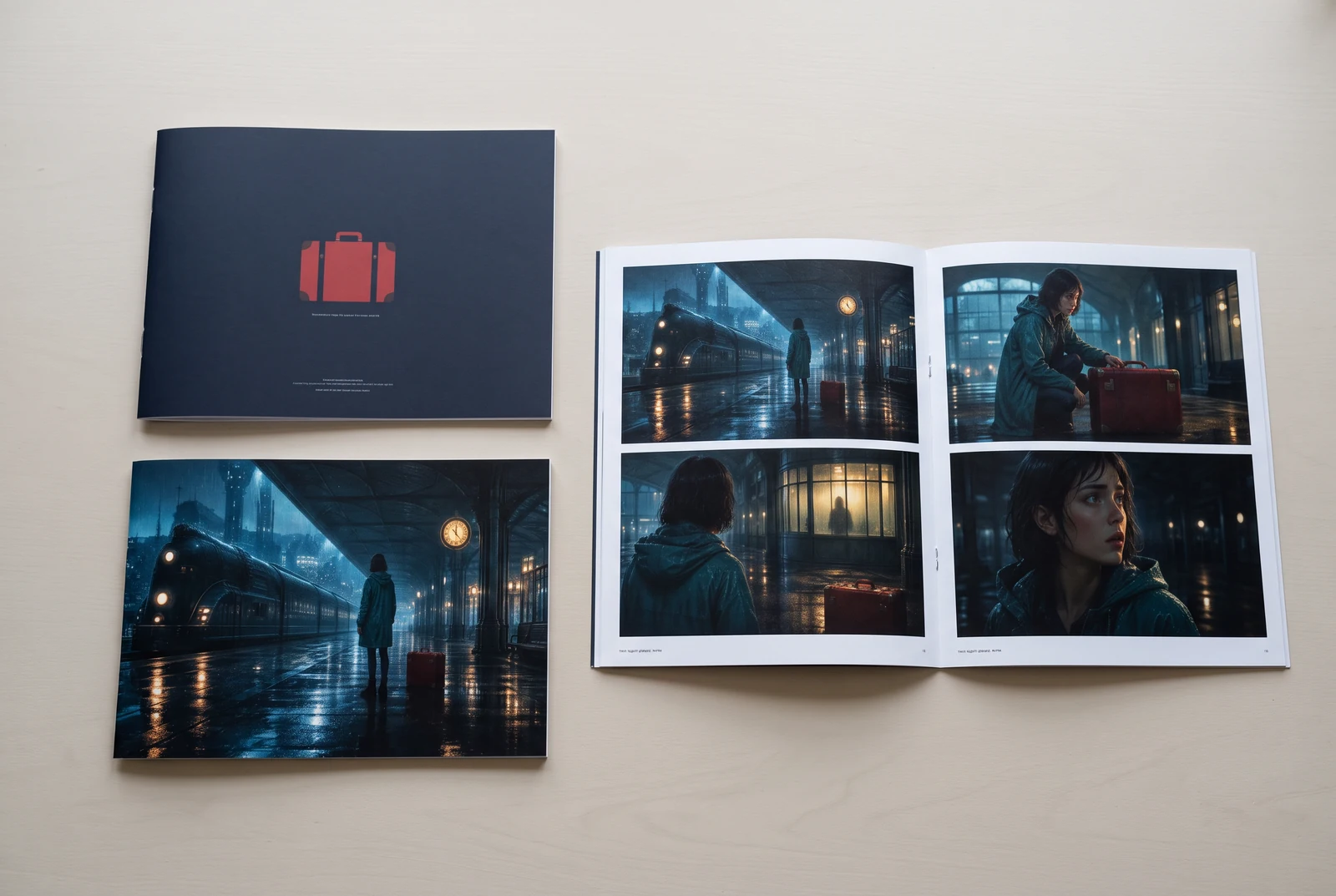
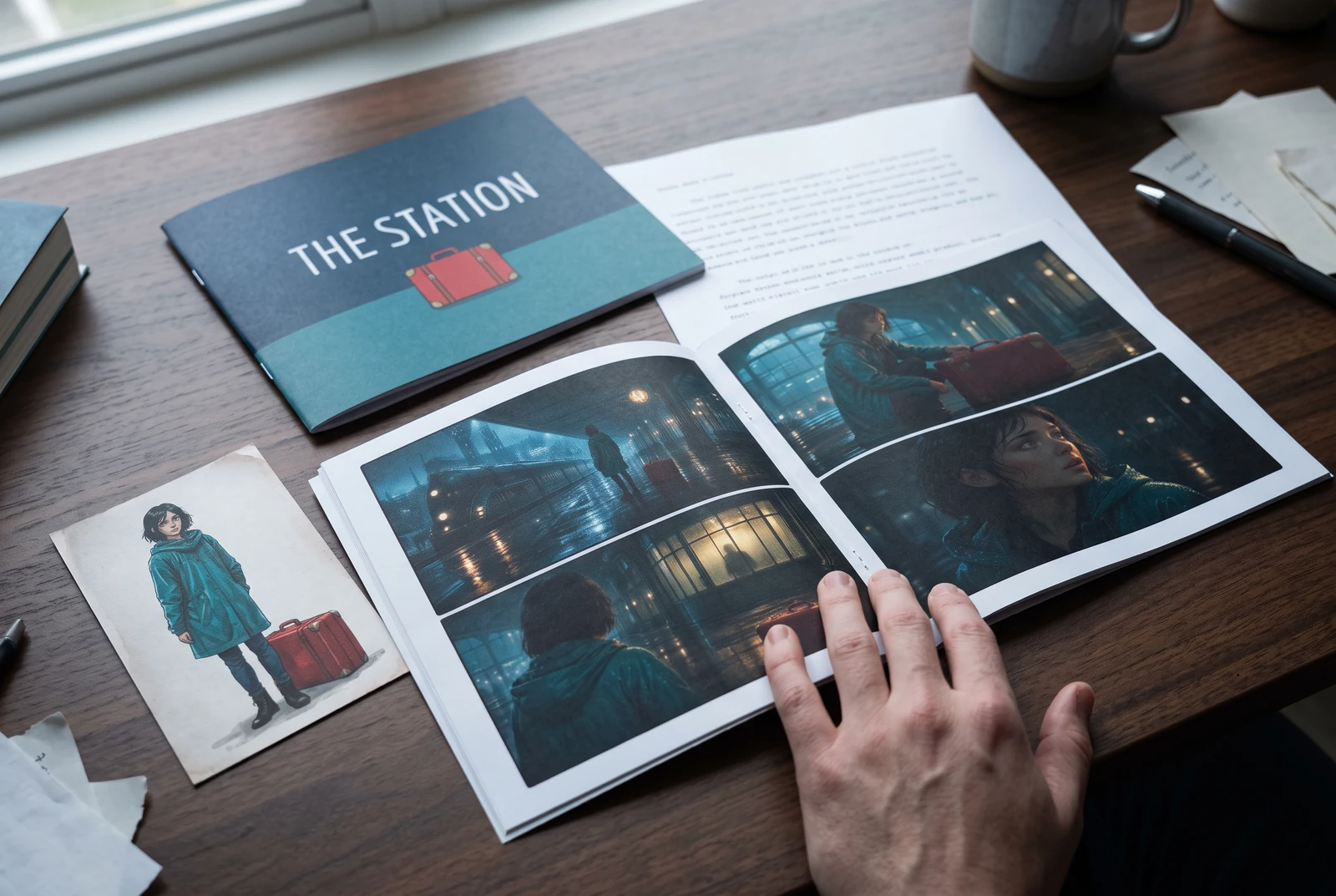
AI-generated display concepts using original LlamaGen story art. Paper examples illustrate personal printing and reading; they are not customer photographs or a print-delivery offer.
Test a premise, change the point of view, or work through the opening of a short story.
Draft scene beats and dialogue before planning comic panels or storyboard shots.
Create writing prompts and sample narratives. Review the output and follow your classroom or team's AI rules.
Describe a protagonist, setting, goal, and obstacle. Choose a tone and output language in your prompt.
Select Generate story. The result is a draft to review; one response is not a complete book.
Check the voice, facts, and continuity. Continue the next scene or rewrite the opening. Copy a version before replacing it.
Download the text or copy it into Story. Adapt approved beats into a storyboard or comic in a separate workflow.
AI can invent facts, repeat familiar phrasing, or lose track of a character. Review every draft before sharing it. Follow LlamaGen's terms and your school or workplace rules; check third-party material before publishing.
Se on selaimessa toimiva työkalu, joka muuttaa ideasi jäsennellyiksi tarinoiksi AI:n avulla. Syötä prompt ja saat luonnoksen, jossa on juoni, hahmot, dialogi, kohtausrakenne ja visuaalinen suunta fiktiota, sarjakuvia, opetuskirjoittamista, videoita tai visuaalisia romaaneja varten.
Hyvä prompt sisältää tarinaidean, genren ja tunnelman. Esimerkiksi: 'Yksinäinen noita avaa kahvilan metsään' lämpimällä arjen tunnelmalla. Mitä selkeämpi idea, sitä parempi tarina. Lisää tarkat tiedot hahmoista, ympäristöstä, tunneilmapiiristä ja tärkeistä juonipisteistä, joita haluat mukaan.
Voit muokata tai laajentaa tarinaa tai käyttää sitä pohjana sarjakuvapaneelien tai visuaalisen romaanin kohtausten luomiseen kuvitusten, taittojen ja dialogin avulla työkaluillamme. Monet tekijät käyttävät luotuja tarinoita käsikirjoituksina paneelikoostumusten, hahmoilmeiden ja visuaalisen rytmin kehittämiseen.
Se säästää aikaa, sytyttää luovuuden ja auttaa kaiken tasoisia kirjoittajia pääsemään yli lukkoihin. Olitpa rakentamassa fiktiota, sarjakuvaa, visuaalista romaania, luokkatehtävän promptia tai videoskriptiä, saat nopean lähtöpisteen ja kerronnallisen rakenteen, jonka kehittäminen veisi muuten tunteja.
Voit käyttää luomiasi luonnoksia lainmukaisiin henkilökohtaisiin tai kaupallisiin projekteihin LlamaGenin ehtojen mukaisesti. Generointi ei anna yksinoikeuksia, ja AI-teksti voi muistuttaa olemassa olevaa teosta. Tarkista lopputulos ja hae paikallista oikeudellista neuvontaa ennen kuin julkaiset kirjan tai kampanjan.
Voit luoda ensimmäisen luonnoksen tällä sivulla ilman kirjoitusohjelmiston ostamista. Kirjautuminen avaa Storyn, tallennetun historian, storyboard-, sarjakuva- ja videotyönkulut, jotka käyttävät suunnitelmasi krediittejä.
Työkalu tukee joustavia tarinapromptteja romantiikassa, fantasiassa, kauhussa, draamassa, komediassa, kouluelämässä ja kokeellisissa genreissä. Se ei pakota ideaasi yhteen yleismalliin, mutta pitää generoinnin silti alustan turvallisuussääntöjen sisällä.
Voit jatkaa uusien luonnosten, vaihtoehtoisten loppujen, juonenkäänteiden, hahmokaarten ja kohtausversioiden luomista, kun tutkit ideoita. Pidemmät projektit, tallennettu historia ja visuaalinen tuotanto käyttävät tilisi ja suunnitelmasi krediittejä.
Useimmat tarinat luodaan 5–10 sekunnissa monimutkaisuudesta ja pituudesta riippuen. AI käsittelee promptisi lähes välittömästi, joten voit tehdä iteraatioita nopeasti ja tutkia useita tarinasuuntia minuuteissa.
Tuemme kaikkia tärkeimpiä genrejä, kuten nuortenromantiikkaa, kaupunkifantasiaa, supersankareita, sci-fiä, kauhua, mysteeriä, arjen tarinoita, toimintaa, yliluonnollista, komediaa, draamaa, historiallisia ja muita. Määritä vain haluamasi genre promptissa.
Voit luoda ensimmäisen luonnoksen tällä sivulla ilman tilin luomista. Kirjautuminen avaa Storyn, historian eri istuntojen välillä, storyboard-, sarjakuva- ja videotyönkulut, jotka käyttävät suunnitelmasi krediittejä.
Tällä hetkellä englanninkieliset promptit tuottavat luotettavimmat luonnokset. Voit silti kirjoittaa lähtöidean myös muulla kielellä; tarkista tulos huolellisesti ja jatka muokkaamista Storyssa.
LlamaGen builds tools for writing, comics, and storyboards. Explore the team and product, check plan details, or contact support before choosing a workflow.
Write a premise. Explore an opening. Decide what happens next.
Generate story