Find a story worth following
Explore a character's goal, an unusual setting, or a difficult choice. Compare different openings before you commit to a direction.
LlamaGen.ai ಅನ್ನು ಎಐ ಕಥಾ ಜನರೇಟರ್ ಮತ್ತು ಕಥಾ ಬರಹಗಾರವಾಗಿ ಬಳಸಿ. ಸರಳ ಕಲ್ಪನೆಯನ್ನು ಕಥಾವಸ್ತು, ಪಾತ್ರಗಳು, ಸಂಭಾಷಣೆ, ಹಾಗೂ ಸ್ಟೋರಿಬೋರ್ಡ್ ಅಥವಾ ಕಾಮಿಕ್ ಪ್ಯಾನೆಲ್ಗಳತ್ತ ಹೋಗುವ ಮಾರ್ಗವಿರುವ ಸಂರಚಿತ ಕರಡಾಗಿ ಮಾರ್ಪಡಿಸಿ.
Try the first draft here. Free access has limits; saved projects and visual tools use your account and plan credits.
See how it worksPick a prompt to read an illustrative opening, then generate your own version. These samples are prepared examples, not live results or customer testimonials.
Example opening
The radio said Mara's name before she switched it on. On Platform Three, rain gathered around a red suitcase. She had checked the platform a minute ago. Empty. Now someone had left a case beneath the broken clock, with a luggage tag written in her handwriting.
Start with something specific: a radio operator alone at a station, a red suitcase, and a message that knows her name. Generate an opening, read what works, then change the stakes or point of view. The next decision stays yours.
Generate story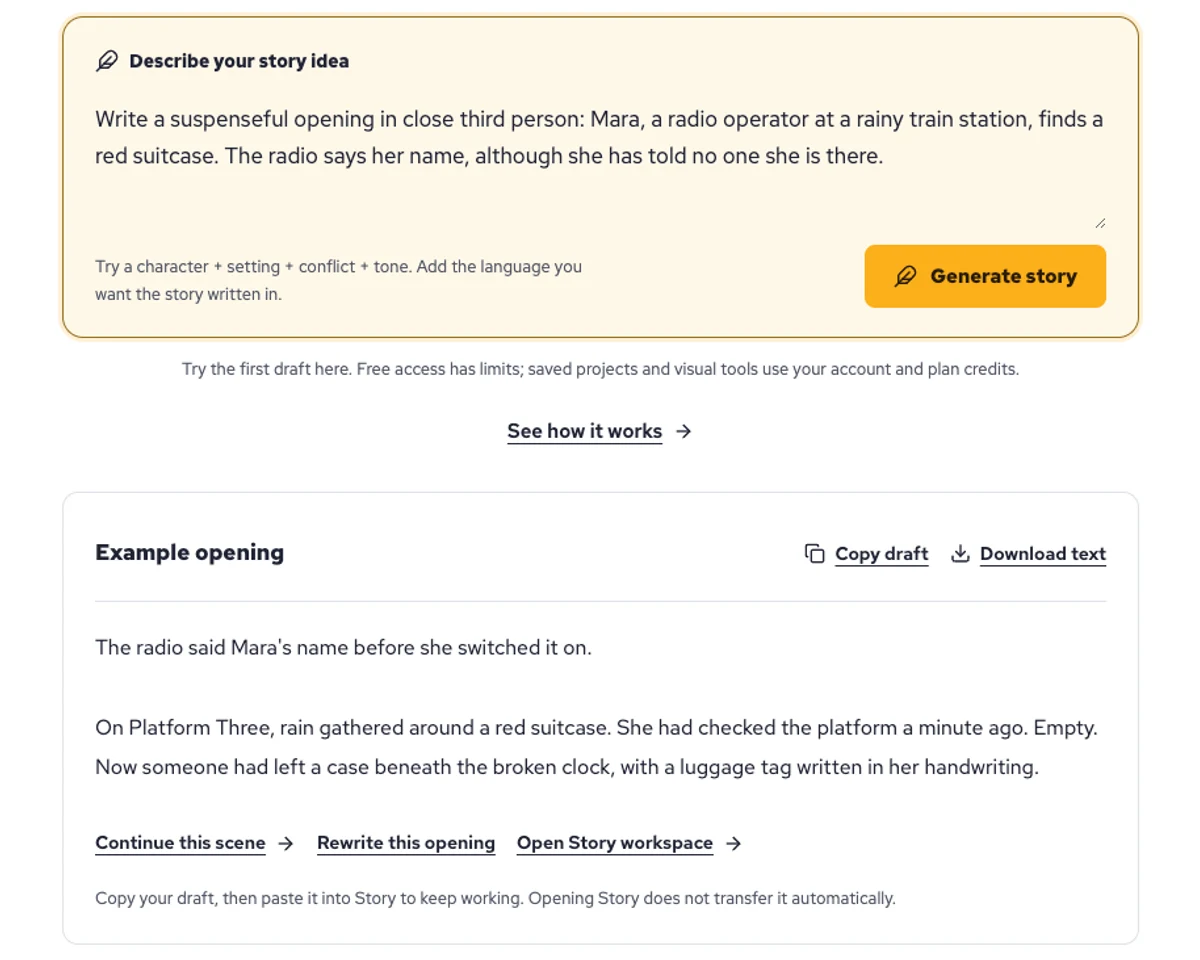
Explore a character's goal, an unusual setting, or a difficult choice. Compare different openings before you commit to a direction.
Paste an unfinished idea or use Continue after a draft. Read each new scene for names, motives, and details that need to stay consistent.
Use Rewrite to try a sharper opening. Copy a version you like before generating another, then edit the phrasing in your own voice.
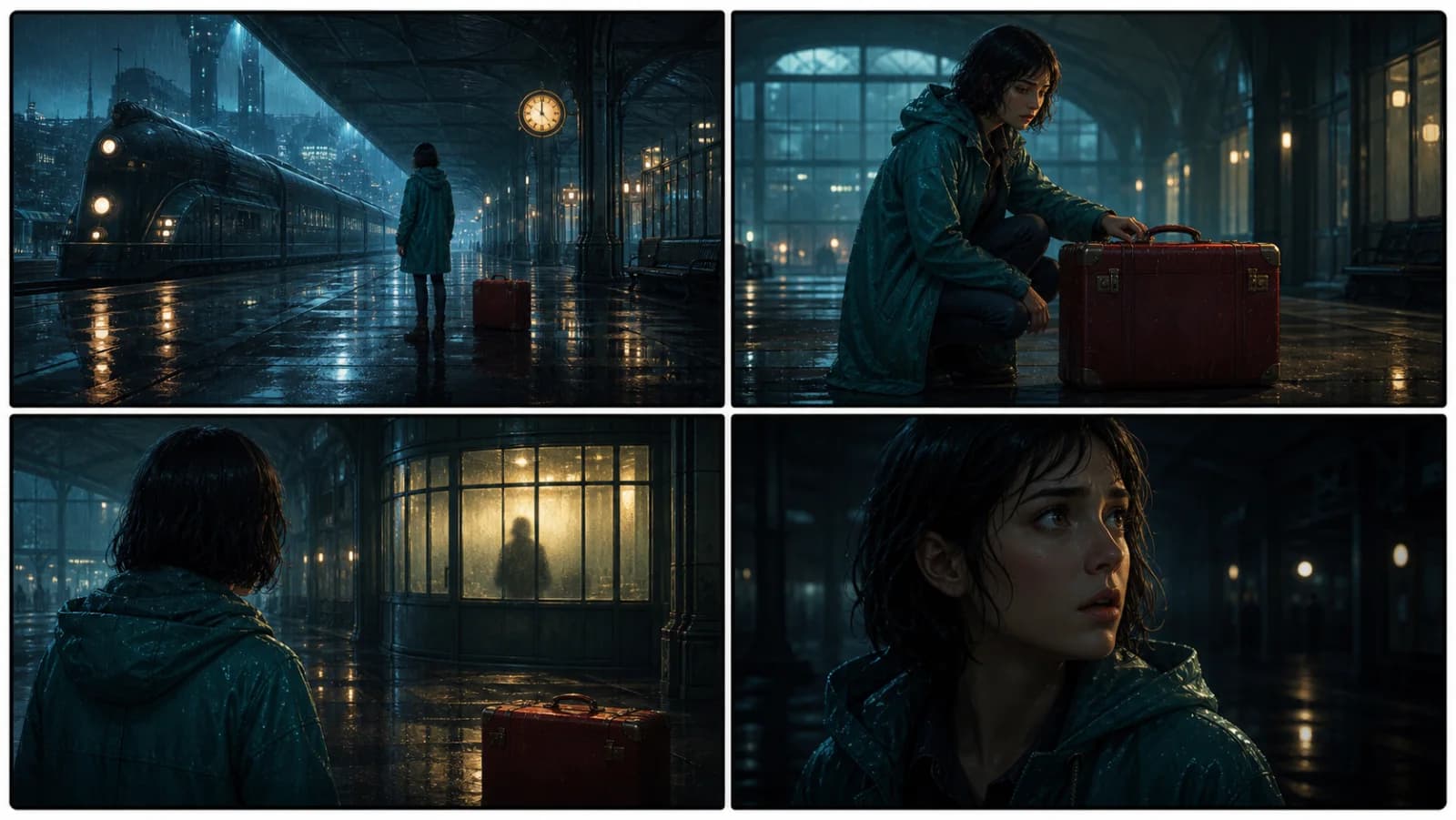
This illustrative sequence follows Mara, her teal raincoat, and a red suitcase through four station shots. Use it as a guide: keep a character, location, and key prop consistent when you adapt your own draft into a storyboard or comic.
Explore script to storyboardThe same rainy-station story, imagined as a reading copy, a handheld proof, different cover designs, and a coordinated author set.
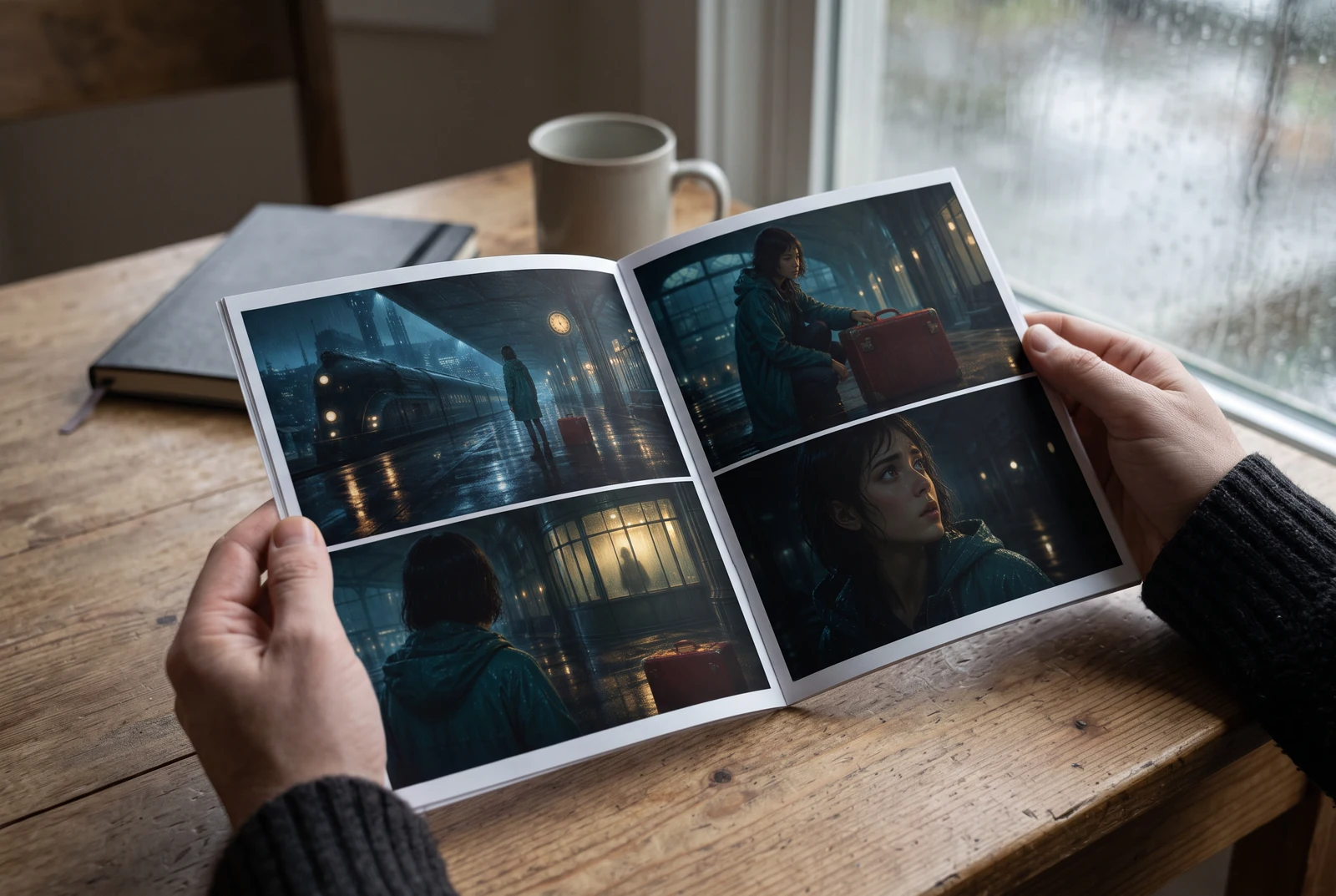
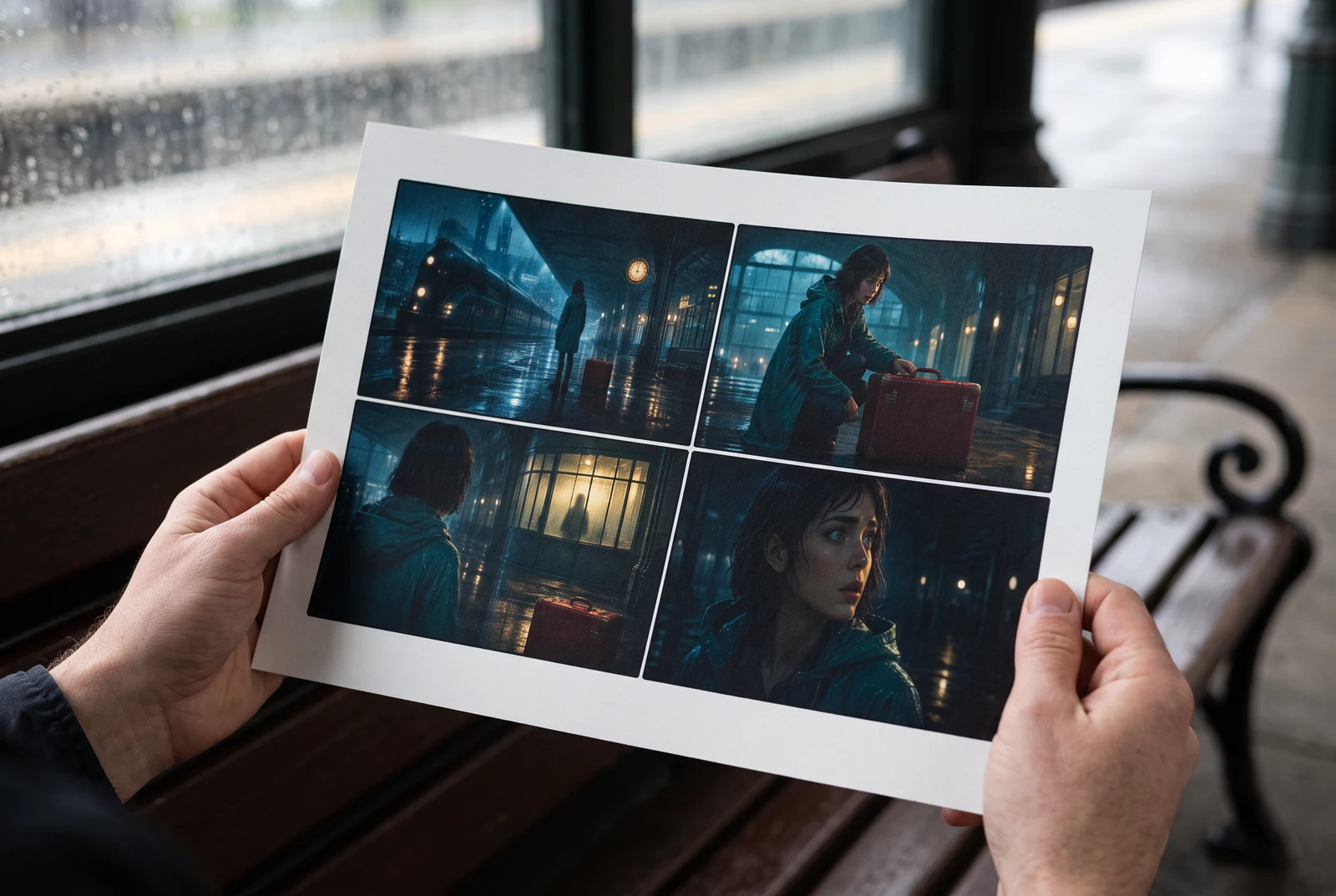
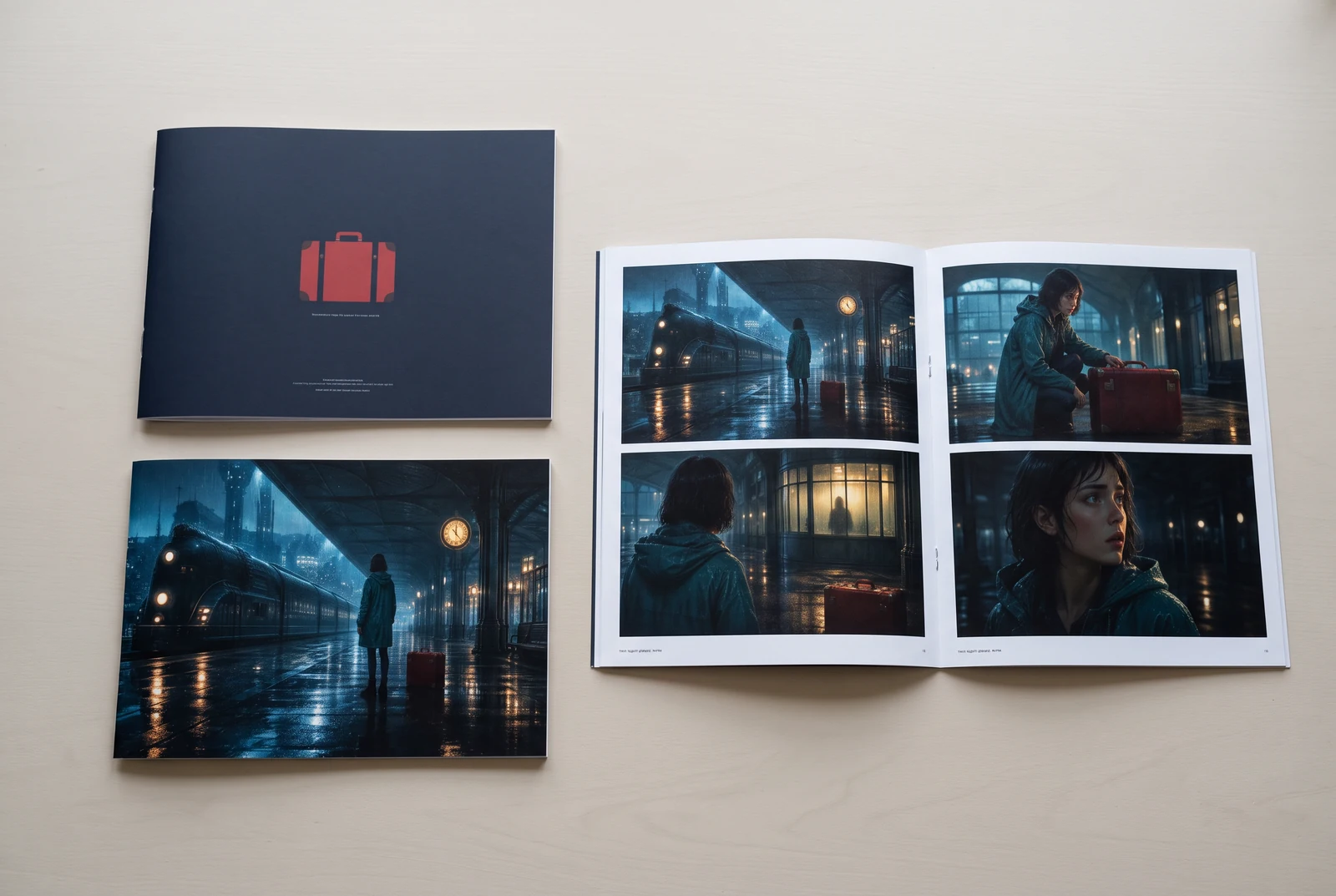
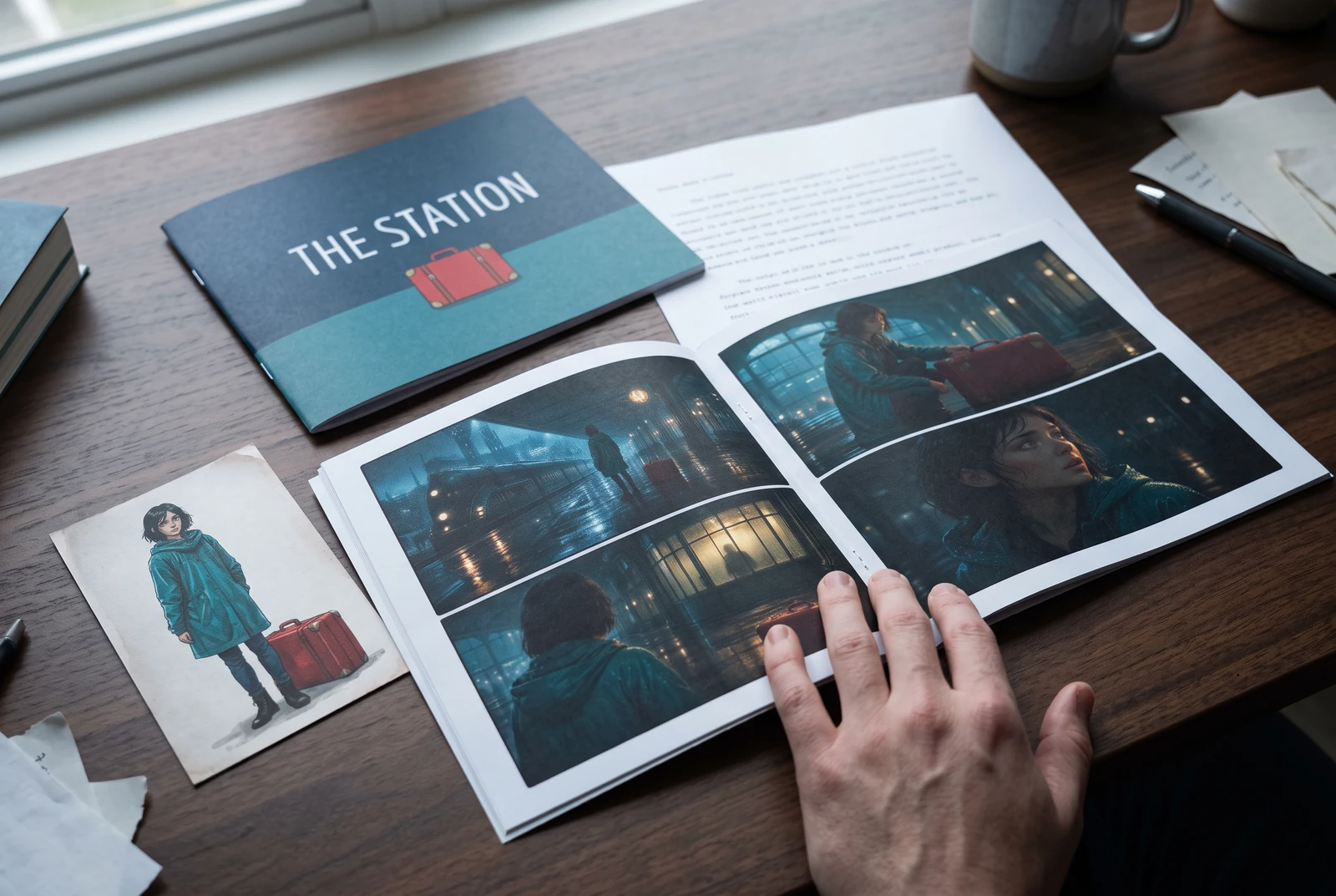
AI-generated display concepts using original LlamaGen story art. Paper examples illustrate personal printing and reading; they are not customer photographs or a print-delivery offer.
Test a premise, change the point of view, or work through the opening of a short story.
Draft scene beats and dialogue before planning comic panels or storyboard shots.
Create writing prompts and sample narratives. Review the output and follow your classroom or team's AI rules.
Describe a protagonist, setting, goal, and obstacle. Choose a tone and output language in your prompt.
Select Generate story. The result is a draft to review; one response is not a complete book.
Check the voice, facts, and continuity. Continue the next scene or rewrite the opening. Copy a version before replacing it.
Download the text or copy it into Story. Adapt approved beats into a storyboard or comic in a separate workflow.
AI can invent facts, repeat familiar phrasing, or lose track of a character. Review every draft before sharing it. Follow LlamaGen's terms and your school or workplace rules; check third-party material before publishing.
ಇದು ಬ್ರೌಸರ್-ಆಧಾರಿತ ಉಪಕರಣ; ನಿಮ್ಮ ಕಲ್ಪನೆಗಳನ್ನು ಎಐ ಬಳಸಿ ಸಂರಚಿತ ಕಥೆಗಳಾಗಿ ರೂಪಿಸುತ್ತದೆ. ಒಂದು ಪ್ರಾಂಪ್ಟ್ ನಮೂದಿಸಿ, ಕಥಾವಸ್ತು, ಪಾತ್ರಗಳು, ಸಂಭಾಷಣೆ, ದೃಶ್ಯ ಬೀಟ್ಗಳು, ಮತ್ತು ಕಾದಂಬರಿ, ಕಾಮಿಕ್, ತರಗತಿ ಬರವಣಿಗೆ, ವಿಡಿಯೋಗಳು, ಅಥವಾ ದೃಶ್ಯ ಕಾದಂಬರಿಗಳಿಗಾಗಿ ದೃಶ್ಯ ದಿಕ್ಕಿನೊಂದಿಗೆ ಕರಡನ್ನು ಪಡೆಯಿರಿ.
ಒಳ್ಳೆಯ ಪ್ರಾಂಪ್ಟ್ನಲ್ಲಿ ನಿಮ್ಮ ಕಥಾ ಕಲ್ಪನೆ, ಶೈಲಿ, ಮತ್ತು ಧ್ವನಿ ಇರಬೇಕು. ಉದಾಹರಣೆಗೆ: 'ಒಬ್ಬ ಒಂಟಿ ಜಾದೂಗಾರ್ತಿ ಕಾಡಿನಲ್ಲಿ ಕೆಫೆ ತೆರೆಯುತ್ತಾಳೆ' ಎಂಬುದನ್ನು ಉಷ್ಣ, ದೈನಂದಿನ ಜೀವನದ ಭಾವನೆಯೊಂದಿಗೆ ನೀಡಿ. ನಿಮ್ಮ ಕಲ್ಪನೆ ಎಷ್ಟು ಸ್ಪಷ್ಟವಾಗಿರುತ್ತದೋ, ಕಥೆ ಅಷ್ಟು ಉತ್ತಮವಾಗುತ್ತದೆ. ಪಾತ್ರಗಳು, ಹಿನ್ನೆಲೆ, ಭಾವನಾತ್ಮಕ ಧ್ವನಿ, ಮತ್ತು ನೀವು ಬಯಸುವ ಪ್ರಮುಖ ಕಥಾ ಅಂಶಗಳ ಬಗ್ಗೆ ನಿರ್ದಿಷ್ಟ ವಿವರಗಳನ್ನು ಸೇರಿಸಿ.
ನೀವು ಕಥೆಯನ್ನು ಸಂಪಾದಿಸಬಹುದು ಅಥವಾ ವಿಸ್ತರಿಸಬಹುದು, ಅಥವಾ ನಮ್ಮ ಉಪಕರಣಗಳನ್ನು ಬಳಸಿ ಚಿತ್ರಗಳು, ಲೇಔಟ್ಗಳು, ಮತ್ತು ಸಂಭಾಷಣೆಯೊಂದಿಗೆ ಅದನ್ನು ಕಾಮಿಕ್ ಪ್ಯಾನೆಲ್ಗಳು ಅಥವಾ ದೃಶ್ಯ ಕಾದಂಬರಿ ದೃಶ್ಯಗಳ ಮೂಲವನ್ನಾಗಿ ಬಳಸಬಹುದು. ಅನೇಕ ಸೃಷ್ಟಿಕರ್ತರು ರಚಿತ ಕಥೆಗಳನ್ನು ಪ್ಯಾನೆಲ್ ಸಂಯೋಜನೆ, ಪಾತ್ರ ಅಭಿವ್ಯಕ್ತಿ, ಮತ್ತು ದೃಶ್ಯ ಹರಿವು ಅಭಿವೃದ್ಧಿಪಡಿಸಲು ಸ್ಕ್ರಿಪ್ಟ್ಗಳಾಗಿ ಬಳಸುತ್ತಾರೆ.
ಇದು ಸಮಯವನ್ನು ಉಳಿಸುತ್ತದೆ, ಸೃಜನಶೀಲತೆಯನ್ನು ಉತ್ತೇಜಿಸುತ್ತದೆ, ಮತ್ತು ಎಲ್ಲಾ ಮಟ್ಟದ ಬರಹಗಾರರಿಗೆ ಅಡಚಣೆಗಳನ್ನು ದಾಟಲು ಸಹಾಯ ಮಾಡುತ್ತದೆ. ನೀವು ಕಾದಂಬರಿ, ಕಾಮಿಕ್, ದೃಶ್ಯ ಕಾದಂಬರಿ, ತರಗತಿ ಪ್ರಾಂಪ್ಟ್, ಅಥವಾ ವಿಡಿಯೋ ಸ್ಕ್ರಿಪ್ಟ್ ಯಾವುದನ್ನೇ ನಿರ್ಮಿಸುತ್ತಿದ್ದರೂ, ಇದು ಸಾಮಾನ್ಯವಾಗಿ ಗಂಟೆಗಳ ಕಾಲ ಬೇಕಾಗುವ ಕಥನ ರಚನೆಯೊಂದಿಗೆ ವೇಗವಾದ ಆರಂಭಬಿಂದುವನ್ನು ನೀಡುತ್ತದೆ.
LlamaGen ನ ನಿಯಮಗಳ ಅಡಿಯಲ್ಲಿ ನೀವು ರಚಿಸಿದ ಕರಡುಗಳನ್ನು ಕಾನೂನುಬದ್ಧ ವೈಯಕ್ತಿಕ ಅಥವಾ ವಾಣಿಜ್ಯ ಯೋಜನೆಗಳಿಗೆ ಬಳಸಬಹುದು. ರಚನೆಯಿಂದ ವಿಶೇಷ ಹಕ್ಕುಗಳು ದೊರೆಯುವುದಿಲ್ಲ, ಮತ್ತು ಎಐ ಪಠ್ಯವು ಈಗಾಗಲೇ ಇರುವ ಕೃತಿಗಳಿಗೆ ಹೋಲಬಹುದು. ಫಲಿತಾಂಶವನ್ನು ಪರಿಶೀಲಿಸಿ, ಪುಸ್ತಕ ಅಥವಾ ಅಭಿಯಾನವನ್ನು ಪ್ರಕಟಿಸುವ ಮೊದಲು ಸ್ಥಳೀಯ ಕಾನೂನು ಸಲಹೆ ಪಡೆಯಿರಿ.
ಬರವಣಿಗೆ ಸಾಫ್ಟ್ವೇರ್ ಖರೀದಿಸದೇ ಈ ಪುಟದಲ್ಲೇ ಮೊದಲ ಕರಡು ರಚಿಸಬಹುದು. ಸೈನ್ ಇನ್ ಮಾಡಿದರೆ Story, ಉಳಿಸಿದ ಇತಿಹಾಸ, ಸ್ಟೋರಿಬೋರ್ಡ್, ಕಾಮಿಕ್, ಮತ್ತು ವಿಡಿಯೋ ವರ್ಕ್ಫ್ಲೋಗಳು ತೆರೆಯುತ್ತವೆ; ಅವು ನಿಮ್ಮ ಪ್ಲಾನ್ ಕ್ರೆಡಿಟ್ಗಳನ್ನು ಬಳಸುತ್ತವೆ.
ಈ ಉಪಕರಣವು ರೊಮ್ಯಾನ್ಸ್, ಫ್ಯಾಂಟಸಿ, ಹಾರರ್, ನಾಟಕ, ಹಾಸ್ಯ, ಶಾಲಾ ಜೀವನ, ಮತ್ತು ಪ್ರಯೋಗಾತ್ಮಕ ಶೈಲಿಗಳಲ್ಲಿನ ಸ್ವೇಚ್ಛೆಯ ಕಥಾ ಪ್ರಾಂಪ್ಟ್ಗಳನ್ನು ಬೆಂಬಲಿಸುತ್ತದೆ. ಪ್ಲಾಟ್ಫಾರ್ಮ್ ಸುರಕ್ಷತಾ ನಿಯಮಗಳ ಒಳಗೆ ರಚನೆಯನ್ನು ಇಟ್ಟುಕೊಂಡು, ನಿಮ್ಮ ಕಲ್ಪನೆಯನ್ನು ಒಂದೇ ಸಾಮಾನ್ಯ ಟೆಂಪ್ಲೇಟ್ಗೆ ಒತ್ತಾಯಿಸುವುದಿಲ್ಲ.
ನೀವು ಅನ್ವೇಷಿಸುತ್ತಿರುವಾಗ ಹೊಸ ಕರಡುಗಳು, ಪರ್ಯಾಯ ಅಂತ್ಯಗಳು, ಕಥಾ ತಿರುವುಗಳು, ಪಾತ್ರ ವಿಕಸನಗಳು, ಮತ್ತು ದೃಶ್ಯ ಆವೃತ್ತಿಗಳನ್ನು ಮುಂದುವರೆಸಿ ರಚಿಸಬಹುದು. ದೀರ್ಘ ಯೋಜನೆಗಳು, ಉಳಿಸಿದ ಇತಿಹಾಸ, ಮತ್ತು ದೃಶ್ಯ ನಿರ್ಮಾಣವು ನಿಮ್ಮ ಖಾತೆ ಮತ್ತು ಪ್ಲಾನ್ ಕ್ರೆಡಿಟ್ಗಳನ್ನು ಬಳಸುತ್ತದೆ.
ಹೆಚ್ಚಿನ ಕಥೆಗಳು ಸಂಕೀರ್ಣತೆ ಮತ್ತು ಉದ್ದಕ್ಕೆ ಅನುಗುಣವಾಗಿ 5-10 ಸೆಕೆಂಡ್ಗಳಲ್ಲಿ ರಚನೆಯಾಗುತ್ತವೆ. ನಮ್ಮ ಎಐ ನಿಮ್ಮ ಪ್ರಾಂಪ್ಟ್ ಅನ್ನು ಬಹುತೇಕ ತಕ್ಷಣವೇ ಪ್ರಕ್ರಿಯೆಗೊಳಿಸುತ್ತದೆ, ಆದ್ದರಿಂದ ನೀವು ವೇಗವಾಗಿ ಪುನರಾವರ್ತಿಸಿ ಕೆಲವೇ ನಿಮಿಷಗಳಲ್ಲಿ ಅನೇಕ ಕಥಾ ದಿಕ್ಕುಗಳನ್ನು ಅನ್ವೇಷಿಸಬಹುದು.
ಯುವ ಪ್ರೇಮಕಥೆ, ನಗರ ಫ್ಯಾಂಟಸಿ, ಸೂಪರ್ಹೀರೋ, ಸೈ-ಫೈ, ಹಾರರ್, ಮಿಸ್ಟರಿ, ದೈನಂದಿನ ಜೀವನ, ಆಕ್ಷನ್, ಅತೀಂದ್ರಿಯ, ಹಾಸ್ಯ, ನಾಟಕ, ಐತಿಹಾಸಿಕ, ಮತ್ತು ಇನ್ನೂ ಹಲವಾರು ಪ್ರಮುಖ ಶೈಲಿಗಳನ್ನು ನಾವು ಬೆಂಬಲಿಸುತ್ತೇವೆ. ನೀವು ಬಯಸುವ ಶೈಲಿಯನ್ನು ಪ್ರಾಂಪ್ಟ್ನಲ್ಲಿ ಸ್ಪಷ್ಟವಾಗಿ ನಮೂದಿಸಿ.
ಖಾತೆ ಸೃಷ್ಟಿಸದೇ ಈ ಪುಟದಲ್ಲೇ ಮೊದಲ ಕರಡು ರಚಿಸಬಹುದು. ಸೈನ್ ಇನ್ ಮಾಡಿದರೆ Story, ಸೆಷನ್ಗಳ ನಡುವೆ ಇತಿಹಾಸ, ಸ್ಟೋರಿಬೋರ್ಡ್, ಕಾಮಿಕ್, ಮತ್ತು ವಿಡಿಯೋ ವರ್ಕ್ಫ್ಲೋಗಳು ತೆರೆಯುತ್ತವೆ; ಅವು ನಿಮ್ಮ ಪ್ಲಾನ್ ಕ್ರೆಡಿಟ್ಗಳನ್ನು ಬಳಸುತ್ತವೆ.
ಪ್ರಸ್ತುತ, ಇಂಗ್ಲಿಷ್ ಪ್ರಾಂಪ್ಟ್ಗಳು ಅತ್ಯಂತ ವಿಶ್ವಾಸಾರ್ಹ ಕರಡುಗಳನ್ನು ನೀಡುತ್ತವೆ. ನೀವು ಇನ್ನೊಂದು ಭಾಷೆಯಲ್ಲಿ ಸಹ ಕಥಾ ಆಧಾರವನ್ನು ಬರೆಯಬಹುದು; ಫಲಿತಾಂಶವನ್ನು ಎಚ್ಚರಿಕೆಯಿಂದ ಪರಿಶೀಲಿಸಿ, ನಂತರ Story ನಲ್ಲಿ ಸಂಪಾದನೆ ಮುಂದುವರಿಸಿ.
LlamaGen builds tools for writing, comics, and storyboards. Explore the team and product, check plan details, or contact support before choosing a workflow.
Write a premise. Explore an opening. Decide what happens next.
Generate story