

4 Camera-Angle Prompts
Automatically generate 4 different camera angles, shot types, and sequence ideas from a single image
Shot Sequence Prompt AI
Upload one image and generate a prompt-ready multi-shot video plan: 4 camera angles, cinematic shot descriptions, storyboard notes, and a clear sequence for AI video production.
Shot 1
Close-up
Shot 2
Vidutinis
Shot 3
Wide
Shot 4
Veiksmas
Plan the shot sequence, camera-angle prompts, and storyboard notes before you generate the final clip
Automatically generate 4 different camera angles, shot types, and sequence ideas from a single image
Tiksliai pritaikykite kiekvieno kadro aprašymą pagal savo kūrybinę viziją
Generate multi-shot video prompts and storyboard notes in seconds, not hours
Nuo profesionalų iki pradedančiųjų – mūsų įrankis prisitaiko prie jūsų kūrybinių poreikių
Kurkite išsamius scenarijus ir kadrų sąrašus savo kitam filmui
Generate multi-shot video prompts for social media and YouTube concepts
Paverskite parašytas istorijas į vizualias pasakojimus iš kelių perspektyvų
Kurkite įspūdingas vizualines kampanijas su įvairiais kadrų variantais
Kaip tai veikia
Įkelkite bet kurį vaizdą – nuotraukas, meno kūrinius ar koncepcinius vaizdus. Mūsų AI palaiko visus pagrindinius formatus.
Our advanced AI analyzes your image and generates 4 unique camera-angle prompts and cinematic shot descriptions.
Patikslinkite aprašymus ir eksportuokite daugiakadrį scenarijų vaizdo gamybai.
AI MULTI-SHOT STORYBOARD EXAMPLES
From single images to cinematic sequences, see how one source can become multiple shot prompts and video concepts.
Choose your output
Use the same source image to prepare camera angles, a connected shot sequence, or storyboard notes for the next production step.
Plan a prompt-ready video sequence from one source image instead of generating one disconnected clip.
Create close-up, medium, wide, product, action, and cinematic angle prompts for the same subject.
Turn a single image into a clear four-shot structure with framing, pacing, and production notes.
Use the generated shot descriptions as storyboard notes for AI video, ads, social clips, and pitches.
SENAS VAIZDO GAMYBOS PROCESAS
The traditional path from concept to multi-shot video is expensive and time-consuming. Even before generation or filming, creators need shot planning, camera angles, sequence logic, and multiple revisions.
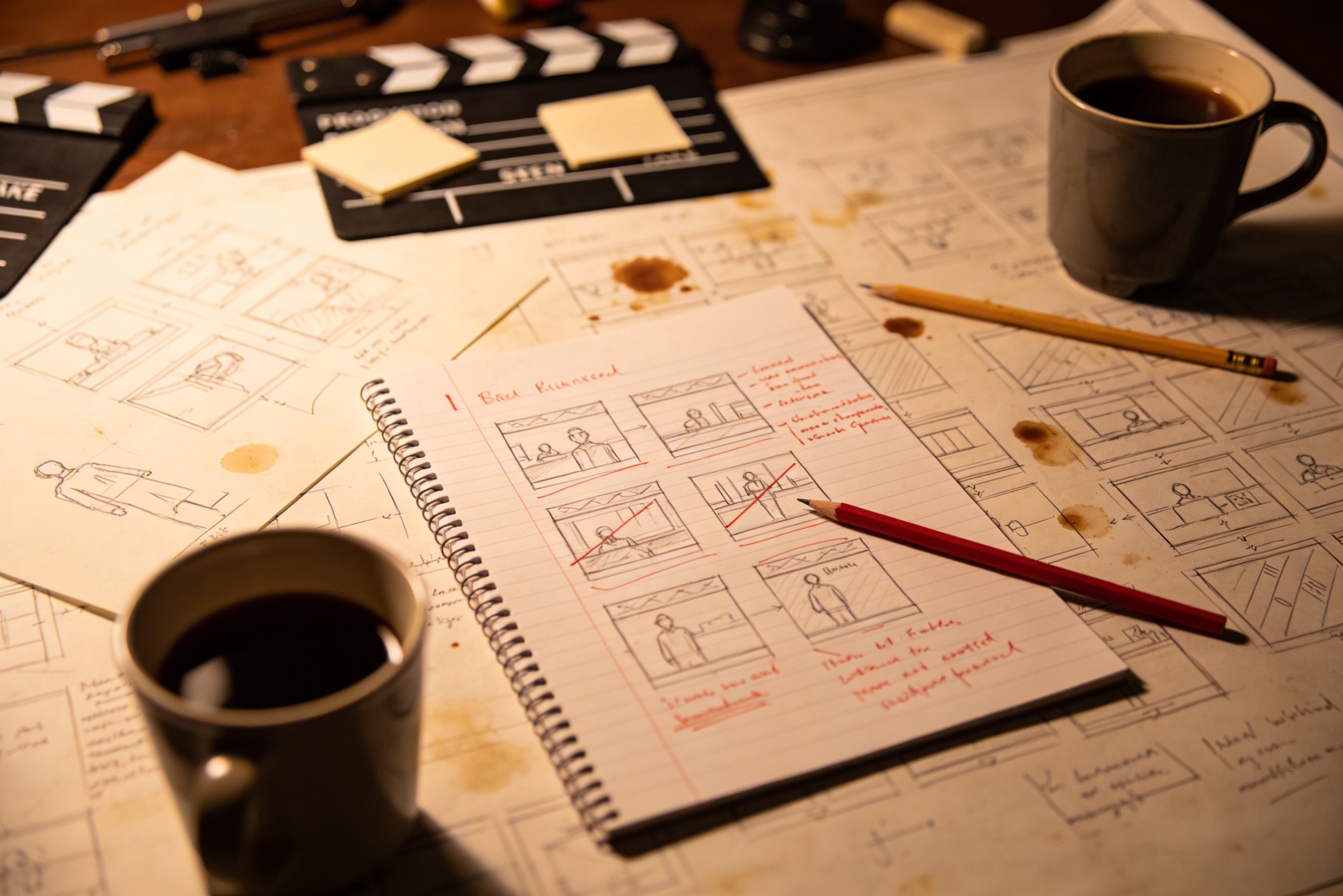
Jūsų kūrybinės vizijos pavertimas išsamiais kadrų aprašymais reikalauja kruopštaus planavimo ir daugybės pataisymų.
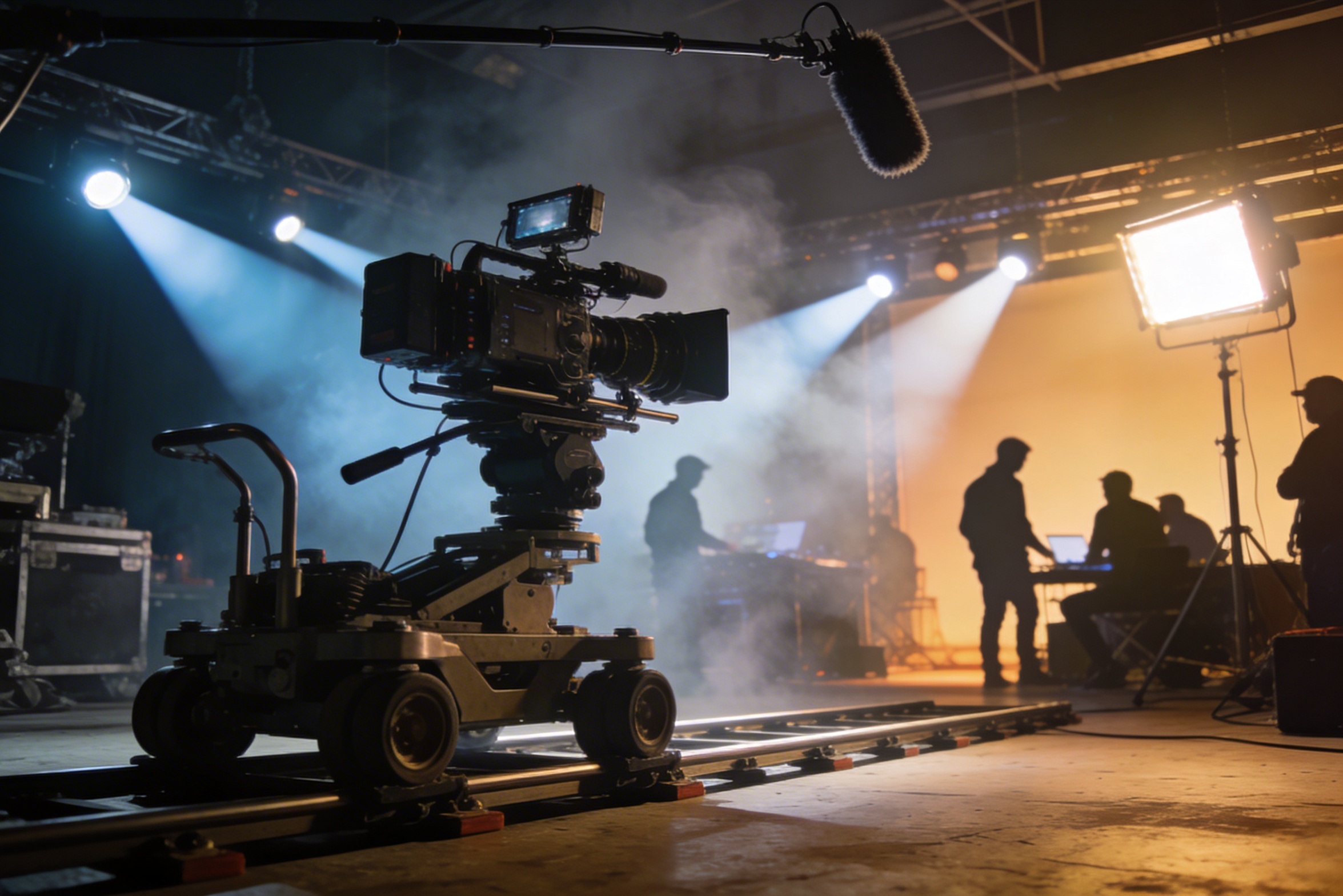
Profesionalus filmavimas reikalauja brangios įrangos, apšvietimo, lokacijų ir dažnai pilnos komandos – išlaidos greitai tampa nekontroliuojamos.
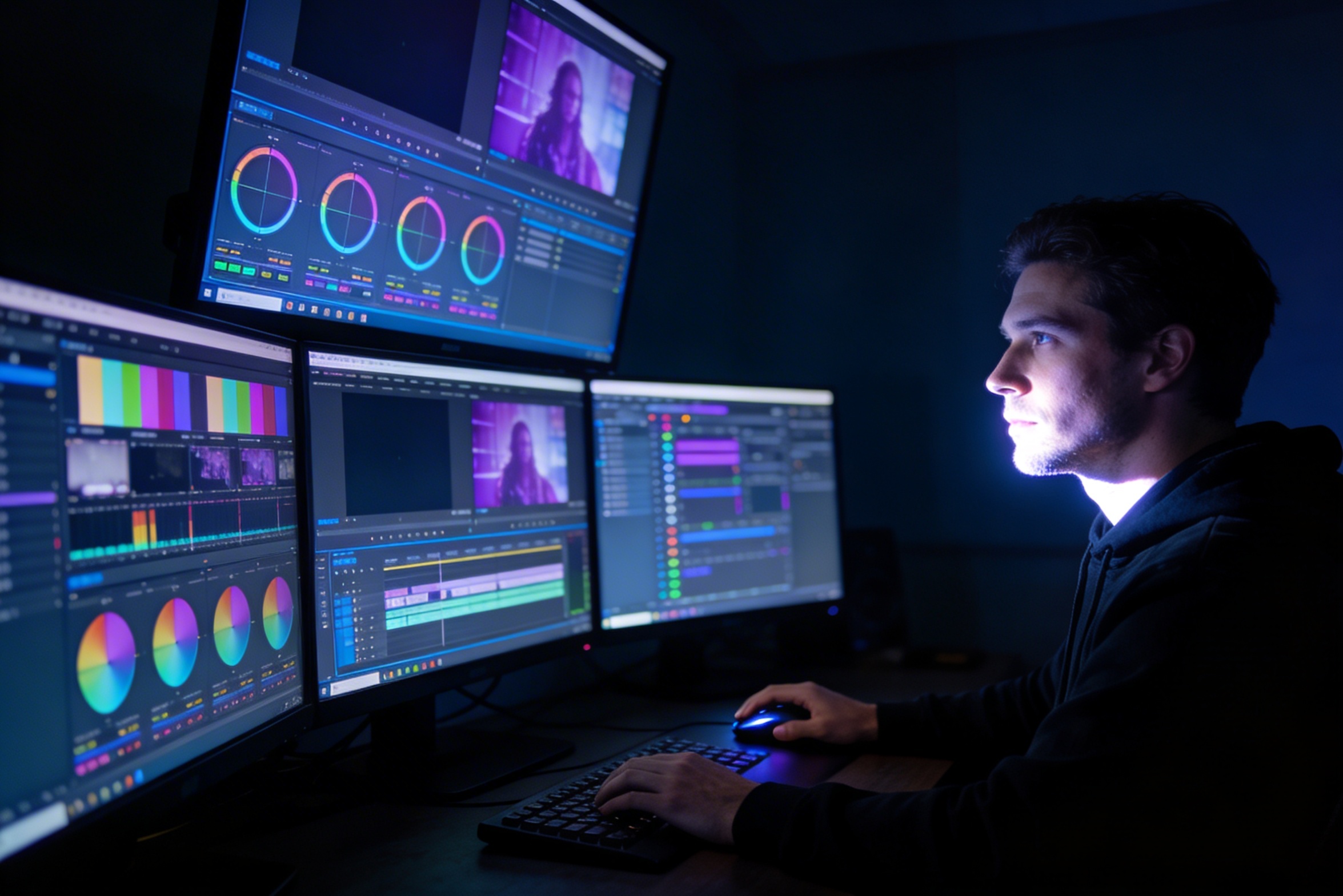
Montavimas, spalvų koregavimas, vizualūs efektai ir kelių kadrų variantų kūrimas reikalauja specialių programinės įrangos įgūdžių ir savaičių darbo.
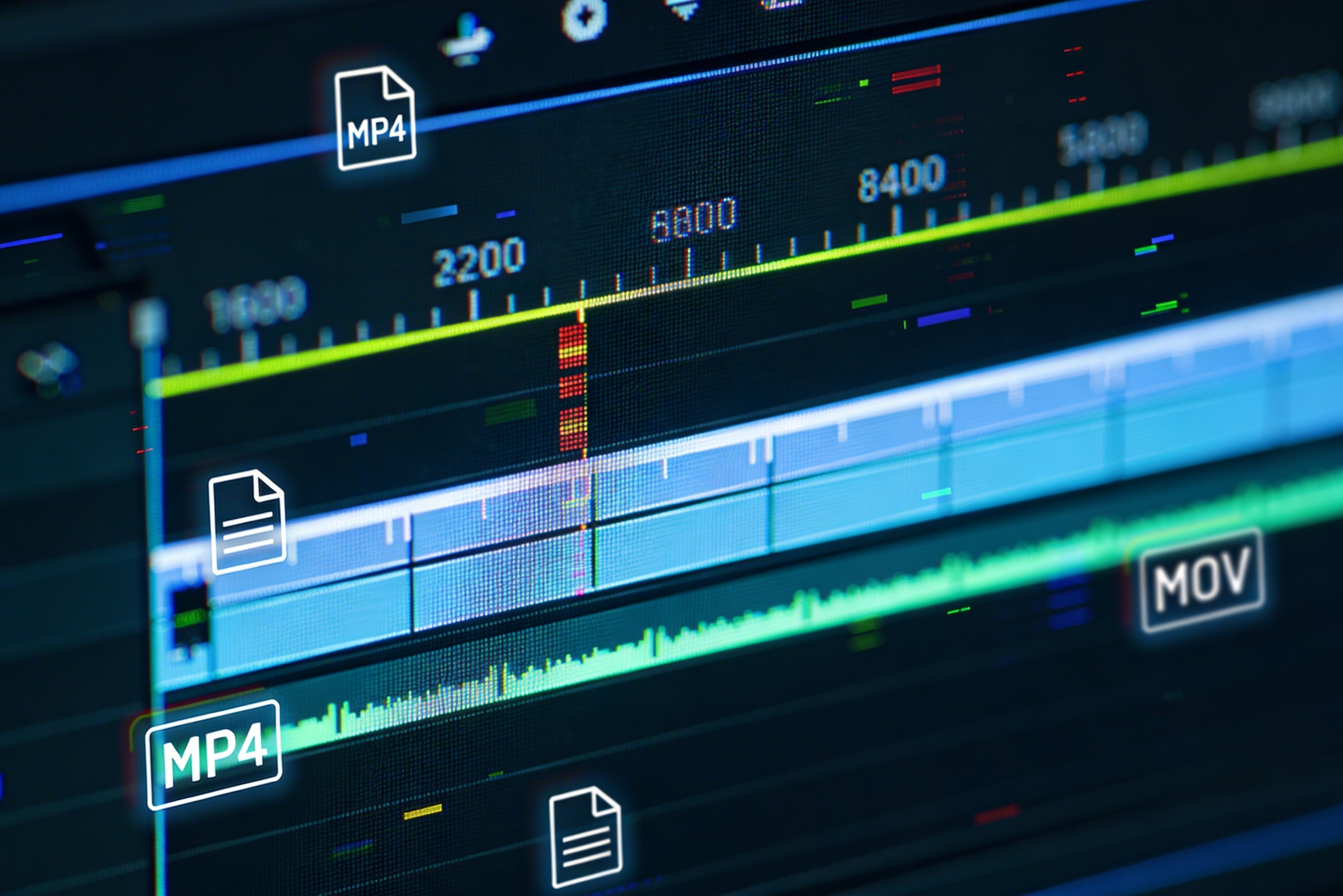
Kuriant versijas skirtingoms platformoms – YouTube, TikTok, Instagram – reikia pakartotinai redaguoti ir generuoti įvairių proporcijų ir ilgio vaizdus.

Professional multi-shot planning can cost hours of creative direction before a final video is generated, filmed, edited, or approved.
It's not just about creating variations. Our AI reads composition, cinematography, and storytelling needs to create shot prompts that strengthen your visual narrative.
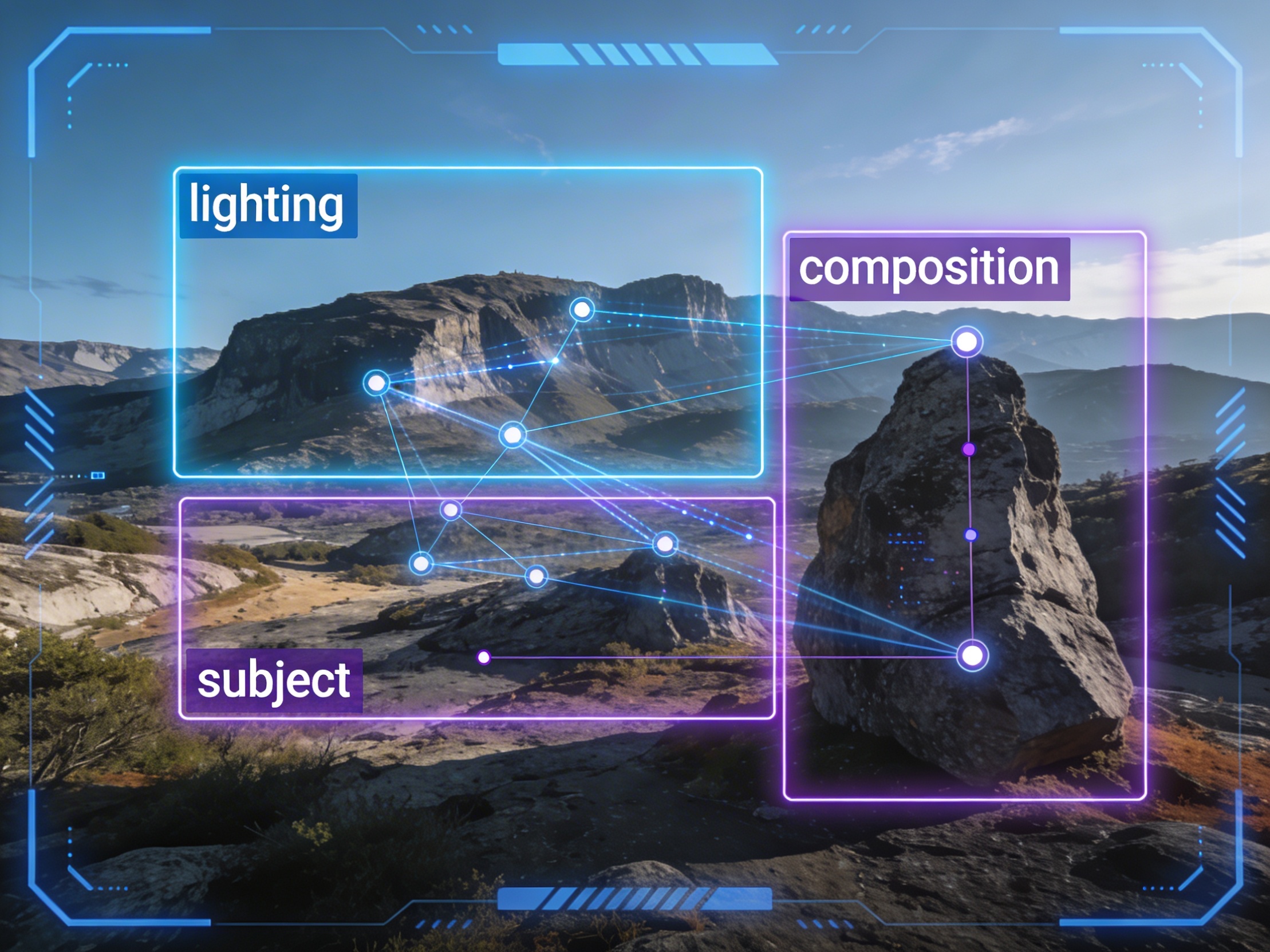
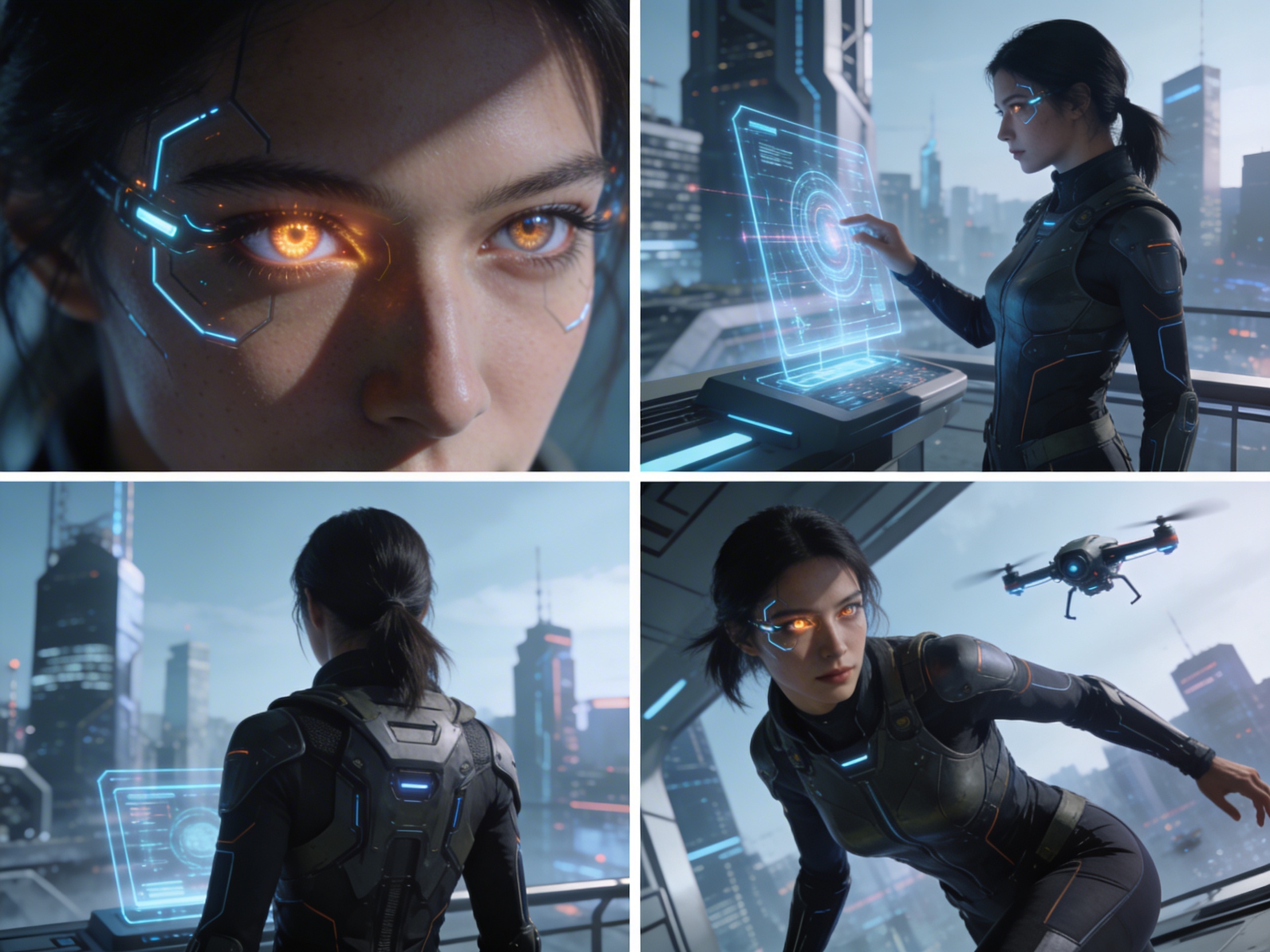
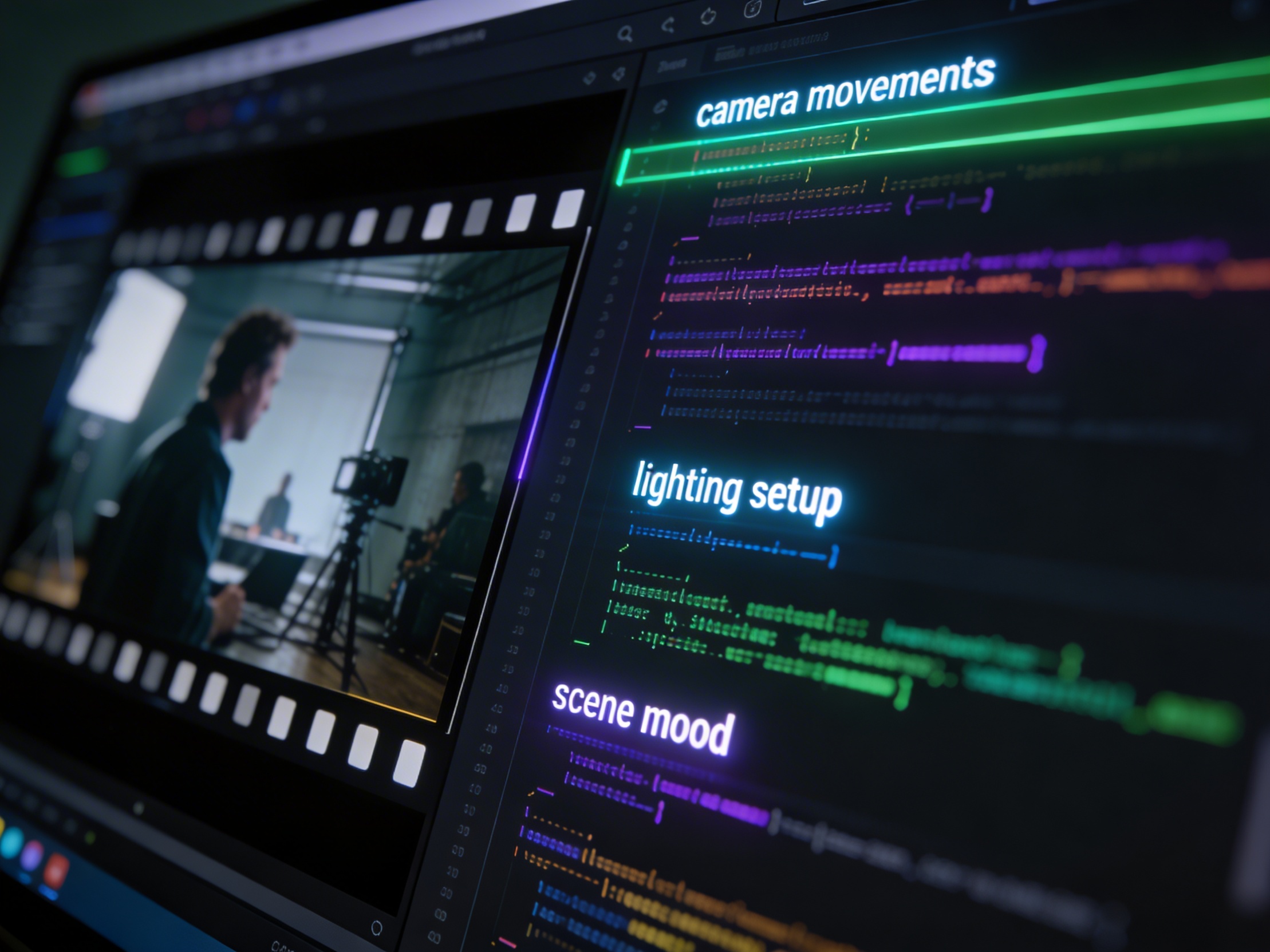
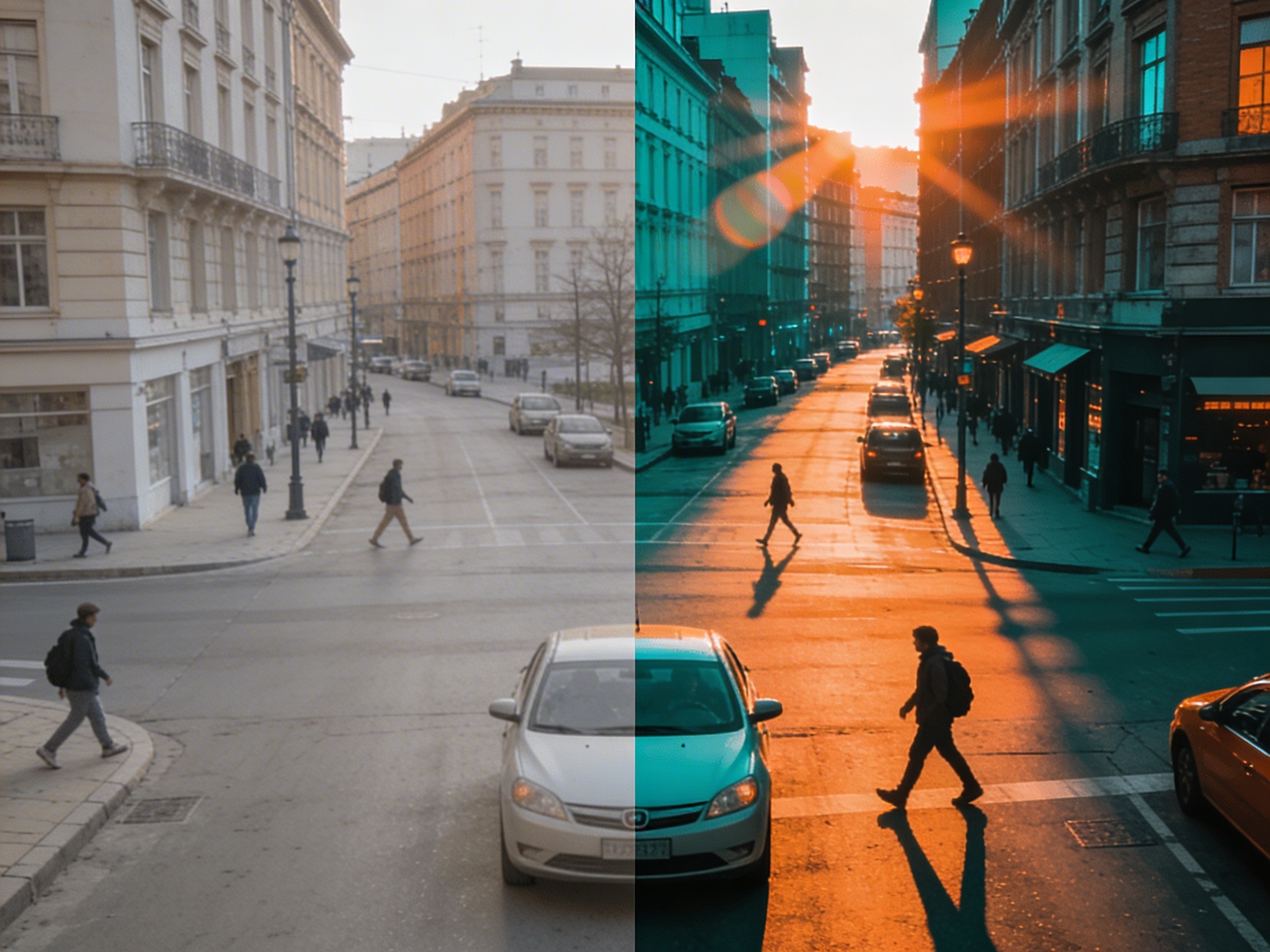
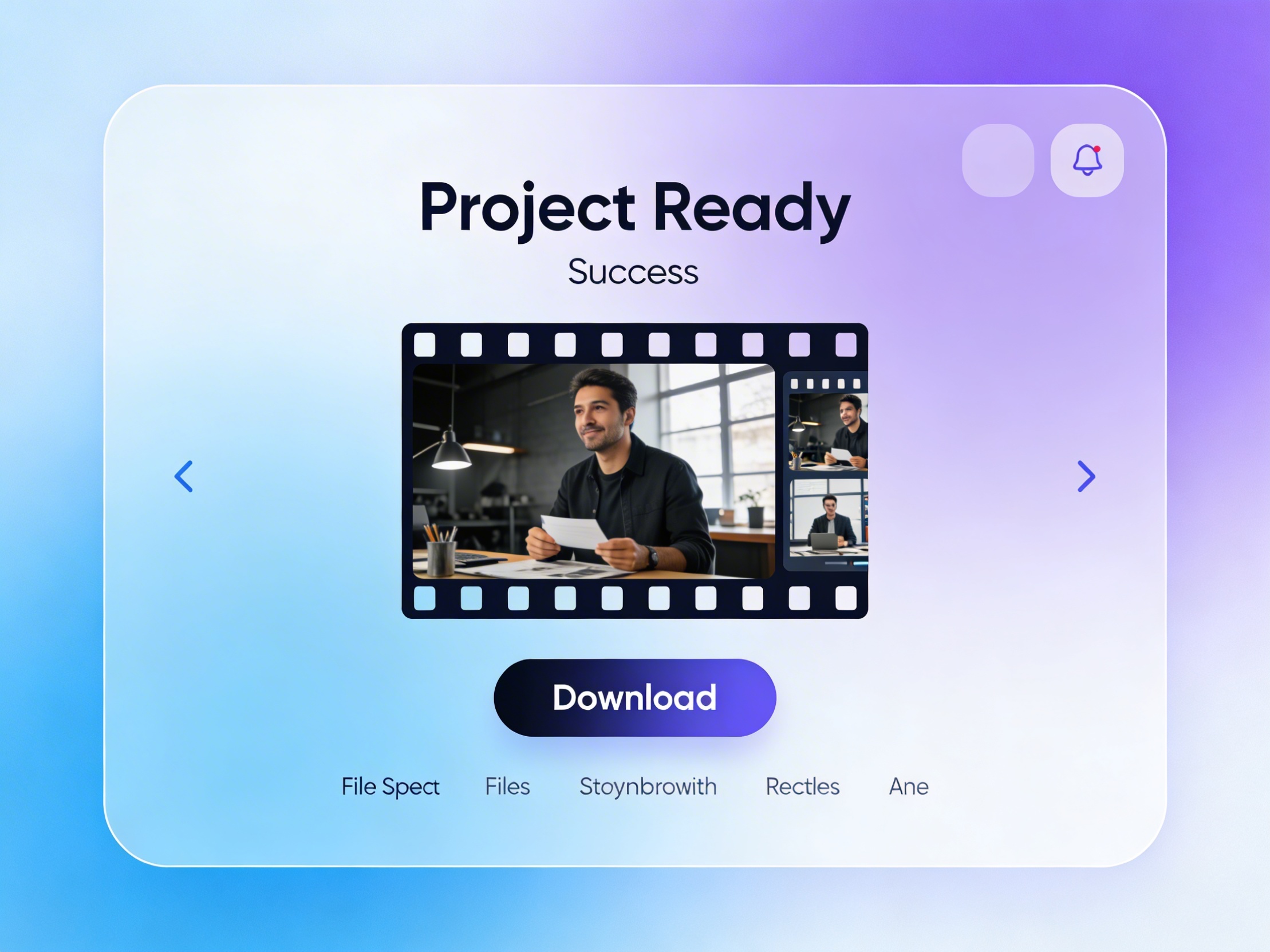
Join creators using LlamaGen to plan shot sequences, camera angles, and AI video prompts before production.
Related writing workflow
Use the AI Screenplay Editor when a script, fiction draft, storyboard brief, video idea, or canvas note needs proper scene headings, action, dialogue, parentheticals, cover pages, outlines, beats, and collaboration-ready revisions.
INT. COMMUNITY CENTER - NIGHT
Folded chairs. A storm outside. MAYA stands at the microphone with a page of notes she no longer needs.
MAYA
If the city will not read the record, we will read it out loud.