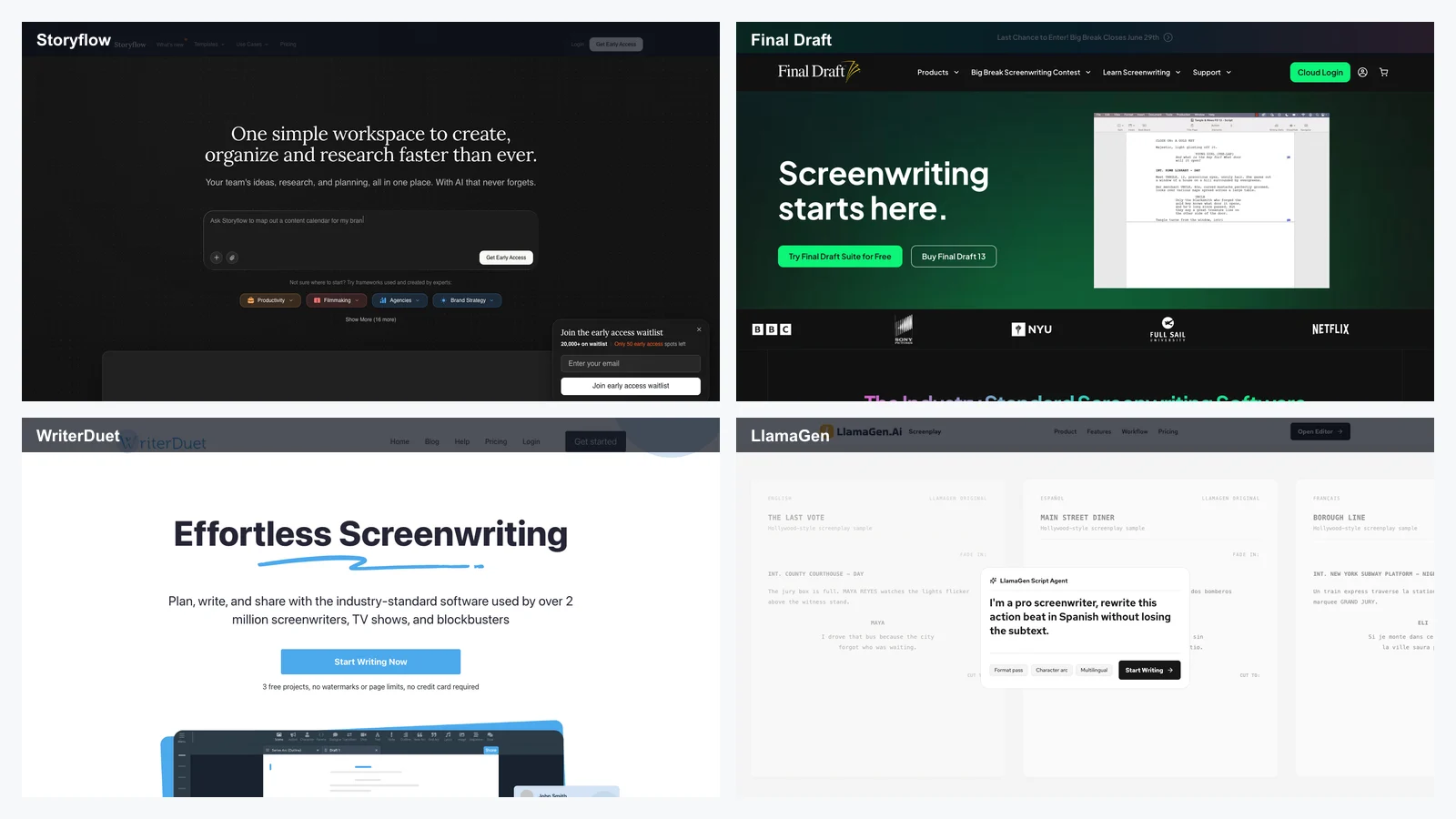
Best AI Tools for Screenwriters in 2026: 12 Writing Apps Compared, Plus LlamaGen.AI for Visual Story Development
Av LlamaGen Team · 25. juni 2026
We independently review every app we recommend.
The best AI tool for screenwriters in 2026 is rarely a single app. A working screenplay stack usually has one tool for formatted pages, one tool for outlines or story-world planning, one AI assistant for drafting and critique, and one visual tool for moving from script to shots, storyboards, or pitch materials.
That is the useful way to read the current market. A screenplay is not just text. It is scene logic, character memory, dialogue, structure, revision history, production format, visual intent, and eventually something a director, producer, animator, comic artist, or actor can understand quickly.
This guide uses Storyflow's 2026 screenwriting roundup as a starting point, then reframes the tools for LlamaGen readers. The first 70% is about the competitor landscape: where Storyflow, Final Draft, WriterDuet, Sudowrite, Squibler, ChatGPT, Claude, Plottr, Highland 2, Arc Studio Pro, Beemgee, and Dabble actually fit. The final 30% explains where LlamaGen AI Screenplay Editor belongs when the job moves from words on a page into visual storytelling.
Start with the screenwriter's real workflow
AI screenwriting tools tend to advertise the same promise: write faster. But "faster" can mean very different things.
For one writer, faster means getting a properly formatted feature draft without fighting sluglines. For another, it means holding a whole TV series bible in context while breaking episode eight. For another, it means turning a messy premise into a beat sheet, finding weaker character motivation, or generating scene alternatives when the second act sags.
The practical screenwriting workflow usually looks like this:
Develop the premise and story world.
Outline acts, sequences, beats, or episodes.
Write formatted pages.
Revise structure, character motivation, pacing, and dialogue.
Share with collaborators.
Export to production-friendly formats.
Convert selected scenes into pitch visuals, storyboards, shot lists, animatics, or visual references.
Most tools are strong in two or three of those steps. Almost none are strong across all seven.
Best paired with script-format tools for final industry delivery
What makes an AI tool good for screenwriters?
The test is not whether it can generate a scene. Any strong language model can produce a scene. The test is whether the tool improves the screenplay workflow without creating new cleanup work.
Here are the criteria that matter:
Project memory: Can it remember characters, tone, rules, locations, relationships, and continuity across a whole project?
Format support: Can it handle screenplay format, Fountain, Final Draft, PDF, or export paths that real collaborators accept?
Structure: Does it support beats, acts, sequences, episodes, bibles, or timelines?
Revision control: Can a writer change a scene without losing the larger draft?
Collaboration: Can co-writers, producers, or editors comment and revise cleanly?
AI context: Does the AI understand the current project, or is the writer pasting background into every prompt?
Visual handoff: Can the script become a shot list, storyboard, or visual brief without starting over?
That last point is where the category is changing. Screenwriters increasingly use AI not only to write words, but to make the screenplay easier to see.
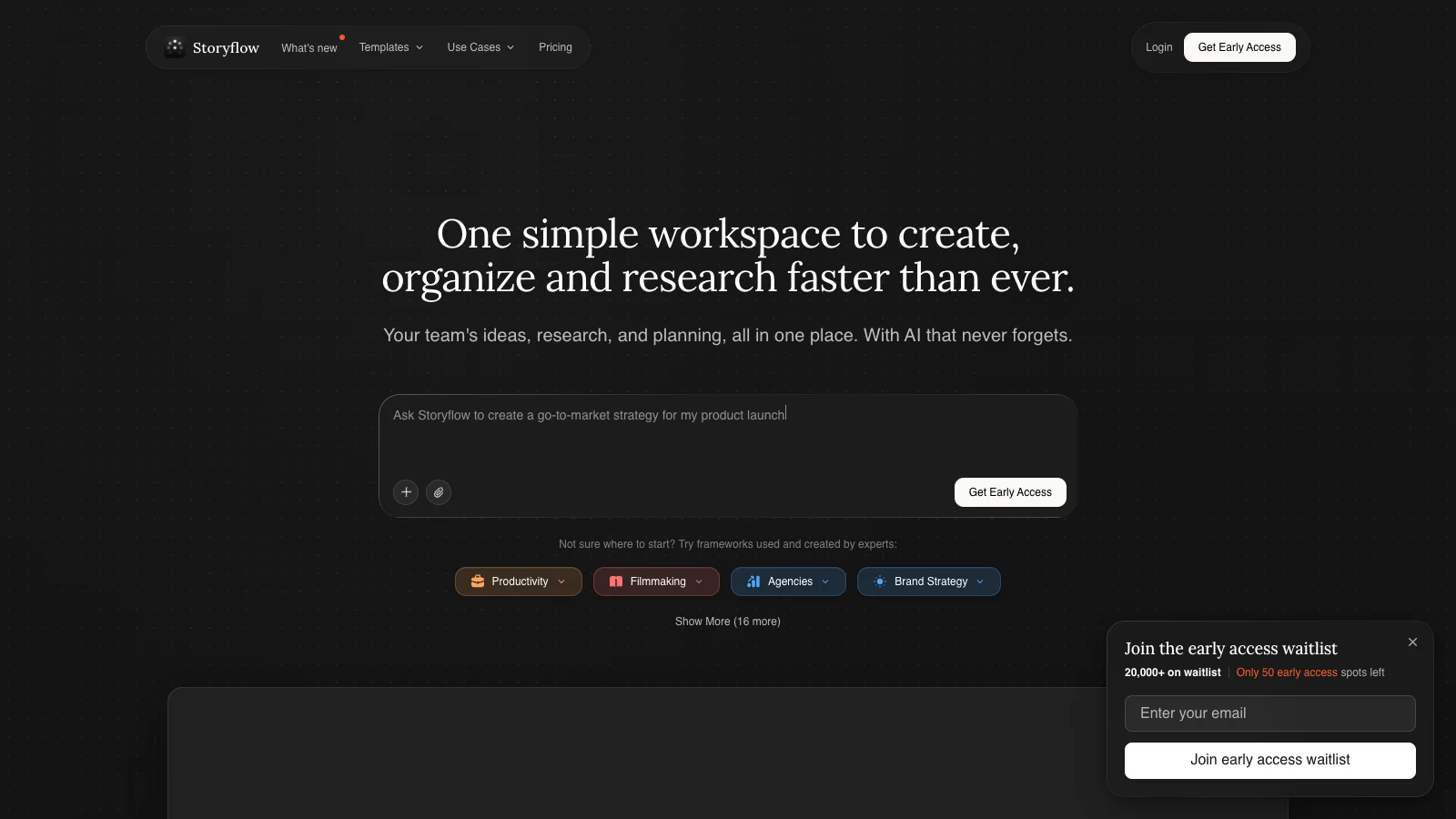
1. Storyflow - best for story-world planning and contextual AI
Best for: writers developing pilots, features, series bibles, character arcs, and story worlds before or alongside the script.
Storyflow is one of the more interesting AI writing tools because it is not simply a blank chat window. Its pitch is closer to a story operating system: cards, boards, bibles, templates, tactics, and AI that can work with the surrounding context.
That matters for screenwriters because a screenplay often has hidden dependencies. A line of dialogue depends on a character wound. A scene reversal depends on episode structure. A season finale depends on a detail planted in the pilot. A generic AI chat can help, but the writer has to keep reloading the context manually. Storyflow tries to make the context visible.
Where Storyflow is strong
Storyflow is strongest before the final formatting stage. Use it when you need:
a story bible that stays near the draft
character profiles and relationship logic
beat sheets and structure templates
a canvas for moving ideas around spatially
AI help that reads more than one isolated prompt
a place to hold series, world, and episode context
For TV writers, this is especially useful. A pilot is not just a pilot. It is a proof of concept for a whole show. Storyflow gives the writer a place to hold the show, not only the document.
Where it is weaker
Storyflow is not the tool most production coordinators expect when they ask for final formatted pages. If you need the exact delivery format accepted by a studio or a writers' room with an established pipeline, you will probably still export or move into Final Draft, WriterDuet, Highland, Arc Studio, or another screenplay-first app.
The best use is upstream: break the story, hold the world, generate drafts and notes, then move final pages into the format your collaborators require.
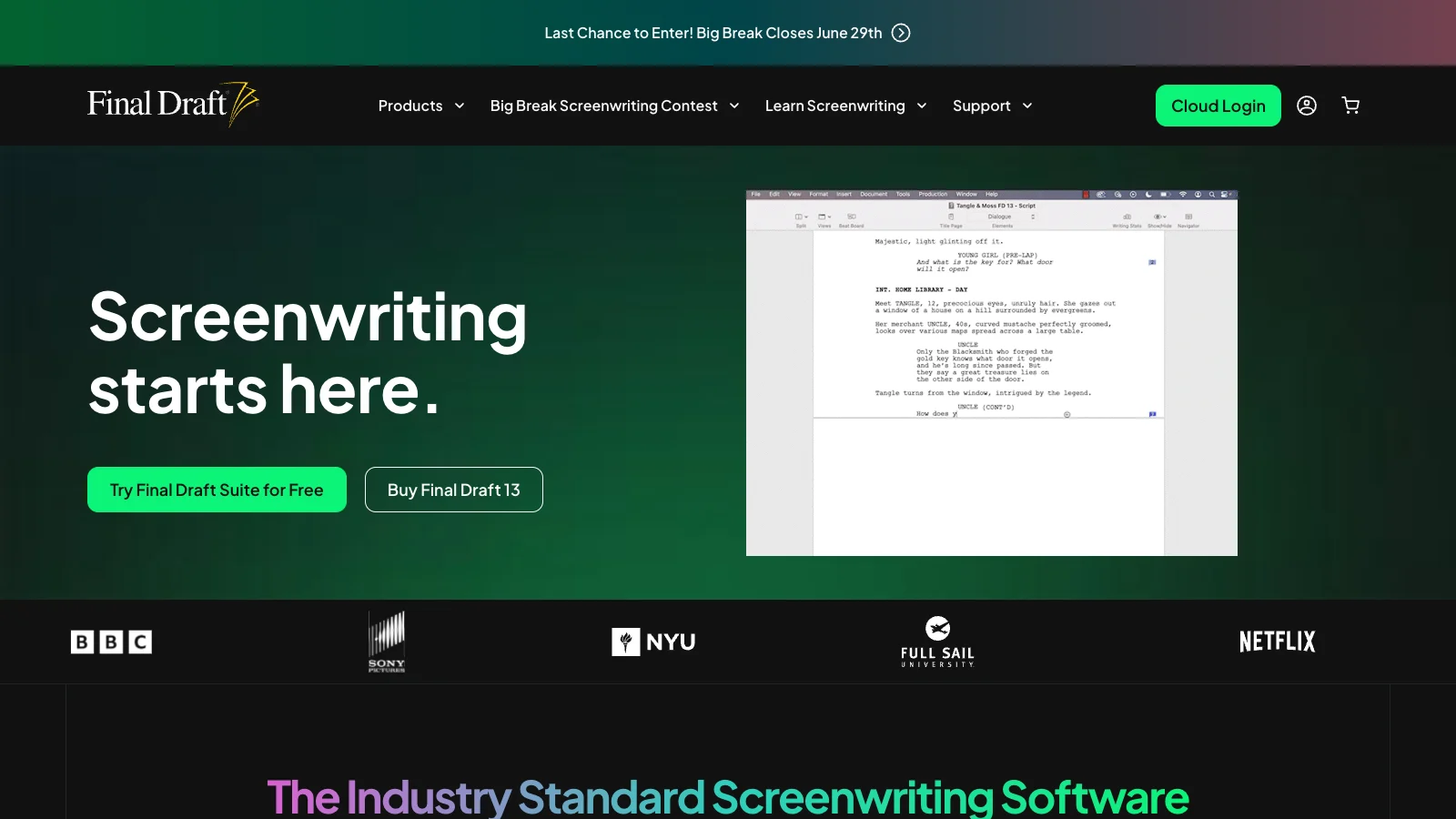
2. Final Draft - best for industry-standard screenplay formatting
Best for: professional screenwriters who need the safest screenplay format and delivery path.
Final Draft remains the obvious name in screenwriting software because industry workflow matters. If a studio, producer, class, or writers' room expects Final Draft files, that practical requirement can outweigh almost every AI feature comparison.
Final Draft is not attractive because it is trendy. It is attractive because it is accepted. It handles script formatting, pagination, revisions, scene navigation, reports, and the kind of production handoff that less specialized writing apps often miss.
Where Final Draft is strong
Choose Final Draft if you need:
a familiar screenplay production standard
reliable formatting and pagination
revision marks and production workflows
beat boards and outline-to-script movement
files collaborators already know how to open
a professional default for studio-facing work
The main value is not that Final Draft is the most experimental AI tool. It is that it reduces risk when the script leaves your laptop.
Where it is weaker
Final Draft is less compelling if your main problem is ideation, story-world context, visual development, or AI-heavy brainstorming. It can support structure, but it does not feel like an AI-native story canvas.
For many writers, Final Draft works best as the final page environment, while Storyflow, Claude, ChatGPT, Plottr, or LlamaGen handle earlier development and visual exploration.
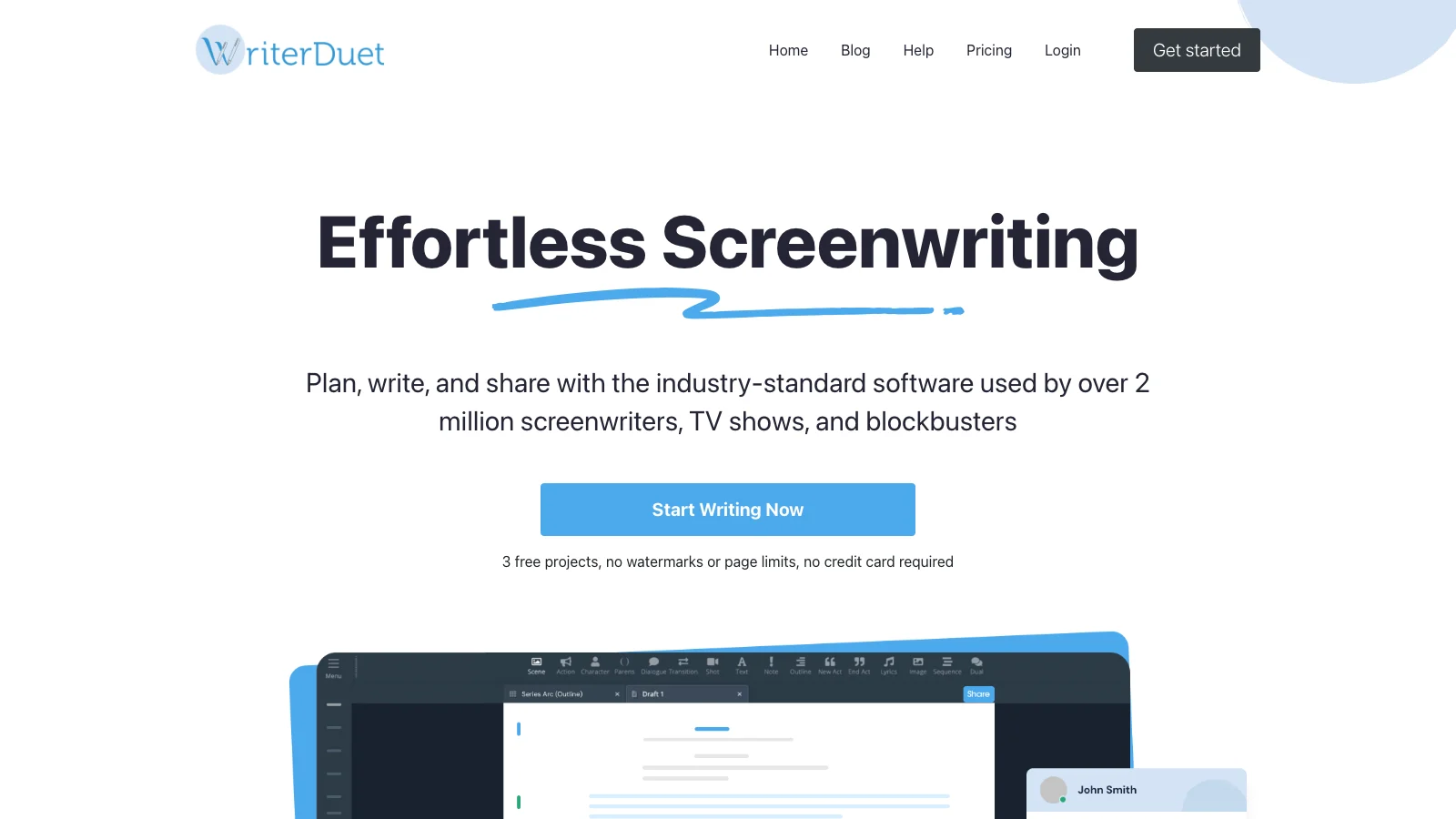
3. WriterDuet - best for real-time co-writing
Best for: collaborators who need to write, comment, revise, and export together in the browser.
WriterDuet has long been strong for co-writing because its center of gravity is collaboration. If you have a writing partner, a room, a producer giving notes, or a class workshop, that matters more than raw AI novelty.
WriterDuet handles screenplays, stage plays, outlines, comments, versioning, and exports in a cloud workflow. It is especially useful when the pain point is not "I need an AI to write for me" but "I need humans to work on the same script without destroying each other's draft."
Where WriterDuet is strong
Use WriterDuet when you care about:
real-time co-writing
comments and notes
cloud access
export flexibility
readable collaboration history
a lower-friction alternative to desktop-only workflows
It is a practical tool. The AI layer can help, but collaboration is the real reason to consider it.
Where it is weaker
WriterDuet is not primarily a visual development system. It will not automatically turn your scene into storyboard panels, character sheets, or shot concepts. It also does not replace a deep story-world workspace for complex series development.
It pairs well with LlamaGen when one team needs to co-write the script, then visualize selected sequences.
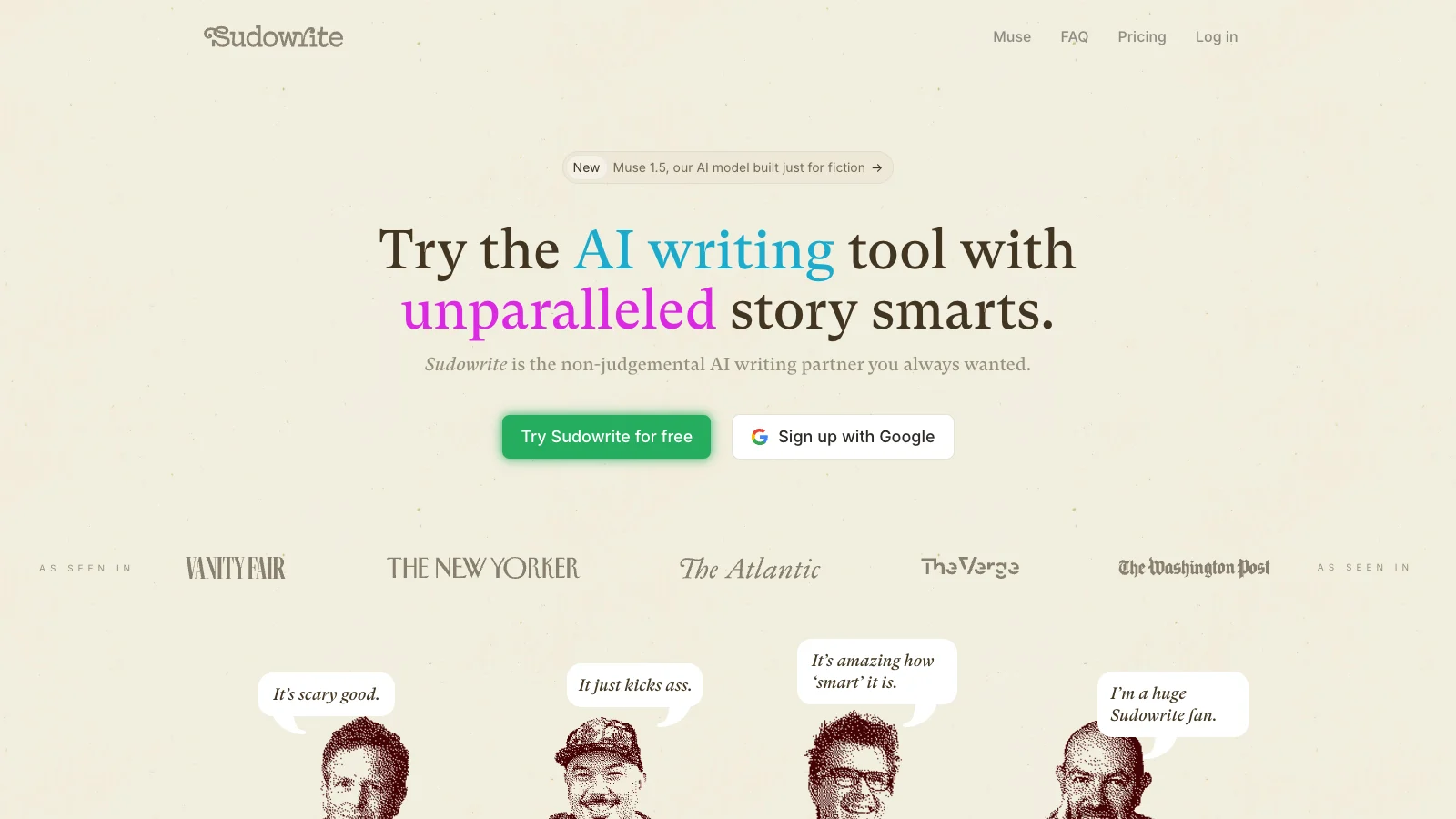
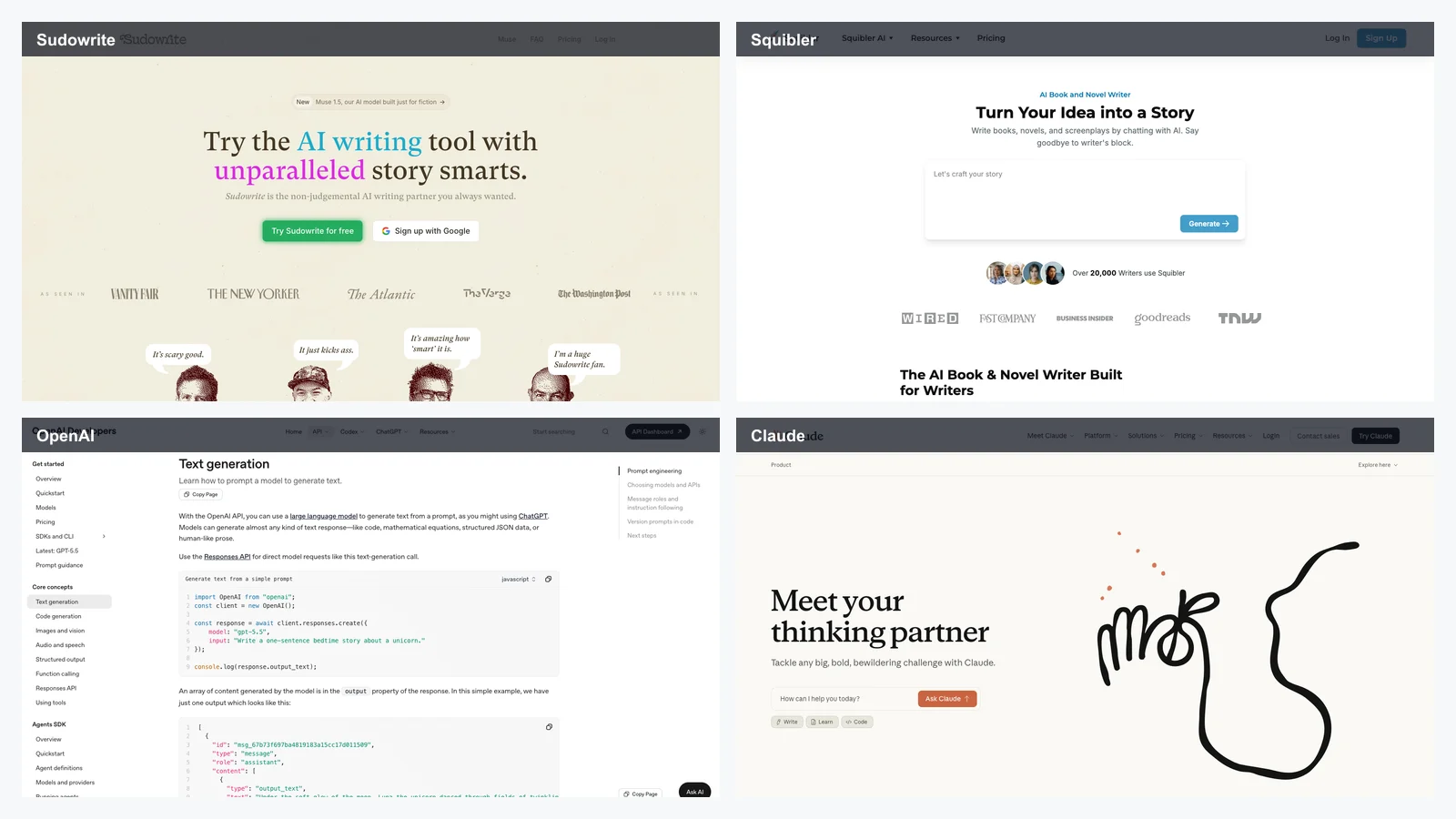
4. Sudowrite - best for AI-assisted prose, rewrites, and scene expansion
Best for: writers who want strong AI language help and do not mind adapting a novelist-friendly tool to screenplay work.
Sudowrite is one of the best-known AI writing products because it is built around creative drafting rather than generic productivity. It is especially good for generating alternatives, expanding moments, rewriting tone, describing sensory detail, and helping a stuck writer see another version of a scene.
For screenwriters, that can be useful during development. Action lines, scene descriptions, emotional beats, and dialogue alternatives can all benefit from language-level exploration.
Where Sudowrite is strong
Sudowrite is useful when you need:
alternate versions of a scene
sensory description
tonal rewrites
character voice experiments
brainstorming around conflict
help getting past a blank page
It is particularly helpful for writers who move between prose, treatments, novels, scripts, and pitch materials.
Where it is weaker
Sudowrite is not a screenplay production environment in the way Final Draft is. It also does not naturally manage a production visual pipeline. Use it for language and ideation, then bring the stronger material into a screenplay editor or visual story workflow.
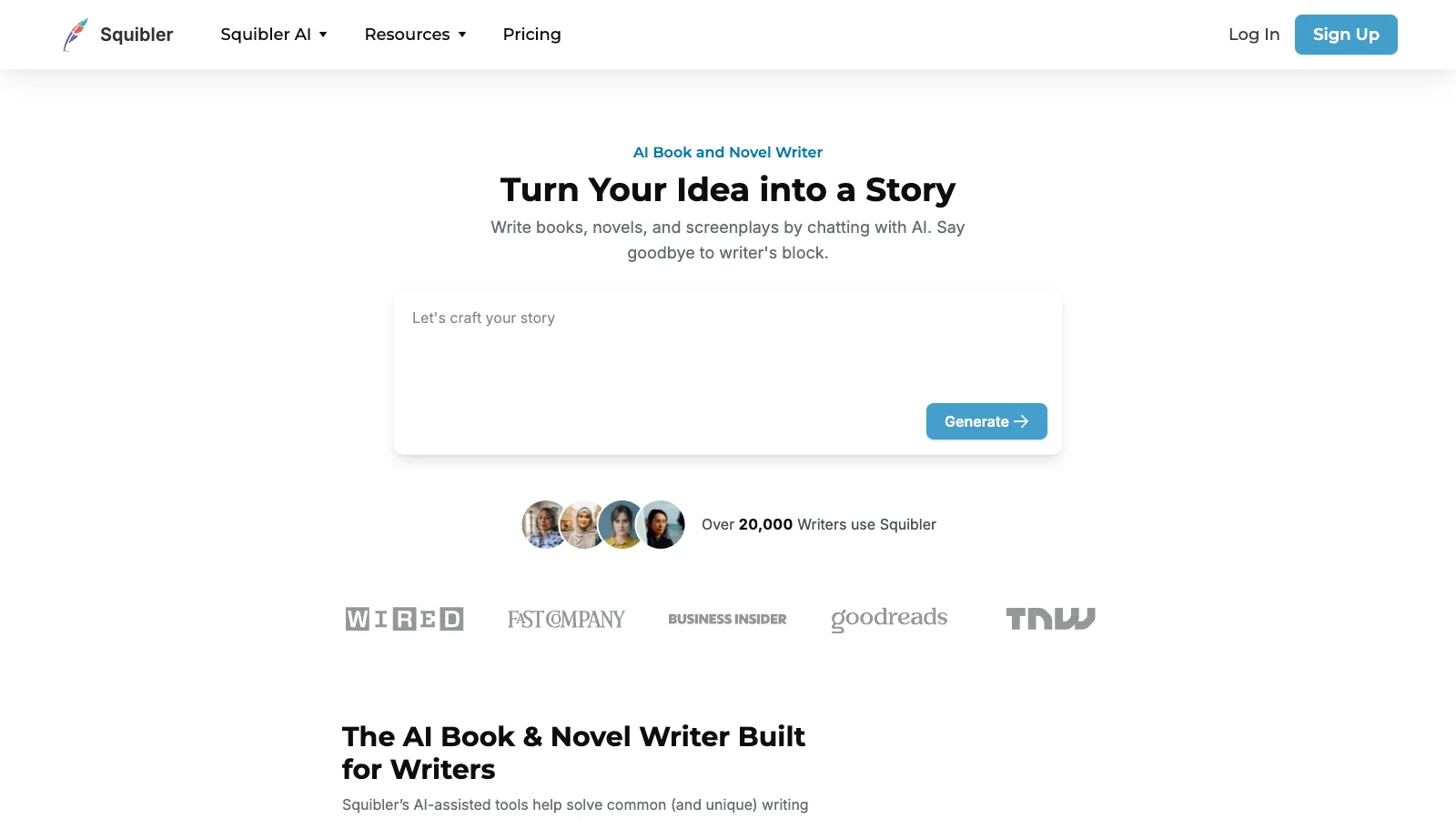
5. Squibler - best for lightweight AI drafting across formats
Best for: writers who want one approachable AI writing space for books, scripts, and long-form drafts.
Squibler sits in the broad AI writing category. It is useful for people who want a fast drafting environment, templates, AI generation, and a cleaner starting point than a blank document.
For screenwriters, Squibler can help with early drafts, treatments, scene ideas, summaries, and long-form project organization. Its value is accessibility.
Where Squibler is strong
Use Squibler if you need:
a simple AI writing surface
early script drafts or treatments
story prompts and outlines
cross-format writing support
a lighter tool than professional screenplay software
It is good when the writer is still finding the project shape.
Where it is weaker
It is less compelling for professional screenplay delivery, complex collaboration, or detailed story-world management. If you are writing to submit, shoot, or staff, Squibler may be a starting point rather than the final place the script lives.
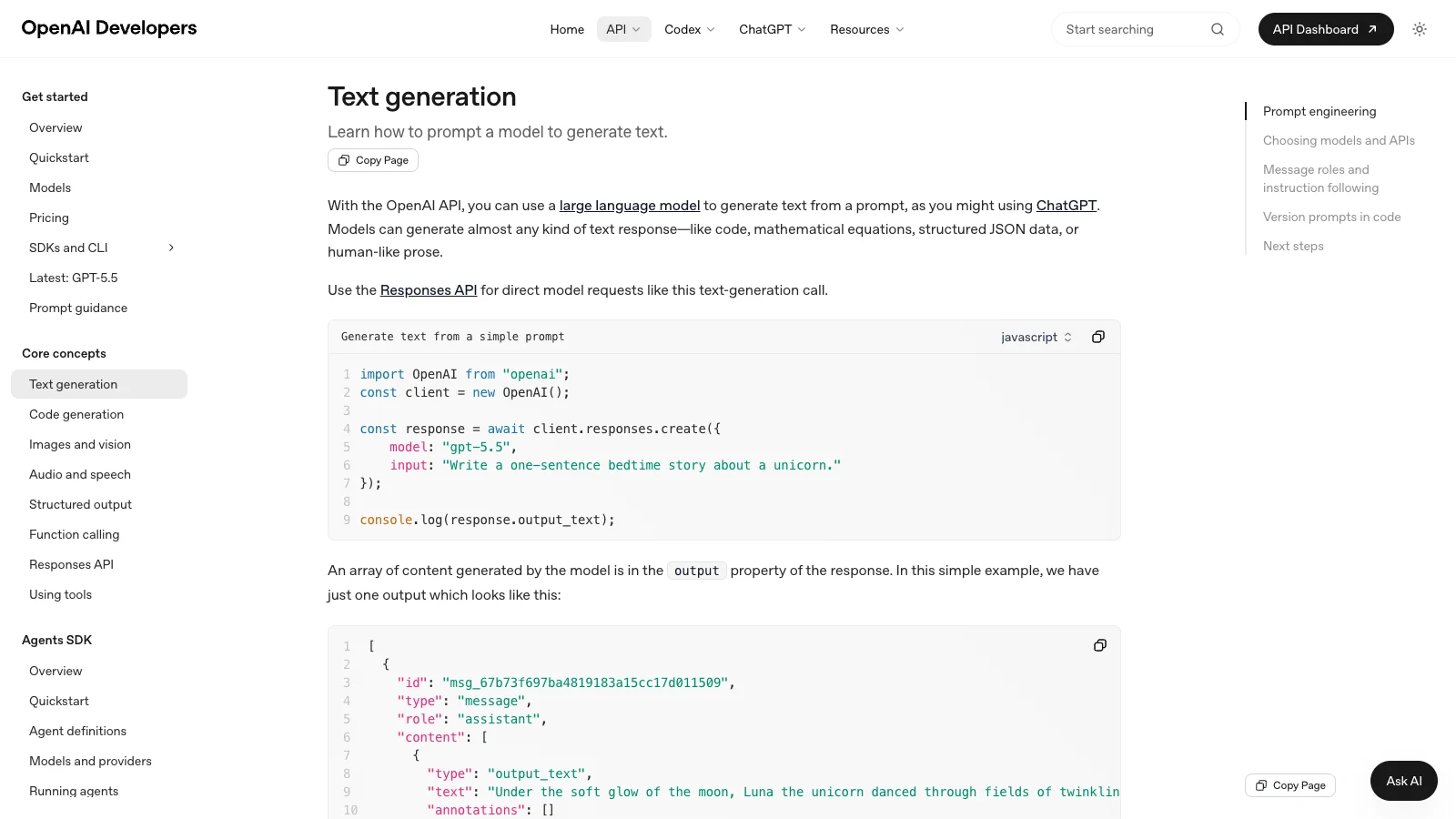
6. ChatGPT - best flexible AI assistant for screenwriting prompts
Best for: writers who know how to prompt and want a general assistant for ideation, critique, and variants.
ChatGPT is not screenwriting software, but many screenwriters use it because it is flexible. It can brainstorm loglines, pressure-test themes, summarize notes, generate dialogue alternatives, explain genre patterns, compare outlines, and simulate a script-note conversation.
The advantage is openness. You can ask almost anything. The downside is that you are responsible for building the writing system around it.
Where ChatGPT is strong
Use ChatGPT for:
premise exploration
logline variants
scene alternatives
dialogue passes
research summaries
development notes
antagonist motivation checks
pitch-deck copy
production questions
It can be extremely useful when the writer gives it specific context and clear constraints.
Where it is weaker
It does not automatically know your project unless you supply the relevant context. It also lacks a native screenplay editor, beat board, character bible, visual storyboard, or production export system. For serious work, ChatGPT should be part of a stack rather than the whole stack.
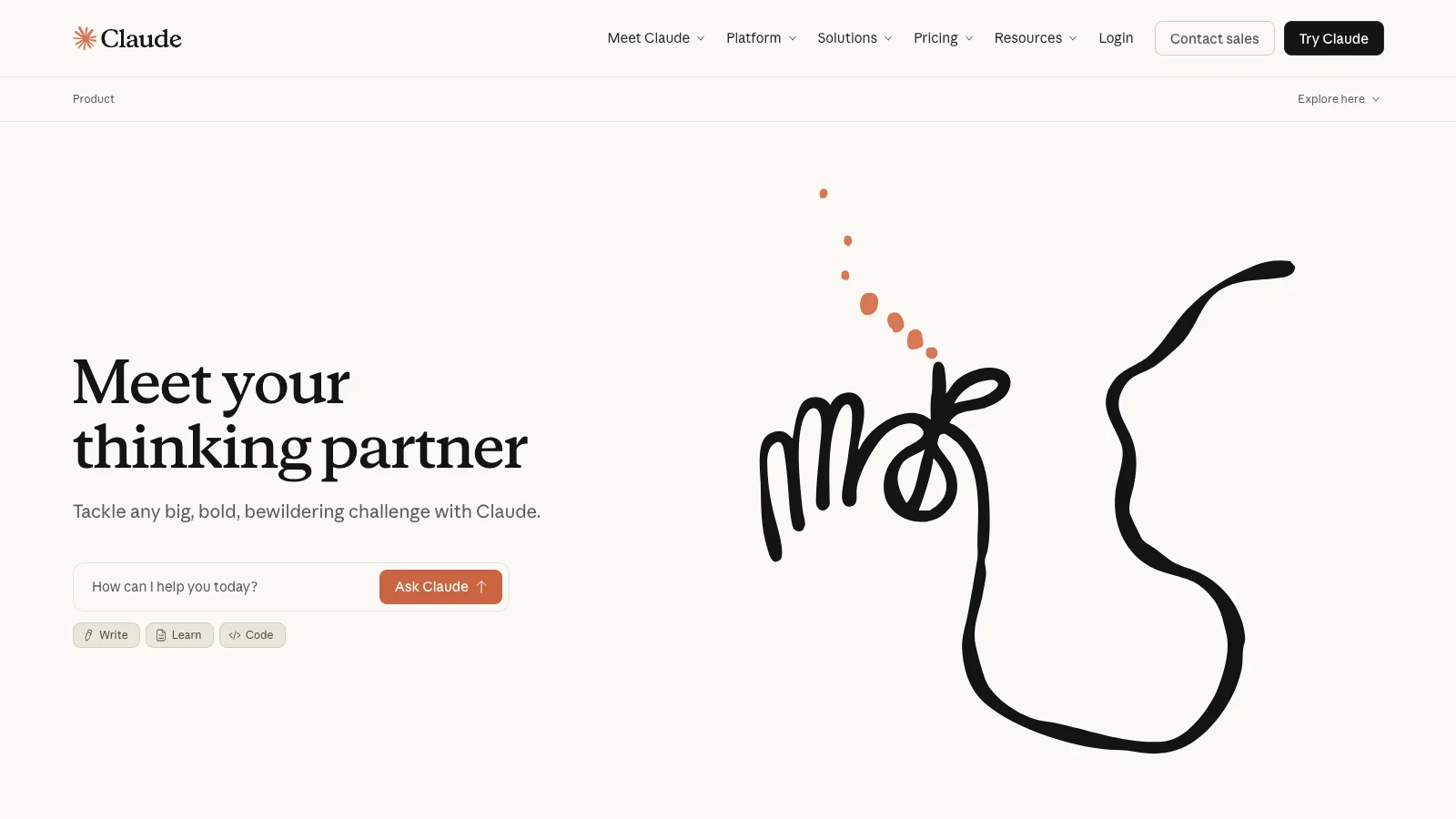
7. Claude - best for long-context reading and draft critique
Best for: writers who need an AI to read long drafts, treatments, bibles, notes, and revision material together.
Claude is especially useful for screenwriters because long context matters. A screenplay is long enough that weaker AI workflows lose the thread. A feature, treatment, character notes, and producer comments can easily exceed what casual AI use handles well.
Claude is strong when you want to ask questions about a whole body of material: what emotional promise is underdeveloped, which character disappears in act two, what the current ending implies, or where the pilot contradicts the bible.
Where Claude is strong
Use Claude for:
reading full scripts
comparing treatments to drafts
summarizing notes
finding continuity issues
rewriting selected scenes
checking character arcs
assessing pacing
reviewing a season bible
For script notes, Claude can feel closer to a patient development reader than a quick prompt tool.
Where it is weaker
Claude is still a chat interface. It does not replace a screenplay editor, production format tool, visual storyboard generator, or collaborative script workspace. The writer still needs a system for files, versions, and final output.
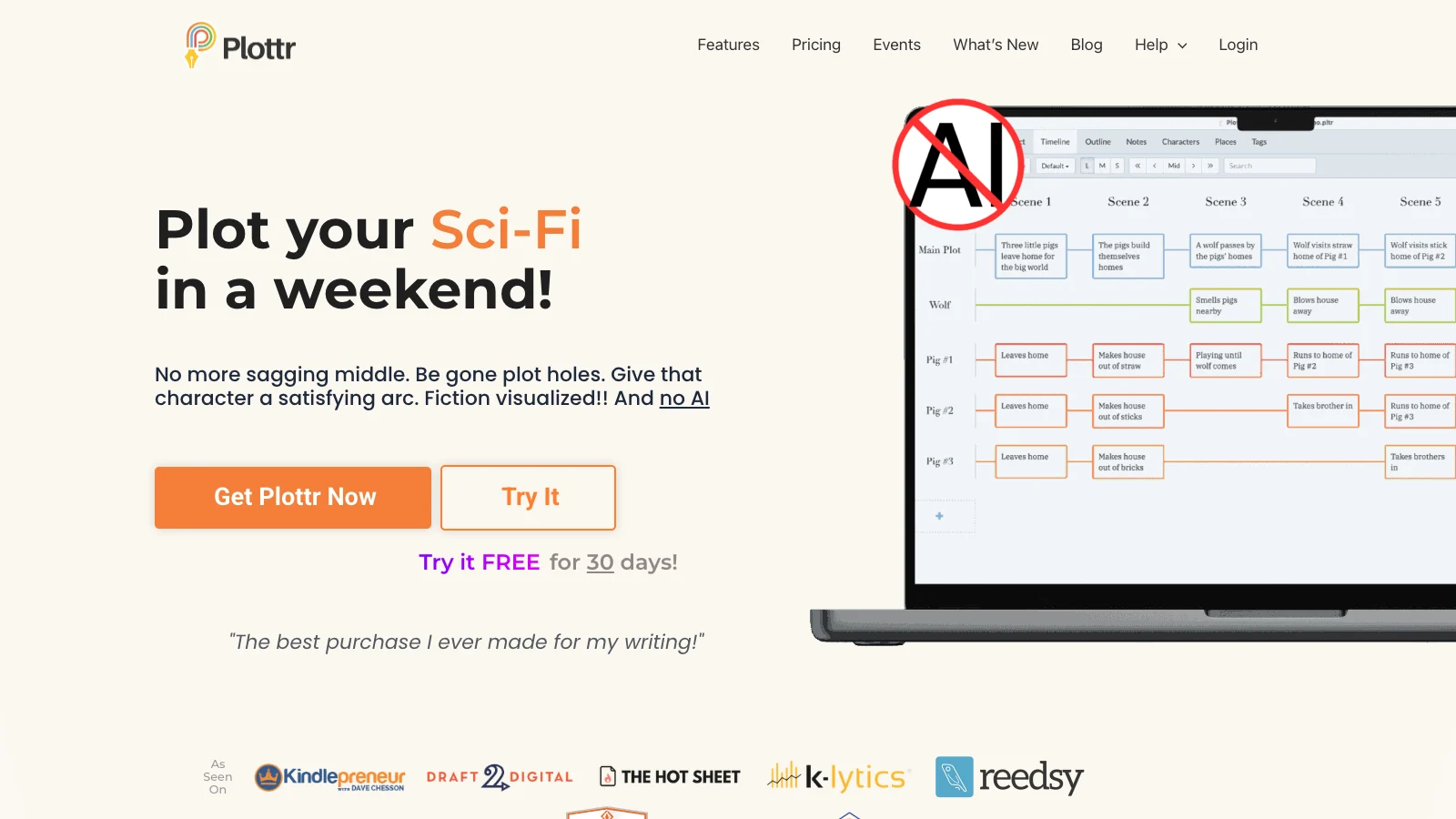
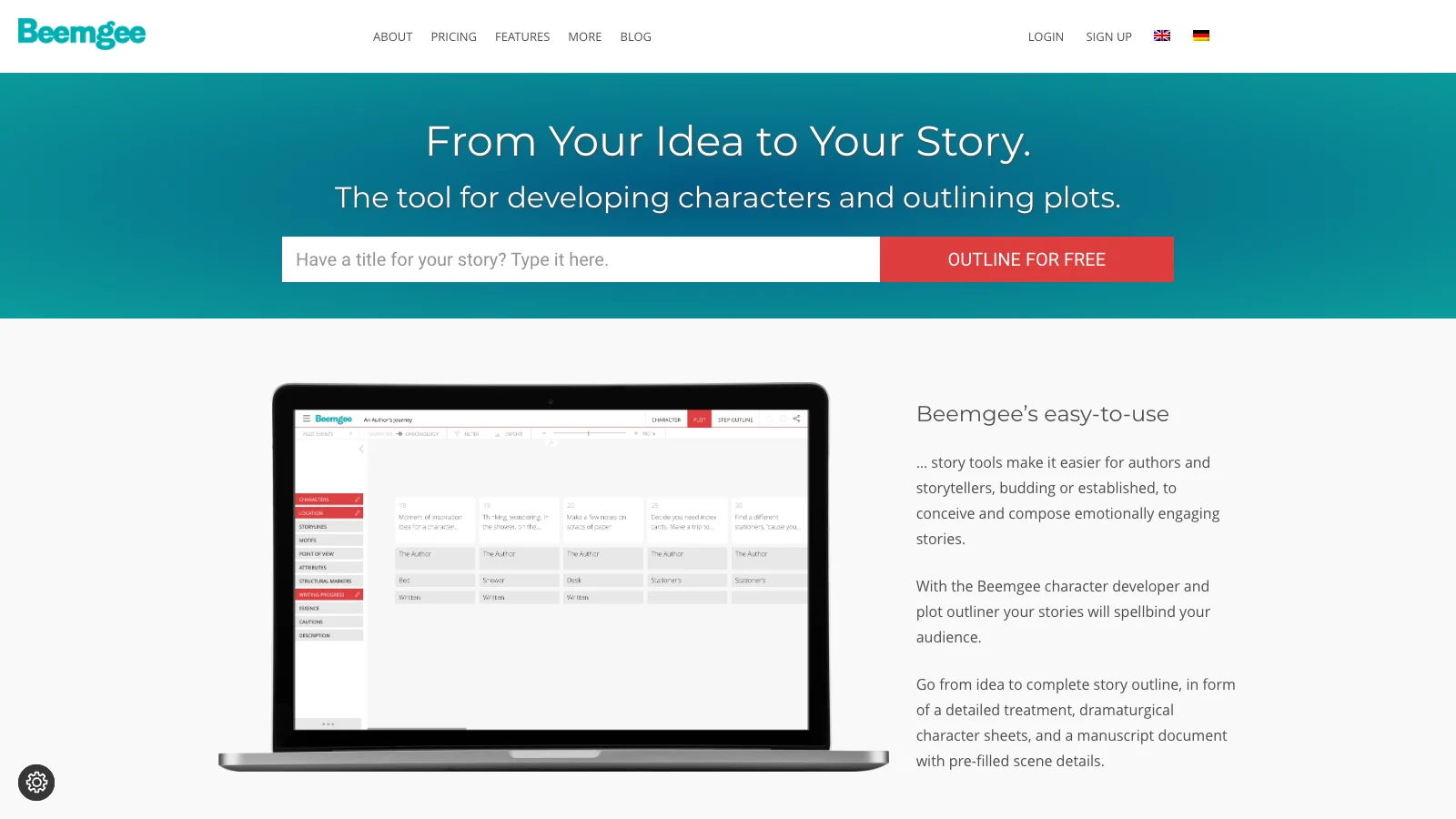
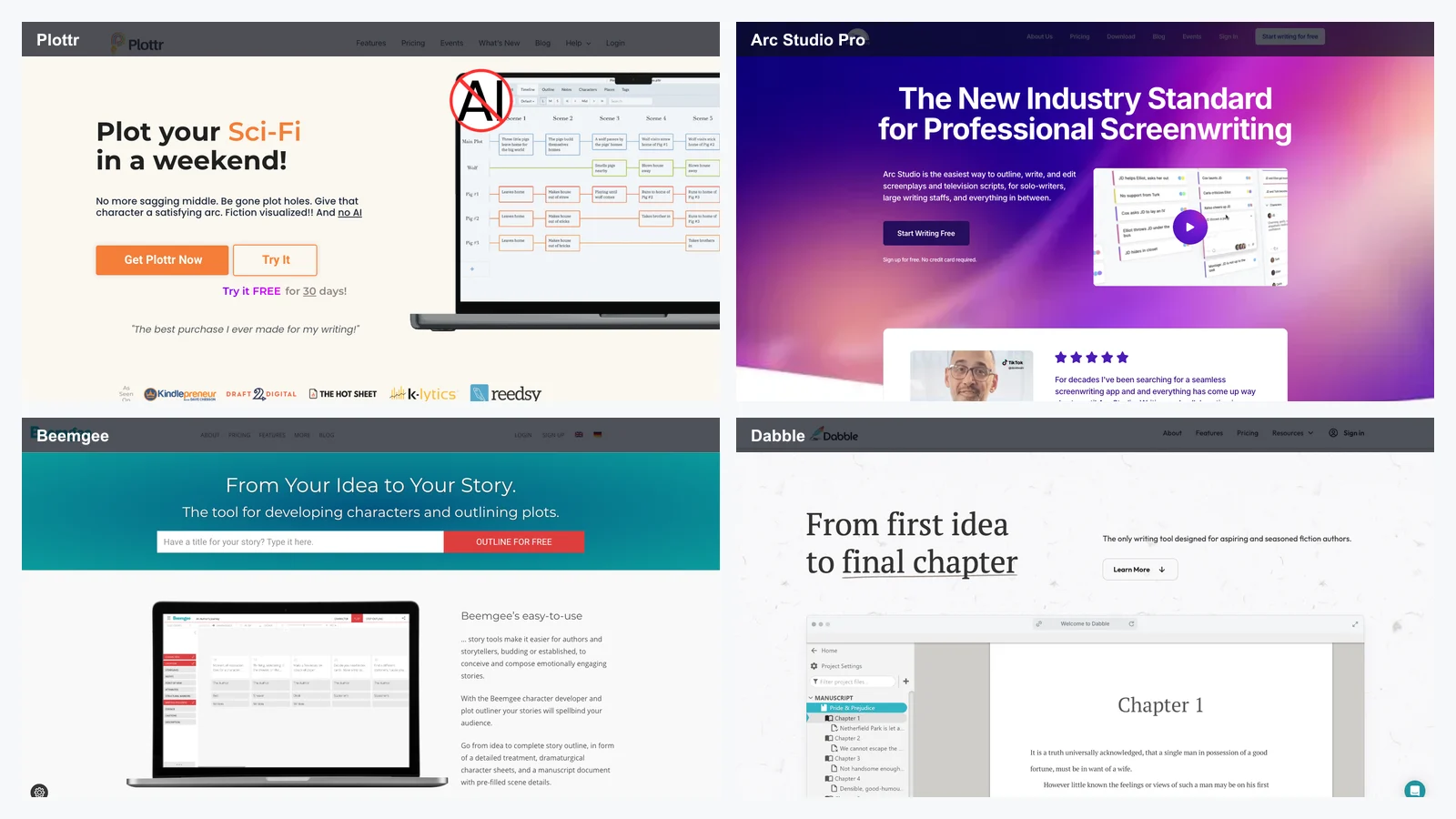
8. Plottr - best for timeline-first outlining
Best for: writers who think in timelines, storylines, arcs, and cards before writing pages.
Plottr is an outlining tool built around visual structure. Its appeal is the timeline and plot grid. That makes it especially useful for writers who need to see several storylines across time: A story, B story, romance, antagonist pressure, mystery clues, episode arcs, or ensemble characters.
Plottr is not mainly about final screenplay format. It is about planning.
Where Plottr is strong
Use Plottr if you need:
timeline-based outlining
parallel storylines
visual beat organization
character arcs across a feature or season
templates for structure
a place to test story order before writing
It is good for writers who feel lost in linear documents.
Where it is weaker
Plottr is not the whole writing stack. Once the outline works, you still need a screenplay editor, an AI assistant if desired, and maybe a storyboard or visual development tool. It solves structure, not everything around structure.
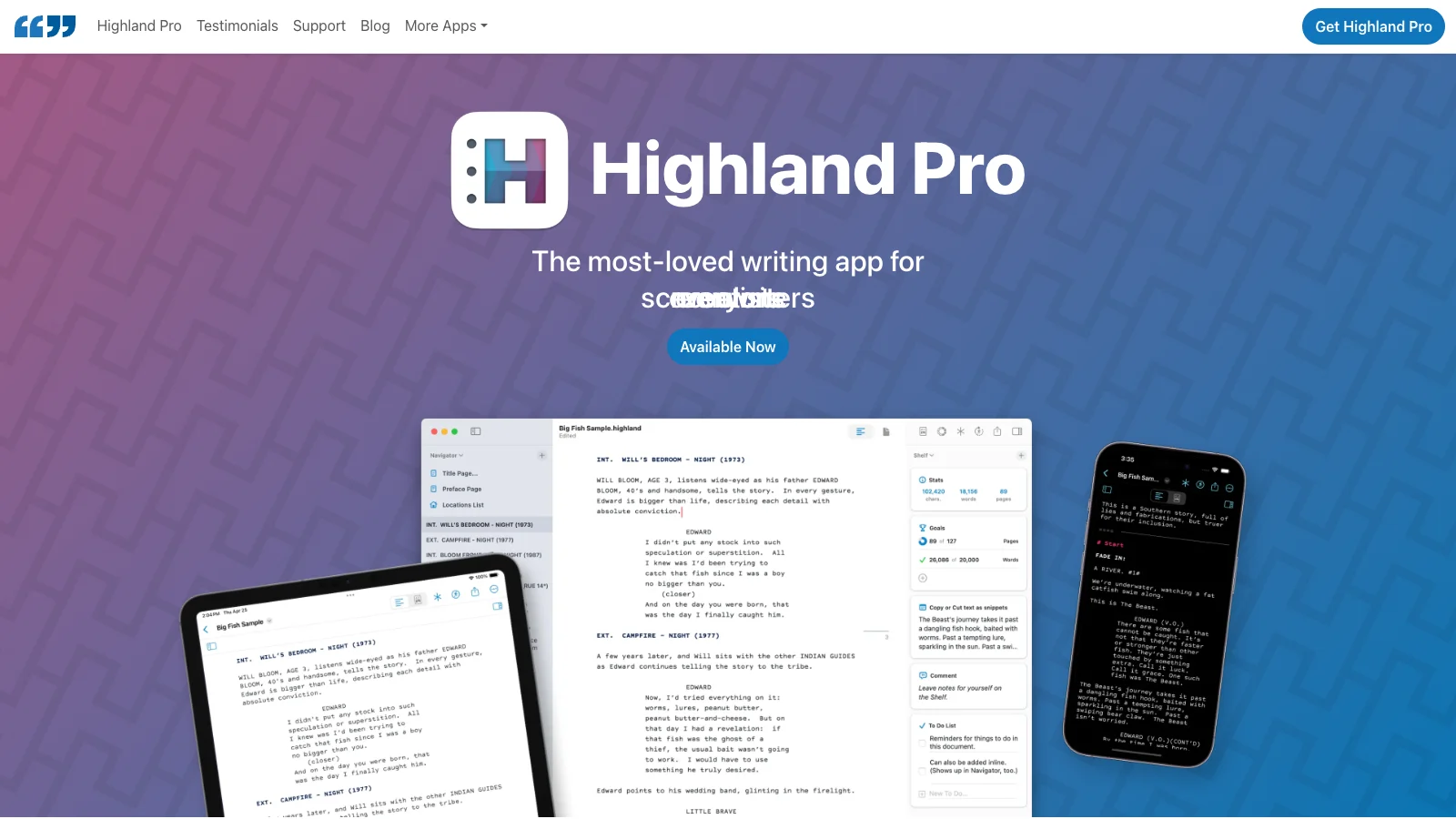
9. Highland 2 - best for plain-text Fountain screenwriting
Best for: Mac writers who want a clean, focused, plain-text screenplay workflow.
Highland 2 is beloved for a reason: it makes screenwriting feel light. It uses Fountain, a plain-text screenplay syntax, so the writer can focus on words instead of formatting controls.
Highland is less about AI spectacle and more about writing taste. If you like clean tools, keyboard flow, and plain text that can move elsewhere, it makes sense.
Where Highland 2 is strong
Use Highland if you want:
focused Mac writing
Fountain plain text
simple screenplay formatting
a low-friction draft environment
export paths without a heavy UI
It is excellent when the tool should disappear.
Where it is weaker
Highland is not a deep AI story-world system, team canvas, or visual workflow. Many writers will pair it with Claude, ChatGPT, Storyflow, or LlamaGen rather than expect Highland to solve every stage.
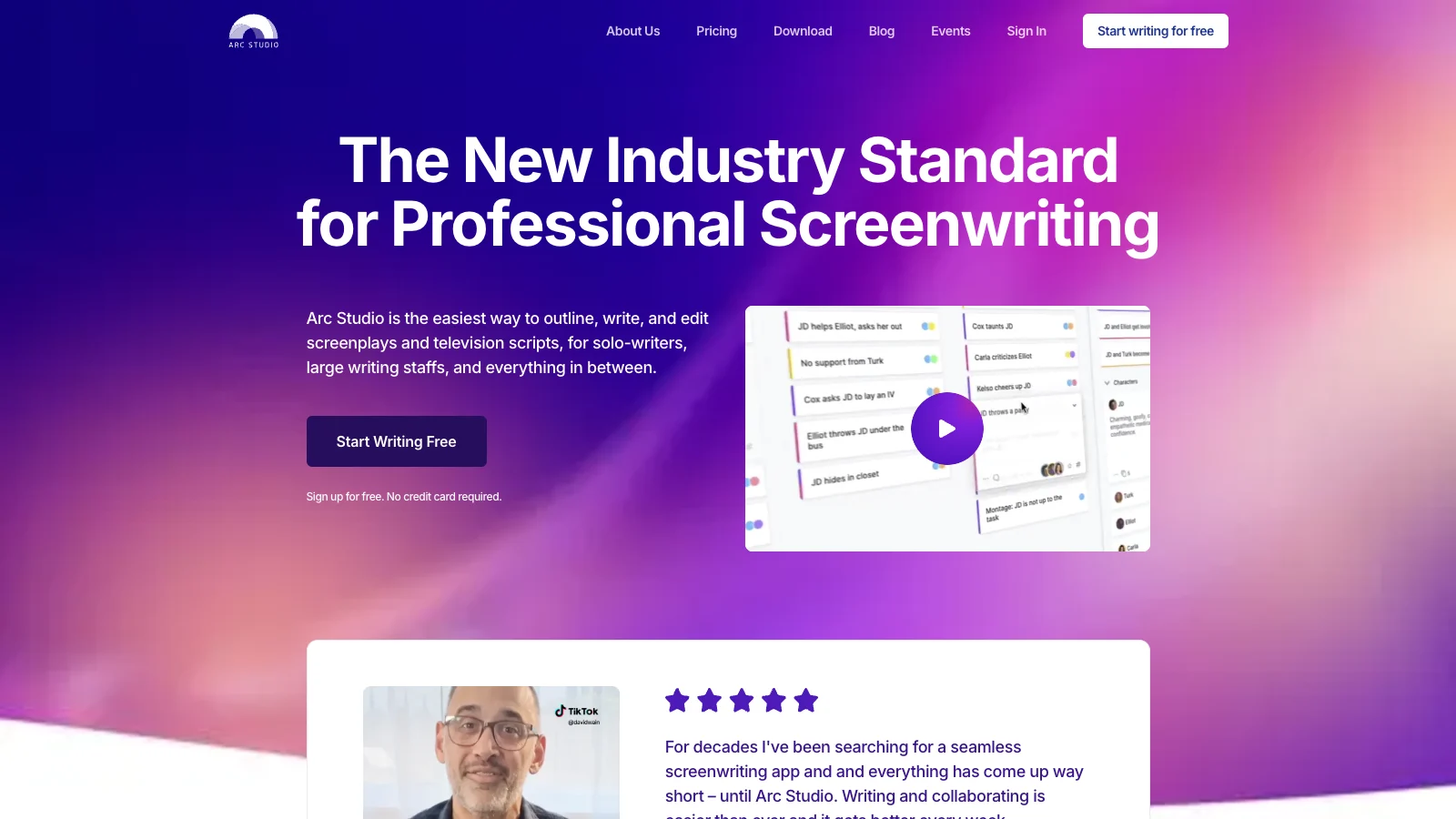
10. Arc Studio Pro - best modern cloud screenplay editor
Best for: writers who want a polished, modern screenplay app with beat boards and cloud access.
Arc Studio Pro sits between legacy screenplay tools and newer writing apps. It feels modern, browser-friendly, and structure-aware. The clean interface and beat-board features make it attractive for writers who want a dedicated screenwriting tool without the weight of older desktop software.
Where Arc Studio Pro is strong
Use Arc Studio when you want:
a dedicated screenplay editor
a modern web-app feel
beat boards and outline support
collaboration-friendly cloud access
a cleaner interface than many traditional tools
It is a strong choice for writers who care about both writing feel and screenplay format.
Where it is weaker
Arc Studio is still centered on the script. If the job is to manage a huge story world, generate visual storyboards, or move into shot-level production planning, you will likely want adjacent tools.
11. Beemgee - best for character-first development
Best for: writers who build story through character motivation, dramatic questions, and cause-and-effect structure.
Beemgee is different because it cares deeply about story logic. It is not just an editor. It pushes writers to think about character, plot points, motivations, and the dramatic engine of the story.
That makes it useful when the problem is not formatting, but the story itself.
Where Beemgee is strong
Use Beemgee for:
character motivation
dramatic questions
cause-and-effect story logic
plot diagnosis
development before drafting
comparing character arcs
It can help a writer find why a story is not working before the script becomes too expensive to revise.
Where it is weaker
Beemgee is not the default final screenplay editor, and it is not primarily a visual storyboard tool. It is strongest as a development layer before pages or alongside a draft.
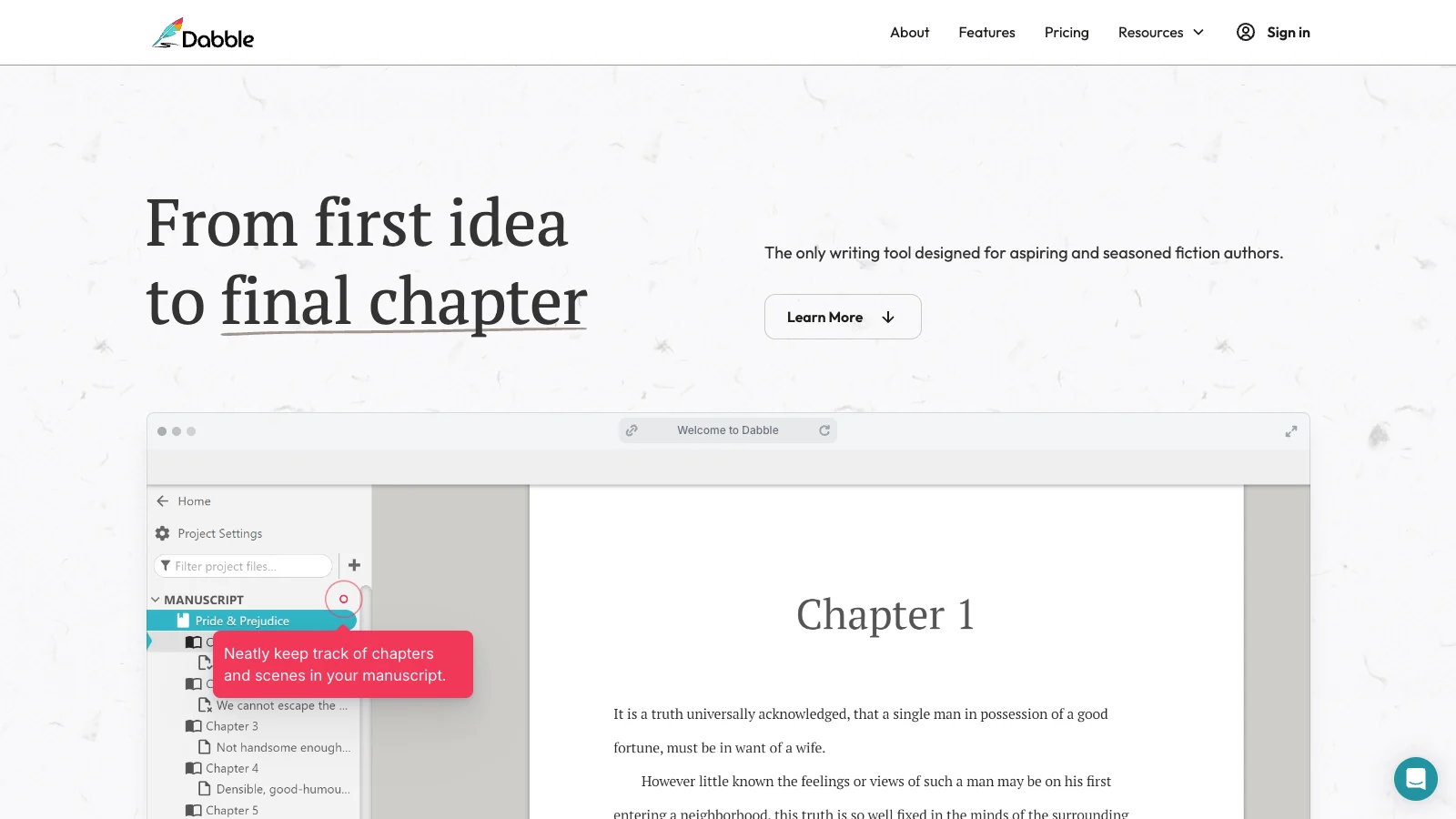
12. Dabble - best for writers crossing between novels and scripts
Best for: writers who draft novels, treatments, scripts, and story notes in one organized long-form workspace.
Dabble is more novelist-leaning, but screenwriters can use its plot grid, notes, and drafting environment for development. It is useful when the project is not only a screenplay: a novel adaptation, treatment, pitch document, or transmedia story may live more comfortably in Dabble than in a strict screenplay app.
Where Dabble is strong
Use Dabble when you need:
long-form writing organization
plot grid planning
notes close to the draft
a friendlier environment for novel-screenplay crossover
one home for multiple writing formats
It is good for writers whose process starts with prose or treatment material.
Where it is weaker
For screenwriters who only care about formatted pages, Dabble is not as direct as Final Draft, WriterDuet, Highland, or Arc Studio. For visual development, it needs a companion tool.
Where LlamaGen AI Screenplay Editor fits
Best for: writers who want to move from screenplay text into shot lists, storyboards, characters, visual continuity, and production-friendly visual development.
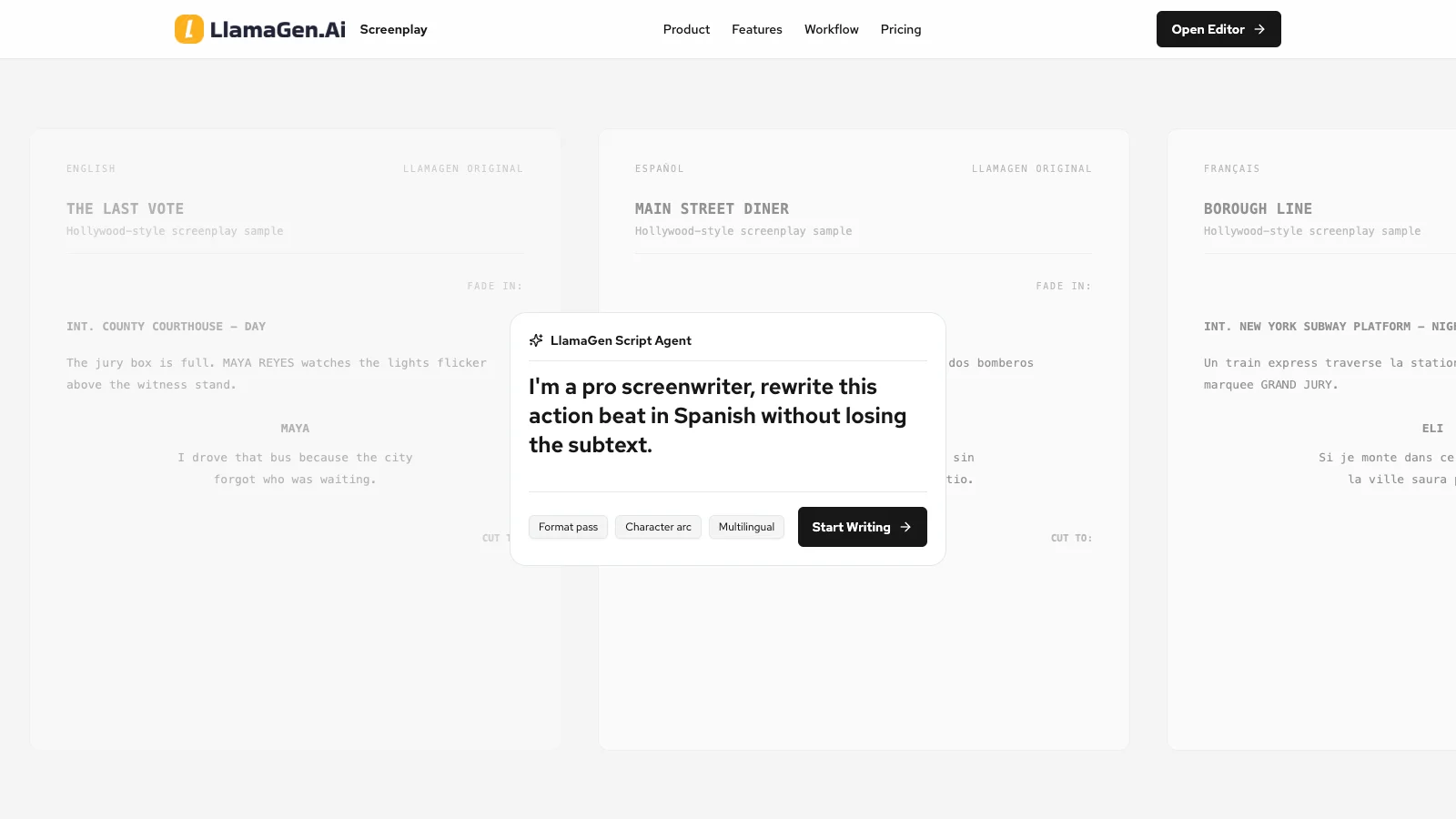
LlamaGen AI Screenplay Editor belongs in a different part of the screenwriting stack from Final Draft or WriterDuet. Its value is not that it replaces every screenplay app. Its value is that it helps bridge the gap between a written scene and a visual sequence.
That gap is where many projects stall.
A screenwriter can have a strong scene on the page, but a producer, director, animator, illustrator, or pitch audience still needs to see it. The traditional handoff is messy: script, manual shot list, rough storyboard, reference board, character descriptions, location notes, and then rounds of clarification.
LlamaGen is useful when the workflow needs to become:
Story idea -> Screenplay -> Scene breakdown -> Shot list -> Characters -> Storyboard -> Visual pitch
What LlamaGen adds that writing apps usually do not
Most screenwriting tools stop at pages, boards, or notes. LlamaGen extends the work into visual development.
That matters for:
indie filmmakers planning a short
YouTube creators scripting narrative videos
animation teams turning scripts into boards
comic and webtoon creators adapting scenes
screenwriters preparing pitch visuals
agencies creating branded story concepts
educators teaching scene-to-shot thinking
The core advantage is not just "AI writes text." The advantage is project translation.
1. Screenplay to scene breakdown
Before a script becomes visual, it has to be broken into units that can be directed. LlamaGen can help turn written scenes into clearer beats, shot needs, characters, props, and locations.
This is especially useful for writers who can feel the scene emotionally but have not yet made it shootable.
2. Shot list and storyboard flow
Screenplays imply camera choices, but they rarely specify every shot. LlamaGen helps move from scene intent into storyboardable moments: establishing shots, close-ups, reaction shots, inserts, transitions, and visual beats.
This makes it useful for directors, animators, and comic creators who need the story to become a sequence rather than a block of text.
3. Character and visual continuity
A common failure in AI visual workflows is that characters drift. The same protagonist becomes younger, older, differently dressed, or visually inconsistent across panels. LlamaGen is built closer to a character-and-story workflow, so it is better suited for projects that need recurring visual identity.
For screenwriters, that means a character description can become a visual reference system instead of staying abstract.
4. Screenplay to comic, storyboard, or animatic-adjacent assets
Not every screenplay is headed straight to live action. Some scripts become animated shorts, webtoons, pitch decks, social videos, comics, or game cinematics. LlamaGen is strongest when the screenplay is a source document for a visual project.
That is why it complements, rather than replaces, many tools in this list.
LlamaGen vs traditional screenwriting apps
Workflow question
Traditional screenwriting tool answer
LlamaGen answer
Can I write formatted screenplay pages?
Final Draft, WriterDuet, Highland, and Arc Studio are stronger defaults
Useful for screenplay workflows, but strongest after or alongside drafting
Can I hold a story bible and character context?
Storyflow, Beemgee, Plottr, and Dabble can help
Helps turn that context into visual characters and scenes
Can I get AI writing notes?
ChatGPT, Claude, Sudowrite, and Storyflow are strong
Useful when the notes need to become visual revisions
Can I create a shot list?
Usually manual or handled in production tools
Screenplay-to-shot-list flow is a natural fit
Can I storyboard a scene?
Usually outside the screenplay editor
Core reason to use LlamaGen
Can I pitch the project visually?
Needs exports and separate design tools
Stronger path from scene to visual references
Can I keep characters visually consistent?
Text tools can describe consistency
LlamaGen can carry visual continuity into generated assets
Recommended screenwriting stacks
The right stack depends on what kind of writer you are.
Solo feature writer
Use Final Draft, Highland, Arc Studio, or WriterDuet for the screenplay. Use Claude or ChatGPT for notes and alternate scenes. Use Plottr, Beemgee, or Storyflow if structure is the bottleneck. Use LlamaGen when selected scenes need storyboards, visual pitch frames, or proof-of-concept sequences.
TV pilot or series writer
Use Storyflow for the bible, season logic, character context, and structural boards. Use Final Draft or WriterDuet for formatted scripts. Use Claude for long-context critique. Use LlamaGen to visualize the pilot teaser, a key set piece, or a pitch sequence.
Writing team or writers' room
Use WriterDuet or Final Draft for collaborative pages. Use Storyflow or Beemgee for shared story logic. Use LlamaGen when the room needs to communicate tone, scene geography, character look, or episode visuals to directors, artists, executives, or marketing teams.
Indie filmmaker
Use Arc Studio, Highland, or WriterDuet for the draft. Use ChatGPT or Claude for notes. Use LlamaGen to turn the locked scenes into shot lists, storyboard frames, and visual planning material before production.
Comic, animation, or webtoon creator
Use any writing tool that helps you get the script down. Then use LlamaGen much earlier than a live-action writer would: character references, visual beats, panels, shot flow, and page or storyboard planning are part of the core creative process.
When not to use LlamaGen
LlamaGen is not the right center of gravity if all you need is a clean screenplay file for a studio submission. Final Draft, WriterDuet, Arc Studio, and Highland are more direct for that.
It is also not the best choice if you want a pure chat assistant for prose-level rewrite analysis. ChatGPT, Claude, and Sudowrite are more direct.
Use LlamaGen when the script needs to become visible.
Final verdict
If your main problem is screenplay formatting, start with Final Draft, WriterDuet, Highland, or Arc Studio Pro.
If your main problem is story structure, look at Storyflow, Plottr, Beemgee, or Dabble.
If your main problem is AI writing help, use ChatGPT, Claude, Sudowrite, or Squibler.
If your main problem is that the screenplay needs to become a storyboard, shot list, visual pitch, comic sequence, animation reference, or character-consistent visual plan, use LlamaGen AI Screenplay Editor.
The honest 2026 answer is a stack. Pages in a screenplay tool. Story logic in a development tool. AI notes in a long-context assistant. Visual execution in LlamaGen. That combination respects what screenwriting actually is: not just writing scenes, but preparing a story to be made.
This LlamaGen article was created from a live review of the Storyflow roundup and official public product pages. Product screenshots were captured from public pages and uploaded to the LlamaGen CDN. Refreshed on June 25, 2026.