All posts
From Six Panels to a 20-Second Comic Book Trailer

Jay
20. november 2026
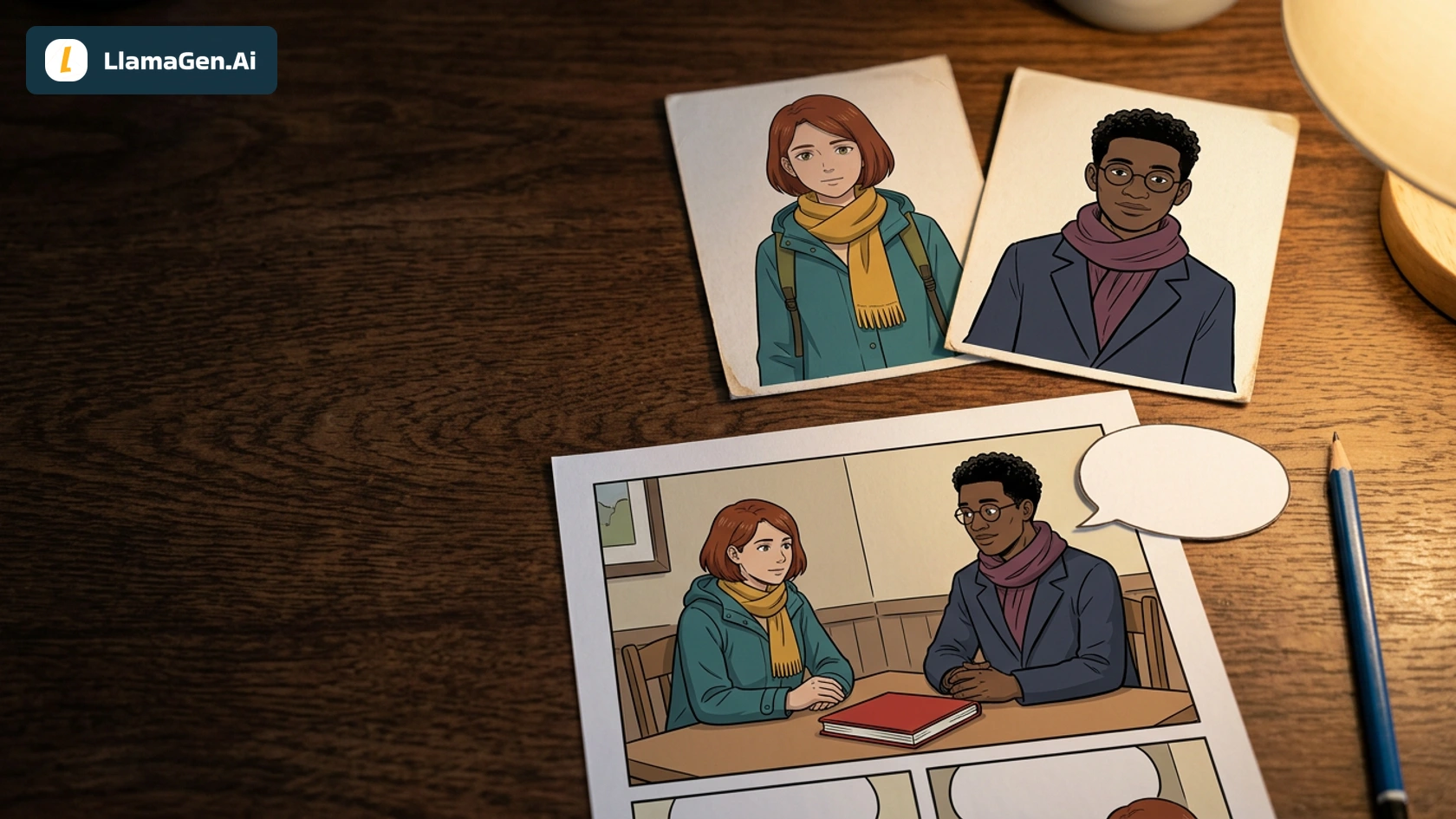
A comic book trailer from panels needs a clear reason to keep someone reading. In Maya's six-panel station story, that reason is a red notebook with an unknown owner. The comic resolves that question; this trailer stops before the answer and gives the viewer four seconds to find the full page.
If you want to plan a similar teaser, start with LlamaGen.AI's comic book trailer workflow. This worked example focuses on the actual 20-second export, source selection, and timing revision. It does not assume a single prompt can make every editorial decision for you.
Watch the finished 20-second trailer
Download the finished trailer, then read the source six-panel comic and its reference-image tutorial. The full page below contains the story's ending.
Production scope, November 21, 2026: this is a local edit of owned comic art and two previously generated six-second Veo 3.1 Fast clips. The earlier clips were generated through Replicate for our 15-second scene-animation example. This trailer adds local titles, still-panel holds, a new sequence, and an end card. No new AI video request was made. The exported MP4 is silent, square 720×720, 24 fps, and exactly 480 frames. It is not presented as a signed-in Studio export.
Start with what the trailer should withhold
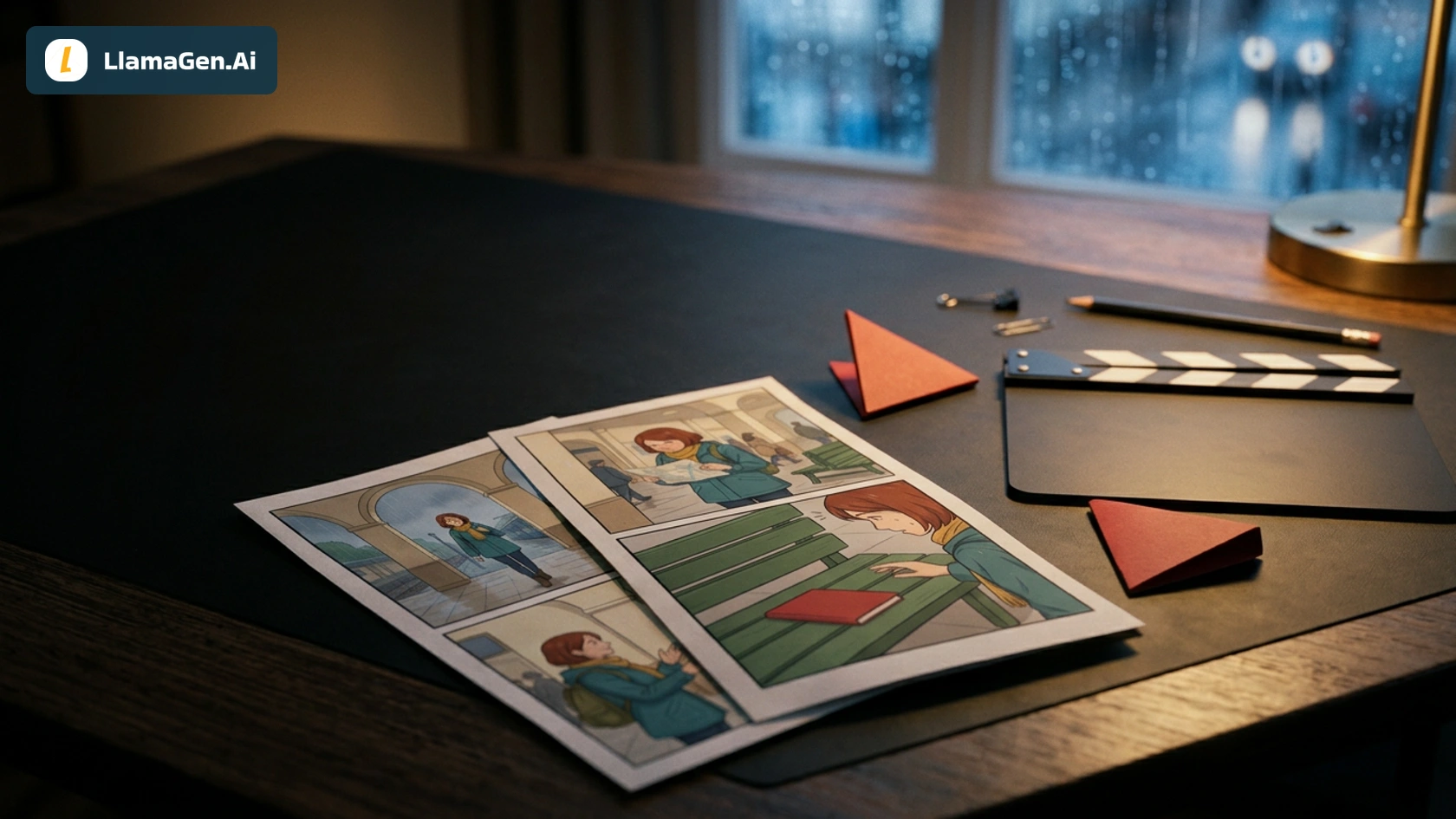
The source page follows Maya arriving at a rainy station, checking a map, finding a notebook, picking it up, handing it to an attendant, and watching it reach its owner. That is a complete story. If the trailer shows every action, it spends the ending before anyone opens the page.
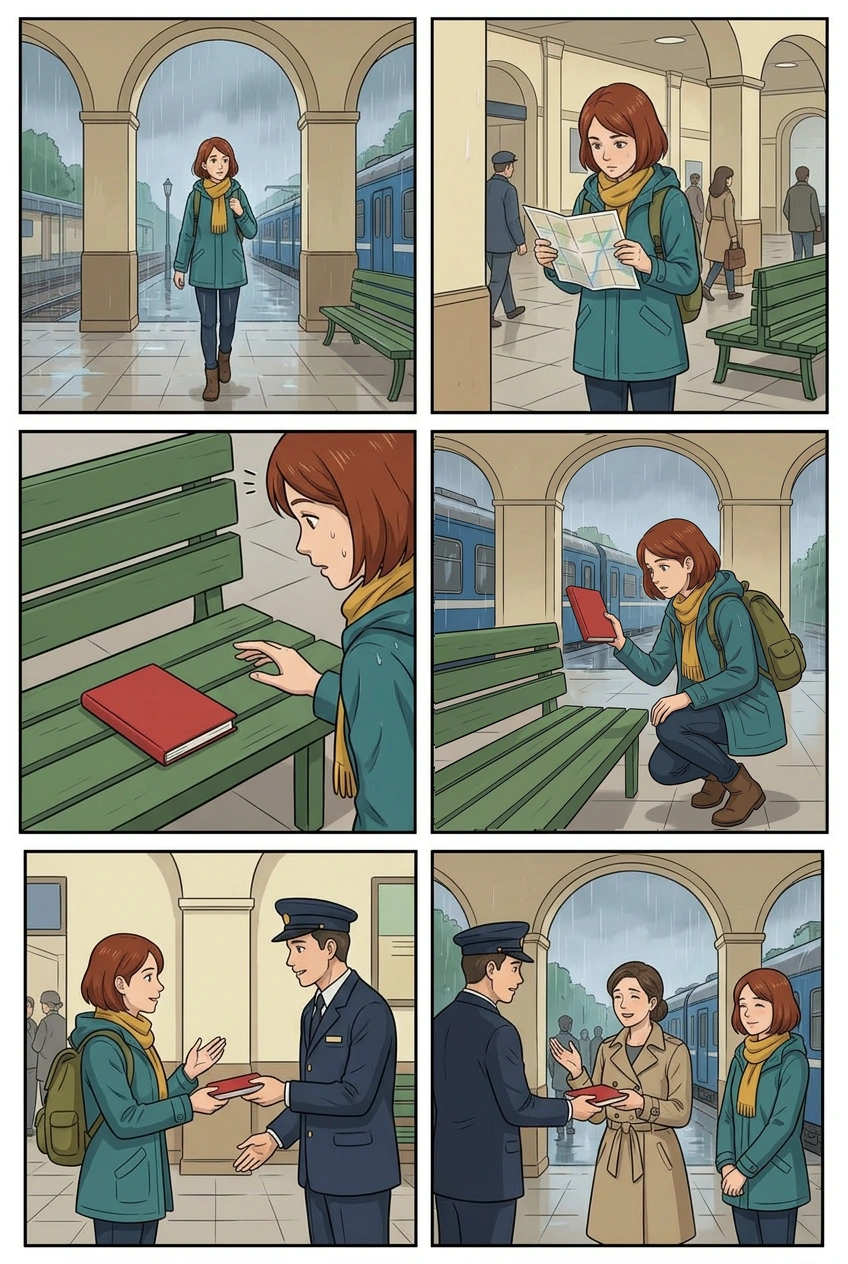
For the trailer, we kept the arrival, discovery, map, and initial handoff. We left out the final owner-return panel and its animated clip. The map appears after discovery in the trailer even though it comes earlier in the comic. Here it works as a pause and a question, not as a claim that the original page has a different reading order.
That distinction matters when adapting your own page. A teaser can rearrange emphasis, but it should still represent the comic honestly. Avoid adding copy that implies a threat, relationship, or twist the story never delivers. In this case, “Who does it belong to?” simply names the notebook question already present in the art.
Build five short editorial beats
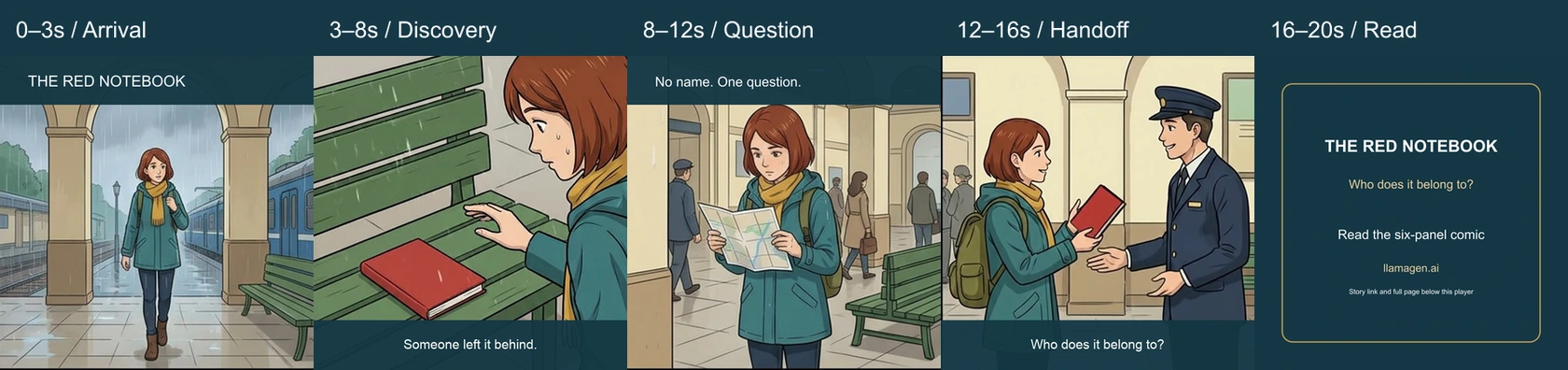
The final cut uses these intervals:
| Time | Source | Editorial job |
|---|---|---|
| 0–3 seconds | Arrival panel held as a still, local title | Introduce Maya's rainy setting and “The Red Notebook” |
| 3–8 seconds | Discovery clip, source time 0.4–5.4 seconds | Give the viewer one visible object and a small reach |
| 8–12 seconds | Map panel held as a still, local caption | Pause with “No name. One question.” |
| 12–16 seconds | First four seconds of the attendant handoff clip | Suggest the next action while withholding the owner |
| 16–20 seconds | Locally typeset end card | Invite the viewer to read the six-panel comic |
Only two sections include generated character motion. Arrival and map are still-panel holds, not new animated shots. The captions are editable editorial text added after generation, not text produced by Veo.
The square crop removes the ivory padding around the original vertical clips. That works for these centered actions, but it is a case-specific crop. A panel with a face or speech balloon near the edge would need a different composition. Keep a source-to-shot table so a later editor can see which artwork was held, cropped, trimmed, or omitted.
Keep motion smaller than the story problem
Because the retained clips already existed, this was mainly an editing task rather than a new motion benchmark. The discovery shot provides a small reach toward the notebook. The handoff adds a second action. Hard cuts connect those clips to the two still holds.
The reused motion still has visible limits: hand contact and notebook edges vary. A short trim does not establish perfect anatomy or rigid-object consistency, and this article does not claim otherwise. Those limits were also documented in the scene-animation article. We did not add a new “failed generation” example or a fresh success-rate claim just to make the trailer workflow seem more dramatic.
If you are generating new clips, use the storyboard-to-video handoff checklist to specify the first frame, intended action, and last frame. Keep camera changes separate from prop changes. A clip that tries to find the notebook, open it, reveal a secret, and return it in one move is much harder to inspect than one clear reach.
Revise the invitation, not just the footage
The first export was also 20 seconds. It used four seconds for arrival, five for discovery, five for the map, four for handoff, and only two for the end card.
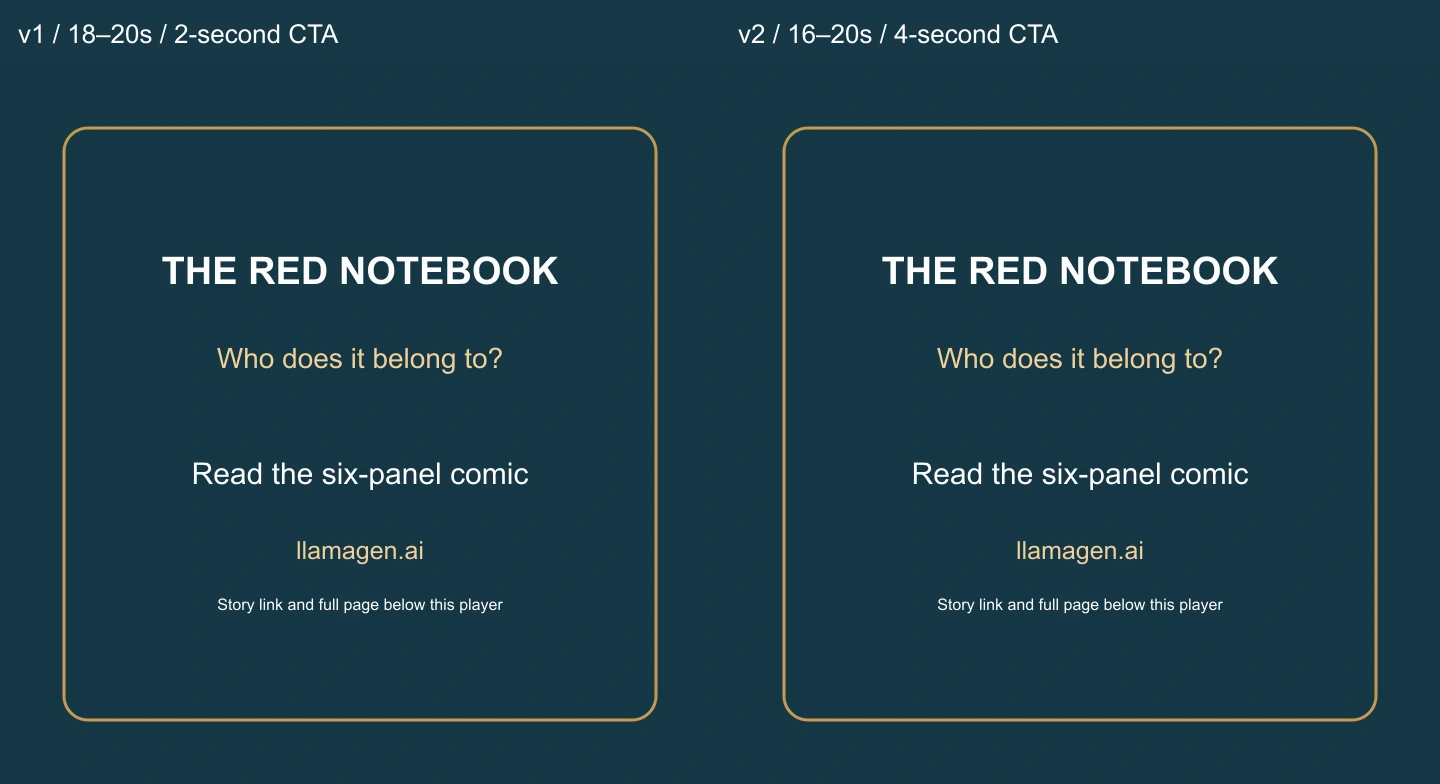
The final revision shortened arrival by one second and the map hold by one second, then gave those two seconds to the invitation. Both exports are retained: watch or download version 1, and compare it with version 2 above.
This is an editorial reading-time decision, not the result of an audience-retention study or conversion test. The change simply gives the same title, question, and reading invitation a longer uninterrupted hold. If your end card contains more words, adding duration alone may still leave too much to read.
Make the text readable in a small player
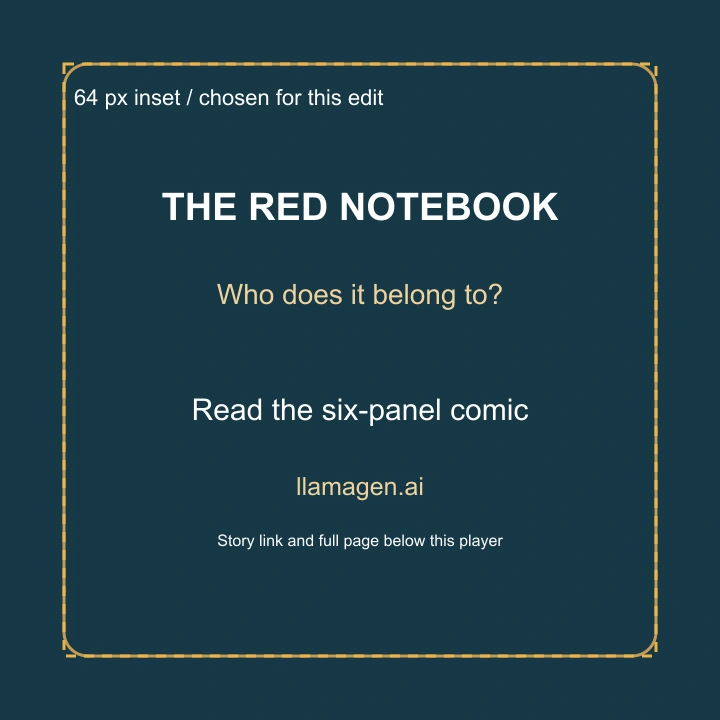
For this 720-pixel square, we kept the main card inside a 64-pixel inset. That is a project-specific layout choice, not a universal platform safe-area standard. The title and invitation are large enough to inspect in a 390-pixel browser viewport; the smaller explanatory line is supplementary.
The video names the site, while the article provides the exact story link below the player. A URL shown inside a video is not a clickable navigation control. If you post the trailer elsewhere, place the story link in the platform's supported description or link field and verify it there.
We deliberately exported without music, narration, or an audio stream. That makes this a silent, caption-led example; it does not establish an audio production workflow. Add sound only when you have an intentional mix and the appropriate source material, then replay the actual final file rather than assuming the soundtrack survived export.
Verify the file people will actually receive
The final MP4 was checked for duration, frame rate, dimensions, and audio streams, then played in Chrome through the ended event. It reached 20 seconds and 480 frames with no media error. The downloadable edit manifest records both versions, source clips, cuts, hashes, and the scope of the local edit.
That check shows the delivered file plays as exported. It does not guarantee that every publishing platform will preserve the same crop, cover image, or playback controls. Recheck the uploaded result in its destination player.
For your own trailer, decide what answer to withhold first, choose the minimum shots needed to create the question, leave enough time for the reading invitation, and export a file you can review directly. If you want a structured starting point, continue with LlamaGen.AI's comic book trailer workflow, using the full comic as the source of truth for what the teaser promises.
Related hot tags
Tegneserie til video
Worked Example
Storytelling
Populære skaperverktøy
Gjør inspirasjon om til din neste historie
Lag tegneserier, storyboards og stiliserte bilder med LlamaGen.
01
AI tegneseriegenerator
Gjør en idé om til ferdige tegneseriestriper på få minutter.
Lag tegneserier02AI-manga generator
Lag uttrykksfull manga og historier med flere ruter.
Lag manga03AI-storyboard generator
Visualiser hver scene før produksjonen starter.
Lag storyboards04Gjør bilde om til tegneserie
Gjør et hvilket som helst bilde om til en tegneserieillustrasjon.
Lag tegneserier fra bilder05AI stripeserielager
Lag delbare stripeserier med figurer som holder seg konsistente.
Lag tegneseriestriper
Vekk drømmer hos barn og unge
Hvor millioner av historier blir levende
A rundown of the latest LlamaGen feature releases, product enhancements, design updates, and important bug fixes.