

Text-to-Image Picture Book for StoryHug picture books
Convert each story page into an illustration prompt, then keep the generated images aligned as one book.
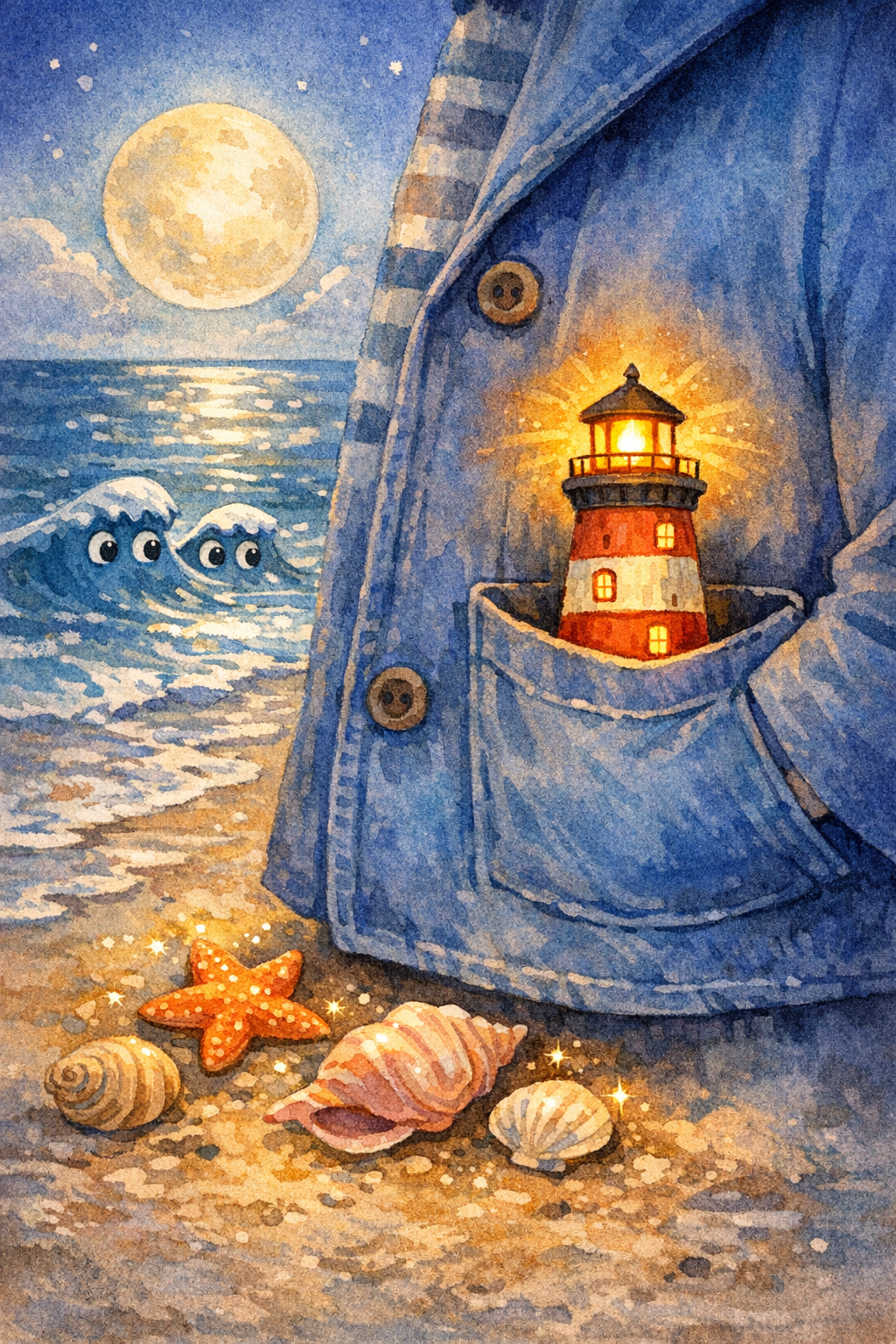
Example preview
The Pocket-Sized Lighthouse
A child carries a tiny lighthouse across a moonlit beach to guide a lost paper boat home.
Opens the comic studio with the same character locked across pages.
What’s your story?
Paste your story, then choose the page count and layout.
Same face
Lock the child, clothes, and age so every page stays one character.
8-10 pages
Write a short serial, not a one-off image. Continue the same book in Studio.
Pick a format
Picture book, bedtime comic, classroom strip, or vertical read-aloud pages.
Story plan
Keep characters and illustrations consistent
Visual-production guides for creators who care about consistent characters, AI drawing, text-to-image, and reusable illustration workflows.
Generate a character reference, then create page images with the same visual direction.
Panel prompts
Visual continuity
PDF export
Ways to personalize it
Use case
Convert each story page into an illustration prompt, then keep the generated images aligned as one book.
Use case
Use this page when your project needs text-to-image picture book pages instead of a generic AI writing tool.
Use case
Continue into StoryHug for examples, transparent paid book generation, PDF export and optional add-ons.
Made for your audience
Built for Creators who need a child, companion, or art style to remain consistent across pages.
Creators who need a child, companion, or art style to remain consistent across pages. Use the StoryHug workspace to explore examples, create a preview, and choose an export or add-on only after the story and illustrations feel right.
Start with one child, age range, language, theme, and original companion character.
Generate a 10-page preview with consistent illustrations and child-safe story text.
Upgrade only after the preview works for PDF, print, narration, music, video, classroom, or KDP workflows.
Choose how far to take your book
Generate a character reference, then create page images with the same visual direction. Paid PDF, narration, music, print, membership, or creator add-ons make the commercial step explicit.
Paid generation
A 4–10 page StoryHug book uses 900–1,800 credits. A one-time pack starts at $4.99 for 3,000 credits.
PDF export
High-resolution PDF download follows the account’s qualifying paid entitlement.
More creation plans
Starter $9/month, teacher plans and additional credit packages are available.
Et godt sted å starte
Start med personlige godnatthistorier for foreldre med barn i alderen 2 til 6 år. Oppgaven er enkel: hjelp et barn med å bearbeide én liten følelse eller vane på fem minutter.
Trygghet og originalitet
Hver forhåndsvisning sjekkes for barnetrygg tone, farlig innhold, beskyttet IP og private opplysninger om barn før den lagres.
Klar for trykk
Forhåndsvisningen er bevisst kort. Betalt eksport holder boken kompakt nok for utskrivbare PDF-er og fremtidig levering.
Related Illustration pages
Explore related story ideas, formats, and book-making workflows.
Explore more ways to create a children's book
Compare story creation, multimedia, character consistency, publishing, and bedtime-reading workflows to find the next useful step for your project.