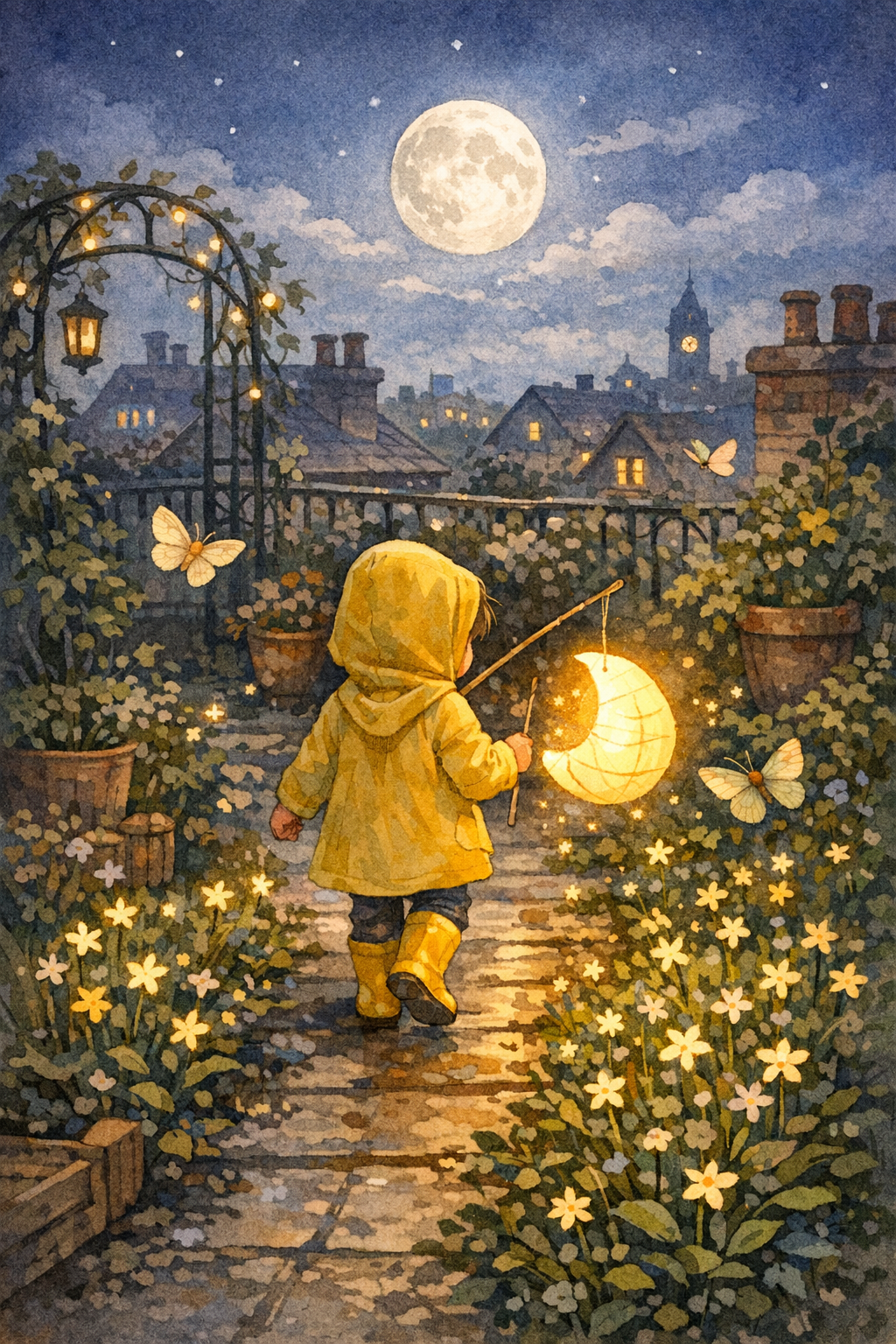
The Paper Moon Parade
Et barn i gule regnstøvler hjelper en sjenert papirmåne med å finne plassen sin i en hage på taket.


StoryHug AI-bildebøker
StoryHug starter med ett konkret behov: en forelder, lærer eller skaper trenger en barnetrygg bildebok som kan leses i kveld, sjekkes side for side og beholdes bare hvis forhåndsvisningen er verdt å eksportere.
Opens the comic studio with the same character locked across pages.
Paste your story, then choose the page count and layout.
Same face
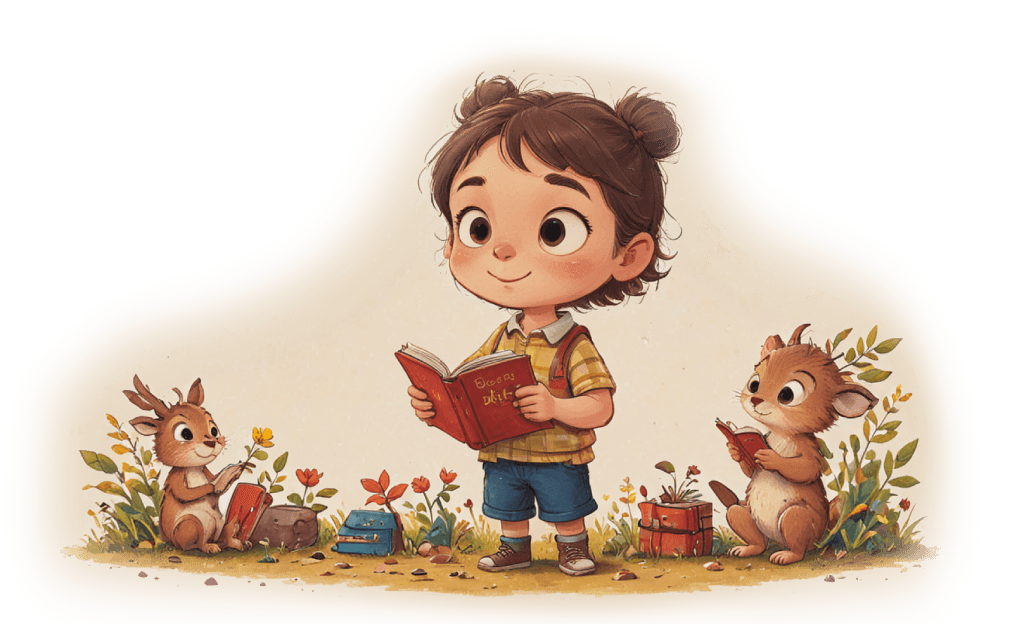
Lock the child, clothes, and age so every page stays one character.
8-10 pages
Write a short serial, not a one-off image. Continue the same book in Studio.
Pick a format
Picture book, bedtime comic, classroom strip, or vertical read-aloud pages.
For alle lesere
StoryHug skiller mellom behovene til foreldre, lærere, skapere, publisering og lesing ved leggetid, slik at hver besøkende finner en tydelig vei i stedet for å lese den samme generiske teksten om en AI-generator.
Lag en rolig bildebok om en følelse, vane, familieovergang eller spesiell anledning i stedet for å starte med en tom AI-prompt.
Bygg korte bildebøker for undervisning, rutiner, tospråklig lesing, følelser, trygghet, høytider og samtaler i klassen.
Bruk forhåndsvisningen som grunnlag for PDF-eksport, fortellerstemme, musikk, historievideo, trykkplanlegging, kommersielle sjekklister og KDP-klare utkast.
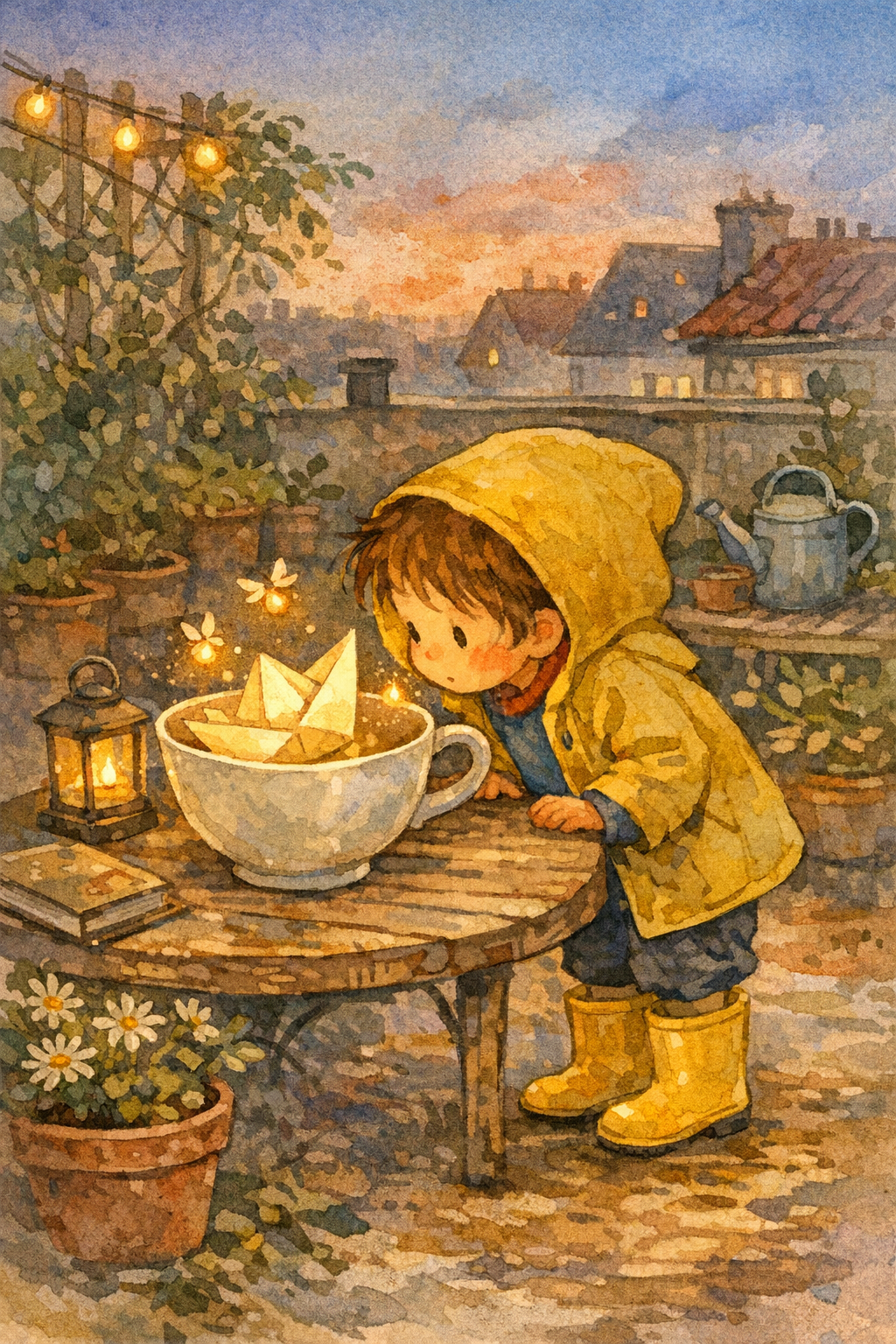
Et barn i gule regnstøvler hjelper en sjenert papirmåne med å finne plassen sin i en hage på taket.
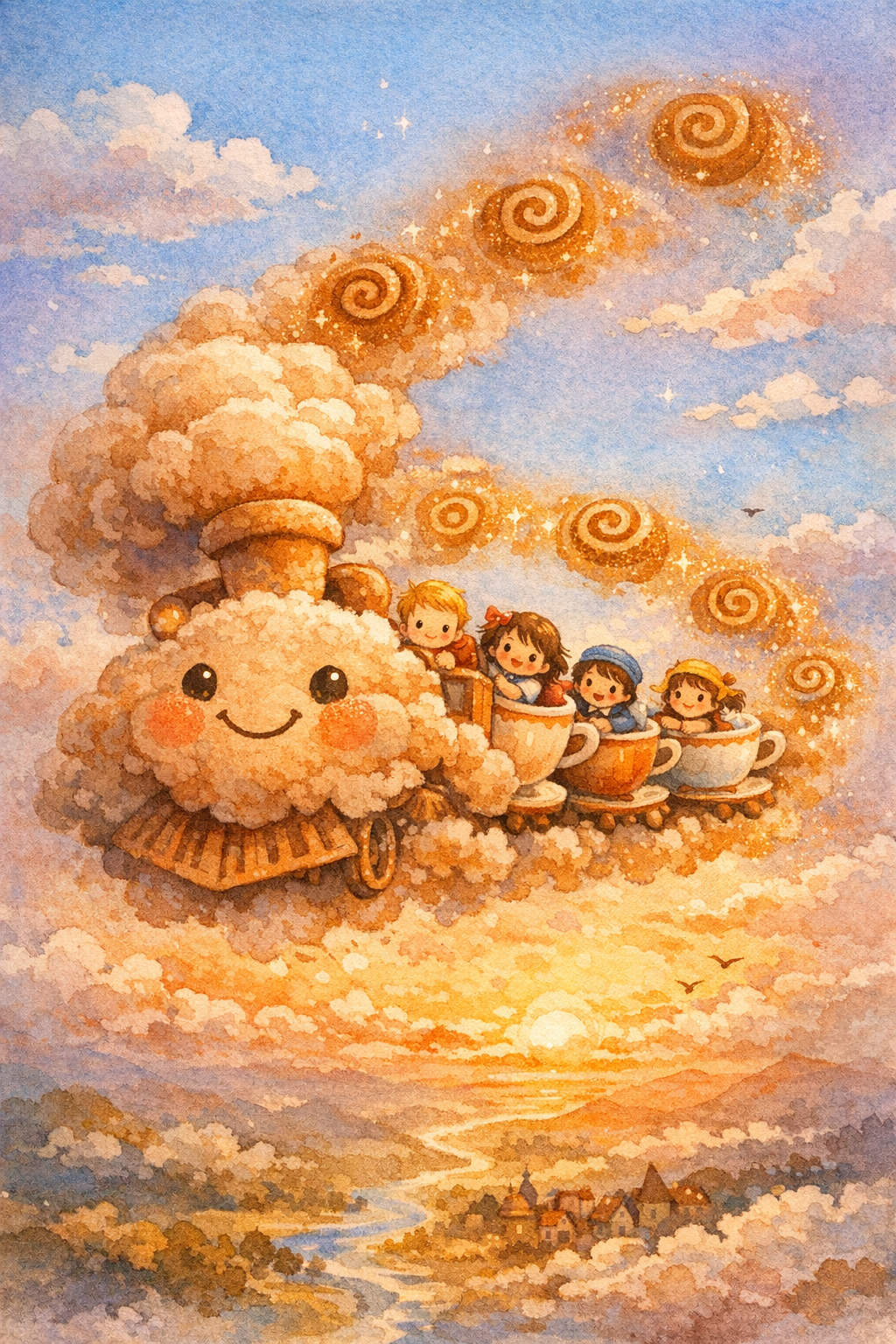
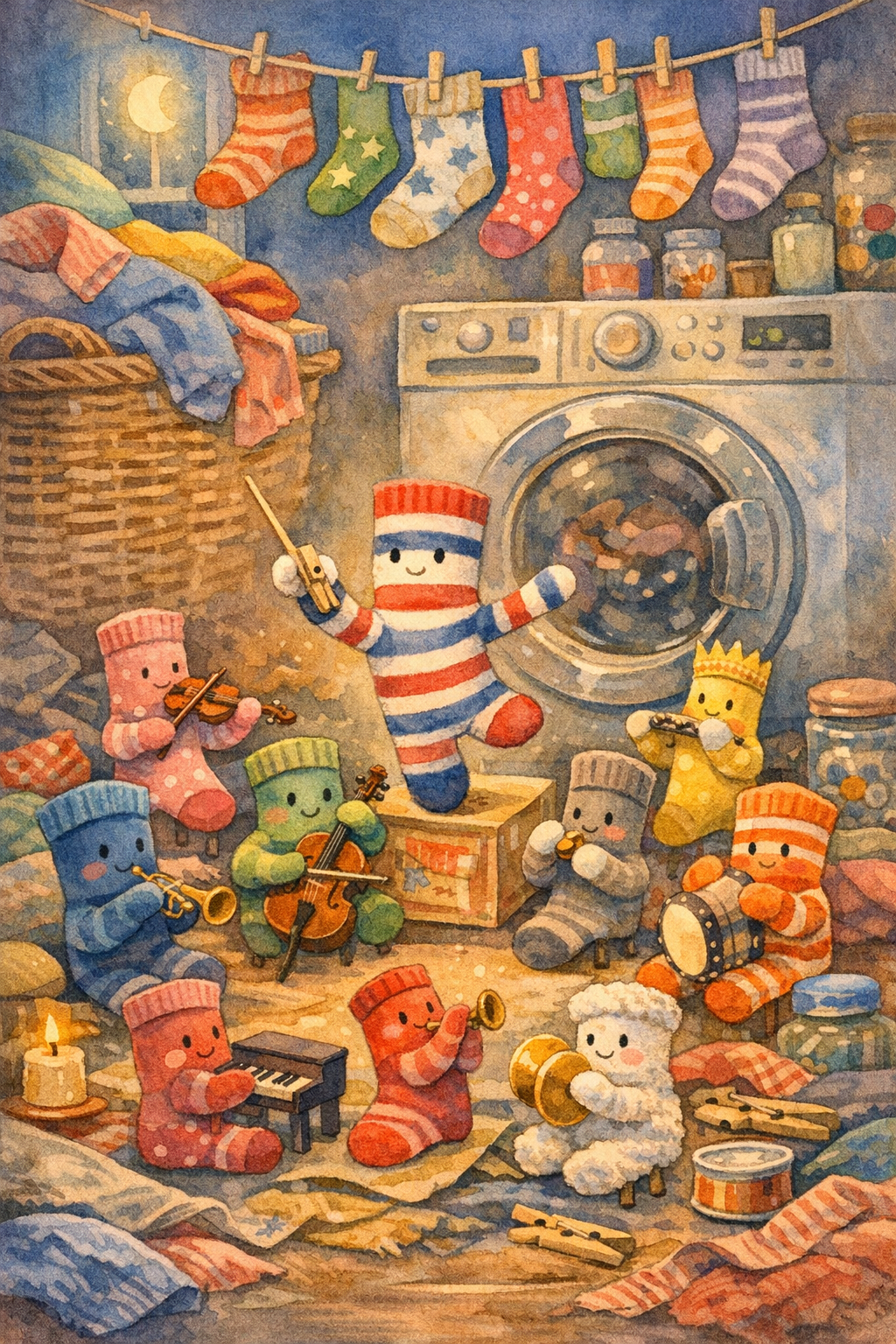
Et skytog som dufter av frokost tar søvnige barn med på piknik over morgenhimmelen.
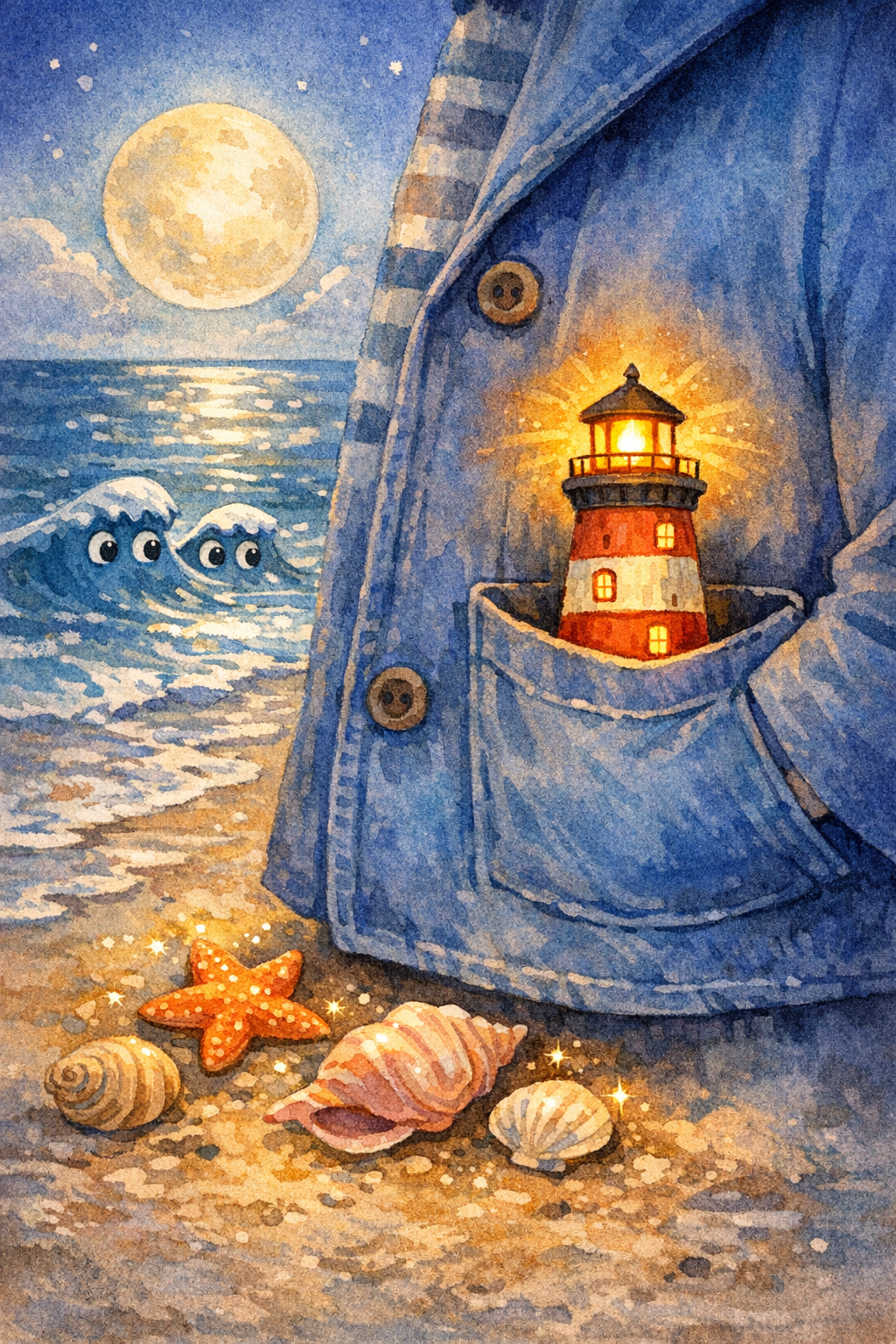
Et barn bærer et lite fyrtårn over en månebelyst strand for å lede en bortkommen papirbåt hjem.
Forhåndsvis først
Se et ekte omslag og les de korte sidene før du bestemmer om boken er verdt å beholde. Eksport, lyd, trykk og klasseromsalternativer kommer etter at forhåndsvisningen føles riktig.
Galleri
Forhåndsvis ekte StoryHug-omslag og scener før du lager en personlig barnebok. Hvert eksempel viser typen visuelt resultat foreldre, lærere og skapere kan vurdere før de oppgraderer.
Hvis du kommer fra bildebokverktøyet, hjelper denne huben deg med å velge neste StoryHug-retning: eksempler, personlig oppretting, høytlesningslyd, historievideo, PDF-eksport, klasseromspakker eller publiseringsforberedelser.
Start med den viktigste oppgaven: hjelp en voksen med å gjøre et ekte øyeblikk i et barns liv om til en kort, trygg og visuell bok, og velg deretter StoryHug-workflowen som passer det de vil lage.
En forelder kan søke i eksempler, åpne et omslag, lese en full forhåndsvisning og avgjøre om boken er verdt å beholde før betalt eksport.
Lærere kan gjøre følelser, naturfag, trygghet, høytider eller tospråklig lesing om til visuelt materiale elevene kan følge.
Skapere kan gå fra forhåndsvisning til PDF i høy oppløsning, høytlesningslyd, historievideo, trykkforberedelse eller KDP-planlegging med tydeligere neste steg.
Choose the story first. Continue with creation and editing in StoryHug; the credit and package options are explained below.
Create your picture book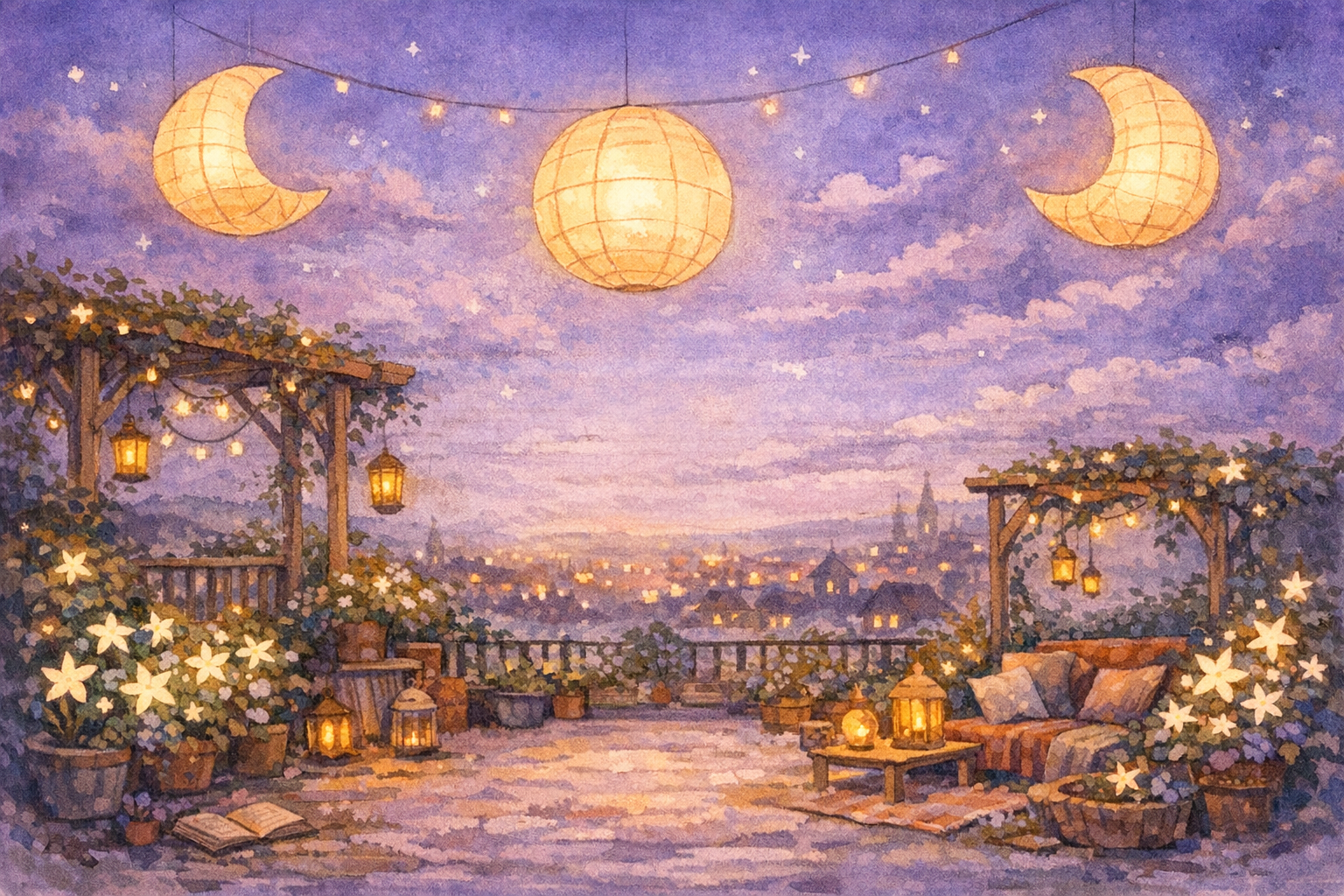
StoryHug-biblioteket beholder følelsen av utforsking: et stort søkefelt for historier, et lekent rutenett med omslag, bøker du kan holde over, og direkte forhåndsvisninger av bøkene.
Søk i eksempler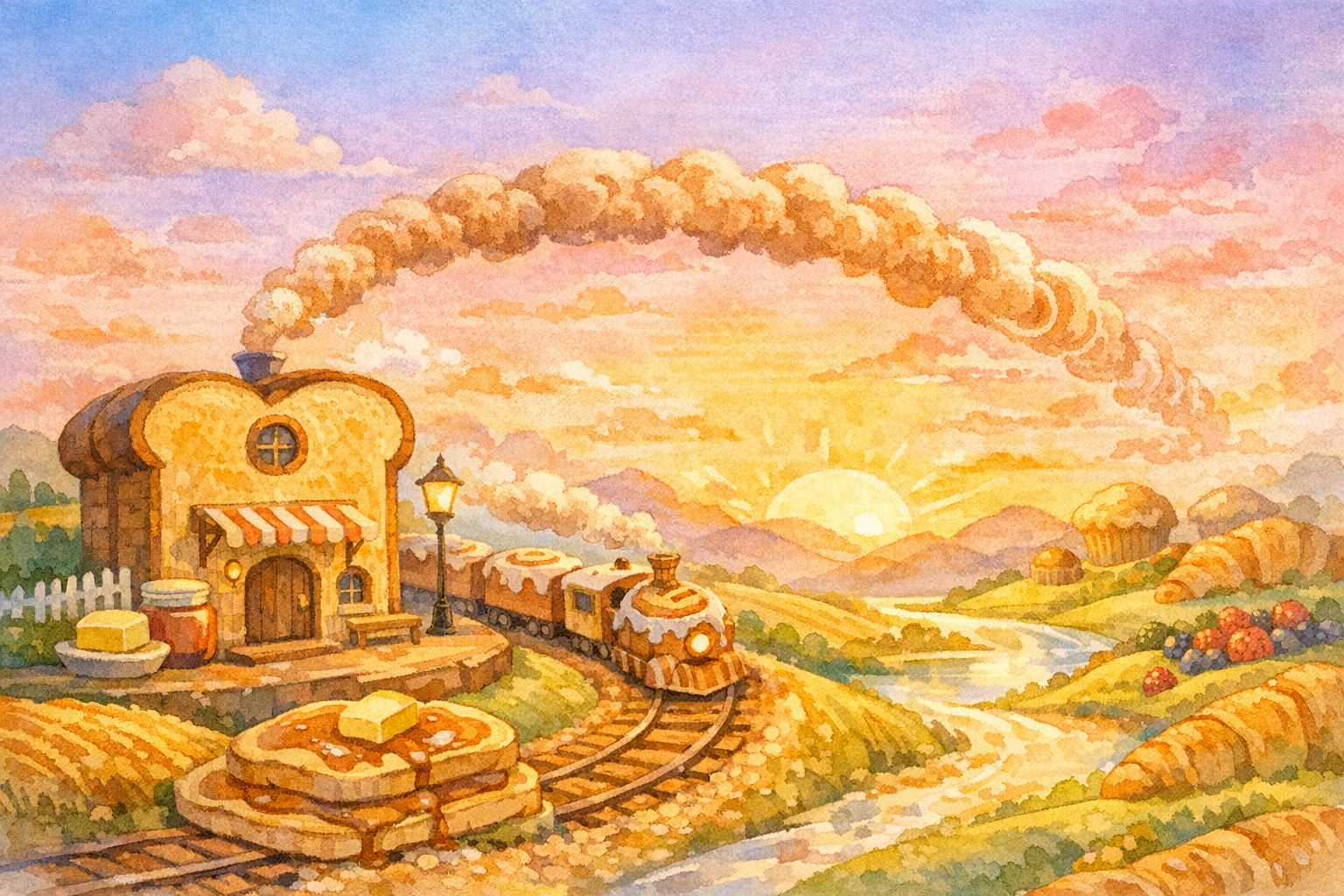
Produktet er smalt nok til å forstå raskt: én prompt, én barnetrygg historie, ti kompakte sider, én helhetlig bildebokstil og en betalt vei til PDF-eksport etter at forhåndsvisningen fungerer.
Lag en gratis forhåndsvisning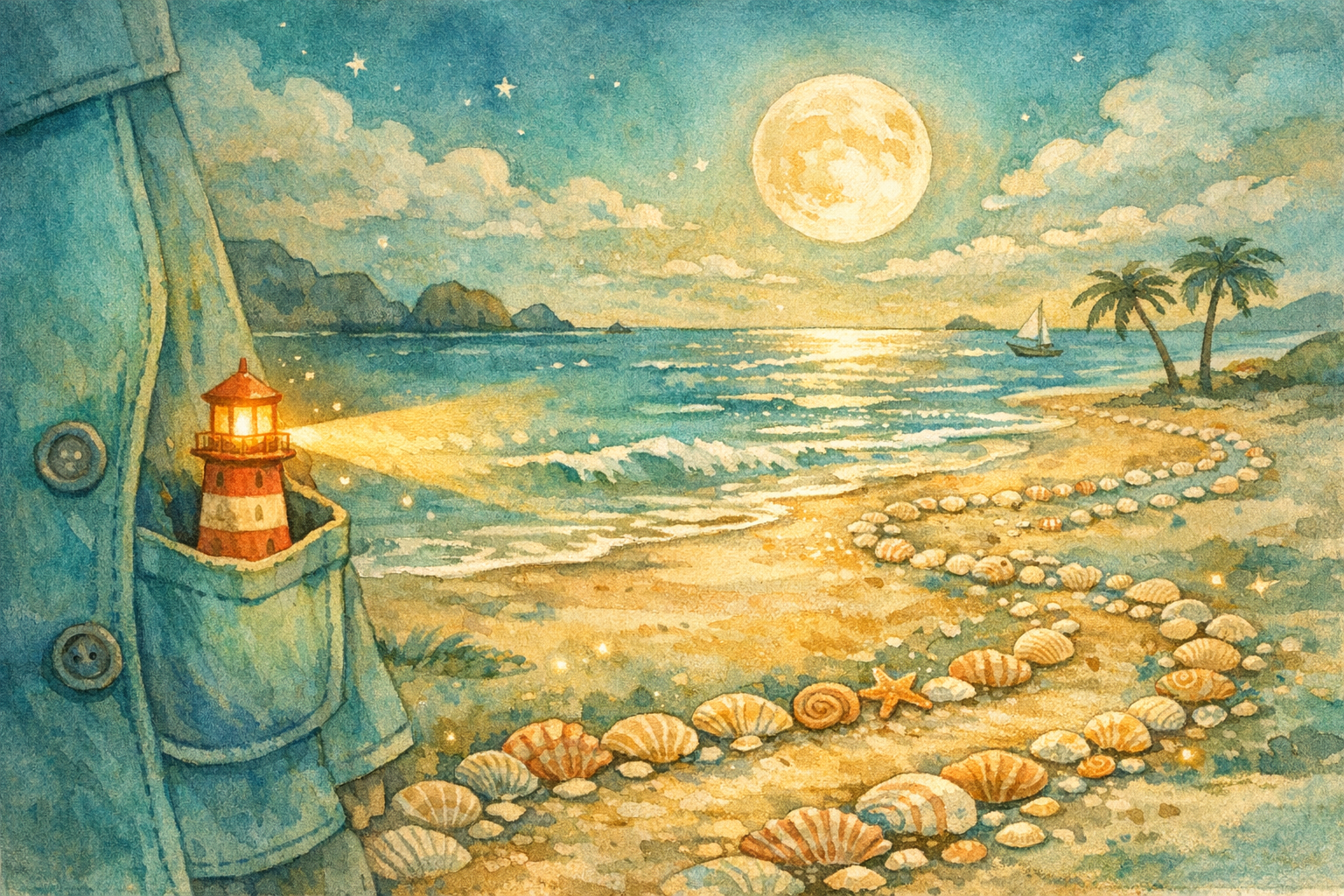
Når forhåndsvisningen fungerer, kan den samme historiemotoren støtte bøker med mykperm og hardcover, temapakker for lærere, tospråklig lesing ved leggetid, sjekklister for kommersielle rettigheter, KDP-maler og påminnelser om AI-deklarasjon.
Se betalte alternativerStart med en gratis forhåndsvisning, og velg deretter formatet som passer prosjektet ditt: PDF i høy oppløsning, trykk, familiemedlemskap, skolepakker eller tillegg for skapere/KDP.
$0
Én personlig bok i lav oppløsning per konto for å komme i gang.
View package →Betalt
Utskrivbar PDF-eksport etter at forelderen har godkjent forhåndsvisningen.
View package →$29.99+
Fremtidig levering av bøker med mykperm, hardcover og layflat som gaver.
View package →Månedlig
Flere historier, barn, temaer, tospråklige versjoner og lyd for leggetid.
View package →Klasseplan
Temapakker om følelser, høytider, naturfag, trygghet, natur og leseundervisning.
Pro-tillegg
Kommersiell sjekkliste, KDP-maler for størrelser, omslagsworkflow, batch-eksport og påminnelser om AI-deklarasjon.
Sjekk av sensitivt innhold, farlig innhold, beskyttet IP og barns personvern.
Kompakte sider følger samme helhetlige kunstretning for bildeboken.
Produktløpet støtter engelsk, kinesisk og tospråklig lesing i familien.
Forhåndsvisning er gratis; PDF i høy oppløsning og gjentatt oppretting driver oppgradering.
En enkel flyt for ekte brukere: søk, lag, forhåndsvis og betal bare når boken er verdt å beholde.
Utforsk omslag, søk etter tema og åpne hele leseren med en introduksjon på omslaget og sidevise historiemoduler.
Beskriv eventyret, vanen, følelsen eller leggetidstemaet. Backend-systemet sjekker sikkerhet og lager en forhåndsvisning i lav oppløsning.
Fornøyde foreldre oppgraderer for å laste ned utskrivbar PDF, få flere genereringer og senere tilgang til trykk eller medlemskap.
Siden gjør verdibyttet synlig: sjekk boken først, og betal deretter for versjonen som er verdt å lagre, skrive ut, bruke i undervisning eller publisere.
Én forhåndsvisning i lav oppløsning gir foreldre, lærere og skapere en trygg måte å prøve produktet på.
Det mest naturlige betalte steget kommer etter at en forelder liker forhåndsvisningen.
Bøker med mykperm, hardcover og layflat kan tilbys i tillegg til den digitale eksporten.
Foreldre kan generere flere historier for barn, språk og leggetidstemaer.
Klasserom kan betale for temapakker om følelser, naturfag, trygghet, høytider og leseundervisning.
Kommersielle sjekklister, maler for bokformat, omslagsgenerering, batch-eksport og påminnelser om AI-innhold støtter skapere.
Fortsett med en bildebok, godnatthistorie, høytlesning, historievideo, illustrasjon, publiseringsutkast, klasseromspakke eller eksport-workflow.
Explore ai-generator ideas, examples, and book-making workflows.
Explore historieutvikling ideas, examples, and book-making workflows.
Explore video og lyd ideas, examples, and book-making workflows.
Explore illustrasjon ideas, examples, and book-making workflows.
Explore publisering ideas, examples, and book-making workflows.
Explore leggetid og høytlesning ideas, examples, and book-making workflows.
Åpne StoryHug Books for å søke etter historier, bla i omslag, lage en personlig bok, forhåndsvise genererte sider og lese hele versjonen side for side.
Ja. En innlogget gratisbruker kan lage én forhåndsvisning i lav oppløsning før oppgraderingssteget vises.
Nedlasting av PDF i høy oppløsning, gjentatt oppretting, trykkklart resultat, medlemskapsbruk, institusjonspakker og workflows for skapere/KDP er betalte funksjonsområder.
Nei. Prompt-gjennomgangen blokkerer åpenbare franchiser og navn på beskyttede figurer, og oppmuntrer brukere til å lage originale figurer.
PDF-eksport i høy oppløsning er første steg mot trykkklart materiale. Levering som hardcover, mykperm og layflat kan legges oppå dette.
Skapere bør opplyse om AI-generert tekst, bilde- eller oversettelsesinnhold når Amazon KDP krever det, og er fortsatt ansvarlige for immaterielle rettigheter og at innholdet følger gjeldende krav.
Start med én magisk prompt og forhåndsvis boken gratis. Lås opp PDF i høy oppløsning, trykk, medlemskap, skole- eller KDP-alternativer først når du er klar.