

Make a webcomic online
Turn a story into comic panels, add dialogue, and share a comic readers can scroll through on any screen.
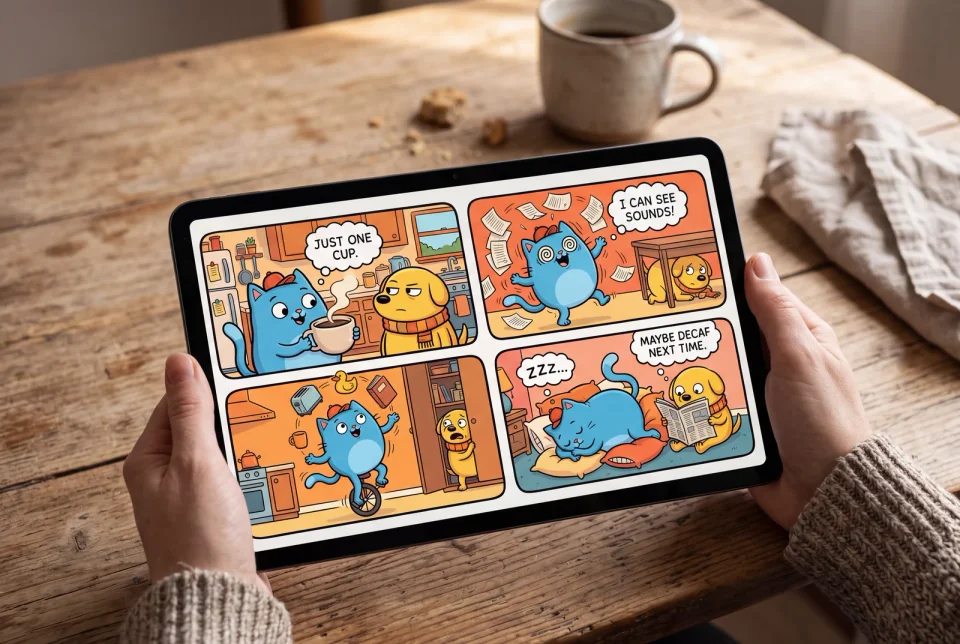
Featured comics
Explore different styles before choosing a layout for your story.

Space Explorers
Astrid Nova

Daily Life of a Wizard
Merlin Jones

Robot Friends
Tech Tales
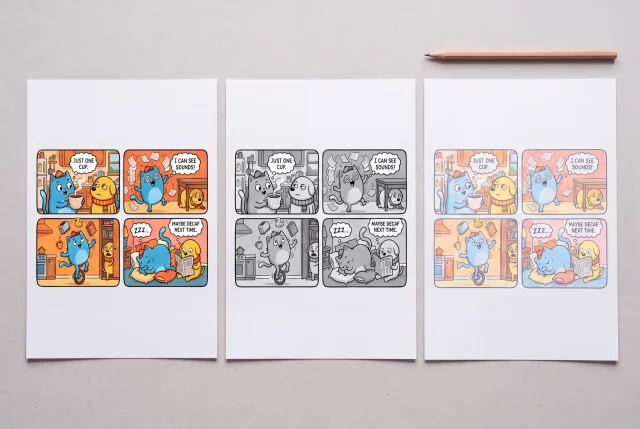
How to make a webcomic
Start with a story or a layout
Describe a scene in the comic studio, or use a panel template to plan how the action reads.
Edit your panels and dialogue
Arrange the panels, refine the artwork, and place speech bubbles where readers will see them in order.
Publish and share
Preview the reading order on a narrow screen, then share your finished comic with readers.
Finn ut hvorfor brukere elsker LlamaGen
LlamaGen.Ai er stedet for å skape, generere og utforske med AI.

Maya_Lee
@Maya_Lee
I love how simple it is to create unique anime characters. This anime AI really captures the details I envision, and it's perfect for my personal projects!

Sky_Walker
@Sky_Walker
This anime AI generator is amazing! It turned my descriptions into stunning anime art in seconds. Super easy to use and the results are always impressive!

Cre_Luna
@Cre_Luna
Incredible! The ability to generate anime art from text is a game-changer. It's fast, free, and the artwork is always top-notch. Highly recommend it!
Frequently Asked Questions about Web Comic Maker
Finner du ikke det du leter etter? Send oss en melding
Ready to start your webcomic?
Open the comic studio to start your first scene, or compare plans for longer projects.