

Upload your image
Choose a JPG, PNG, WebP, GIF, or paste an image URL directly into the remover.
Free AI background remover
Upload a photo and get a clean transparent background in seconds. Built for product photos, portraits, characters, social graphics, and design assets.

eller slipp en fil,
lim inn bilde eller URLVed å laste opp et bilde eller en URL godtar du våre Tjenestevilkår
Supports JPG, JPEG, PNG, SVG, GIF, WebP, JFIF, TIFF, and BMP. Upload a file, drag and drop, paste an image, or process a URL.
Result preview
The page is intentionally centered on one job: remove the background. The preview, examples, upload methods, and export controls all support that single workflow.
Upload Image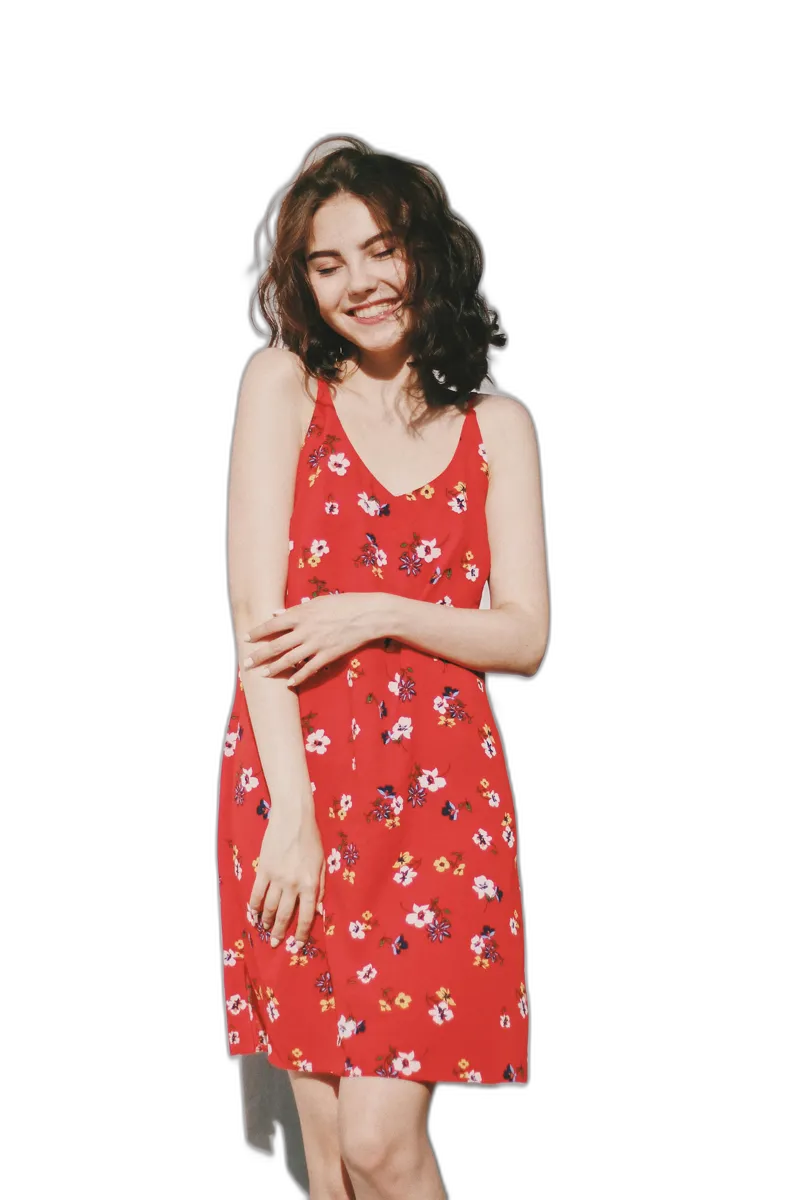
How it works
Keep the flow short and obvious: upload the image, let AI isolate the subject, then download the transparent result.
Choose a JPG, PNG, WebP, GIF, or paste an image URL directly into the remover.
The model detects people, products, characters, and objects while preserving edges and fine details.
Preview the transparent result on a checkerboard and export it for shops, posts, decks, or design tools.
Use cases
Every section points back to the same user intent: remove an unwanted background and reuse the subject somewhere else.
Clean marketplace images, catalog shots, and ad creatives without opening a heavy editor.
Isolate portraits for avatars, team pages, badges, resumes, and social media banners.
Turn photos into reusable transparent assets for thumbnails, posters, mockups, and comic scenes.
Remove busy backgrounds before placing products on branded colors or promotional layouts.
Prepare characters, stickers, props, and visual references for follow-up AI editing workflows.
Use examples, history, and quick upload states when you have multiple cutouts to produce.
Quality details
The page now makes transparency, edge quality, supported inputs, and export intent visible without sending users through unrelated creator-product copy.
Hair, fabric, product edges, and character silhouettes stay readable.
The result preview uses a checkerboard so transparency is obvious.
Examples are built into the page for visitors who do not have an image ready.
The upload flow keeps terms, sign-in, processing, and download states close to the action.
FAQ
Short answers for people who came here to remove a background right now.
It removes the image background and returns a subject cutout that you can preview, compare, and download as a transparent asset.
Yes. Use the URL option in the upload box, paste a direct image link, and the remover will process it like an uploaded file.
Clear photos with a visible subject work best. Product shots, portraits, characters, pets, props, and objects with strong lighting usually produce cleaner edges.
upload, remove, preview, and download.
Ready