

4 Camera-Angle Prompts
Automatically generate 4 different camera angles, shot types, and sequence ideas from a single image
Shot Sequence Prompt AI
Upload one image and generate a prompt-ready multi-shot video plan: 4 camera angles, cinematic shot descriptions, storyboard notes, and a clear sequence for AI video production.
Shot 1
Close-up
Shot 2
Medium
Shot 3
Wide
Shot 4
Akcja
Plan the shot sequence, camera-angle prompts, and storyboard notes before you generate the final clip
Automatically generate 4 different camera angles, shot types, and sequence ideas from a single image
Dopracuj każdy opis ujęcia, aby doskonale pasował do Twojej kreatywnej wizji
Generate multi-shot video prompts and storyboard notes in seconds, not hours
Od profesjonalistów po początkujących, nasze narzędzie dostosowuje się do Twoich kreatywnych potrzeb
Twórz szczegółowe scenariusze i listy ujęć dla swojego kolejnego projektu filmowego
Generate multi-shot video prompts for social media and YouTube concepts
Przekształcaj pisane historie w wizualne narracje z wieloma perspektywami
Twórz przekonujące kampanie wizualne z różnorodnymi wariantami ujęć
Jak To Działa
Prześlij dowolny obraz - zdjęcia, dzieła sztuki lub obrazy koncepcyjne. Nasze AI obsługuje wszystkie główne formaty.
Our advanced AI analyzes your image and generates 4 unique camera-angle prompts and cinematic shot descriptions.
Dopracuj opisy i eksportuj swój wieloklatkowy scenariusz do produkcji wideo.
AI MULTI-SHOT STORYBOARD EXAMPLES
From single images to cinematic sequences, see how one source can become multiple shot prompts and video concepts.
Choose your output
Use the same source image to prepare camera angles, a connected shot sequence, or storyboard notes for the next production step.
Plan a prompt-ready video sequence from one source image instead of generating one disconnected clip.
Create close-up, medium, wide, product, action, and cinematic angle prompts for the same subject.
Turn a single image into a clear four-shot structure with framing, pacing, and production notes.
Use the generated shot descriptions as storyboard notes for AI video, ads, social clips, and pitches.
STARY PRZEBIEG PRACY PRODUKCJI WIDEO
The traditional path from concept to multi-shot video is expensive and time-consuming. Even before generation or filming, creators need shot planning, camera angles, sequence logic, and multiple revisions.
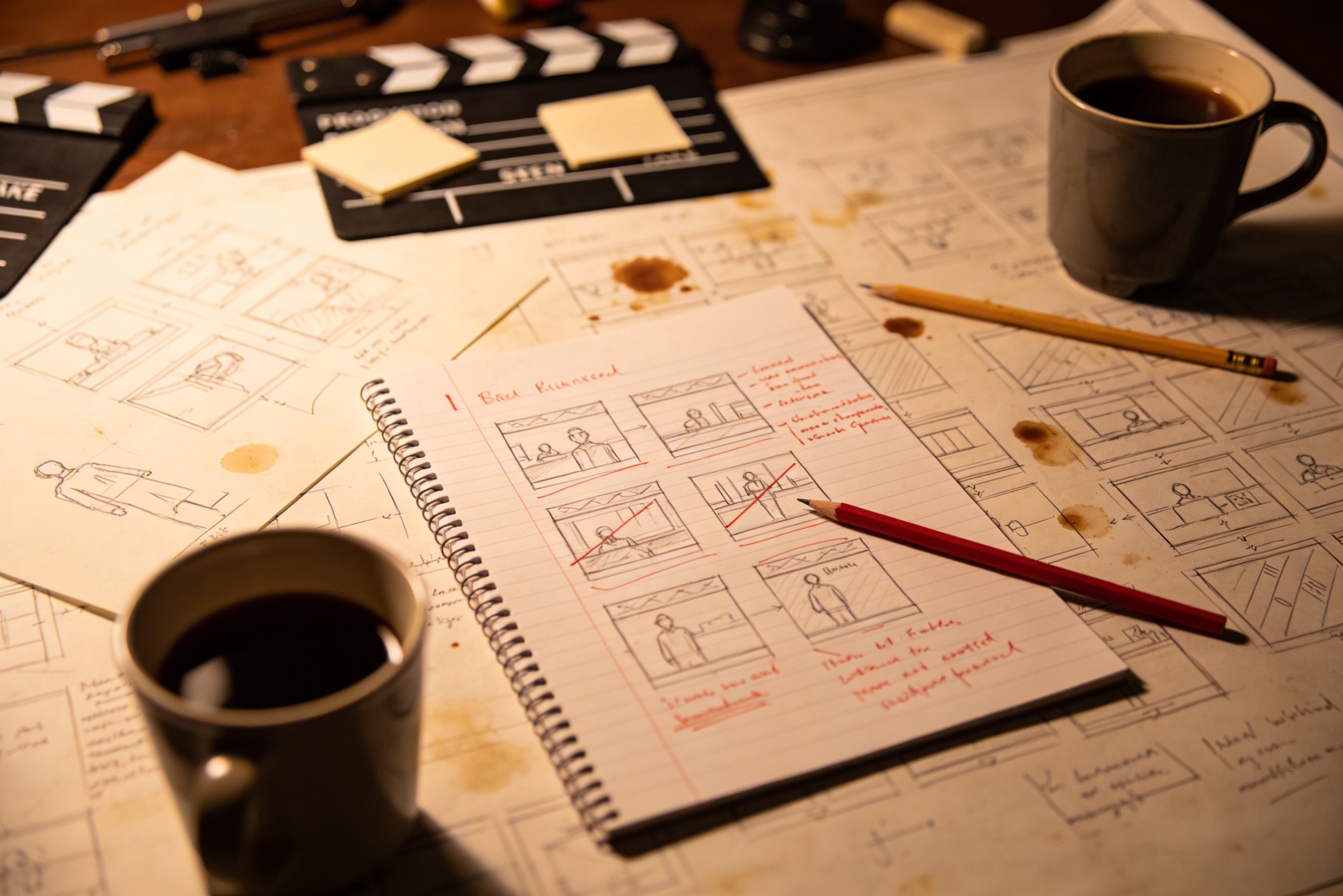
Przełożenie swojej kreatywnej wizji na szczegółowe opisy ujęć wymaga intensywnego planowania i wielu poprawek, aby osiągnąć idealny efekt.
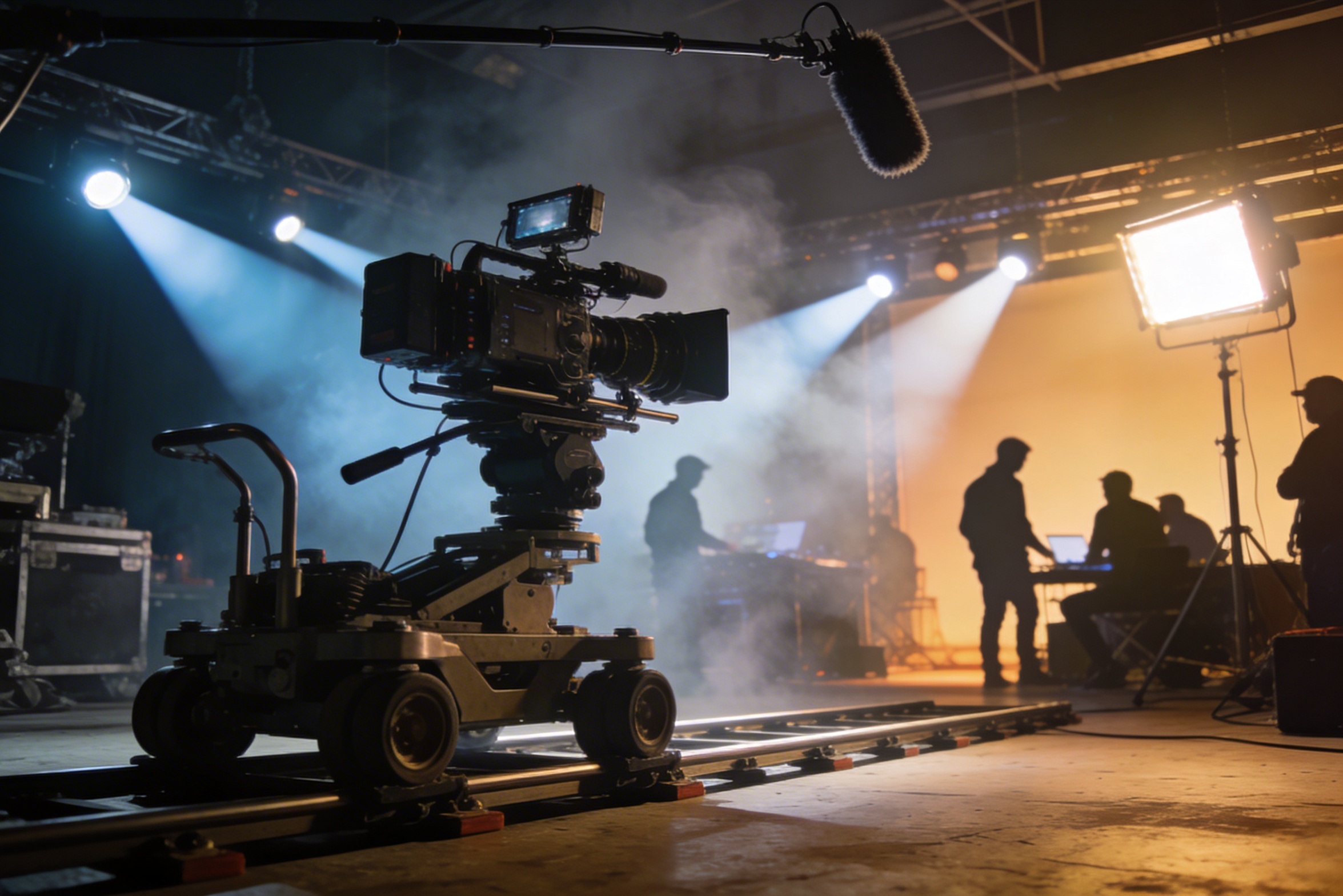
Profesjonalne filmowanie wymaga kosztownego sprzętu, ustawień oświetlenia, lokalizacji i często pełnej ekipy – koszty szybko wymykają się spod kontroli.
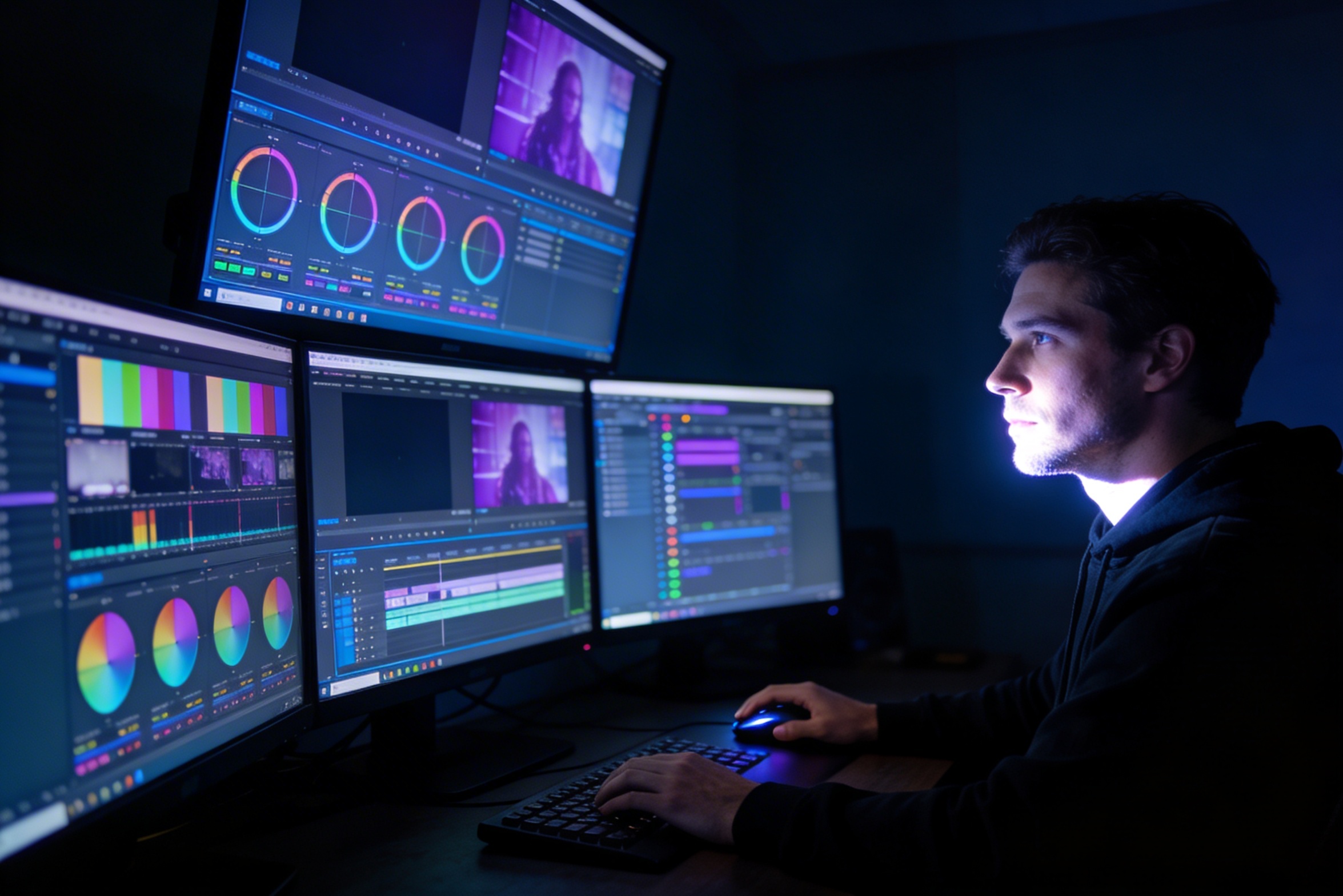
Edycja, korekcja koloru, efekty wizualne i tworzenie wielu wariantów ujęć wymagają specjalistycznych umiejętności w zakresie oprogramowania i tygodni pracy.
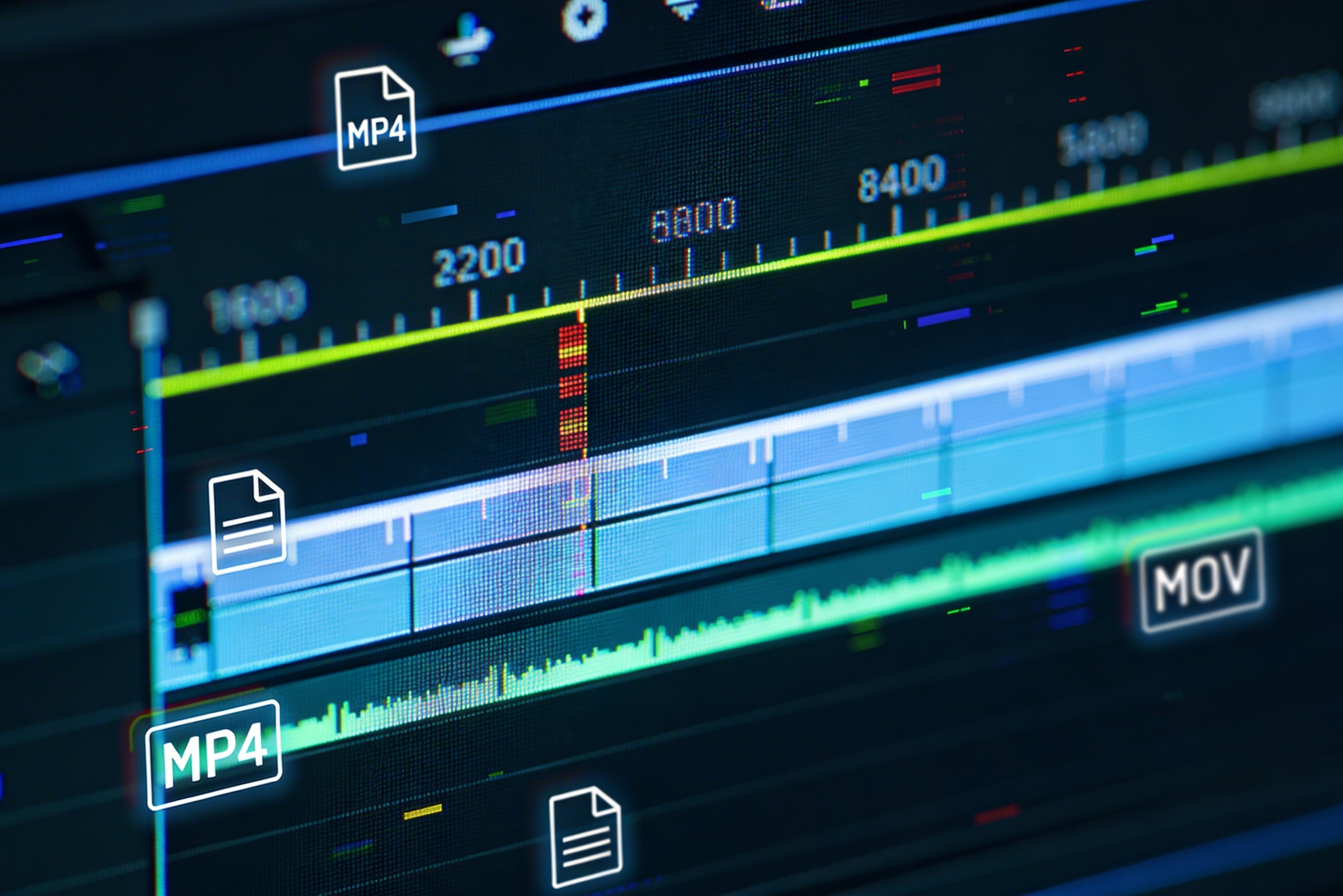
Tworzenie wersji na różne platformy – YouTube, TikTok, Instagram – oznacza ponowną edycję i renderowanie dla różnych proporcji obrazu i długości.

Professional multi-shot planning can cost hours of creative direction before a final video is generated, filmed, edited, or approved.
It's not just about creating variations. Our AI reads composition, cinematography, and storytelling needs to create shot prompts that strengthen your visual narrative.
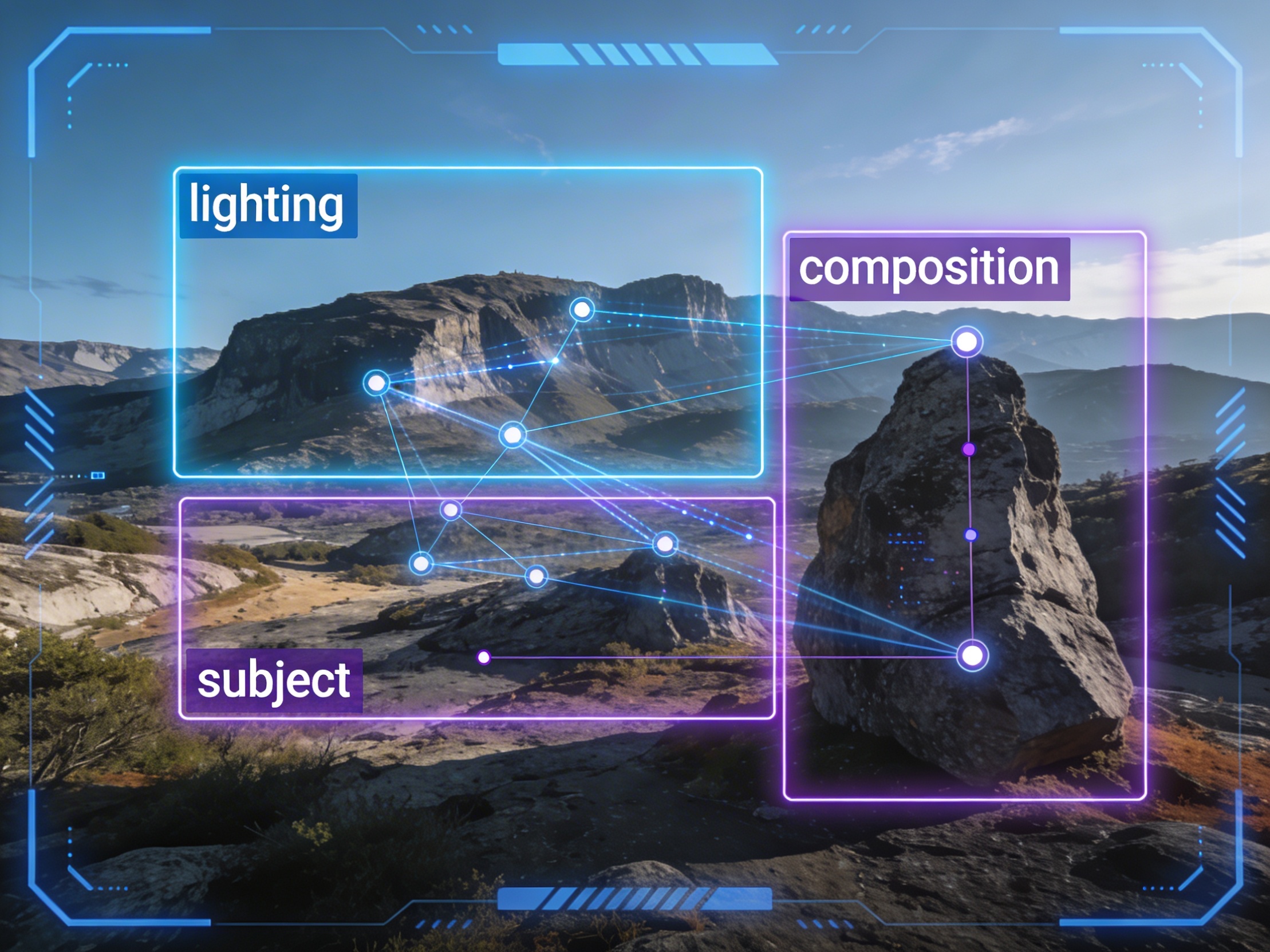
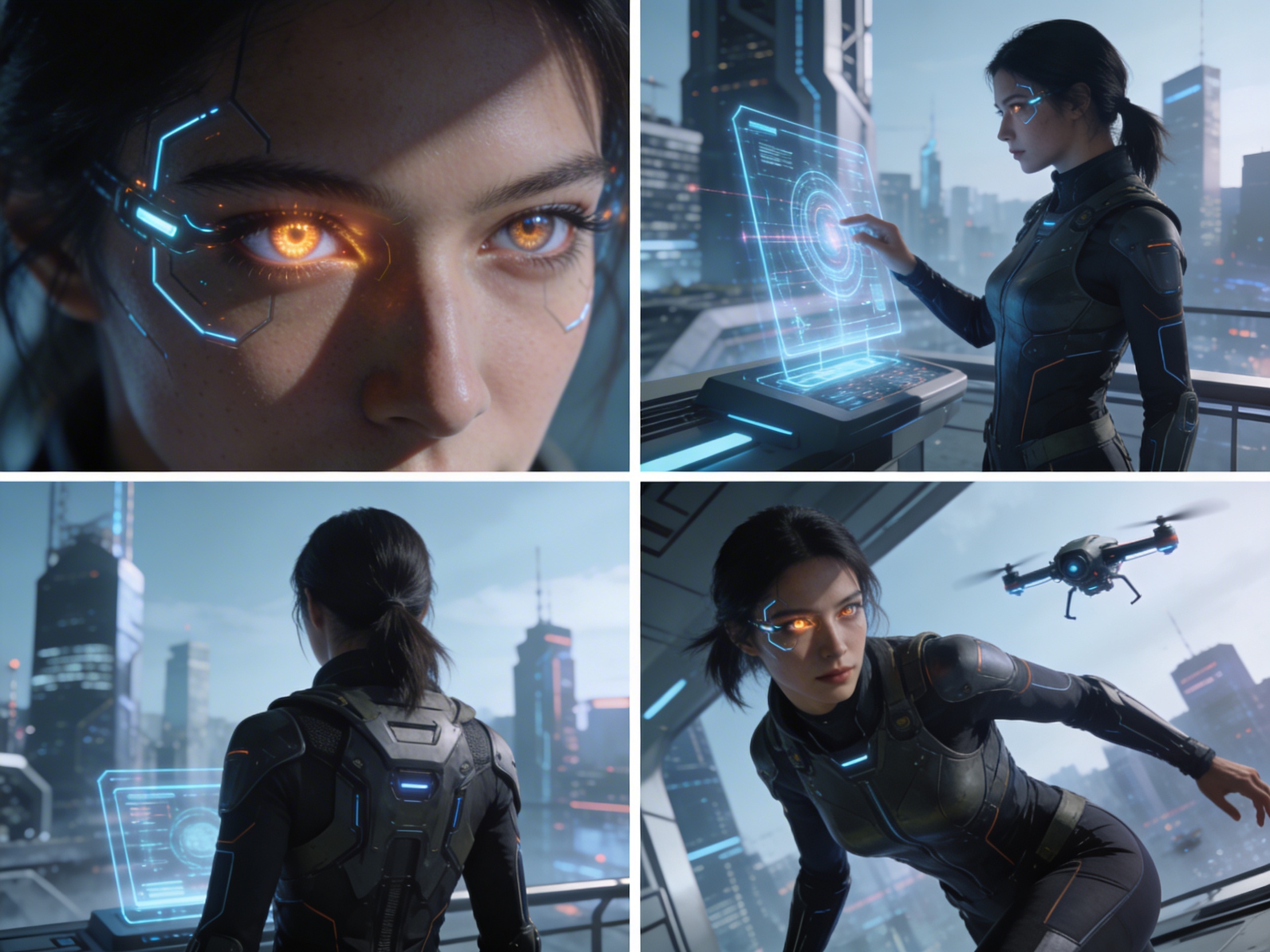
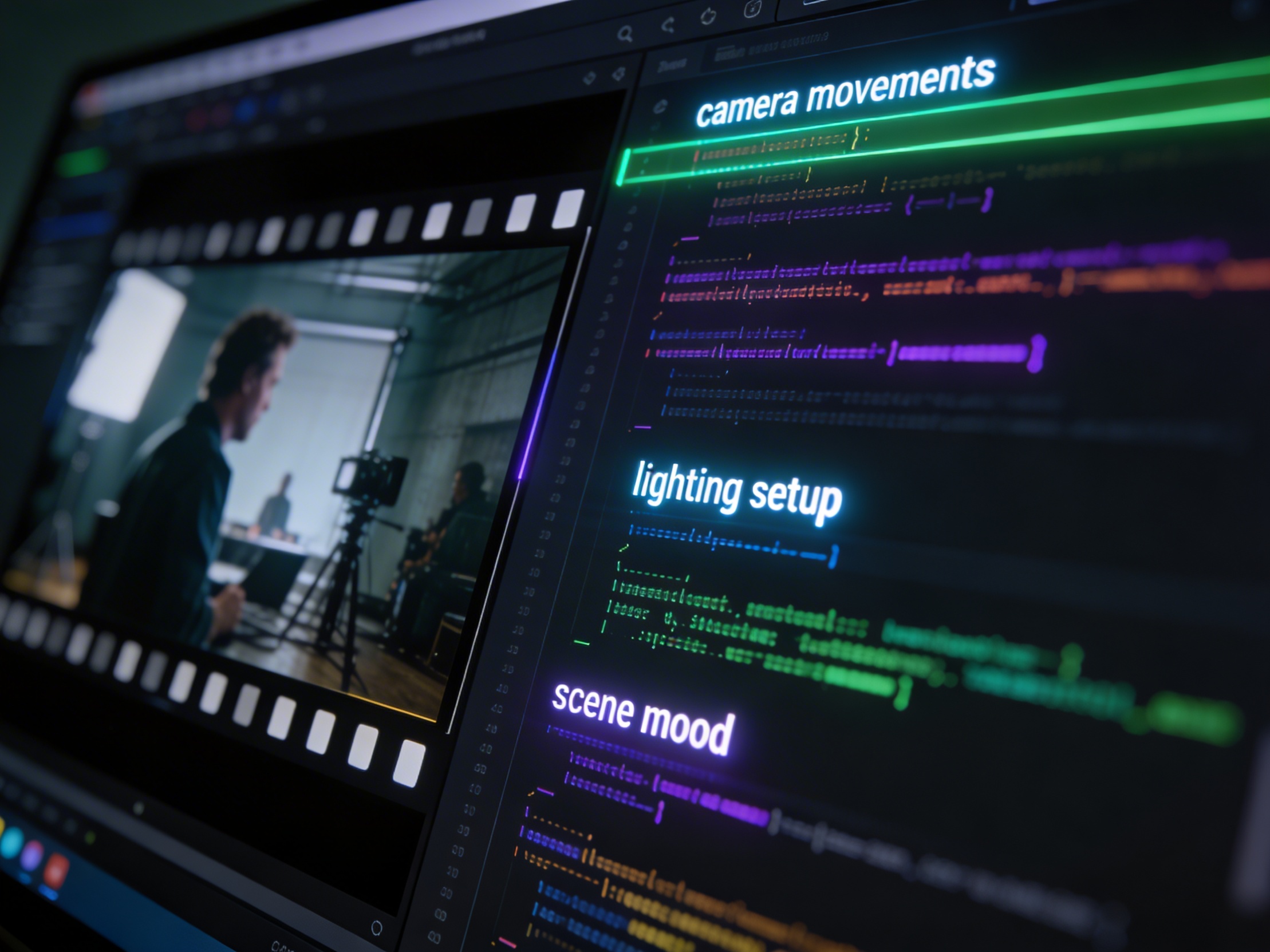
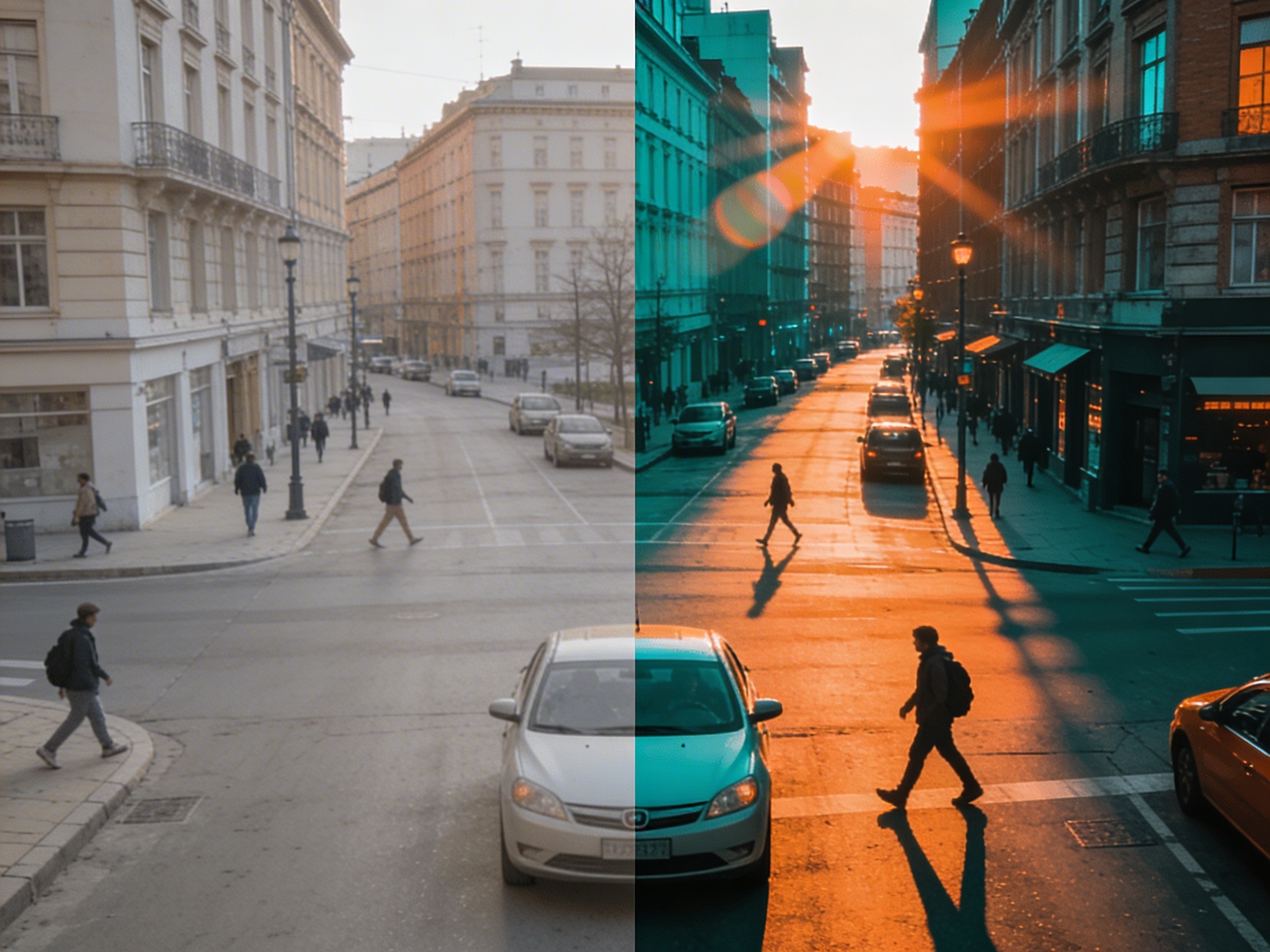
Join creators using LlamaGen to plan shot sequences, camera angles, and AI video prompts before production.
Related writing workflow
Use the AI Screenplay Editor when a script, fiction draft, storyboard brief, video idea, or canvas note needs proper scene headings, action, dialogue, parentheticals, cover pages, outlines, beats, and collaboration-ready revisions.
INT. COMMUNITY CENTER - NIGHT
Folded chairs. A storm outside. MAYA stands at the microphone with a page of notes she no longer needs.
MAYA
If the city will not read the record, we will read it out loud.