

Controle de Ângulo de Câmera - Editor de Ângulo de Foto com IA
Envie a mídia, segure e arraste para mudar o ângulo da câmera e gere a partir de 12 dos melhores ângulos. Transforme suas imagens com Controle de Ângulo de Câmera de Imagem com IA usando conversa natural e controles de ângulo horizontal, ângulo vertical e distância de zoom.
Edite por chat, amplie cenas, remova objetos, troque fundos e gere novos ângulos de câmera a partir de uma única foto com os fluxos de trabalho Qwen Image Edit e AIOmnigen.
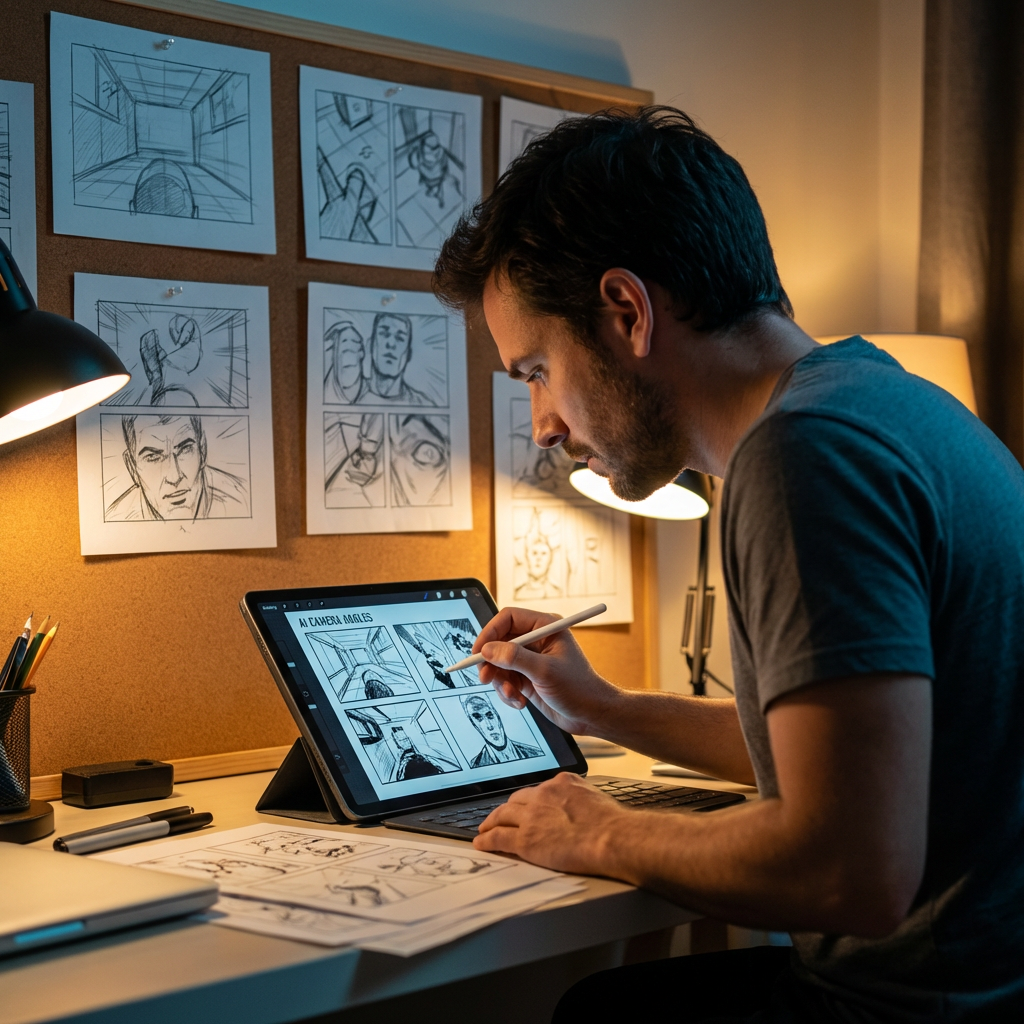
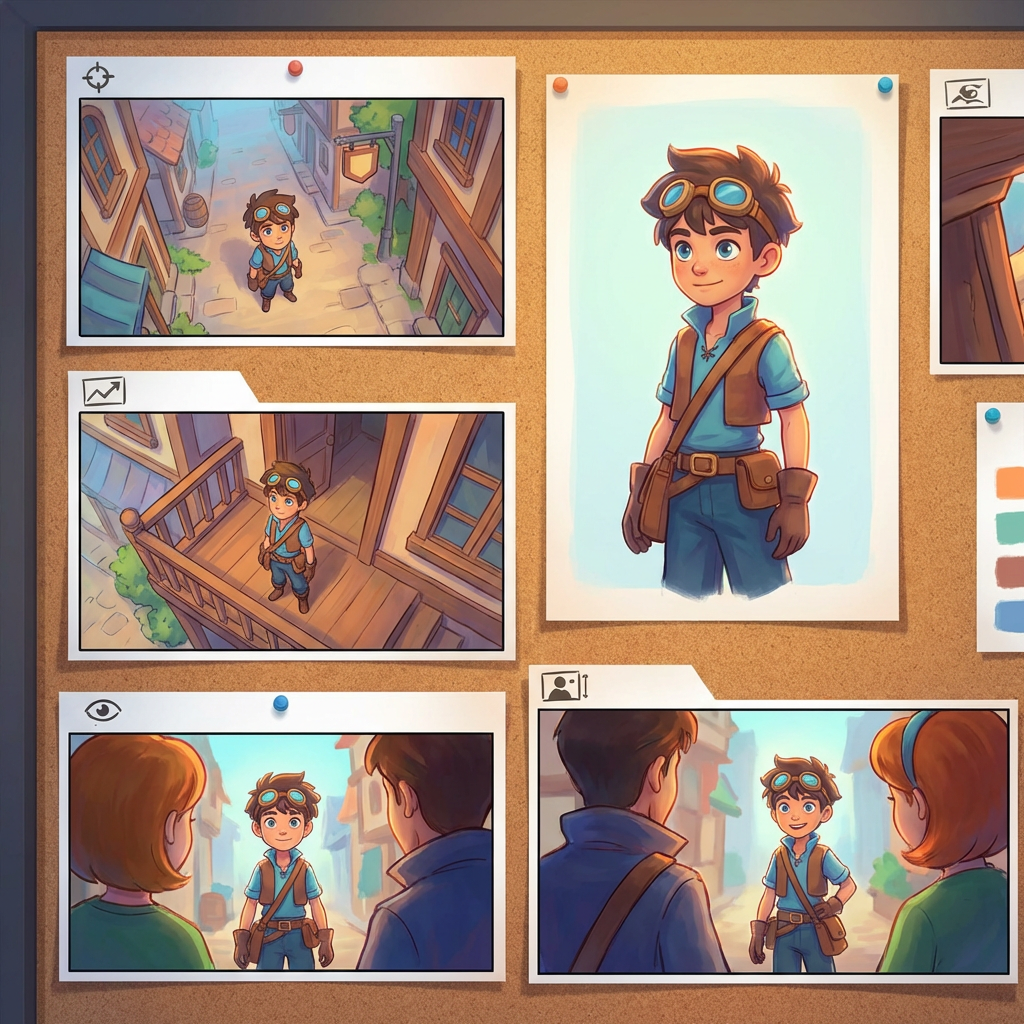
Laboratório interativo de ângulos
Envie uma imagem, mude o ângulo e edite por chat
Esta ferramenta incorporada permite transformar imagens por conversa natural. Envie uma foto e depois amplie, remova objetos, troque fundos ou gere novos ângulos de câmera com controles interativos e modelos de edição, incluindo Qwen Image Edit.
Multi-Angles
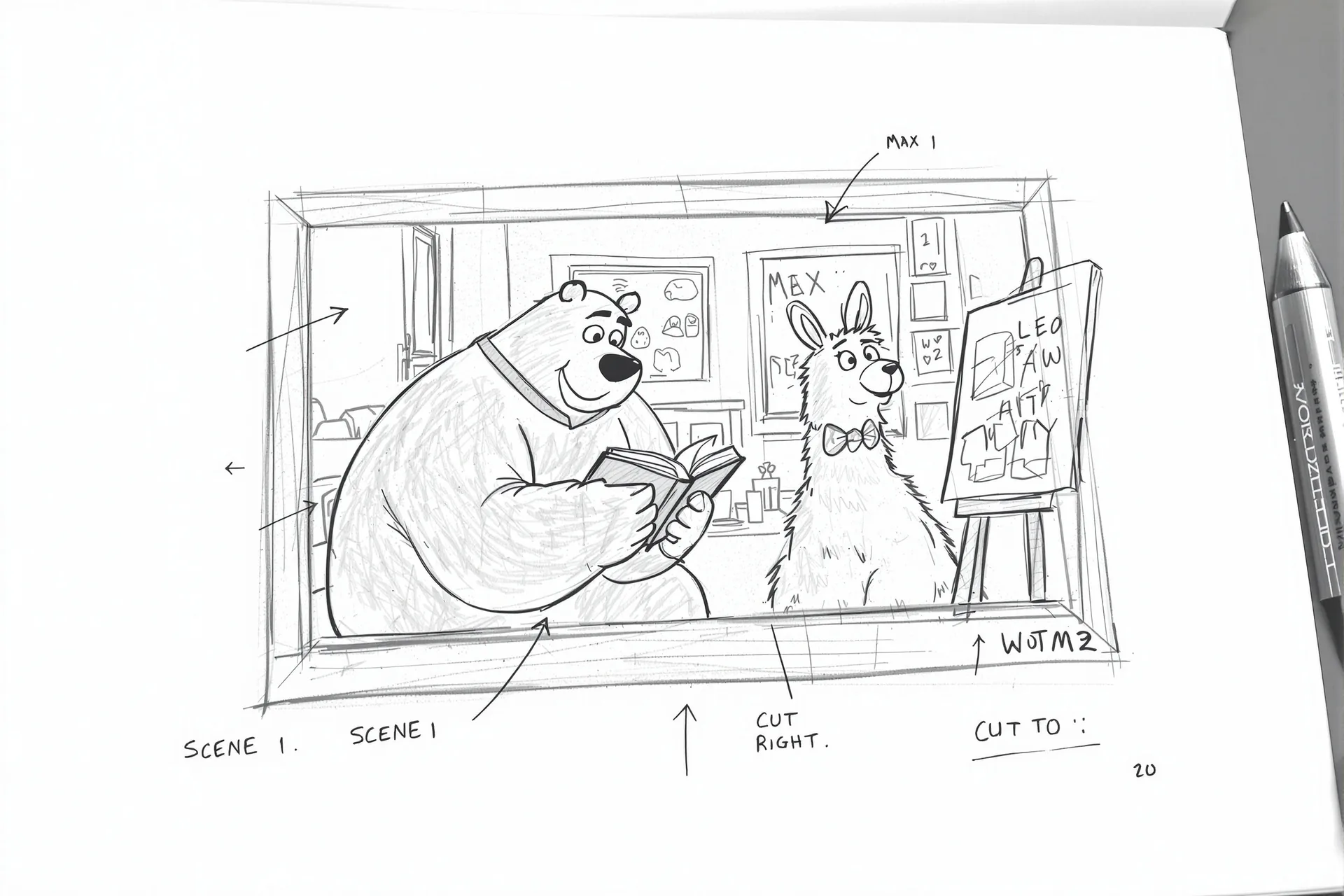
Source Reference
Upload a reference image
Use the Replace and Remove buttons above anytime.
Generated Result
Examples
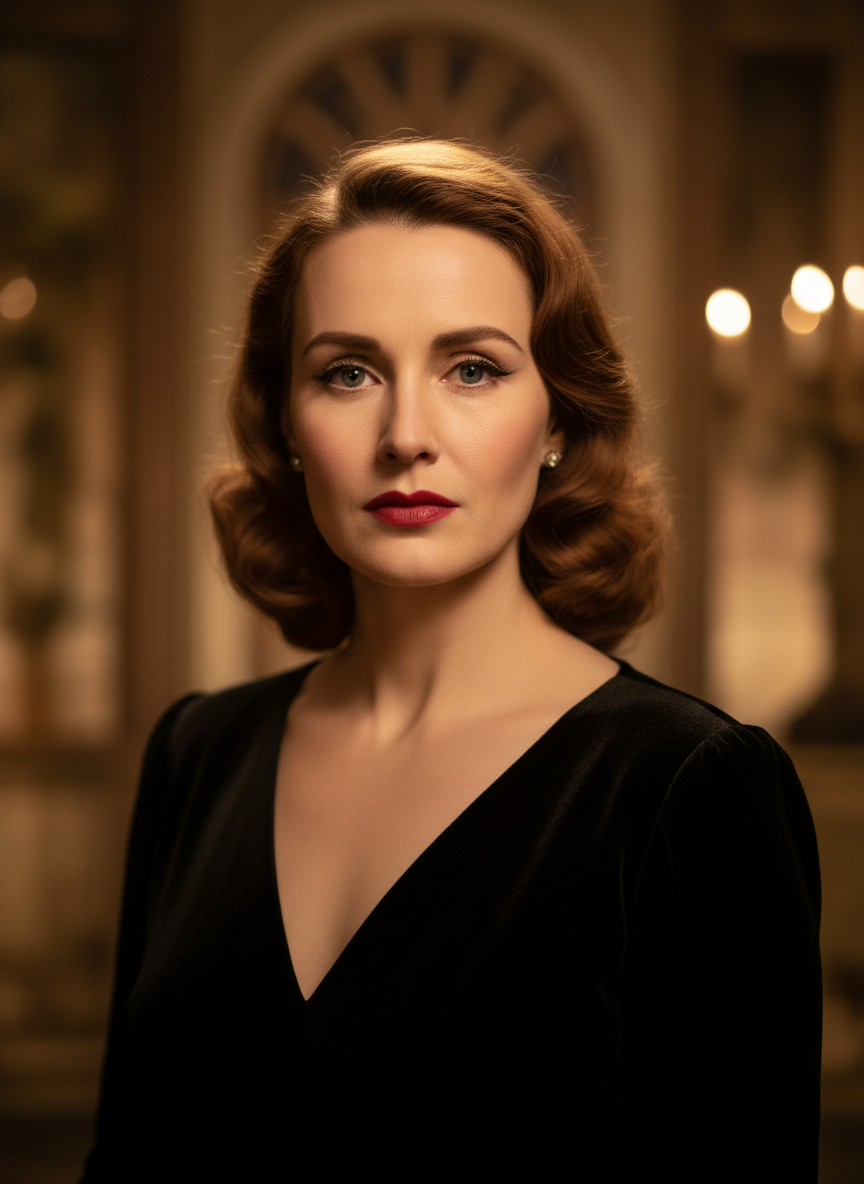
Source
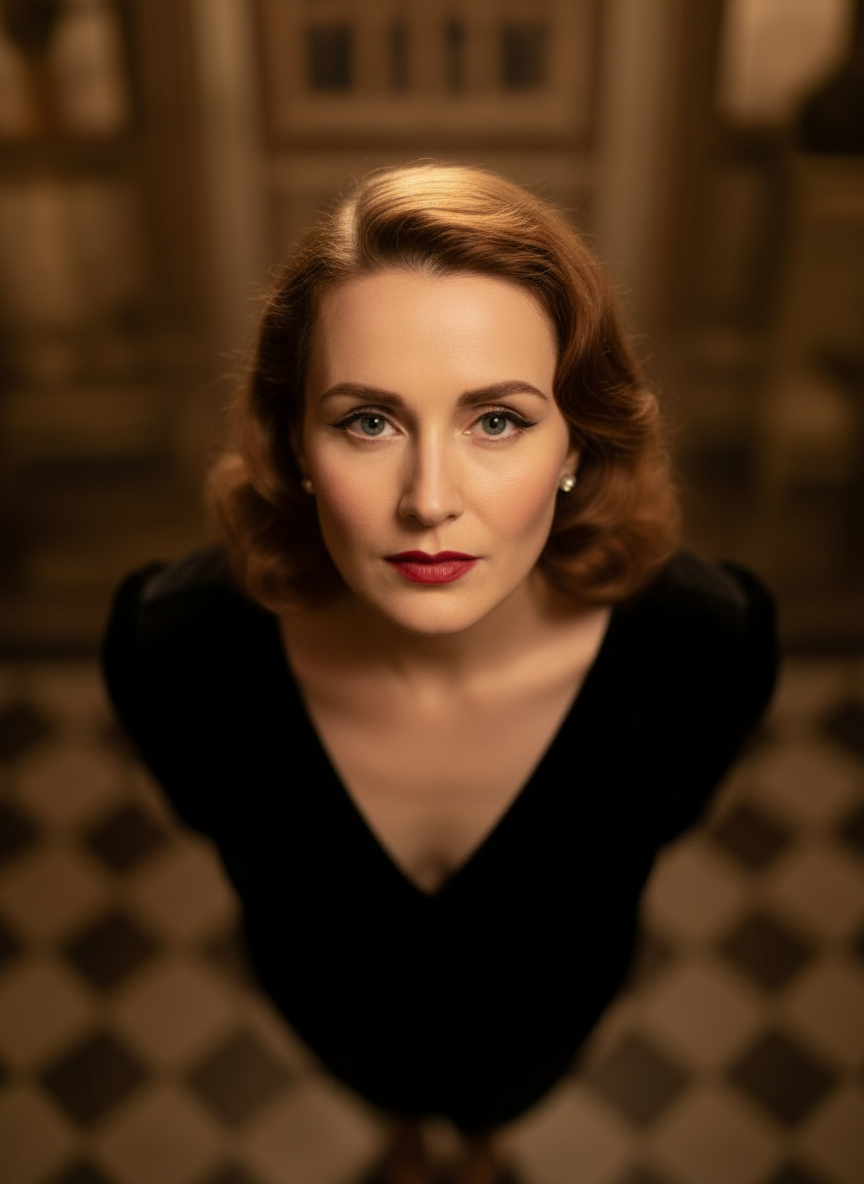
Overhead Angle
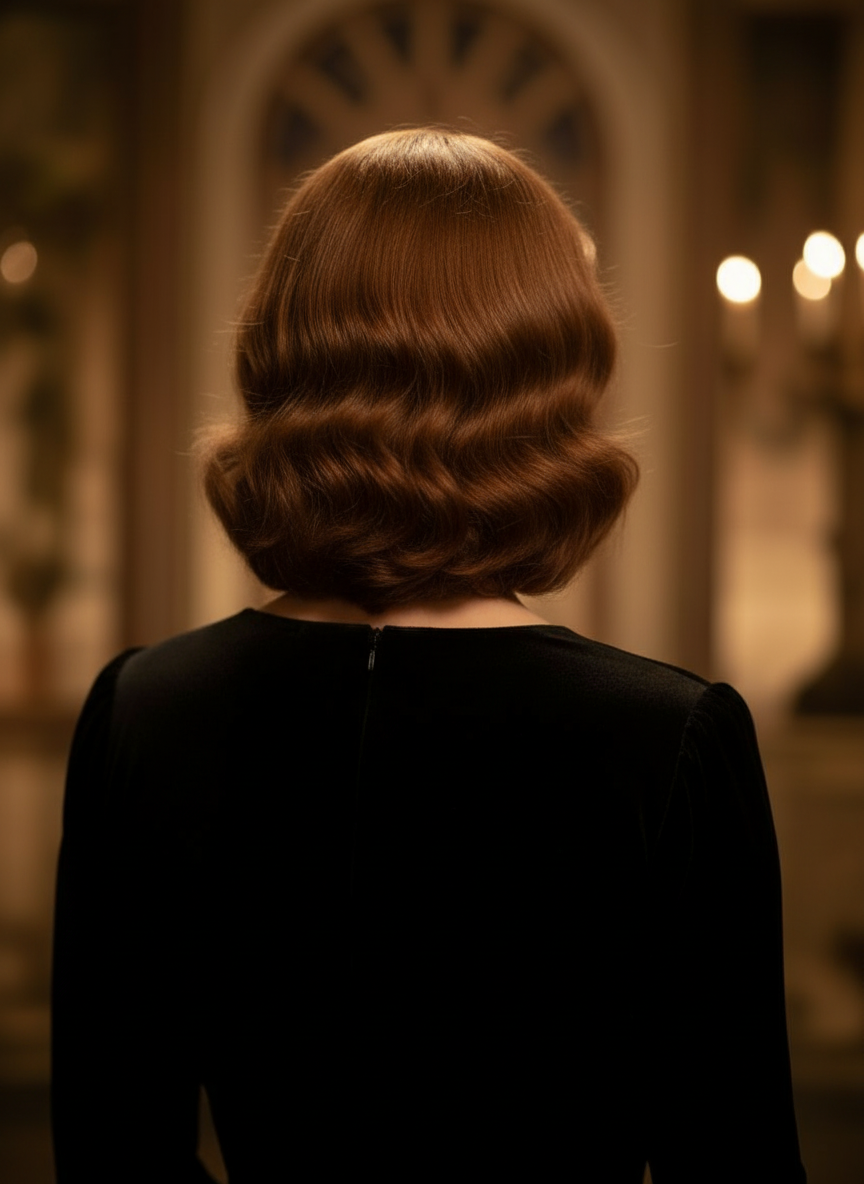
Back Angle
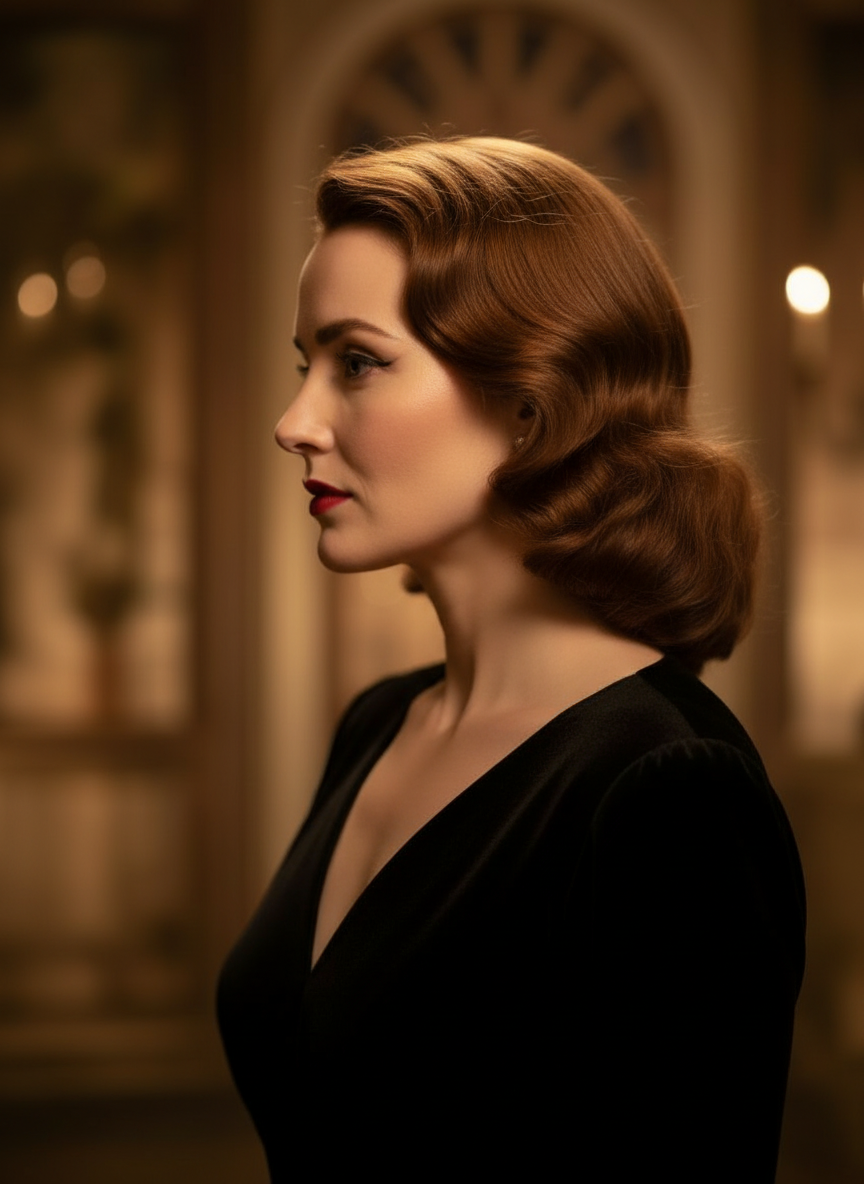
Three-Quarter Side
Transforme suas imagens por conversa natural
Basta enviar uma imagem e conversar para fazer edições. Amplie o enquadramento, remova objetos, troque fundos e gere ângulos de câmera alternativos sem reconstruir a imagem do zero.
Abrir Controle de ÂnguloAjuste ângulo horizontal, ângulo vertical e distância de zoom
Segure e arraste para mudar o ângulo da câmera ou use controles intuitivos para ajustar ângulo horizontal, ângulo vertical e distância de zoom. Gere variações limpas a partir de uma única foto com um fluxo de trabalho de controle de câmera de imagem mais rápido.
Gerar novo ânguloComo usar o Controle de Ângulo de Câmera em 3 passos
Um fluxo simples para edição de fotos, reconfiguração e controle de câmera com IA.
Envie uma imagem do sujeito
Comece com uma foto ou imagem de referência que você quer manter consistente enquanto edita e reconfigura.
Defina o plano de câmera
Escolha um dos 12 melhores ângulos e, em seguida, segure e arraste ou use os controles para ajustar ângulo horizontal, ângulo vertical, inclinação e distância de zoom.
Converse, gere e revise
Descreva as edições em linguagem natural, gere a nova visualização e revise o resultado para design, conteúdo ou entrega de produção.
Resultado real da ferramenta
Uma imagem de entrada, um resultado gerado de ângulo de câmera
Compare a imagem de origem com uma saída produzida pelo fluxo de trabalho de Controle de Ângulo de Câmera. O sujeito permanece reconhecível enquanto o ponto de vista muda para um estudo de ângulo mais amplo.
Entrada
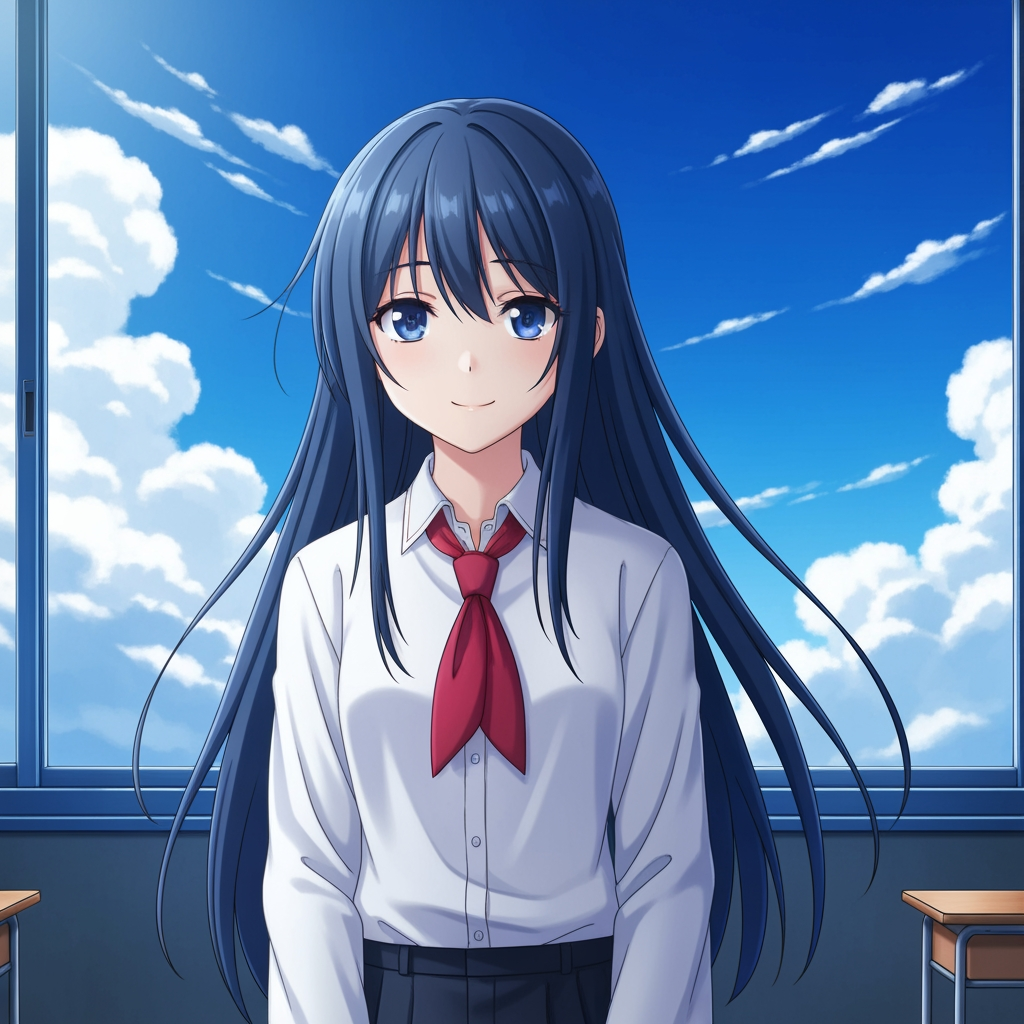
Imagem original do sujeito
O desenho base permanece inalterado. Esta é a imagem de origem usada para controlar a etapa de ângulo de câmera.
- Função
- Referência enviada
- Sujeito
- Personagem de anime individual
Saída gerada

Resultado reconfigurado de ângulo de câmera
A saída gerada transforma a mesma referência em um estudo de ângulo mais amplo para planejamento de cena e revisão visual.
- Função
- Variação gerada
- Uso
- Revisão de ângulo e enquadramento
As imagens abaixo são um par real de entrada e saída do fluxo da ferramenta, não uma simulação de banco de imagens. Os resultados de IA variam conforme a imagem de origem, o modelo selecionado, o ângulo e os controles de enquadramento.
O que é o Controle de Ângulo de Câmera?
O Controle de Ângulo de Câmera é um editor de ângulo de foto com IA para quem quer transformar imagens por conversa natural. Envie uma imagem, converse para editá-la e depois ajuste ângulo, inclinação, enquadramento e zoom para gerar novos pontos de vista mantendo a identidade do sujeito consistente.
Prompt to Comic
Gere a partir de 12 dos melhores ângulos
Explore ângulo baixo, ângulo alto, nível dos olhos, ângulo holandês, sobre o ombro e outros presets reutilizáveis de câmera antes de decidir.
Gere a partir de 12 dos melhores ângulos
Explore ângulo baixo, ângulo alto, nível dos olhos, ângulo holandês, sobre o ombro e outros presets reutilizáveis de câmera antes de decidir.
Mantenha um único sujeito consistente
Use uma imagem de referência para que a ferramenta mantenha o sujeito, a lógica de iluminação e a identidade visual mais próximas da foto original.
Edite e reconfigure em um só fluxo
Use edições de imagem guiadas por chat e controle de câmera juntos para ampliar cenas, remover objetos, trocar fundos e reconfigurar a mesma imagem.

Por que equipes usam isso para explorar ângulos de câmera
Feito para exploração de cenas, planejamento de cobertura e revisão visual rápida.
Geração guiada por referência
Comece de uma imagem base enviada em vez de criar um novo prompt para o sujeito toda vez.
Presets de ângulo que falam a linguagem de produção
Teste rapidamente enquadramentos em nível dos olhos, ângulo baixo, ângulo alto, ângulo holandês, vista aérea e sobre o ombro.
Útil para previz e boards
Compare ideias de cena antes que o storyboard, o layout de quadrinhos ou a revisão de animação sejam aprovados.
Pronto para quadrinhos e cartuns
Alterne entre direção visual de quadrinhos e cartuns sem reconstruir a interface de controle.
Experimentos rápidos de enquadramento
Passe de close-up para plano aberto e de inclinação neutra para composição dramática em segundos.
Feito para ciclos de revisão
Gere um estudo de ângulo, discuta o resultado e já itere na configuração seguinte.
Perguntas frequentes
O que o Controle de Ângulo de Câmera faz?
Ele transforma suas imagens por conversa natural e controles interativos de câmera, ajudando você a gerar novos ângulos de câmera, ampliar cenas, remover objetos e trocar fundos a partir de uma única imagem enviada.
Posso gerar novos ângulos de câmera a partir de uma única foto?
Sim. Envie a mídia uma vez e depois gere a partir de 12 dos melhores ângulos ajustando ângulo horizontal, ângulo vertical e distância de zoom.
Preciso enviar uma imagem de referência?
Sim. O fluxo de trabalho é baseado em geração de imagem para imagem para que o modelo possa manter o sujeito mais próximo do seu board, personagem ou cena original.
Quais tipos de ângulo de câmera posso testar?
Você pode testar nível dos olhos, ângulo baixo, ângulo alto, sobre o ombro, ângulo holandês, vista aérea e outros presets guiados de ângulo, refinando tudo depois com controles de arrastar e sliders.
Isso é útil para revisão de storyboard e previz?
Sim. É útil para diretores, artistas de storyboard, equipes de quadrinhos e artistas de previz que precisam explorar cenas e comparar ângulos com mais rapidez.
Quais modelos alimentam as edições e o controle de câmera?
O fluxo de trabalho foi desenvolvido para modelos modernos de edição de imagem, incluindo Qwen Image Edit e controle de câmera de imagem no estilo AIOmnigen, dependendo do caminho ativo de geração.
Precisa de boards reutilizáveis depois da exploração de ângulos?
Abra o Modelo de Storyboard Gratuito para dividir folhas de storyboard, baixar quadros limpos e manter seu pacote de revisão organizado.
Ir para o Modelo de Storyboard GratuitoPronto para controlar o próximo ângulo da sua imagem?
Envie uma imagem, segure e arraste para mudar o ângulo da câmera e gere uma nova visualização em minutos.