

4 Camera-Angle Prompts
Automatically generate 4 different camera angles, shot types, and sequence ideas from a single image
Shot Sequence Prompt AI
Upload one image and generate a prompt-ready multi-shot video plan: 4 camera angles, cinematic shot descriptions, storyboard notes, and a clear sequence for AI video production.
Shot 1
Close-up
Shot 2
Orta
Shot 3
Wide
Shot 4
Eylem
Plan the shot sequence, camera-angle prompts, and storyboard notes before you generate the final clip
Automatically generate 4 different camera angles, shot types, and sequence ideas from a single image
Her çekim açıklamasını yaratıcılık vizyonunuza mükemmel şekilde uyacak şekilde ince ayarlayın
Generate multi-shot video prompts and storyboard notes in seconds, not hours
Profesyonellerden yeni başlayanlara kadar, aracımız yaratıcı ihtiyaçlarınıza uyum sağlar
Bir sonraki film projeniz için ayrıntılı storyboardlar ve çekim listeleri oluşturun
Generate multi-shot video prompts for social media and YouTube concepts
Yazılı hikayeleri çoklu perspektiflerle görsel anlatılara dönüştürün
Çoklu çekim varyasyonlarıyla etkileyici görsel kampanyalar oluşturun
Nasıl Çalışır
Herhangi bir görüntü yükleyin - fotoğraflar, sanat eserleri veya konsept görüntüleri. AI'miz tüm ana formatları destekler.
Our advanced AI analyzes your image and generates 4 unique camera-angle prompts and cinematic shot descriptions.
Açıklamaları ince ayarlayın ve video üretimi için çoklu çekim storyboardunuzu dışa aktarın.
AI MULTI-SHOT STORYBOARD EXAMPLES
From single images to cinematic sequences, see how one source can become multiple shot prompts and video concepts.
Choose your output
Use the same source image to prepare camera angles, a connected shot sequence, or storyboard notes for the next production step.
Plan a prompt-ready video sequence from one source image instead of generating one disconnected clip.
Create close-up, medium, wide, product, action, and cinematic angle prompts for the same subject.
Turn a single image into a clear four-shot structure with framing, pacing, and production notes.
Use the generated shot descriptions as storyboard notes for AI video, ads, social clips, and pitches.
ESKİ VİDEO ÜRETİM İŞ AKIŞI
The traditional path from concept to multi-shot video is expensive and time-consuming. Even before generation or filming, creators need shot planning, camera angles, sequence logic, and multiple revisions.
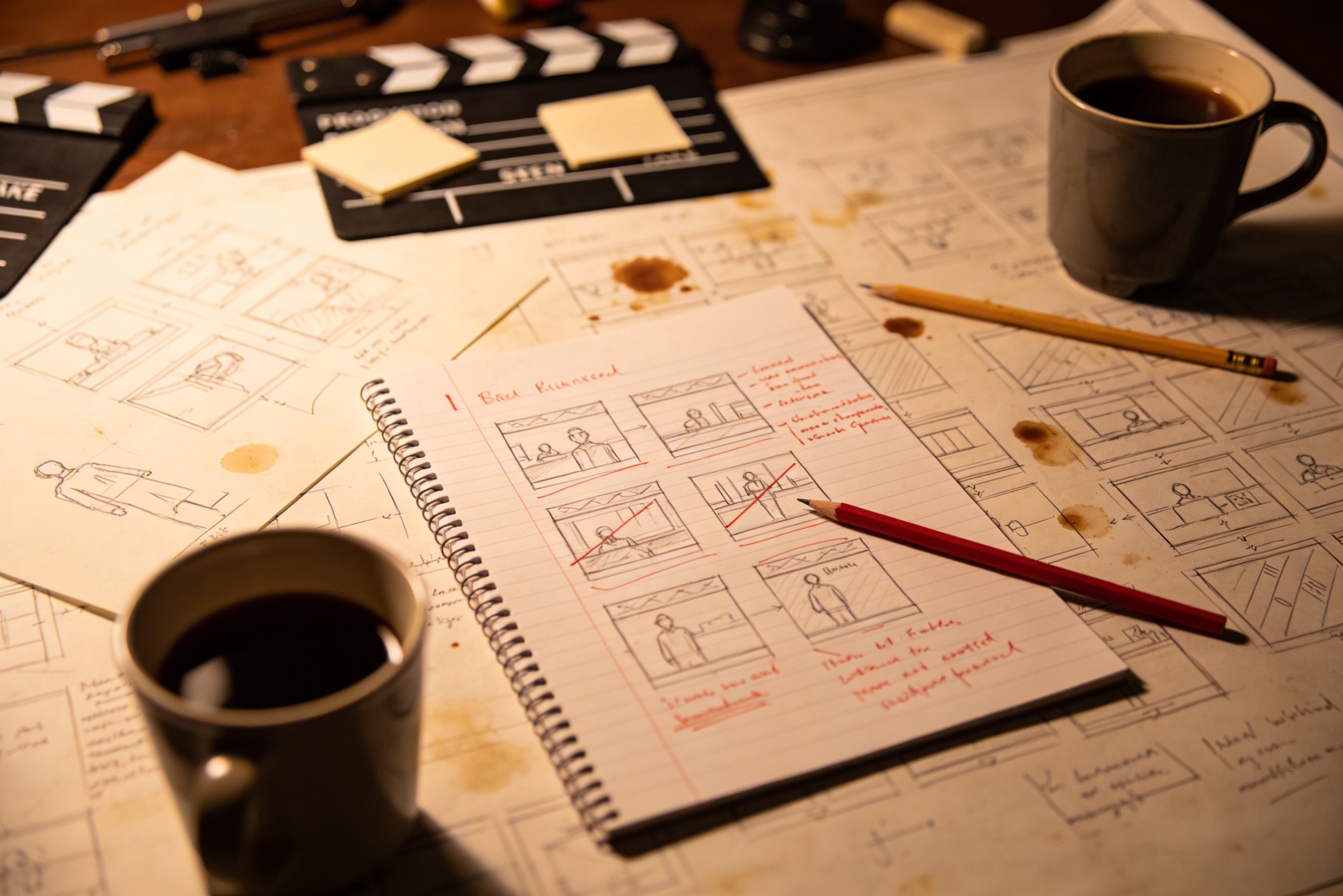
Yaratıcı vizyonunuzu detaylı çekim açıklamalarına çevirmek, doğru yapmak için kapsamlı planlama ve birçok revizyon gerektirir.
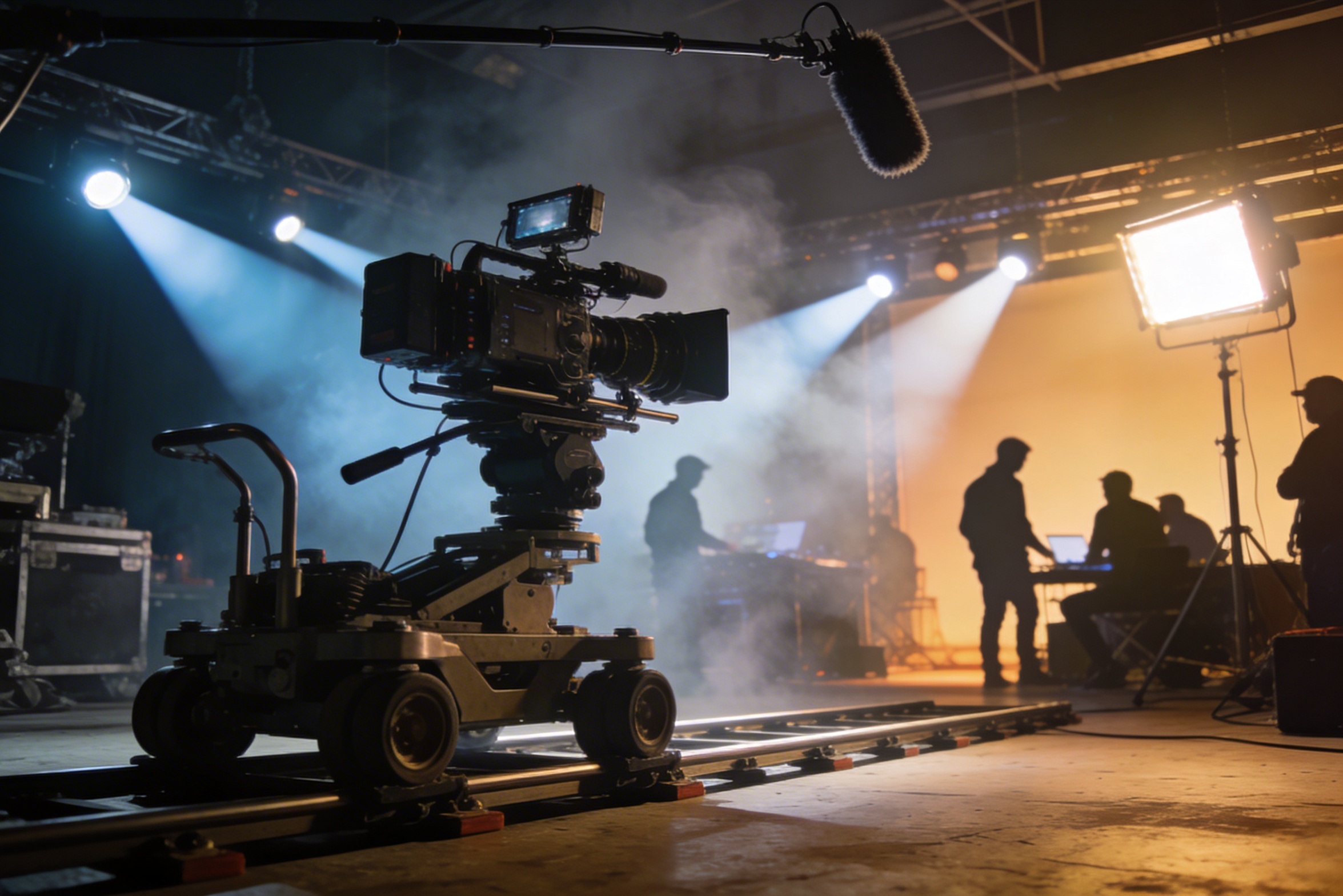
Profesyonel çekimler, pahalı ekipmanlar, aydınlatma düzenlemeleri, mekanlar ve genellikle tam bir ekip gerektirir – maliyetler hızla kontrolden çıkar.
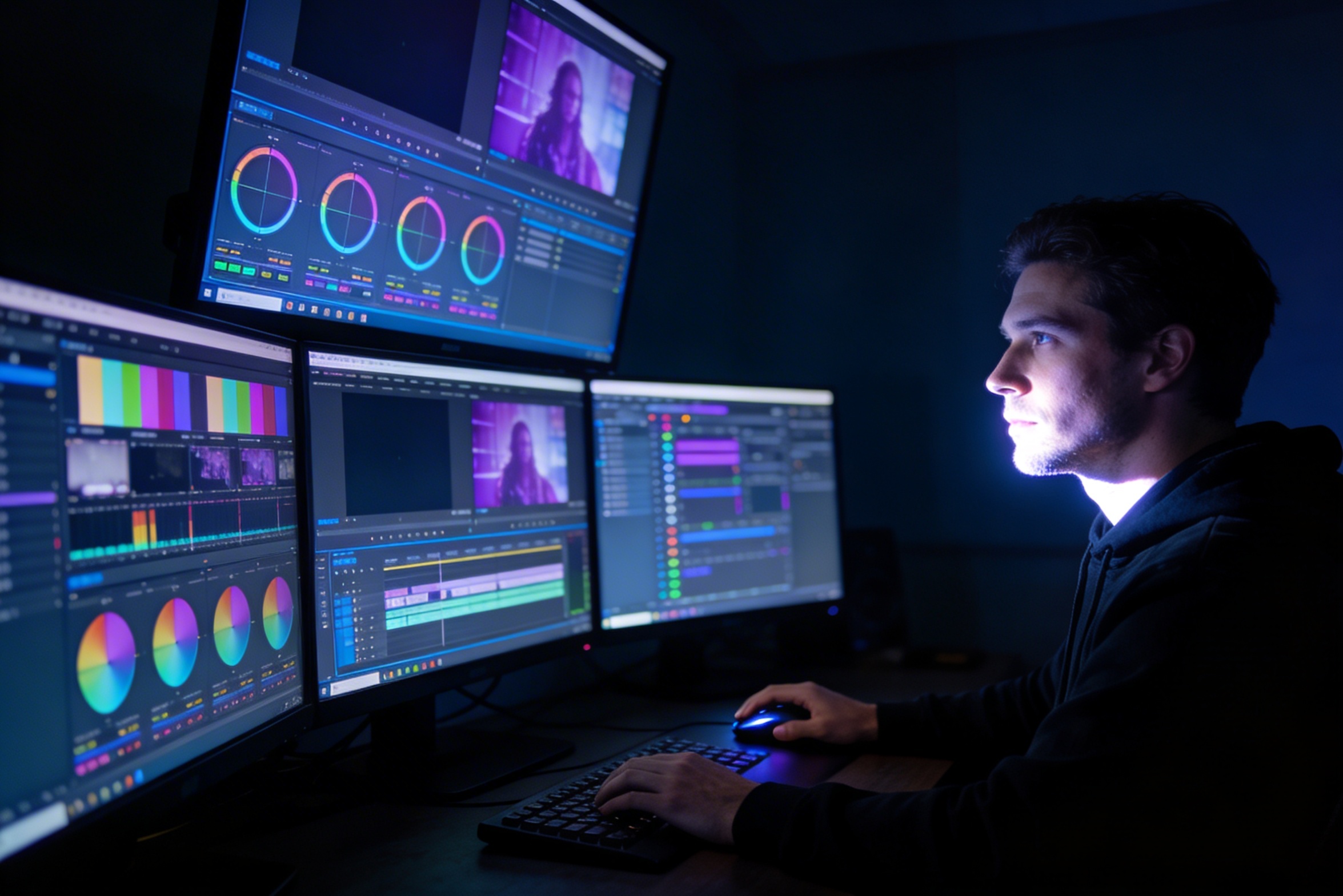
Düzenleme, renk düzenleme, görsel efektler ve birden fazla çekim varyasyonu oluşturma, özel yazılım becerileri ve haftalarca çalışma gerektirir.
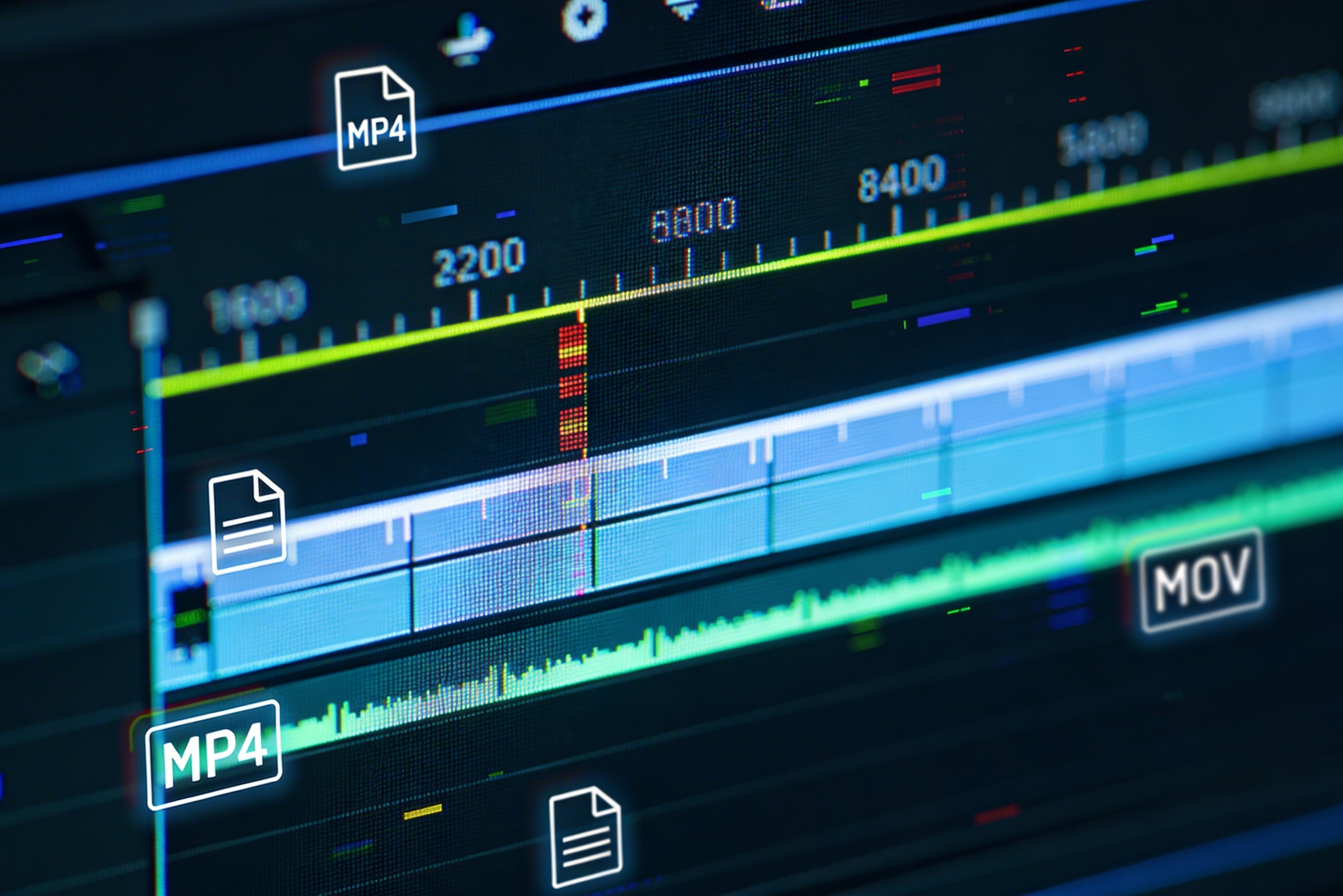
Farklı platformlar için – YouTube, TikTok, Instagram – versiyonlar oluşturmak, çeşitli en-boy oranları ve uzunluklar için yeniden düzenleme ve yeniden render almayı gerektirir.

Professional multi-shot planning can cost hours of creative direction before a final video is generated, filmed, edited, or approved.
It's not just about creating variations. Our AI reads composition, cinematography, and storytelling needs to create shot prompts that strengthen your visual narrative.
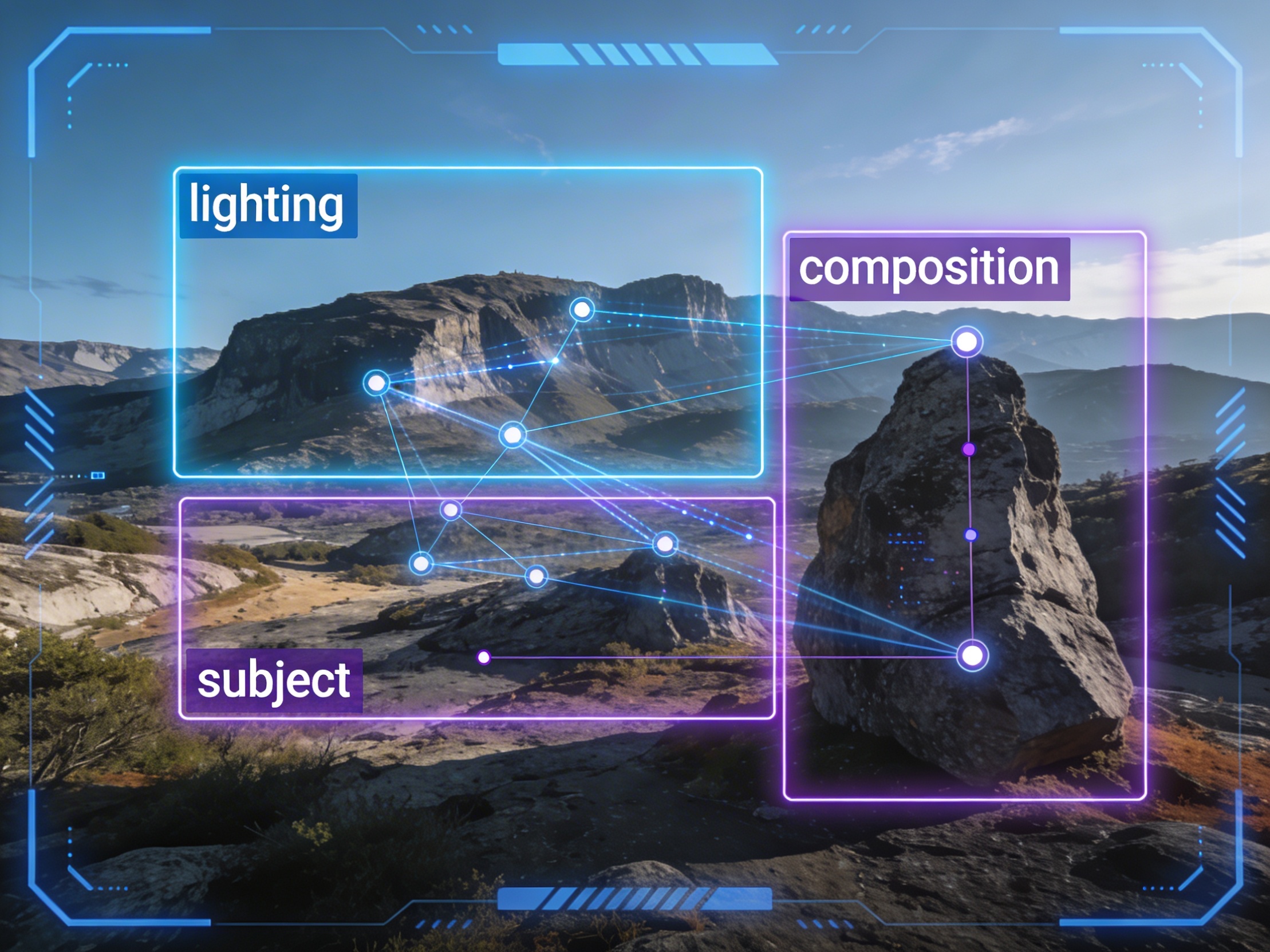
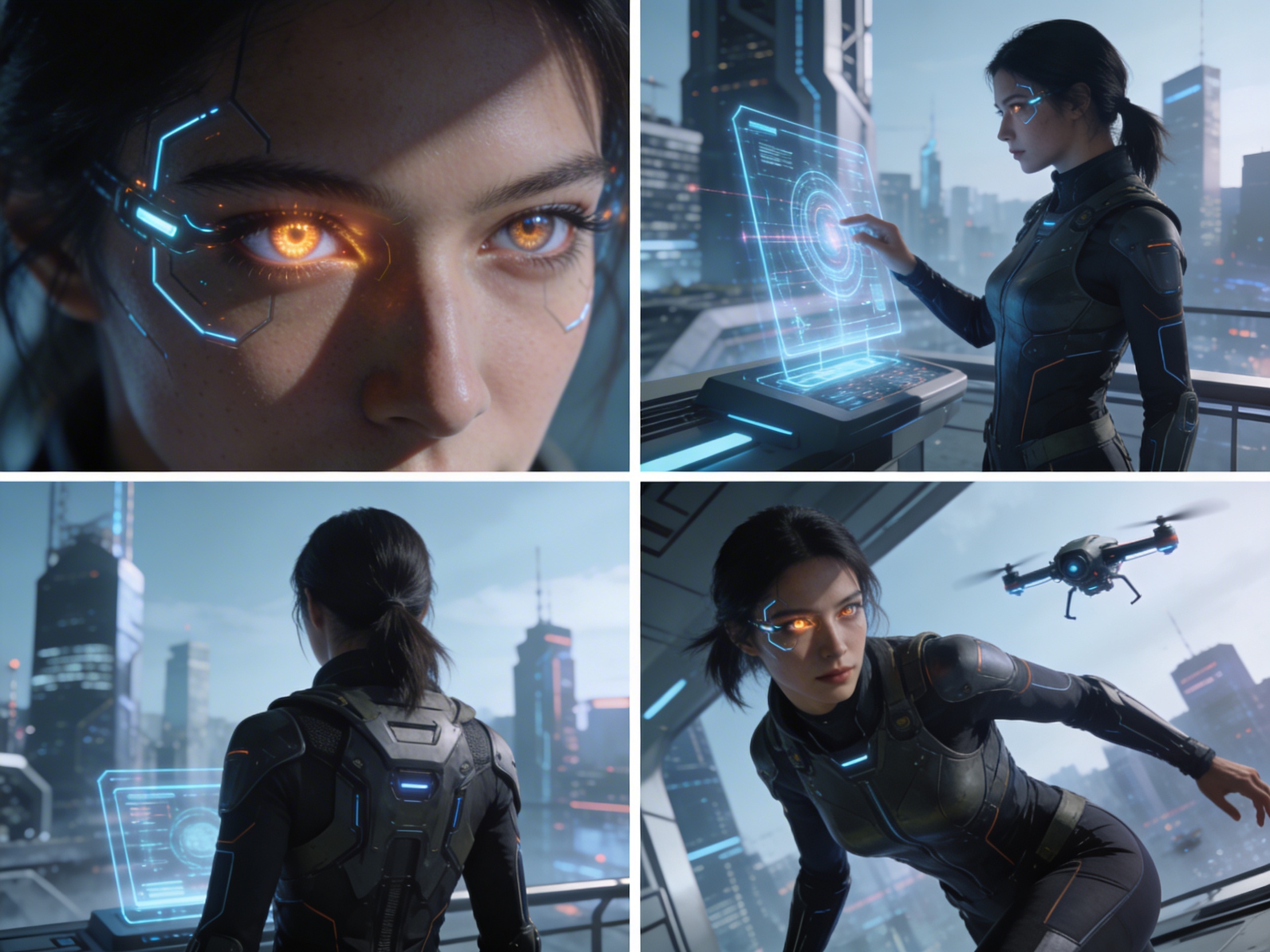
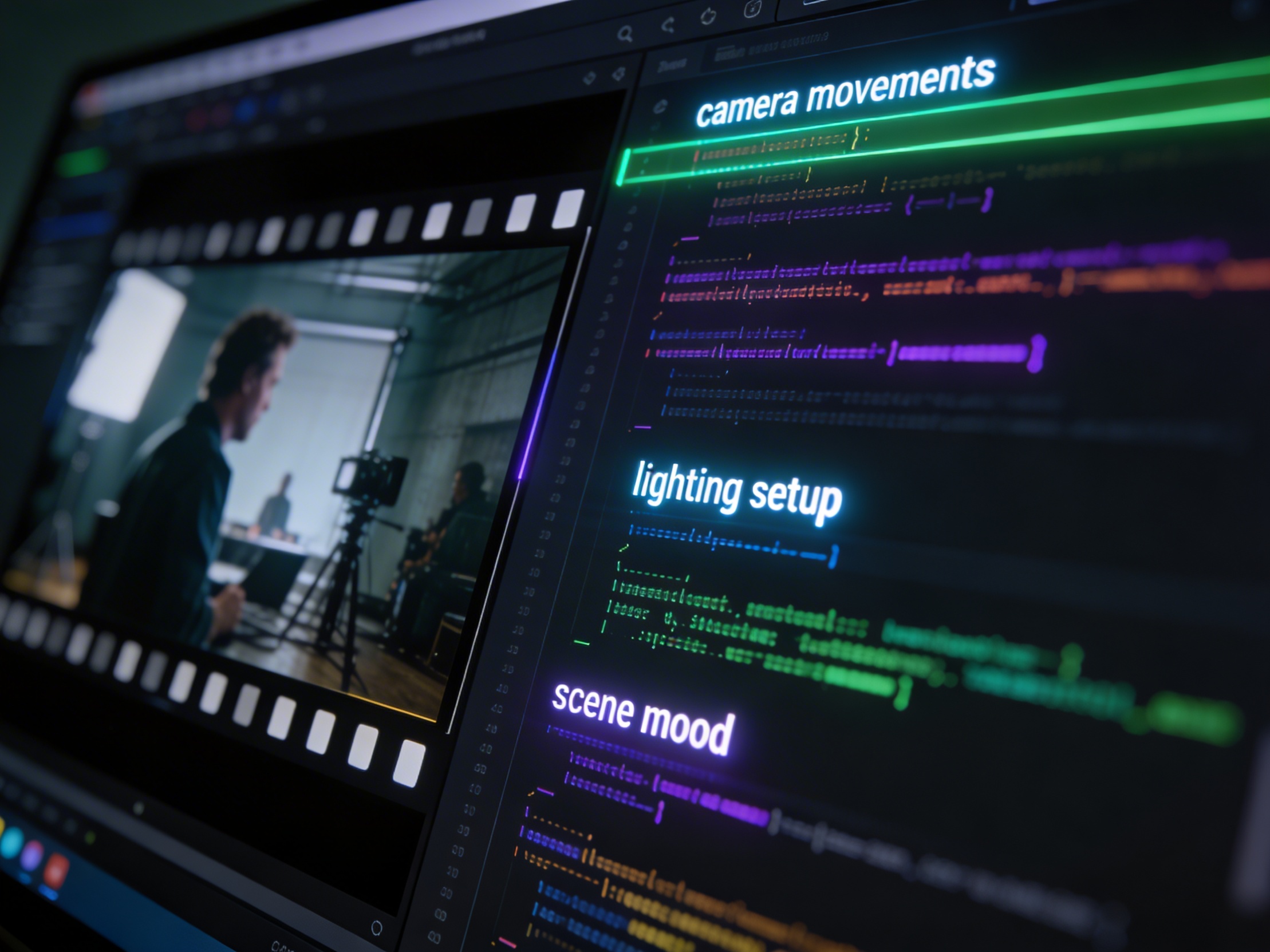
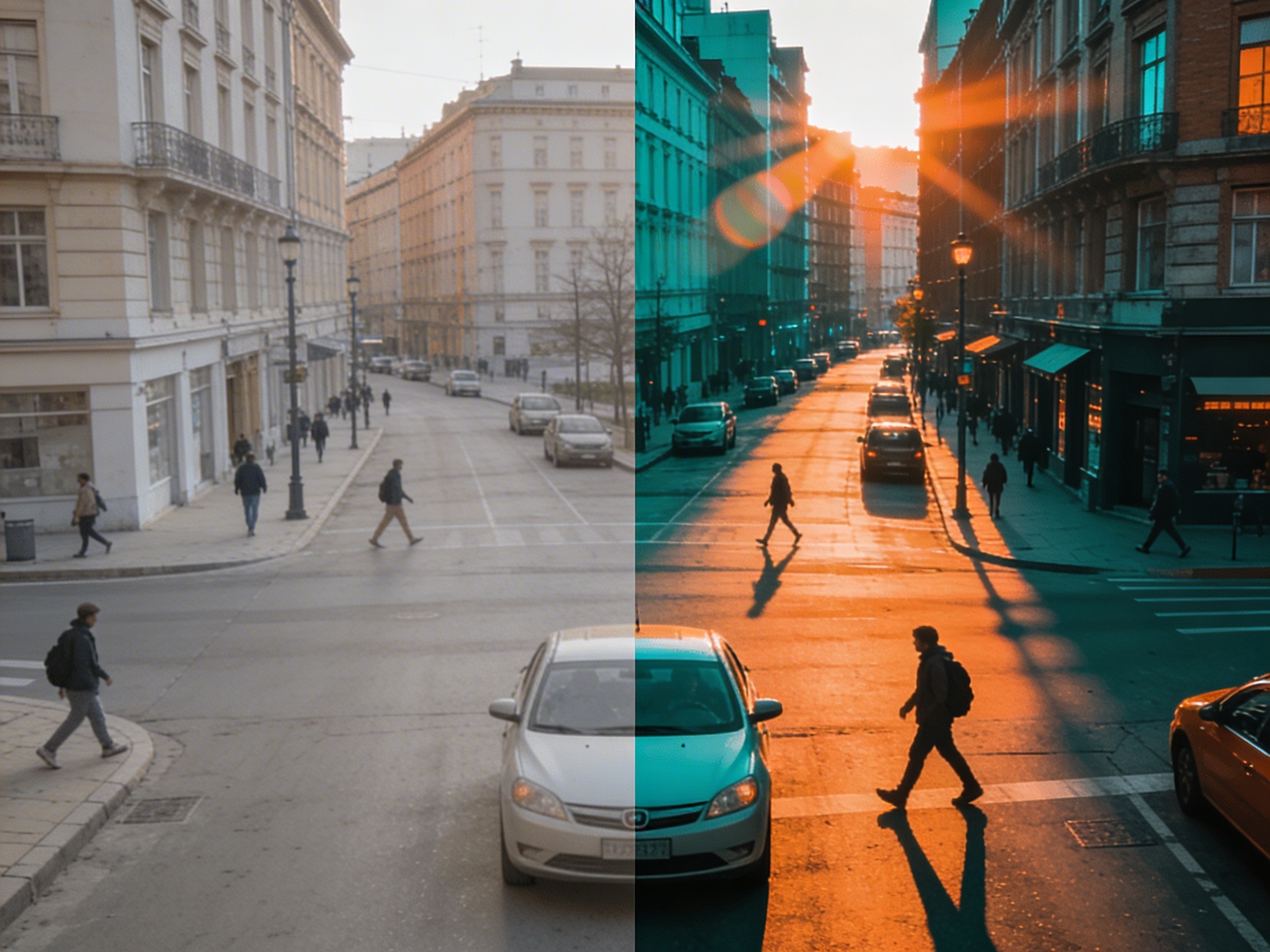
Join creators using LlamaGen to plan shot sequences, camera angles, and AI video prompts before production.
Related writing workflow
Use the AI Screenplay Editor when a script, fiction draft, storyboard brief, video idea, or canvas note needs proper scene headings, action, dialogue, parentheticals, cover pages, outlines, beats, and collaboration-ready revisions.
INT. COMMUNITY CENTER - NIGHT
Folded chairs. A storm outside. MAYA stands at the microphone with a page of notes she no longer needs.
MAYA
If the city will not read the record, we will read it out loud.