

Kamera burchagini boshqarish - AI bilan foto burchagi muharriri
Media yuklang, kamera burchagini o‘zgartirish uchun bosib torting va 12 ta eng yaxshi burchakdan yarating. Tabiiy suhbat, gorizontal burchak, vertikal burchak va zoom masofasi boshqaruvlari bilan AI Image Camera Angle Control orqali tasvirlaringizni o‘zgartiring.
Chat orqali tahrir qiling, sahnani kengaytiring, obyektlarni olib tashlang, fonni almashtiring va Qwen Image Edit hamda AIOmnigen ish oqimlari bilan bitta suratdan yangi kamera burchaklarini yarating.
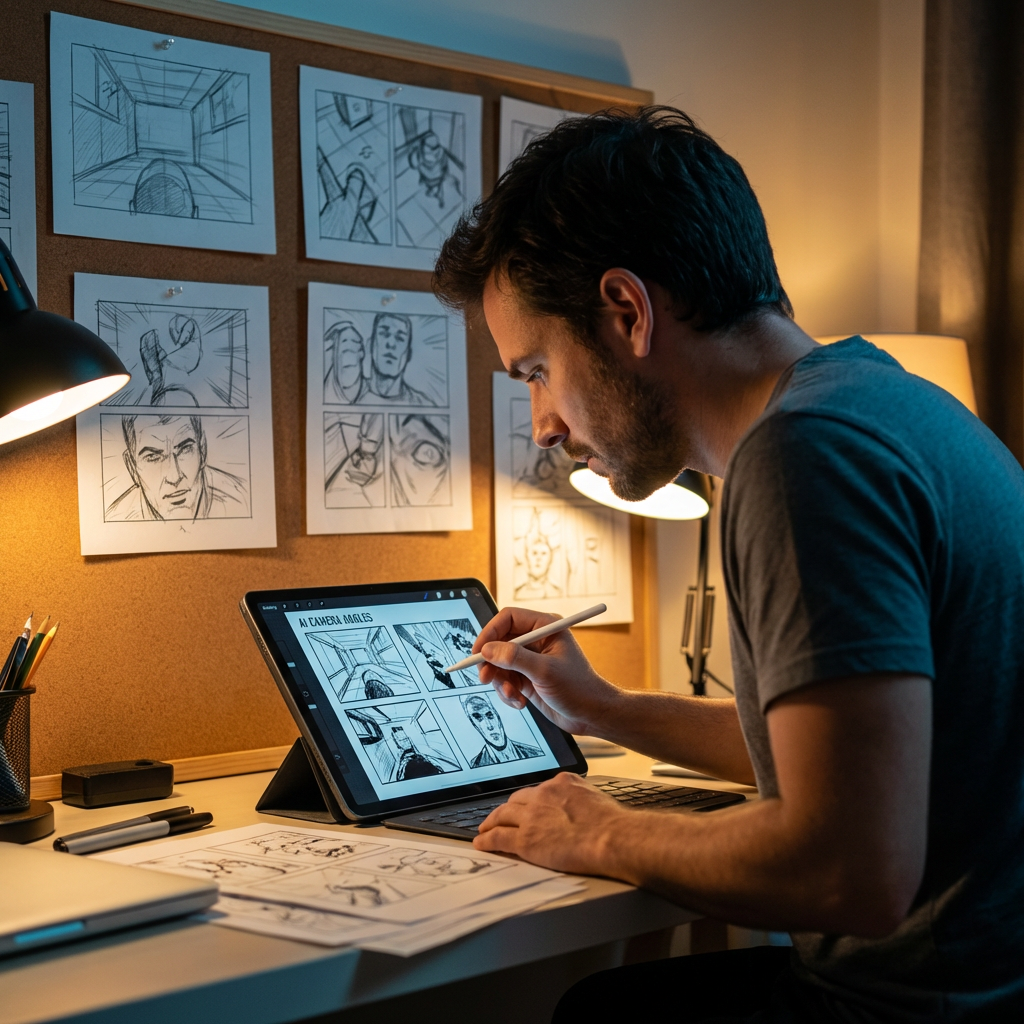
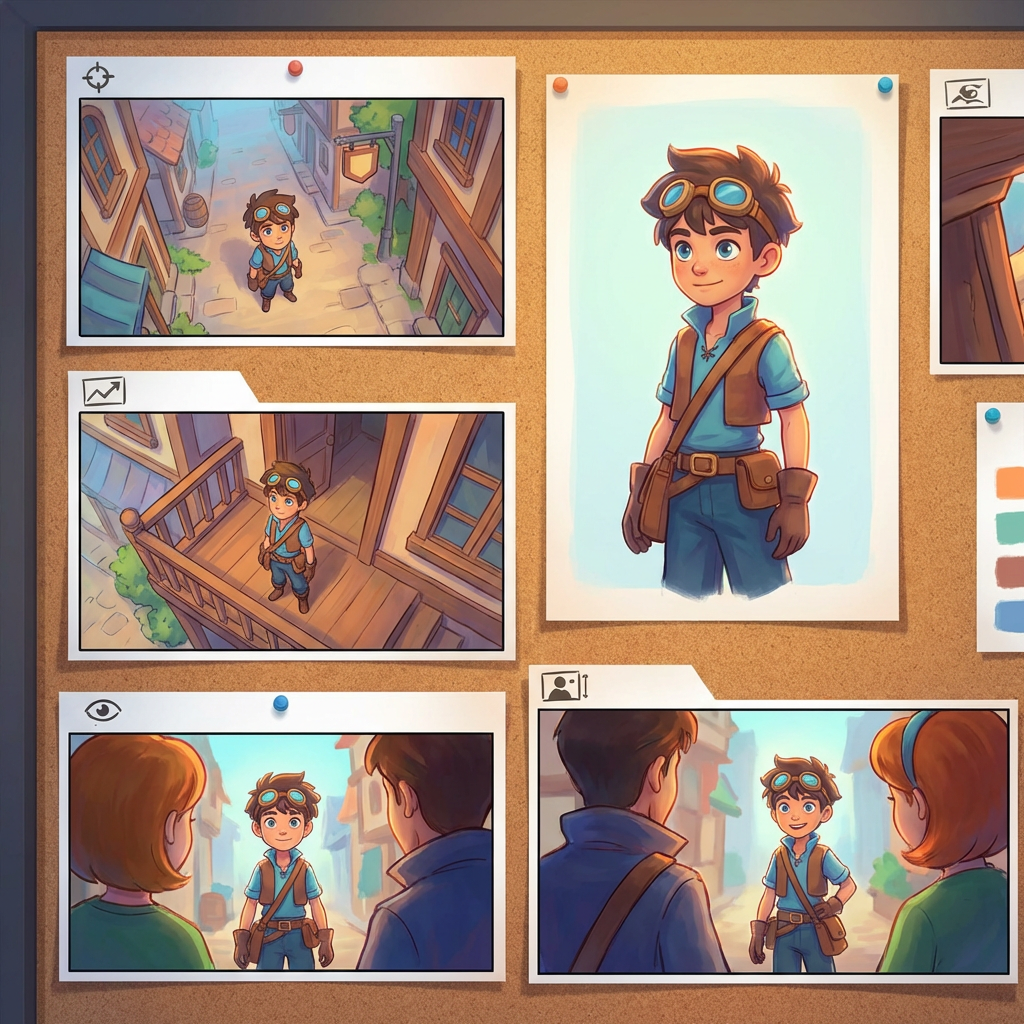
Interaktiv burchak laboratoriyasi
Bitta rasm yuklang, burchakni o‘zgartiring va chat orqali tahrir qiling
Ushbu o‘rnatilgan vosita tasvirlarni tabiiy suhbat orqali o‘zgartirishga imkon beradi. Bitta surat yuklang, so‘ng sahnani kengaytiring, obyektlarni olib tashlang, fonni almashtiring yoki Qwen Image Edit kabi tahrirlash modellari va interaktiv kamera boshqaruvlari bilan yangi kamera burchaklarini yarating.
Multi-Angles
Source Reference
Upload a reference image
Use the Replace and Remove buttons above anytime.
Generated Result
Examples
Source
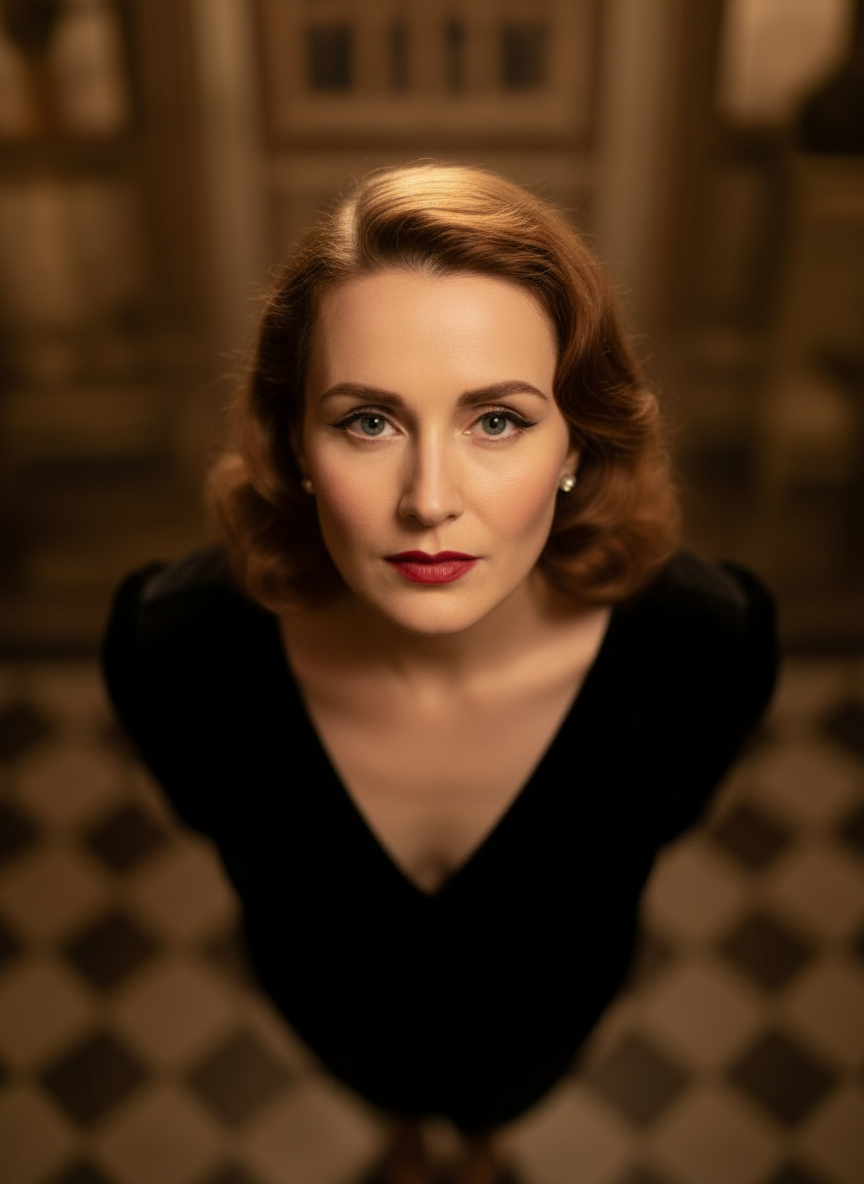
Overhead Angle
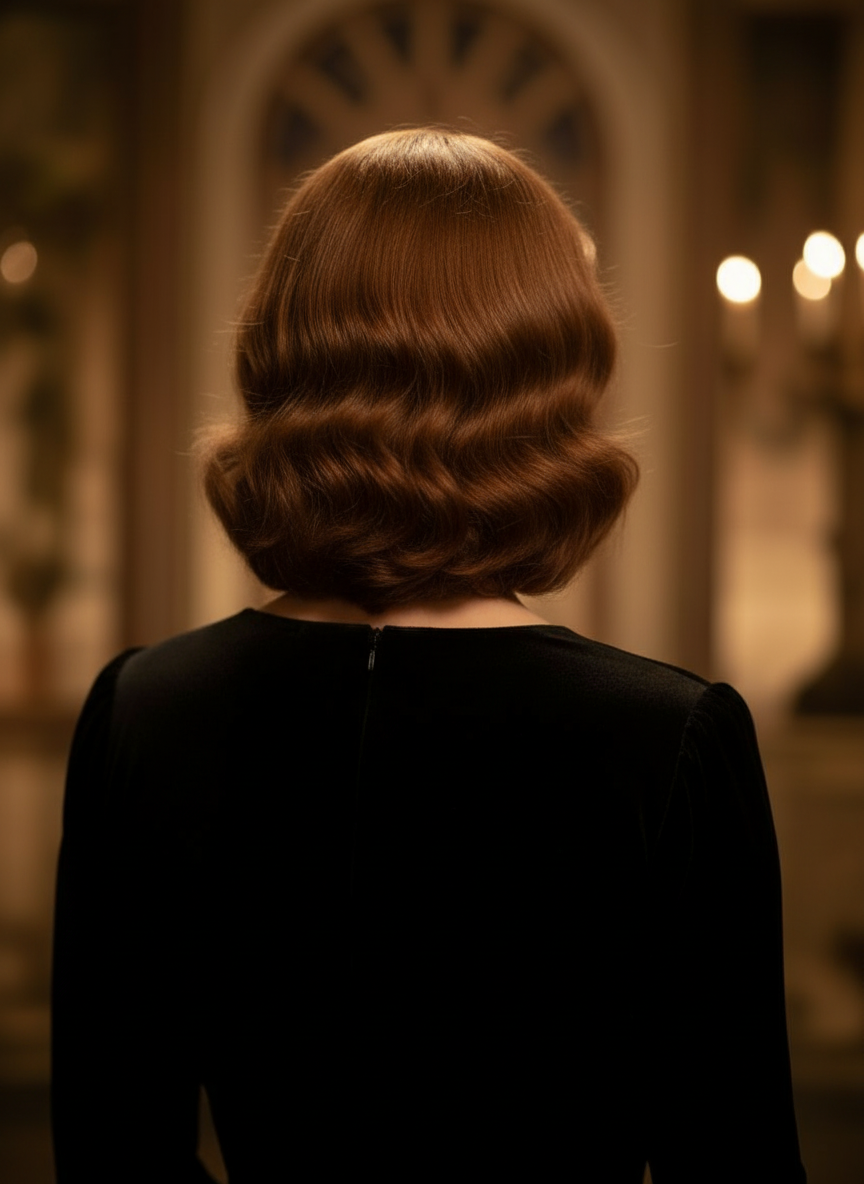
Back Angle
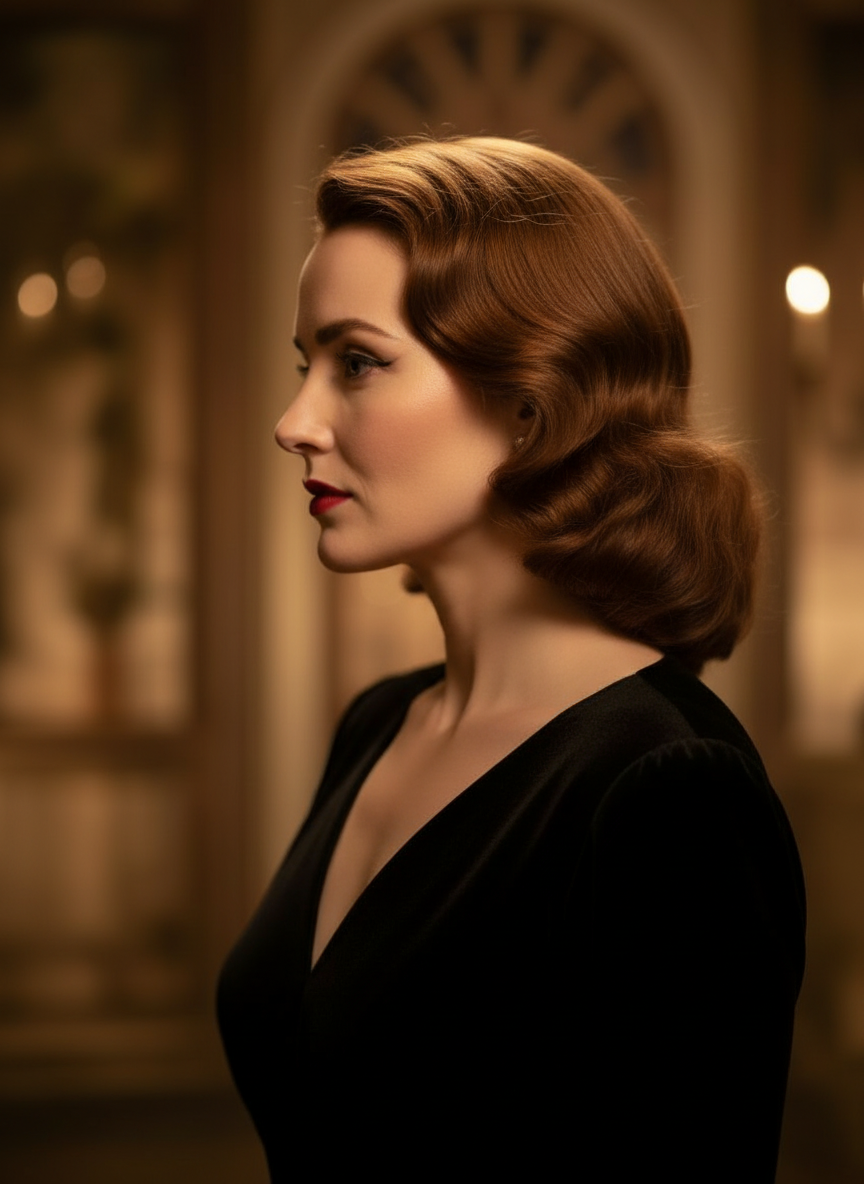
Three-Quarter Side
Tasvirlaringizni tabiiy suhbat orqali o‘zgartiring
Shunchaki rasm yuklang va chat orqali tahrir qiling. Kadrni kengaytiring, obyektlarni olib tashlang, fonni almashtiring va tasvirni boshidan qayta yaratmasdan muqobil kamera burchaklarini yarating.
Camera Angle Control ni ochingGorizontal burchak, vertikal burchak va zoom masofasini sozlang
Kamera burchagini o‘zgartirish uchun bosib torting yoki intuitiv slayderlar orqali gorizontal burchak, vertikal burchak va zoom masofasini sozlang. Tezroq image-camera-control ish oqimi bilan bitta suratdan toza variantlar yarating.
Yangi burchak yaratingCamera Angle Control dan 3 qadamda foydalanish
Foto tahriri, qayta kadrga joylash va AI kamera boshqaruvi uchun sodda ish oqimi.
Subyekt rasmini yuklang
Tahrirlash va qayta kadrga joylashda izchil saqlamoqchi bo‘lgan bitta foto yoki reference rasm bilan boshlang.
Kamera rejasini sozlang
12 ta eng yaxshi burchakdan birini tanlang, so‘ng bosib torting yoki boshqaruvlar orqali gorizontal burchak, vertikal burchak, og‘ish va zoom masofasini sozlang.
Chat qiling, render qiling va ko‘rib chiqing
Tahrirlarni tabiiy tilda tasvirlang, yangi ko‘rinishni yarating va natijani dizayn, kontent yoki ishlab chiqarishga topshirish uchun ko‘rib chiqing.
Haqiqiy vosita natijasi
Bitta kirish rasmi, bitta yaratilgan kamera burchagi natijasi
Manba tasvirni Camera Angle Control ish oqimi orqali yaratilgan natija bilan solishtiring. Subyekt tanishligicha qoladi, lekin rakurs kengroq burchak tahliliga o‘tadi.
Kirish
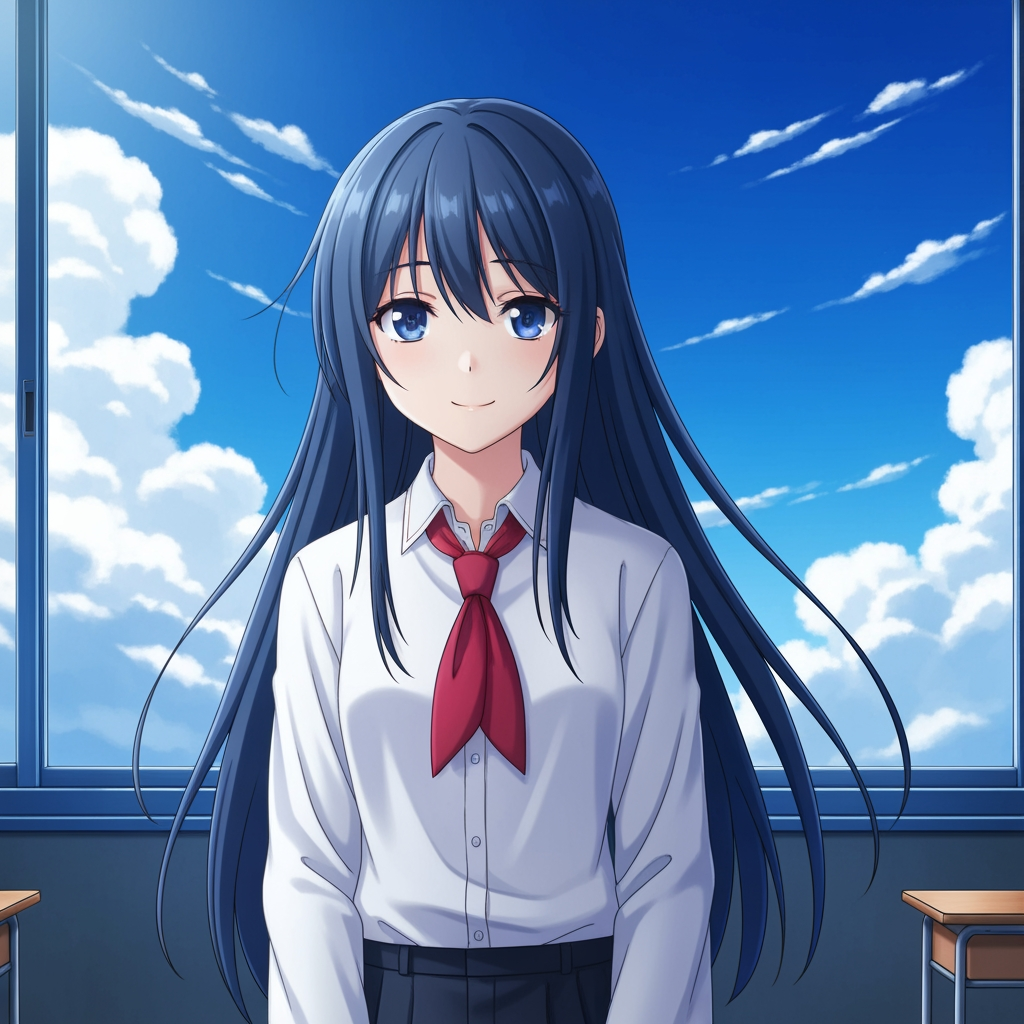
Asl subyekt rasmi
Asosiy chizma o‘zgarmaydi. Bu kamera burchagini boshqarish bosqichi uchun ishlatilgan manba rasm.
- Rol
- Yuklangan reference
- Subyekt
- Yakka anime personaj
Yaratilgan natija

Qayta kadrga joylangan kamera burchagi natijasi
Yaratilgan natija shu referensni kadr rejalashtirish va vizual ko‘rib chiqish uchun kengroq burchak tahliliga aylantiradi.
- Rol
- Yaratilgan variant
- Foydalanish
- Burchak va kadrni ko‘rib chiqish
Quyidagi rasmlar vosita ish oqimidan olingan haqiqiy manba va natija juftligi bo‘lib, oddiy maket emas. AI natijalari manba rasm, tanlangan model, burchak va kadr sozlamalariga qarab farq qiladi.
Camera Angle Control nima?
Camera Angle Control — bu tasvirlarni tabiiy suhbat orqali o‘zgartirmoqchi bo‘lganlar uchun AI bilan foto burchagi muharriri. Bitta rasm yuklang, uni chat orqali tahrir qiling, so‘ng subyekt identifikatsiyasini saqlagan holda yangi rakurslar yaratish uchun burchak, og‘ish, kadr va zoomni sozlang.
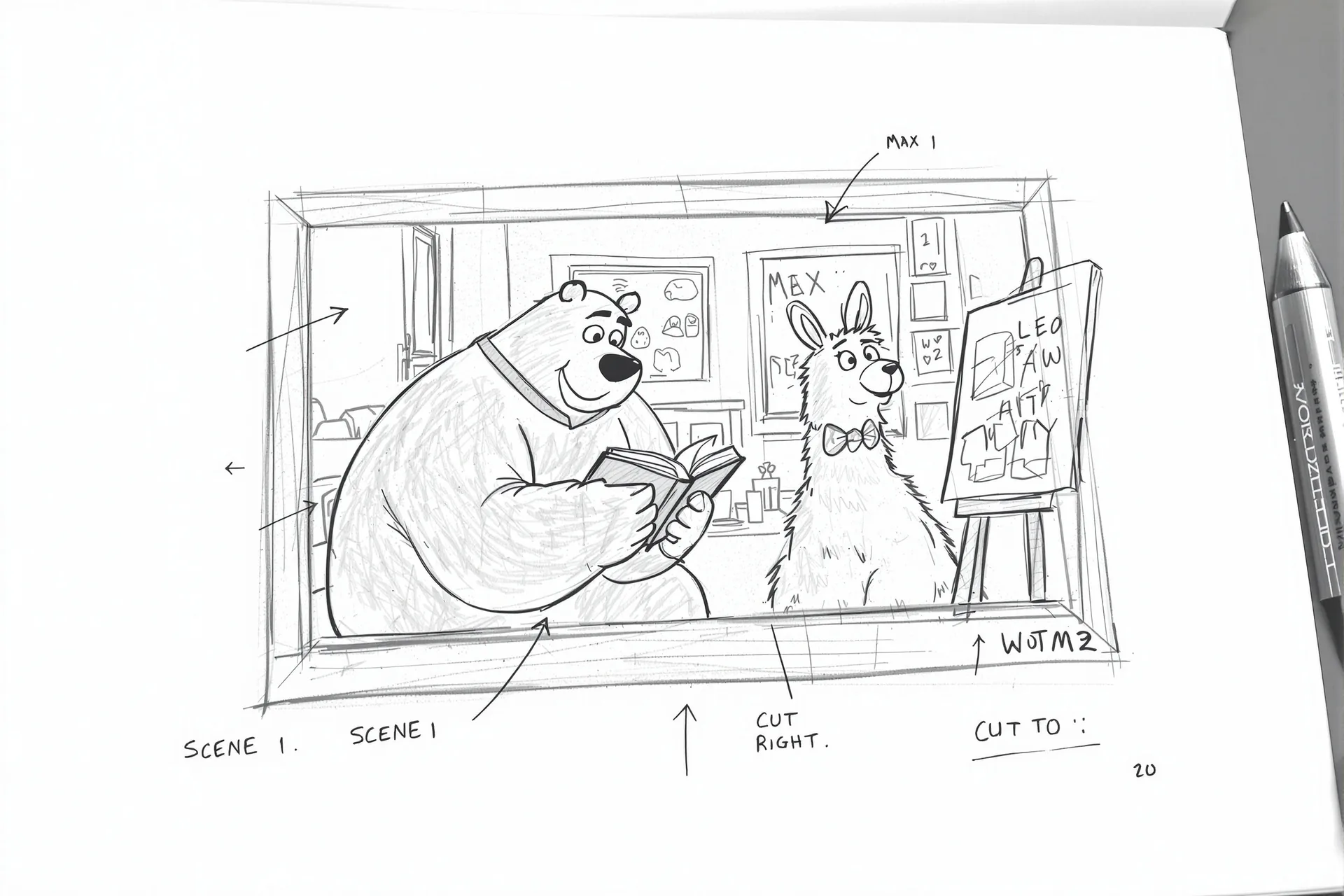
Prompt to Comic
12 ta eng yaxshi burchakdan yarating
Boshlashdan oldin past burchak, yuqori burchak, ko‘z darajasi, Dutch angle, over-the-shoulder va boshqa qayta ishlatish mumkin bo‘lgan kamera presetlarini sinab ko‘ring.
12 ta eng yaxshi burchakdan yarating
Boshlashdan oldin past burchak, yuqori burchak, ko‘z darajasi, Dutch angle, over-the-shoulder va boshqa qayta ishlatish mumkin bo‘lgan kamera presetlarini sinab ko‘ring.
Bitta subyektni izchil saqlang
Reference rasm yordamida vosita subyekt, yoritish mantiqi va vizual identifikatsiyani asl suratga yaqinroq saqlaydi.
Bitta ish oqimida tahrir va qayta kadrga joylash
Suhbat asosidagi rasm tahriri va kamera boshqaruvini birga ishlatib, sahnani kengaytiring, obyektlarni olib tashlang, fonni almashtiring va shu suratni qayta kadrga joylang.

Jamoalar nima uchun kamera burchagini o‘rganish uchun bundan foydalanadi
Kadrlarni sinash, qamrovni rejalash va tez vizual ko‘rib chiqish uchun yaratilgan.
Reference asosidagi generatsiya
Har safar mutlaqo yangi subyektni prompt qilish o‘rniga, yuklangan asosiy rasmdan boshlang.
Ishlab chiqarish tiliga mos burchak presetlari
Ko‘z darajasi, past burchak, yuqori burchak, Dutch angle, bird's-eye va over-the-shoulder qamrovlarini tezda sinab ko‘ring.
Previz va boardlar uchun foydali
Storyboarding, komiks layouti yoki animatsiya ko‘rib chiqishi yakunlanishidan oldin kadr g‘oyalarini solishtiring.
Komiks va multfilmga tayyor
Boshqaruv yuzasini qayta qurmasdan komiks va multfilm vizual yo‘nalishlari o‘rtasida almashing.
Tez kadr sinovlari
Bir necha soniyada close-up dan wide shot ga, neytral og‘ishdan dramatik sahnalashtirishga o‘ting.
Ko‘rib chiqish davrlari uchun mo‘ljallangan
Bitta burchak tahlilini yarating, muhokama qiling va keyingi sozlamani darhol sinab ko‘ring.
Tez-tez so‘raladigan savollar
Camera Angle Control nima qiladi?
U tasvirlaringizni tabiiy suhbat va interaktiv kamera boshqaruvlari orqali o‘zgartiradi, bitta yuklangan rasm asosida yangi kamera burchaklari yaratish, sahnani kengaytirish, obyektlarni olib tashlash va fonni almashtirishga yordam beradi.
Bitta suratdan yangi kamera burchaklarini yaratish mumkinmi?
Ha. Media-ni bir marta yuklang, so‘ng gorizontal burchak, vertikal burchak va zoom masofasini sozlagan holda 12 ta eng yaxshi burchakdan yarating.
Reference rasm yuklashim kerakmi?
Ha. Ish oqimi image to image generatsiya atrofida qurilgan, shunda model subyektni asl board, personaj yoki sahnangizga yaqinroq saqlay oladi.
Qaysi kamera burchak turlarini sinab ko‘rish mumkin?
Ko‘z darajasi, past burchak, yuqori burchak, over-the-shoulder, Dutch angle, bird's-eye va boshqa yo‘naltirilgan burchak presetlarini sinab ko‘rishingiz, so‘ng ularni drag boshqaruvlari va slayderlar bilan nozik sozlashingiz mumkin.
Bu storyboard va previz ko‘rib chiqish uchun foydalimi?
Ha. Bu rejissyorlar, storyboard rassomlari, komiks jamoalari va previz rassomlari uchun tezroq kadrlarni o‘rganish va burchaklarni solishtirishda foydali.
Tahrirlar va kamera boshqaruvini qaysi modellar quvvatlaydi?
Ish oqimi faol generatsiya yo‘liga qarab Qwen Image Edit va AIOmnigen uslubidagi image camera control kabi zamonaviy rasm tahrirlash modellari uchun mo‘ljallangan.
Burchaklarni o‘rgangandan keyin qayta ishlatish mumkin bo‘lgan boardlar kerakmi?
Storyboard sahifalarini bo‘lish, toza kadrlarni yuklab olish va ko‘rib chiqish to‘plamingizni tartibli saqlash uchun Free Storyboard Template ni oching.
Free Storyboard Template ga o‘tingTasviringizning keyingi burchagini boshqarishga tayyormisiz?
Bitta rasm yuklang, kamera burchagini o‘zgartirish uchun bosib torting va bir necha daqiqada yangi ko‘rinish yarating.