

4 Camera-Angle Prompts
Automatically generate 4 different camera angles, shot types, and sequence ideas from a single image
Shot Sequence Prompt AI
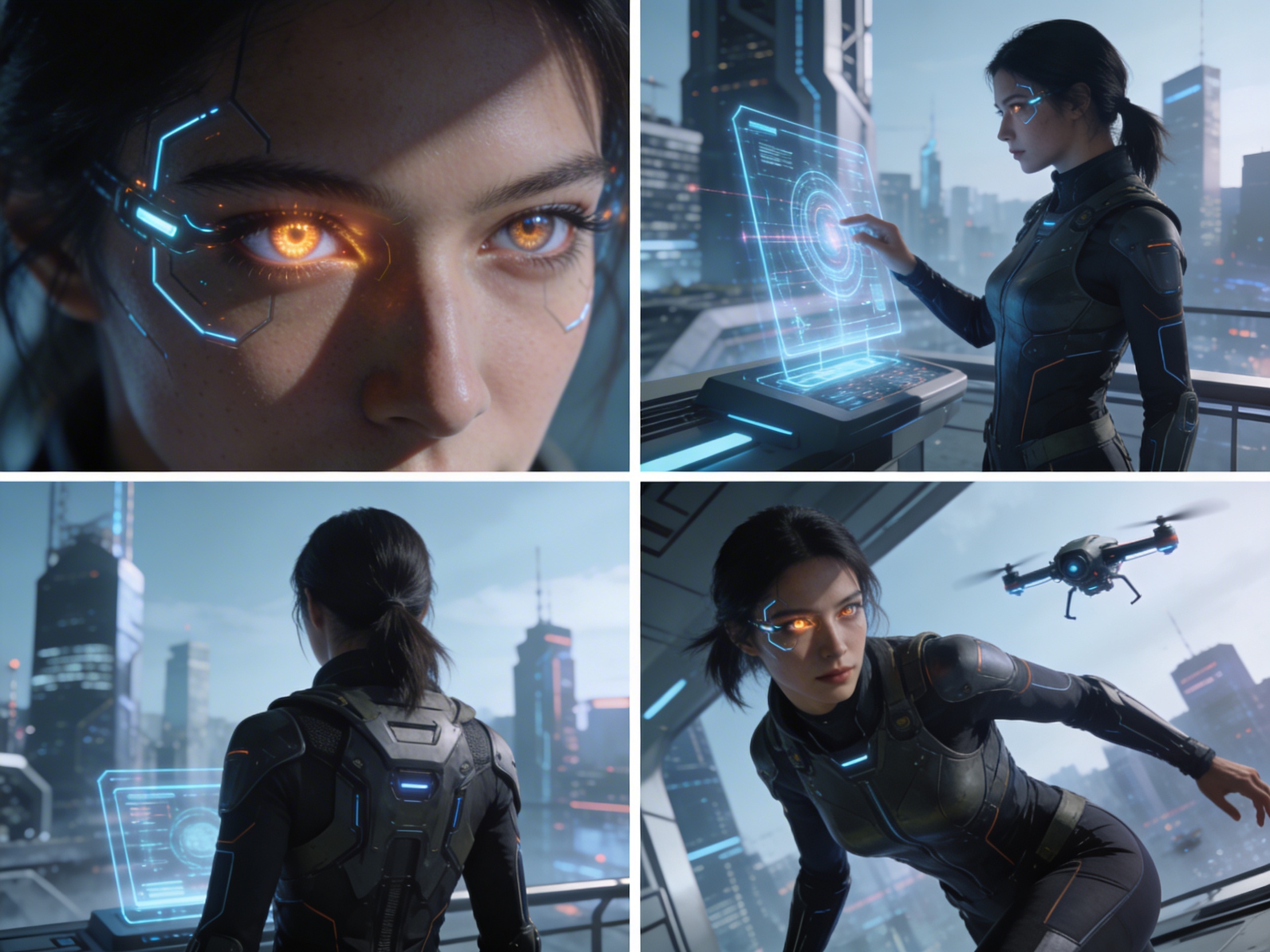
Upload one image and generate a prompt-ready multi-shot video plan: 4 camera angles, cinematic shot descriptions, storyboard notes, and a clear sequence for AI video production.
Cảnh 1
Close-up
Cảnh 2
Trung bình
Cảnh 3
Wide
Cảnh 4
Hành động
Plan the shot sequence, camera-angle prompts, and storyboard notes before you generate the final clip
Automatically generate 4 different camera angles, shot types, and sequence ideas from a single image
Tùy chỉnh mô tả cảnh quay để phù hợp với ý tưởng sáng tạo của bạn
Generate multi-shot video prompts and storyboard notes in seconds, not hours
Từ chuyên gia đến người mới bắt đầu, công cụ của chúng tôi thích ứng với mọi nhu cầu sáng tạo
Tạo storyboard chi tiết và danh sách cảnh quay cho dự án phim sắp tới của bạn
Generate multi-shot video prompts for social media and YouTube concepts
Biến câu chuyện viết thành câu chuyện trực quan với nhiều góc nhìn
Tạo chiến dịch hình ảnh thu hút với nhiều biến thể cảnh quay
Cách Hoạt Động
Tải lên bất kỳ hình ảnh nào – ảnh chụp, tác phẩm nghệ thuật hoặc ảnh ý tưởng. AI của chúng tôi hỗ trợ tất cả định dạng phổ biến.
Our advanced AI analyzes your image and generates 4 unique camera-angle prompts and cinematic shot descriptions.
Tùy chỉnh mô tả và xuất storyboard nhiều góc quay để sản xuất video.
AI MULTI-SHOT STORYBOARD EXAMPLES
From single images to cinematic sequences, see how one source can become multiple shot prompts and video concepts.
Choose your output
Use the same source image to prepare camera angles, a connected shot sequence, or storyboard notes for the next production step.
Plan a prompt-ready video sequence from one source image instead of generating one disconnected clip.
Create close-up, medium, wide, product, action, and cinematic angle prompts for the same subject.
Turn a single image into a clear four-shot structure with framing, pacing, and production notes.
Use the generated shot descriptions as storyboard notes for AI video, ads, social clips, and pitches.
QUY TRÌNH SẢN XUẤT VIDEO TRUYỀN THỐNG
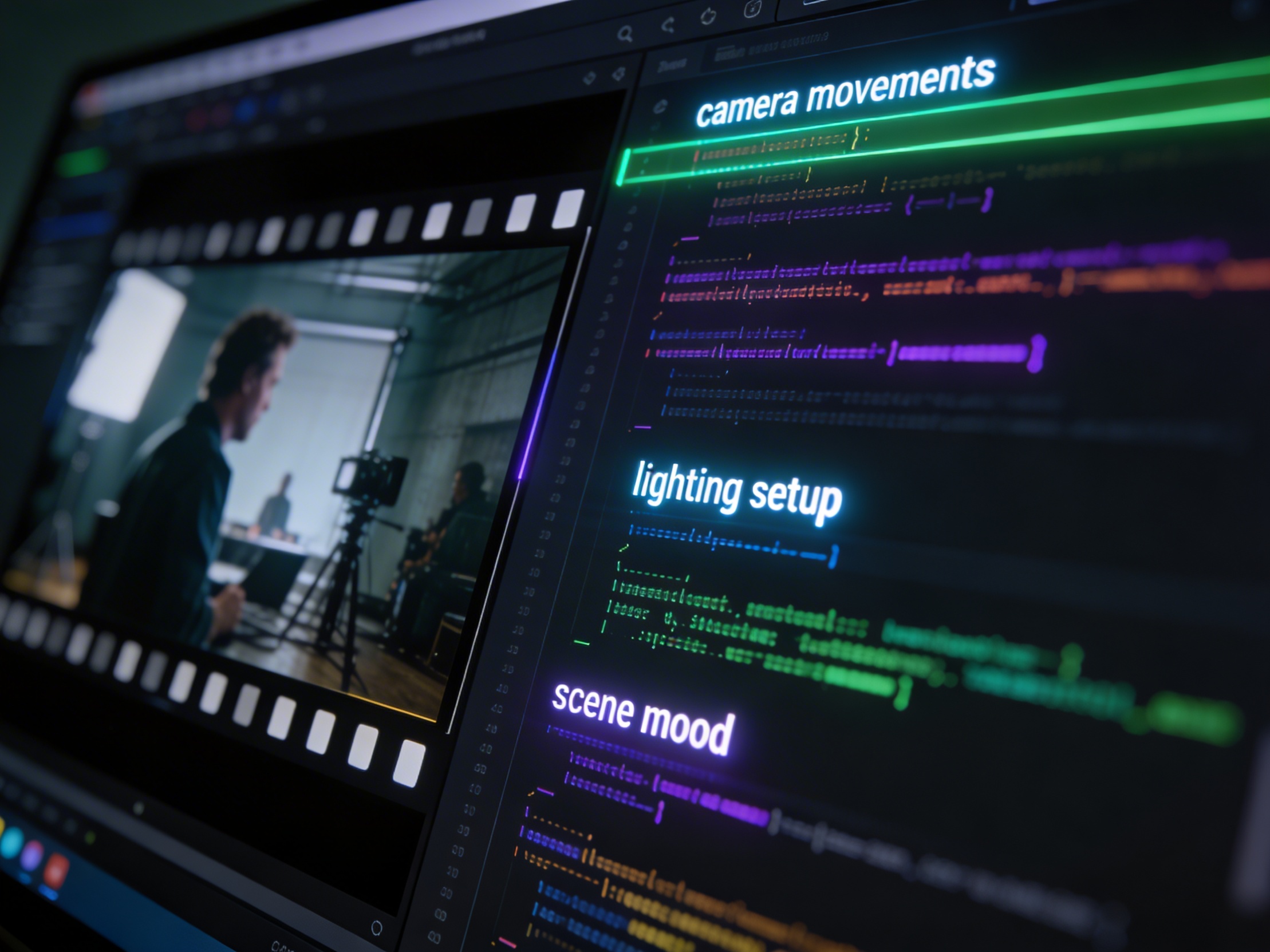
The traditional path from concept to multi-shot video is expensive and time-consuming. Even before generation or filming, creators need shot planning, camera angles, sequence logic, and multiple revisions.
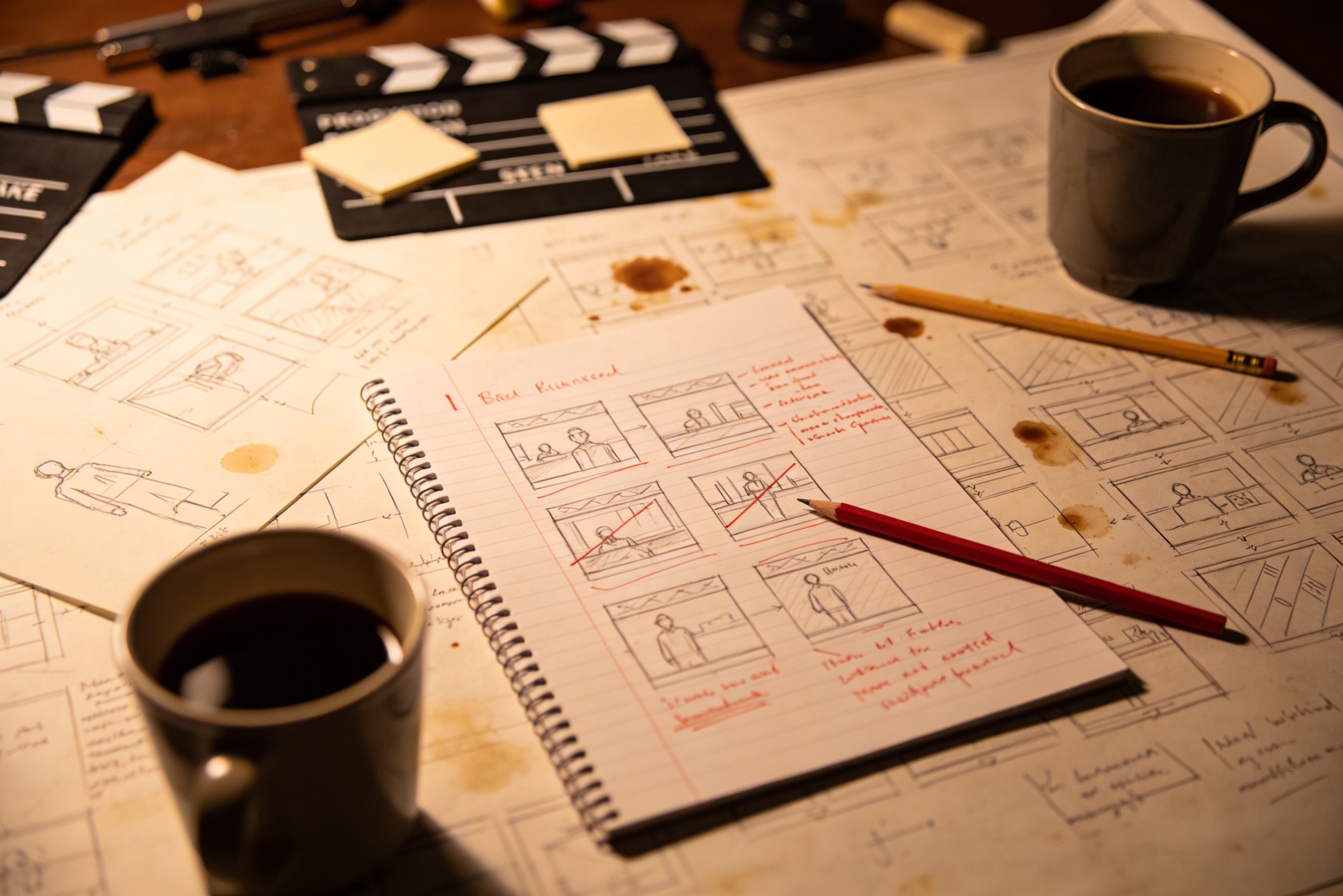
Chuyển ý tưởng sáng tạo của bạn thành mô tả cảnh quay chi tiết đòi hỏi phải lên kế hoạch kỹ lưỡng và chỉnh sửa nhiều lần để đạt kết quả tốt nhất.
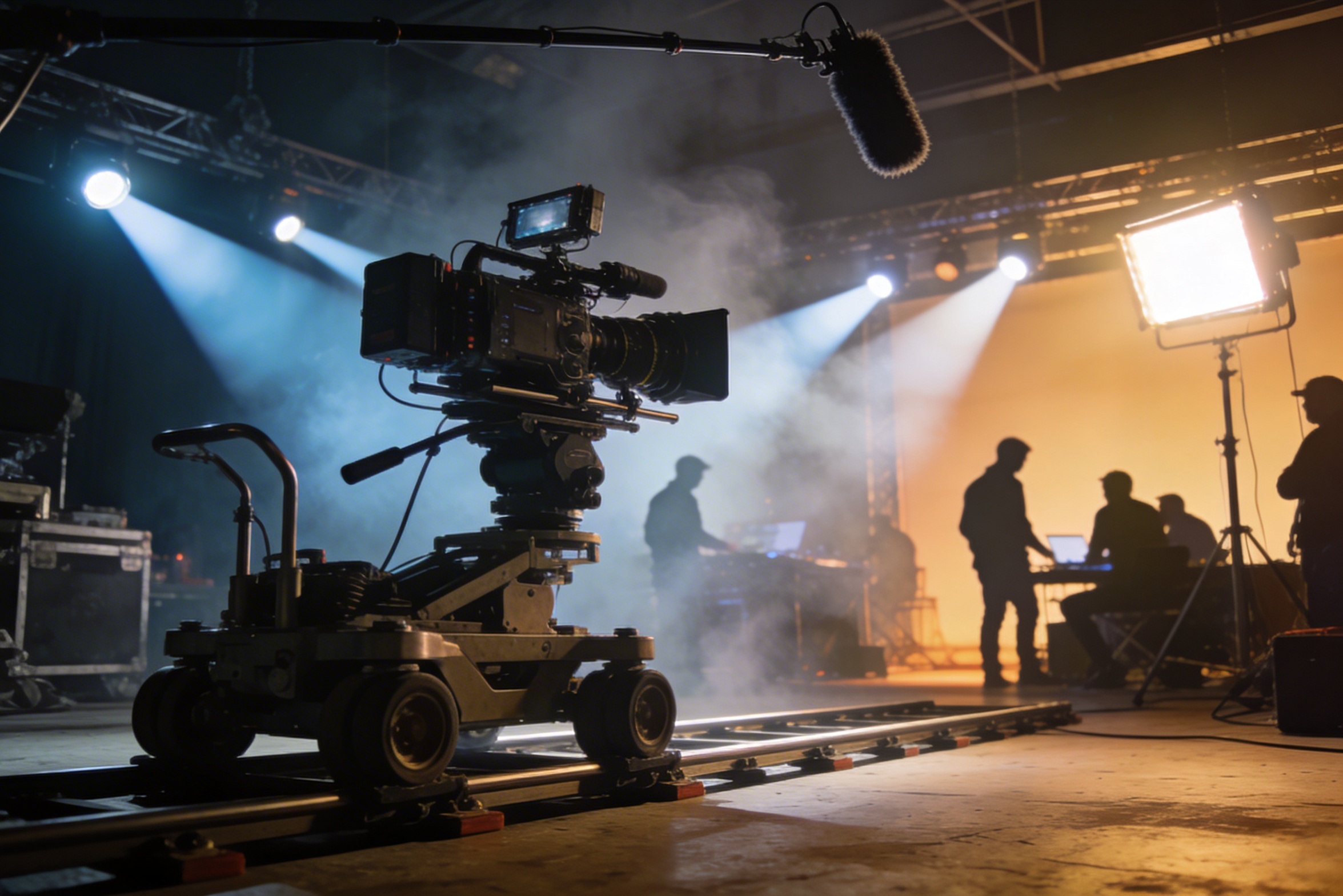
Quay phim chuyên nghiệp cần thiết bị đắt đỏ, hệ thống chiếu sáng, địa điểm quay và thường là một đội ngũ đầy đủ – chi phí có thể tăng vọt ngoài dự kiến.
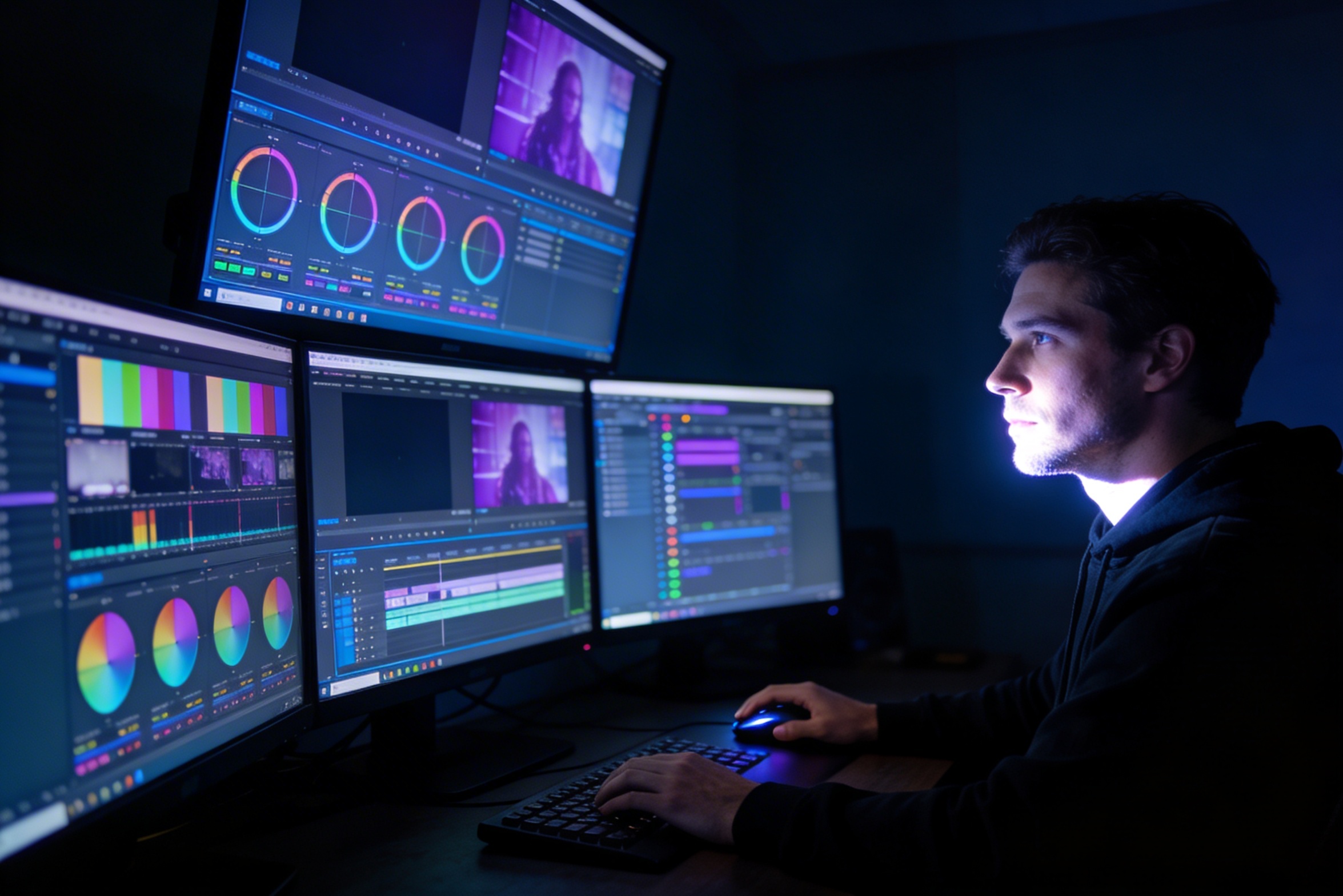
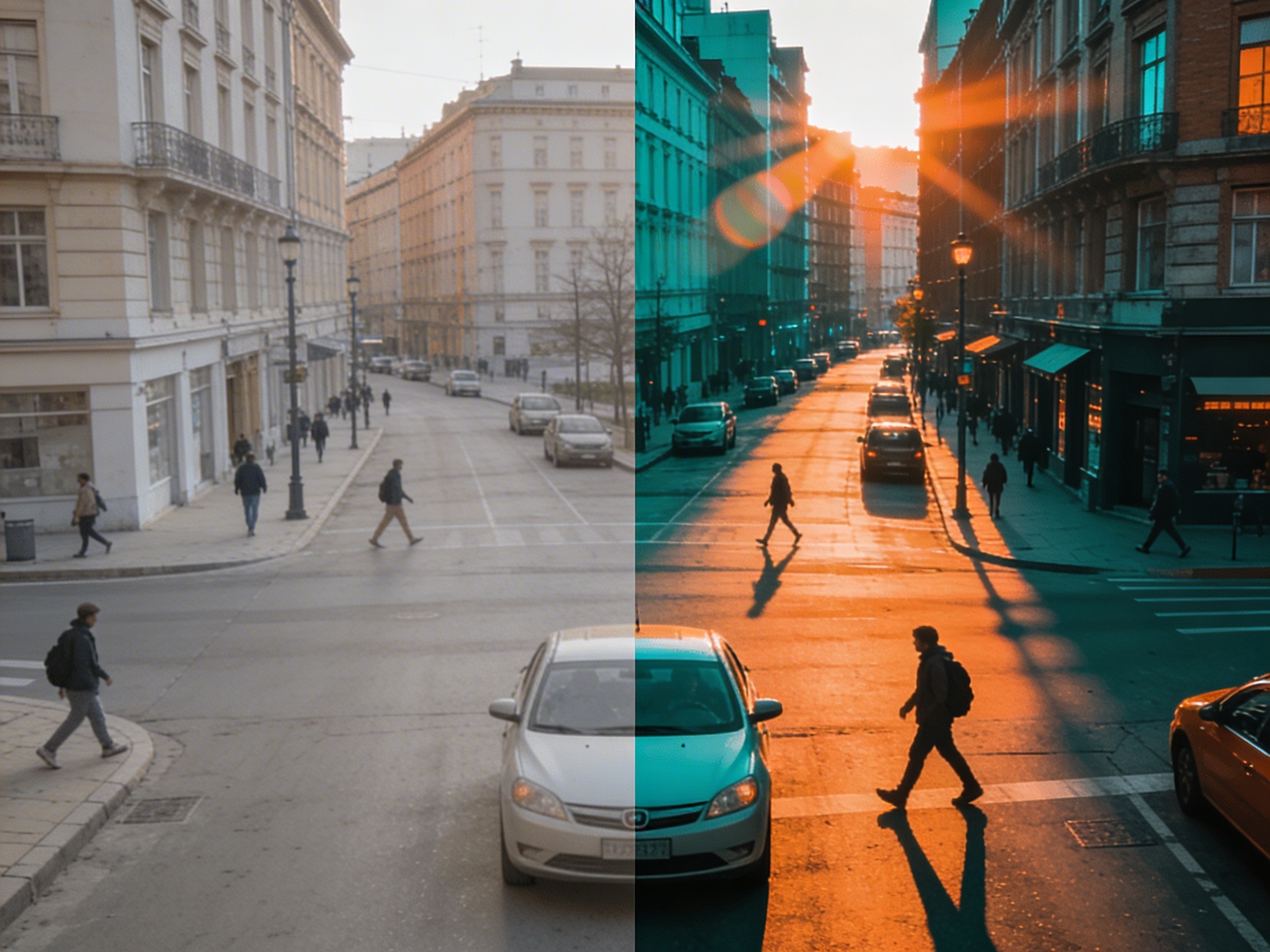
Chỉnh sửa, cân chỉnh màu sắc, hiệu ứng hình ảnh và tạo ra nhiều phiên bản cảnh quay yêu cầu kỹ năng sử dụng phần mềm chuyên biệt và mất hàng tuần làm việc.
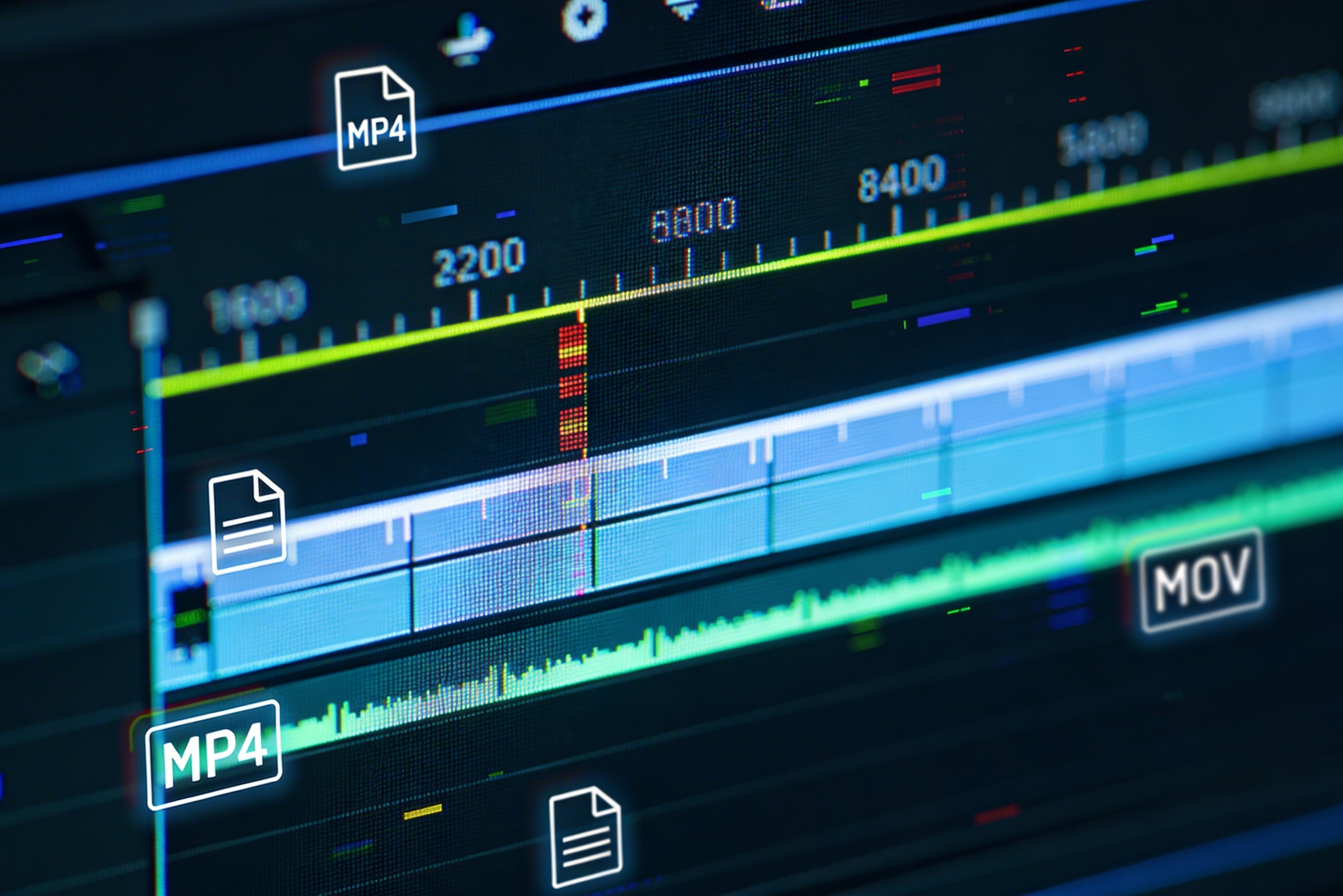
Tạo các phiên bản cho từng nền tảng như YouTube, TikTok, Instagram đồng nghĩa với việc chỉnh sửa lại và xuất lại theo nhiều tỷ lệ khung hình, độ dài khác nhau.

Professional multi-shot planning can cost hours of creative direction before a final video is generated, filmed, edited, or approved.
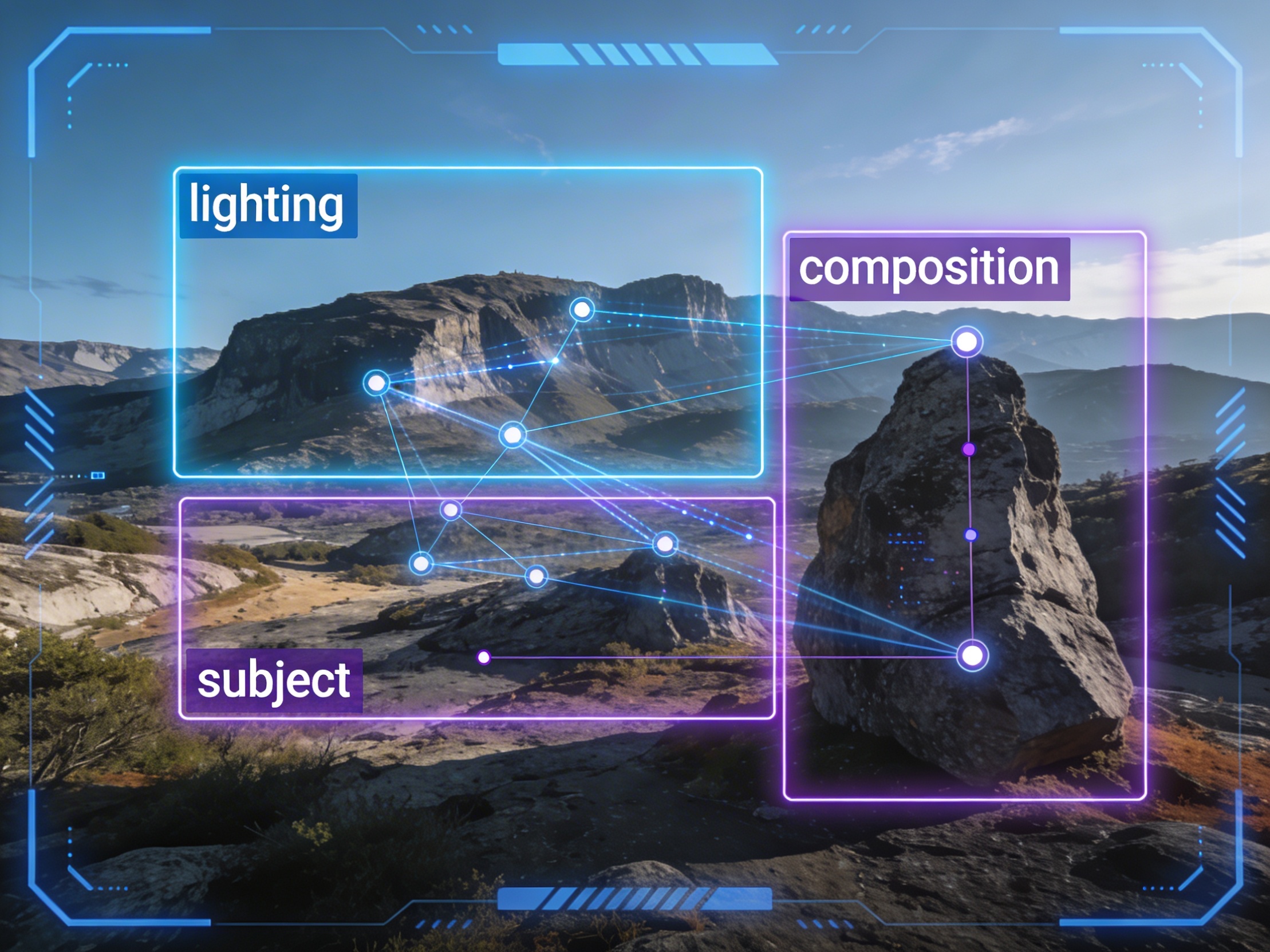
It's not just about creating variations. Our AI reads composition, cinematography, and storytelling needs to create shot prompts that strengthen your visual narrative.
Join creators using LlamaGen to plan shot sequences, camera angles, and AI video prompts before production.
Related writing workflow
Use the AI Screenplay Editor when a script, fiction draft, storyboard brief, video idea, or canvas note needs proper scene headings, action, dialogue, parentheticals, cover pages, outlines, beats, and collaboration-ready revisions.
INT. COMMUNITY CENTER - NIGHT
Folded chairs. A storm outside. MAYA stands at the microphone with a page of notes she no longer needs.
MAYA
If the city will not read the record, we will read it out loud.