

Clear motion intent
Describe what moves, how fast it moves, and what the camera should do.

Turn a prompt, image, character, comic panel, or storyboard into an animated scene with camera movement, timing, motion strength, and style direction.
Animation prompt
Prompt to result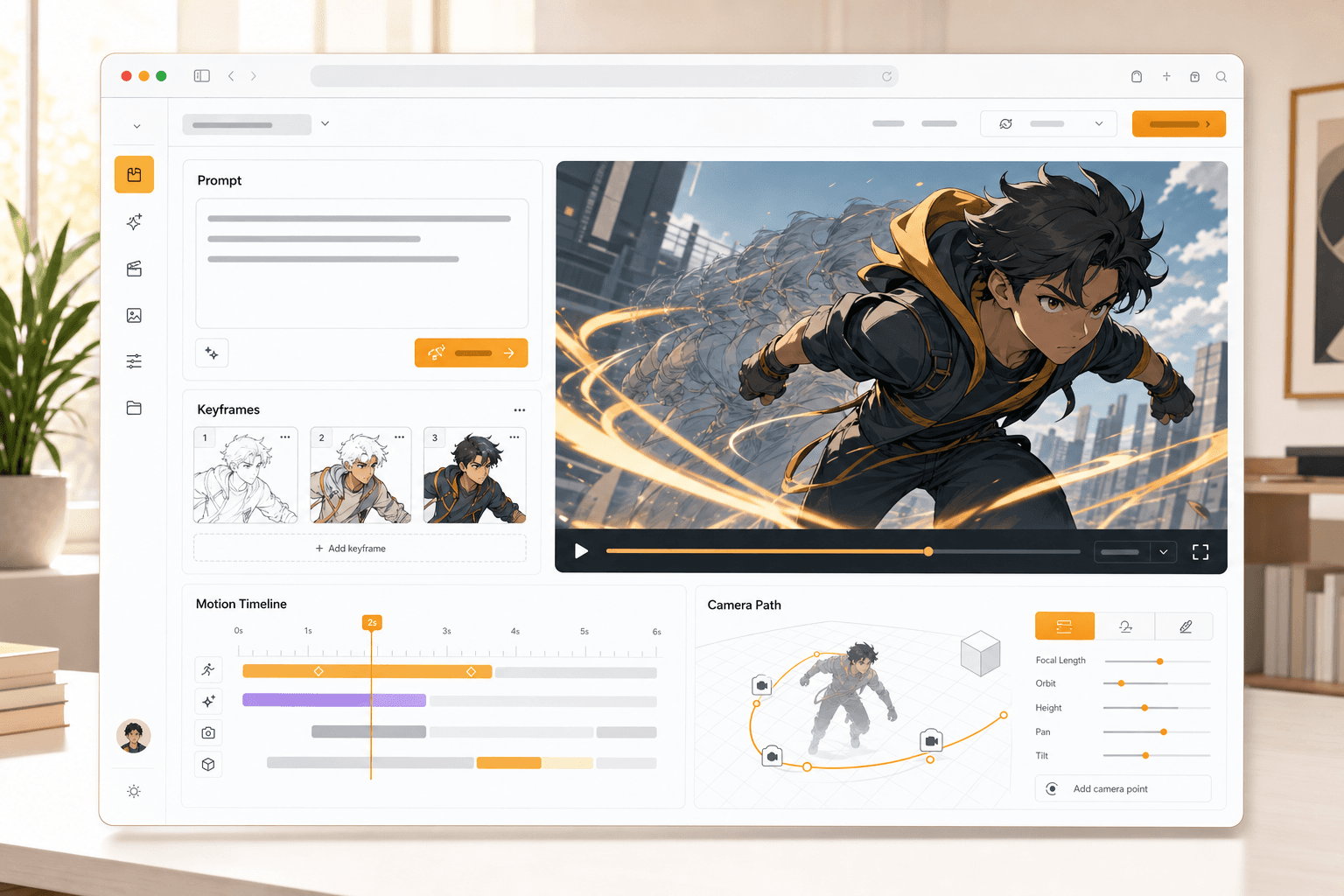
Animation workspace
Prompt
to motion
Image
to animation
Workflow preview
Searchers want to make something move immediately. This page leads with the creation workflow, then explains image animation, character consistency, camera movement, and story-ready output.
Start from a text prompt, image, character design, comic panel, or storyboard frame.
Choose camera movement, action cues, timing, motion strength, and visual style.
Create a video-ready animated clip that keeps the subject, scene, and story goal clear.
Start from a text prompt, image, character design, comic panel, or storyboard frame.
Choose camera movement, action cues, timing, motion strength, and visual style.
Create a video-ready animated clip that keeps the subject, scene, and story goal clear.
LlamaGen routes animation intent into a creation workflow built for prompts, images, characters, comics, and storyboards.
Use a prompt, character, comic panel, storyboard, or image as the animation source.
Review motion, timing, camera movement, and style direction before the clip is produced.
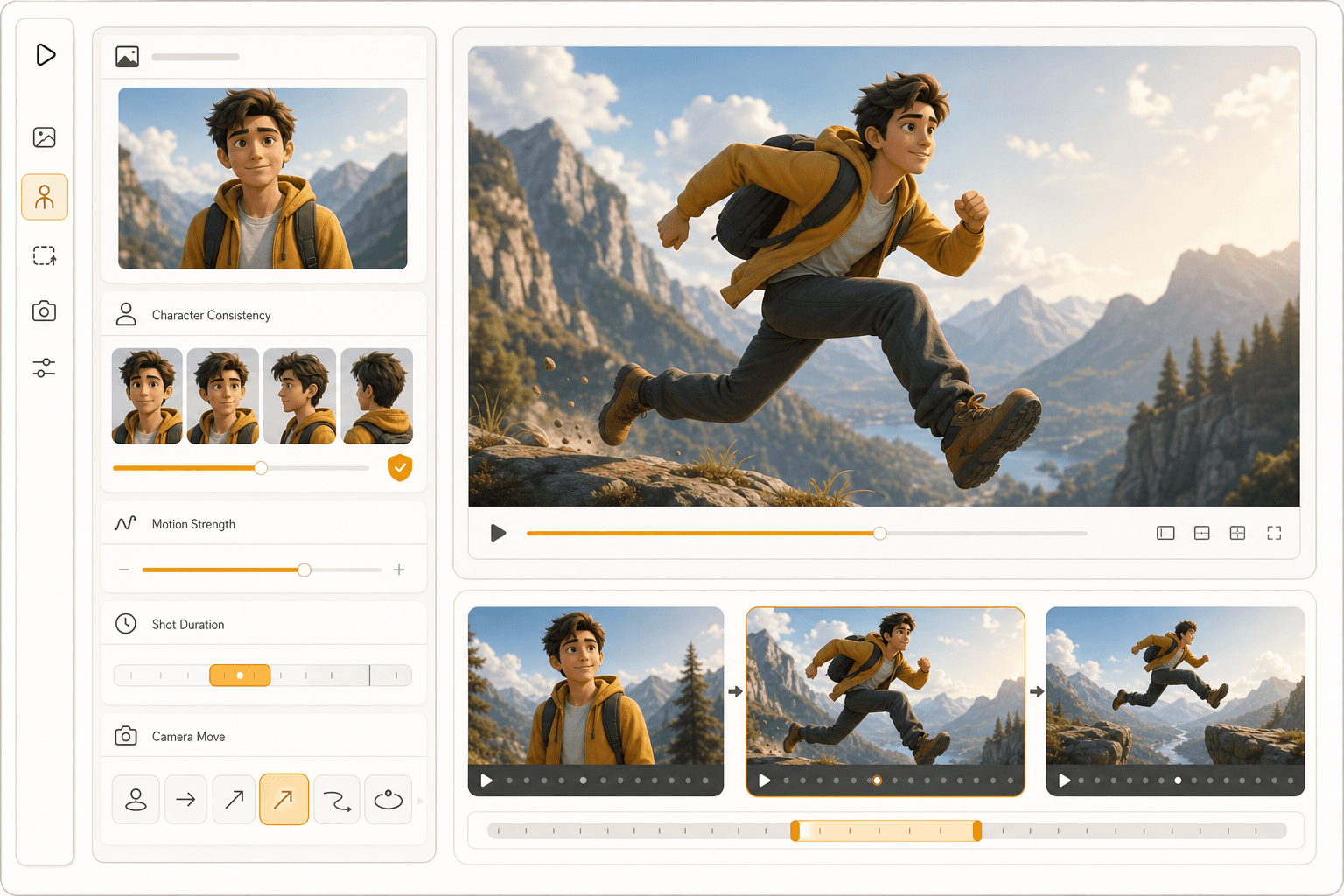
Good animated output depends on source clarity, subject consistency, shot timing, and motion direction.
Describe what moves, how fast it moves, and what the camera should do.
Characters and objects should stay recognizable across the animated moment.
Short clips work better when duration, pacing, and final reveal are planned together.
Text to animation
Write the action, camera movement, mood, and timing you want, then generate a motion-ready scene from that creative direction.
Image to animation
Start from a still image, character, panel, or concept art and add pan, zoom, parallax, action cues, and duration.
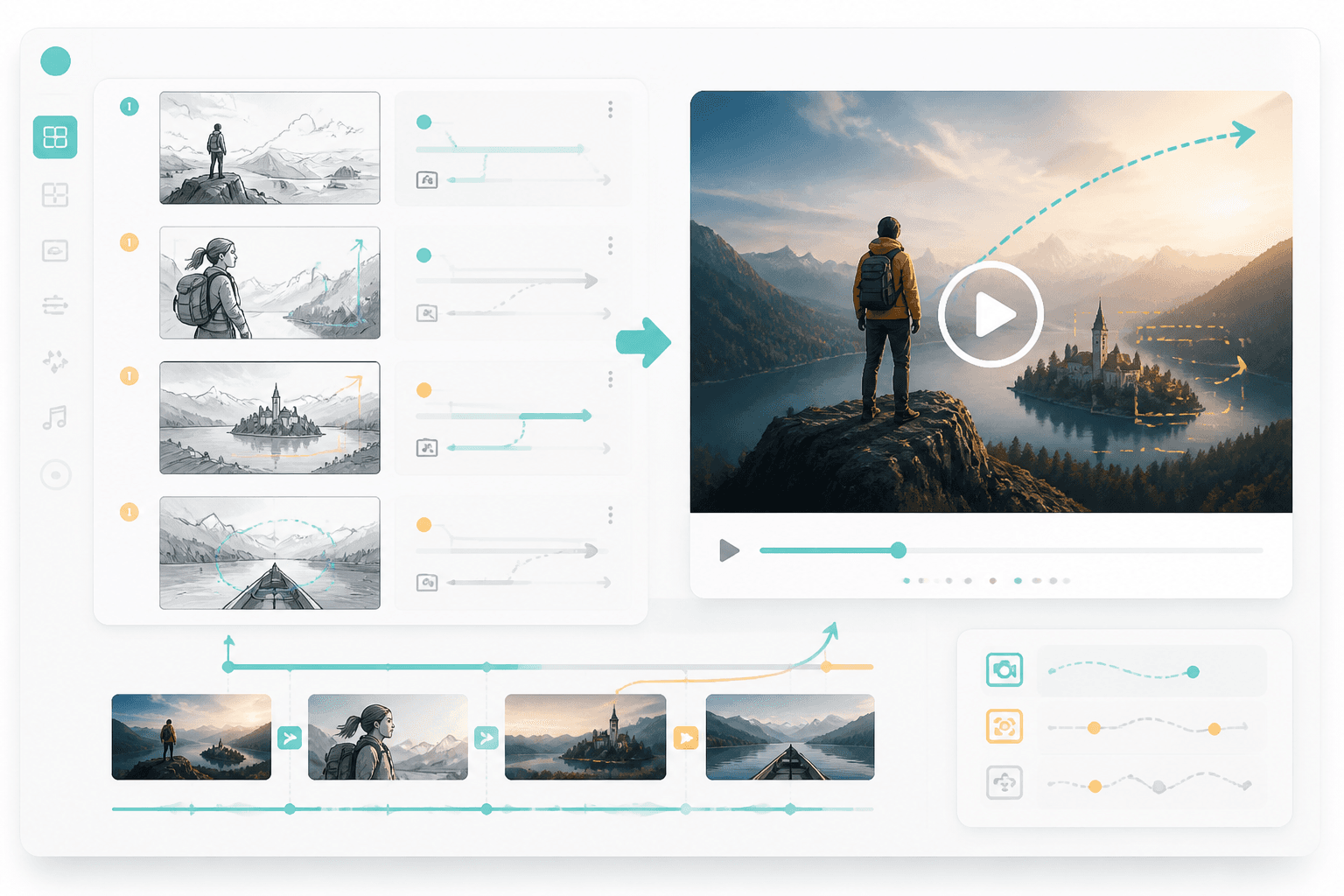
Story workflow
Use panels and storyboards as the visual plan, then route the best moments into animated output.
Strong prompts mention source, subject motion, camera direction, duration, and final mood.
Start with a prompt, image, character, panel, or storyboard and turn it into a motion-ready animated scene.