

Четимост на панела
Движението трябва да запази първоначалната разказвателна функция на кадъра.
Добавете движение, посока на камерата, паралакс, тайминг и структура на сцена към комикс панелите, за да превърнете статичните кадри в анимирани клипове.
Prompt за анимиран комикс
Prompt to result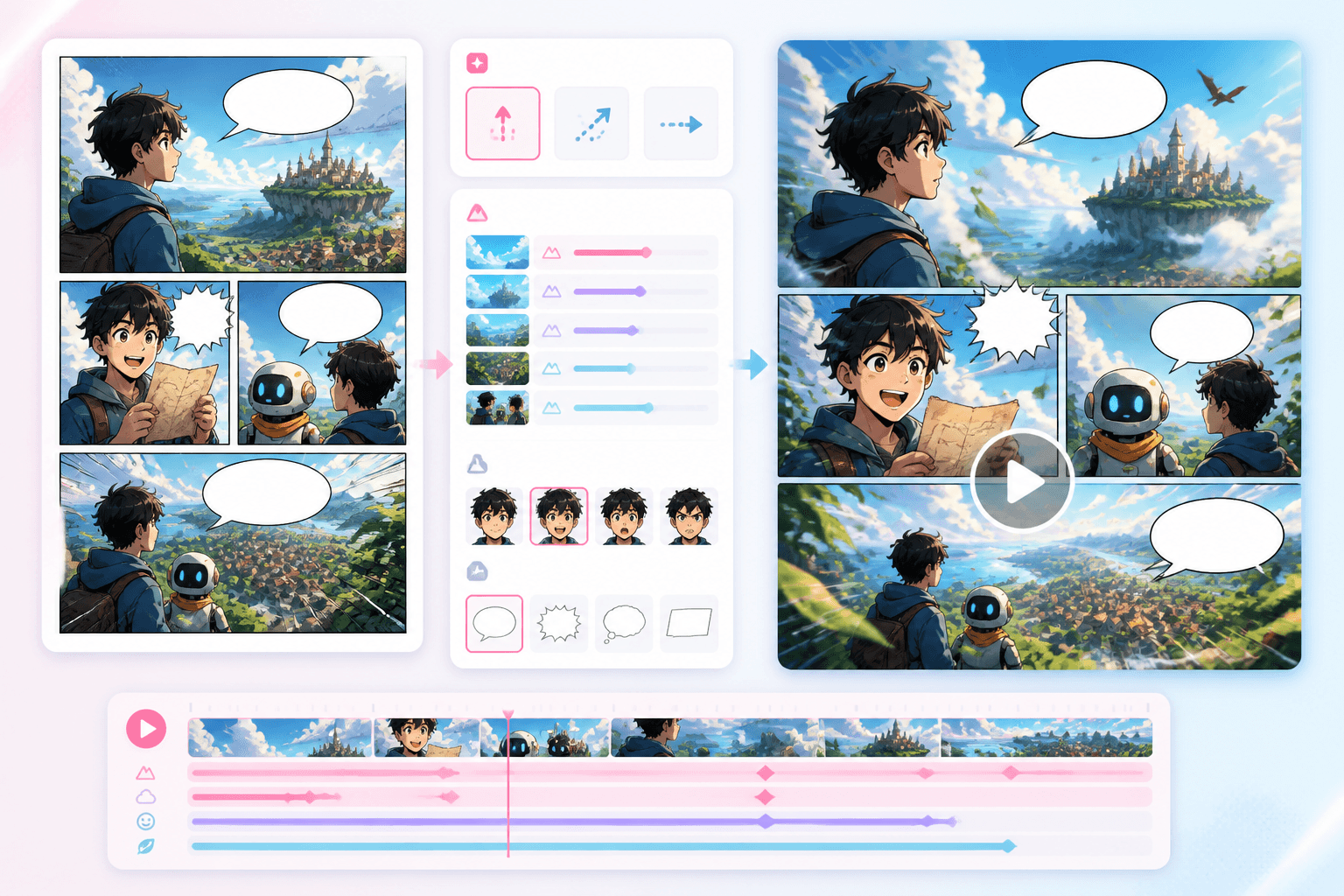
Storyboard за движение
Панели
към бележки за движение
Паралакс
готов за видео
Използвайте комикс панели, webtoon кадри или storyboard табла.
Определете движения на камерата, действия на героите, ефекти и тайминг.
Насочете плана за движение към workflow-и за видео или анимация.
Анимирайте комикс панели и ключови сюжетни моменти, без да изграждате проекта наново в общ видео редактор.
Добавете панел, поредица или storyboard в workflow-а за движение.
Прегледайте движение, камера, ефекти и тайминг на кадрите.
Създателите имат нужда от мост, който запазва композицията на комикса и едновременно добавя посока на движение.
Движението трябва да запази първоначалната разказвателна функция на кадъра.
Паралаксът, движенията на камерата и ефектите могат да вдъхнат живот на панелите.
Бележките за анимация превръщат статичното комикс изкуство в по-добри video prompt-и.
Движение
Добавяйте паралакс, движения на камерата, екшън акценти и бележки за тайминг към комикс панели и storyboard-и.
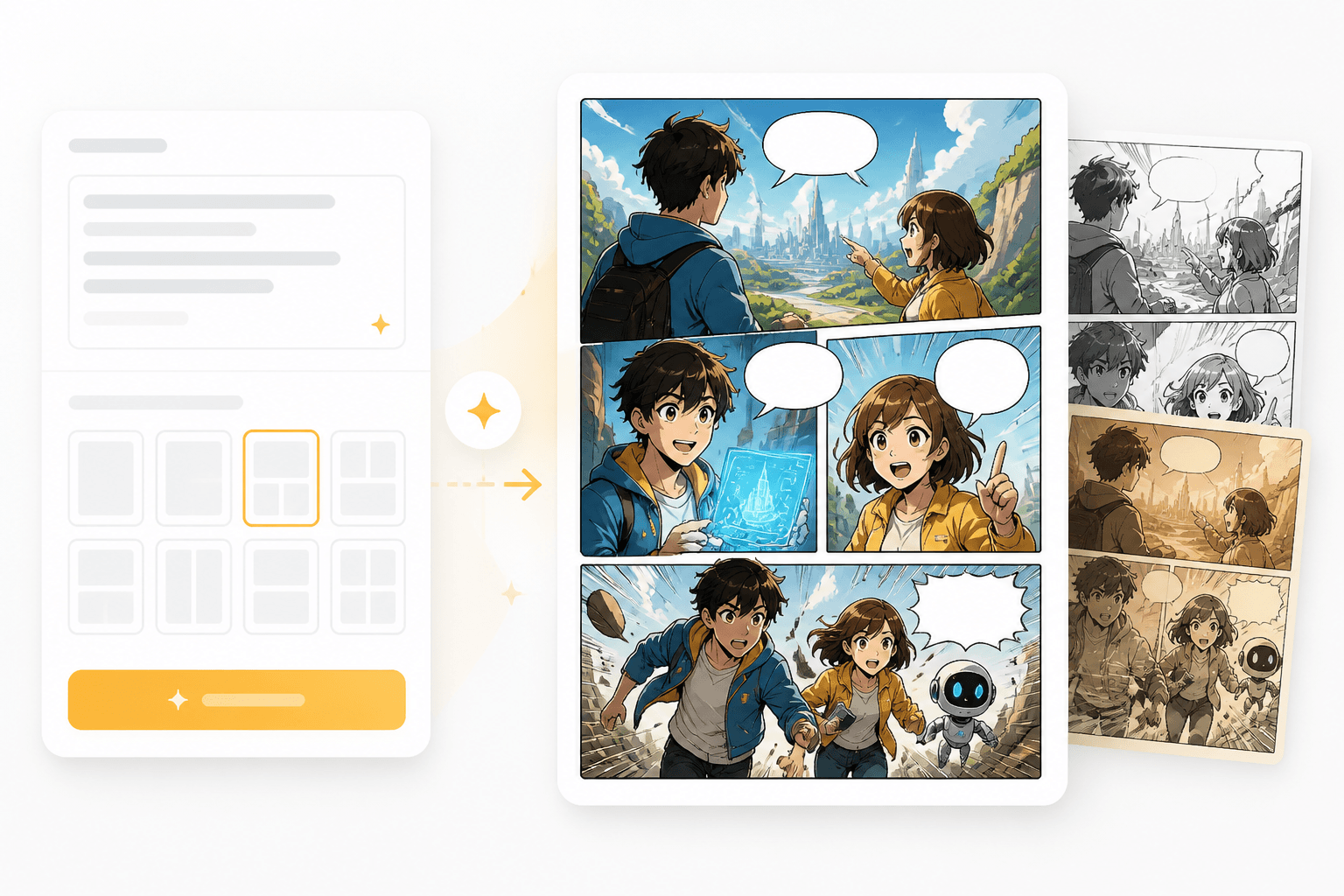
Панели
Първо генерирайте ясни и четими панели, след което анимирайте моментите, които заслужават движение.
Workflow guide
Тази страница свързва създаването на комикси с движението, като описва камера, тайминг, движение на слоеве и предаване към видео.
Използвайте комикс панели, webtoon кадри или storyboard табла.
Определете движения на камерата, действия на героите, ефекти и тайминг.
Насочете плана за движение към workflow-и за видео или анимация.
Посочете оригиналния панел, движението, камерата и продължителността.
Related writing workflow
Use the AI Screenplay Editor when a script, fiction draft, storyboard brief, video idea, or canvas note needs proper scene headings, action, dialogue, parentheticals, cover pages, outlines, beats, and collaboration-ready revisions.
INT. COMMUNITY CENTER - NIGHT
Folded chairs. A storm outside. MAYA stands at the microphone with a page of notes she no longer needs.
MAYA
If the city will not read the record, we will read it out loud.
Започнете с панел или storyboard, след което добавете посоката на движение, нужна за анимирани комикс сцени.