Find a story worth following
Explore a character's goal, an unusual setting, or a difficult choice. Compare different openings before you commit to a direction.
Koristite LlamaGen.ai kao AI generator priča i pisca priča. Pretvorite jednostavnu ideju u strukturiran nacrt s radnjom, likovima, dijalogom i putem do storyboarda ili strana stripa.
Try the first draft here. Free access has limits; saved projects and visual tools use your account and plan credits.
See how it worksPick a prompt to read an illustrative opening, then generate your own version. These samples are prepared examples, not live results or customer testimonials.
Example opening
The radio said Mara's name before she switched it on. On Platform Three, rain gathered around a red suitcase. She had checked the platform a minute ago. Empty. Now someone had left a case beneath the broken clock, with a luggage tag written in her handwriting.
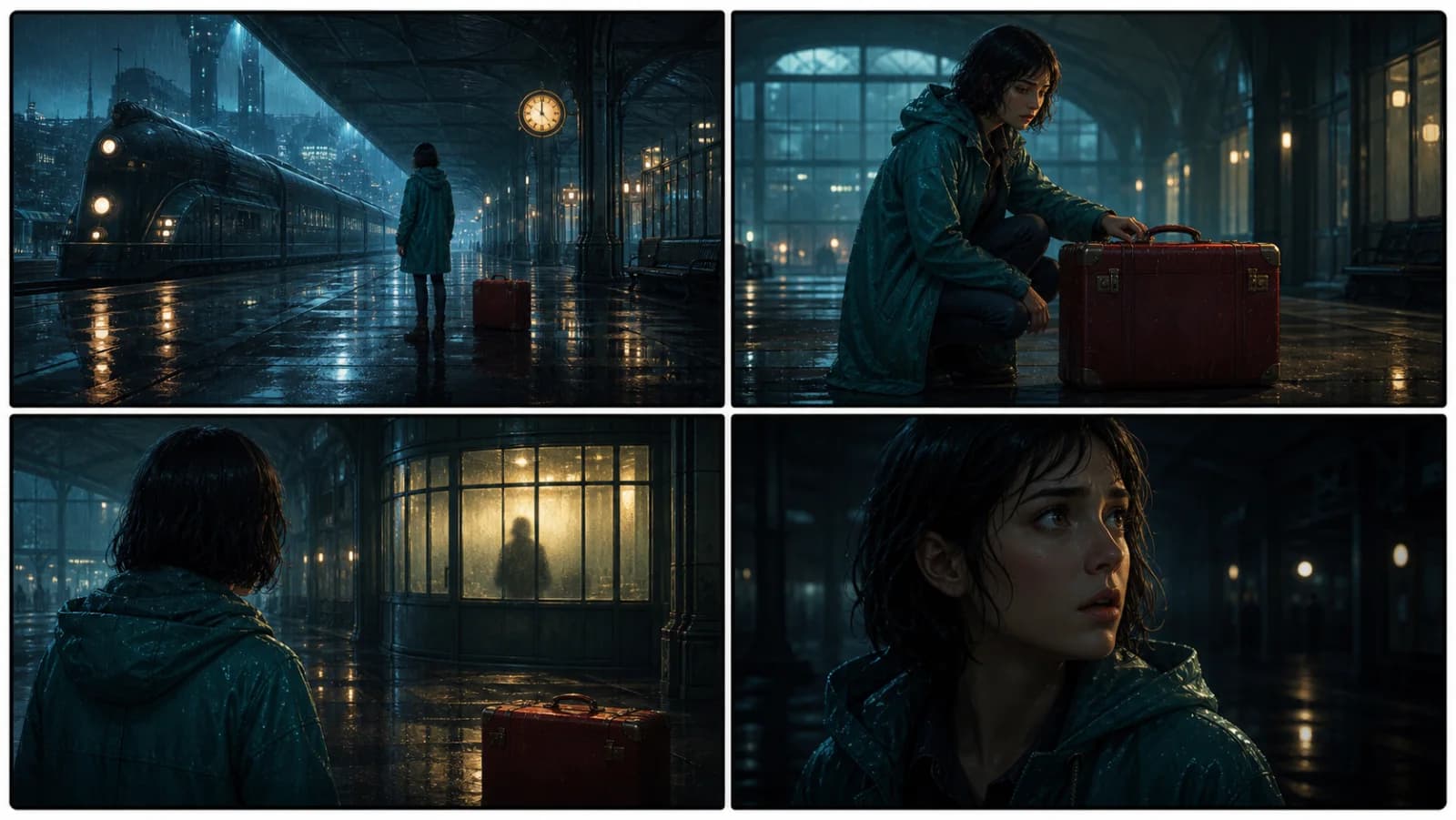
Start with something specific: a radio operator alone at a station, a red suitcase, and a message that knows her name. Generate an opening, read what works, then change the stakes or point of view. The next decision stays yours.
Generate story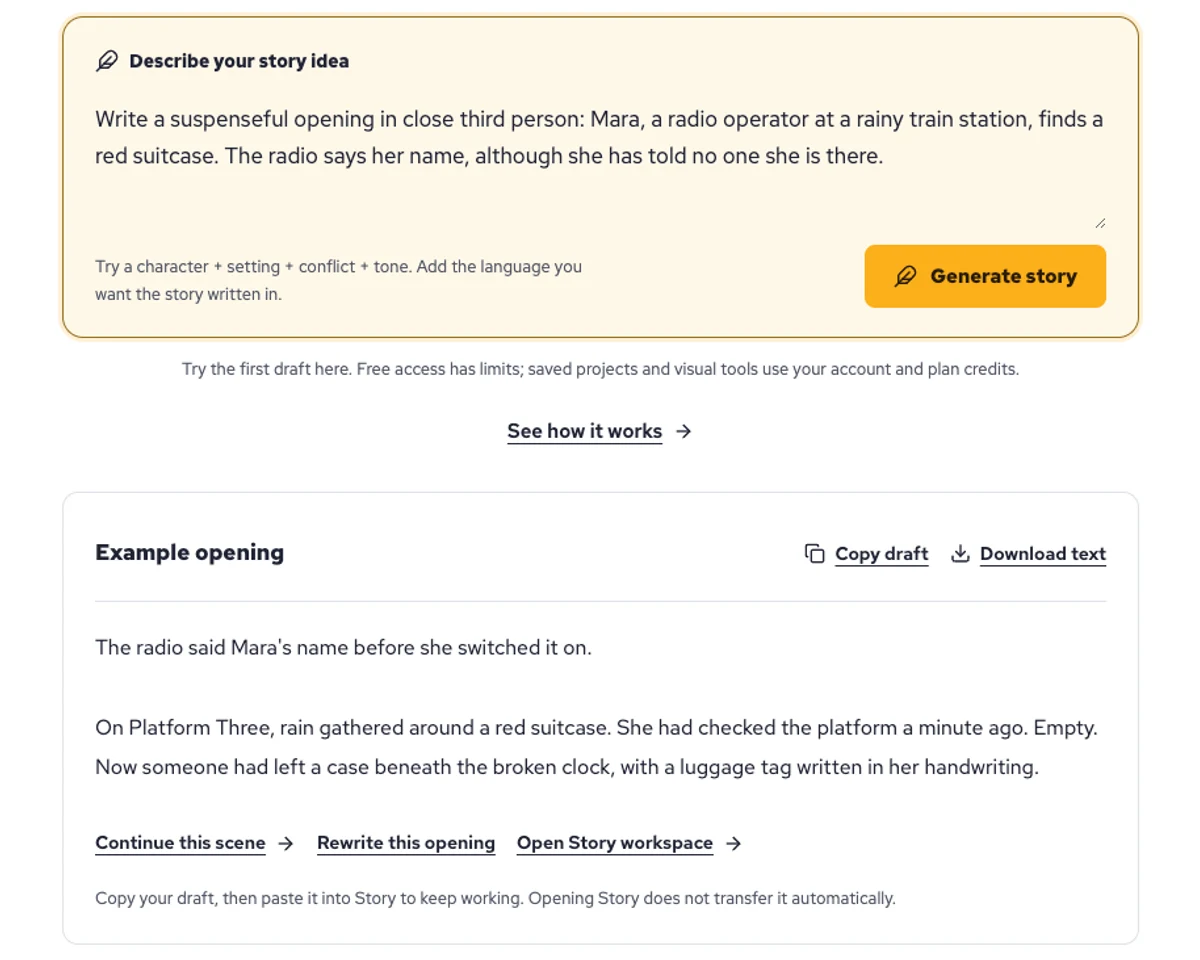
Explore a character's goal, an unusual setting, or a difficult choice. Compare different openings before you commit to a direction.
Paste an unfinished idea or use Continue after a draft. Read each new scene for names, motives, and details that need to stay consistent.
Use Rewrite to try a sharper opening. Copy a version you like before generating another, then edit the phrasing in your own voice.
This illustrative sequence follows Mara, her teal raincoat, and a red suitcase through four station shots. Use it as a guide: keep a character, location, and key prop consistent when you adapt your own draft into a storyboard or comic.
Explore script to storyboardThe same rainy-station story, imagined as a reading copy, a handheld proof, different cover designs, and a coordinated author set.
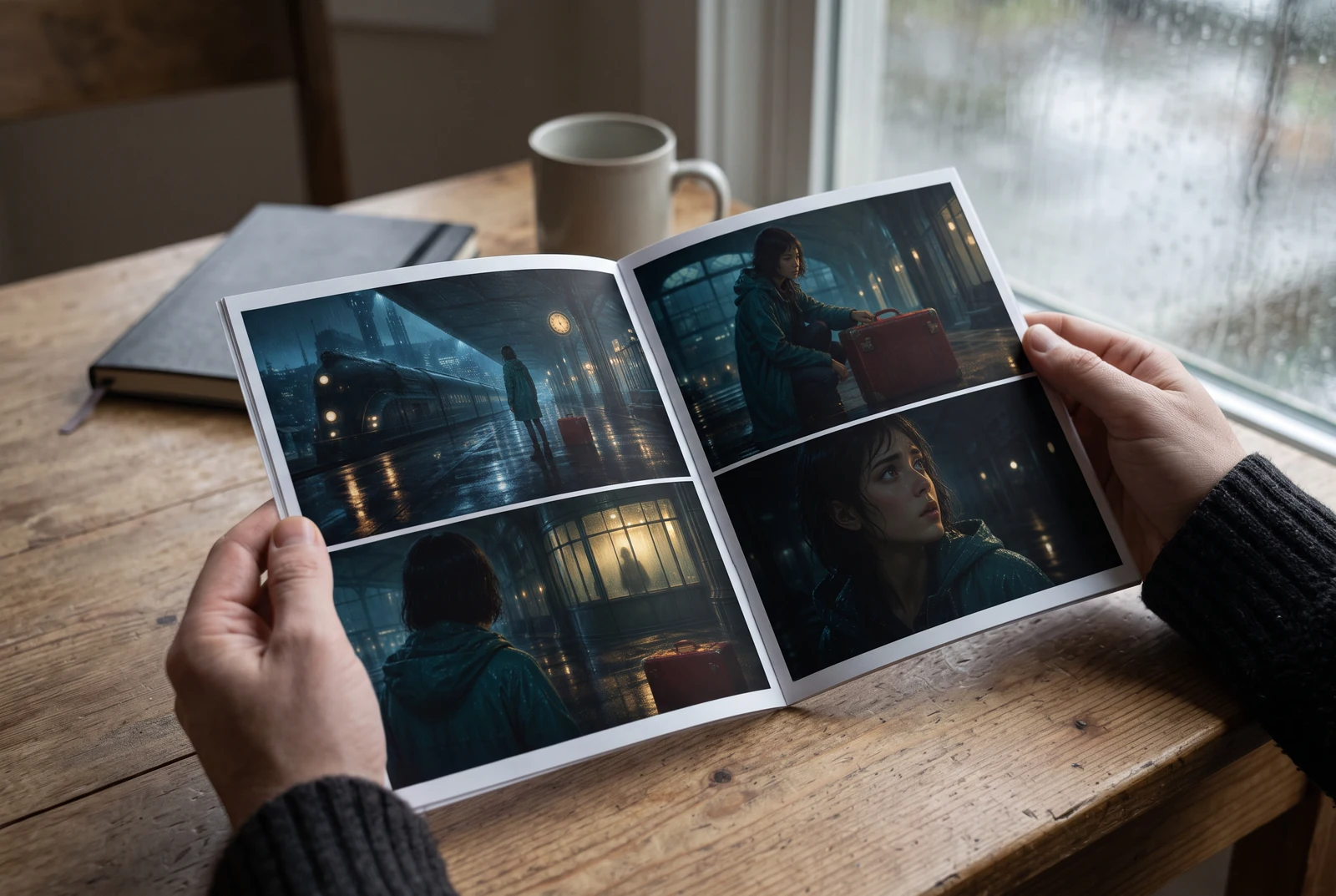
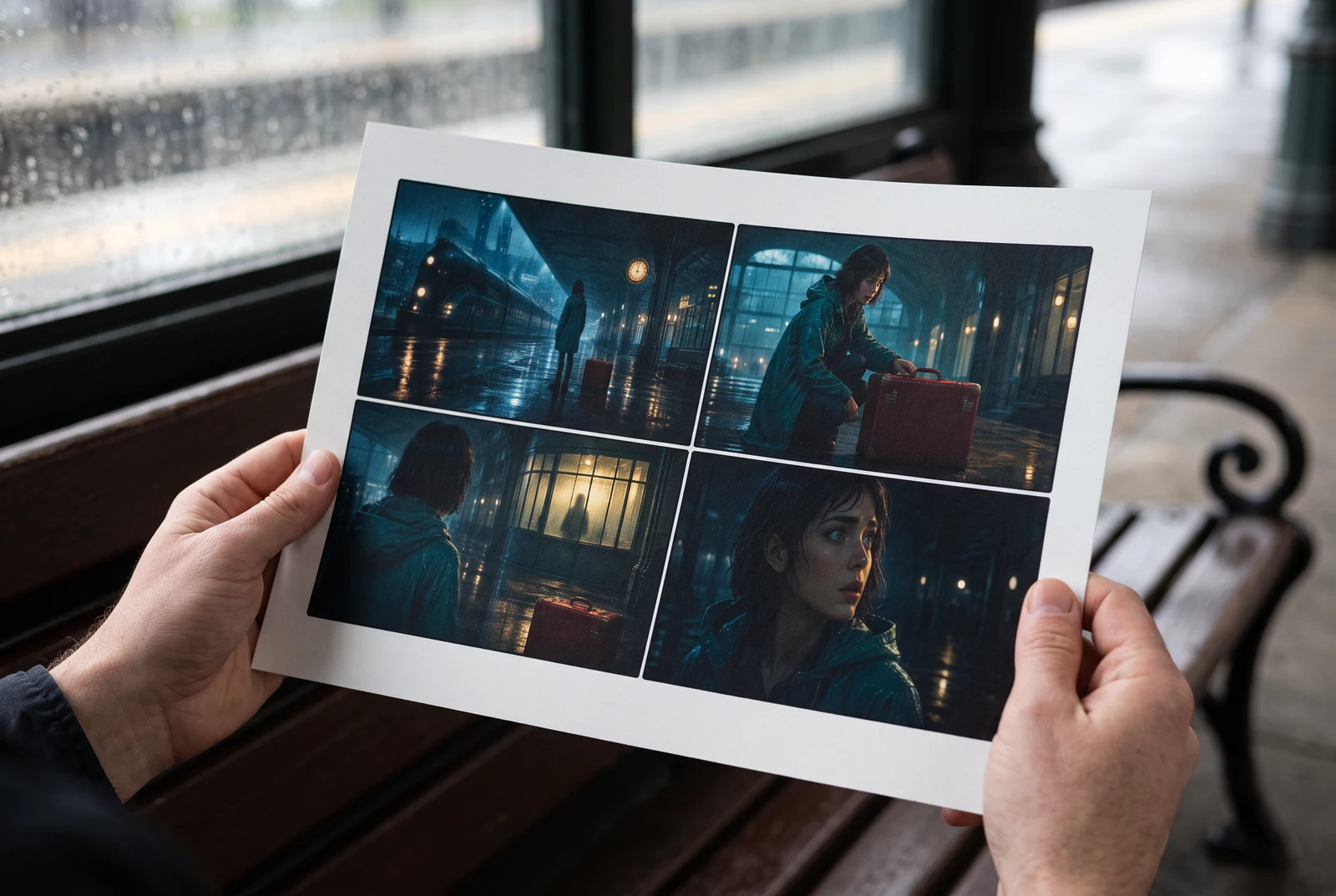
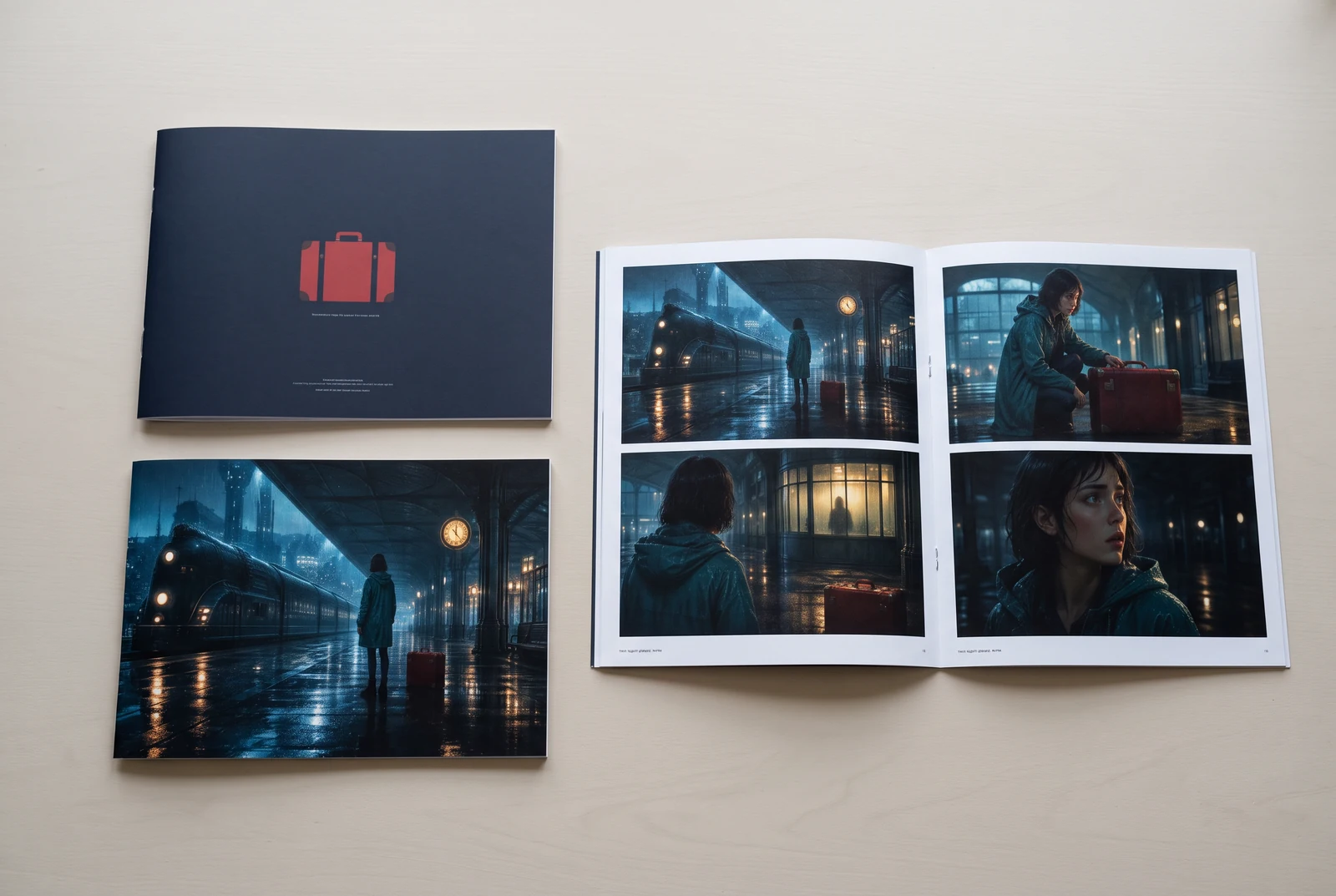
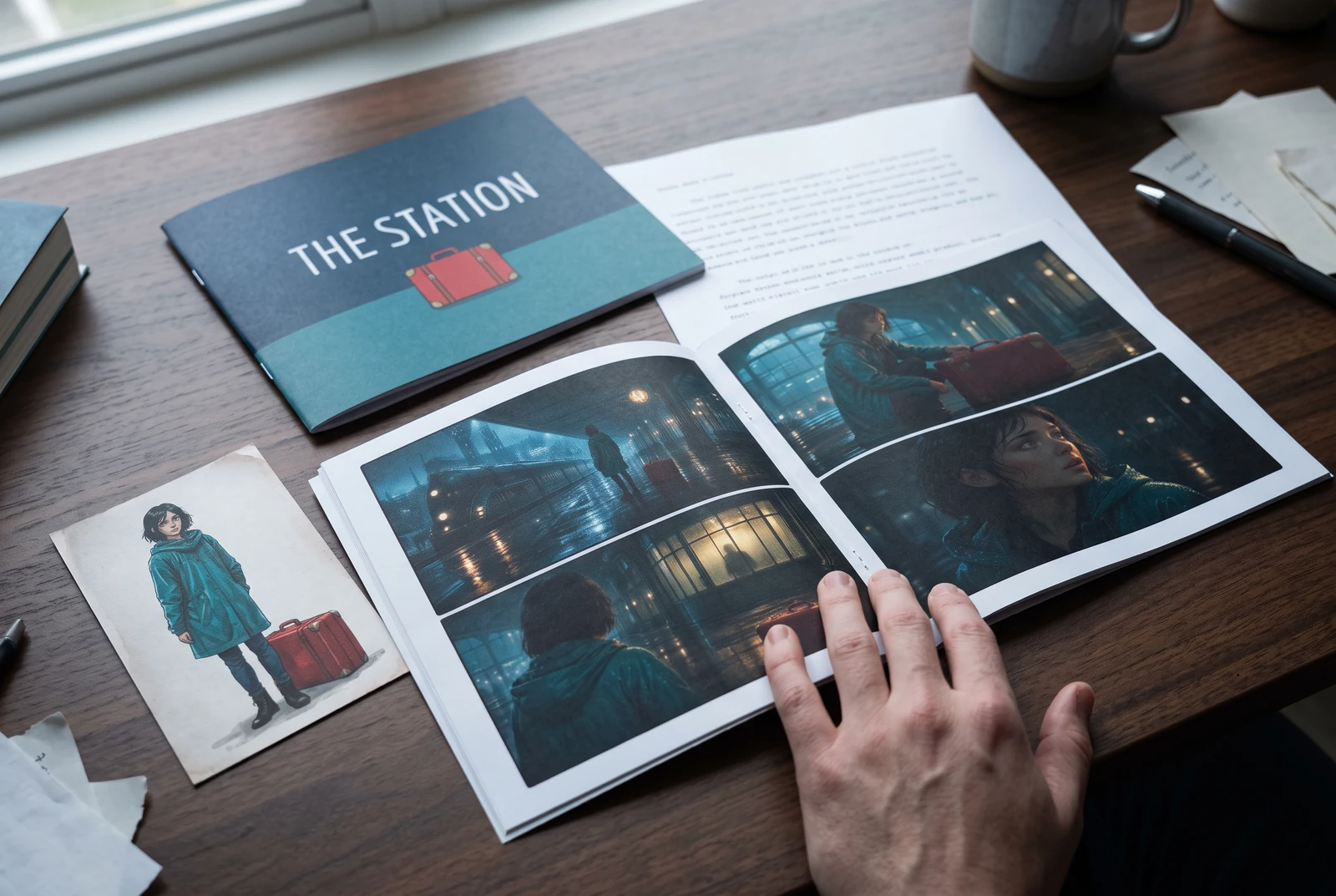
AI-generated display concepts using original LlamaGen story art. Paper examples illustrate personal printing and reading; they are not customer photographs or a print-delivery offer.
Test a premise, change the point of view, or work through the opening of a short story.
Draft scene beats and dialogue before planning comic panels or storyboard shots.
Create writing prompts and sample narratives. Review the output and follow your classroom or team's AI rules.
Describe a protagonist, setting, goal, and obstacle. Choose a tone and output language in your prompt.
Select Generate story. The result is a draft to review; one response is not a complete book.
Check the voice, facts, and continuity. Continue the next scene or rewrite the opening. Copy a version before replacing it.
Download the text or copy it into Story. Adapt approved beats into a storyboard or comic in a separate workflow.
AI can invent facts, repeat familiar phrasing, or lose track of a character. Review every draft before sharing it. Follow LlamaGen's terms and your school or workplace rules; check third-party material before publishing.
To je alat zasnovan na pregledniku koji vaše ideje pretvara u strukturirane priče pomoću AI-ja. Unesite prompt i dobijte nacrt s radnjom, likovima, dijalogom, beatovima scena i vizuelnim smjerom za fikciju, stripove, školsko pisanje, videe ili vizuelne romane.
Dobar prompt uključuje vašu ideju za priču, žanr i ton. Na primjer: 'Usamljena vještica otvara kafić u šumi' s toplim slice-of-life ugođajem. Što je ideja jasnija, to će priča biti bolja. Uključite konkretne detalje o likovima, okruženju, emocionalnom tonu i svim ključnim tačkama zapleta koje želite.
Priču možete uređivati ili proširivati, ili je koristiti kao osnovu za kreiranje strip panela ili scena vizuelnog romana s ilustracijama, rasporedom i dijalogom pomoću naših alata. Mnogi kreatori koriste generisane priče kao scenarije za razvoj kompozicije panela, izraza likova i vizuelnog toka.
Štedi vrijeme, podstiče kreativnost i pomaže piscima svih nivoa da prevaziđu blokadu. Bilo da gradite fikciju, strip, vizuelni roman, zadatak za učionicu ili video-scenarij, dobijate brz početak s narativnom strukturom koju bi inače trebalo satima razvijati.
Možete koristiti nacrte koje generišete za zakonite lične ili komercijalne projekte prema uslovima LlamaGen-a. Generisanje ne daje ekskluzivna prava, a AI tekst može ličiti na postojeća djela. Pregledajte rezultat i potražite lokalni pravni savjet prije objave knjige ili kampanje.
Prvi nacrt na ovoj stranici možete generisati bez kupovine softvera za pisanje. Prijava otključava Story, spremljenu historiju, storyboard, strip i video tokove rada, koji koriste kredite vašeg plana.
Alat podržava fleksibilne promptove za priče kroz romantiku, fantastiku, horor, dramu, komediju, školski život i eksperimentalne žanrove. Ne prisiljava vašu ideju u jedan generički šablon, a pritom zadržava generisanje unutar sigurnosnih pravila platforme.
Možete nastaviti generisati nove nacrte, alternativne završetke, preokrete zapleta, lukove likova i verzije scena dok istražujete. Duži projekti, sačuvana historija i vizuelna produkcija koriste vaš račun i kredite plana.
Većina priča se generiše za 5-10 sekundi, u zavisnosti od složenosti i dužine. Naš AI obrađuje vaš prompt gotovo trenutno, tako da možete brzo iterirati i istraživati više pravaca priče u nekoliko minuta.
Podržavamo sve glavne žanrove, uključujući romansu za mlade, urbanu fantastiku, superheroje, naučnu fantastiku, horor, misteriju, slice-of-life, akciju, natprirodno, komediju, dramu, historijski i još mnogo toga. Samo navedite željeni žanr u promptu.
Prvi nacrt na ovoj stranici možete generisati bez kreiranja računa. Prijava otključava Story, historiju kroz sesije, storyboard, strip i video tokove rada, koji koriste kredite vašeg plana.
Trenutno, promptovi na engleskom daju najpouzdanije nacrte. I dalje možete napisati ideju na drugom jeziku; pažljivo pregledajte rezultat i nastavite uređivati u Story.
LlamaGen builds tools for writing, comics, and storyboards. Explore the team and product, check plan details, or contact support before choosing a workflow.
Write a premise. Explore an opening. Decide what happens next.
Generate story