

Kontrola ugla kamere - uređivač ugla fotografije uz AI
Otpremite medij, držite i prevucite da promijenite ugao kamere i generišite iz 12 najboljih uglova. Transformišite svoje slike uz AI kontrolu ugla kamere koristeći prirodan razgovor i kontrole za horizontalni ugao, vertikalni ugao i udaljenost zumiranja.
Uređujte kroz chat, proširite scene, uklonite objekte, promijenite pozadine i generišite nove uglove kamere iz jedne fotografije uz Qwen Image Edit i AIOmnigen workflowe.
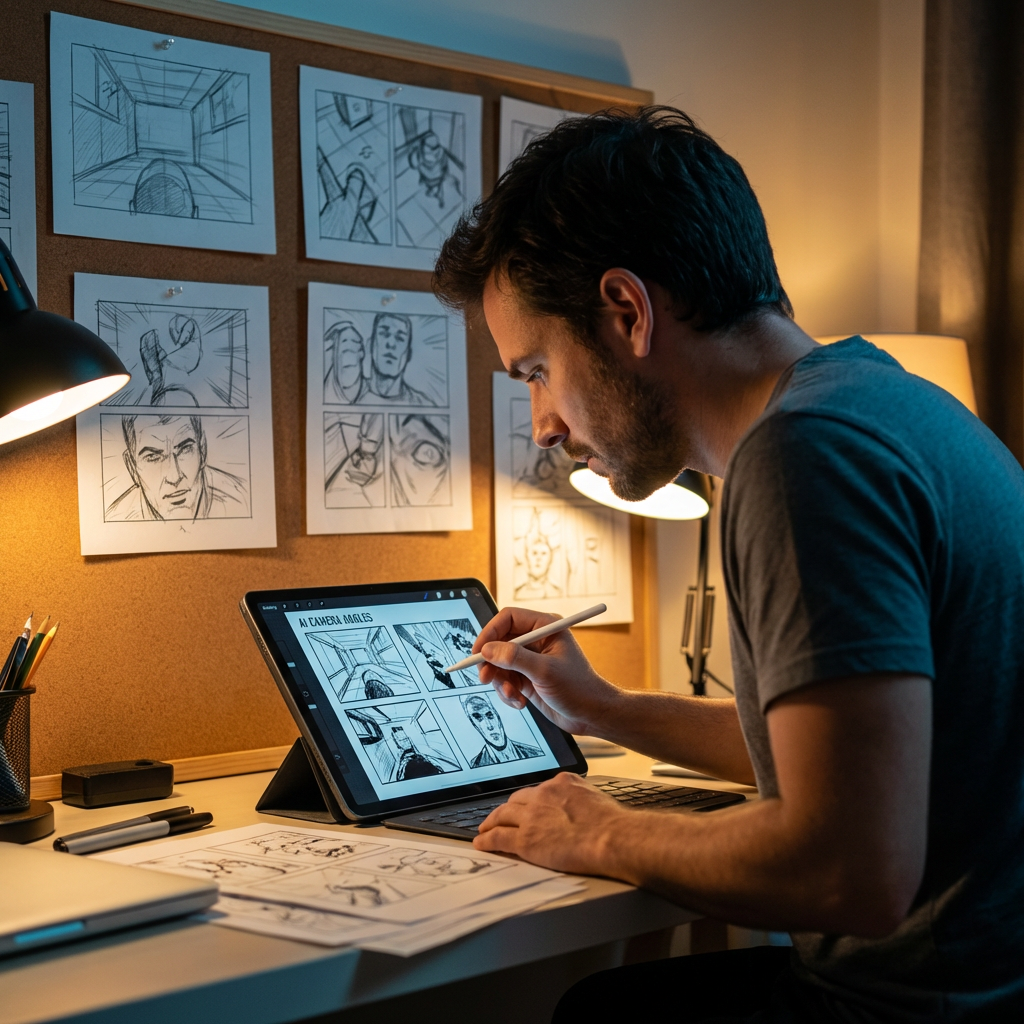
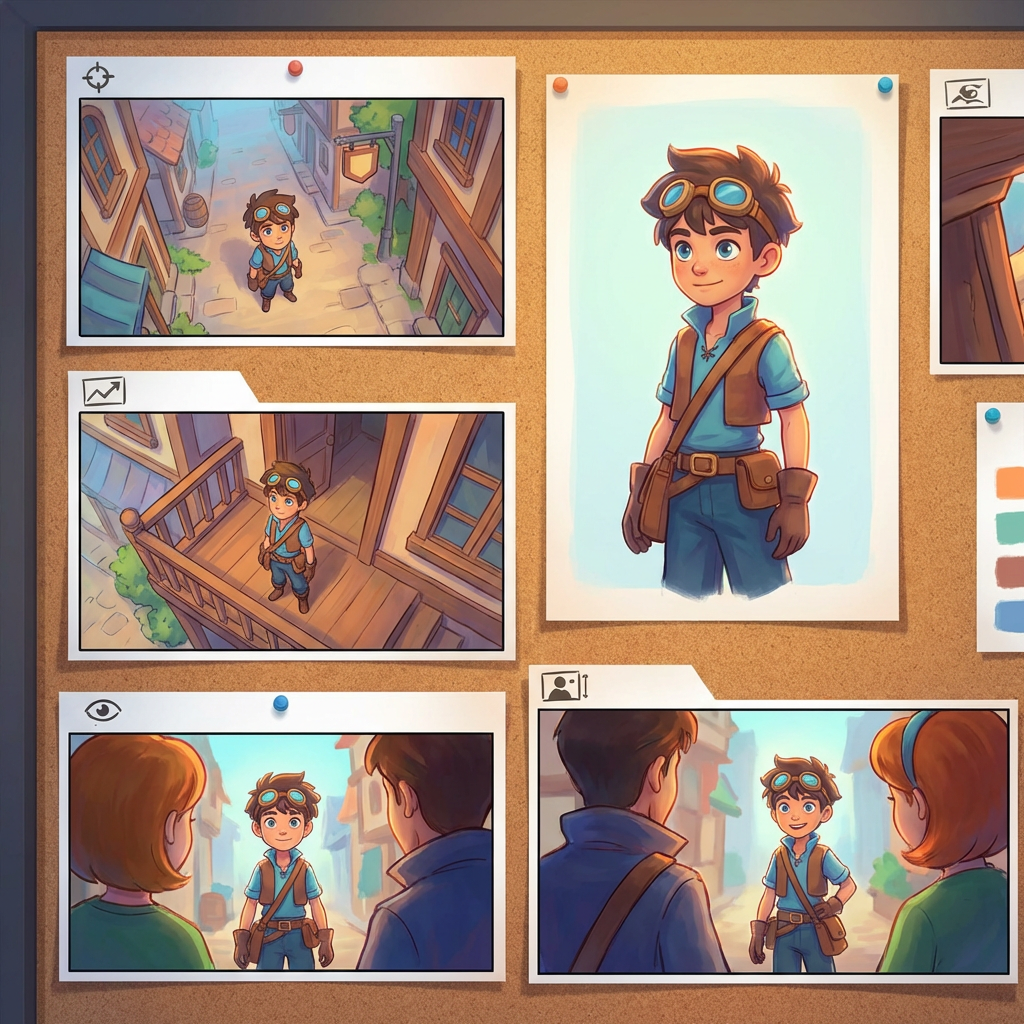
Interaktivni lab za uglove
Otpremite jednu sliku, promijenite ugao i uređujte kroz chat
Ovaj ugrađeni alat vam omogućava da transformišete slike kroz prirodan razgovor. Otpremite jednu fotografiju, zatim proširite, uklonite objekte, promijenite pozadine ili generišite nove uglove kamere uz interaktivne kontrole kamere i modele za uređivanje uključujući Qwen Image Edit.
Multi-Angles
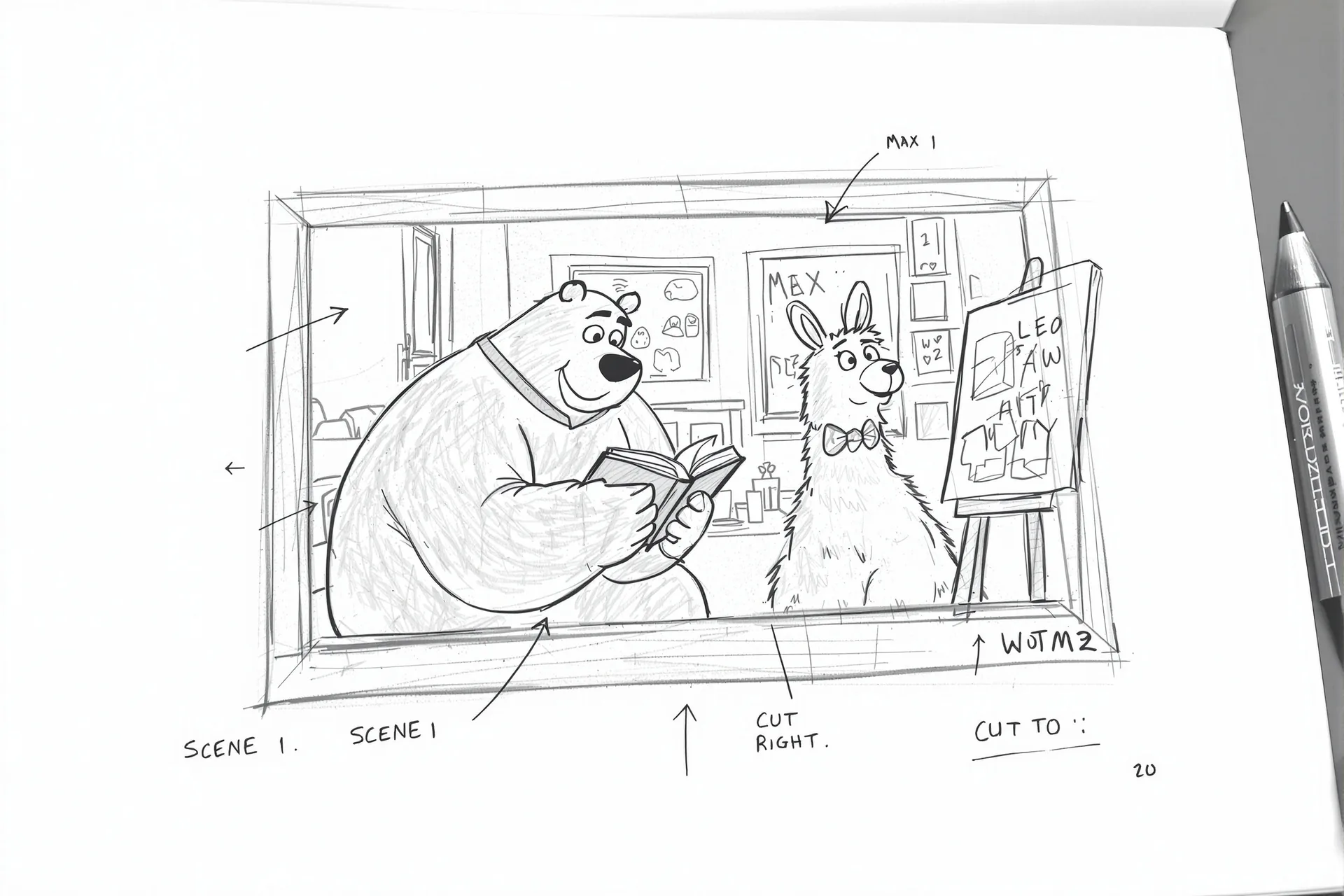
Source Reference
Upload a reference image
Use the Replace and Remove buttons above anytime.
Generated Result
Examples
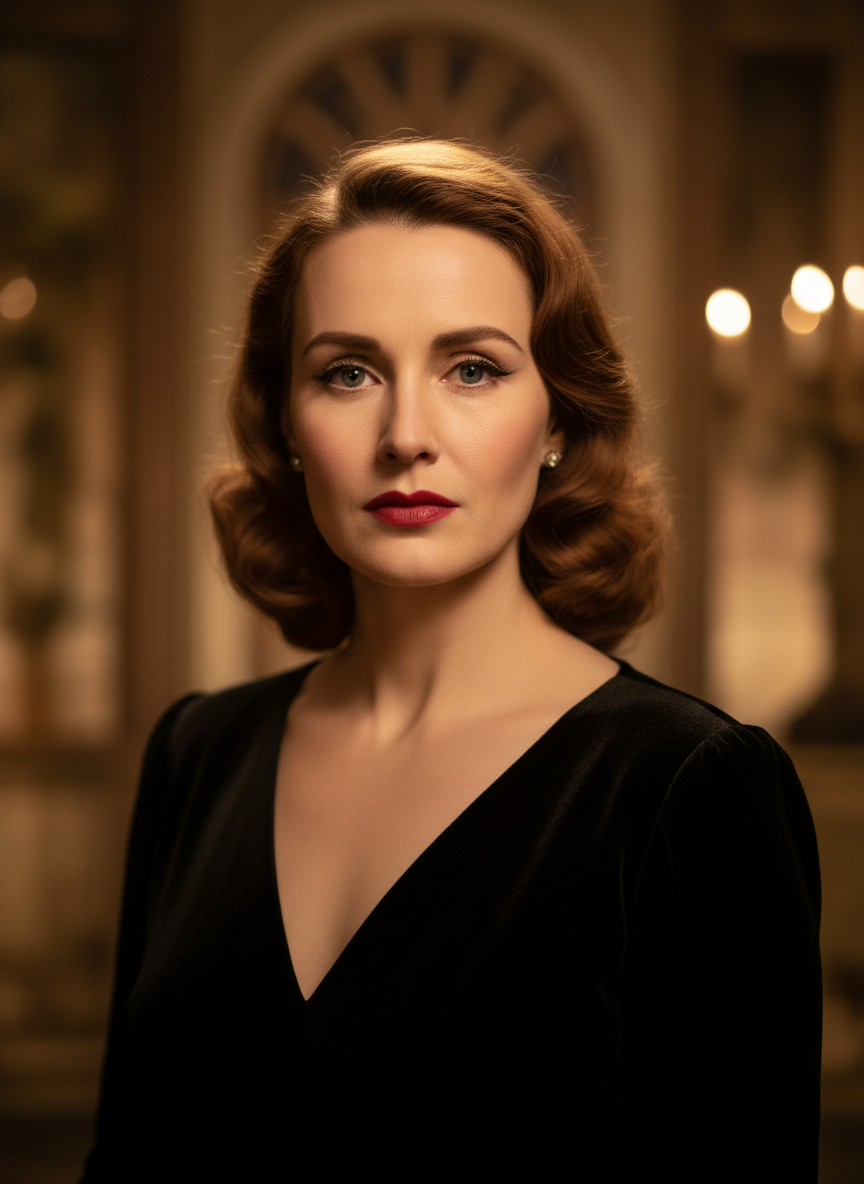
Source
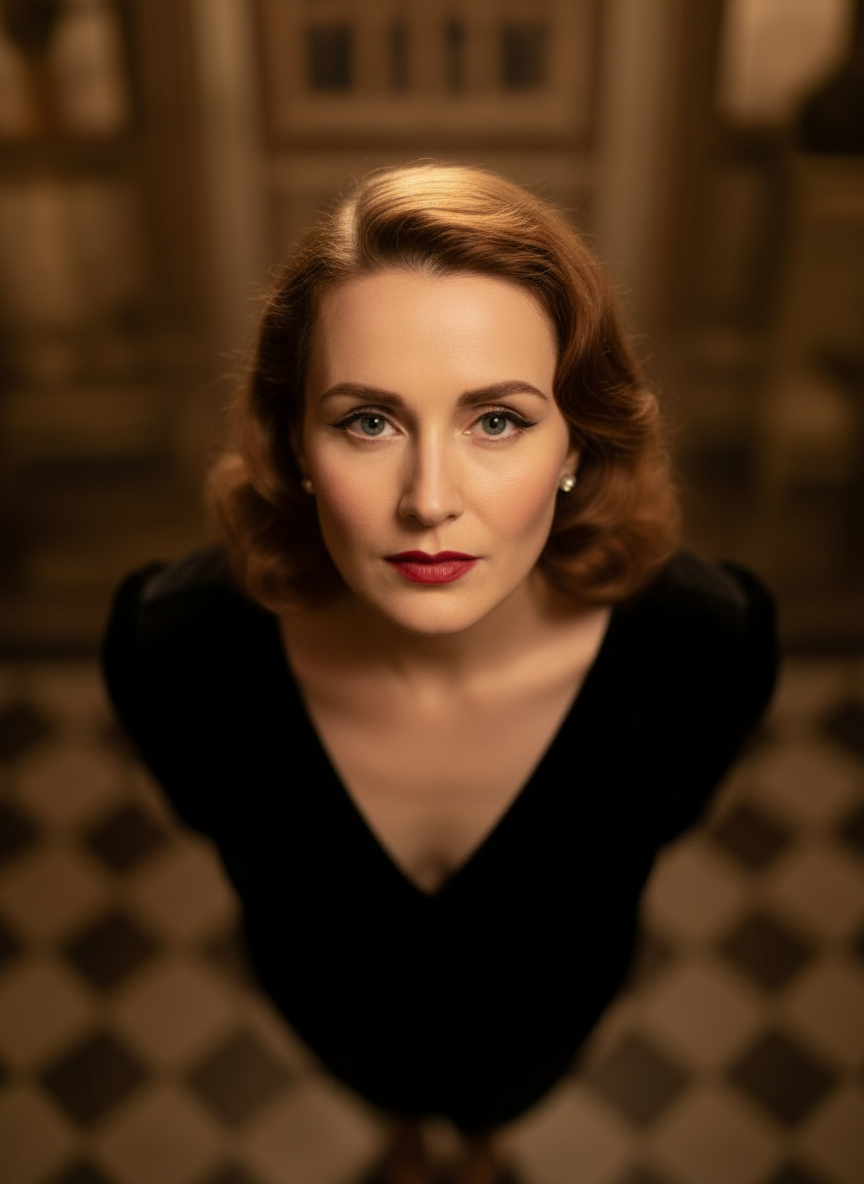
Overhead Angle
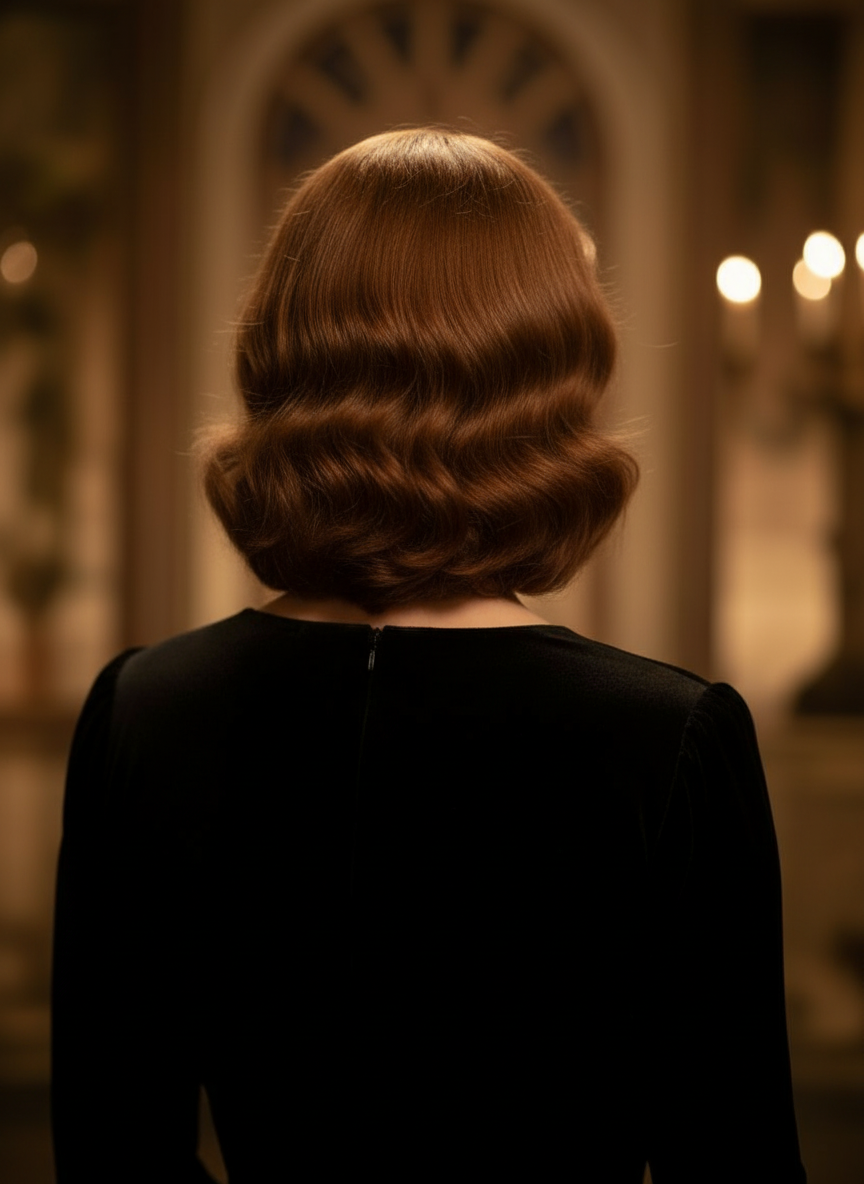
Back Angle
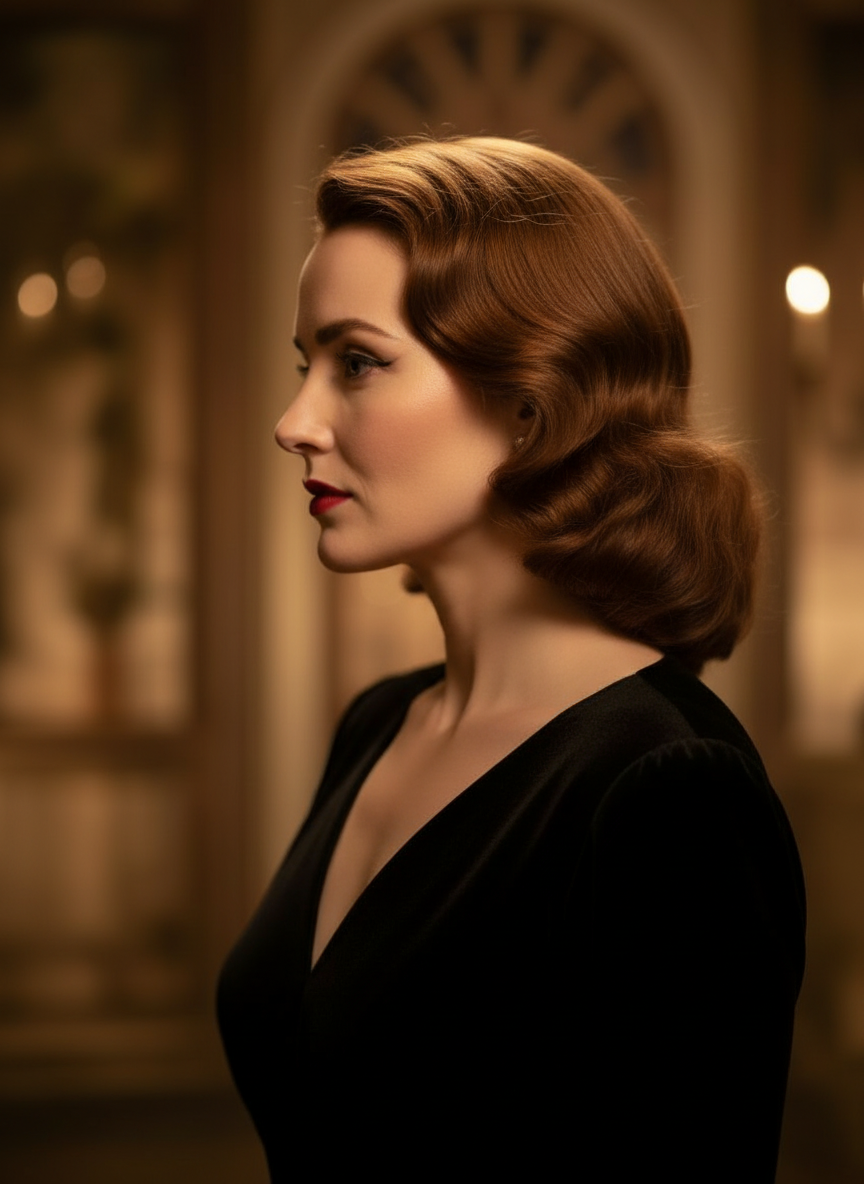
Three-Quarter Side
Transformišite svoje slike kroz prirodan razgovor
Samo otpremite sliku i razgovarajte da biste uređivali. Proširite kadar, uklonite objekte, promijenite pozadine i generišite alternativne uglove kamere bez ponovnog građenja slike od nule.
Otvori kontrolu uglaPrilagodite horizontalni ugao, vertikalni ugao i udaljenost zumiranja
Držite i prevucite da promijenite ugao kamere ili koristite intuitivne klizače za podešavanje horizontalnog ugla, vertikalnog ugla i udaljenosti zumiranja. Generišite čiste varijacije iz jedne fotografije uz brži workflow kontrole slike i kamere.
Generiši novi ugaoKako koristiti kontrolu ugla kamere u 3 koraka
Jednostavan workflow za uređivanje fotografija, rekadriranje i AI kontrolu kamere.
Otpremite sliku subjekta
Počnite s jednom fotografijom ili referentnom slikom koju želite zadržati dosljednom dok uređujete i rekadrirate.
Podesite plan kamere
Odaberite jedan od 12 najboljih uglova, zatim držite i prevucite ili koristite kontrole za podešavanje horizontalnog ugla, vertikalnog ugla, nagiba i udaljenosti zumiranja.
Chat, render i pregled
Opišite izmjene prirodnim jezikom, generišite novi prikaz i pregledajte rezultat za dizajn, sadržaj ili predaju u produkciju.
Stvarni izlaz alata
Jedna ulazna slika, jedan generisani rezultat ugla kamere
Uporedite izvornu sliku s izlazom koji je proizveo workflow Kontrola ugla kamere. Subjekt ostaje prepoznatljiv dok se perspektiva mijenja u širu studiju ugla.
Ulaz
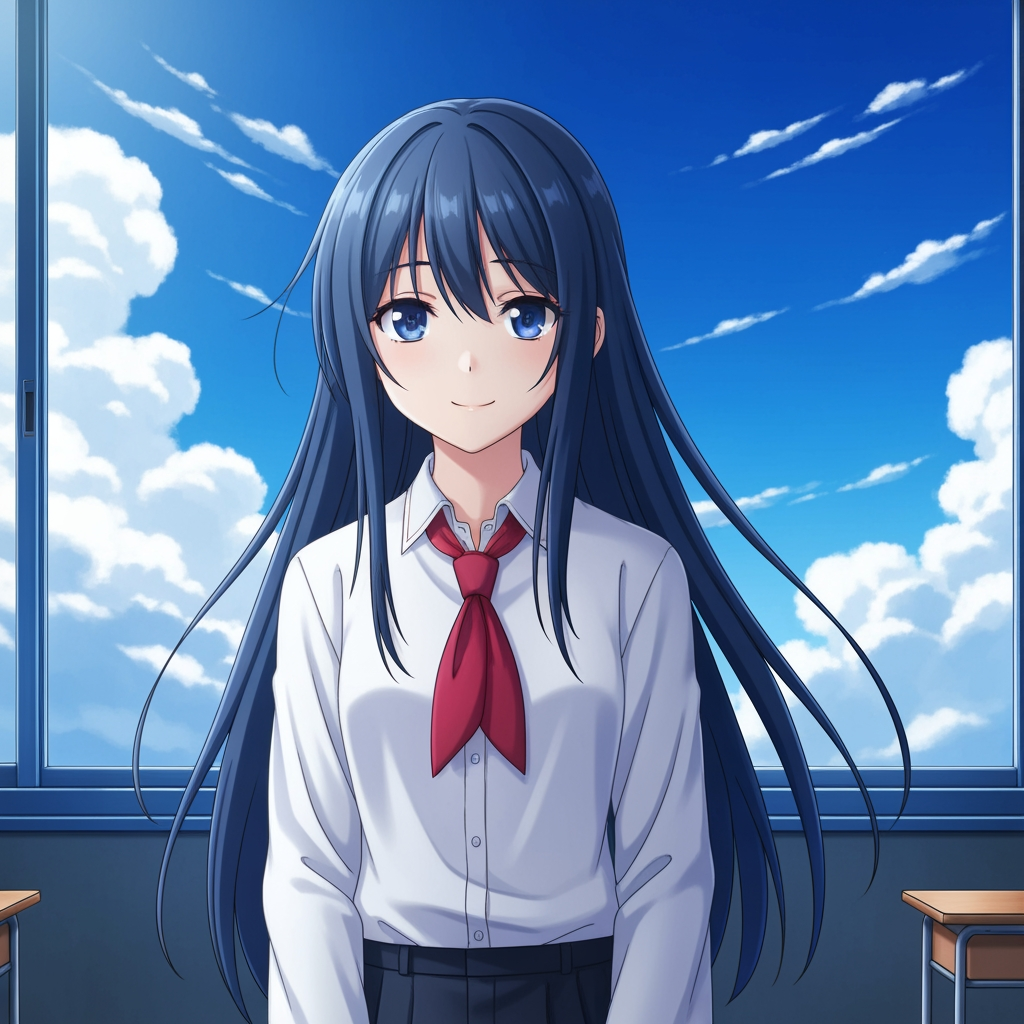
Originalna slika subjekta
Osnovni crtež ostaje nepromijenjen. Ovo je izvorna slika koja se koristi za kontrolu prolaza ugla kamere.
- Uloga
- Otpremljena referenca
- Subjekt
- Jedan anime lik
Generisani izlaz

Rekadrirani rezultat ugla kamere
Generisani izlaz pretvara istu referencu u širu studiju ugla za planiranje kadrova i vizualni pregled.
- Uloga
- Generisana varijacija
- Namjena
- Pregled ugla i kadriranja
Slike ispod su stvaran par ulaznog i izlaznog sadržaja iz workflowa alata, a ne stock mockup. AI rezultati variraju u zavisnosti od izvornog slike, odabranog modela i kontrola ugla i kadriranja.
Šta je kontrola ugla kamere?
Kontrola ugla kamere je uređivač ugla fotografije uz AI za ljude koji žele transformisati slike kroz prirodan razgovor. Otpremite jednu sliku, uređujte je kroz chat, zatim prilagodite ugao, nagib, kadriranje i zum kako biste generisali nove perspektive uz očuvanje identiteta subjekta.
Prompt to Comic
Generišite iz 12 najboljih uglova
Istražite niski ugao, visoki ugao, ugao u visini očiju, Dutch angle, over-the-shoulder i druge ponovo upotrebljive kamere presetove prije nego što potvrdite.
Generišite iz 12 najboljih uglova
Istražite niski ugao, visoki ugao, ugao u visini očiju, Dutch angle, over-the-shoulder i druge ponovo upotrebljive kamere presetove prije nego što potvrdite.
Zadržite jednog subjekta dosljednim
Koristite referentnu sliku kako bi alat zadržao subjekt, logiku osvjetljenja i vizuelni identitet bliže originalnoj fotografiji.
Uređujte i rekadrirajte u jednom workflowu
Koristite uređivanje slike vođeno chatom i kontrolu kamere zajedno kako biste proširili scene, uklonili objekte, zamijenili pozadine i rekadrirali istu sliku.

Zašto timovi koriste ovo za istraživanje uglova kamere
Napravljen za istraživanje kadrova, planiranje pokrivenosti i brzi vizuelni pregled.
Generisanje vođeno referencom
Počnite od otpremljene osnovne slike umjesto da svaki put iznova promptate potpuno novog subjekta.
Presetovi uglova koji prate produkcijski jezik
Brzo testirajte ugao u visini očiju, niski ugao, visoki ugao, Dutch angle, bird's-eye i over-the-shoulder pokrivenost.
Korisno za previz i boardove
Uporedite ideje kadrova prije nego što se storyboard, raspored stripa ili pregled animacije zaključe.
Spremno za strip i cartoon
Prebacujte se između vizuelnog smjera za strip i cartoon bez ponovnog građenja kontrolnog interfejsa.
Brzi eksperimenti s kadriranjem
Pređite sa krupnog plana na široki kadar i od neutralnog nagiba do dramatične postavke u nekoliko sekundi.
Dizajnirano za cikluse pregleda
Generišite jednu studiju ugla, razgovarajte o njoj, zatim odmah iterirajte na sljedećem setu.
Često postavljana pitanja
Šta radi kontrola ugla kamere?
Transformiše vaše slike kroz prirodan razgovor i interaktivne kontrole kamere, pomažući vam da generišete nove uglove kamere, proširite scene, uklonite objekte i promijenite pozadine iz jedne otpremljene slike.
Mogu li generisati nove uglove kamere iz jedne fotografije?
Da. Otpremite medij jednom, zatim generišite iz 12 najboljih uglova uz podešavanje horizontalnog ugla, vertikalnog ugla i udaljenosti zumiranja.
Moram li otpremiti referentnu sliku?
Da. Workflow je osmišljen oko image to image generisanja kako bi model mogao zadržati subjekt bliže vašoj originalnoj tabli, liku ili sceni.
Koje vrste uglova kamere mogu testirati?
Možete testirati ugao u visini očiju, niski ugao, visoki ugao, over-the-shoulder, Dutch angle, bird's-eye i druge vođene presetove uglova, a zatim ih dodatno doraditi prevlačenjem i klizačima.
Da li je ovo korisno za pregled storyboarda i previza?
Da. Korisno je za reditelje, storyboard umjetnike, strip timove i previz umjetnike kojima treba brže istraživanje kadrova i poređenje uglova.
Koji modeli pokreću izmjene i kontrolu kamere?
Workflow je osmišljen za moderne modele za uređivanje slika, uključujući Qwen Image Edit i AIOmnigen-style kontrolu slike i kamere, u zavisnosti od aktivnog puta generisanja.
Treba vam više puta upotrebljivih boardova nakon istraživanja uglova?
Otvorite besplatan Storyboard Template da podijelite storyboard sheetove, preuzmete čiste kadrove i organizujete paket za pregled.
Idi na besplatni Storyboard TemplateSpremni da kontrolišete sljedeći ugao svoje slike?
Otpremite jednu sliku, držite i prevucite da promijenite ugao kamere i generišete novi prikaz za nekoliko minuta.