Best for
Comic and webtoon creators
Turn a script beat into panel-ready character poses, props and establishing shots.


AI style generator
Turn a simple idea into digital painting comic book characters, environments, covers and scene references that are fun to create and easy to keep developing.
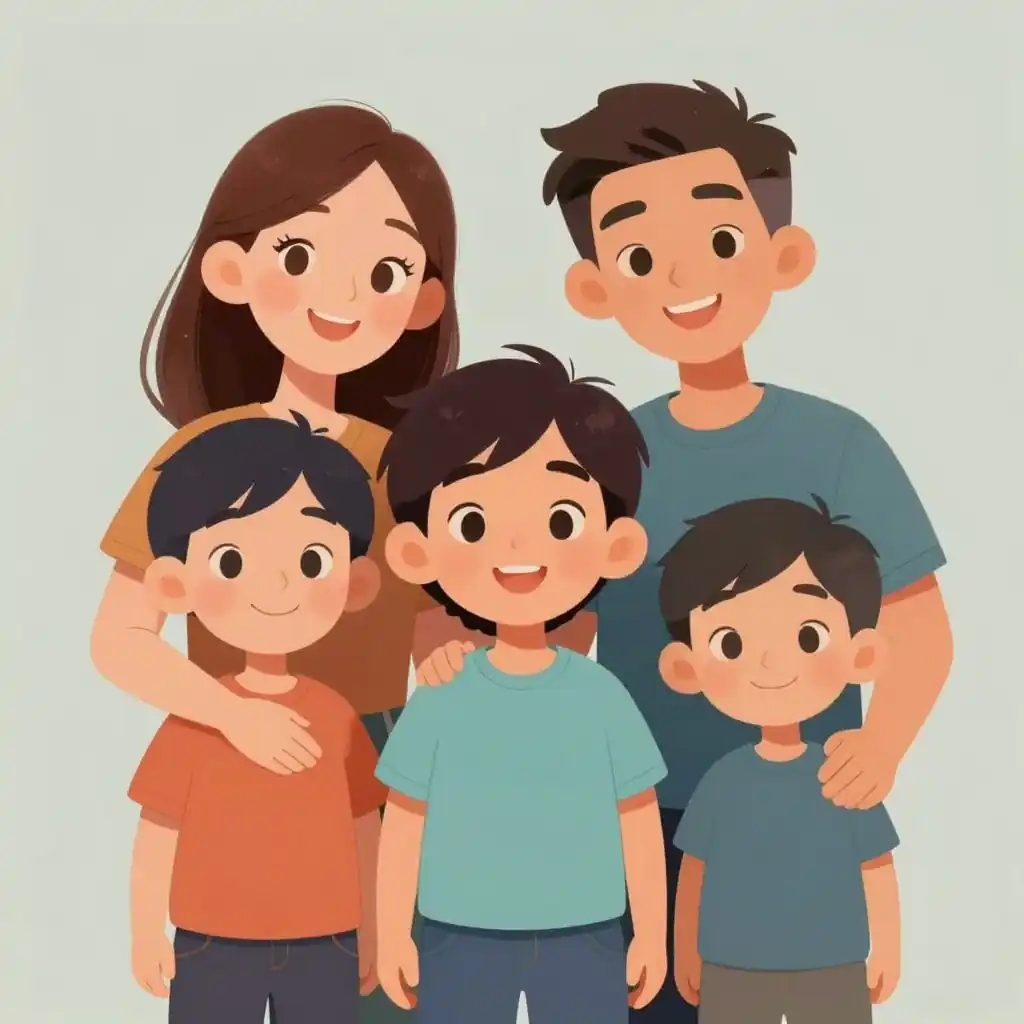
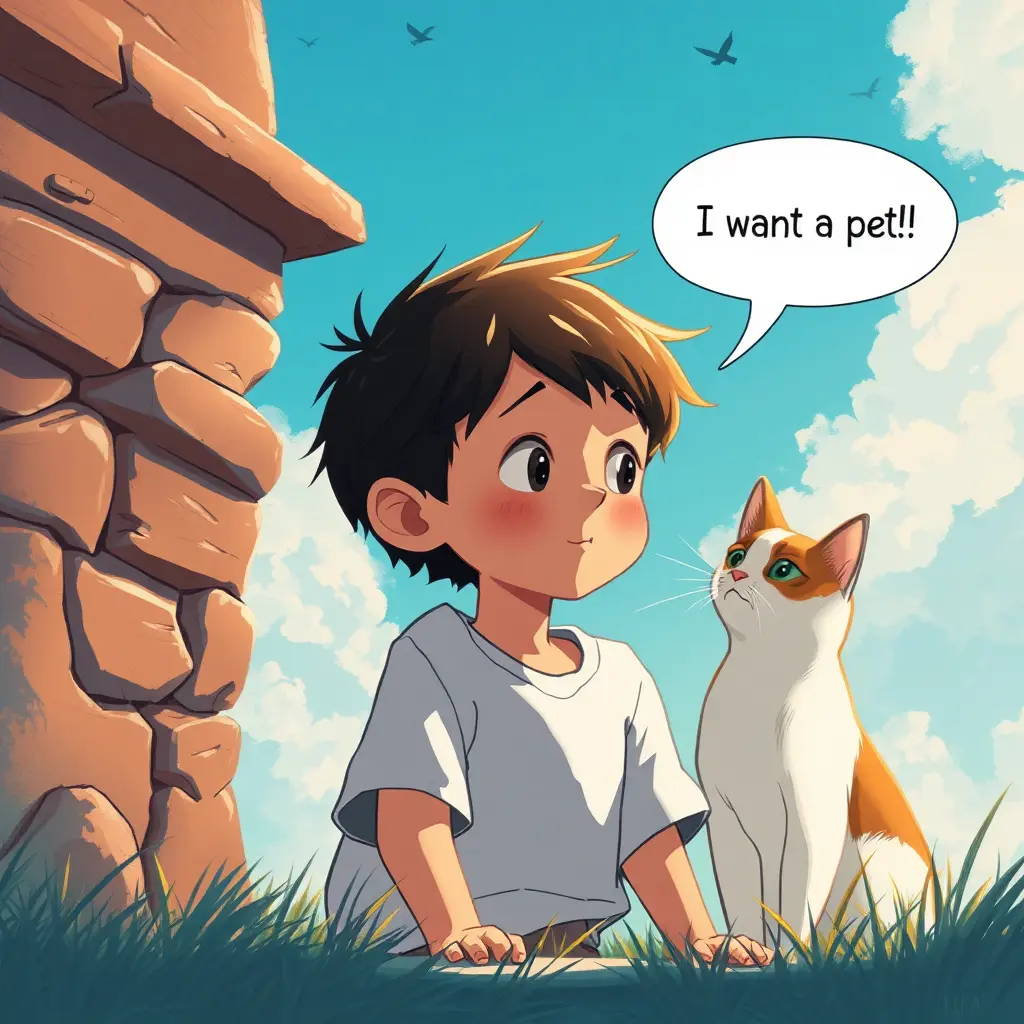
Use this embedded generator to turn your idea into a digital painting comic book characters, panels, covers or animation references directly from the style page.
Use 1K for quick drafts. Upgrade for 2K/4K finals and no-watermark exports.
Trusted by 2 million creators worldwide.
Choose the image's role
Start by deciding what the image should become: cover art, opening panel, character reference, picture book spread, social thumbnail or animation keyframe.
Add a digital painting comic book direction
Add the subject, age range, pose, mood, lighting, camera distance and background depth so the result feels clear, readable and easy to build on.
Generate, enjoy, refine
Create a first image, keep the strongest composition, then adjust character anchors or scene details before expanding into a matching set.
Before You Create
Start with what matters to creators: who the image is for, what feeling it should spark, and whether the examples are strong enough to guide the next scene.
breathtaking digital art, painting illustration. Family-friendly original character portrait, polished composition, wholesome mood, image-only scene, No text, no words, no letters, no typography, no captions, no labels, no logos, no signage, no watermark.
Turn a script beat into panel-ready character poses, props and establishing shots.
The strongest digital painting comic book results usually come from prompts that describe the image's role in a story, not just its surface style.
Start with a real scene idea, then preview a digital painting comic book examples before opening the generator.
Consistent digital painting comic book panels that can become storyboards, covers or reusable references.
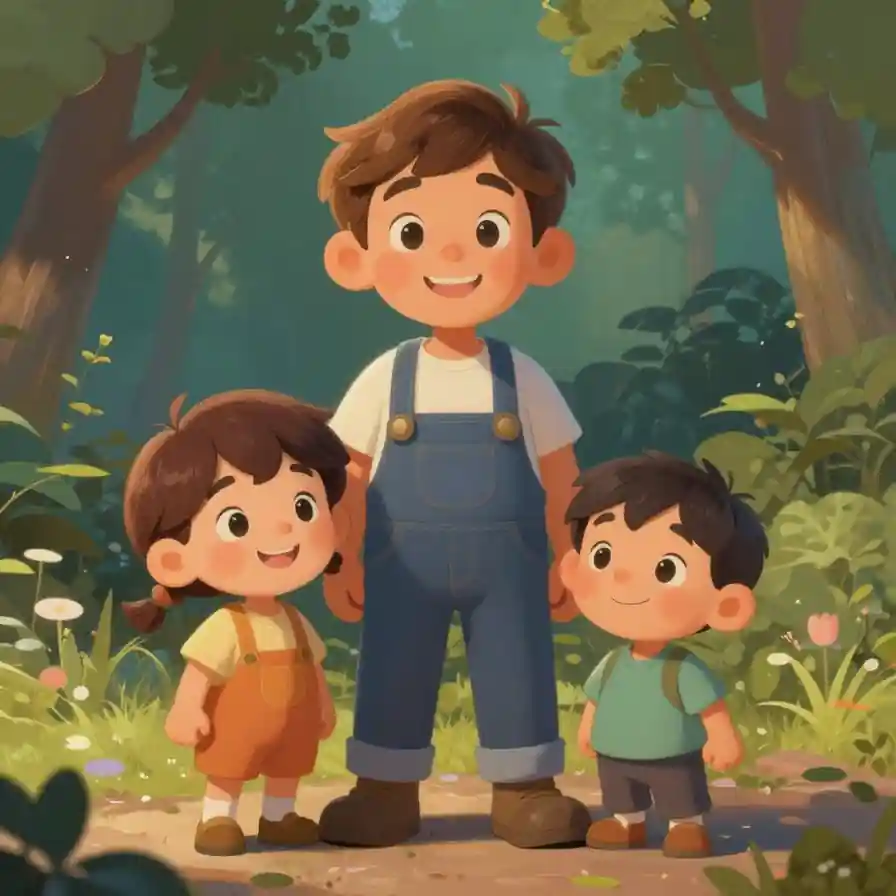
Create with less friction
Keep the first draft playful and light, then upgrade when you want higher resolution, cleaner exports and more room to explore.
Style Brief
A Digital Painting Comic Book works best when creators want a clear visual language before building a comic page, picture book spread, anime scene, animation board or character reference. It helps define how the image should feel before you spend time refining the details.
The source template points to breathtaking digital art and painted illustration. Use that as your style brief, then add your own cast, setting, emotion, camera angle and scene purpose.
For LlamaGen creators, the value is speed plus continuity: you can test a digital painting comic book look, keep the visual anchors you love, and expand the same idea into panels, covers, thumbnails or production references.
Start with one of these prompt patterns, then add your character, setting, camera angle and story moment.
Start with one of these prompt patterns, then add your character, setting, camera angle and story moment.
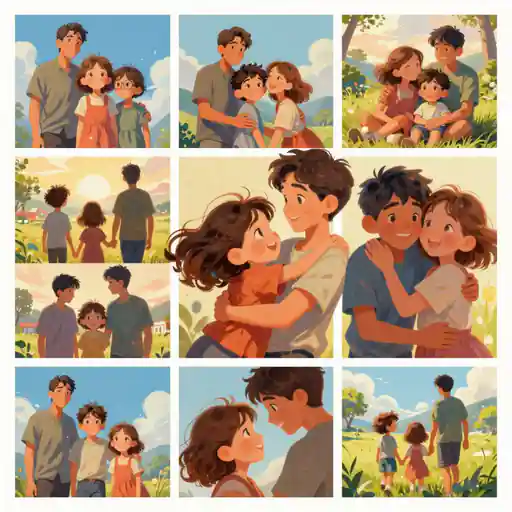
Start with one of these prompt patterns, then add your character, setting, camera angle and story moment.
Prompt Guide
The strongest digital painting comic book results usually come from prompts that describe the image's role in a story, not just its surface style.
Tell the generator whether you need a comic panel, book cover, character sheet, thumbnail, keyframe or concept poster.
Opening comic panel in a digital painting comic book style, wide shot, a young inventor enters a bright workshop, curious expression, readable action.
Add repeated details that should carry through later variations: silhouette, outfit, prop, colour accent, age range and expression.
Same cheerful child inventor, teal jacket, round backpack, signature scarf, soft smile, consistent outfit details.
Use camera distance, lighting, emotion and scene action to make the image useful for storytelling or production planning.
Medium shot, warm window light, first discovery moment, tidy background depth, optimistic mood, no text, no watermark.
Creator Playbooks
Use a digital painting comic book style when you want a clear visual direction before committing to a full comic page, picture book spread, anime scene, animation board or social visual set.
Start from this style page, then continue in AI Comic Strips when the scene needs panels and continuity.
Consistent digital painting comic book panels that can become storyboards, covers or reusable references.
Prompt tipAdd the panel role, camera distance, expression, action and continuity notes.
Use the style prompt to define characters and page mood before building a complete story sequence.
Wholesome digital painting comic book illustrations with clear emotion, readable subjects and family-friendly details.
Prompt tipDescribe an age-appropriate setting, gentle lighting, simple action and the page mood.
Pair this style with manga, anime and character-reference templates when you need stronger art direction.
Sharper art direction for scenes that need repeatable composition, props and character identity.
Prompt tipInclude the character silhouette, costume anchors, scene genre and shot composition.
Use the generator as a lightweight visual brief before animatics, pitch decks or production boards.
Story-ready digital painting comic book frames that help teams discuss movement, mood and continuity with less friction.
Prompt tipSpecify the action verb, staging, lens feel, motion energy and background depth.
Start from style pages, then move into LlamaGen image creation for rapid iteration.
Polished digital painting comic book visuals that stay aligned with a campaign, brand idea or content series.
Prompt tipAdd the audience, platform, central object, colour mood and intended use case.
Project Ideas
A strong digital painting comic book prompt is easier to write when the output has a purpose. Choose the project type first, then add character, setting, emotion, camera and continuity details.
Use a digital painting comic book style for opening panels, reaction shots, cover thumbnails and reusable references before building a full comic sequence.
Keep prompts gentle, specific and visually simple so characters, props and emotions stay easy to understand.
Define silhouette, outfit anchors, scene genre and camera angle before moving into tighter manga or anime styling.
Describe the action, staging, lens feel and background depth when you need a frame that can guide an animatic.
Reuse the same digital painting comic book direction across thumbnails, posters, presentation art and social media variants.
Keep Creating
Move from one digital painting comic book idea to the next: generate a scene, compare nearby styles or open the original template entry.
Use the same style direction inside LlamaGen's comic workflow when your idea needs panels, pacing and visual continuity.
Review the original template entry when you want the base prompt, tags and visual reference behind this style page.
Browse the full style library when you need a softer, bolder, more cinematic or more illustration-led direction.
Prompt Lab
Start with one of these prompt patterns, then add your character, setting, camera angle and story moment.
breathtaking digital art, painting illustration. Family-friendly original character portrait, polished composition, wholesome mood, image-only scene, No text, no words, no letters, no typography, no captions, no labels, no logos, no signage, no watermark.
breathtaking digital art, painting illustration. Cheerful hero scene, expressive lighting, rich background detail, child-safe creator-ready AI art, image-only composition, No text, no words, no letters, no typography, no captions, no labels, no logos, no signage, no watermark.
breathtaking digital art, painting illustration. Concept art for a comic opening panel, art, new, graphic-novels, optimistic story moment, high quality, image-only scene, No text, no words, no letters, no typography, no captions, no labels, no logos, no signage, no watermark.
Comic Creation
Use this style in LlamaGen to turn a playful idea into story-ready panels, manga scenes, covers, character sheets and comic drafts you can keep refining.
How to Use
Use this workflow when you want a character concept, comic panel, picture book moment, anime key visual or animation reference in a consistent digital painting comic book look.
Start by deciding what the image should become: cover art, opening panel, character reference, picture book spread, social thumbnail or animation keyframe.
Add the subject, age range, pose, mood, lighting, camera distance and background depth so the result feels clear, readable and easy to build on.
Create a first image, keep the strongest composition, then adjust character anchors or scene details before expanding into a matching set.
Stand Out
This page is for creators who want more than a one-off pretty image: a clear style spark, reusable prompts, and an enjoyable path from one idea to a complete visual set.
Each A Digital Painting Comic Book page turns template metadata into practical prompt guidance, so your first draft starts with a clear visual direction, subject focus and creative purpose.
Use the same style direction for a hero character, key scene, thumbnail, cover or pitch image so separate generations feel like they belong in one playful world.
Prompt examples, creation steps and related styles help you test a look quickly while keeping lighting, composition and story intent consistent.
Why Choose
Choose this page when your project needs a style that can support story continuity and make the first creative step feel lighter.
This page keeps the original template signal, then turns it into guidance for comics, picture books, anime scenes, animation boards and creator marketing visuals. That makes the digital painting comic book style easier to reuse across panels, covers, character sheets and pitch images.
The examples show how to write digital painting comic book prompts for a specific output, from warm character moments to scene-setting visuals.
Character anchors, camera notes and scene roles help you keep a story world recognisable across multiple images.
Open the source template, continue into comic creation, or compare related styles when the project needs a softer, bolder or more cinematic direction.
Can AI Create an Entire Comic Strip? I Put It to the Test I wanted to see if AI could generate a complete comic strip from scratch, so I used ChatGPT for the script and LlamaGen to bring the visuals to life. The results were beyond what I expected. • ChatGPT wrote a four-panel story about a penguin dreaming of flight • LlamaGen generated consistent characters, detailed panels, and speech bubbles • The entire comic was created in minutes, not hours This raises an interesting question—will AI change how we create visual storytelling? Would you read or create an AI-generated comic? Let's discuss. #AI #Comics #LlamaGen #ChatGPT #TechInnovation #AICreativity #DigitalStorytelling #FutureOfArt
Can AI take over comic creation? I put ChatGPT and LlamaGen to work and the results blew my mind. 📌 Step 1: Used ChatGPT to write a 4-panel comic script about a penguin dreaming of flying. 📌 Step 2: Fed the descriptions into LlamaGen, an AI tool that creates consistent and high-quality comic panels. 📌 Step 3: LlamaGen added speech bubbles and arranged everything into a polished comic strip—all in minutes. 🚀 The Final Comic? A penguin, a robot, and a dream of flying—all made with AI. This is just the beginning. AI tools like this could change storytelling forever. Would you read an AI-generated comic? Drop your thoughts below. #AI #ArtificialIntelligence #AIGenerated #AIArt #Comics #AICreativity #LlamaGen #ChatGPT #AIStorytelling #MachineLearning #TechInnovation #DigitalArt #AIForCreators #FutureOfAI #AIComics #AIinArt #AIDesign #AIAutomation #TechTrends #ContentCreation #StorytellingWithAI #AIillustration #ComicStrip #NextGenAI #AIExperiments
I've tried numerous AI tools for image generation. And they are quite fun to play with but llamagen.ai is the first app I've actually saw a potential use-case. The character consistency really grabbed my attention as it's something I hadn't seen before and I can see the appeal for professionals and amateurs alike. Truly a game-changer!
#creatorsearchinsights#LlamaGen .AI Train of thoughts embark on a journey……as our Brain does..Interesting books… "How does your brain work with Life-Intelligence? " in Amazon…. Part of Chaning Destiny series .. proposed as an optional curriculum for students in grades 9-12 .. … Follow, Share, support, to spread this message in books, digital content and as comics? #interestingbooks #brain #childrensbooks #educational
I enjoy a great comic book and have been very sceptical about AI. For example the criticisms of the Batman AI comic saga where not without merit. But through the scepticism I do see a place for such tools. While I still value an authentic man-made production, the ability for me to create something on my own (with a little help from AI) is really empowering and exciting.
Related Styles
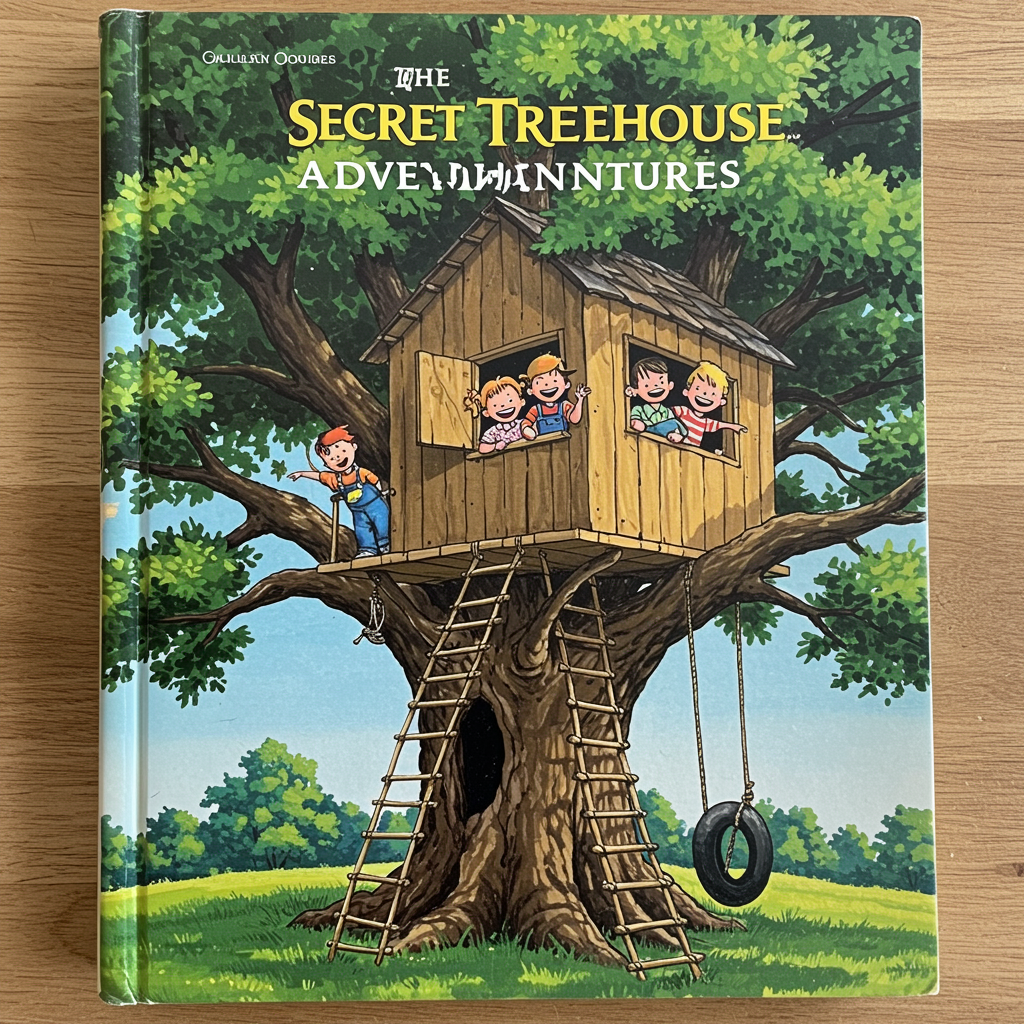
Explore another visual direction for comic panels, covers, characters and story art.
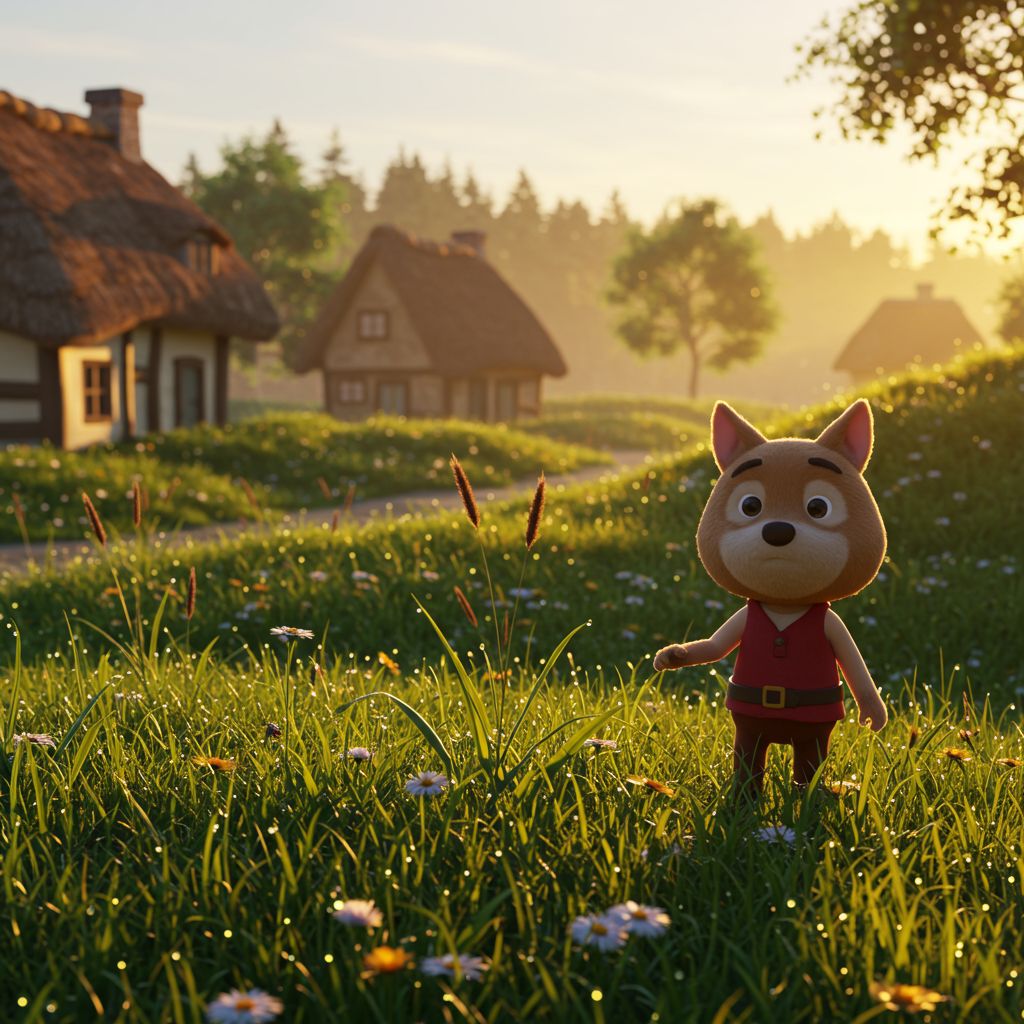
Explore another visual direction for comic panels, covers, characters and story art.
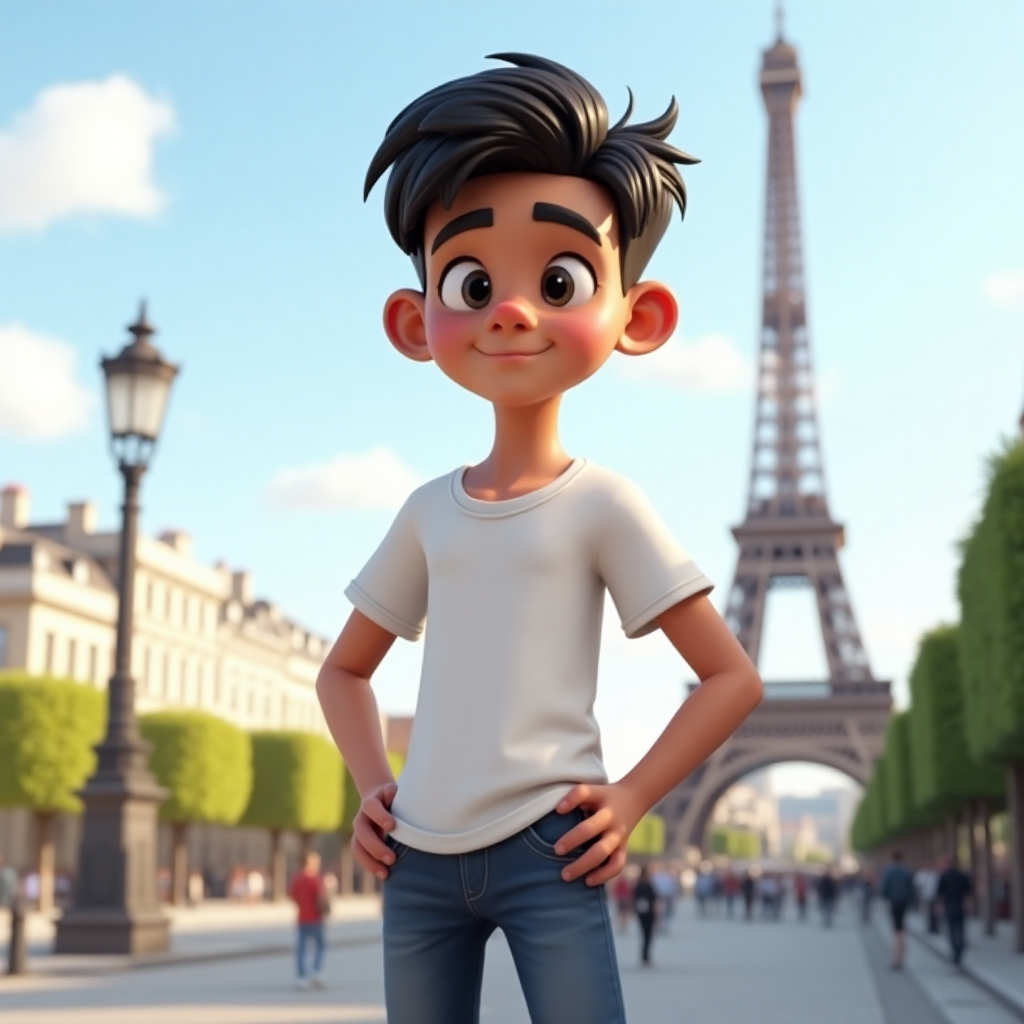
Explore another visual direction for comic panels, covers, characters and story art.
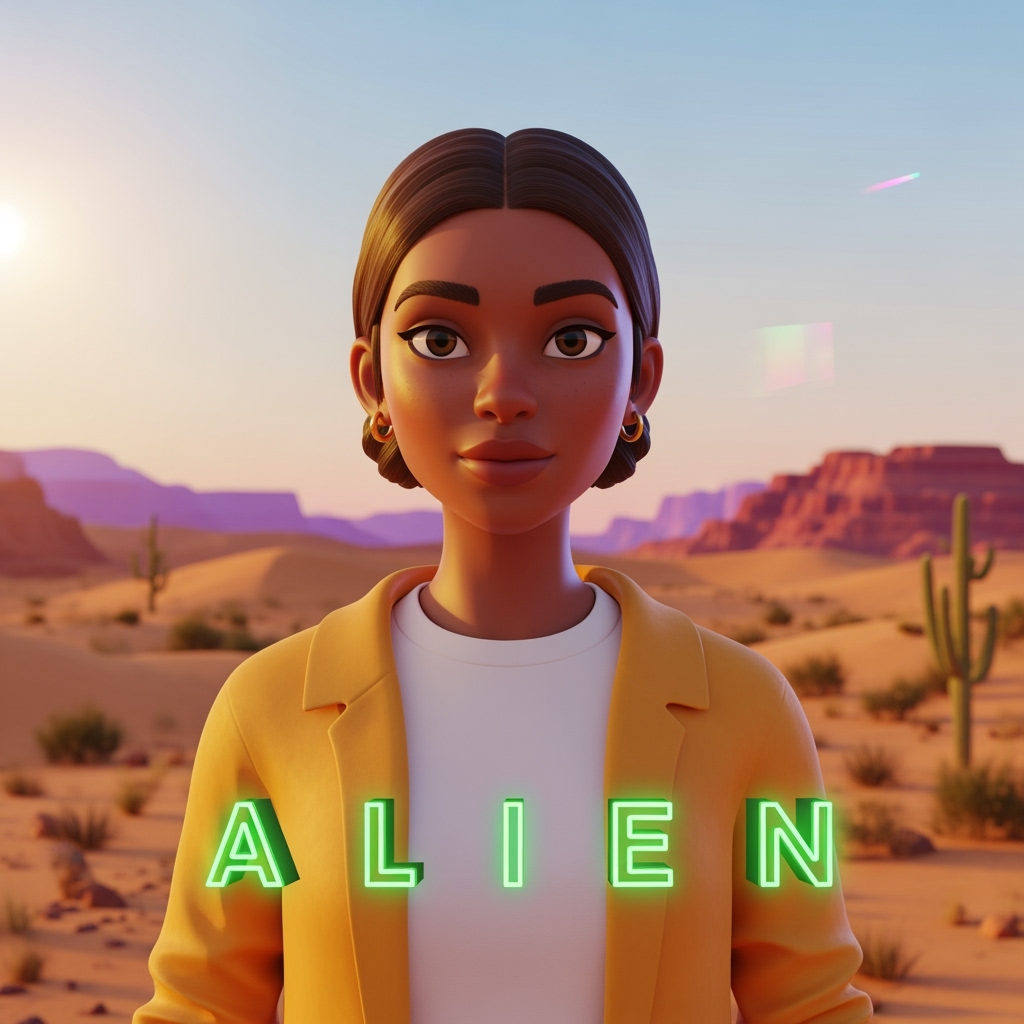
Explore another visual direction for comic panels, covers, characters and story art.
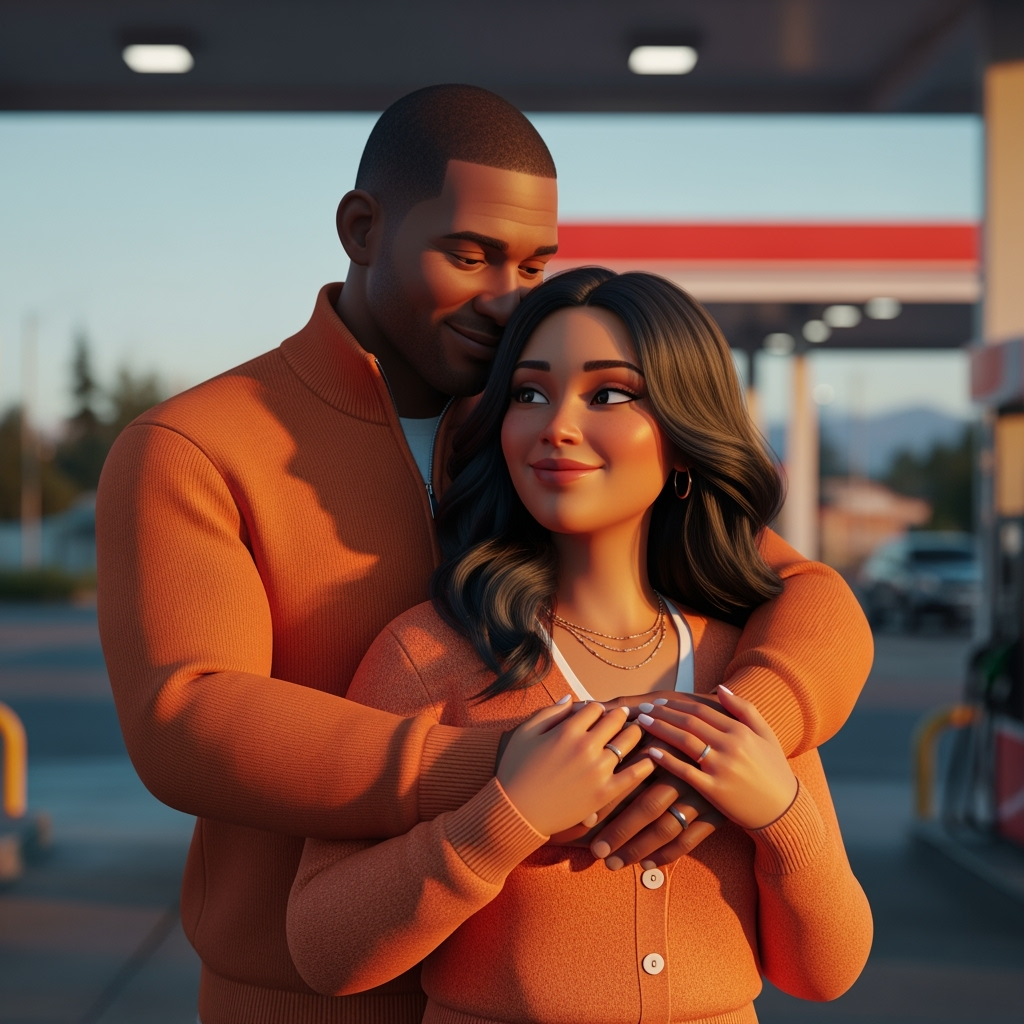
Explore another visual direction for comic panels, covers, characters and story art.
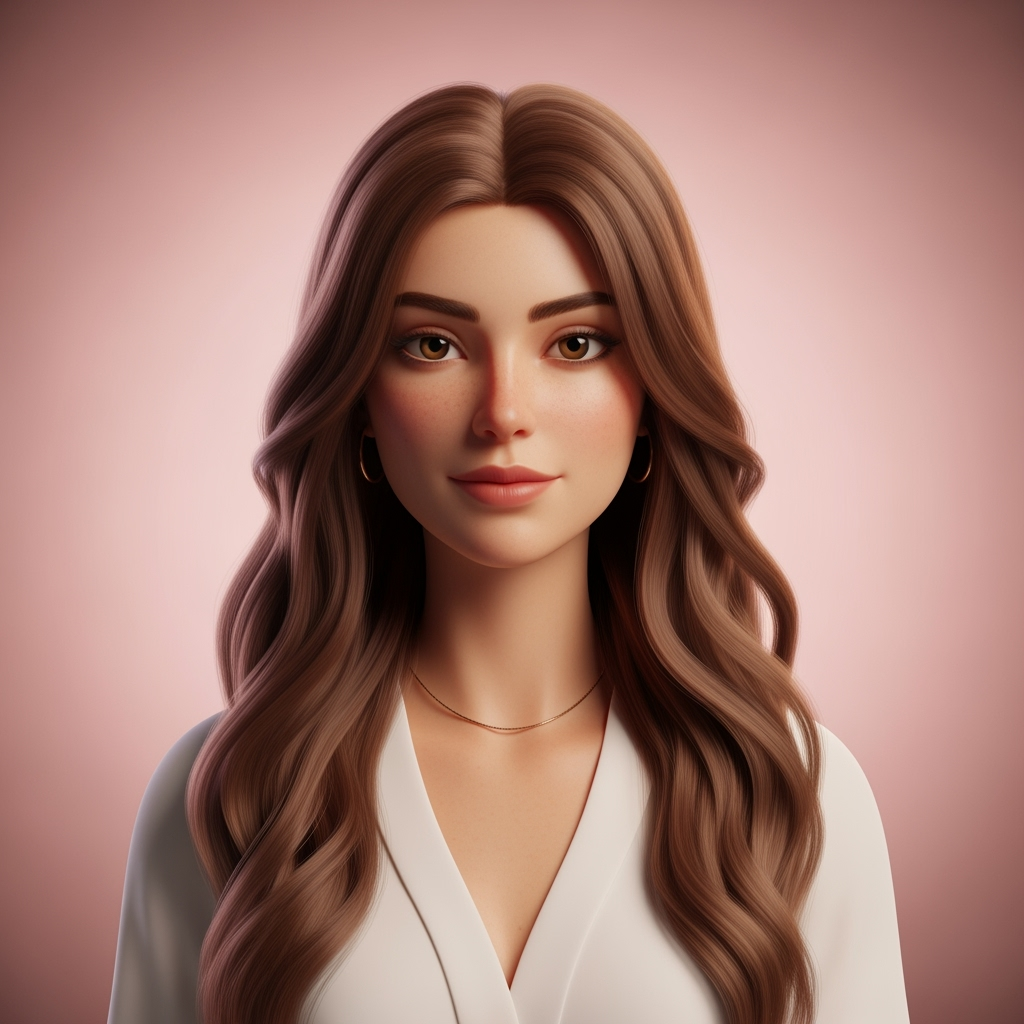
Explore another visual direction for comic panels, covers, characters and story art.
FAQs
It's a style-specific page that helps you create AI images, character concepts, comic panels, covers and scene references using digital painting comic book prompt guidance from LlamaGen templates.
Yes. The prompts are designed for visual storytelling workflows, including comic panels, manga scenes, webtoon art, character references and cover concepts.
You can start from this style page and use the available LlamaGen creation flow. Some advanced generation options may depend on your account plan.
Keep the same character anchors, outfit details, camera language and lighting direction across prompts, then change only the scene action or emotional beat.
Yes. Treat the base prompt as a style brief, then add your own cast, environment, pose, tone and story details.
Start with one digital painting comic book idea, generate a first image you like, then refine it into characters, panels, covers or animation references for your project.
Move from a single generated image or video into comics, manga, storyboards, and connected visual stories.