Find a story worth following
Explore a character's goal, an unusual setting, or a difficult choice. Compare different openings before you commit to a direction.
Usa LlamaGen.ai como generador y escritor de historias con IA. Convierte una idea simple en un borrador estructurado con trama, personajes, diálogos y un camino hacia storyboard o viñetas de cómic.
Try the first draft here. Free access has limits; saved projects and visual tools use your account and plan credits.
See how it worksPick a prompt to read an illustrative opening, then generate your own version. These samples are prepared examples, not live results or customer testimonials.
Example opening
The radio said Mara's name before she switched it on. On Platform Three, rain gathered around a red suitcase. She had checked the platform a minute ago. Empty. Now someone had left a case beneath the broken clock, with a luggage tag written in her handwriting.
Start with something specific: a radio operator alone at a station, a red suitcase, and a message that knows her name. Generate an opening, read what works, then change the stakes or point of view. The next decision stays yours.
Generate story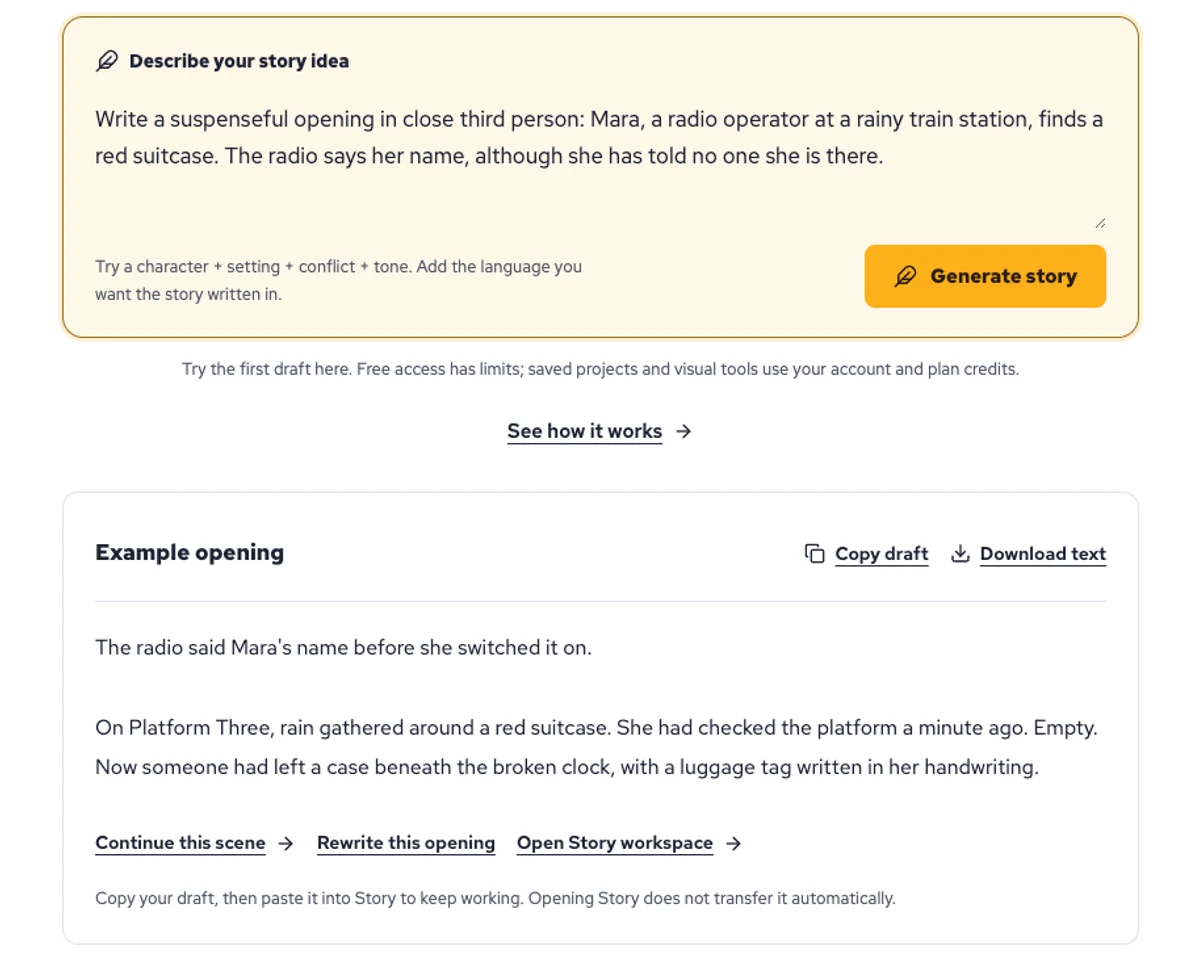
Explore a character's goal, an unusual setting, or a difficult choice. Compare different openings before you commit to a direction.
Paste an unfinished idea or use Continue after a draft. Read each new scene for names, motives, and details that need to stay consistent.
Use Rewrite to try a sharper opening. Copy a version you like before generating another, then edit the phrasing in your own voice.
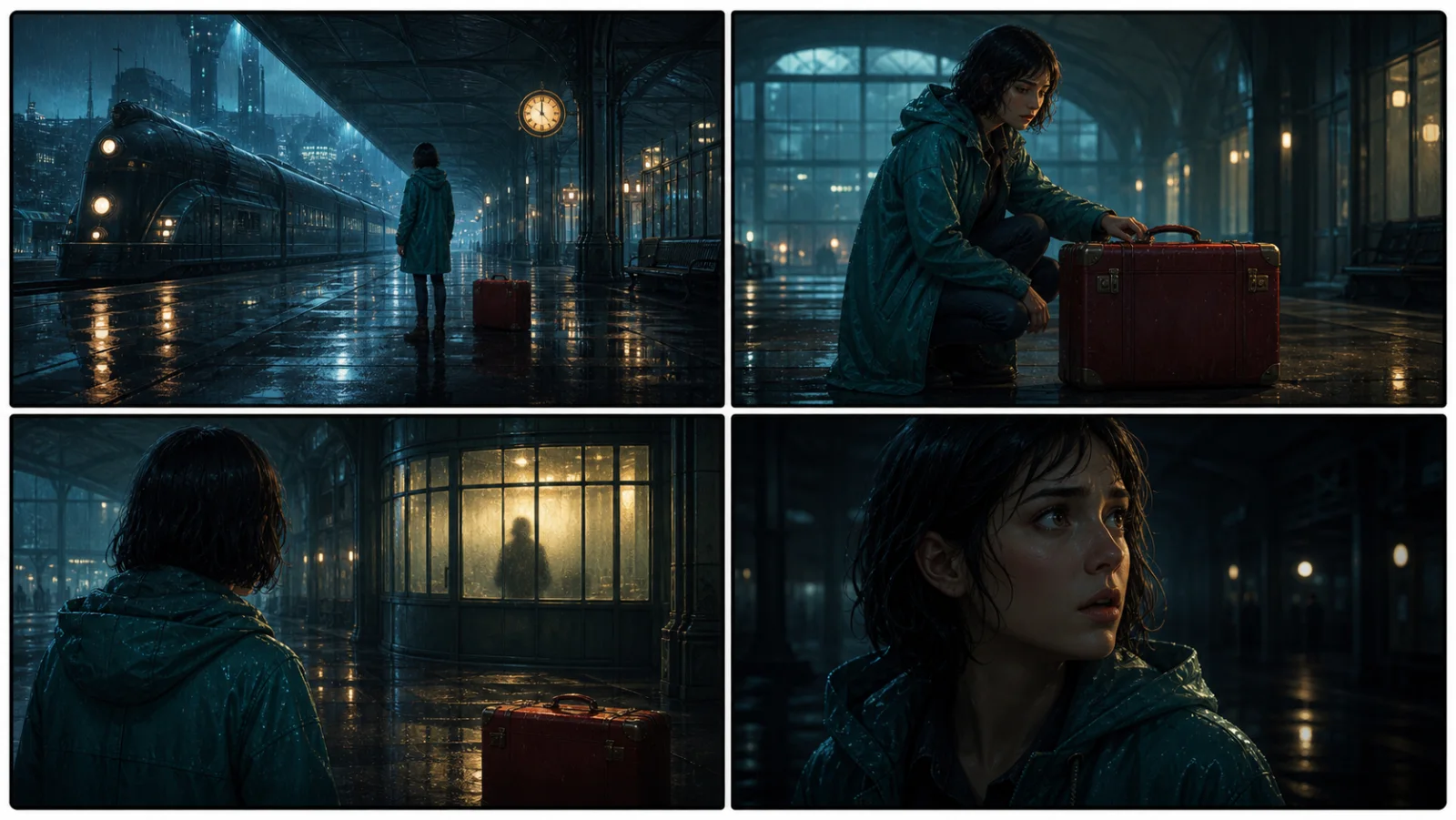
This illustrative sequence follows Mara, her teal raincoat, and a red suitcase through four station shots. Use it as a guide: keep a character, location, and key prop consistent when you adapt your own draft into a storyboard or comic.
Explore script to storyboardThe same rainy-station story, imagined as a reading copy, a handheld proof, different cover designs, and a coordinated author set.
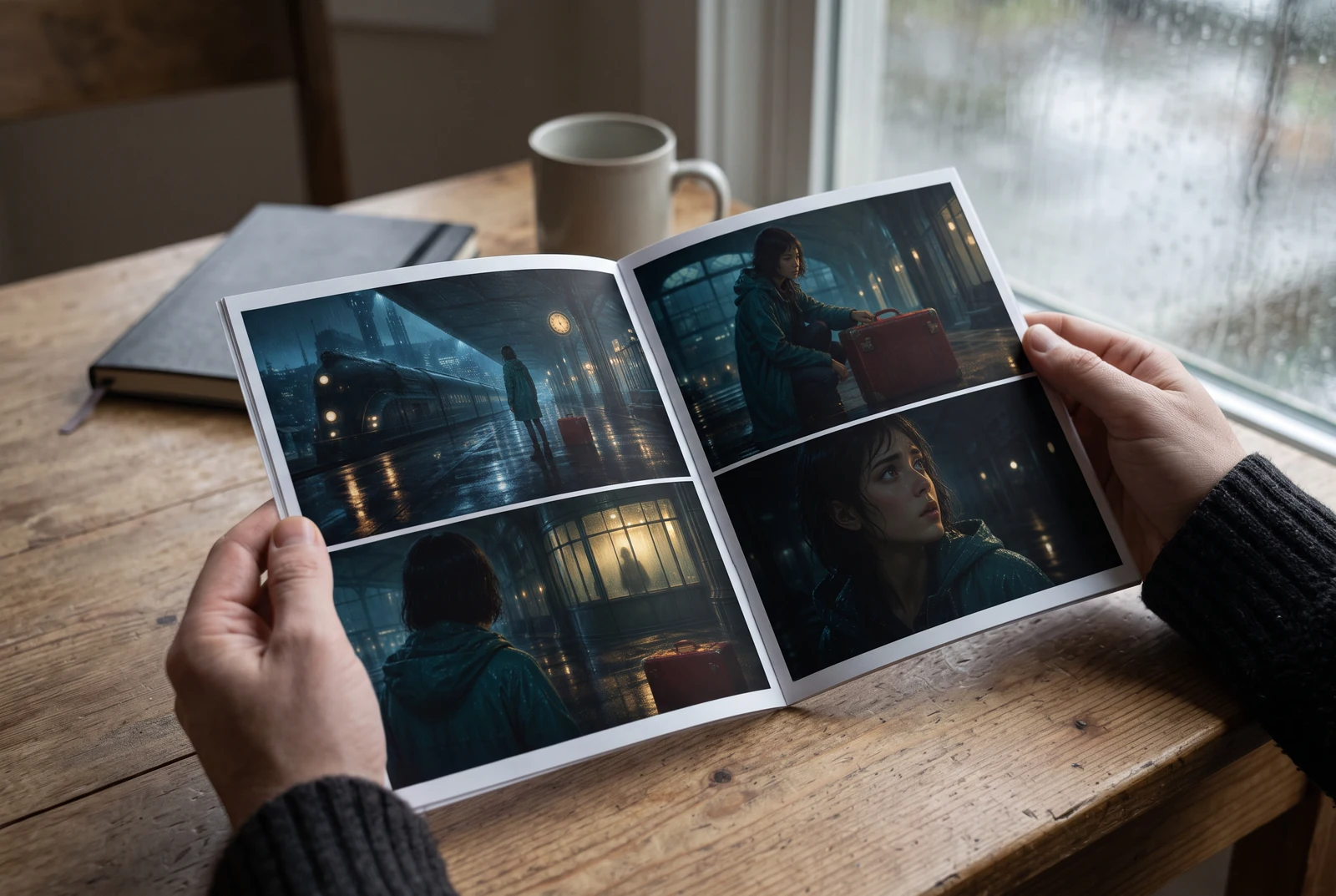
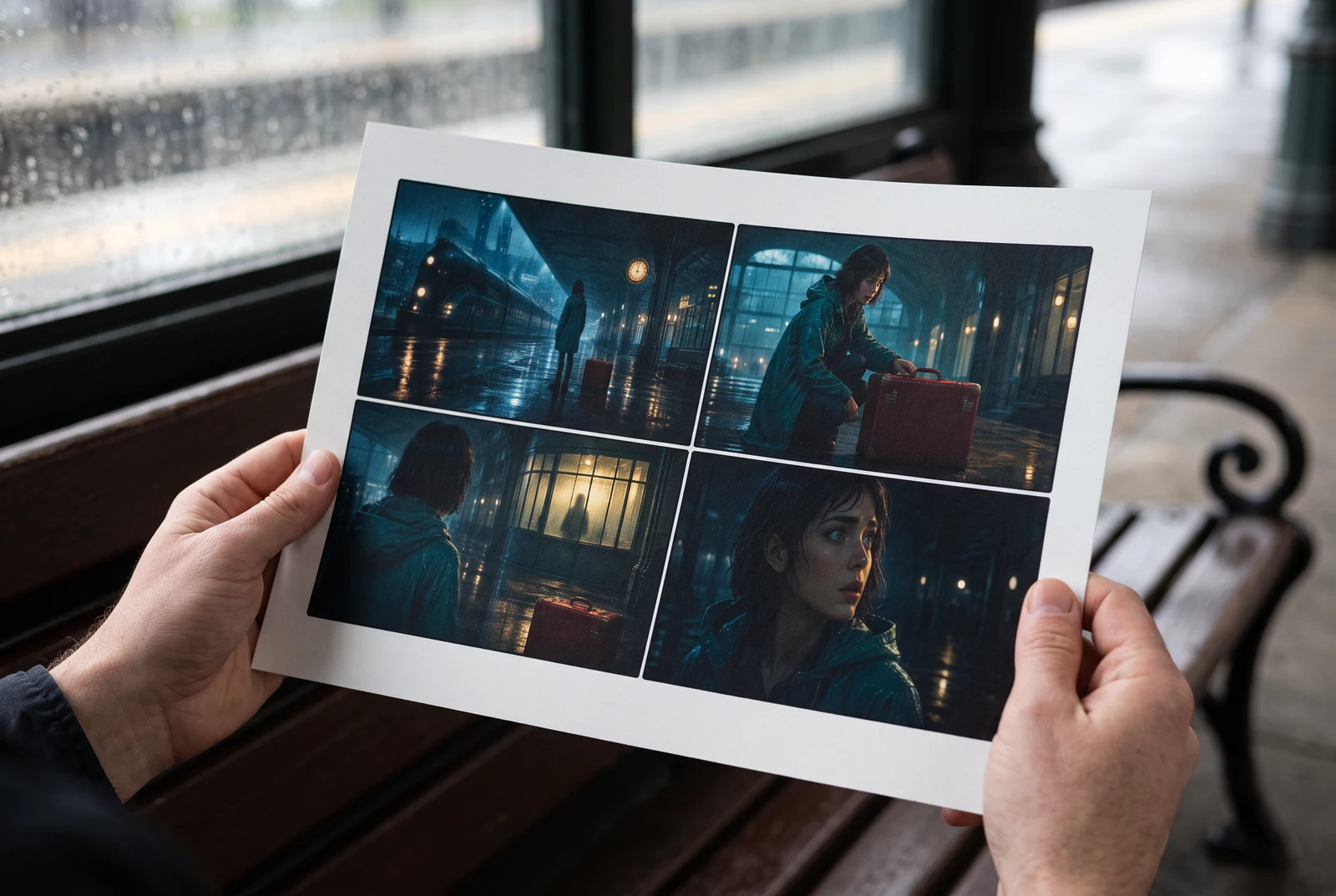
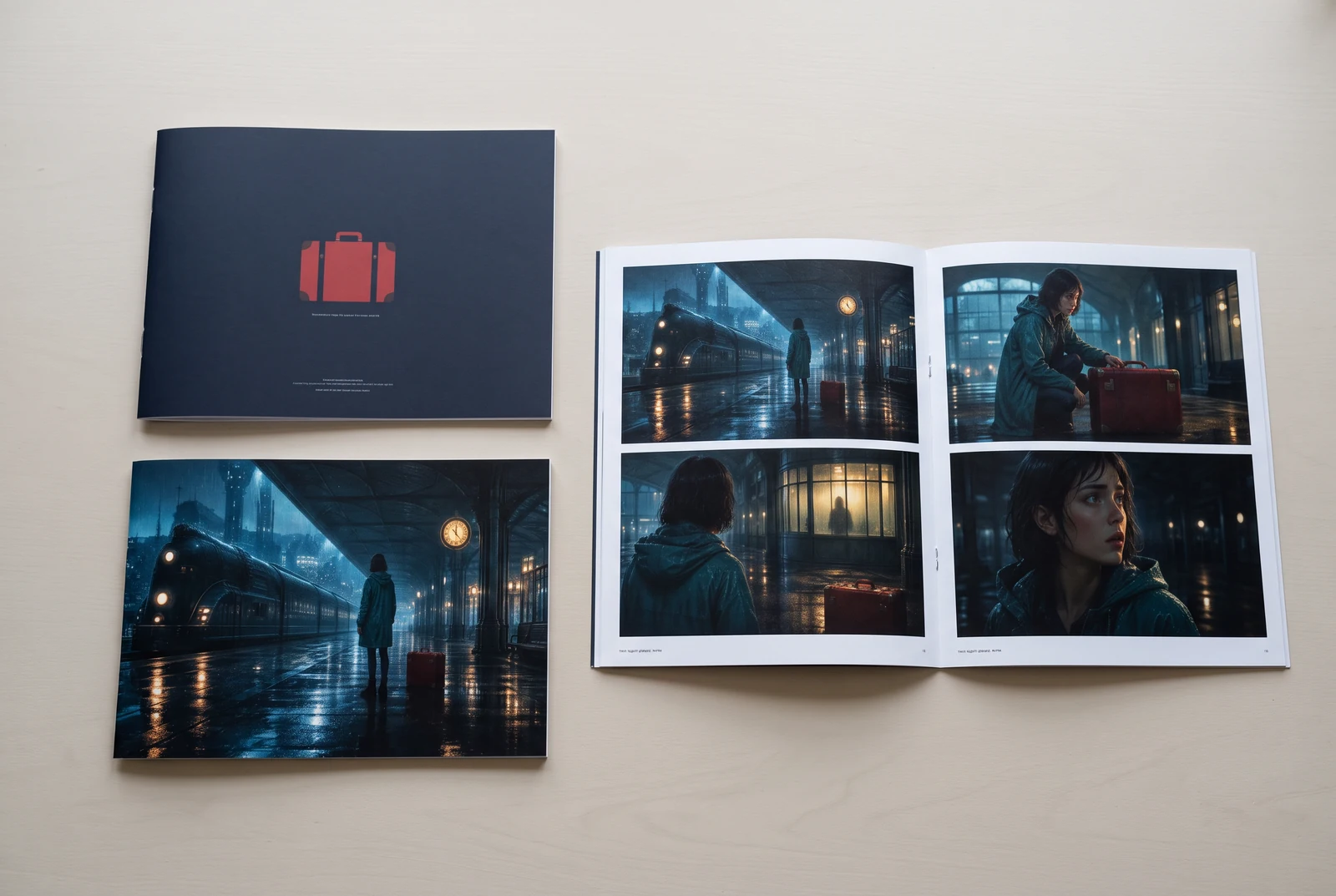
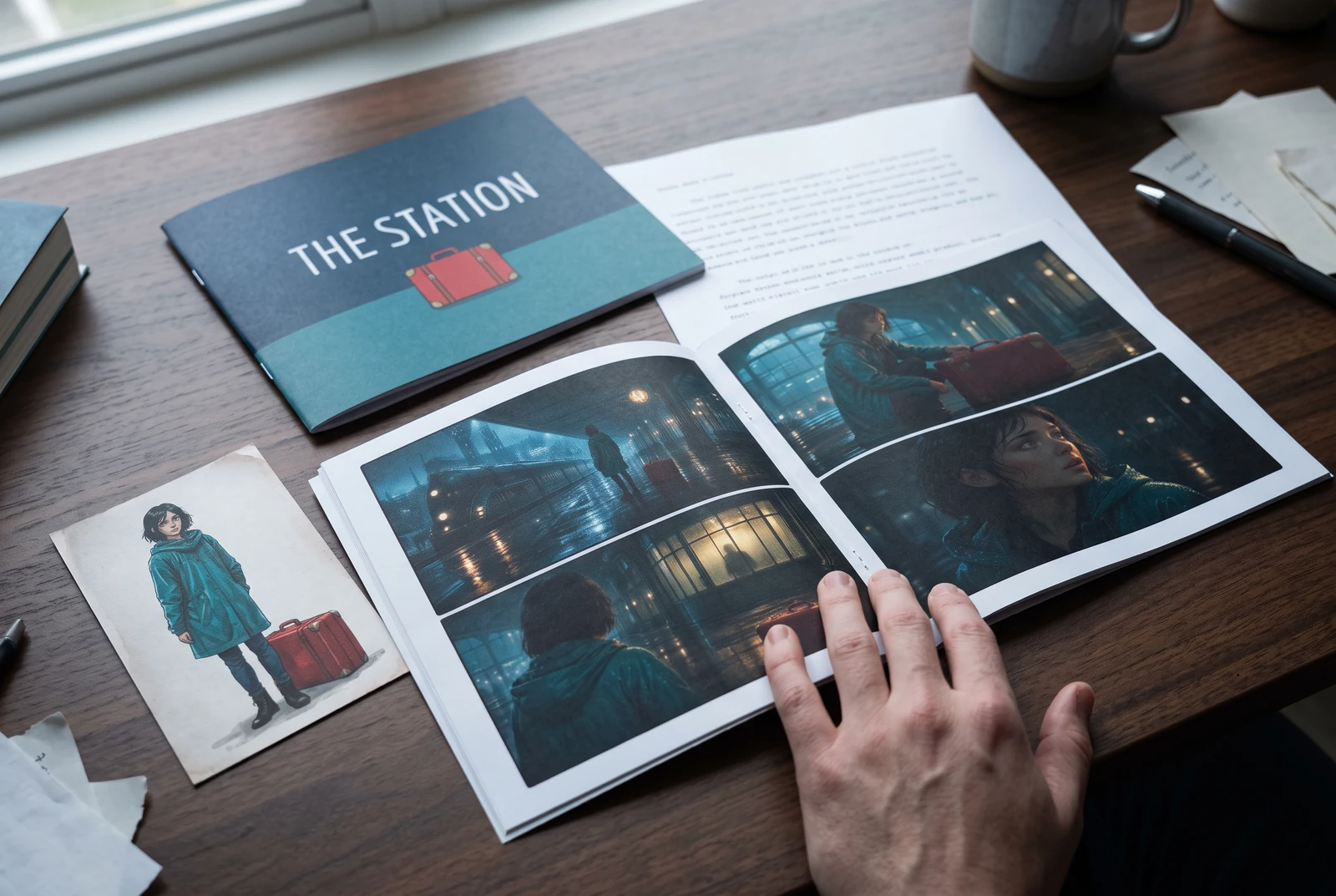
AI-generated display concepts using original LlamaGen story art. Paper examples illustrate personal printing and reading; they are not customer photographs or a print-delivery offer.
Test a premise, change the point of view, or work through the opening of a short story.
Draft scene beats and dialogue before planning comic panels or storyboard shots.
Create writing prompts and sample narratives. Review the output and follow your classroom or team's AI rules.
Describe a protagonist, setting, goal, and obstacle. Choose a tone and output language in your prompt.
Select Generate story. The result is a draft to review; one response is not a complete book.
Check the voice, facts, and continuity. Continue the next scene or rewrite the opening. Copy a version before replacing it.
Download the text or copy it into Story. Adapt approved beats into a storyboard or comic in a separate workflow.
AI can invent facts, repeat familiar phrasing, or lose track of a character. Review every draft before sharing it. Follow LlamaGen's terms and your school or workplace rules; check third-party material before publishing.
Es una herramienta basada en navegador que convierte tus ideas en historias estructuradas usando IA. Ingresa un prompt y obtén un borrador con trama, personajes, diálogos, momentos clave y dirección visual para ficción, cómics, escritura para clase, videos o novelas visuales.
Un buen prompt incluye tu idea de historia, género y tono. Por ejemplo: 'Una bruja solitaria abre una cafetería en el bosque' con un ambiente cálido y slice of life. Mientras más clara sea tu idea, mejor quedará tu historia. Incluye detalles específicos sobre personajes, escenario, tono emocional y cualquier punto clave de la trama que quieras.
Puedes editar o ampliar la historia, o usarla como base para crear viñetas de cómic o escenas de novela visual con ilustraciones, layouts y diálogos usando nuestras herramientas. Muchos creadores usan las historias generadas como guiones para desarrollar composiciones de paneles, expresiones de personajes y flujo visual.
Ahorra tiempo, despierta la creatividad y ayuda a escritores de todos los niveles a superar bloqueos. Ya sea que estés creando ficción, un cómic, una novela visual, un prompt para clase o un guion de video, te da un punto de partida rápido con una estructura narrativa que normalmente tomaría horas desarrollar.
Puedes usar los borradores que generes para proyectos personales o comerciales legales bajo los términos de LlamaGen. La generación no otorga derechos exclusivos, y el texto de IA puede parecerse a trabajos existentes. Revisa el resultado y busca asesoría legal local antes de publicar un libro o una campaña.
Puedes generar un primer borrador en esta página sin comprar software de escritura. Al iniciar sesión se desbloquean Story, el historial guardado, storyboard, cómic y flujos de video, que usan los créditos de tu plan.
La herramienta admite prompts de historia flexibles en romance, fantasía, horror, drama, comedia, vida escolar y géneros experimentales. No fuerza tu idea en una sola plantilla genérica, y al mismo tiempo mantiene la generación dentro de las reglas de seguridad de la plataforma.
Puedes seguir generando nuevos borradores, finales alternativos, giros de trama, arcos de personajes y versiones de escenas mientras exploras. Los proyectos largos, el historial guardado y la producción visual usan tu cuenta y los créditos de tu plan.
La mayoría de las historias se generan en 5 a 10 segundos, dependiendo de la complejidad y la extensión. Nuestra IA procesa tu prompt casi al instante, así que puedes iterar rápido y explorar varias direcciones narrativas en minutos.
Compatibilidad con todos los géneros principales, incluyendo romance juvenil, fantasía urbana, superhéroes, ciencia ficción, horror, misterio, slice of life, acción, sobrenatural, comedia, drama, histórico y más. Solo especifica tu género preferido en el prompt.
Puedes generar un primer borrador en esta página sin crear una cuenta. Al iniciar sesión se desbloquean Story, el historial entre sesiones, storyboard, cómic y flujos de video, que usan los créditos de tu plan.
Actualmente, los prompts en inglés producen los borradores más confiables. Aun así, puedes escribir una premisa en otro idioma; revisa el resultado con cuidado y sigue editando en Story.
LlamaGen builds tools for writing, comics, and storyboards. Explore the team and product, check plan details, or contact support before choosing a workflow.
Write a premise. Explore an opening. Decide what happens next.
Generate story