Best AI Pixel Art Generators in 2026: LlamaGen.AI PixelBox, Sprite AI, PixelLab, SeaArt and More
Autor Monica · Updated July 17th, 2026
We independently review every app we recommend.
Best AI Pixel Art Generators in 2026: LlamaGen PixelBox, Sprite AI, PixelLab, SeaArt and More
The best AI pixel art generator depends on the deliverable: choose LlamaGen PixelBox for character-to-sprite workflows, Sprite AI or PixelLab for game-focused sprite variants, and Aseprite or LibreSprite for final manual cleanup. Production-ready pixel art still requires testing at the target resolution, palette review, consistent animation frames, transparent exports, and a licensing check.
Pixel art is having a very strange second golden age.
It still looks retro. It still depends on readable silhouettes, limited palettes, clean grids, tiny gestures, and that magical "one pixel changes everything" discipline. But in 2026, the workflow around pixel art has changed completely.
You no longer have to draw every idle frame, attack pose, item icon, tile, background, and NPC variation from scratch. AI pixel art generators can now help with first drafts, sprite concepts, image-to-pixel conversion, animation previews, palette exploration, and even export-ready sprite sheets.
That does not mean AI replaces pixel artists. For polished hero characters, final animation frames, commercial games, and distinctive art direction, human cleanup still matters. But for prototypes, game jams, placeholder assets, indie RPGs, pitch decks, web games, and fast iteration, AI pixel art tools can save a painful amount of time.
This guide compares the best AI pixel art generators in 2026, including LlamaGen PixelBox, Sprite AI, PixelLab, SeaArt, OpenArt, Adobe Firefly, DeepAI, Perchance, AI Pixel Art Generator, Pixelicious, Pixel It, Aseprite, Piskel, Pixilart, GraphicsGale, and LibreSprite.
Quick Answer: What Is the Best AI Pixel Art Generator in 2026?
The best AI pixel art generator depends on what you are making.
Use Case
Best Tool
Best overall for character-to-pixel sprites and animation sheets
For most serious pixel art workflows, the best answer is not one tool. It is a stack:
Generate or convert the first pixel direction with AI.
Keep the strongest silhouette and palette.
Edit the final frames manually in a pixel editor.
Export clean sprite sheets.
Test at actual game size before shipping.
Why AI Pixel Art Needs Different Rules Than Normal AI Art
Most AI image generators are built for large illustrations. That is a problem for pixel art.
A beautiful 1024x1024 fantasy character is not automatically useful as a 32x32 RPG sprite. Pixel art has stricter constraints:
the silhouette must read at small size,
the palette must stay controlled,
the grid must feel intentional,
every frame must match the same style,
animation poses must stay consistent,
transparency and background removal matter,
exports must work in a game engine,
tiny details often hurt more than they help.
That is why the best AI pixel art tools in 2026 are not just "AI art tools with a pixel style." The strongest options understand sprites, sprite sheets, animation cycles, tilemaps, pixel density, and game asset handoff.
What Makes a Great AI Pixel Art Generator?
A useful AI pixel art generator should be evaluated by production criteria, not only image quality.
Criterion
Why It Matters
True pixel readability
The output must look good at 1x, 2x, and actual in-game scale.
Sprite size control
Game assets often need 16x16, 24x24, 32x32, 48x48, 64x64, or 128x128 outputs.
Character consistency
Idle, walk, run, attack, jump, and death frames should still look like the same character.
Sprite sheet export
Developers need PNG sprite sheets, GIF previews, atlases, or transparent assets.
Animation support
A single sprite is useful; animated cycles are much more useful.
Palette control
Pixel art often depends on limited palettes and consistent color ramps.
Manual editing
AI drafts still need cleanup, especially for hero characters.
Game engine handoff
Unity, Godot, GameMaker, RPG Maker, and web games need predictable asset formats.
Commercial rights
Game assets, Steam releases, mobile apps, client work, and marketplaces require clear terms.
Best AI Pixel Art Generators in 2026
1. LlamaGen PixelBox -- Best Overall for Character-to-Pixel Sprites and Animation Sheets
Best for: indie developers, game jams, RPG makers, web games, prototypes, pixel character animation, sprite sheets, and creators who want to convert character concepts into playable pixel assets.
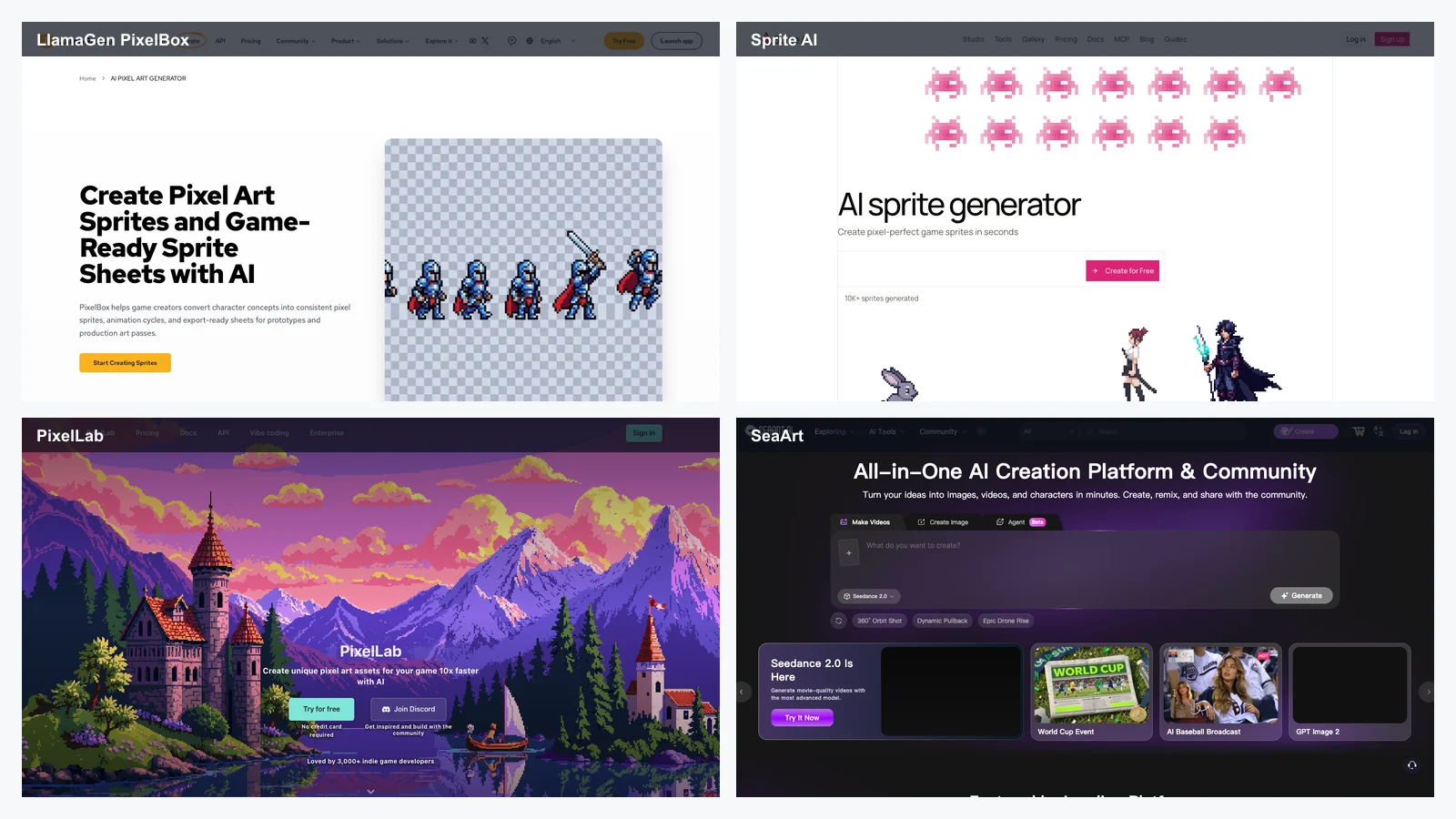
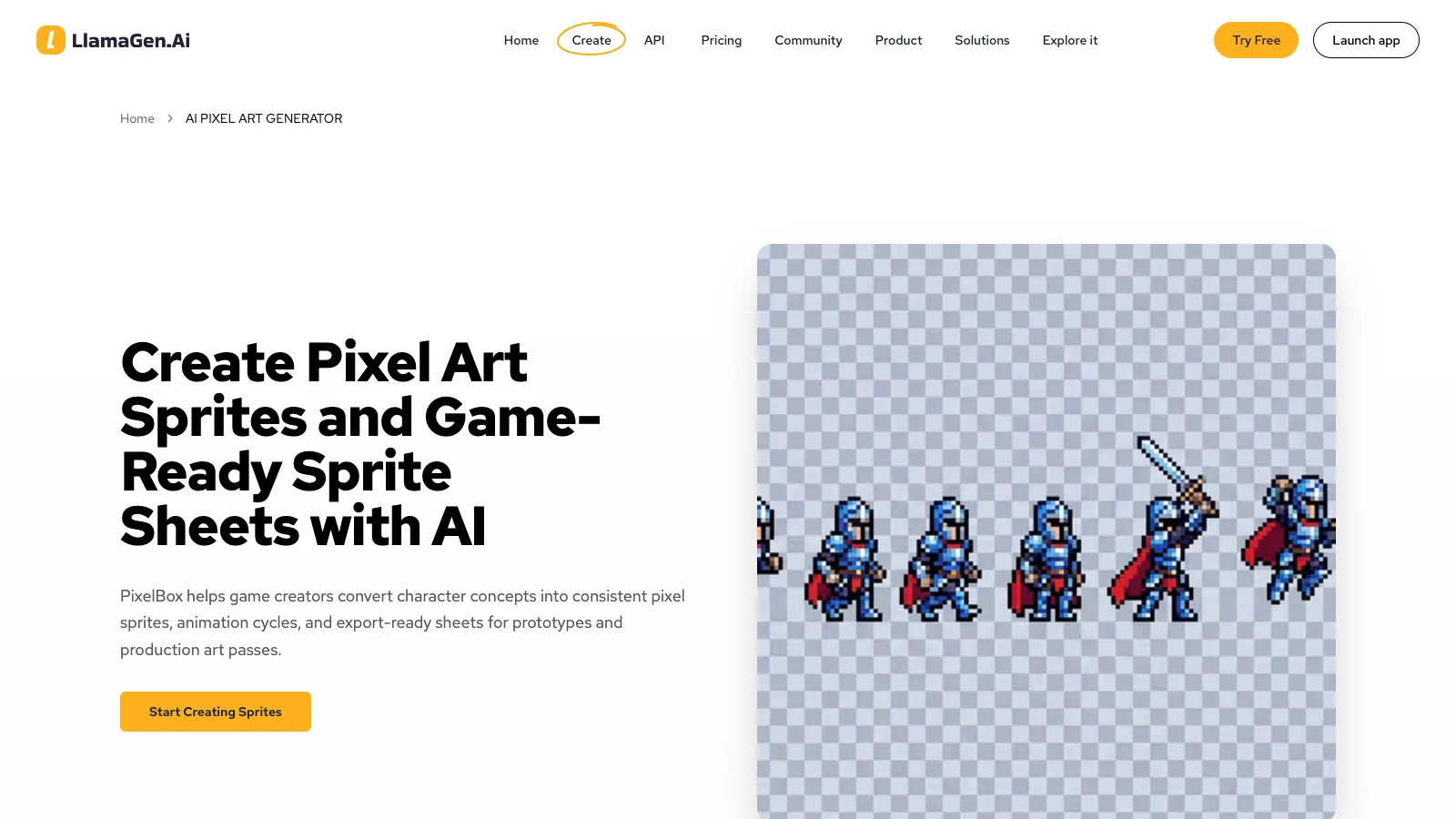
LlamaGen PixelBox is the best overall choice if your main goal is to turn a character concept into pixel sprites and animation sheets.
Many AI image tools can make a pixel-style picture. PixelBox is more specific: it is built around the workflow of converting a character drawing, sketch, or image into pixel sprites, animation cycles, GIF previews, and PNG sprite sheets.
That difference matters. If you are building a game, you usually do not need one pretty image. You need a character that can idle, walk, run, attack, jump, die, and still look consistent.
Why LlamaGen PixelBox stands out
Use LlamaGen PixelBox when you need:
character image to pixel sprite conversion,
consistent pixel sprites,
animation cycle generation,
idle, walk, run, attack, jump, and dying actions,
GIF previews,
PNG sprite sheet export,
fast prototyping,
indie game asset direction,
pixel character reads before manual polish,
game-ready handoff for Unity, Godot, GameMaker, web games, and playable demos.
Best workflow
Start with a strong character concept. The input matters.
A clean character image with clear pose, costume, silhouette, and simple background will usually work better than a cluttered illustration.
Input concept:
A small fantasy rogue with a green hood, short cape, leather boots, silver dagger, and sharp triangular silhouette.

Sprite goal:
32x32 RPG character, readable at 1x scale, idle and run animation, transparent background, limited green-brown palette.
Then use PixelBox to generate the sprite direction and animation sheet. After that, open the exported PNG sprite sheet in Aseprite, Piskel, Photoshop, or another editor for frame-level cleanup.
Where PixelBox fits in the LlamaGen ecosystem
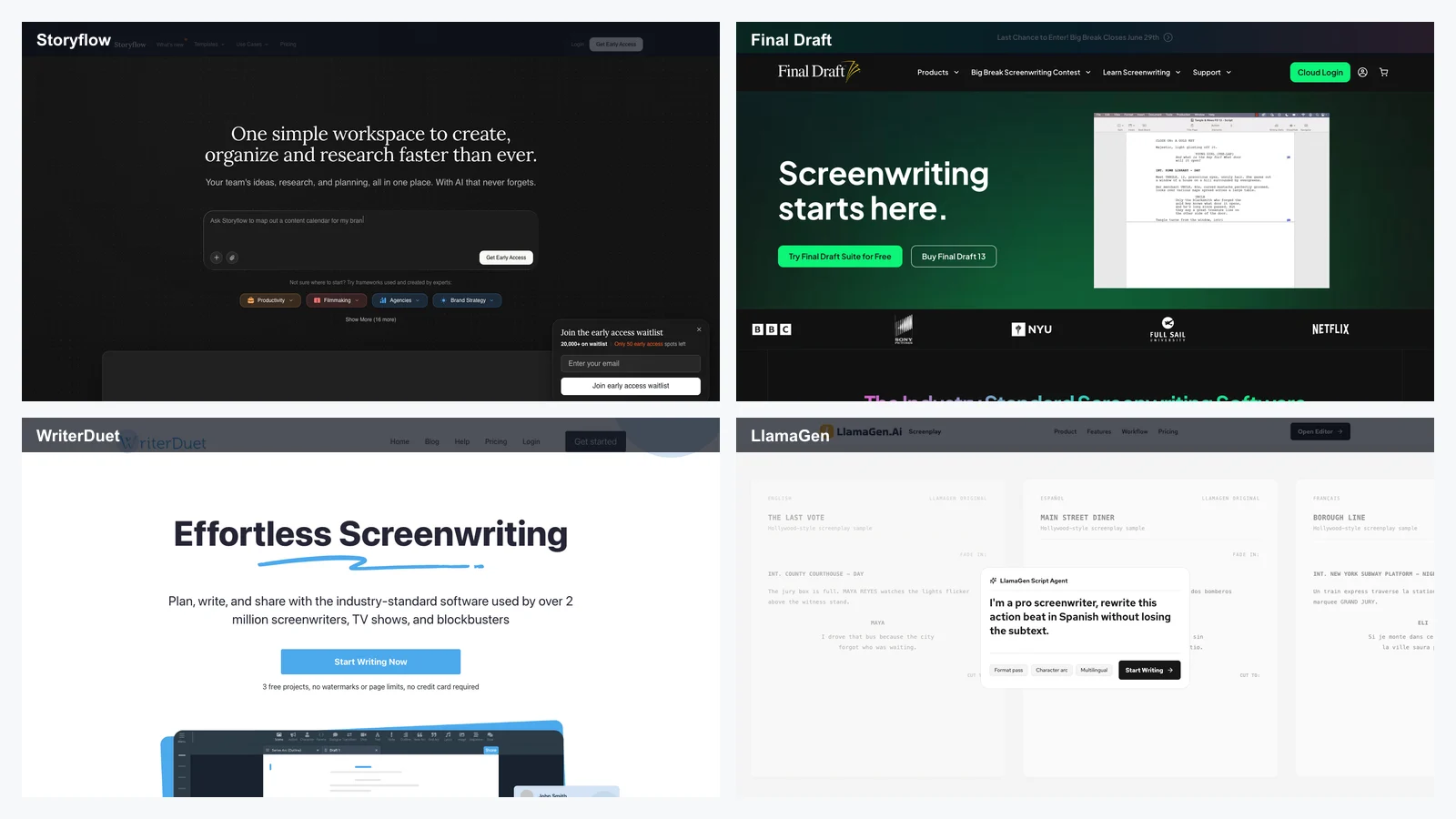
PixelBox is especially useful if you are already using LlamaGen for character design, comics, manga, or story worlds.
This makes LlamaGen more than a one-off pixel image generator. It can support a story-to-character-to-sprite workflow.
Watch out for
PixelBox is strongest for generating sprite directions and animation sheets quickly. For final commercial game art, still review every frame manually. Check silhouette, contact points, palette consistency, frame timing, transparency, and engine import settings.
2. Sprite AI -- Best for Game-Ready AI Sprites with Built-In Editing
Best for: game developers who need fast sprite generation, built-in editing, animation, palette tools, background removal, and export formats.
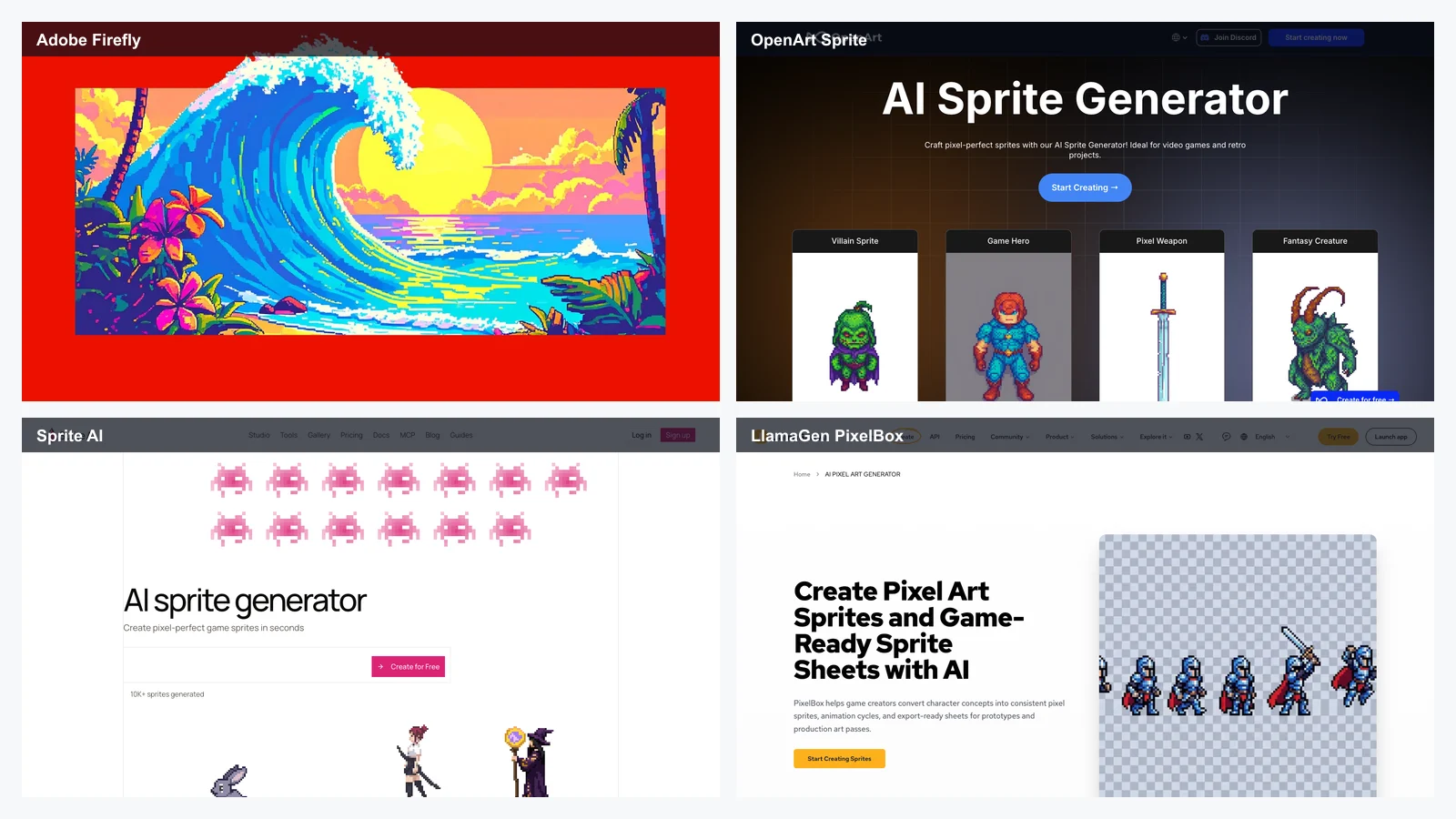
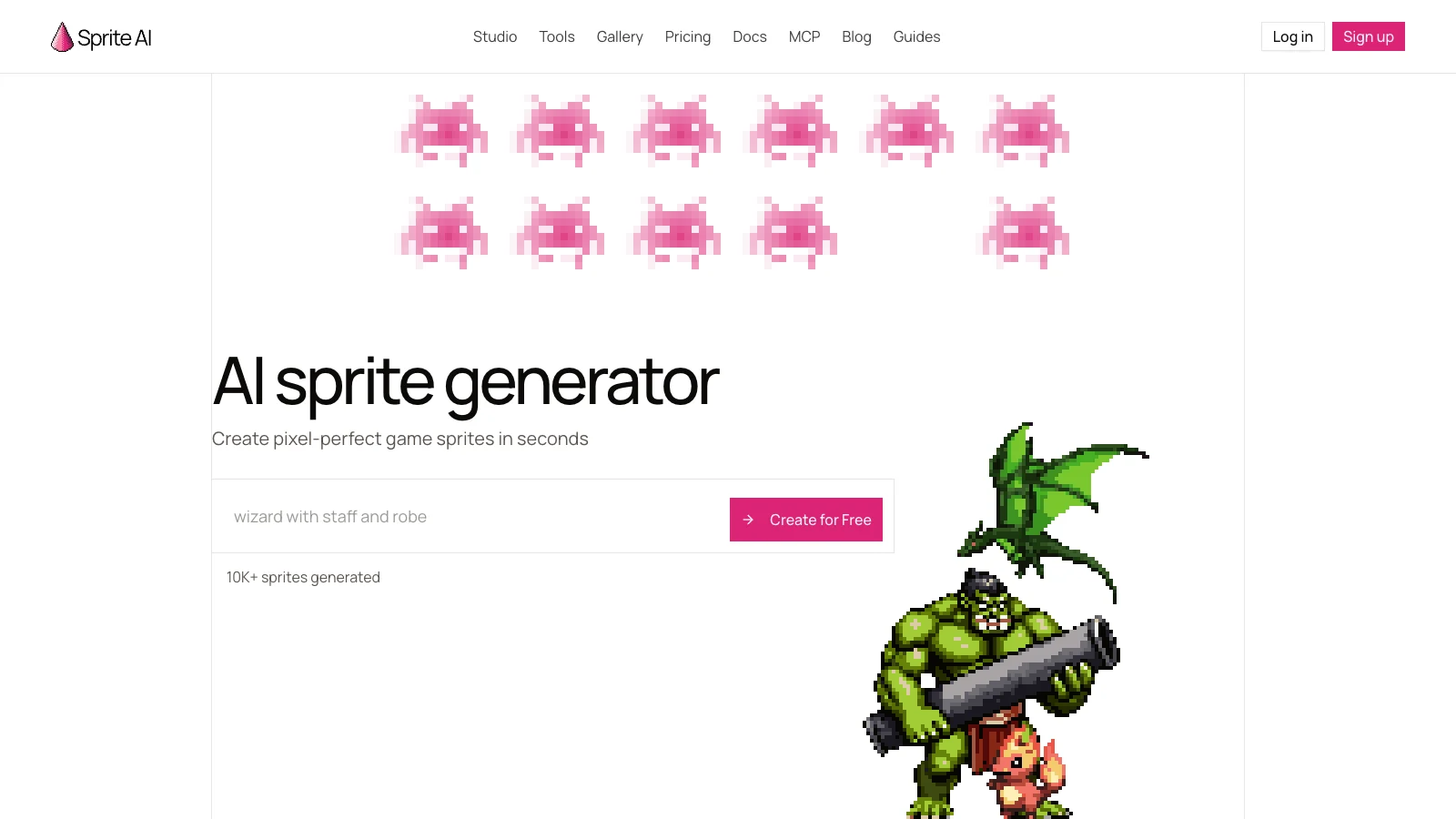
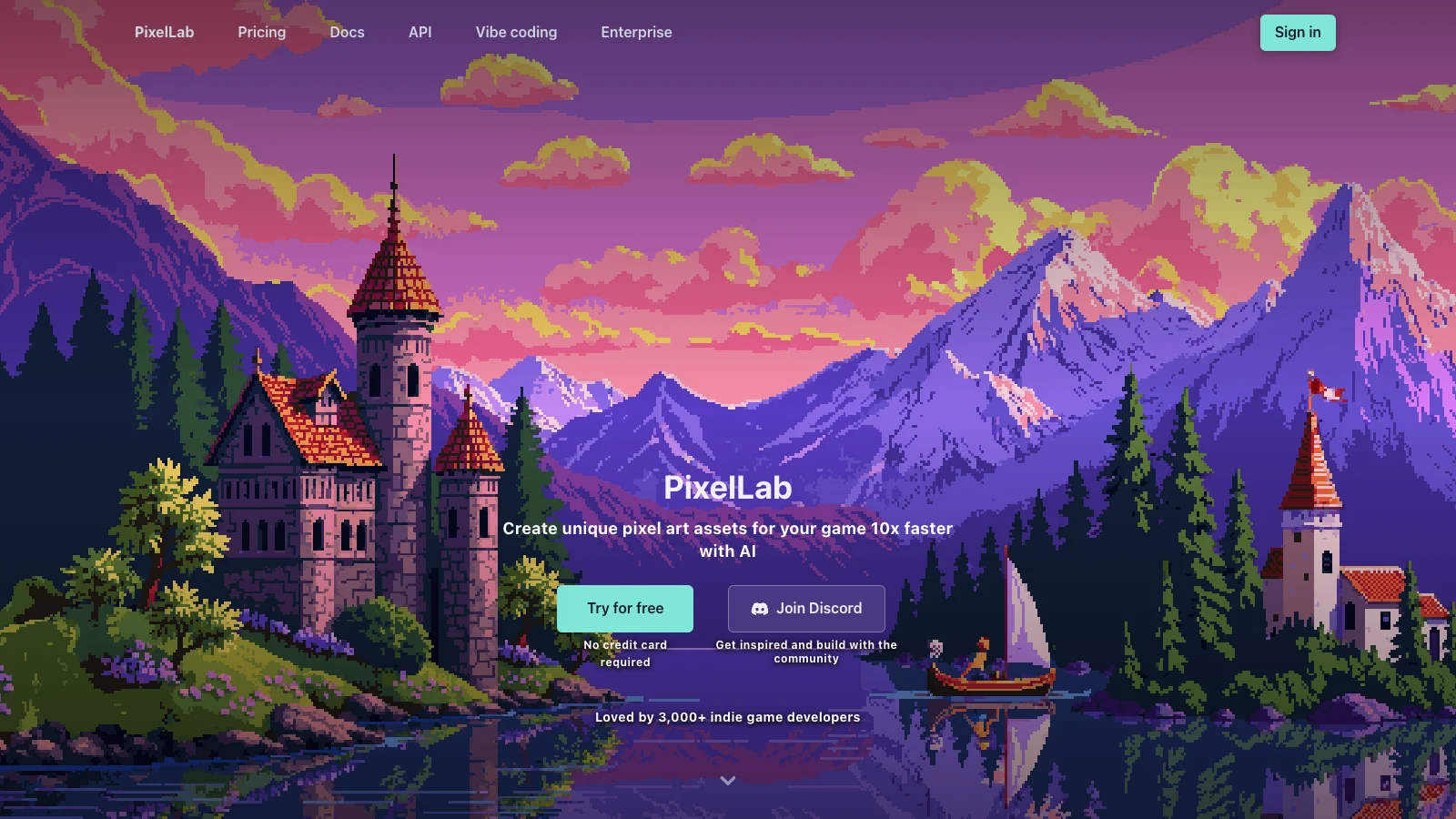
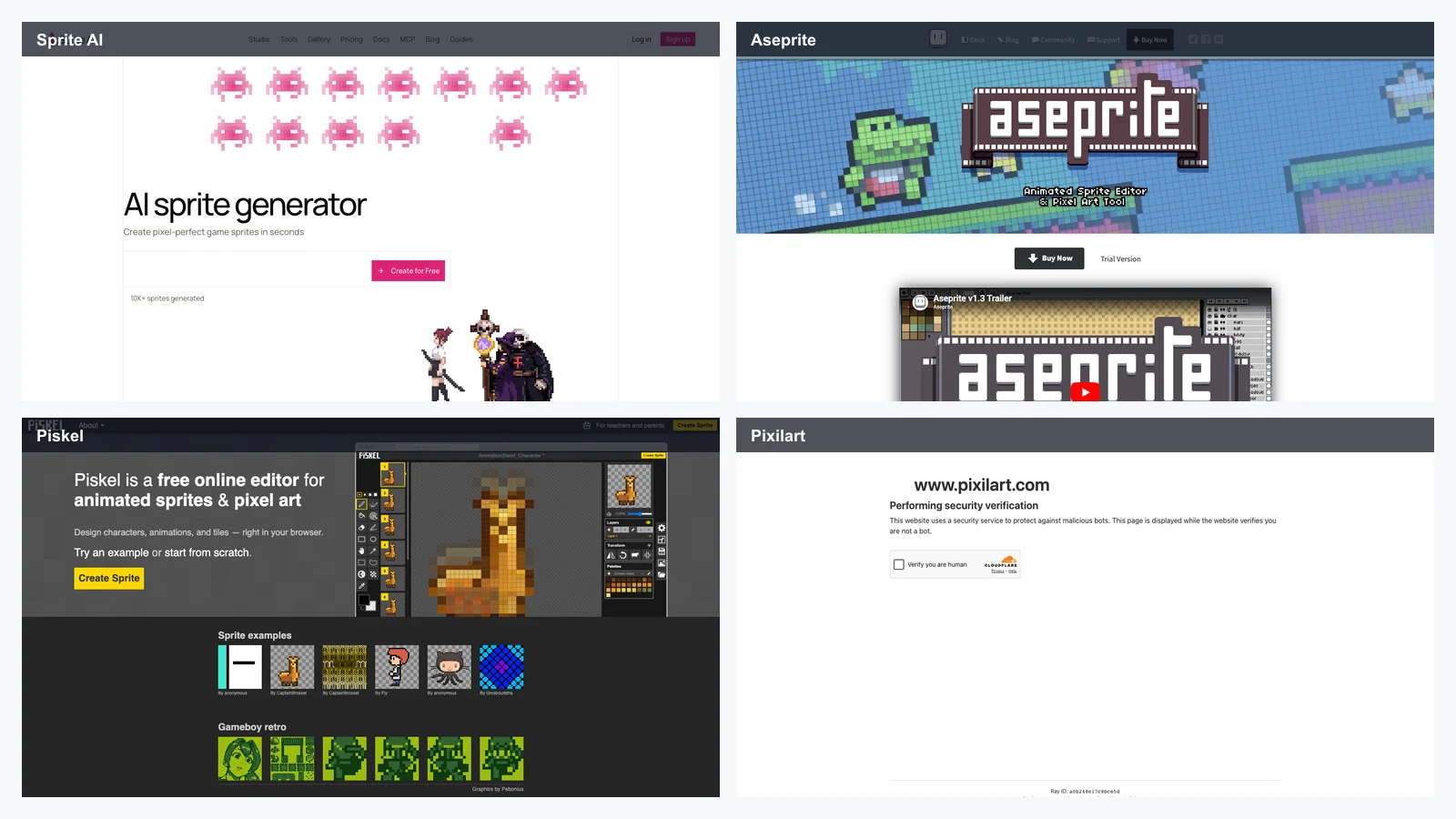
Sprite AI is one of the most game-focused tools in this category. It is designed around the practical problem that many AI art tools generate large images when game developers actually need small, clean sprites.
Sprite AI supports game-ready sprite sizes, a browser-based pixel editor, animation tools, palette transfer, background removal, guided character generation, and exports such as PNG, sprite sheet, GIF, atlas, and SVG.
Why Sprite AI is useful
Use Sprite AI when you need:
game-ready pixel sprites,
small sprite sizes,
built-in pixel editing,
animation generation,
walk, run, idle, and attack cycles,
palette transfer,
background removal,
sprite sheet export,
fast game jam production,
browser-based asset creation.
Best workflow
Generate multiple variations, keep the sprite with the clearest silhouette, then refine it in the built-in editor or export to Aseprite for more precise cleanup.
Watch out for
Like most AI tools, not every prompt will land on the first try. Generate multiple directions and evaluate them at real game scale, not only in the preview window.
3. PixelLab -- Best for Isometric Sprites, Directional Variants, and Game Asset Sets
Best for: top-down RPGs, isometric games, pixel characters, directional rotations, tilesets, maps, UI assets, and indie game production.
PixelLab is one of the strongest AI pixel art tools for game developers because it focuses on asset production rather than only single-image generation.
It is especially useful for isometric and top-down workflows. One of its most important advantages is directional character generation, including 4-direction and 8-direction variants.
Anyone who has drawn an 8-direction walk cycle by hand knows how much time that can save.
Why PixelLab is useful
Use PixelLab when you need:
pixel art game assets,
character sprites,
4-direction or 8-direction character rotation,
isometric assets,
tilesets,
game maps,
textures,
UI elements,
environment generation,
style-consistent editing,
inpainting and asset refinement.
Best workflow
Use PixelLab when your game needs more than one hero sprite. It is especially useful for building a consistent set of characters, environments, tiles, and UI pieces.
Watch out for
If you want full manual pixel-level editing inside the same workflow, you may still need to export assets into Aseprite, Piskel, or another pixel editor.
4. SeaArt -- Best General AI Art Platform for Text-to-Pixel and Image-to-Pixel Experiments
Best for: creators who want a broad AI art platform with pixel art models, text-to-image generation, image filters, community discovery, and quick visual experimentation.
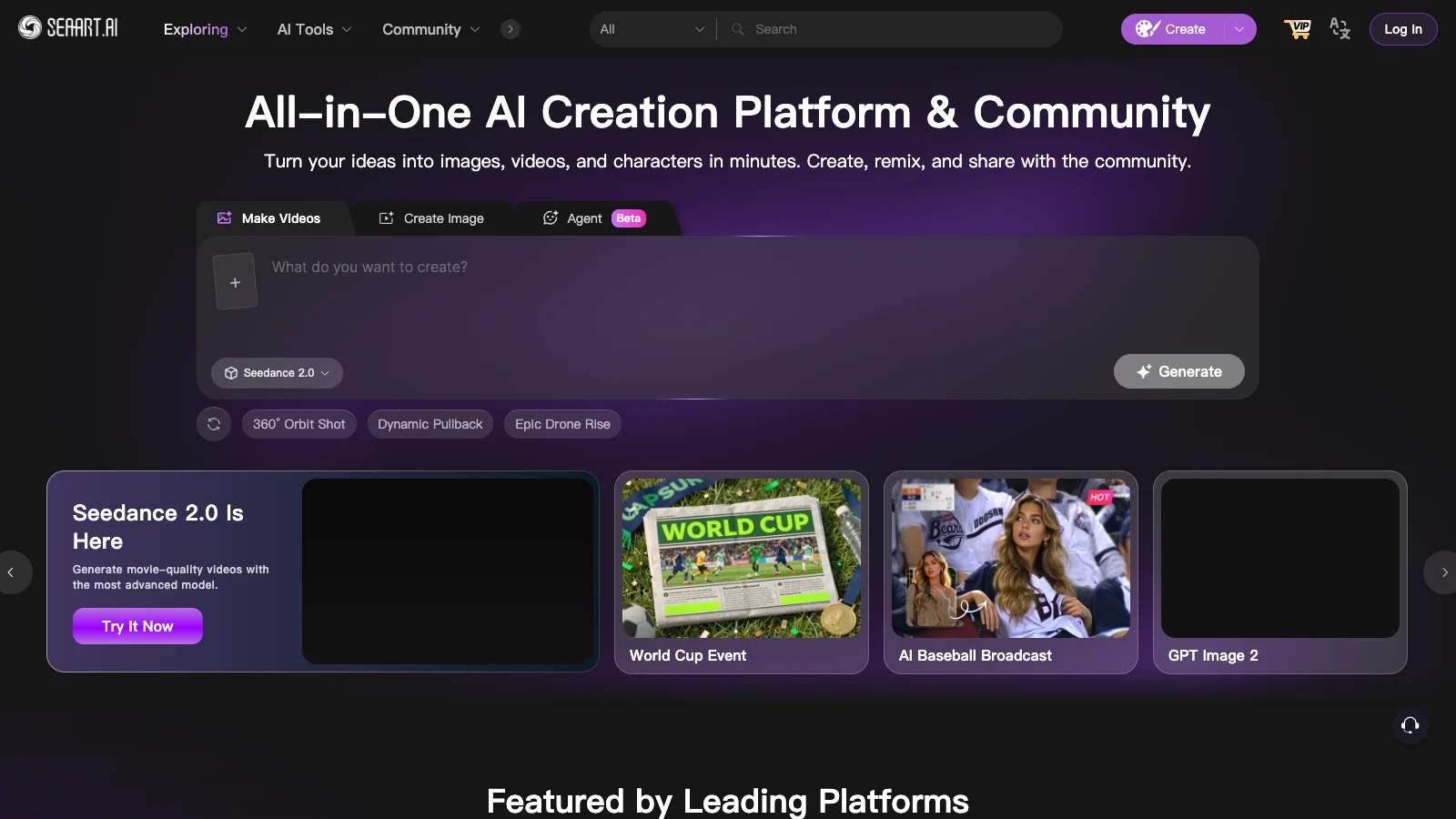
SeaArt is a broader AI image platform rather than a dedicated sprite production tool. Its pixel art workflow is useful for creators who want to experiment with different pixel styles, search models, generate text-to-pixel images, or apply pixel-style filters to uploaded images.
SeaArt is especially useful when you are exploring the visual direction of a project before committing to a strict game asset pipeline.
Why SeaArt is useful
Use SeaArt for:
text-to-pixel art,
image-to-pixel art filters,
profile pictures,
pixel-style illustrations,
retro posters,
community model discovery,
experimenting with different AI styles,
quick social media visuals,
non-game pixel art.
Best workflow
Search for pixel-related models, test a few style directions, generate multiple images, then keep the best output as concept art or convert it into a more controlled sprite workflow.
Watch out for
SeaArt is flexible, but it is not primarily a sprite sheet production tool. If you need animation cycles, exact game-ready dimensions, transparent sprite sheets, and engine handoff, use PixelBox, Sprite AI, PixelLab, or a manual pixel editor afterward.
5. OpenArt -- Best General AI Platform for Pixel-Style Sprites and Visual Concepts
Best for: creators who need pixel-style characters, props, icons, creatures, and visual concepts inside a broader AI art workflow.
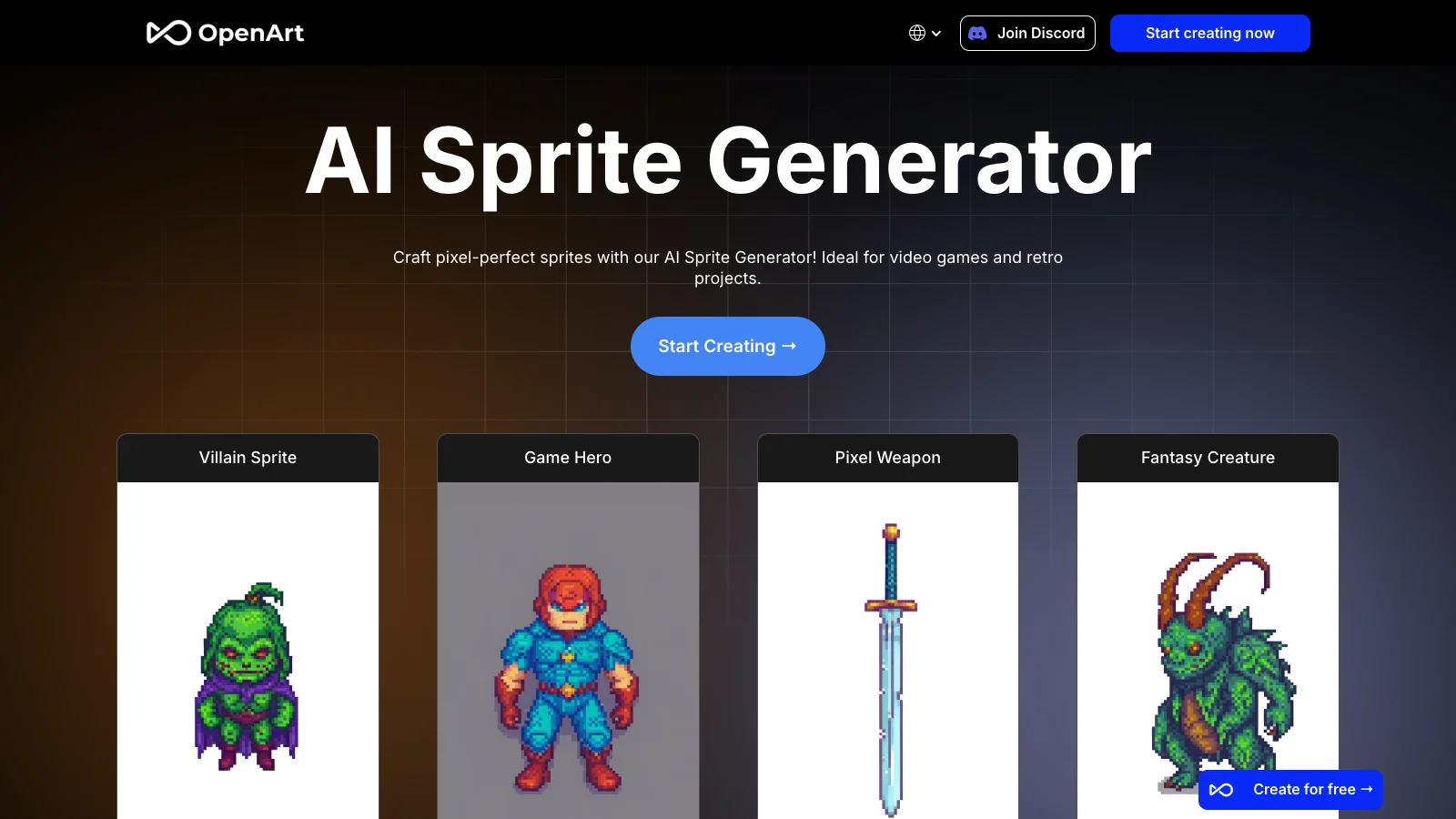
OpenArt AI Sprite Generator is useful when you want prompt-based sprite or pixel-style visuals without committing to a dedicated pixel art production pipeline.
It is especially useful for visual ideation.
Why OpenArt is useful
Use OpenArt for:
sprite concepts,
pixel-style characters,
fantasy creatures,
villain sprites,
item icons,
retro art prompts,
general AI image generation,
mood boards,
design exploration.
Watch out for
OpenArt is a general AI art platform. For final game assets, you may need cleanup, resizing, background removal, palette correction, and sprite sheet assembly.
6. Adobe Firefly -- Best for Commercial-Friendly Pixel-Style Marketing Art
Best for: creators already using Adobe tools, commercial visual work, marketing graphics, concept art, and image-to-pixel style transformations.
Adobe Firefly can generate pixel-style images from text or image references. It is especially relevant for users who care about Adobe ecosystem workflows and commercial safety.
Firefly is best treated as a pixel-style image generator rather than a dedicated in-game sprite tool.
Why Adobe Firefly is useful
Use Firefly for:
pixel-style posters,
promotional images,
social graphics,
concept art,
marketing visuals,
Adobe Creative Cloud workflows,
image reference transformations.
Watch out for
Firefly is not ideal when you need exact 16x16, 32x32, or 64x64 sprite assets. For game sprites, use a tool focused on small pixel dimensions or finish the asset manually.
7. DeepAI Pixel Art Generator -- Best Simple Prompt-Based Pixel Art Tool
Best for: quick experiments, simple text prompts, hobby projects, placeholder visuals, and fast pixel-style images.
DeepAI Pixel Art Generator is one of the simplest tools in this space. You describe what you want, choose a style, and generate an output.
Why DeepAI is useful
Use DeepAI for:
quick prompt tests,
casual pixel images,
placeholder visuals,
simple character or object concepts,
fast experimentation.
Watch out for
Quality can be inconsistent. Use it for ideation or placeholders rather than final game assets.
8. Perchance -- Best Lightweight Free Pixel Art Prompt Tool
Best for: users who want a simple, free, browser-based tool for casual AI pixel art experiments.
Perchance is useful because it is lightweight and easy to access. It is a good option when you want to quickly test an idea without setting up a complex creative workflow.
Why Perchance is useful
Use Perchance for:
free pixel art experiments,
quick prompt tests,
hobby projects,
simple illustrations,
idea generation.
Watch out for
It is not a professional sprite production pipeline. Use it for brainstorming, then move promising outputs into a real pixel editor or sprite workflow.
9. AI Pixel Art Generator -- Best Simple Dedicated Pixel Style Generator
Best for: simple prompt-based pixel art, isometric or non-isometric styles, and creators who want a dedicated pixel art page without complex settings.
AI Pixel Art Generator is a focused tool for generating pixel-style images with simple prompts. It is useful if you want a straightforward experience without navigating a large AI art platform.
Why it is useful
Use it for:
simple pixel art prompts,
retro images,
isometric experiments,
non-isometric pixel scenes,
small creative tests.
Watch out for
For production sprites, evaluate whether the output has consistent size, transparency, palette control, and animation support.
10. Pixelicious -- Best Image-to-Pixel Converter
Best for: converting existing images into pixel art, adjusting palette, grid size, and pixelated style.
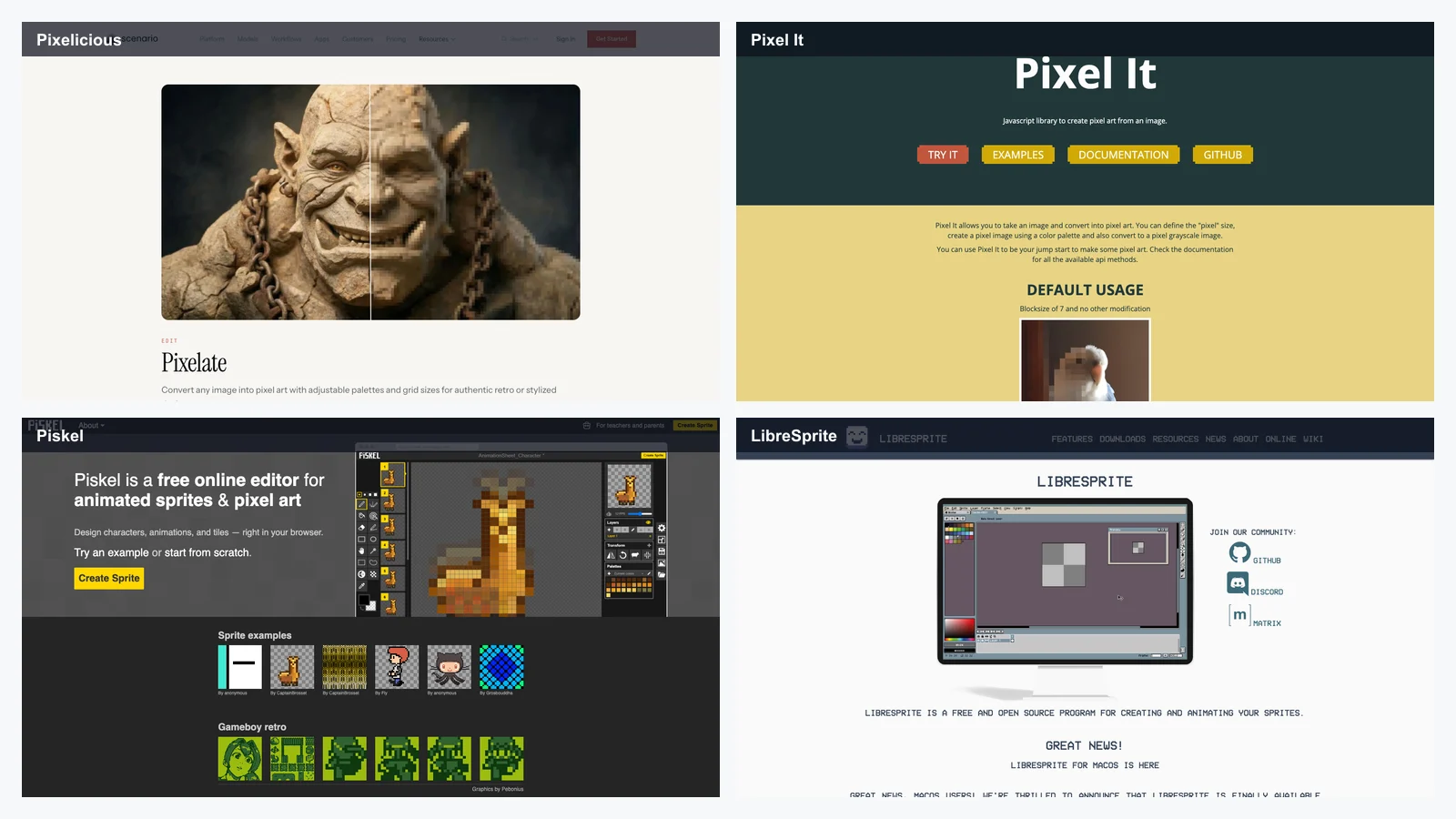
Pixelicious is not mainly a text-to-image AI generator. It is better understood as an image-to-pixel converter. Upload an image, adjust settings, and turn it into pixel art.
Why Pixelicious is useful
Use Pixelicious for:
image-to-pixel conversion,
profile image pixelation,
concept image simplification,
palette exploration,
quick retro transformations,
converting art references into pixel style.
Best workflow
Start with a clean image, reduce unnecessary detail, choose a pixel size and palette, then export and refine manually.
Watch out for
Image converters can produce noisy or muddy pixel art if the input is too detailed. Simple shapes work best.
11. Pixel It -- Best Free Browser Tool for Image Pixelation
Best for: quick browser-based image pixelation, palette experiments, grayscale conversion, and adjustable block size.
Pixel It is a simple and useful browser tool for converting images into pixelated versions. It gives you direct control over block size and palette-style effects.
Why Pixel It is useful
Use Pixel It for:
free image pixelation,
real-time preview,
block size adjustment,
grayscale pixel effects,
palette experiments,
quick browser workflows.
Watch out for
Pixel It is an image converter, not a complete sprite animation tool. Use it for static images and experiments.
Best Manual Pixel Art Editors to Pair with AI
AI can generate the first draft, but manual pixel art editors still matter. In many workflows, the best approach is:
AI generation -> select best output -> manual cleanup -> animation polish -> sprite sheet export -> engine test
12. Aseprite -- Best Manual Pixel Art Editor
Best for: serious pixel artists, indie game developers, sprite animation, palette control, tilemaps, onion skinning, and final asset polish.
Aseprite is one of the most important tools in pixel art. It is not an AI generator, but it is often where AI-generated sprites become production-ready assets.
Why Aseprite is useful
Use Aseprite for:
frame-by-frame sprite editing,
animation timelines,
onion skinning,
palette management,
tilemaps,
sprite sheets,
game-ready exports,
final polish.
Watch out for
Aseprite requires manual skill. But if you are serious about pixel art, this is a tool you will probably use sooner or later.
13. Piskel -- Best Free Browser-Based Pixel Editor
Best for: beginners, students, quick sprite edits, browser workflows, and simple animations.
Piskel is free, browser-based, and easy to start using. It is a good companion tool for AI-generated pixel art because you can quickly clean frames or preview simple animations.
Why Piskel is useful
Use Piskel for:
free sprite editing,
browser-based pixel art,
simple animation preview,
beginner practice,
quick frame fixes,
no-install workflows.
Watch out for
Piskel is simpler than Aseprite. For advanced palette work, scripting, layered production, or professional animation workflows, Aseprite may be stronger.
14. Pixilart -- Best Pixel Editor with Community Features
Best for: learning pixel art, sharing work, joining challenges, getting feedback, and practicing in a social environment.
Pixilart combines a pixel art editor with a community. This makes it useful for beginners who need motivation and feedback, not only tools.
Why Pixilart is useful
Use Pixilart for:
drawing pixel art,
sharing artwork,
community challenges,
feedback,
learning,
social discovery.
Watch out for
Community platforms can be distracting. Use them for learning and practice, but keep your production files organized outside the platform.
15. GraphicsGale and LibreSprite -- Best Free Desktop Alternatives
Best for: creators who want free desktop pixel art editors and lightweight manual tools.
GraphicsGale and LibreSprite are useful free alternatives for manual pixel work. GraphicsGale is older and Windows-focused, while LibreSprite is an open-source Aseprite-style editor.
Why they are useful
Use them for:
free desktop pixel editing,
sprite cleanup,
lightweight workflows,
frame editing,
animation practice.
Watch out for
They may feel less polished or less actively modern than Aseprite, but they can still be useful for budget-conscious creators.
LlamaGen or Sprite AI for sprite direction
-> PixelLab for isometric or asset sets
-> Aseprite for final frame cleanup
-> Unity, Godot, GameMaker, or RPG Maker for testing
Generate a simple idea with AI
-> redraw or clean it in Piskel
-> test animation with 3 or 4 frames
-> export a GIF
For serious pixel artists
Choose Aseprite and use AI only for references, idea generation, or non-hero assets.
For hero characters, manual art direction still wins.
Recommended AI Pixel Art Workflow for 2026
The most reliable workflow combines AI speed with manual control.
Step 1: Decide the asset type
Do not start by asking for "pixel art." Start by naming the asset.
Asset type: 32x32 side-view player character
Game type: Cozy platformer
Actions needed: idle, run, jump
Palette: warm autumn colors
Background: transparent
Export: PNG sprite sheet
A pixel icon, RPG character, platformer hero, isometric tree, UI button, boss enemy, and animated attack all need different prompts.
Step 2: Create or choose a character concept
If your sprite is based on a recurring character, lock the design first.
Use a character sheet, concept image, or clean reference.
Character:
A tiny mushroom knight with a red cap helmet, wooden shield, short sword, round body, tiny boots, and friendly expression.

Fixed traits:
red mushroom cap
round body
wooden shield
short sword
tiny boots
friendly silhouette
This is where LlamaGen is useful. You can generate the character concept first, then convert it into pixel sprites with PixelBox.
Step 3: Generate the first sprite direction
Use a tool like LlamaGen PixelBox, Sprite AI, PixelLab, SeaArt, or OpenArt.
Prompt example:
Create a 32x32 pixel art RPG character sprite.

Character:
A small mushroom knight with a red mushroom cap helmet, wooden shield, short sword, round body, tiny boots, and friendly expression.

Style:
Clean retro pixel art, limited color palette, readable silhouette, transparent background, game-ready sprite.

Requirements:
Front-facing idle pose, no text, no watermark, simple shape language, strong outline, readable at 1x scale.
Generate multiple outputs. Do not judge only the prettiest image. Judge the one that reads best at actual size.
Step 4: Generate animation cycles
For game characters, create at least:
idle,
walk,
run,
jump,
attack,
hit,
death or defeat.
PixelBox and Sprite AI are especially useful here because they focus on sprite animation workflows rather than only single static images.
Step 5: Clean up the sprite manually
Open the output in Aseprite, Piskel, LibreSprite, Photoshop, or another editor.
Check:
stray pixels,
broken outlines,
inconsistent frame size,
messy transparency,
palette drift,
noisy shading,
unreadable facial details,
inconsistent weapon position,
foot contact with the ground,
animation timing.
This step is what turns an AI draft into usable pixel art.
Step 6: Test in the game engine
Do not ship a sprite just because it looks good in a preview.
Test it in:
Unity,
Godot,
GameMaker,
RPG Maker,
Construct,
a browser canvas,
your actual gameplay scene.
Check:
does it read at camera distance?
does it match the tile size?
does the animation loop cleanly?
does the character slide during walking?
does the palette clash with the background?
does the outline work on light and dark tiles?
Step 7: Build a reusable sprite style guide
If you are making more than one asset, write down rules.
Sprite style guide:
Base character size: 32x32
Boss size: 64x64
Outline: 1 px dark purple
Palette: 24 colors maximum
Light direction: top-left
Idle animation: 4 frames
Walk animation: 6 frames
Export: transparent PNG sprite sheets
Scale in engine: 3x
A style guide prevents every AI-generated asset from looking like it came from a different game.
Prompt Templates for AI Pixel Art
Text-to-Pixel Character Prompt
Create a [size] pixel art sprite.

Subject:
[Character, object, enemy, item, building, environment]

Game type:
[RPG, platformer, roguelike, farming sim, tactics game, isometric sim, mobile game]

Visual identity:
[Silhouette, outfit, colors, props, face, body shape]

Style:
[8-bit, 16-bit, Game Boy, SNES-inspired, cozy, dark fantasy, cyberpunk, chibi, isometric]

Technical requirements:
[Transparent background, limited palette, strong outline, readable at 1x scale, no text, no watermark]

Animation:
[Idle, walk, run, attack, jump, hit, death, 4 frames, 6 frames, 8 frames]

Export goal:
[PNG sprite, GIF preview, sprite sheet, atlas]
Image-to-Sprite Prompt for LlamaGen PixelBox
Convert this character concept into a pixel art sprite sheet.

Character:
A small mushroom knight with a red cap helmet, wooden shield, short sword, round body, tiny boots, and friendly expression.

Sprite style:
32x32 retro RPG sprite, limited warm palette, strong outline, readable silhouette, transparent background.

Animation needed:
Idle, walk, run, attack, and jump.

Output:
GIF preview and PNG sprite sheet.

Quality rules:
Preserve the red mushroom cap, round body, shield, short sword, and tiny boots across all animation frames. Test readability at 1x and 2x scale.
Pixel Item Icon Prompt
Create a 32x32 pixel art item icon.

Item:
A glowing blue crystal potion bottle with a cork stopper and tiny golden string.

Style:
Clean fantasy RPG pixel art, limited palette, strong silhouette, transparent background, readable at 1x scale.

Requirements:
No text, no watermark, centered object, simple shading, top-left light source.
Pixel Environment Prompt
Create a pixel art forest tileset for a cozy RPG.

Assets:
Grass tile, dirt path tile, small bush, large tree, stump, flower patch, stone, wooden sign.

Style:
16-bit cozy fantasy, warm greens and browns, top-down perspective, consistent palette, tileable edges.

Requirements:
Game-ready tiles, clean outlines, no text, no watermark, consistent lighting.
Common Mistakes When Using AI Pixel Art Generators
Mistake 1: Asking for "pixel art" without specifying size
A 1024x1024 pixel-style illustration is not the same thing as a 32x32 game sprite.
Better prompt:
Create a 32x32 pixel art RPG character sprite, readable at 1x scale, transparent background, limited 16-color palette.
Mistake 2: Using too many details
Pixel art rewards clarity. A tiny sprite cannot carry every buckle, necklace, scar, embroidery pattern, and weapon engraving.
Keep only the design anchors:
red hood
silver dagger
green cloak
round shield
glowing blue eyes
Mistake 3: Ignoring silhouette
Before judging colors or shading, turn the sprite into a black shape. If it is not recognizable as a silhouette, it will probably fail in-game.
Mistake 4: Not testing at 1x scale
Many AI sprites look good when zoomed in. The real test is whether the asset reads at the size players will actually see.
Mistake 5: Mixing AI outputs without a style guide
If every enemy, item, and tile comes from a different prompt style, the game will look inconsistent.
Write down:
outline color,
palette,
light direction,
tile size,
sprite scale,
animation frame count,
shading style.
Mistake 6: Shipping AI frames without cleanup
AI can generate useful directions, but final animation often needs manual fixes.
Check:
feet sliding,
weapons changing shape,
inconsistent outlines,
flickering accessories,
broken transparency,
uneven frame spacing.
Mistake 7: Forgetting licensing
Different tools have different commercial rules. Always check terms before using generated art in:
commercial games,
Steam releases,
mobile apps,
client projects,
asset packs,
NFTs,
merchandise,
paid templates.
Best Tool Combinations
Fast indie prototype
LlamaGen PixelBox -> Piskel -> Godot
Use PixelBox to generate the first sprite sheet, Piskel for quick cleanup, and Godot for testing.
Game jam workflow
Sprite AI -> Built-in editor -> GIF / PNG export
Use Sprite AI when speed matters and you need generation, editing, and animation in one browser workflow.
Use AI for the first direction, then polish in Aseprite.
Isometric RPG workflow
PixelLab -> Aseprite -> Tiled -> Game engine
Use PixelLab for directional and isometric asset generation, then assemble maps with a tile workflow.
Social pixel art workflow
SeaArt or OpenArt -> Pixelicious -> Canva / Photoshop
Use general AI tools for static visuals and polish them for social posts or thumbnails.
FAQ
What is the best AI pixel art generator in 2026?
The best overall choice for character-to-sprite workflows is LlamaGen PixelBox, especially if you need pixel sprites, animation cycles, GIF previews, and PNG sprite sheets. For game-ready sprite generation with built-in editing, Sprite AI is also strong. For isometric sprites and game asset sets, PixelLab is a strong option.
Can AI generate pixel art sprite sheets?
Yes. Tools such as LlamaGen PixelBox and Sprite AI can help generate sprite sheets or animation-ready pixel assets. However, final commercial game sprites should still be checked and cleaned manually.
What is the best free AI pixel art generator?
Good free or beginner-friendly options include SeaArt, Perchance, DeepAI, and free tiers from specialized tools. For manual editing, Piskel is one of the best free browser-based pixel editors.
Is LlamaGen PixelBox good for game developers?
Yes. LlamaGen PixelBox is designed for converting character concepts into pixel sprites and animation sheets. It is especially useful for indie developers, game jams, RPG makers, prototypes, and teams that need quick sprite directions before manual polish.
Is SeaArt good for pixel art?
SeaArt is useful for text-to-pixel art, image-to-pixel filters, pixel-style experiments, and community model discovery. It is better for visual exploration than strict game-ready sprite sheet production.
Should I use Aseprite if I already use AI?
Yes. AI can generate first drafts quickly, but Aseprite is still one of the best tools for final cleanup, animation timing, palette control, and professional pixel art polish.
What size should my pixel sprites be?
Common sprite sizes include 16x16, 24x24, 32x32, 48x48, 64x64, and 128x128. The right size depends on your game camera, tile size, visual style, and target platform.
Can I use AI pixel art commercially?
It depends on the tool. Always check the current terms for commercial rights, attribution, export limits, model restrictions, and generated asset ownership before using AI pixel art in a paid game or client project.
What is the best workflow for AI pixel art?
The safest workflow is:
Generate with AI
-> choose the clearest output
-> clean manually in a pixel editor
-> test at actual scale
-> export sprite sheets
-> check licensing
-> import into the game engine
Final Verdict
The best AI pixel art generator in 2026 depends on the output you actually need.
Choose LlamaGen PixelBox if you want to turn character concepts into pixel sprites, animation cycles, GIF previews, and PNG sprite sheets.
Choose Sprite AI if you want a game-focused AI sprite workflow with built-in editing, animation, palette tools, and export options.
Choose PixelLab if you are building isometric games, RPGs, directional character variants, maps, tilesets, and broader pixel game asset sets.
Choose SeaArt if you want a flexible AI art platform for text-to-pixel, image-to-pixel filters, and visual exploration.
Choose OpenArt if you want general AI sprite concepts and pixel-style character ideas.
Choose Adobe Firefly if you want Adobe ecosystem workflows and commercial-friendly pixel-style visuals.
Choose DeepAI or Perchance if you want quick, simple, low-friction prompt experiments.
Choose Pixelicious or Pixel It if you want to convert existing images into pixel art.
Choose Aseprite if you want the strongest manual pixel art editor for final production.
Choose Piskel if you need a free browser-based pixel editor.
The practical takeaway is simple: AI is excellent for generating pixel art directions quickly, but the best shipped assets still come from a hybrid workflow. Use AI to move faster. Use manual pixel editing to make the art yours.