

The blank page is not the real blocker
Writers usually have fragments. The hard part is turning them into scenes, chapters, and a structure that still feels alive.
Plan the book, draft chapters, continue scenes, revise selected passages, track story memory, and turn the same universe into covers, characters, storyboards, comics, or videos.
The template experience now starts with the product, then shows the workflow: idea, outline, chapter, scene notes, rewrite, character memory, and visual handoff.

Shape the idea
Outline acts, chapters, characters, stakes, and tone.

Draft scenes
Continue prose, dialogue, beats, and descriptions.

Revise into IP
Polish chapters and create visual story assets.
simple story context if necessary
The protagonist reaches the abandoned observatory after lying to her brother. She needs to find the map, but the old machine recognizes her family name. Keep the voice intimate, add tension, and do not reveal the villain yet.
your next draft appears here
A scene continuation that keeps the secret, raises tension, and preserves the protagonist's emotional state.
A revision note explaining what changed: stronger hook, clearer goal, better sensory detail, and no canon-breaking reveal.
A visual brief for the observatory, the machine, color palette, cover direction, and storyboard references.
A good story tool should understand how writers actually work: messy drafts, changing canon, half-formed scenes, revision notes, and visual ideas that need to stay connected.
Writers usually have fragments. The hard part is turning them into scenes, chapters, and a structure that still feels alive.
A paragraph generator can sound fluent while losing character wounds, relationship tension, location rules, and previous decisions.

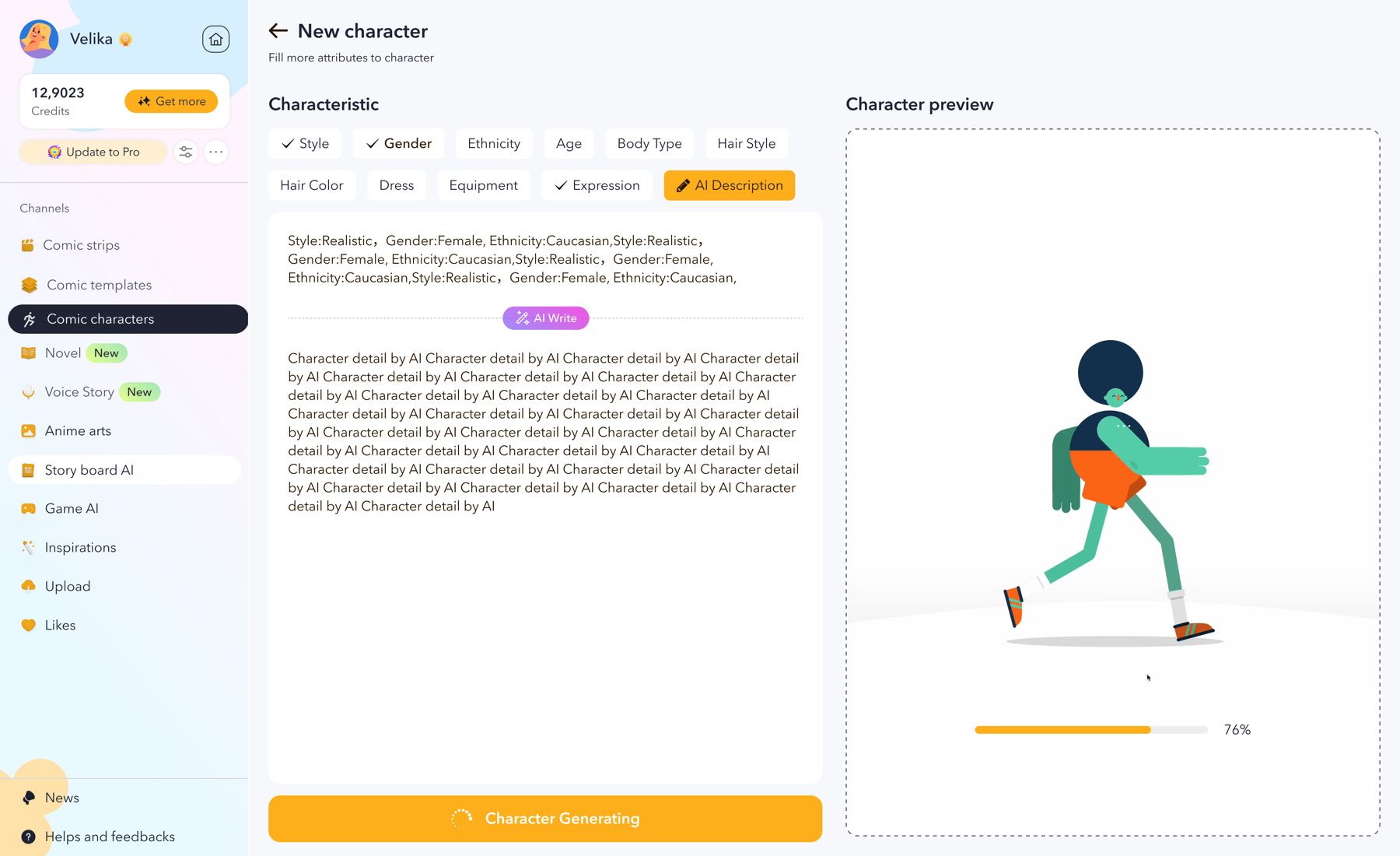
Cover ideas, character looks, panels, and storyboard notes often sit outside the manuscript, so the IP gets harder to reuse.

NovelCraft follows how long-form work is actually made: start loose, organize the plot, draft chapter by chapter, keep notes nearby, and revise without rebuilding context every session.
Open StoryAsk for the next beat, a sharper exchange, a slower emotional reveal, or an alternate version that respects your outline, characters, and previous chapter choices.
Continue a scene
Select a weak passage and improve the job it needs to do: make it tighter, more sensory, more romantic, more ominous, less expository, or better aligned with a target audience.
Rewrite a passage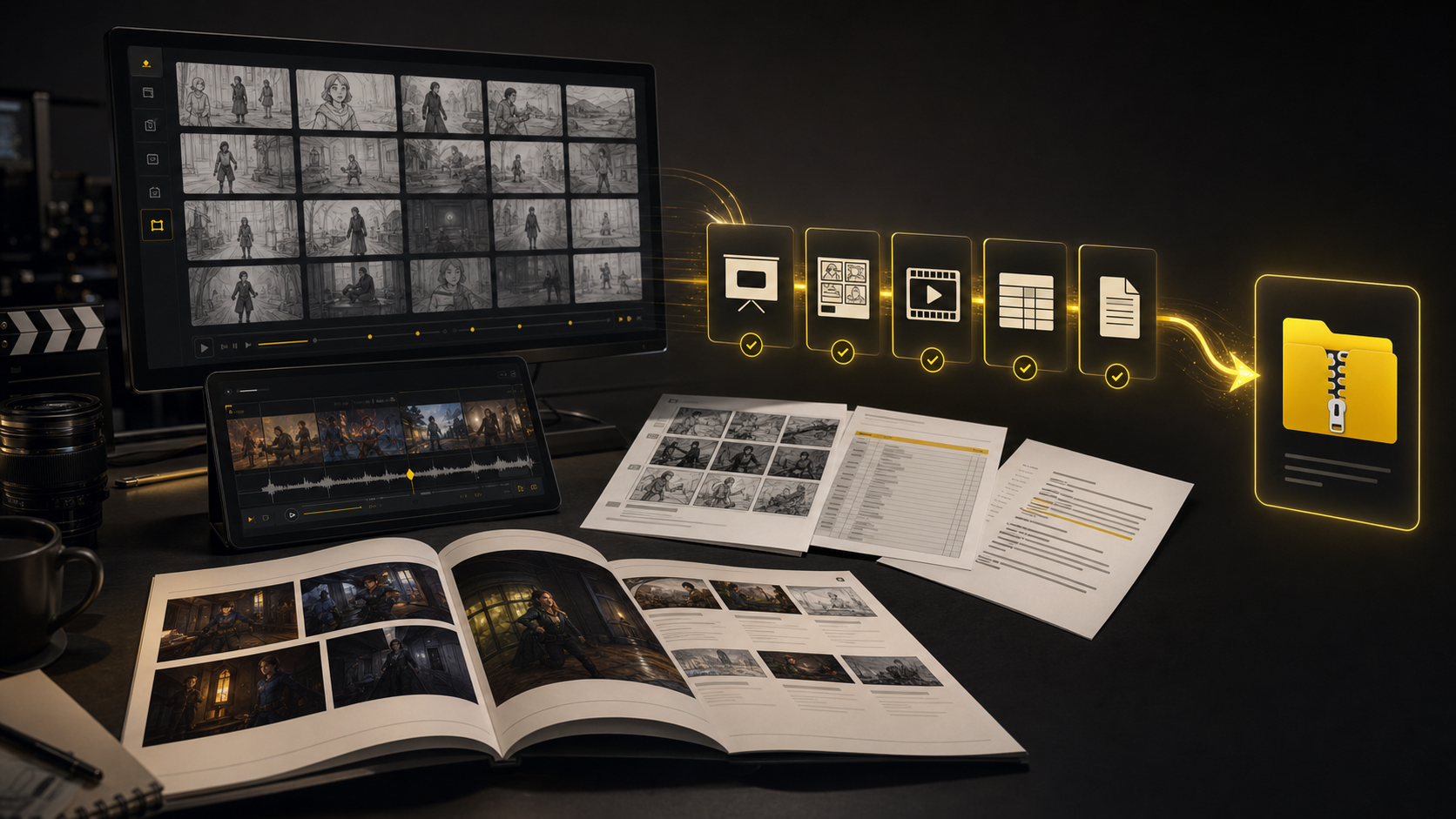
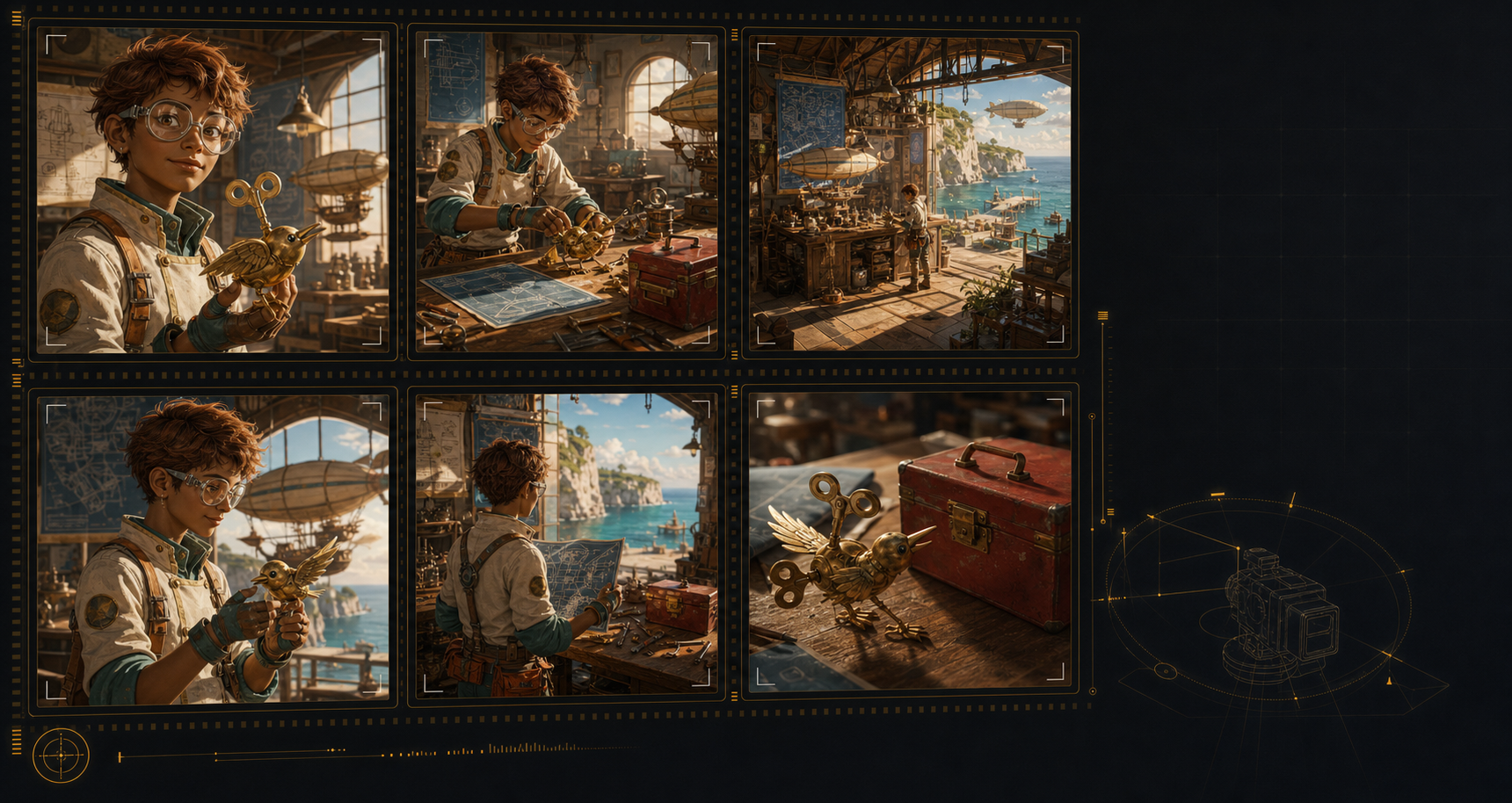
Use the same world and character direction to create covers, model references, storyboard beats, comic panels, launch images, and video concepts inside the LlamaGen ecosystem.
Create visualsThe work is not only generating words. Writers need continuity, structure, feedback, visual direction, and a workflow that survives more than one session.
Start from a rough beat and let AI give you workable prose, then keep your taste in the editor's chair.
Characters change goals, props vanish, timelines blur, and old chapter facts stop matching new scenes.
Feedback, comments, alternate versions, and research need to stay close to the chapter they affect.
Romance tension, thriller pacing, cozy warmth, and epic scale each need different rewrite instincts.
Writers building IP need cover, character, and storyboard direction before the draft is fully finished.
The tool should help you keep writing, not flatten the style that makes the story yours.
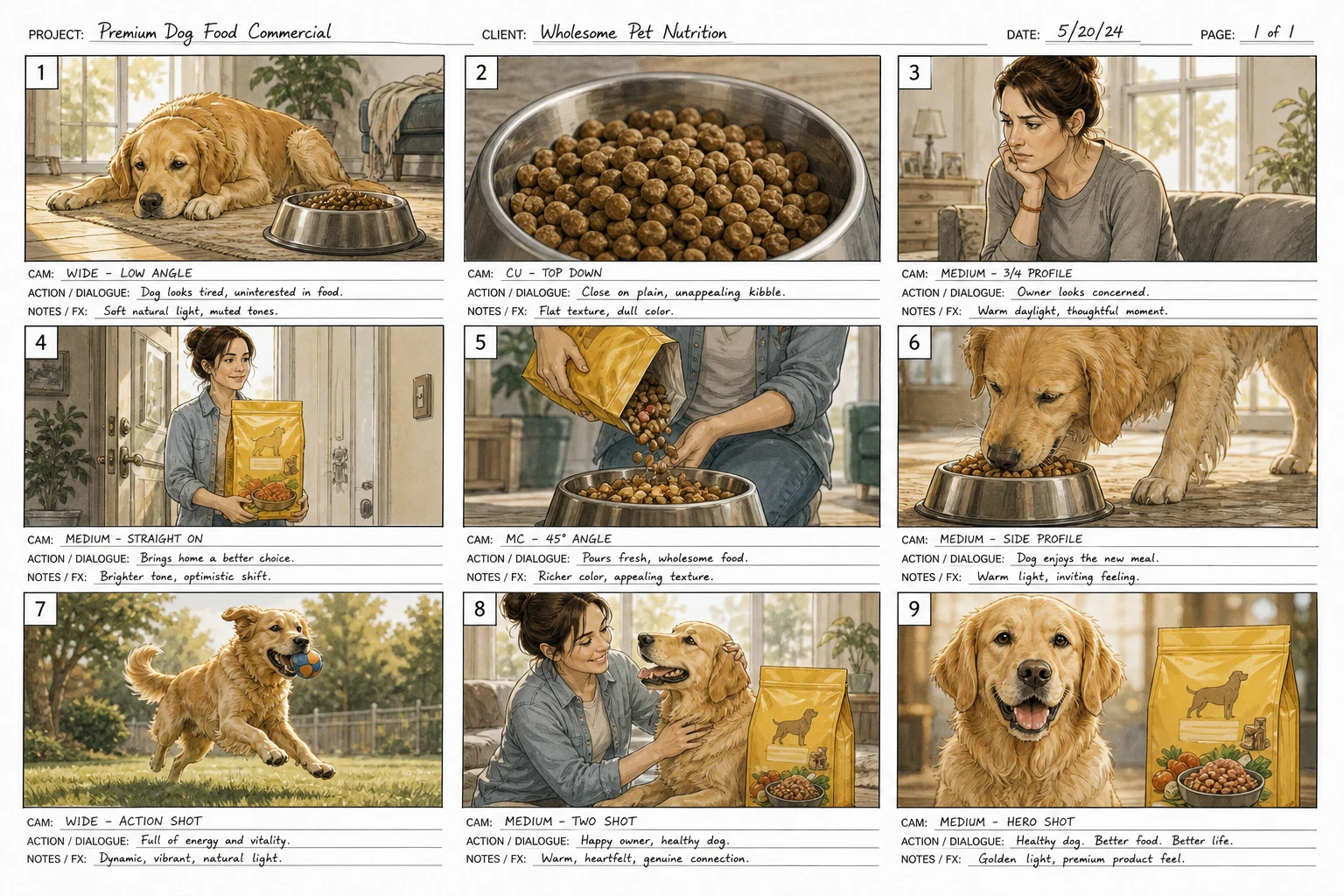
Show the creative range: manuscript planning, character continuity, visual development, storyboard handoff, and launch assets.
Track kingdoms, magic rules, family secrets, chapter arcs, and recurring visual motifs.
Rewrite dialogue, slow down tension, keep emotional stakes visible, and maintain character chemistry.
Keep clues, red herrings, suspects, objects, alibis, and reveals from contradicting each other.

Move quickly from outline to serialized chapters while keeping arcs and visual references reusable.
Turn the manuscript's promise into launch visuals, thumbnails, social images, and reader-facing art.
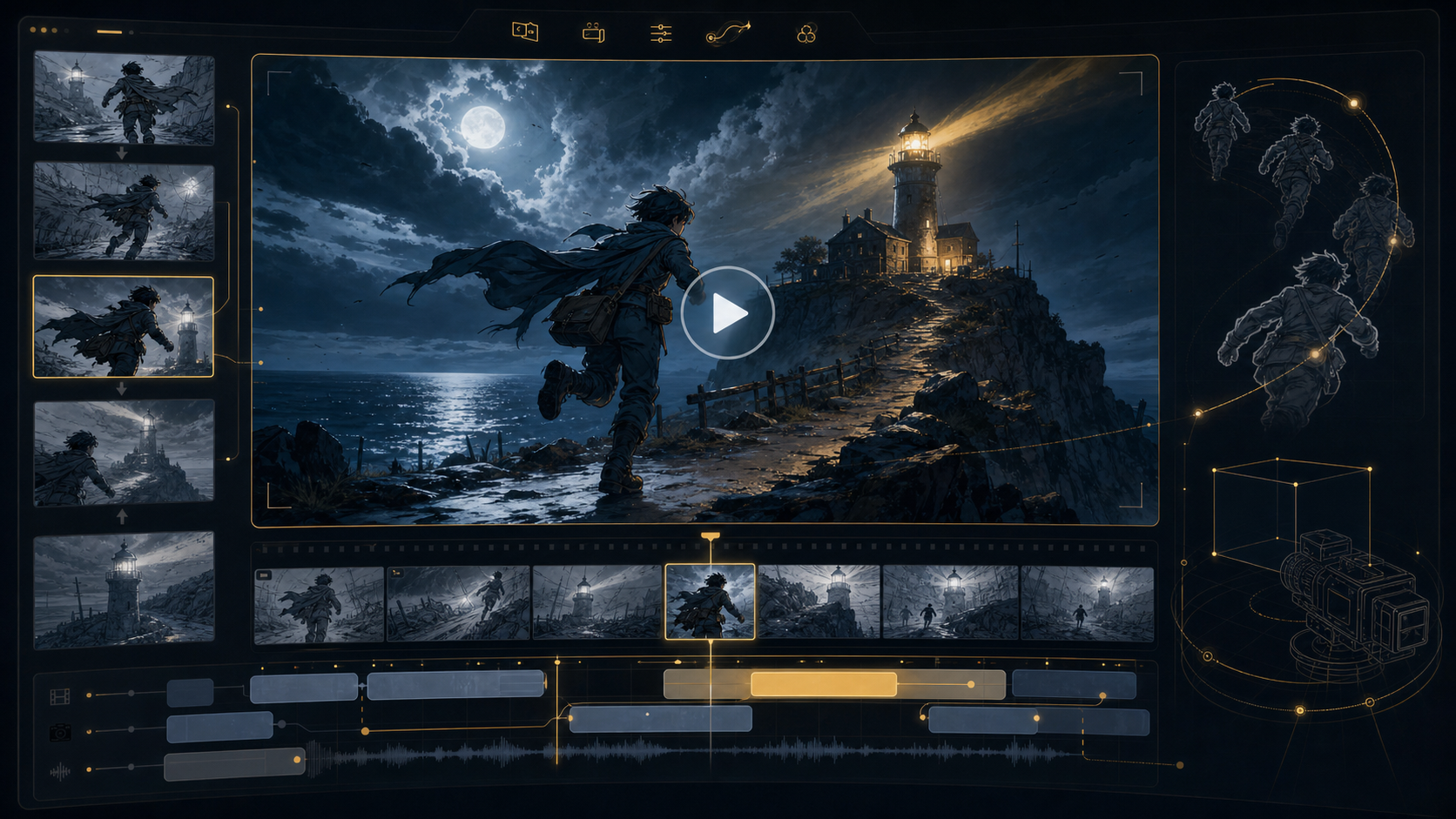
Translate scenes into shots, panels, boards, dialogue timing, and camera direction.
Answer: faster drafting, fewer continuity mistakes, and a clearer path from book idea to visual IP.
No. NovelCraft is built around a long-form writing workflow: idea development, outline planning, chapter drafting, scene continuation, revision, story memory, and visual development for covers, characters, panels, and storyboards.
Yes. The workflow is designed around persistent story notes, character context, chapter structure, references, and revision comments so the AI can keep helping after the first prompt.
You can ask for the next beat, alternate dialogue, stronger conflict, sensory details, pacing passes, or a rewrite that respects your existing characters and outline.
Yes. NovelCraft connects prose planning with LlamaGen visual tools, so writers can move from manuscript ideas into character references, covers, storyboards, comic panels, and promotional visuals.
Most solo writers can start with Standard. Pro is better for series authors and IP creators who need more credits, stronger consistency, visual references, and frequent revision or image generation.
Bring the messy idea, the half chapter, the character note, or the cover direction. NovelCraft helps you turn it into a story system you can keep building.
Open LlamaGen Story