
AI Influencer Generated
1Gemini video agentFrom prompt to post-ready clip
Gemini AI Video Generator
Turn a prompt or image into a Gemini video. Preview the motion, then export an HD clip for ads, product launches, and social posts.
SupportedComing soonComing soonComing soon
AI Video Creator
Create videos with Gemini AI Video Generator
Describe the motion, subject, camera, and mood. Add a reference when you want tighter visual control.
Loading video creator...
AI Influencer Generated
AI Influencer Generated
AI Influencer Generated
AI Influencer Generated
AI Influencer Generated
AI Influencer Generated
AI Influencer Generated
AI Influencer Generated
Gemini AI video examples
See real Gemini AI Video Generator examples
Browse prompt-to-video examples with real motion, framing, pacing, and export quality so you can understand what a Gemini AI video can become before starting your own clip.
Playable output
Recorded input
Open with a publishable story moment
Worth exporting when a short story beat needs enough polish for a teaser, pitch, or social post.
Playable output
Recorded input
Shape a scene around emotion
Use this as the quality bar for paid exports that need to carry a mood, not just show movement.
Playable output
Recorded input
Create a stronger social hook
Worth upgrading when the clip can become a reusable intro, ad creative, or audience-facing teaser.
Playable output
Recorded input
Package the style as a reusable preview
Use this when one clip needs to prove the style, tone, and export quality before you make more.
How Gemini creators feelAfter the Gemini video is ready
You prompted.The clip still looked rough.
A Gemini AI Video Generator can prove the idea fast. But a real video example still needs clean motion, readable framing, HD export, and no watermark before it becomes an ad, product reveal, or social post.
@nova.vale.ai
18.4K followers · 126 posts
5
1
0
164views
Decision guide
Gemini AI Video Generator decision guide
Best for
Creators and teams who want to turn a text prompt or reference image into a short Gemini/Veo-style video preview, ad hook, product reveal, or story teaser.
Not for
Users who need exact model parity with Google products, long-form film editing, guaranteed factual footage, or final post-production without review.
Input
A prompt or reference image with subject, action, camera move, mood, duration goal, and final use.
Output
A short AI video preview that can be refined and exported as an HD clip when the motion and framing work.
Limits
Review motion artifacts, brand safety, factual claims, character drift, watermark/export settings, and usage rights before publishing.
Useful facts before you generate
What to know about Gemini AI Video Generator
01
Gemini AI Video Generator is a prompt-to-video and image-to-video workflow for short AI video previews.
02
The best video prompts specify subject, action, camera movement, mood, lighting, and final destination.
03
Reference images help preserve product shape, character identity, or visual style during video generation.
04
A practical AI video workflow previews motion before committing to an HD export.
05
Generated videos should be checked for motion artifacts, brand safety, rights, watermark status, and factual accuracy before publishing.
Gemini Video AI Studio
Gemini video generator for image to video and video to video AI editing
Gemini Video brings Gemini's core intelligence into advanced generative media, including image to video, prompt to video, and video to video AI editing. LlamaGen turns Google Gemini video technology into an all-in-one Gemini video generator and Gemini video AI studio.
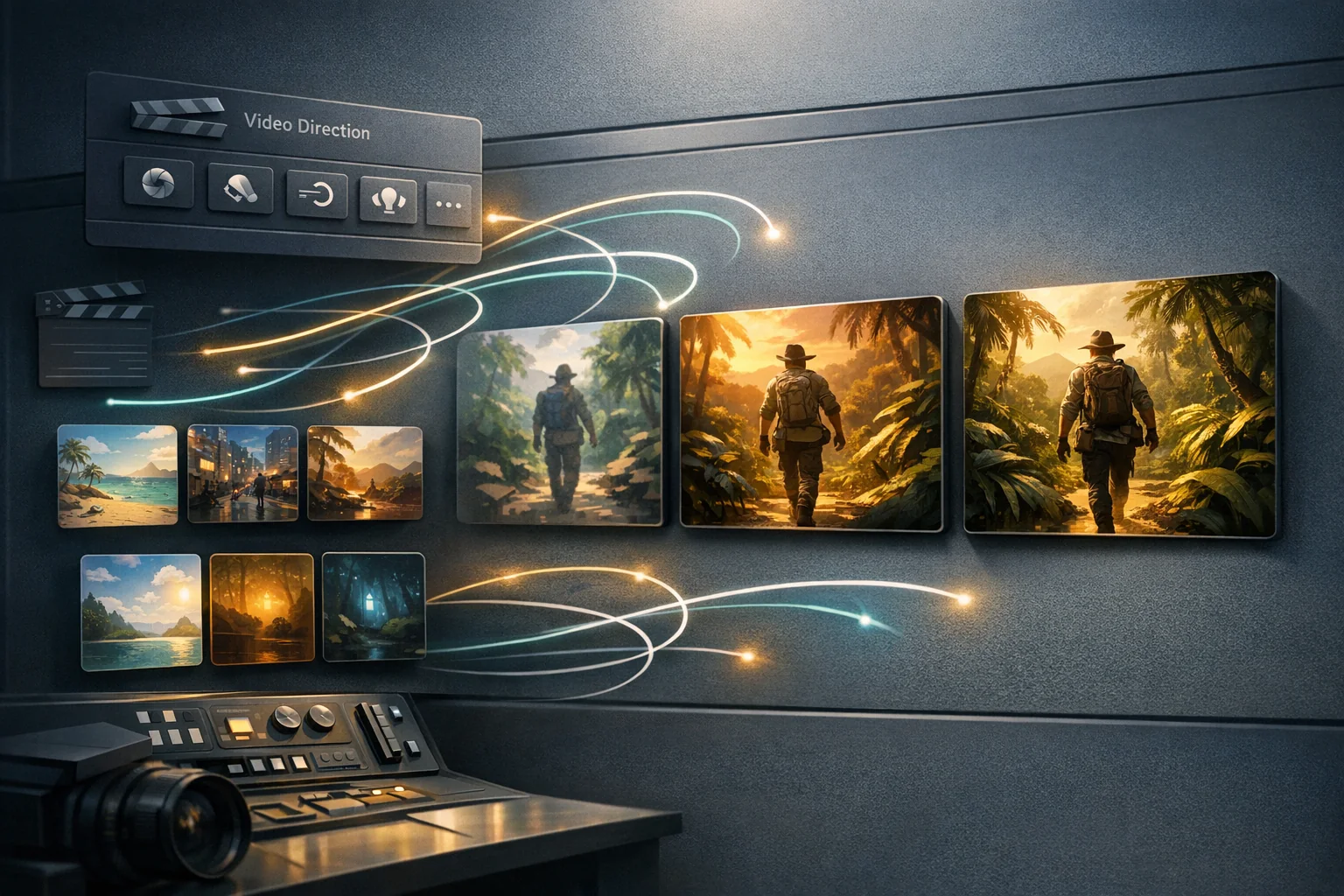
- 1Step 1
Start with the story moment
Start with the campaign moment you want viewers to feel. Write the subject, action, audience, and mood in one or two sentences.
- 2Step 2
Preview and refine the direction
Preview a real Gemini AI video example, compare motion and framing, then refine the prompt until the scene reads clearly.
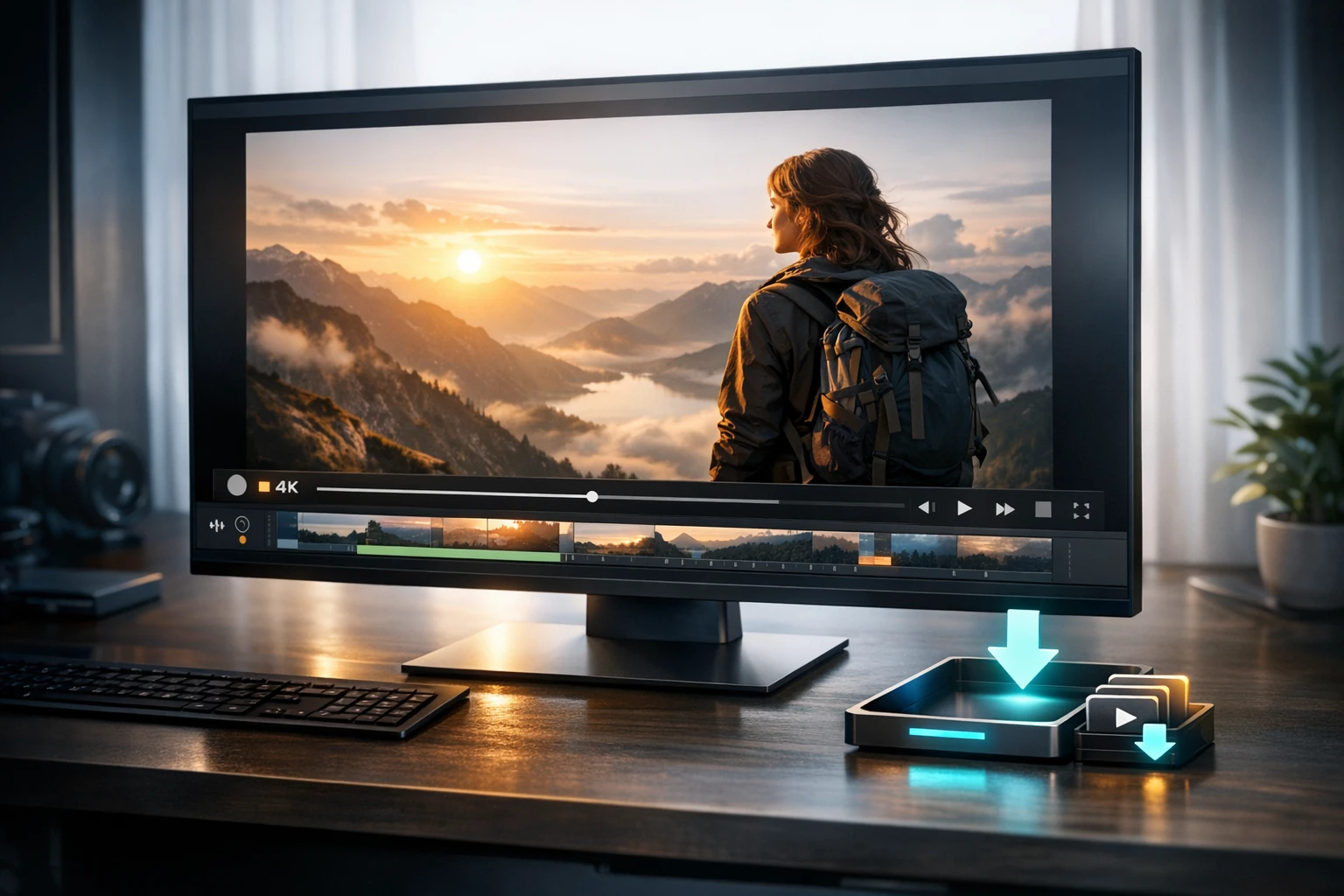
- 3Step 3
Export only the publishable clip
Export the finished Gemini AI video in HD without watermark for product reveals, ads, pitches, trailers, or social posts.

Who benefits from LlamaGen
Why use LlamaGen as your Gemini AI Video Generator?
01
Start with a Gemini AI video prompt
Describe the subject, action, camera move, and mood. LlamaGen keeps the Gemini AI Video Generator workflow focused on a video scene users can judge, not a generic generation result.
Gemini AI video prompt starters
- A cinematic product reveal for a new app, clean studio lighting, confident and modern mood
- A fantasy character portrait comes alive with wind, glowing particles, and a slow dramatic reveal
- A short social ad hook showing the before and after of a creative workflow
- A cozy story scene where a character discovers something magical on a rainy night
01Viewing
Start with a Gemini AI video prompt
Describe the subject, action, camera move, and mood. LlamaGen keeps the Gemini AI Video Generator workflow focused on a video scene users can judge, not a generic generation result.
02Workflow
Preview real motion before export
Use video examples to check pacing, subject clarity, and frame quality before exporting Gemini AI videos for ads, product reveals, story teasers, pitches, and social hooks.
03Workflow
Export clean Gemini AI videos
Turn the best preview into a finished video with HD output, no watermark, longer clip options, and faster iteration when a creator or brand has a deadline.
Gemini video pricing
Choose the plan for your professional Gemini video workflow
Match credits and generation speed to campaigns, client work, and recurring content production.
Standard Plan
More credits lead to more creation options
$14.4/month
$172.8 billed annually
- 15000 credits renew monthly
- Stable storytelling output
- Fast Generation
- Advanced AI image models
Most Popular
Pro Plan
Infinite generations for limitless ideas
$24/month
$288 billed annually
- 45000 credits renew monthly
- Everything in STANDARD
- Fastest Generation
- General commercial terms
Unlimited Plan
Fast, for business use, and with exclusive access
$76.8/month
$921.6 billed annually
- 135000 credits renew monthly
- Everything in PRO
- Unlimited projects
- Fastest Video Generation
Secure checkout. Change or cancel your plan anytime.Compare all plans
FAQ
Gemini AI Video Generator help
Which plan should I choose for Gemini video production?
Choose Standard for occasional campaign clips, Pro for higher-volume production and faster iteration, or Unlimited for ongoing video pipelines. All paid plans support a credit-based production workflow.
Can I preview a Gemini AI video before choosing a paid plan?
Yes. A limited free preview can help you evaluate the idea, motion, and framing. Choose a paid plan when you need HD export, more attempts, faster generation, or recurring production capacity.
Which Gemini videos should I export?
Export clips with a strong first frame, readable subject motion, and a clear use case such as an ad, product reveal, story teaser, pitch asset, or social post.
Can I start from an image as well as a prompt?
Yes. Use a reference image when identity, product shape, character design, or visual style needs to stay recognizable.
How do I make the video feel more publishable?
Keep the prompt specific: subject, action, camera move, mood, lighting, and final use. Short, concrete prompts usually preview better than long keyword lists.
Can I use Gemini videos for commercial campaigns?
Use a paid plan with commercial terms, then review each clip for brand safety, rights, factual claims, and platform requirements before publishing it in a campaign.
Continue creating with LlamaGen
Move from a single generated image or video into comics, manga, storyboards, and connected visual stories.
AI video generator series
Explore more AI video tools
Try nearby AI video workflows for ads, reels, trailers, image animation, text to video, and model-specific generation.
 01
01AI Game Video Maker
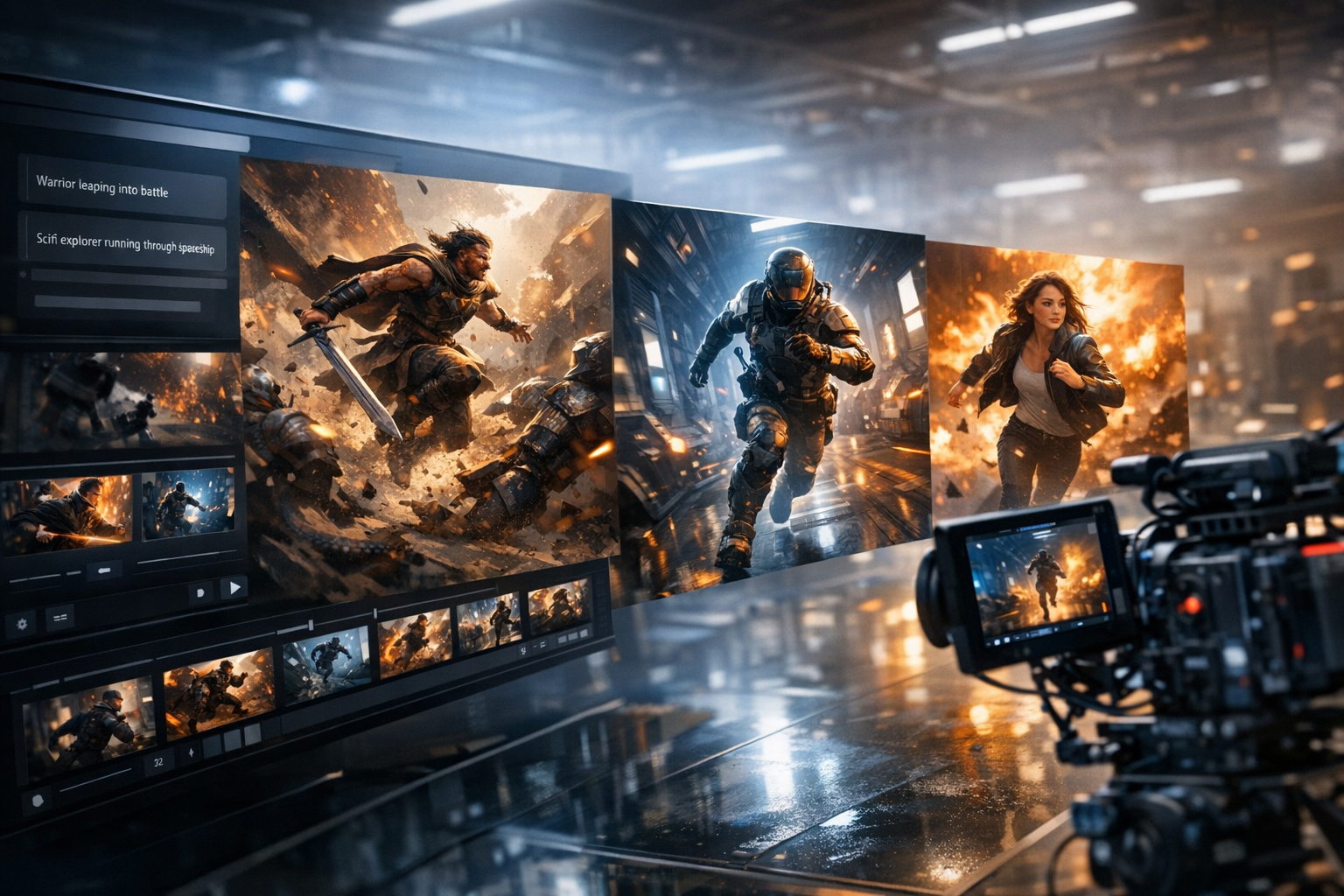
Create game trailers, cutscenes, gameplay teasers, character reveals, and quest videos from a simple prompt. Turn game ideas into cinematic video scenes with characters, settings, mood, motion, and story beats.
Create with AI Game Video Maker
 02
02AI Marketing Video Generator
Create stunning marketing videos in minutes with our AI Marketing Video Generator. Turn your product descriptions, ad copy, or social media posts into engaging videos that convert. Perfect for marketers, businesses, and content creators.
Create with AI Marketing Video Generator
 03
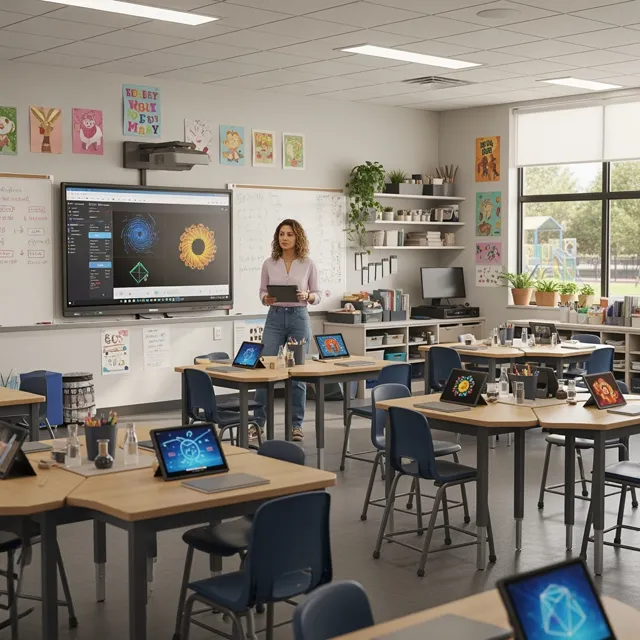
03AI Storyteller
Empower educators and students with AI-powered video creation. Turn lesson plans, stories, and concepts into engaging educational videos in minutes. Perfect for the classroom and beyond.
Create with AI Storyteller
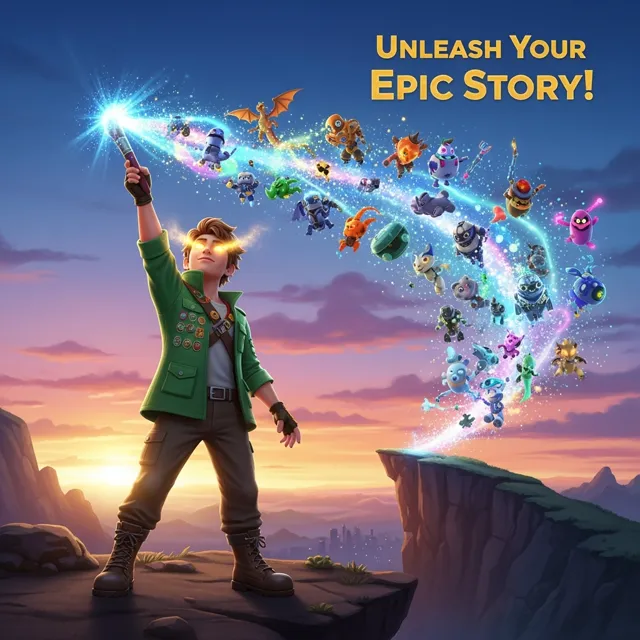 04
04AI YouTube Video Generator
Create engaging YouTube videos in minutes with our AI YouTube Video Generator. Turn your ideas, scripts, or blog posts into professional-looking videos that grow your channel. Perfect for YouTubers, content creators, and businesses.
Create with AI YouTube Video Generator
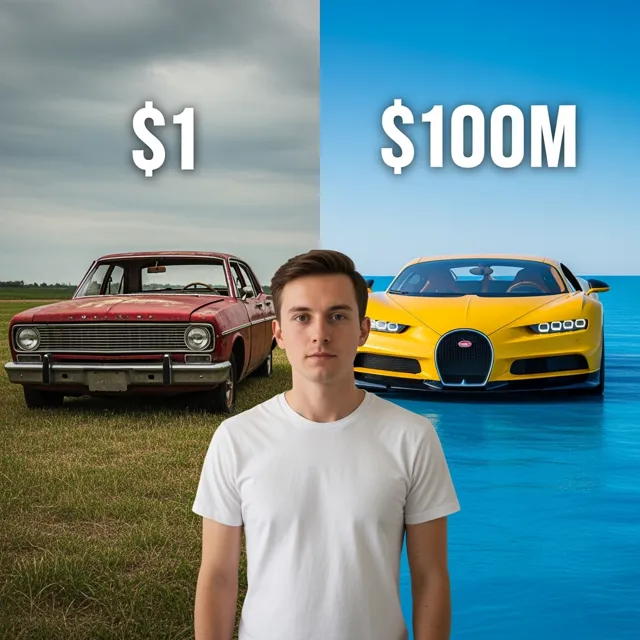 05
05Free AI Reel Generator
Create TikTok and Instagram Reels with AI for free. Turn text, ideas, or product shots into short videos with captions, voice, music, and ready-to-post vertical formatting.
Create with Free AI Reel Generator
 06
06AI Ad Generator
Create short AI ads from product details, offers, or raw ideas. Turn prompts and product shots into video ad drafts with hooks, captions, and social-ready pacing.
Create with AI Ad Generator
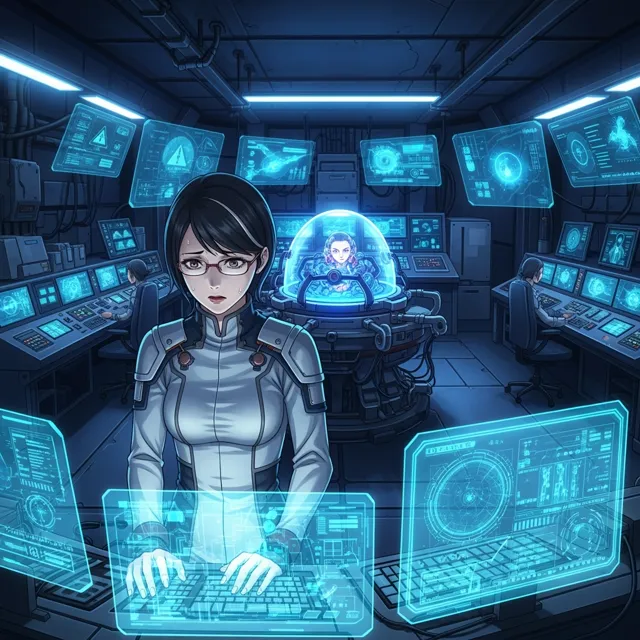 07
07Free Ani-Sora Video Generator
Unleash your creativity with our free Ani-Sora video generator. Turn your text prompts into stunning animated videos with the power of advanced AI technology.
Create with Free Ani-Sora Video Generator
 08
08Free AI B-Roll Generator
Generate high-quality, royalty-free b-roll footage for your videos in seconds. Describe the type of footage you need, and our AI will create custom b-roll clips for free.
Create with Free AI B-Roll Generator
 09
09Image Animation Generator
Bring your static images to life with our free Image Animation Generator. Turn any picture into a dynamic, moving piece of art with the power of advanced AI technology.
Create with Image Animation Generator
 10
10Sora Video Generator
Use LlamaGen's Sora Video Generator to create OpenAI Sora 2 videos from text prompts or a reference image, preview cinematic motion, and export finished clips for ads, stories, and social posts.
Create with Sora Video Generator
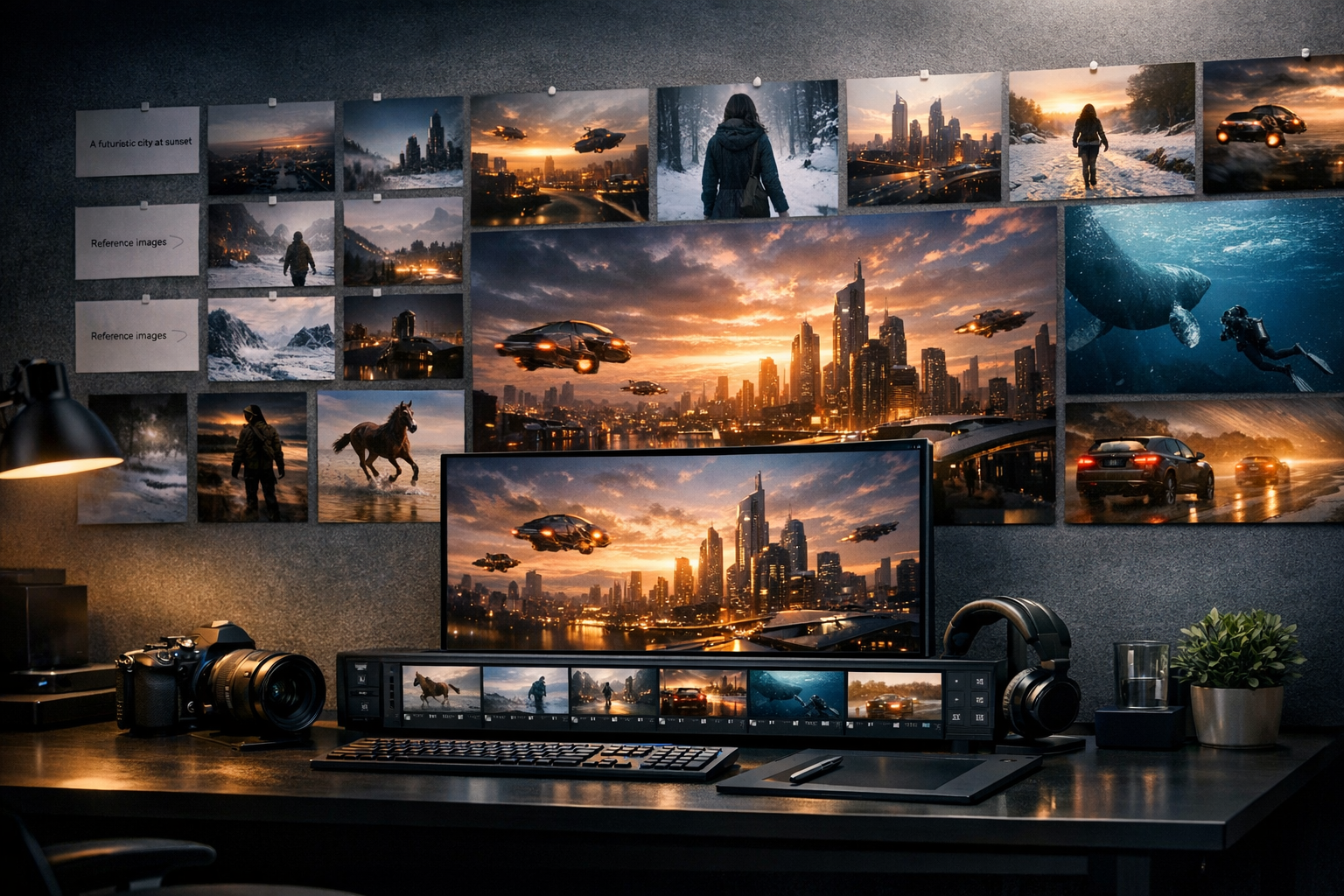 11
11Sora AI Video Generator
Create Sora-style AI videos from text prompts. Describe a scene, camera move, character action, or story idea, then turn it into cinematic video content for social, ads, and creative projects.
Create with Sora AI Video Generator
 12
12Kling AI Video Generator
Create Kling-style AI videos from prompts. Build expressive character motion, product clips, cinematic shots, and social videos with a simple text-to-video workflow.
Create with Kling AI Video Generator