
AI Influencer Generated
1Gemini video agentGemini AI video mula sa text o image
Gemini AI Video Generator
Gumawa ng Gemini AI videos nang libre online mula sa text prompts o mga larawan, i-preview ang Gemini/Veo-style na galaw, at i-export ang pulidong HD clips kapag gumagana ang scene.
SupportedComing soonComing soonComing soon
AI Video Creator
Create videos with Gemini AI Video Generator
Describe the motion, subject, camera, and mood. Add a reference when you want tighter visual control.
Loading video creator...
AI Influencer Generated
AI Influencer Generated
AI Influencer Generated
AI Influencer Generated
AI Influencer Generated
AI Influencer Generated
AI Influencer Generated
AI Influencer Generated
Mga halimbawa ng Gemini AI video
Tingnan ang mga totoong halimbawa ng Gemini AI Video Generator
I-browse ang mga prompt-to-video na halimbawa na may totoong galaw, framing, pacing, at export quality para mas maunawaan mo kung ano ang puwedeng maging Gemini AI video bago ka gumawa ng sarili mong clip.
Playable output
Recorded input
Magsimula sa isang kuwentong puwedeng i-publish
Sulit i-export kapag ang maikling story beat ay kailangan ng sapat na polish para sa teaser, pitch, o social post.
Playable output
Recorded input
Buuin ang eksena batay sa emosyon
Gamitin ito bilang quality bar para sa paid exports na kailangang magdala ng mood, hindi lang magpakita ng galaw.
Playable output
Recorded input
Gumawa ng mas malakas na social hook
Sulit i-upgrade kapag puwede nang maging reusable intro, ad creative, o teaser para sa audience.
Playable output
Recorded input
I-package ang style bilang reusable preview
Gamitin ito kapag kailangang patunayan ng isang clip ang style, tone, at export quality bago ka gumawa pa ng marami.
How Gemini creators feelAfter the Gemini video is ready
You prompted.The clip still looked rough.
A Gemini AI Video Generator can prove the idea fast. But a real video example still needs clean motion, readable framing, HD export, and no watermark before it becomes an ad, product reveal, or social post.
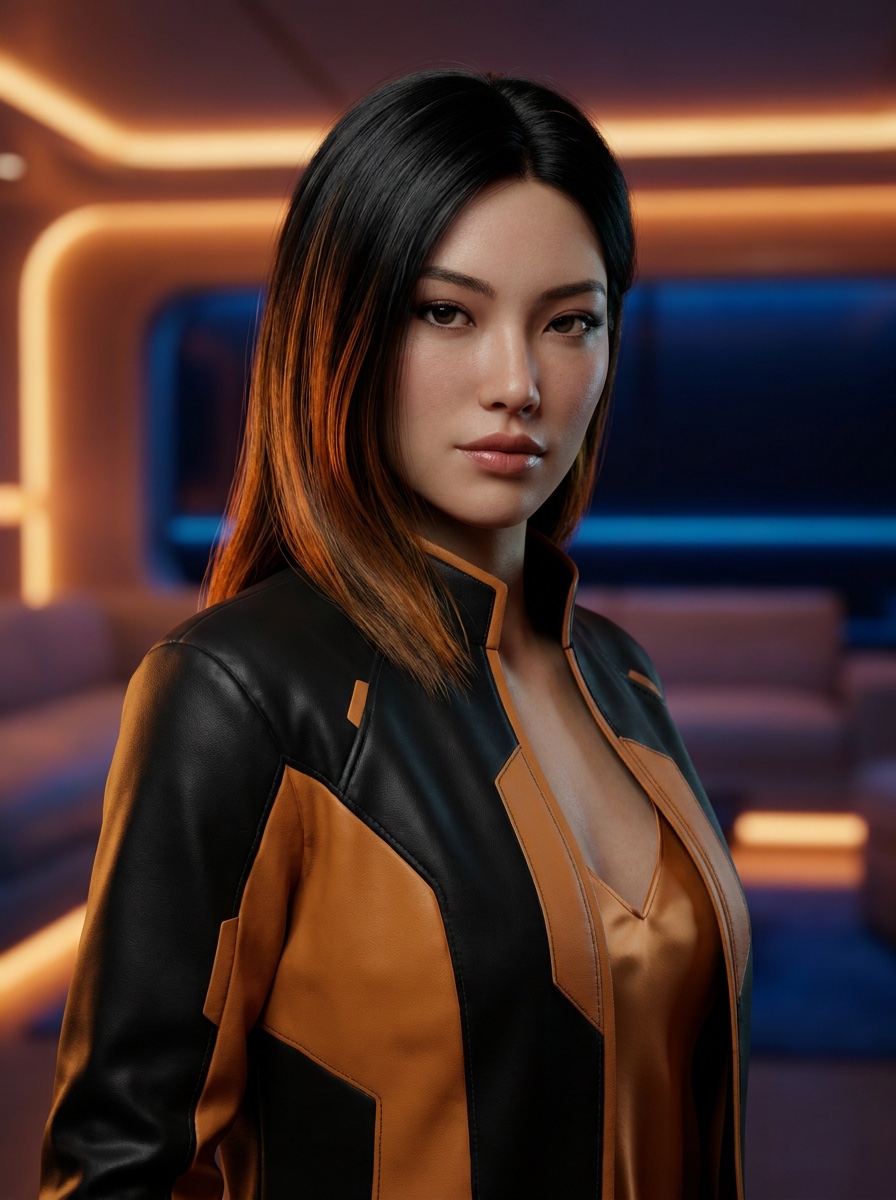
@nova.vale.ai
18.4K followers · 126 posts
5
1
0
164views
Decision guide
Gemini AI Video Generator decision guide
Pinakamainam para sa
Creators and teams who want to turn a text prompt or reference image into a short Gemini/Veo-style video preview, ad hook, product reveal, or story teaser.
Not for
Users who need exact model parity with Google products, long-form film editing, guaranteed factual footage, or final post-production without review.
Input
A prompt or reference image with subject, action, camera move, mood, duration goal, and final use.
Output
A short AI video preview that can be refined and exported as an HD clip when the motion and framing work.
Limits
Review motion artifacts, brand safety, factual claims, character drift, watermark/export settings, and usage rights before publishing.
Useful facts before you generate
What to know about Gemini AI Video Generator
01
Gemini AI Video Generator is a prompt-to-video and image-to-video workflow for short AI video previews.
02
The best video prompts specify subject, action, camera movement, mood, lighting, and final destination.
03
Reference images help preserve product shape, character identity, or visual style during video generation.
04
A practical AI video workflow previews motion before committing to an HD export.
05
Generated videos should be checked for motion artifacts, brand safety, rights, watermark status, and factual accuracy before publishing.
Gemini Video AI Studio
Gemini AI Video Generator na libre online para sa image to video at text to video
Pinagsasama ng Gemini Video ang Gemini at Veo-style na generative media sa iisang online workflow: text to video, image to video, prompt refinement, motion preview, at HD export mula sa LlamaGen.
- 1Hakbang 1
Hakbang 1
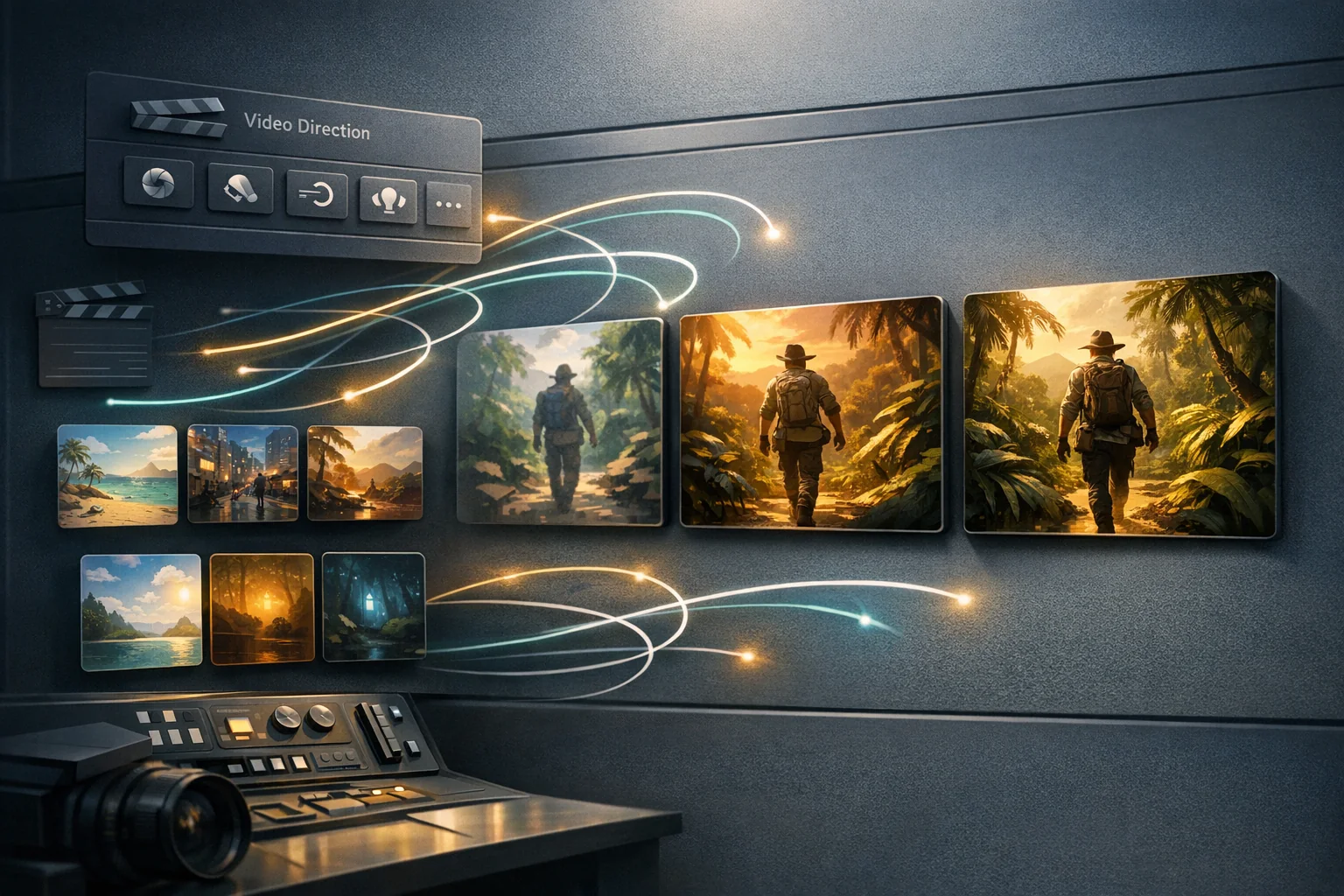
Magsimula nang libre sa eksenang gusto mong maramdaman ng viewers. Isulat ang subject, action, at mood sa isa o dalawang pangungusap.
- 2Hakbang 2
Hakbang 2
I-preview ang totoong Gemini AI video example, ikumpara ang galaw at framing, tapos i-refine ang prompt hanggang malinaw ang scene.
- 3Hakbang 3
Hakbang 3
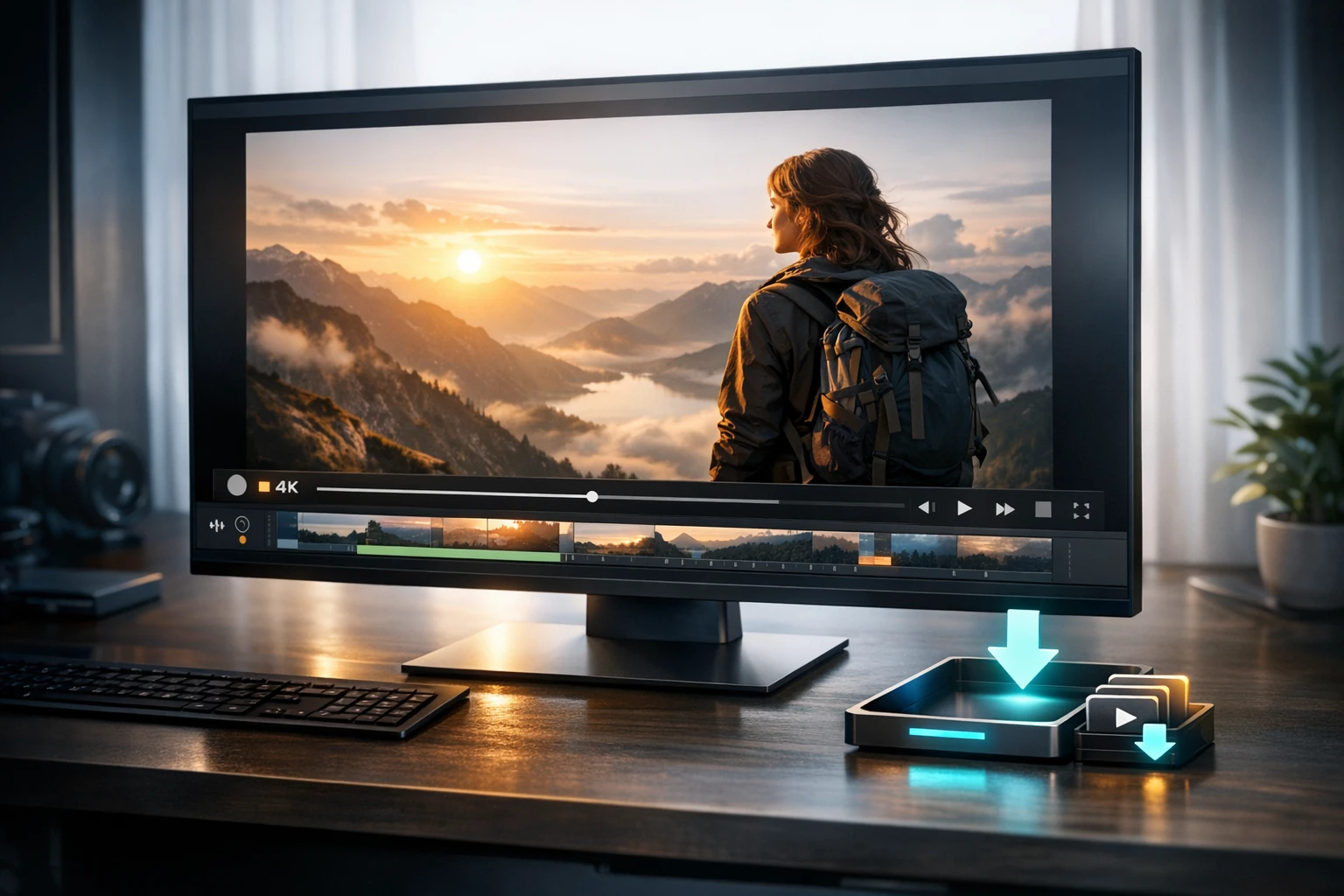
I-export ang natapos na Gemini AI video sa HD nang walang watermark para sa product reveals, ads, pitches, trailers, o social posts.

Who benefits from LlamaGen
Bakit gamitin ang LlamaGen bilang iyong Gemini AI Video Generator?
01
Magsimula sa Gemini AI video prompt
Ilarawan ang subject, action, camera move, at mood. Pinananatiling nakatuon ng LlamaGen ang Gemini AI Video Generator workflow sa video scene na puwedeng husgahan ng users, hindi sa pangkalahatang generation result.
Mga panimula ng Gemini AI video prompt
- Isang cinematic na product reveal para sa bagong app, malinis na studio lighting, kumpiyansa at modernong mood
- Isang fantasy character portrait na nabubuhay dahil sa hangin, glowing particles, at mabagal na dramatikong reveal
- Isang maikling social ad hook na nagpapakita ng before at after ng creative workflow
- Isang cozy na story scene kung saan may nadidiskubreng mahiwaga ang isang karakter sa maulang gabi
01Viewing
Magsimula sa Gemini AI video prompt
Ilarawan ang subject, action, camera move, at mood. Pinananatiling nakatuon ng LlamaGen ang Gemini AI Video Generator workflow sa video scene na puwedeng husgahan ng users, hindi sa pangkalahatang generation result.
02Workflow
I-preview ang tunay na galaw bago mag-export
Gamitin ang video examples para tingnan ang pacing, kalinawan ng subject, at kalidad ng frame bago mag-export ng Gemini AI videos para sa ads, product reveals, story teasers, pitches, at social hooks.
03Workflow
Mag-export ng malinis na Gemini AI videos
Gawing natapos na video ang pinakamagandang preview na may HD output, walang watermark, mas mahahabang opsyon sa clip, at mas mabilis na iteration kapag may deadline ang creator o brand.
Gemini video pricing
Choose the plan for your professional Gemini video workflow
Match credits and generation speed to campaigns, client work, and recurring content production.
Pamantayang Plano
Mas maraming kredito, mas maraming opsyon sa paglikha
$14.4/month
$172.8 babayaran taun-taon
- 15,000 kredito na nire-renew buwan-buwan
- Matatag na resulta ng storytelling
- Mabilis na Paggawa
- Advanced AI image models
Pinakatanyag
Pro na Plano
Walang hanggang paglikha para sa walang hanggang ideya
$24/month
$288 babayaran taun-taon
- 45,000 kredito na nire-renew buwan-buwan
- Lahat sa Standard Plan
- Pinakamabilis na Paglikha
- Pangunahing mga termino sa negosyo
Walang Limitasyong Plan
Mabilis, para sa gamit pang-negosyo, at may eksklusibong access
$76.8/month
$921.6 babayaran taun-taon
- 135,000 kredito na nire-renew buwan-buwan
- Lahat sa Professional Plan
- Unlimited projects
- Pinakamabilis na Paglikha ng Video
Secure checkout. Change or cancel your plan anytime.Compare all plans
FAQ
Tulong sa Gemini AI Video Generator
Maaari ba akong mag-preview ng Gemini AI video bago magbayad?
Oo. Gamitin ang libreng preview para subukan muna ang idea, galaw, at framing. Mag-upgrade lang kapag sapat na ang resulta para i-export sa HD nang walang watermark.
Aling Gemini videos ang dapat kong i-export?
I-export ang mga clip na may malakas na first frame, malinaw na galaw ng subject, at tuwirang use case tulad ng ad, product reveal, story teaser, pitch asset, o social post.
Maaari ba akong magsimula mula sa image pati na rin sa prompt?
Oo. Gumamit ng reference image kapag kailangang manatiling recognizable ang identity, hugis ng produkto, character design, o visual style.
Paano ko gagawing mas publishable ang video?
Panatilihing tiyak ang prompt: subject, action, camera move, mood, lighting, at final use. Mas maganda kadalasan ang maiikli at kongkretong prompt kaysa mahahabang keyword list.
Naghahanap ako ng Geminigen AI o Gemini Gen AI. Ito ba ang tamang workflow?
Oo. Ang page na ito ay ginawa para sa Gemini video searches at binubuksan ang LlamaGen workflow na handa para sa Gemini-style na prompt-to-video at image-to-video creation.
Continue creating with LlamaGen
Move from a single generated image or video into comics, manga, storyboards, and connected visual stories.
AI video generator series
Mga kaugnay na video tools
Try nearby AI video workflows for ads, reels, trailers, image animation, text to video, and model-specific generation.
 01
01AI Game Video Maker
Create game trailers, cutscenes, gameplay teasers, character reveals, and quest videos from a simple prompt. Turn game ideas into cinematic video scenes with characters, settings, mood, motion, and story beats.
Create with AI Game Video Maker
 02
02AI Marketing Video Generator
Create stunning marketing videos in minutes with our AI Marketing Video Generator. Turn your product descriptions, ad copy, or social media posts into engaging videos that convert. Perfect for marketers, businesses, and content creators.
Create with AI Marketing Video Generator
 03
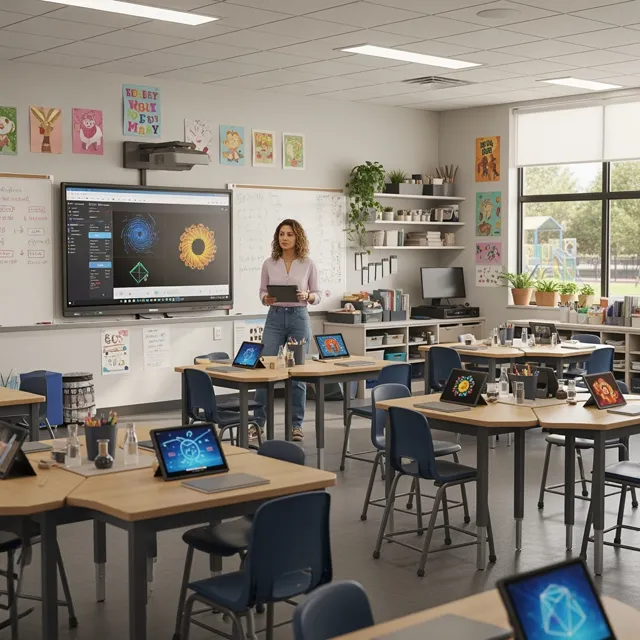
03AI Storyteller
Empower educators and students with AI-powered video creation. Turn lesson plans, stories, and concepts into engaging educational videos in minutes. Perfect for the classroom and beyond.
Create with AI Storyteller
 04
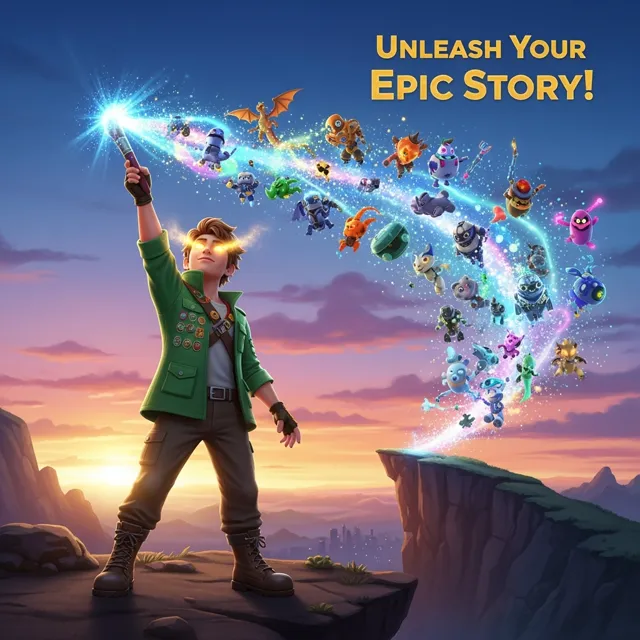
04AI YouTube Video Generator
Create engaging YouTube videos in minutes with our AI YouTube Video Generator. Turn your ideas, scripts, or blog posts into professional-looking videos that grow your channel. Perfect for YouTubers, content creators, and businesses.
Create with AI YouTube Video Generator
 05
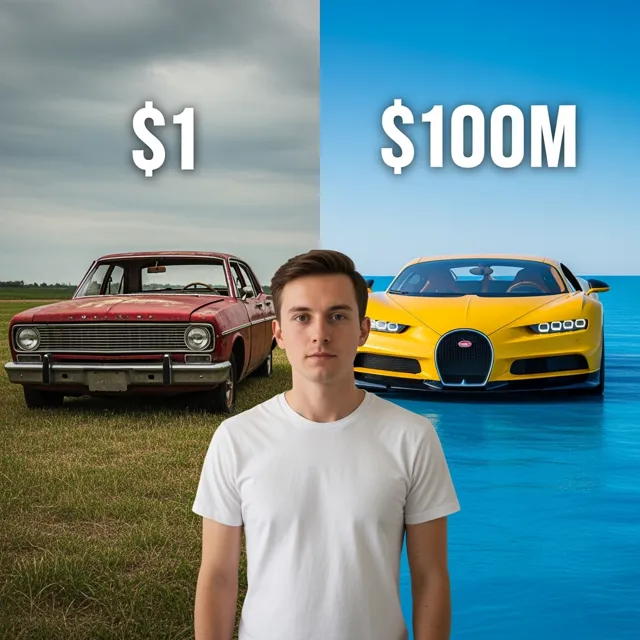
05Free AI Reel Generator
Create TikTok and Instagram Reels with AI for free. Turn text, ideas, or product shots into short videos with captions, voice, music, and ready-to-post vertical formatting.
Create with Free AI Reel Generator
 06
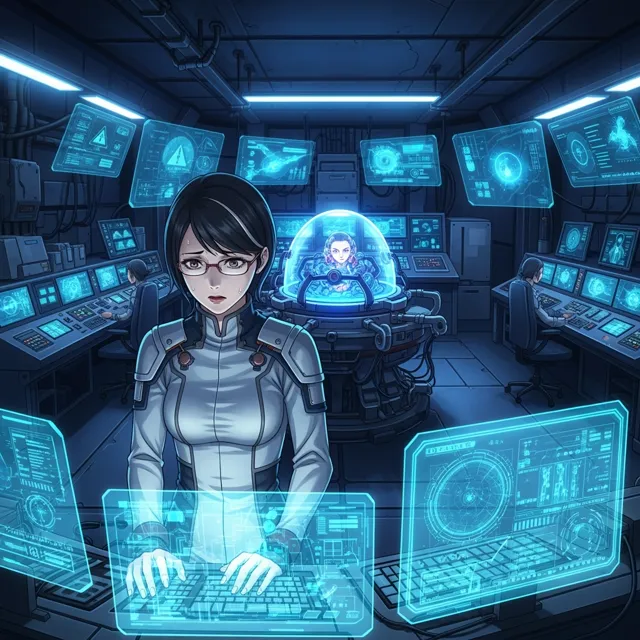
06AI Ad Generator
Create short AI ads from product details, offers, or raw ideas. Turn prompts and product shots into video ad drafts with hooks, captions, and social-ready pacing.
Create with AI Ad Generator
 07
07Free Ani-Sora Video Generator
Unleash your creativity with our free Ani-Sora video generator. Turn your text prompts into stunning animated videos with the power of advanced AI technology.
Create with Free Ani-Sora Video Generator
 08
08Free AI B-Roll Generator
Generate high-quality, royalty-free b-roll footage for your videos in seconds. Describe the type of footage you need, and our AI will create custom b-roll clips for free.
Create with Free AI B-Roll Generator
 09
09Image Animation Generator
Bring your static images to life with our free Image Animation Generator. Turn any picture into a dynamic, moving piece of art with the power of advanced AI technology.
Create with Image Animation Generator
 10
10Sora Video Generator
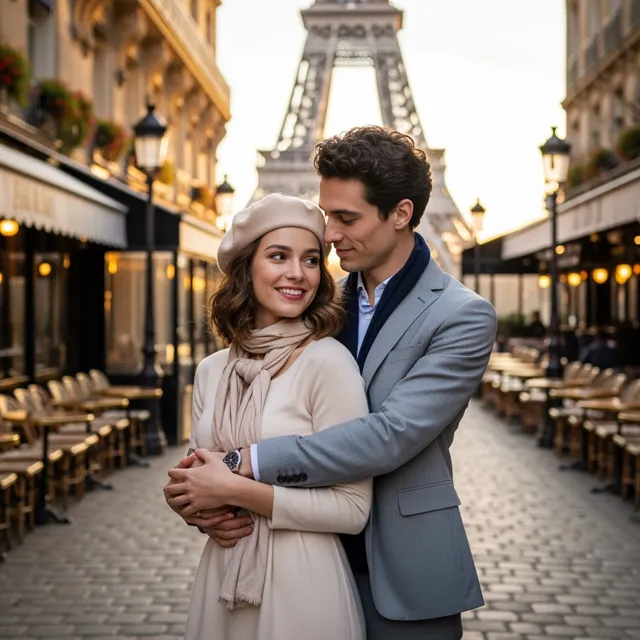
Use LlamaGen's Sora Video Generator to create OpenAI Sora 2 videos from text prompts or a reference image, preview cinematic motion, and export finished clips for ads, stories, and social posts.
Create with Sora Video Generator
 11
11Sora AI Video Generator
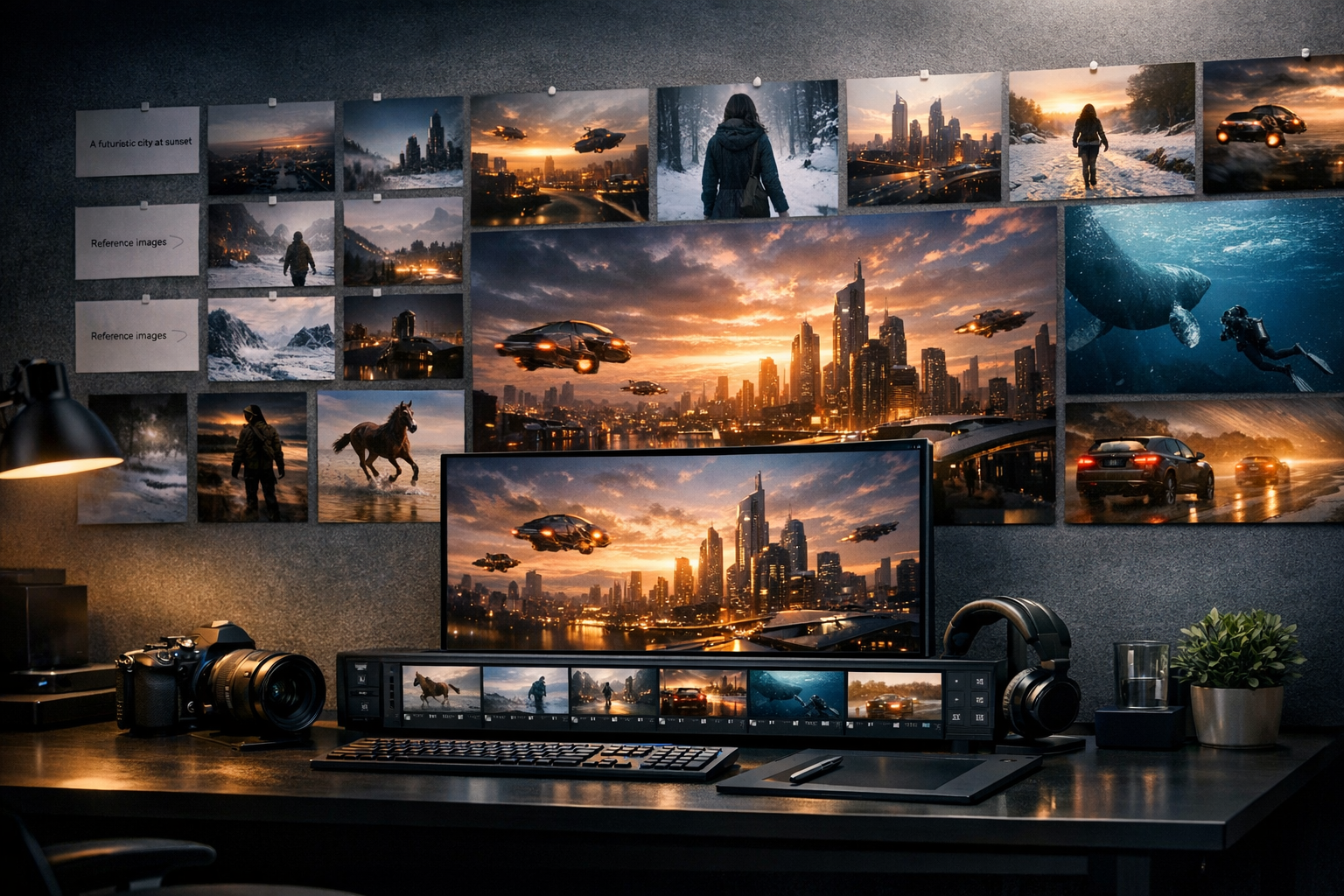
Create Sora-style AI videos from text prompts. Describe a scene, camera move, character action, or story idea, then turn it into cinematic video content for social, ads, and creative projects.
Create with Sora AI Video Generator
 12
12Kling AI Video Generator
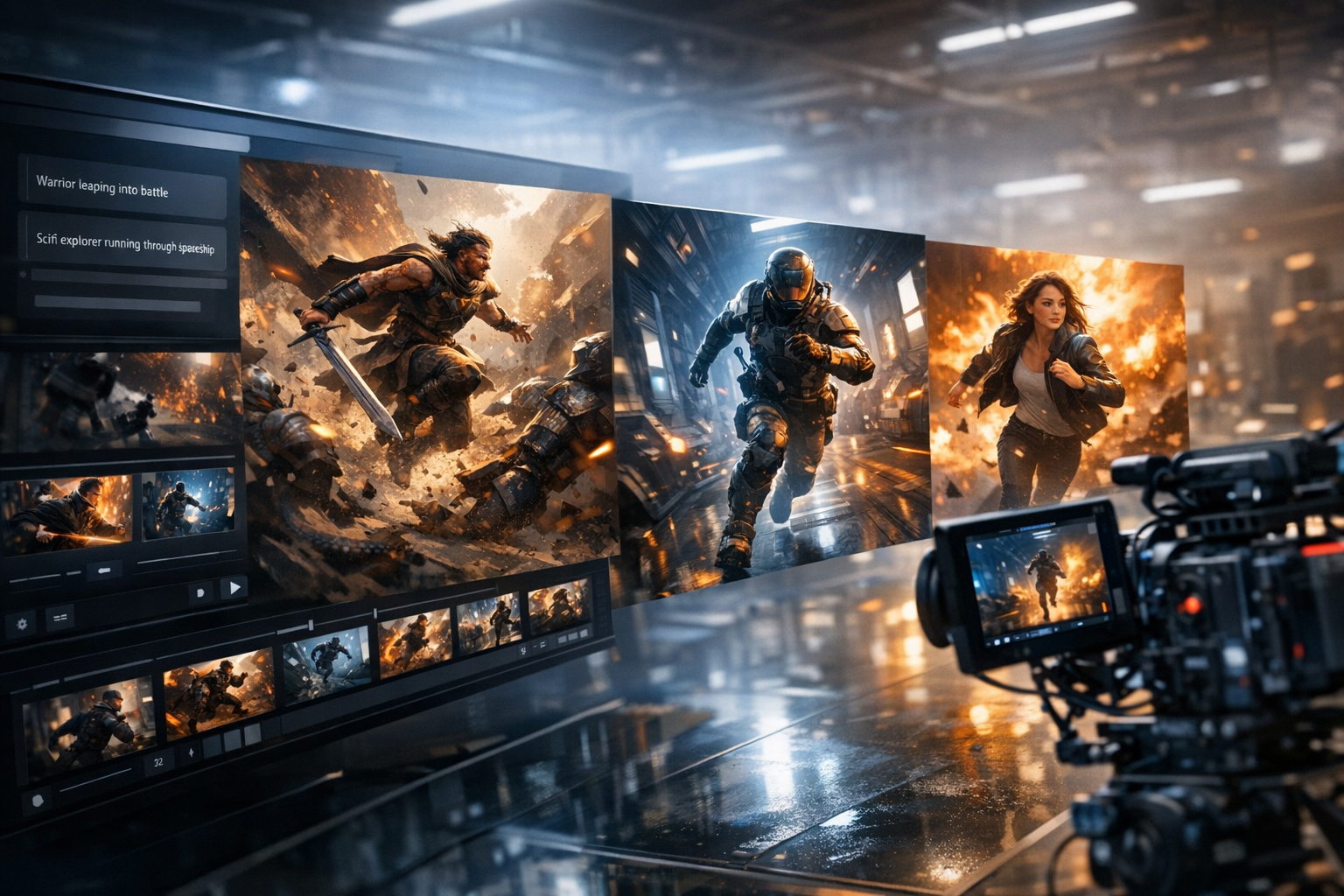
Create Kling-style AI videos from prompts. Build expressive character motion, product clips, cinematic shots, and social videos with a simple text-to-video workflow.
Create with Kling AI Video Generator