1
Choose the real intent
Start from what the user is trying to do: generate from text, edit an image, restyle a reference, compare options, or make a specific asset.


Find the right LlamaGen workflow for text-to-image prompts, image-to-image transformations, AI image editing, character assets, covers, collectibles, and social-ready visuals.
Start from text, transform a reference image, edit an existing result, compare generators, or turn an image into video.
For creators comparing text-to-image, image-to-image, editing, and image-to-video workflows.
For creators comparing editors by identity preservation, prompt control, edit boundaries, and reusable output quality.
For creators who already have a reference image and want to restyle it, preserve identity, or turn it into a specific asset.
For users who want to refine an existing image: change outfit, fix composition, adjust style, or prepare a final shareable version.
For people comparing how AI image generation works before they choose a model, prompt, reference workflow, or output format.
For users who want a clear path from a plain idea to a finished image without learning prompt engineering first.
For users whose real goal is motion. Route them to video instead of forcing them through an image-only page.
Choose the asset you want to create, then open the workflow with the most relevant inputs and controls.
Start from what the user is trying to do: generate from text, edit an image, restyle a reference, compare options, or make a specific asset.
Each page explains the input, output, prompt examples, and quality checks for that job before sending the user into creation.
Create the first image, check identity and composition, then reuse the result across comics, product mockups, profile art, and campaign sets.
Start with the pages that represent the collection best: character presentations, physical-product mockups, cover formats, and playful object transformations.
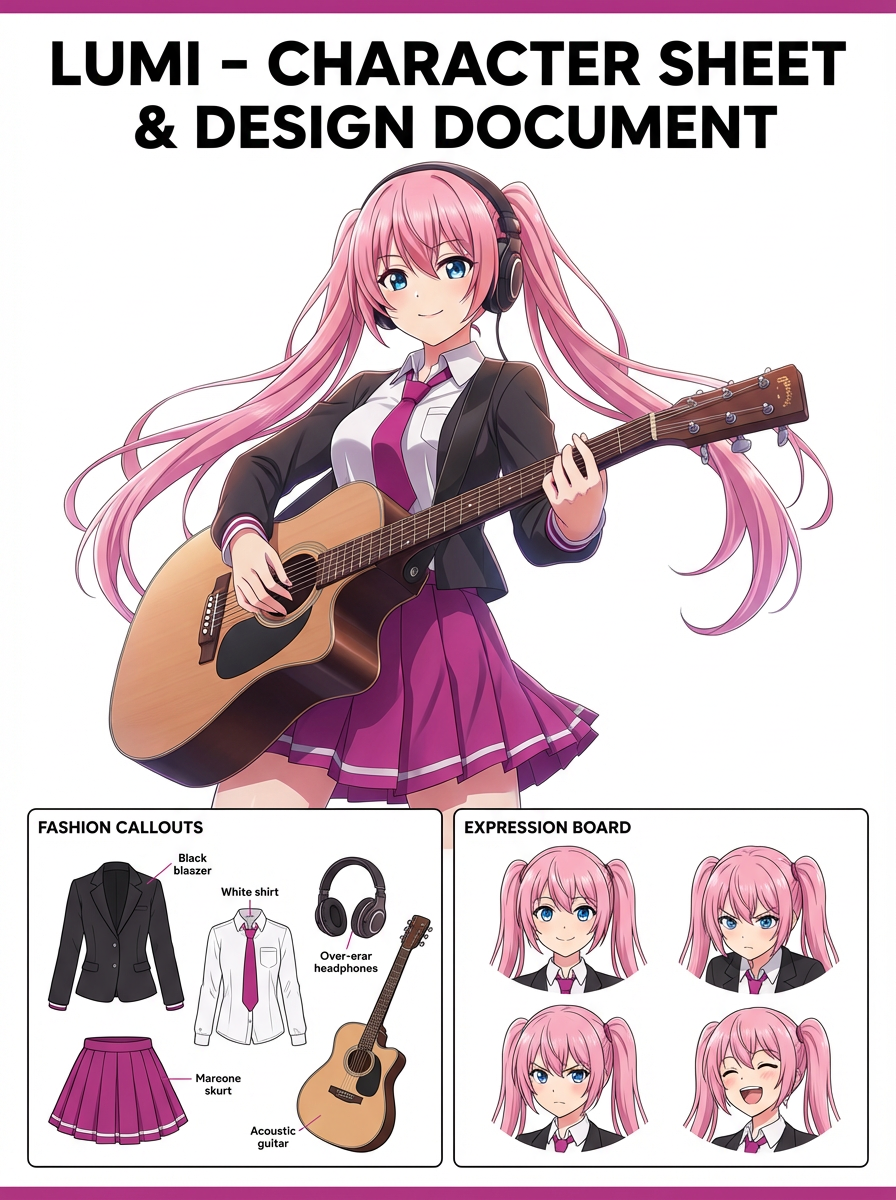
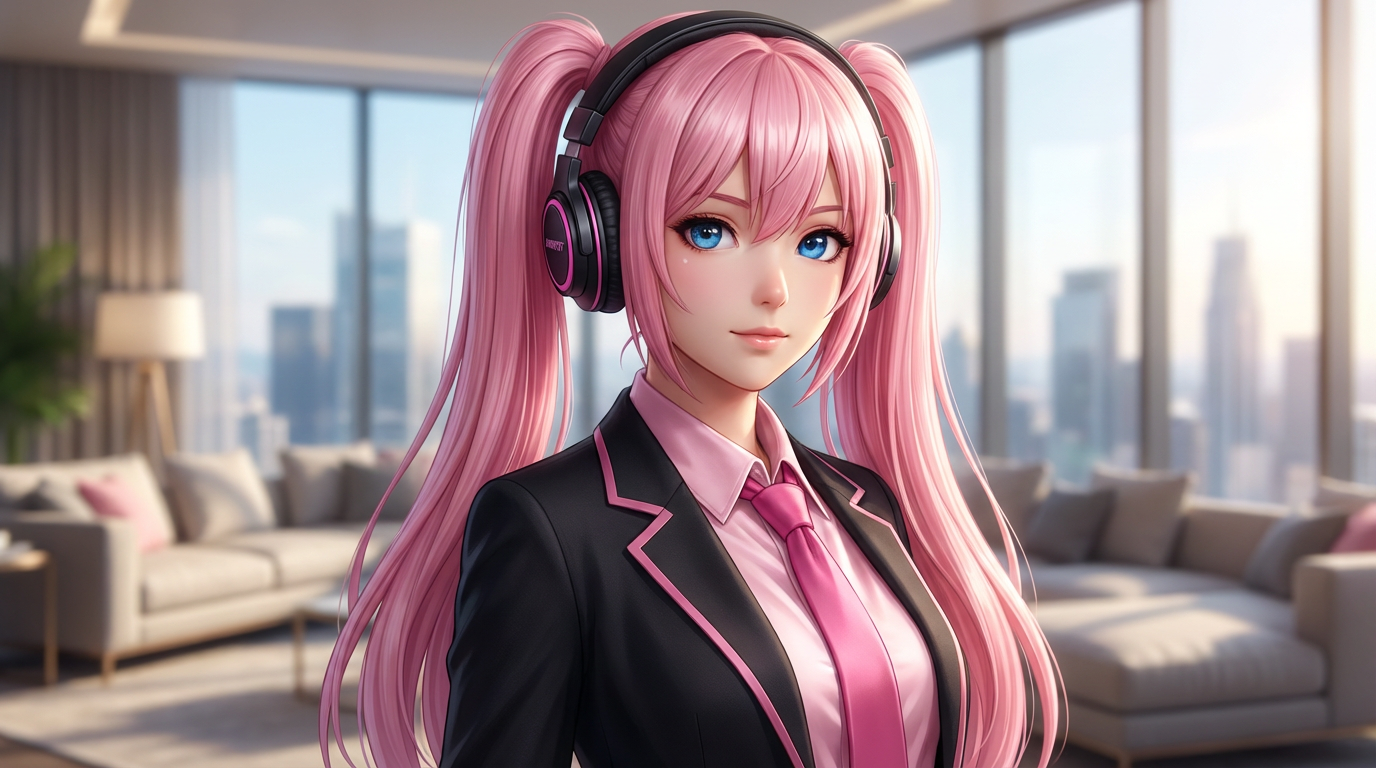
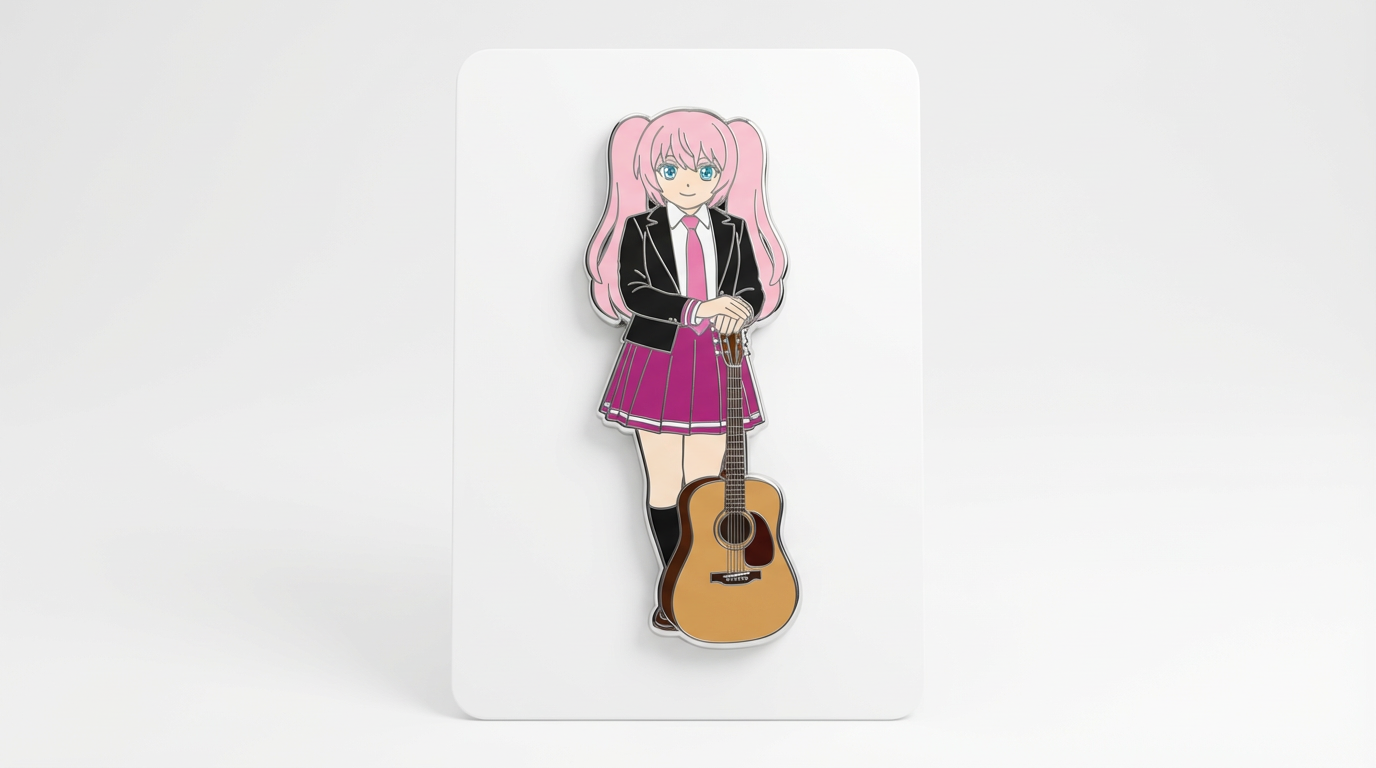
Each card includes examples, workflow guidance, practical answers, quality checks, and a direct creation path.
Compare LlamaGen image-generation workflows for text prompts, reference images, image editing, character consistency, and image-to-video handoff.
Evaluate AI image editors by control, identity preservation, prompt clarity, creative limits, and whether edited results are reusable.
Plan and create AI images with a workflow that separates text prompts, image-to-image references, editing goals, and final output checks.
Use an existing image as a reference, then turn it into a new style, asset, cover, mockup, badge, card, or character visual with AI.
Edit existing images with AI prompts for outfit changes, style fixes, composition cleanup, character variants, covers, badges, and campaign assets.

Compare what matters when choosing the best AI image generator for consistent characters, reference-based edits, comics, covers, and reusable assets.
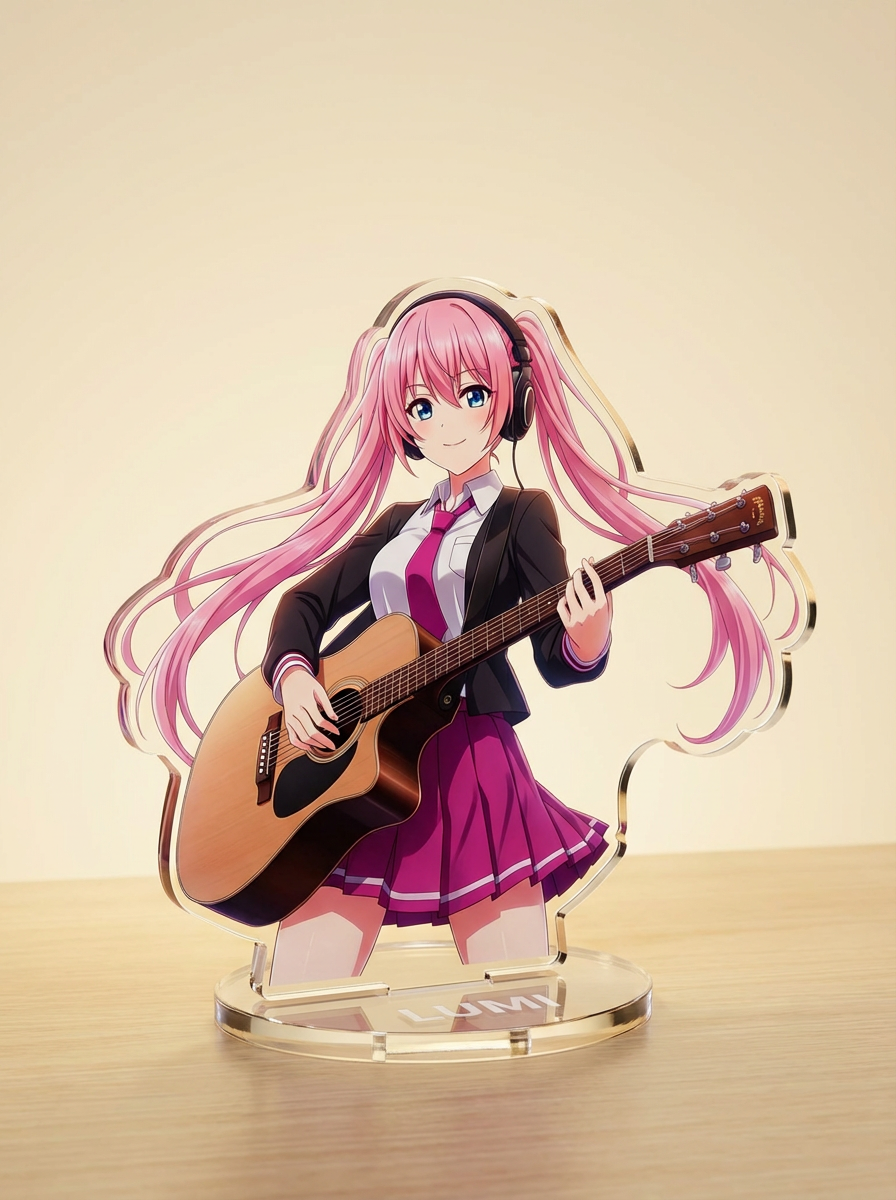
Generate images with AI from simple text prompts, then refine the subject, style, composition, and final asset format for practical creative use.
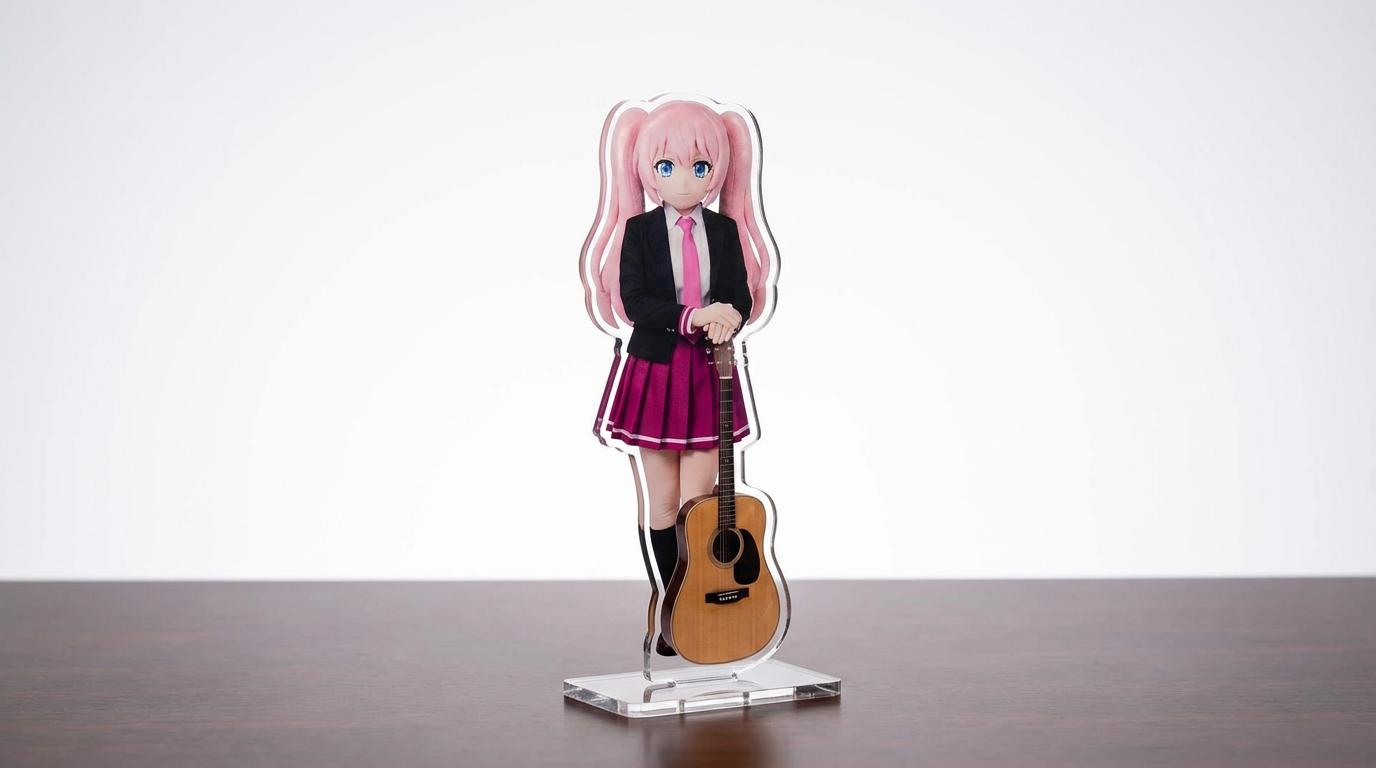
Pretvorite ilustracije likova, kućne ljubimce i originalne dizajne u mockupove akrilnih standeea uz prilagodljiv workflow s Lumi u središtu.
Pretvorite ilustracije likova u vizuale u stilu bedža s čistim kružnim okvirom, dojmljivim merch izgledom i kompozicijom prilagođenom ikonama.
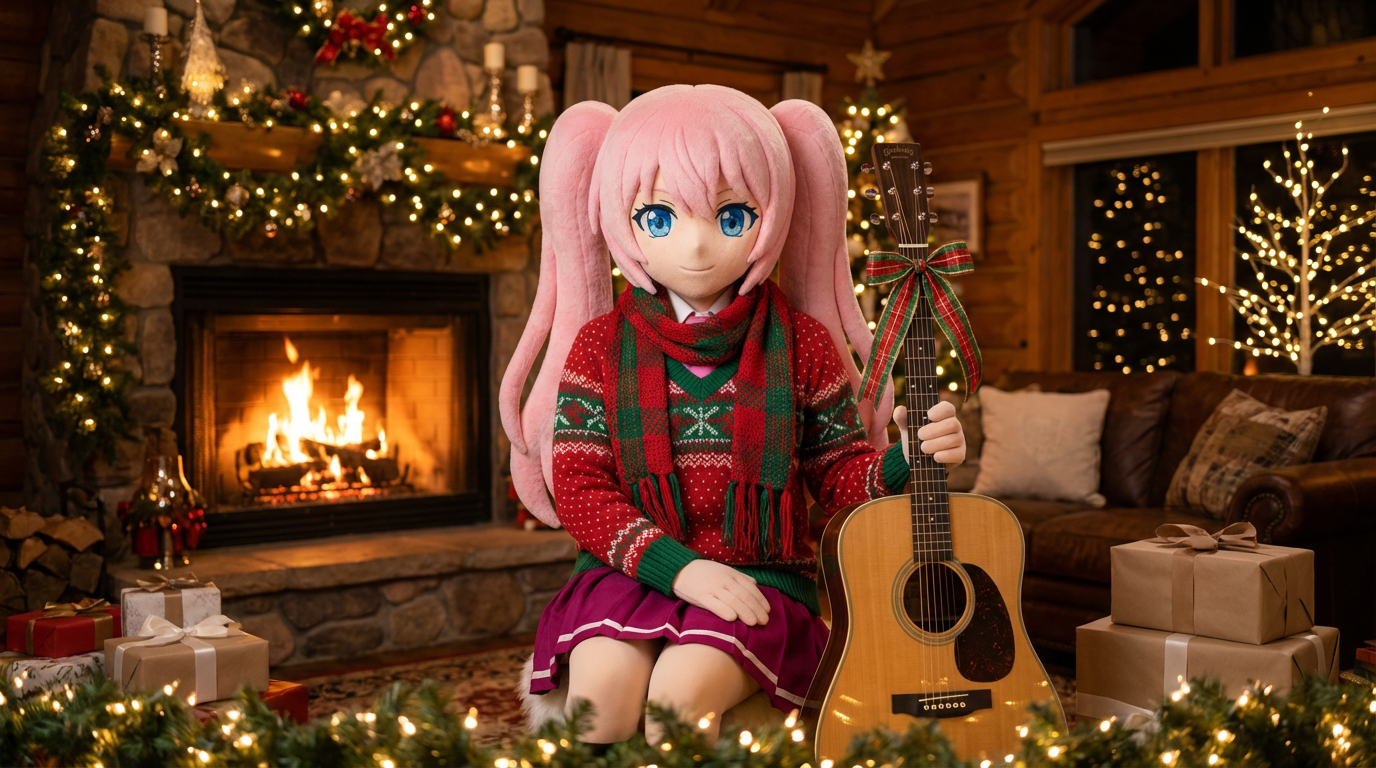
Portretima i ilustracijama likova dodajte blagdanski styling uz šalove, kape i svečanu prezentaciju u Lumi stilu.
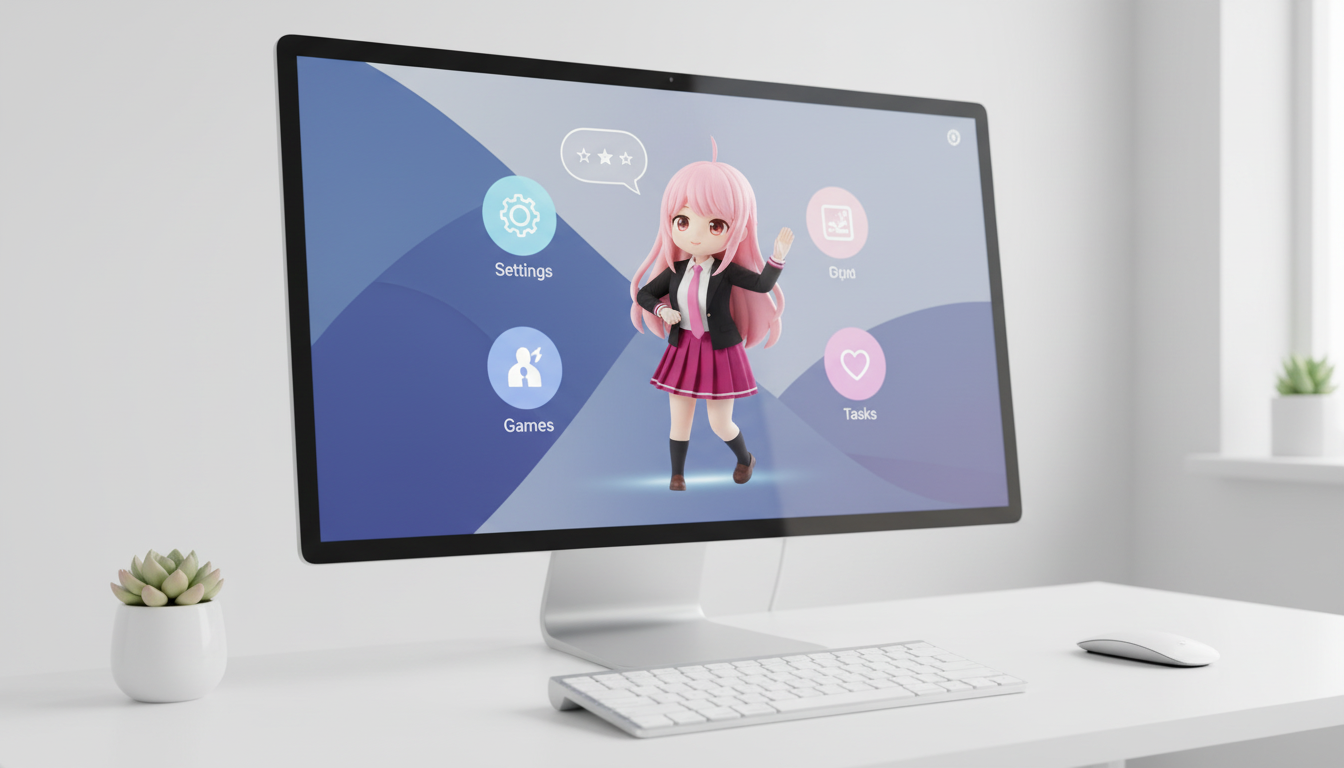
Pretvorite likove i OC-eve u vizuale u stilu desktop ljubimca uz kadar prilagođen rasporedu na ekranu.
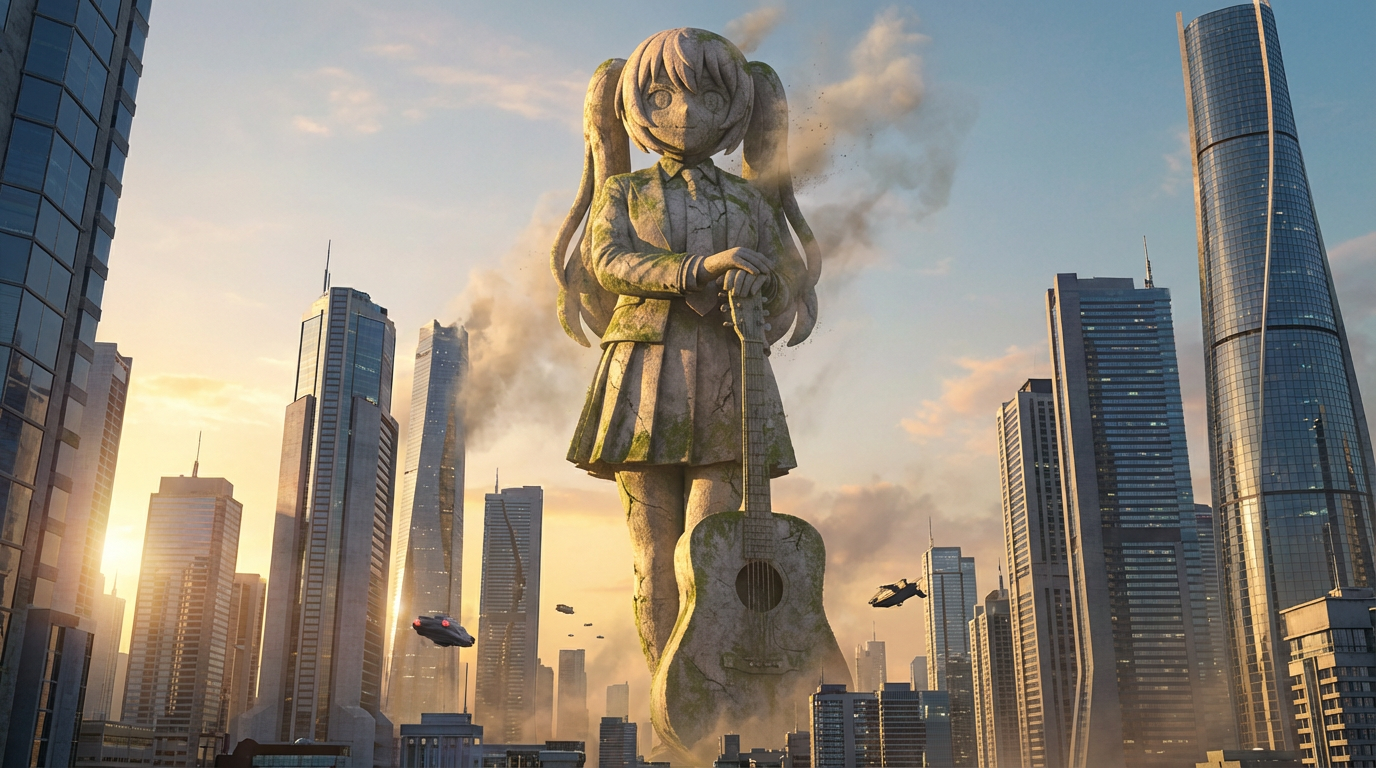
Pretvorite likove u vizuale divovskih kipova uz monumentalnu kompoziciju, panoramu grada i dojam poznatog spomenika.
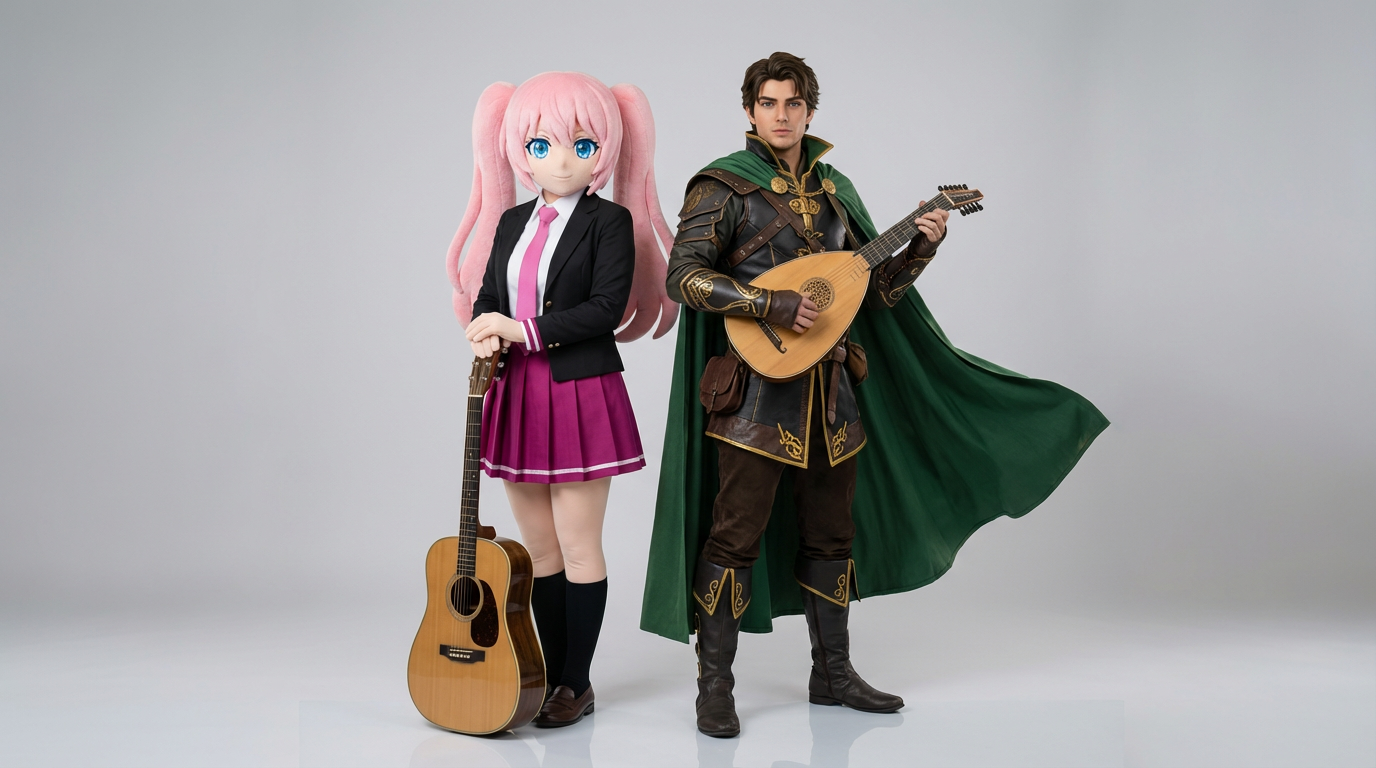
Prenesite dvije reference likova i generirajte čiste kadrove interakcije, uparene kompozicije i kadar dua spreman za scenu.
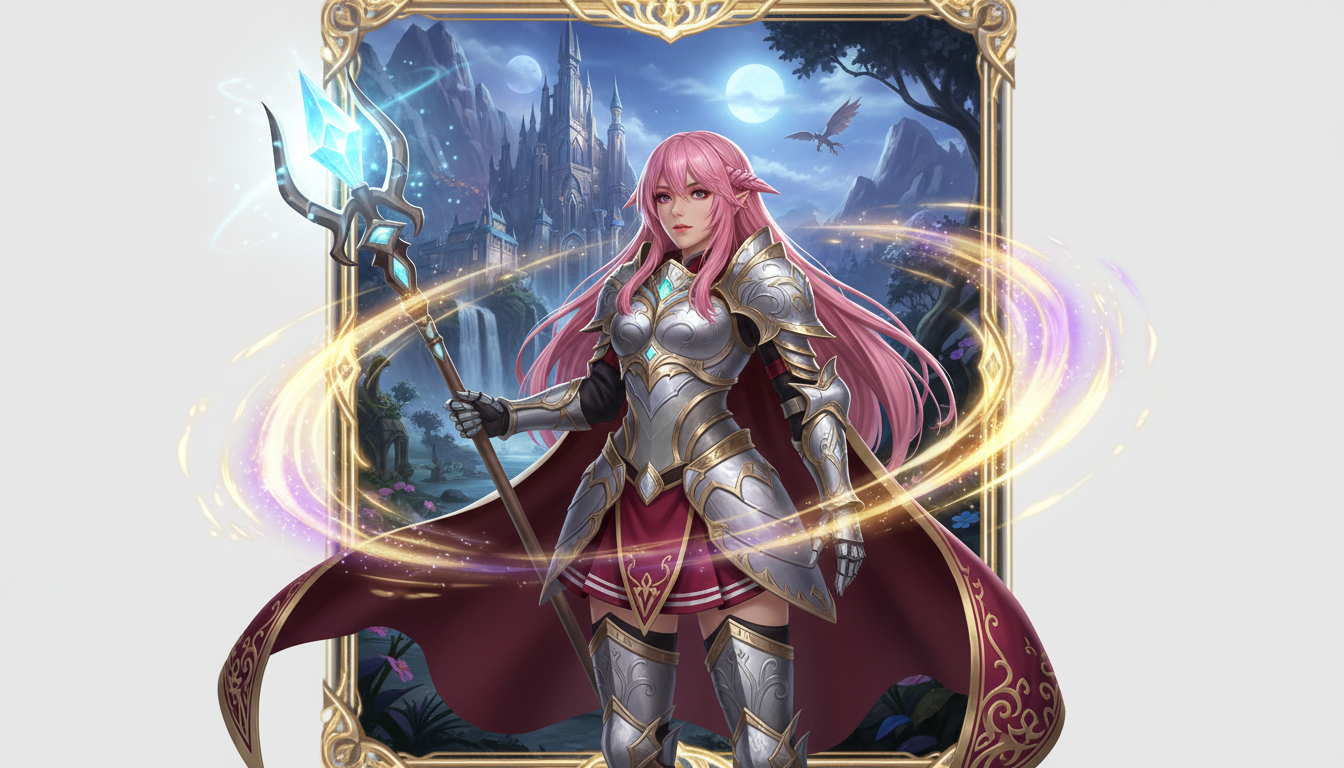
Pretvorite sliku lika u fantasy prezentaciju heroja s klasnim stilom, RPG ugođajem i energijom kolekcionarske karte.
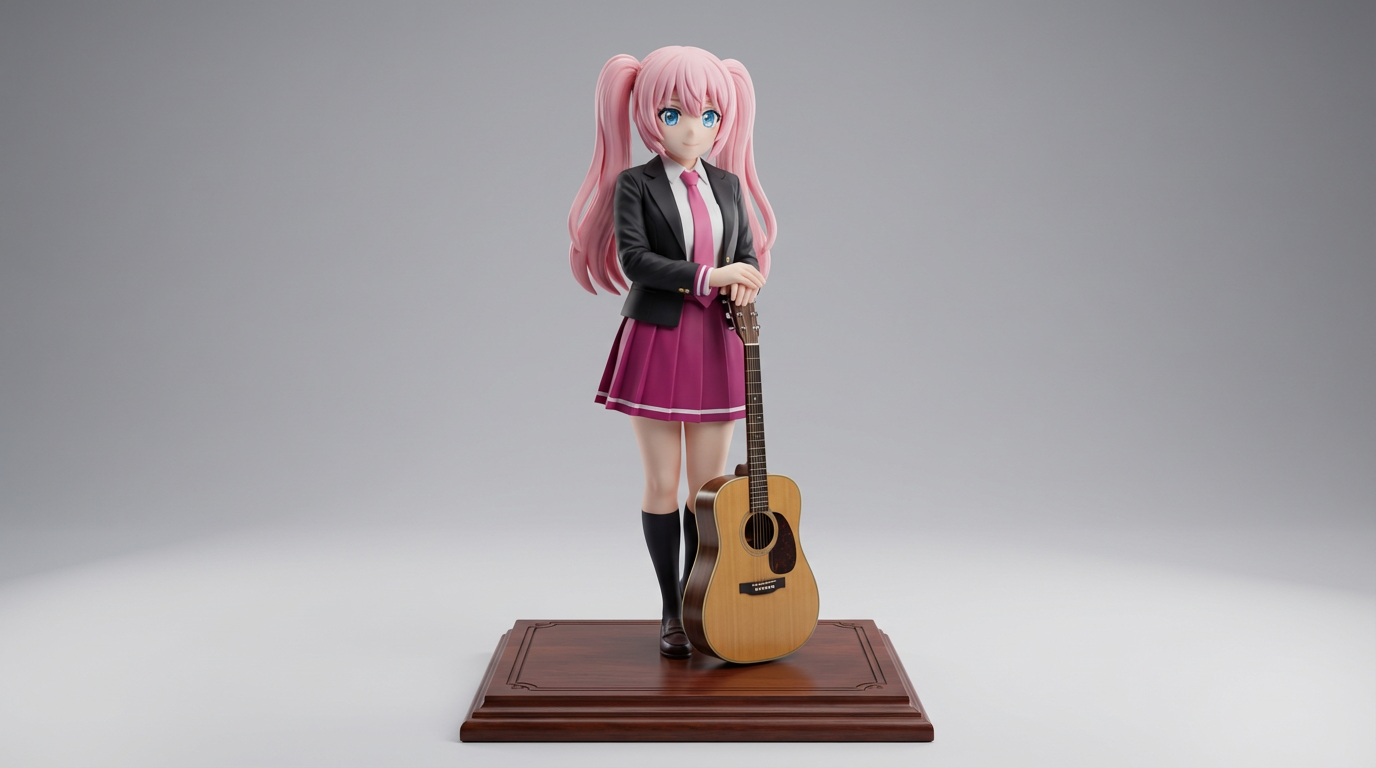
Pretvorite ravni crtež lika u vizuale u stilu kolekcionarskih figura i produktne mockupove izložbenih figurica.
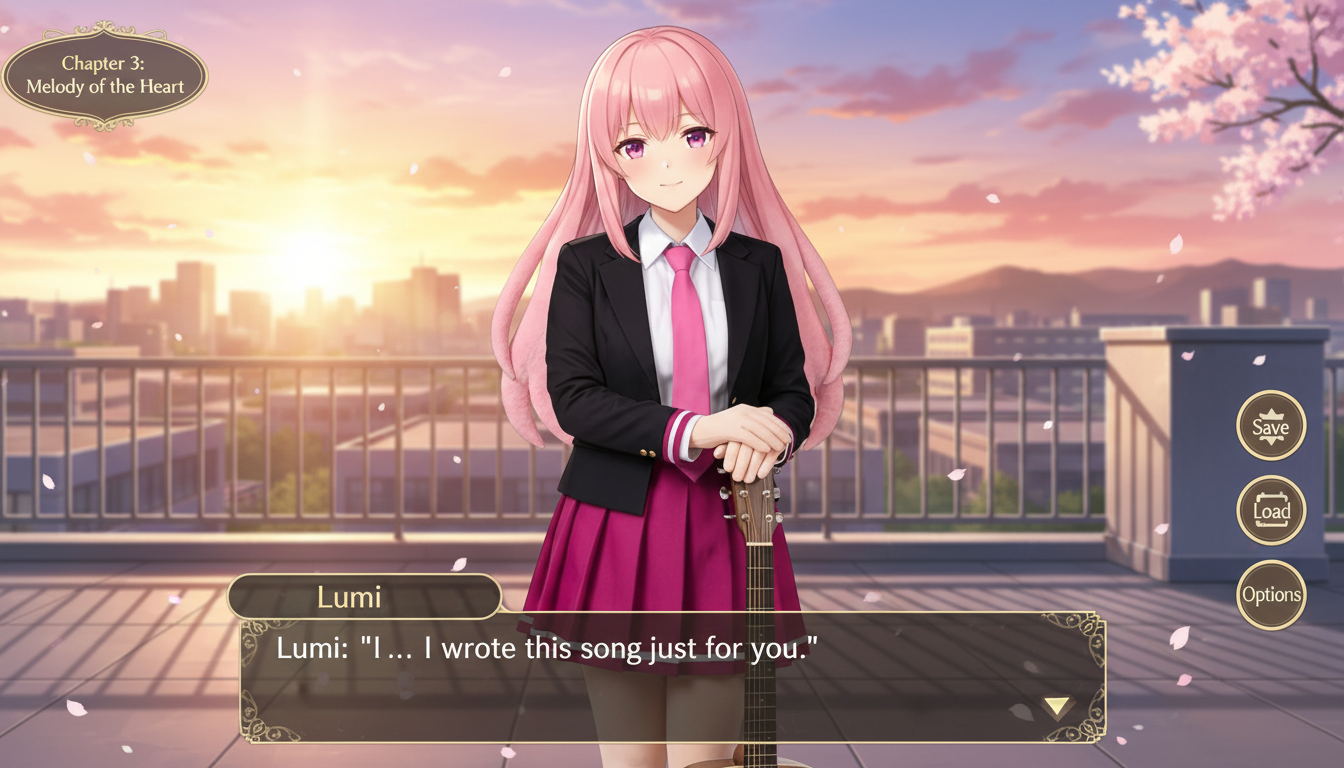
Pretvorite sliku lika u scenu u stilu vizualnog romana s kadriranjem sučelja, rasporedom prostora za dijalog i kompozicijom zaslona kao u igri.
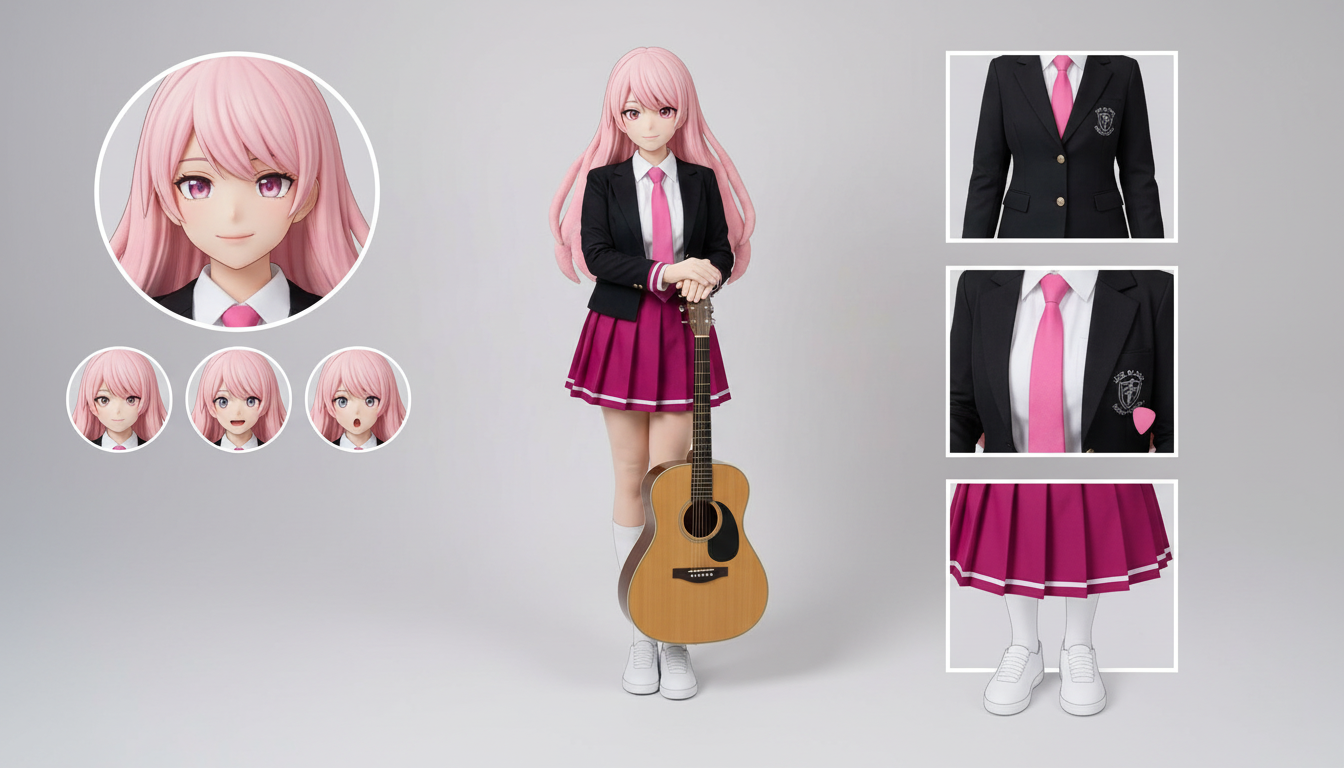
Izradite rasporede listova lika za odjeću, izraze lica, dodatke i reference poza iz jednog učitanog dizajna.
Pretvorite likove i originalne likove u sjajne uredničke vizuale za naslovnicu, s naglašenom kompozicijom, premium ugođajem i rasporedom u stilu časopisa.
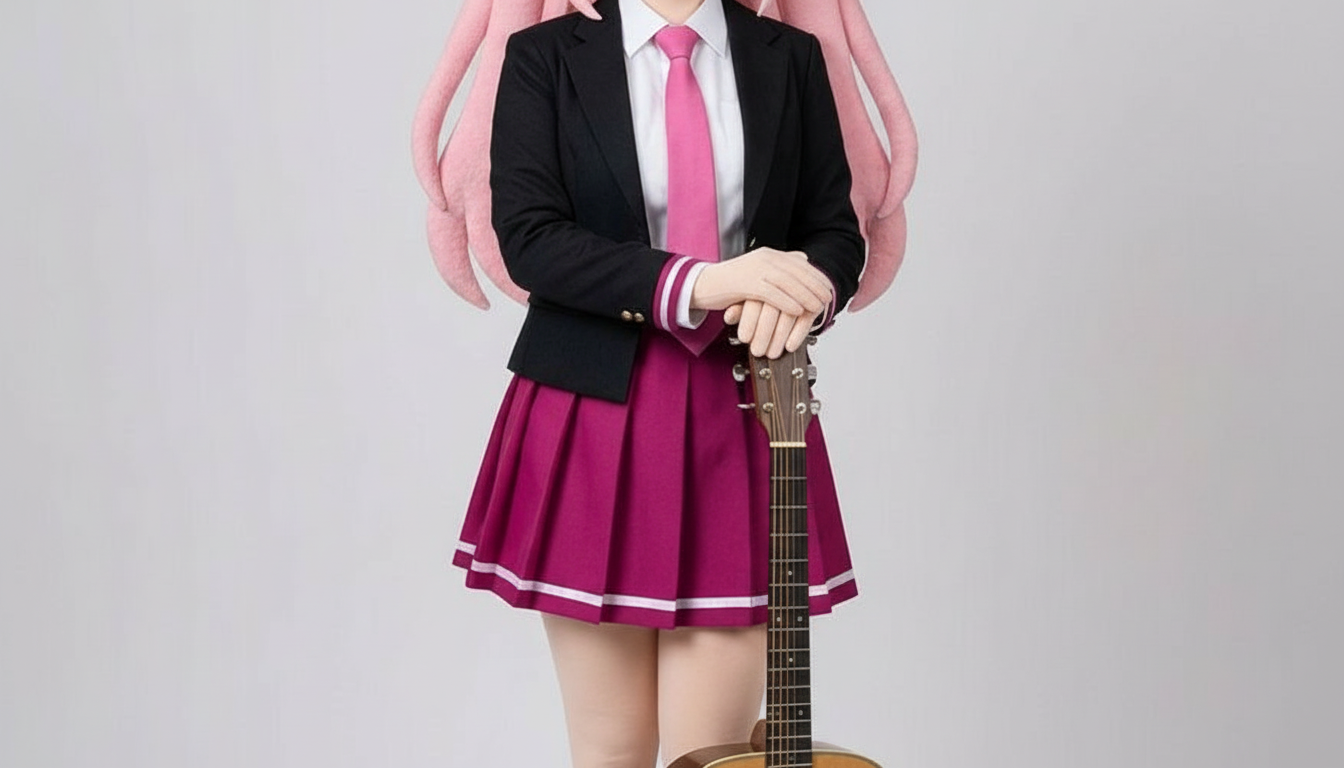
Pretvorite likove u ilustracije u stilu izrezanog papira s višeslojnim oblicima, taktilnom dubinom i preciznom kontrolom siluete.
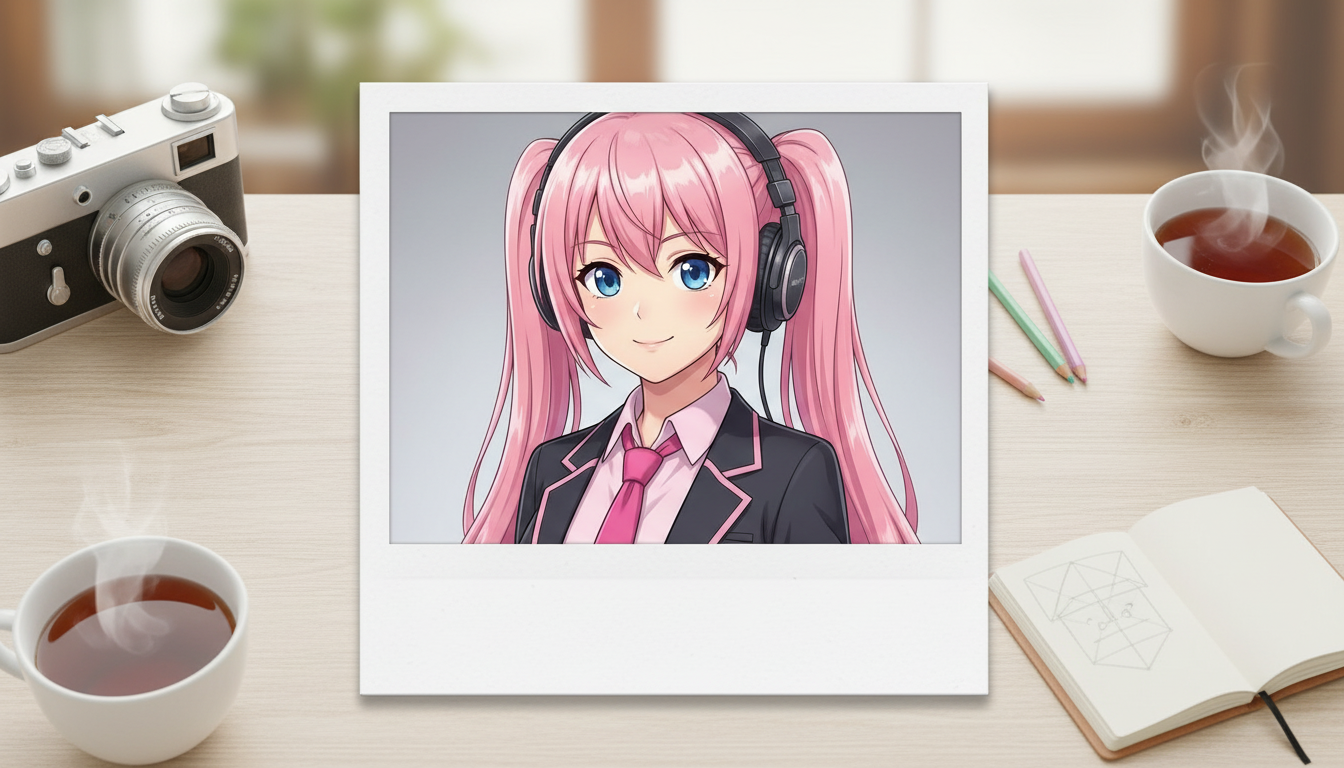
Pretvorite slike likova u vizuale u Polaroid stilu, s nostalgičnim okvirom instant-fotografije i dojmljivim izgledom kolekcionarskog snapshota.
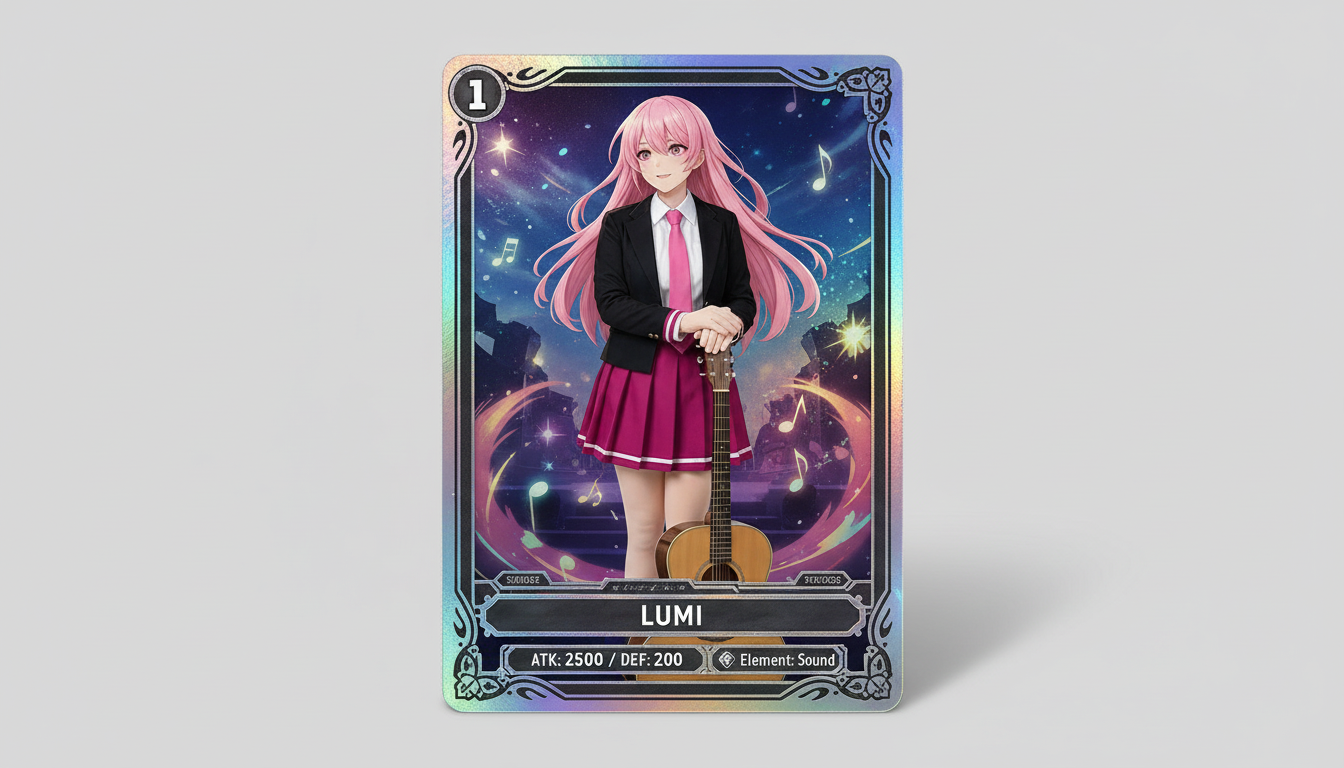
Pretvorite slike likova u vizuale kolekcionarskih Trading Card kartica s dojmom rijetkosti, uokvirenim statistikama i kompozicijom spremnom za merch.
Use this page when you know the kind of visual asset you want, but not the exact prompt or workflow yet.
Search behavior has moved beyond one broad text-to-image query. Many users now start with an existing image, ask for an editor, or compare image generation workflows before they create.
Yes. Each page is built around a specific problem, such as turning a reference image into a new style, creating a character sheet, or making a magazine-cover visual.
Pick the page that matches your starting point. Use text-to-image when you only have an idea, image-to-image when you have a reference, and AI image editor when you need controlled changes.