

Tydelig intensjon for bevegelse
Beskriv hva som beveger seg, hvor raskt det beveger seg, og hva kameraet skal gjøre.
Gjør en prompt, et bilde, en figur, en tegneserierute eller et storyboard om til en animert scene med kamerabevegelse, timing, bevegelsesstyrke og visuell stilkontroll.
Animasjonsprompt
Prompt to result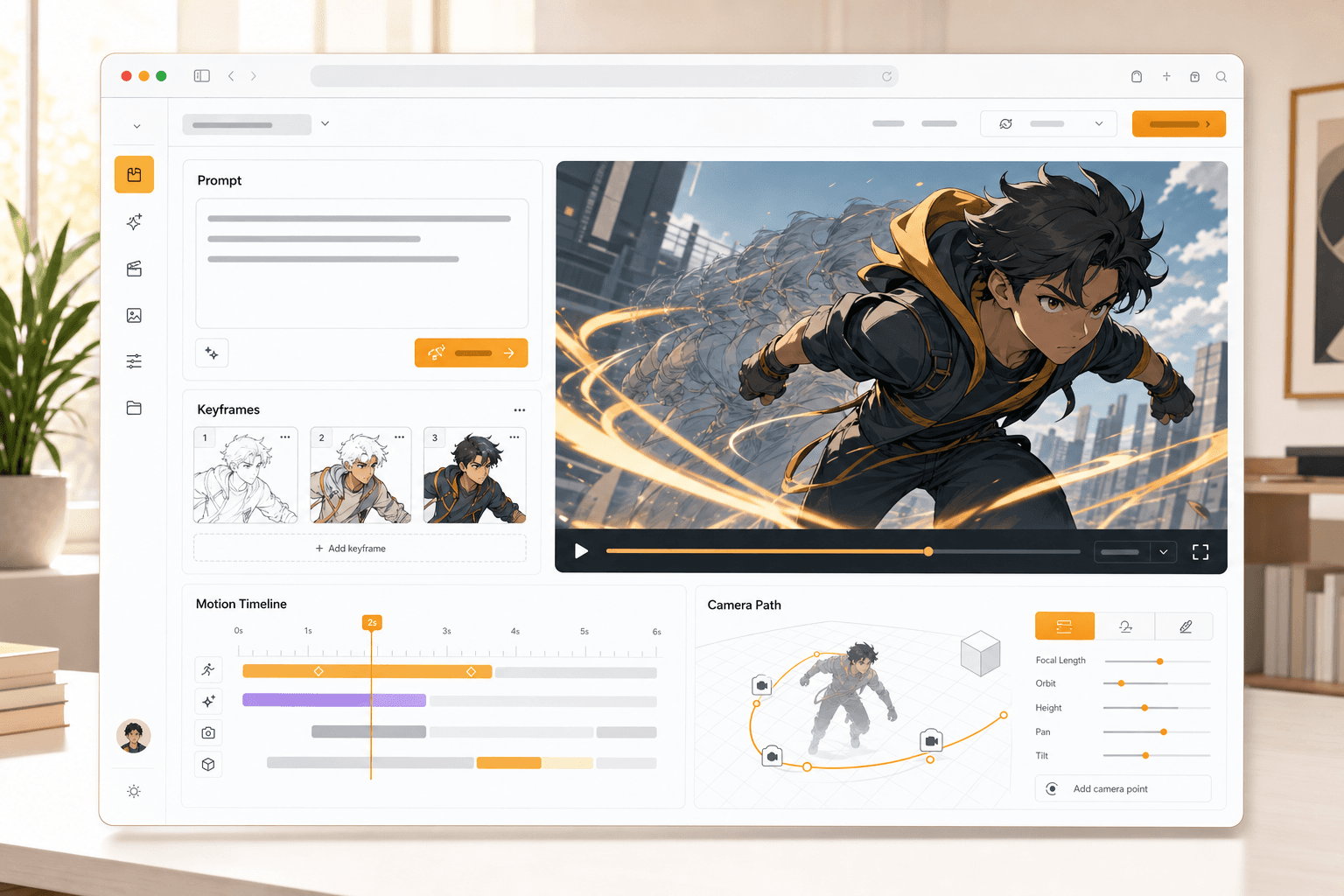
Animasjonsarbeidsområde
Prompt
til bevegelse
Bilde
til animasjon
Start med en tekstprompt, et bilde, et figurdesign, en tegneserierute eller et storyboardbilde.
Velg kamerabevegelse, handlingssignaler, timing, bevegelsesstyrke og visuell stil.
Lag et videoklart animert klipp som holder motivet, scenen og fortellergrepet tydelig.
Animer prompts, bilder, figurer, tegneserier og storyboards i én fokusert opprettelses-workflow.
Bruk en prompt, figur, tegneserierute, storyboard eller et bilde som kilde for animasjonen.
Se gjennom bevegelse, timing, kameraføring og visuell stil før klippet produseres.
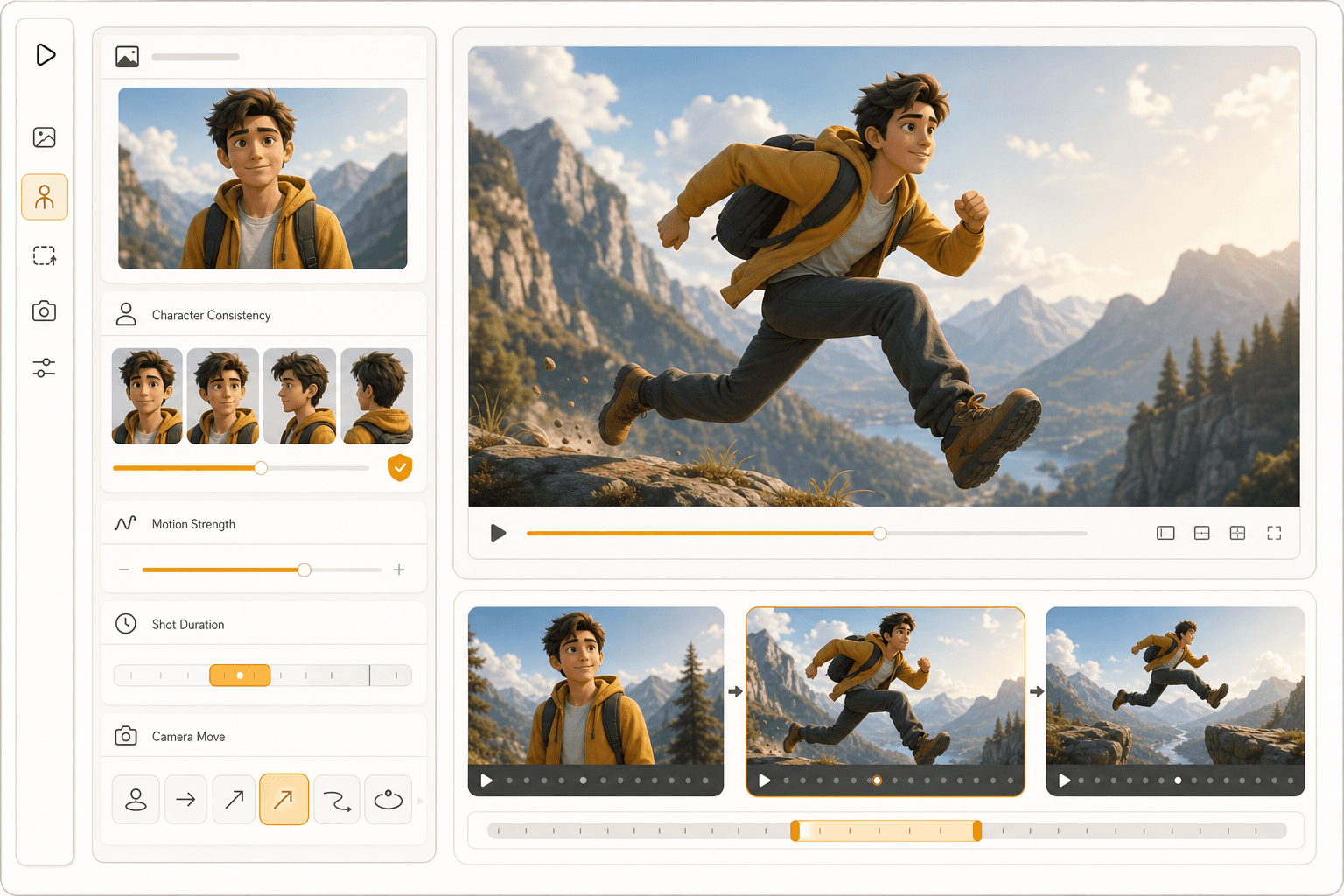
Godt animert resultat avhenger av tydelig kildemateriale, konsistente motiver, riktig klipptiming og klar bevegelsesretning.
Beskriv hva som beveger seg, hvor raskt det beveger seg, og hva kameraet skal gjøre.
Figurer og objekter bør forbli gjenkjennelige gjennom hele den animerte sekvensen.
Korte klipp fungerer bedre når varighet, rytme og avslørende slutt planlegges sammen.
Tekst til animasjon
Skriv handlingen, kamerabevegelsen, stemningen og timingen du vil ha, og generer deretter en scene klar for bevegelse fra den kreative retningen.
Bilde til animasjon
Start med et stillbilde, en figur, en rute eller konseptkunst, og legg til panorering, zoom, parallakse, handlingssignaler og varighet.
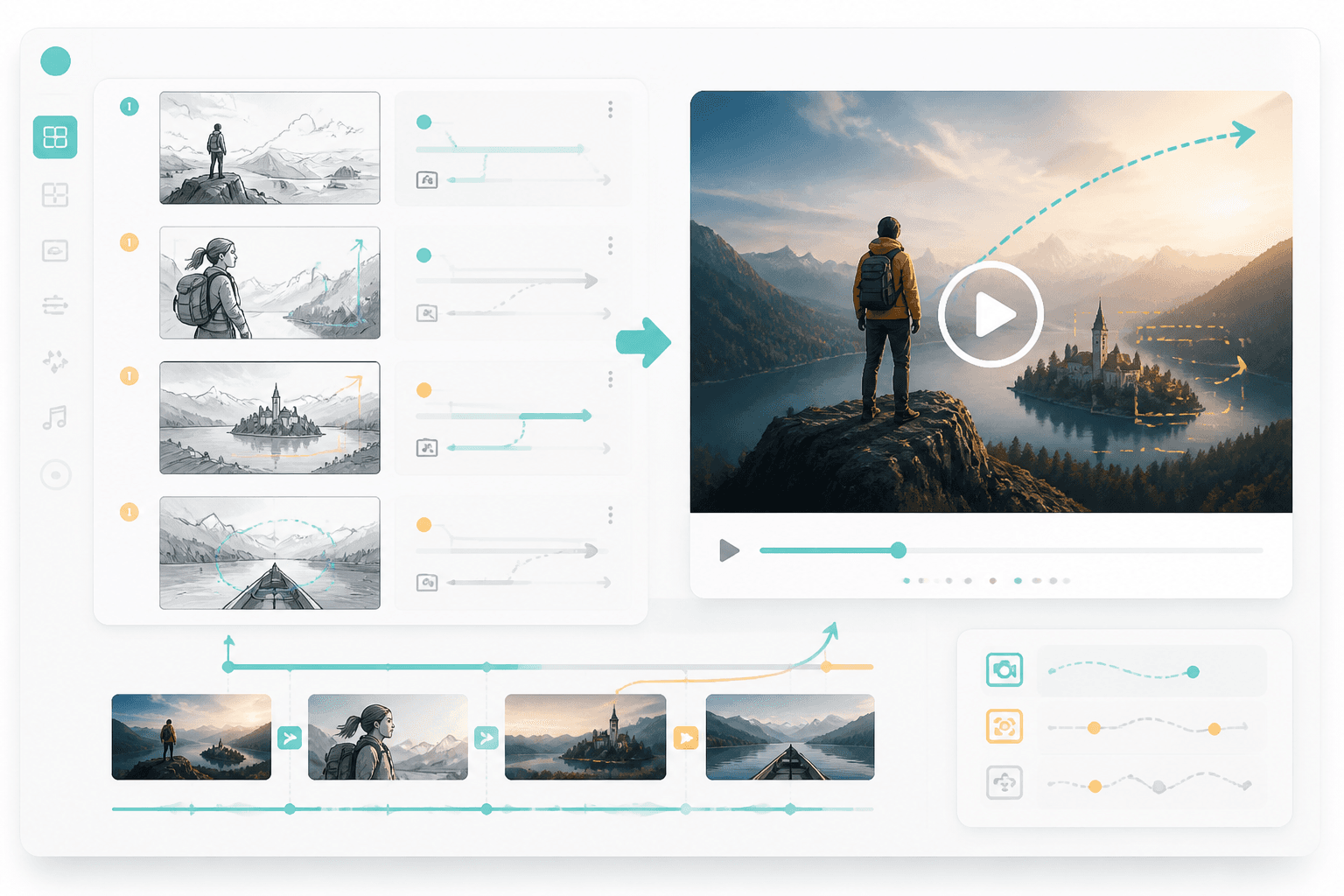
Story-workflow
Bruk ruter og storyboards som visuell plan, og før deretter de beste øyeblikkene videre til animert resultat.
Workflow guide
Start med opprettelses-workflowen, og finjuster deretter bildeanimasjon, figurkonsistens, kamerabevegelse og resultat klart for historiefortelling.
Start med en tekstprompt, et bilde, et figurdesign, en tegneserierute eller et storyboardbilde.
Velg kamerabevegelse, handlingssignaler, timing, bevegelsesstyrke og visuell stil.
Lag et videoklart animert klipp som holder motivet, scenen og fortellergrepet tydelig.
Gode prompts nevner kilde, motivets bevegelse, kameraretning, varighet og sluttstemning.
Related writing workflow
Use the AI Screenplay Editor when a script, fiction draft, storyboard brief, video idea, or canvas note needs proper scene headings, action, dialogue, parentheticals, cover pages, outlines, beats, and collaboration-ready revisions.
INT. COMMUNITY CENTER - NIGHT
Folded chairs. A storm outside. MAYA stands at the microphone with a page of notes she no longer needs.
MAYA
If the city will not read the record, we will read it out loud.
Start med en prompt, et bilde, en figur, en rute eller et storyboard, og gjør det om til en animert scene klar for bevegelse.