Control the pose and composition
Use your drawing to show where the character, camera, and major shapes should go before AI renders the final look.


AI Sketch Generator
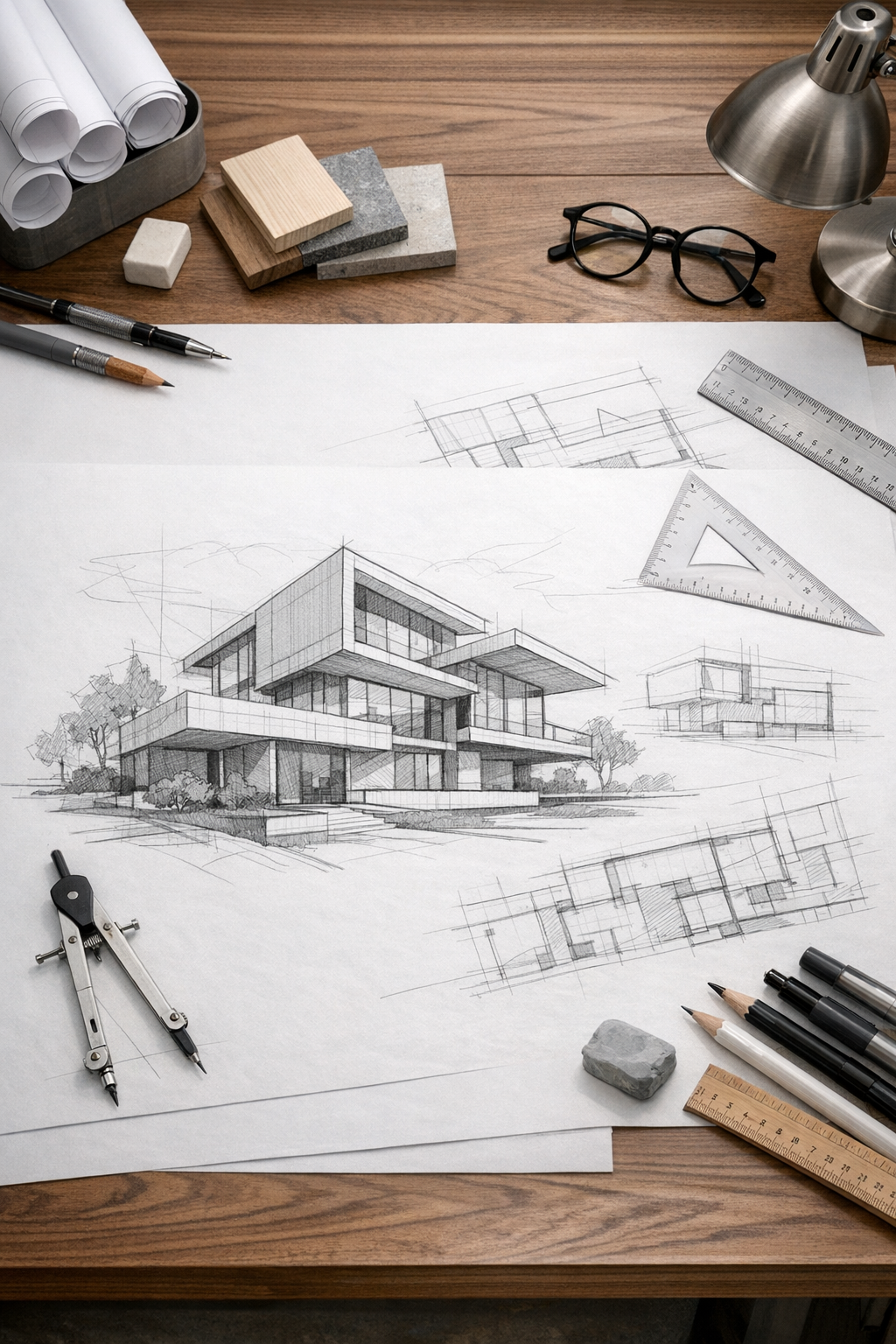
Draw a quick pose, layout, or idea, then let AI turn it into a polished image. Your sketch keeps the composition on track while the prompt adds character, mood, and style.
Use the sketch for structure and the prompt for art direction, then compare variations before refining.
Paste your story, then choose the page count and layout.
Built for creators who need faster visual decisions, not more blank-canvas friction.
Built for the work
A sketch gives the generation a visible structure. It is most useful when it clearly communicates framing, pose, silhouette, and the relationship between major shapes.
Use your drawing to show where the character, camera, and major shapes should go before AI renders the final look.
Keep the same sketch and try different prompts for anime, manga, fantasy, fashion, portrait, or concept-art directions.
Turn a rough idea into something polished enough to judge, share, or refine before investing hours in cleanup.
01 / Proof in the output
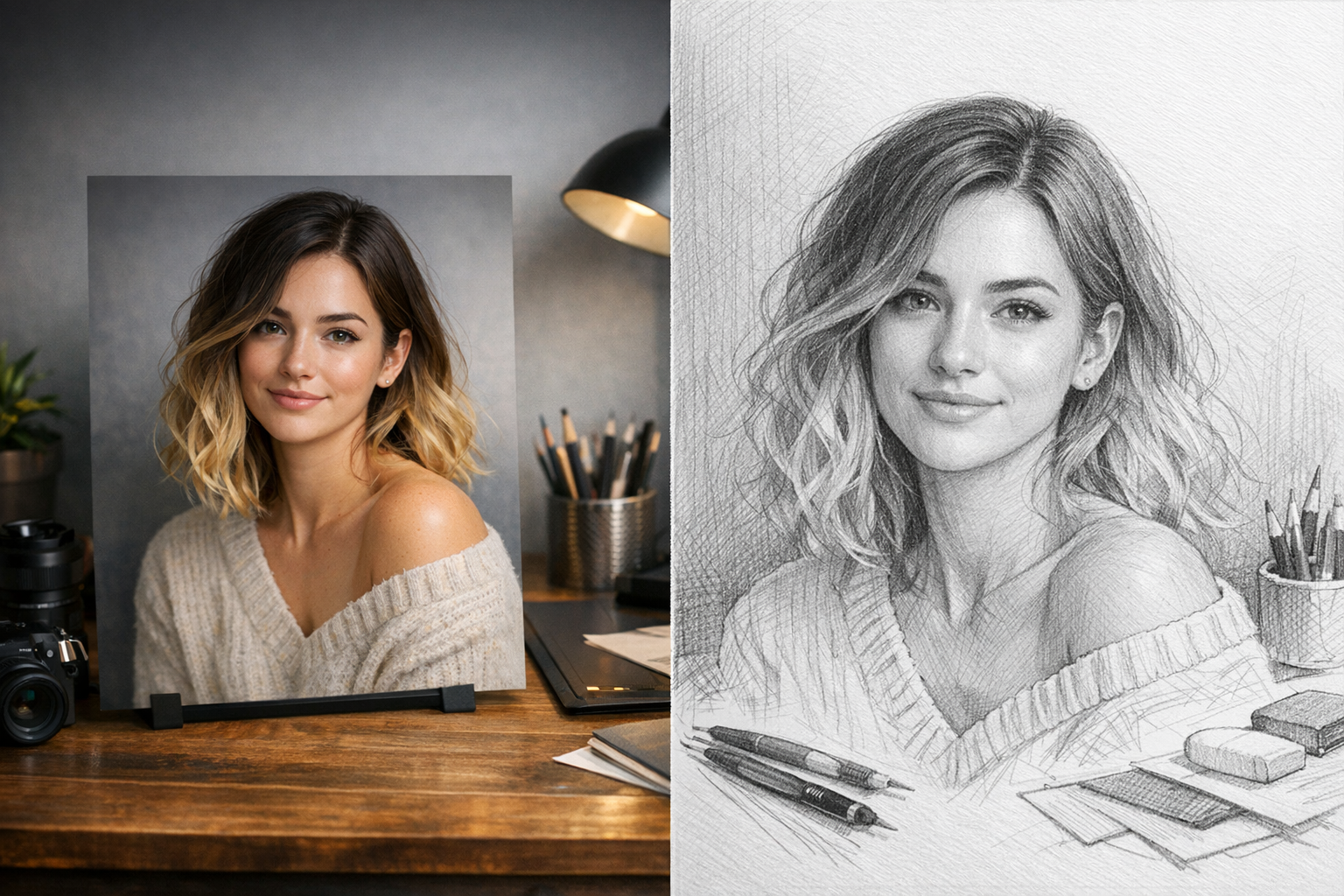
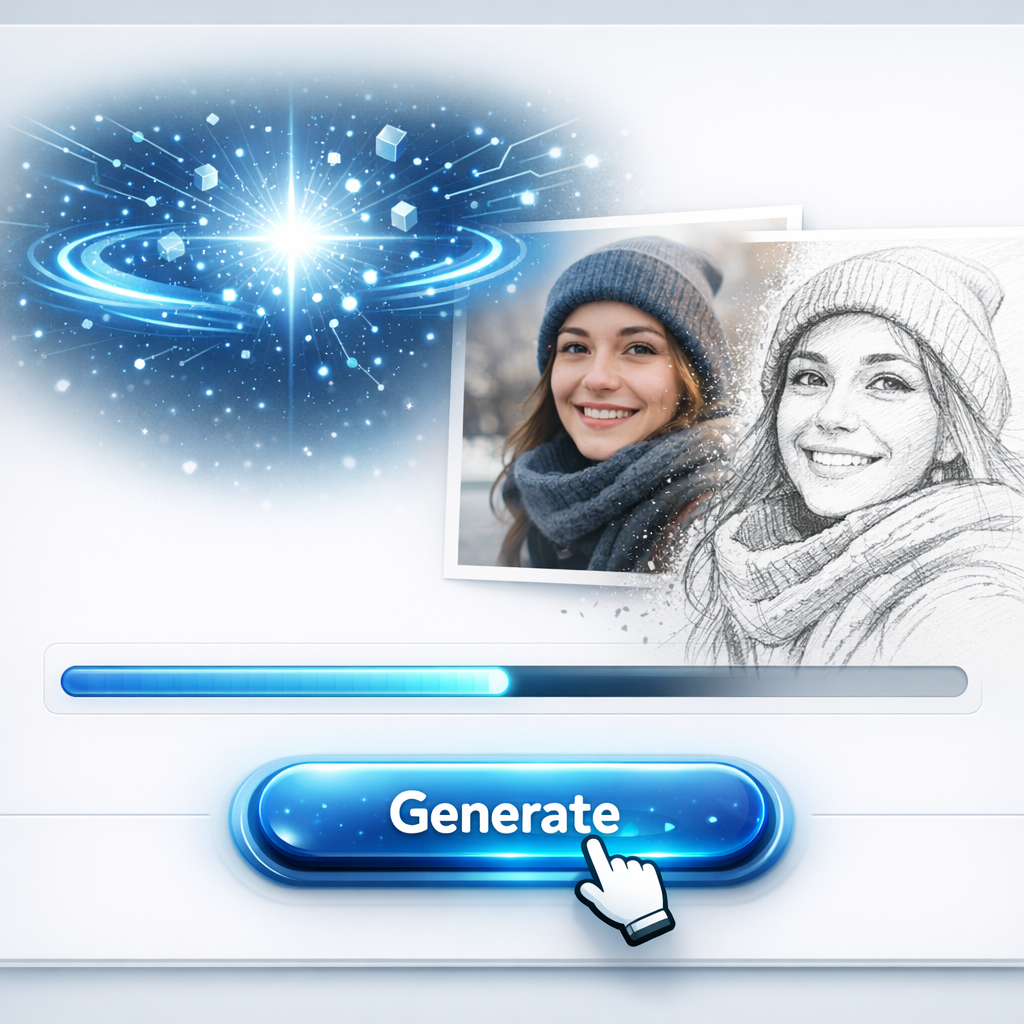
Block in the pose, framing, and silhouette with simple lines. LlamaGen uses that rough structure as visual direction, so you can explore character ideas without redrawing every detail by hand.
02 / Proof in the output
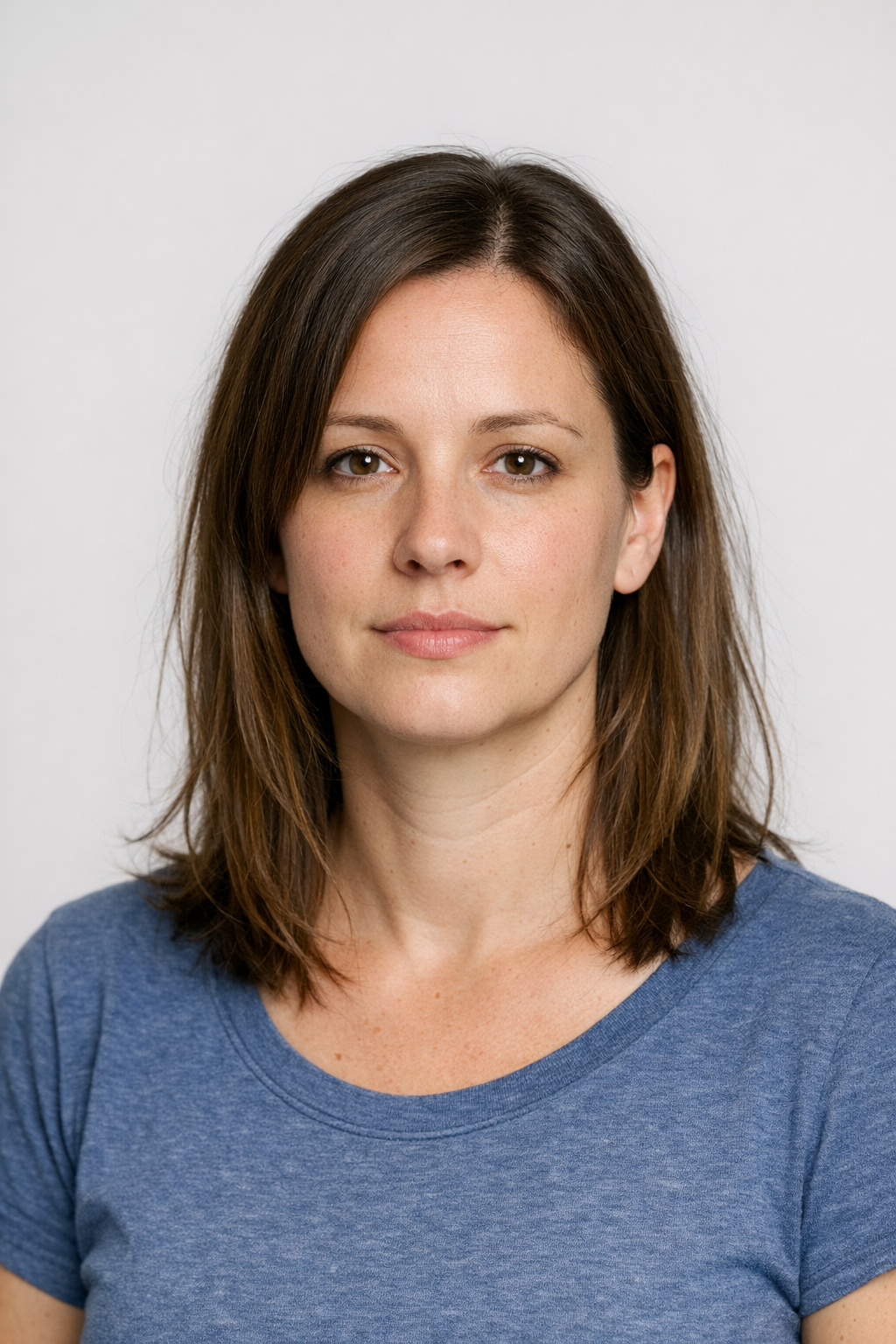
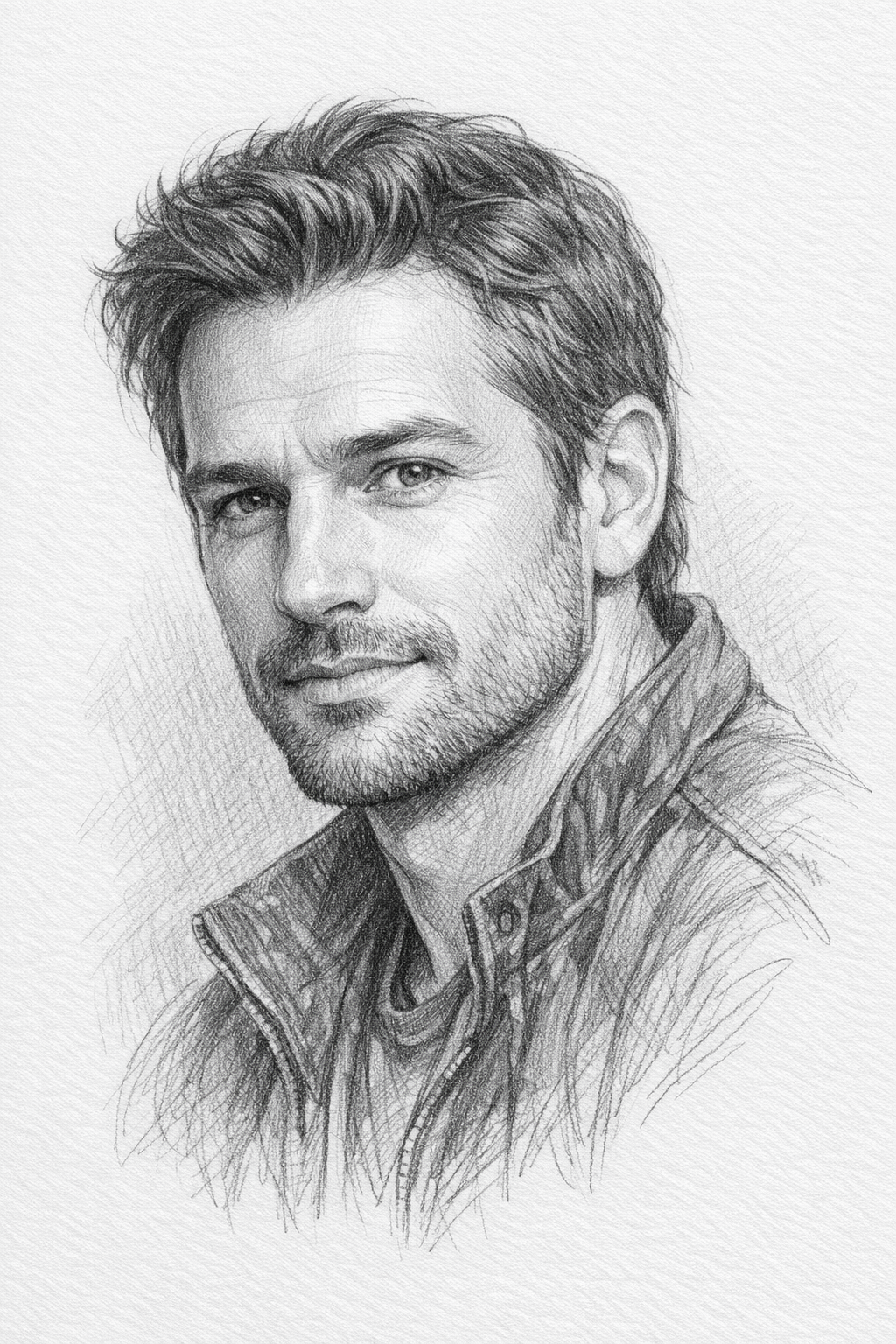
Add the character, outfit, camera angle, lighting, and anime style you want. The sketch anchors the image, while the prompt helps AI fill in polish, atmosphere, and detail.
At a glance
Sketch the structure, prompt the style, then iterate on the result.
Set the composition, pose, and silhouette with simple lines.
AI renders your sketch and prompt into a cleaner image.
Change the prompt, redraw the sketch, or compare variations.
Workflow
A simple workflow for turning first-draft visual ideas into cleaner anime-style images.
Sketch the pose, silhouette, panel layout, or object placement. Big shapes and clear lines are enough.
Add a short prompt for the character, setting, style, emotion, lighting, and details you want AI to render.
Create a result, adjust the sketch or prompt, then run another version until the idea feels right.
Evaluation criteria
Use the AI Sketch Generator when you need to see whether a visual idea works before committing to a full illustration.
Test body language, action lines, and facial direction before spending time on anatomy or final rendering.
Try different anime, manga, fantasy, soft portrait, or cinematic looks while keeping the same sketch structure.
Create a polished draft quickly enough to compare options, get feedback, and move the strongest idea forward.
Where it earns its place
Use it anywhere a rough drawing would help you think, pitch, or refine a visual idea.
Explore faces, poses, outfits, silhouettes, and personality before building a final character sheet.
Turn rough panel ideas into readable art drafts for story beats, camera angles, and scene planning.
Sketch a moment, generate a cleaner frame, and use it to discuss mood, action, and pacing.
Draw with a tablet, stylus, mouse, or uploaded rough image, then convert the idea into a more finished direction.
Reuse one sketch across multiple prompts to compare lighting, genre, rendering style, and emotional tone.
Move from a private doodle to a polished draft you can share with collaborators, clients, or your audience.
Creator evidence
Selected feedback with visual-story, character, sketch, comic, or manga context—shown as supporting evidence rather than an anonymous rating counter.
Can AI take over comic creation? I put ChatGPT and LlamaGen to work and the results blew my mind.
📌 Step 1: Used ChatGPT to write a 4-panel comic script about a penguin dreaming of flying.
📌 Step 2: Fed the descriptions into LlamaGen, an AI tool that creates consistent and high-quality comic panels.
📌 Step 3: LlamaGen added speech bubbles and arranged everything into a polished comic strip—all in minutes.
🚀 The Final Comic? A penguin, a robot, and a dream of flying—all made with AI. This is just the beginning. AI tools like this could change storytelling forever. Would you read an AI-generated comic?
Drop your thoughts below.
#AI #ArtificialIntelligence #AIGenerated #AIArt #Comics #AICreativity #LlamaGen #ChatGPT #AIStorytelling #MachineLearning #TechInnovation #DigitalArt #AIForCreators #FutureOfAI #AIComics #AIinArt #AIDesign #AIAutomation #TechTrends #ContentCreation #StorytellingWithAI #AIillustration #ComicStrip #NextGenAI #AIExperiments
An impressive AI for creating comic strips llamagen.ai/features/ai-comic-strips-maker
#creatorsearchinsights#LlamaGen .AI Train of thoughts embark on a journey……as our Brain does..Interesting books… "How does your brain work with Life-Intelligence? " in Amazon…. Part of Chaning Destiny series .. proposed as an optional curriculum for students in grades 9-12 .. … Follow, Share, support, to spread this message in books, digital content and as comics? #interestingbooks #brain #childrensbooks #educational
The Race of Persistence. Created by llamagen.ai. Dive into imaginative AI comics, no experience needed, only curiosity.#AI #AIart #AIArtwork #anime #AiComic #AIArtistCommunity #AIComicStrips #LlamaGen
This is not fiction. Dodge City is real!💯
I present my first fact based comic strip, kindly sponsored by llamagen.ai ❤️
It's bilingual, spanish/english. Just the cover is only in english.
Source of the information: Bloomberg, "Dodge City", by Matthew Campbell and Patpicha Tanakasempipat
I love that AI helps us do fun things with our Natural Intelligence.
🌱 Nurture hashtag#naturalintelligence
❤️ If you liked this, like it! And have a lovely day.
hashtag#IncrementalWorld hashtag#levelup hashtag#besmarter
FAQ
No. The sketch is mainly a guide for composition, pose, and major shapes. Simple lines usually work better than over-detailed drawings.
Yes. Text-to-image relies mostly on the prompt. Sketch-to-art lets you show the layout visually, so AI has a clearer starting point for pose, framing, and silhouette.
Yes. It works well for anime characters, manga panels, webtoon thumbnails, storyboards, outfit ideas, and concept-art drafts.
Yes. You can sketch in the browser with a tablet, stylus, trackpad, or mouse, then generate from the drawing.
Use clear big shapes in the sketch, then write a prompt that describes the subject, style, mood, lighting, and any details that matter.
Open Sketch Studio, draw your rough idea, add a prompt, and click Make it to generate the first version.
Use a rough drawing to hold the composition while you explore character, lighting, and rendering directions.