

Keep relationships editable
Add a parent, partner, child, or sibling. The connectors follow the people.
Free family tree maker
Add relatives and photos to a real relationship chart. Watch the branches update as your family grows, then make a printable keepsake.
Free chart and downloads · No software to install · Your draft starts on this device
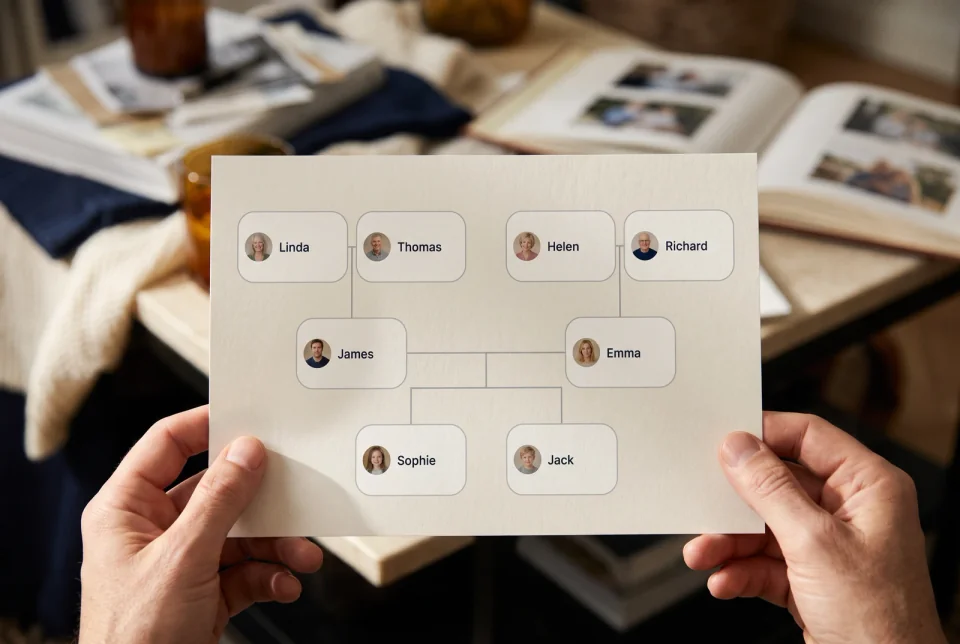
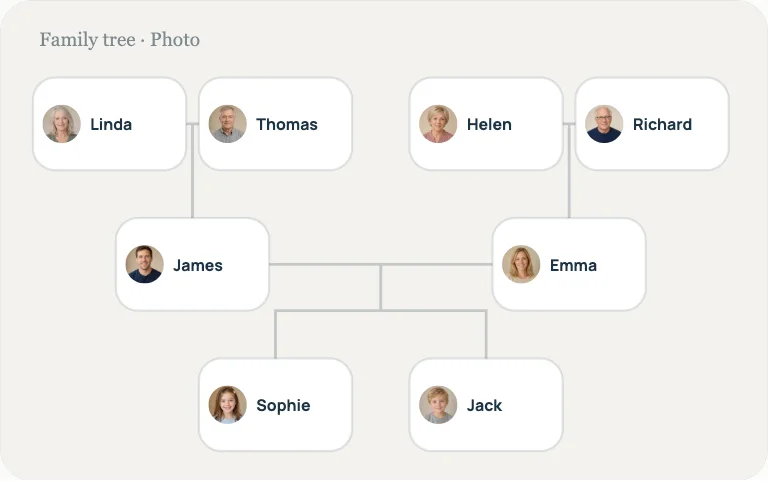
Make more from the same family tree
An illustrated Family Book is optional and uses LlamaGen credits. Preview the idea before you choose a plan.
See Family Book examplesAdd a parent, partner, child, or sibling. The connectors follow the people.
Download a chart for a school project, family gathering, or gift.
Switch among six original styles without entering names again.
From screen to home
Export a chart to review relatives at the kitchen table or compare a few looks before sharing with family.
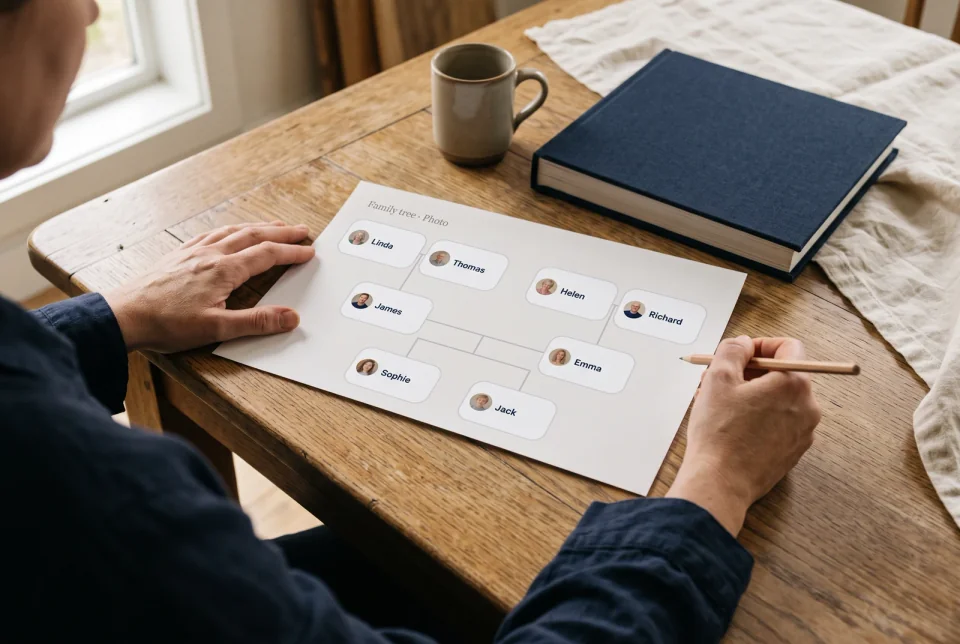
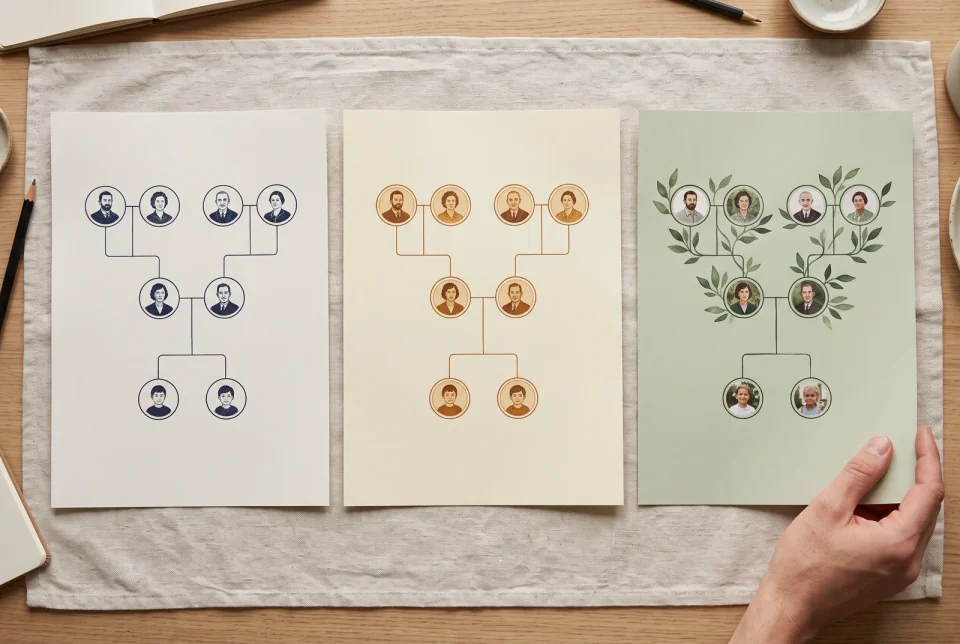
AI-generated scenes with fictional people and charts. They show possible uses of a file you print yourself; LlamaGen does not print or deliver physical charts.
Original template looks
These six fictional lifestyle scenes suggest ways to use a finished chart. Open a style to see its actual editable layout.
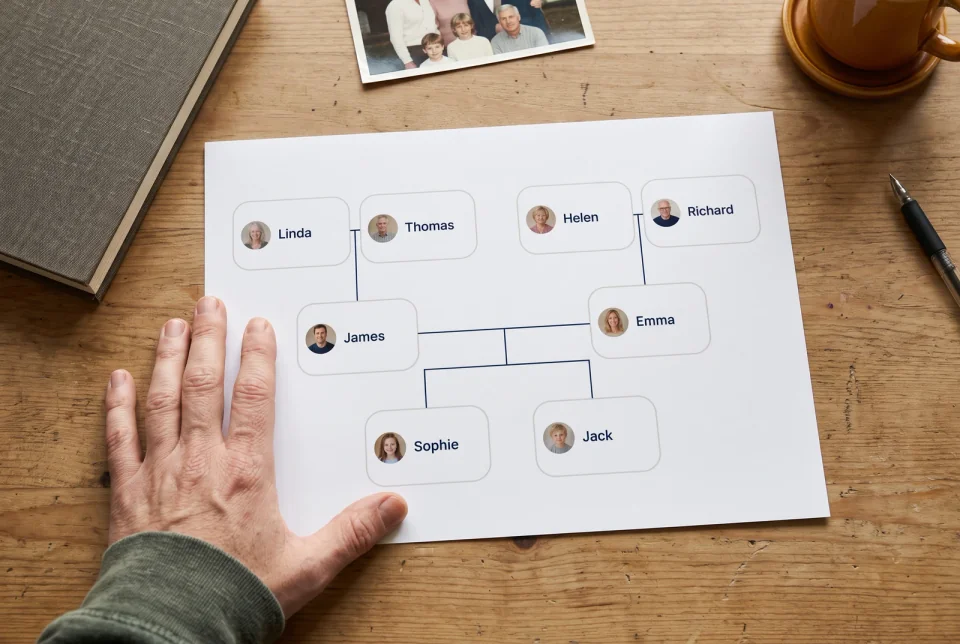
Everyday family history
White cards and quiet ink lines when you need a readable free family tree chart for sharing or printing.
Create a family tree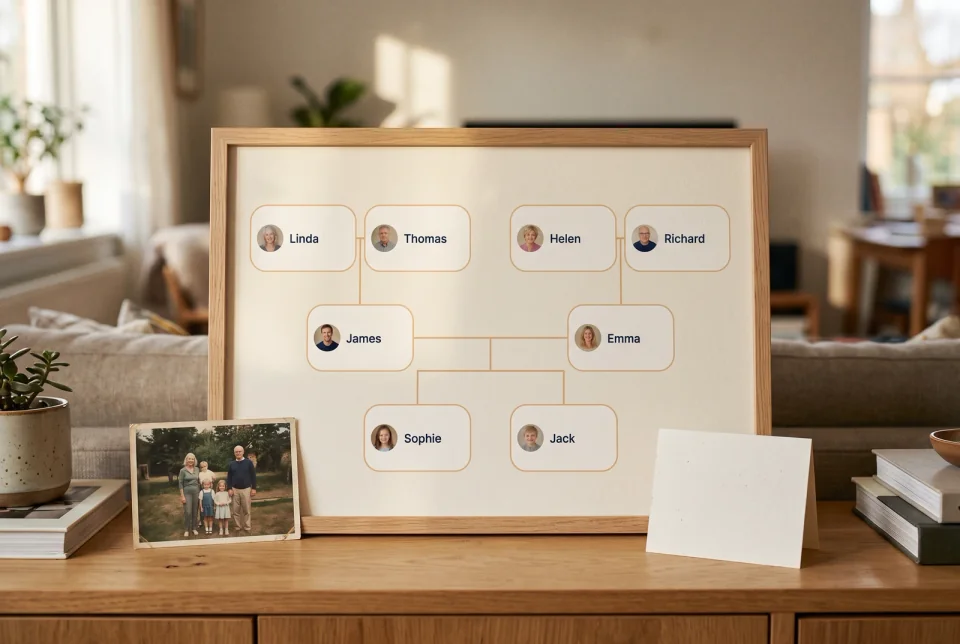
Gift or reunion
Cream paper with a warm orange edge for a printable keepsake after a family gathering.
Create a family tree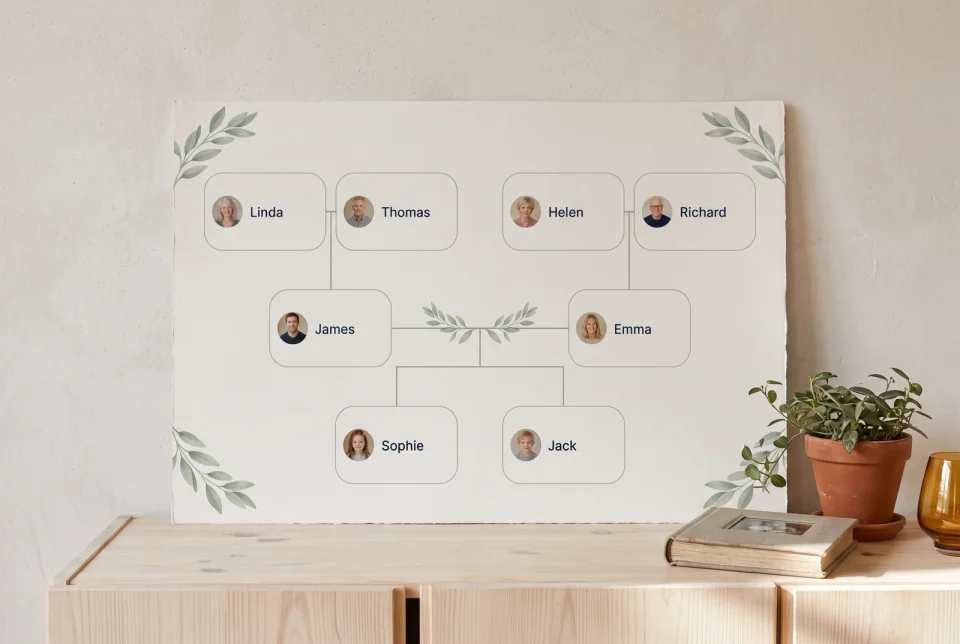
Wedding or baby gift
Soft cream frames for a gentle family tree template that feels like a present, not a spreadsheet.
Create a family tree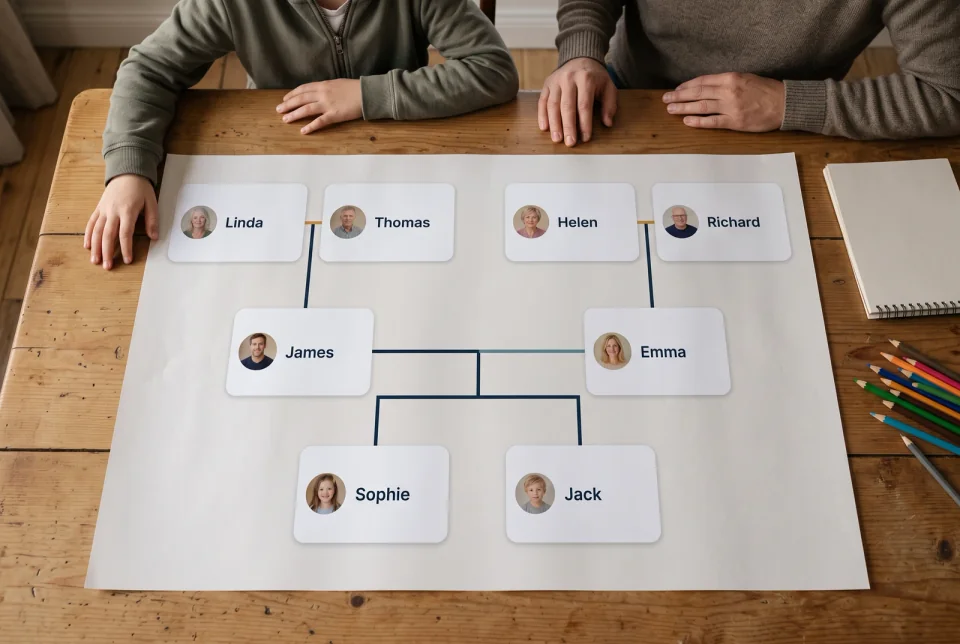
School assignment
High-contrast ink cards so names stay legible on a projector or homework printout.
Create a family tree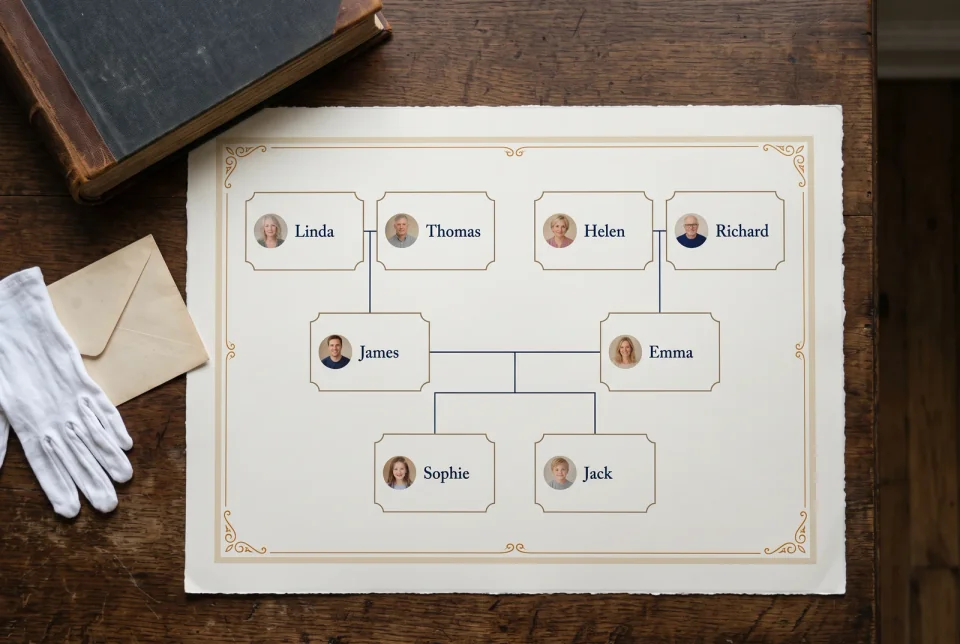
Ceremony or archive
Ink and parchment for a formal ancestry chart when the tone should stay ceremonial.
Create a family tree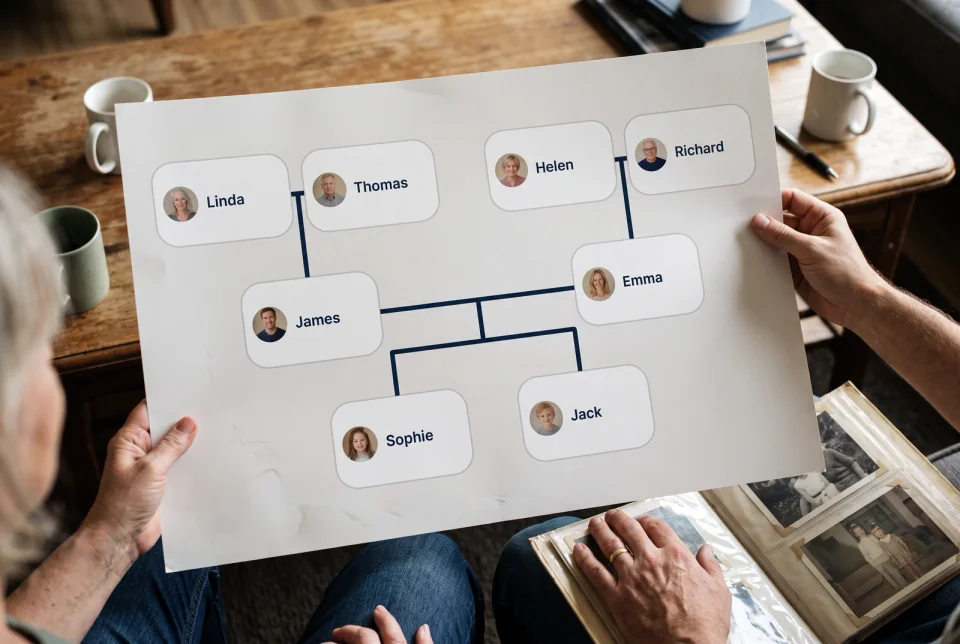
Album-style chart
Portrait-first cards so relatives look like people, not empty boxes.
Create a family treeAI-generated fictional scenes show possible user-made printouts, not exact screenshots of each editor theme. LlamaGen does not print or ship charts.
Open the free family tree maker, keep the example names and portraits, or start from yourself. Relatives are real connections, so the chart redraws itself when the family grows.
1
Create a family tree in your browser. Use the example or start blank—no software to install.
2
Click a relative, type a name, and attach a portrait. Press Delete to remove a person.
3
Add a parent, partner, child, or sibling. Lines follow the relationships automatically.
4
Pick a free family tree template look, then export PNG or PDF for school, gifts, or archives.
A family tree is a chart that traces a person’s ancestry and maps the relationships between relatives—living or remembered. It can hold partners, children, chosen family, and the generations that came before.
Unlike a poster of disconnected shapes, a free online family tree maker should keep those links editable. When you add a sibling or correct a parent, the diagram should update from the data.
Family trees make heritage visible. They help children learn who belongs to whom, give reunions a centerpiece, and keep names together for memorials, classroom projects, or a simple keepsake at home.
Use this page when you already know the people you want on the chart. It does not search census records or DNA matches—it turns what you know into a clear, downloadable family tree diagram.
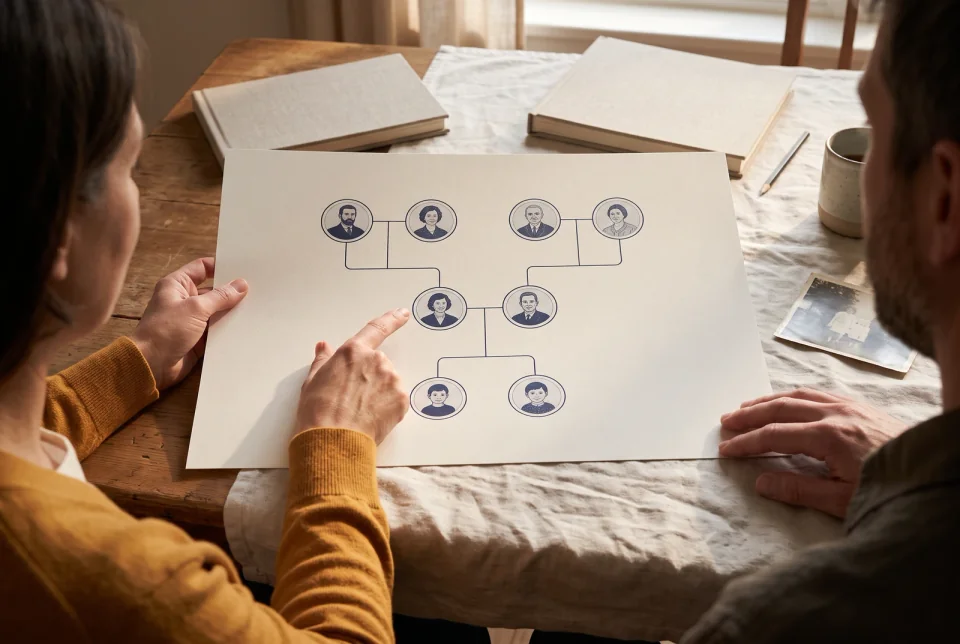
A printed chart can start a conversation when relatives gather.
Add up to 500 people to a tree. The free family tree builder keeps portraits, dates, and relationship lines together, so the chart still reads as a family—not a stack of unlabeled boxes.
After the chart is right, you can print it, save a draft on this computer, or open a holiday page if you want a Family Book from the same names.
Switch a classroom, botanical, memorial, or photo template without redrawing names. Connectors stay attached to the people they belong to. Upload portraits, then export a chart that looks finished enough to print.
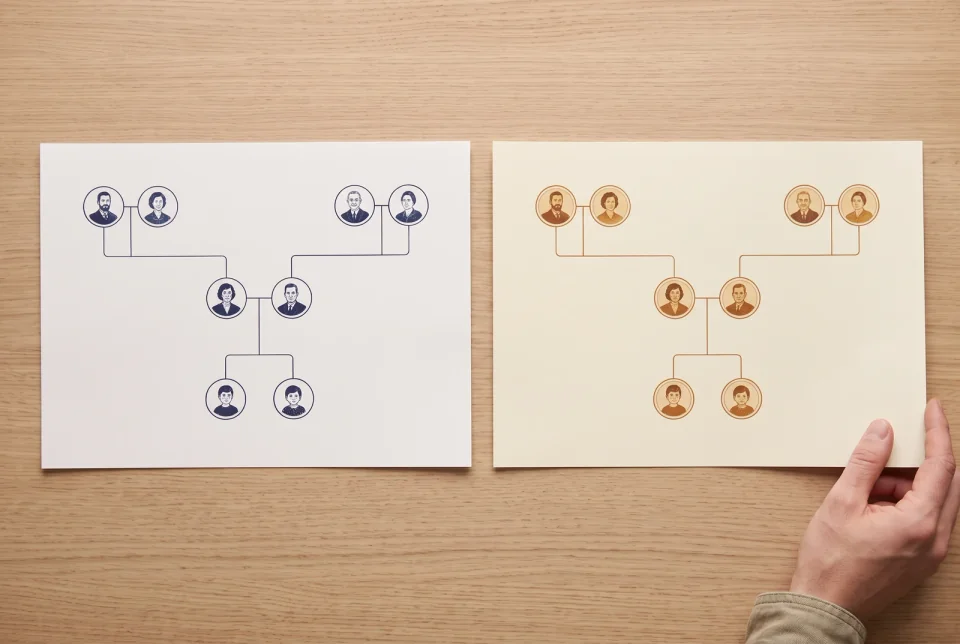
Compare different visual treatments while keeping the same family facts.
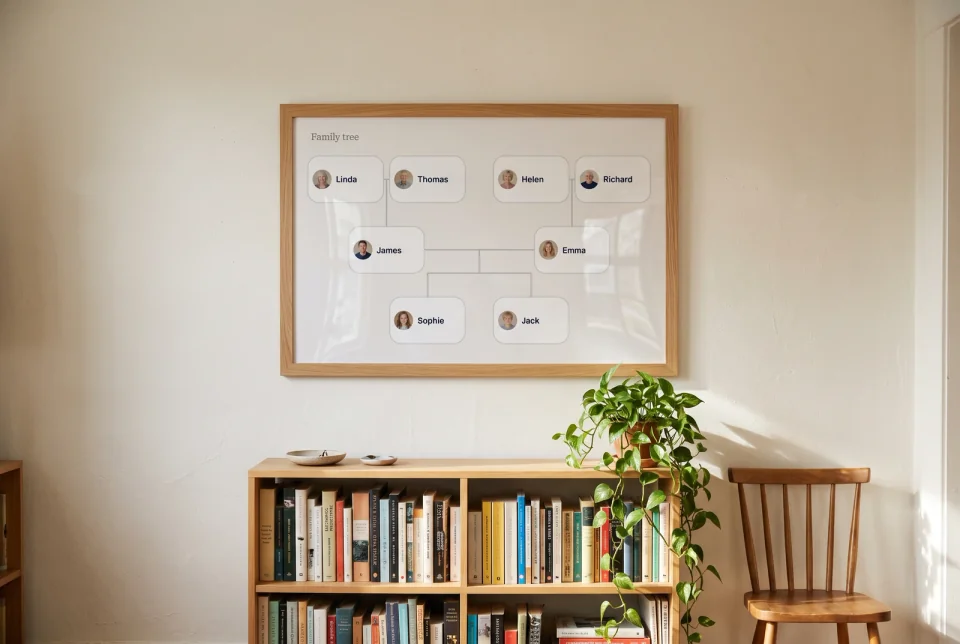
A finished file could become a personal keepsake after you print and frame it yourself.
Drafts save on this computer as you work. Download PNG for group texts, PDF for the printer. Sign in only if you want the same tree on your phone later.
Start with yourself and add parents, grandparents, and earlier generations upward. Most personal family trees begin here.
Start with an older relative and map children, grandchildren, and later branches downward for reunions or estate context.
Include adoptive, step, foster, and multiple partners without forcing one biological shape. Connections stay explicit.
Same people and edges, different template—classroom, gift, memorial, or photo-forward—then export PNG or PDF.
Family tree guides
Practical guides for building a chart with real relationships and an export you can use.
Start with the people you know, connect three generations, and check the chart before exporting.
Read guide 02Handle parents, partners, siblings, blended families, and uncertain links clearly.
Read guide 03Choose portraits, add them to people, and prepare a chart everyone can recognize.
Read guide 04Choose a readable layout and export a file for sharing or printing.
Read guide 05Compare six original styles for classroom, photo, memorial, and keepsake projects.
Read guideKeep making your family chart for free, or explore optional Family Books for holidays and special occasions. Book generation uses credits.
About this tool
LlamaGen stores people and their connections so the chart can redraw when you edit a relationship. In the editor, select a person, add a relative, enter a name or date, choose a print look, and download the result. The example shown here uses fictional names and sample portraits.
Drafts start on this device. Account save can sync a tree across devices; a JSON backup carries people and relationships but not photos. The maker does not search historical records, perform DNA matching, or import GEDCOM files.
Optional · Family Book
Keep making and downloading the family chart for free. If you want more, use the same people and relationships to create an illustrated Family Book in LlamaGen Studio.
Preview first. Book generation uses LlamaGen credits; no payment is needed to make or export the family tree.
Family Book
The Millers
Thanksgiving 2026

Who sits at this table.
Inside


Names and portraits are fictional examples.
Printed


A possible digital page layout; printing is not included.
Illustrative example · A personalized book is created after you choose to generate it.