

Instructional Comic Template: Explain a Task One Action at a Time
Example preview
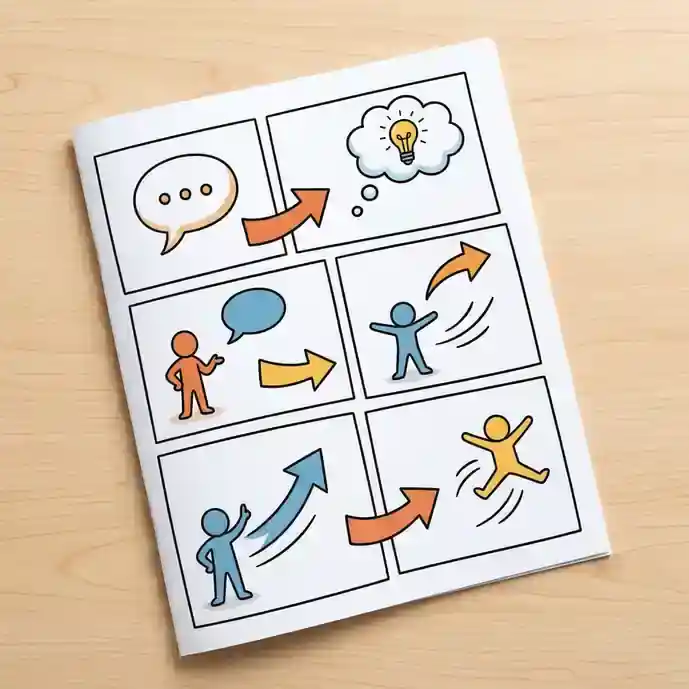
Turn a practical procedure into a clear sequence of cartoon panels. Separate actions, add checked instructions afterward, and review whether a beginner can follow the order.
For a visual explainer with an observable outcome. The stored template asks for clean sequential panels, simple line art, and no generated readable captions; you supply and verify the procedure.
When to use this template
- A library checkout process for new visitors
- A simple craft demonstration with visible materials
- A classroom routine with one action in each panel
Build your first draft
Verify the procedure
Write the actual steps and check their order before creating images. Identify any decision or prerequisite the reader must understand.
Assign visible actions
Give each panel one operation, with the relevant tool or object easy to see. Keep the camera close enough to show what changes.
Add and check instructions
Place legible captions outside the generated art. Ask someone unfamiliar with the task to follow the sequence and identify missing steps.
Try a complete example
Borrow a library book
Create a six-panel instructional cartoon: a visitor chooses a book; checks the borrowing desk sign; presents a library card; staff scan the book; the visitor puts the book in a bag; the visitor notes the return date on a separate blank card. Clear object continuity, clean borders, empty caption space, no generated text.
The same book and card connect the actions. The actual borrowing rules and return wording must be added from the library’s own process.
Before you publish
- Do not use a generated procedure for hazardous or specialist tasks without authoritative review.
- Check object orientation and hand placement; an attractive drawing can still show the wrong action.
Questions about this template
- Will the template invent the steps?
- It can illustrate a sequence, but you should provide a checked procedure. The source prompt is a layout and style direction rather than a source of factual instructions.
- Why leave the captions empty?
- The preset explicitly avoids readable generated text. Separate captions give you control over spelling, accessibility, localization, and updates to the process.
- What if a step needs two actions?
- Split it into two panels or simplify the task. A panel that asks the reader to notice several changes is easier to misunderstand.