
If you’ve ever tried exporting storyboards or comics to ePub format, you’ve probably run into frustrating layout issues or sluggish performance—especially with complex, visual-rich content. Many American storyboard artists and creative professionals face these problems when turning their visual narratives into digital books for e-readers or mobile devices. I’ve worked closely with LlamaGen.AI’s engineering team to tackle these exact challenges, helping users optimize ePub exports for compatibility and speed. In this in-depth guide, I’ll share best practices, actionable tips, and a step-by-step tutorial on how to create seamless, high-performance ePub exports—so your storyboards can move quickly from concept to video production without technical headaches.
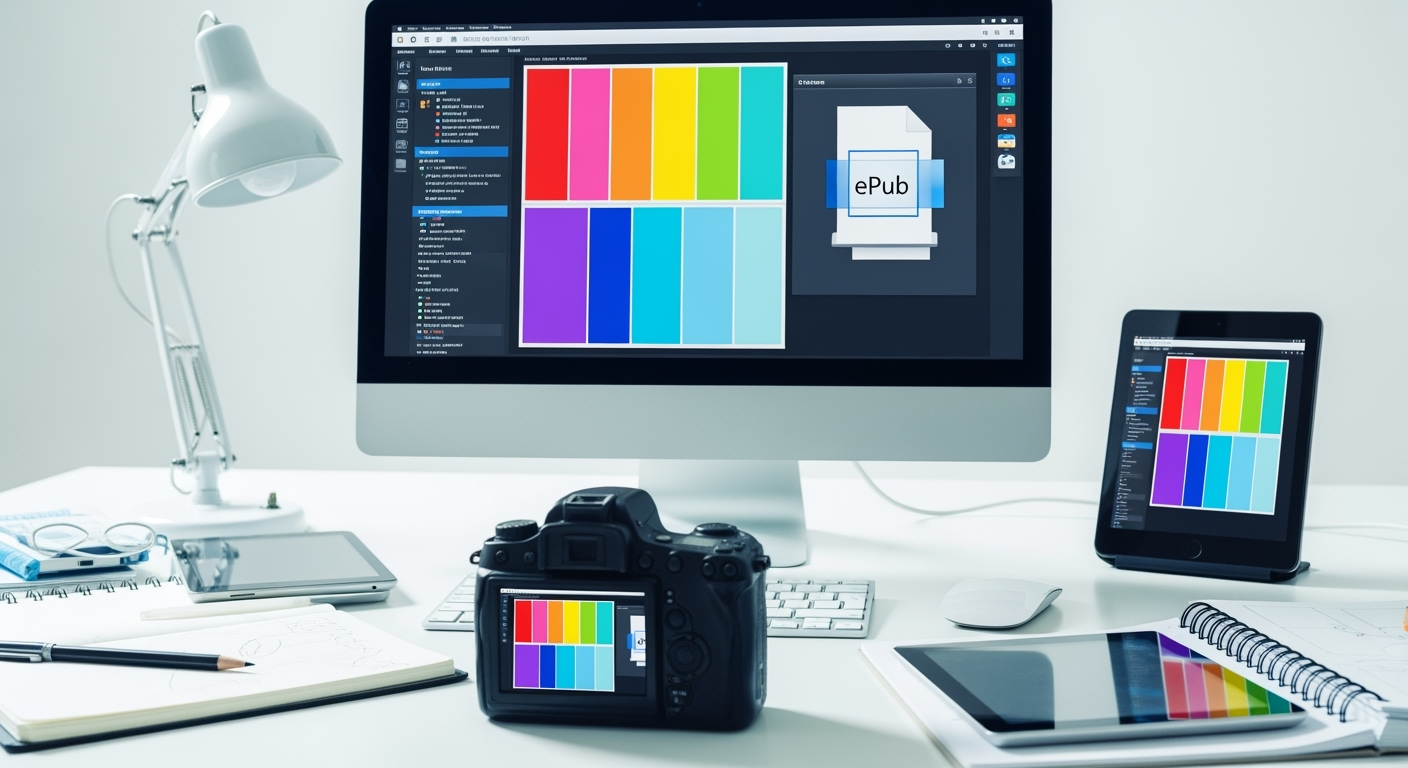
Exporting visual content like comics and storyboards to ePub is different from handling plain text. ePub, an open e-book standard, is designed for reflowable text, but visual storytelling demands precise layouts, consistent image quality, and reliable performance across devices.
LlamaGen.AI, as a leading AI comic and storyboard generator, is built to bridge this gap. Its export engine is tailored for complex comic panels, high-resolution images, and panel consistency—solving many of the core pain points for American storyboard artists and global creators alike.
Many users report:
With LlamaGen.AI, we’ve helped hundreds of creators overcome these issues by refining the export process and providing advanced customization options.
Let’s walk through a proven workflow I use with LlamaGen.AI to ensure your storyboard content exports smoothly to ePub, with strong compatibility and performance.
Plan Your Panels for Export
Optimize Image Resolution and Aspect Ratio
Use Fixed Layout ePub Export
Compress and Optimize Images
Check Compatibility and Performance
Publish and Iterate
One American storyboard artist used LlamaGen.AI to create a 32-panel action sequence. After optimizing for ePub, the exported file was instantly compatible with the director’s iPad and Kindle, allowing for real-time annotation on set. With the platform’s built-in video export, they quickly moved from storyboard to animatic, accelerating the entire pre-production workflow.
Drawing on real-world projects, here are the best practices I recommend for American storyboard artists (and anyone facing similar challenges):
A rundown of the latest LlamaGen.Ai feature releases, product enhancements, design updates, and important bug fixes.
One of our enterprise clients, a US-based animation studio, faced repeated ePub compatibility issues while preparing storyboards for a major streaming platform. Their original exports were slow and displayed inconsistently on tablets.
With support from LlamaGen.AI engineers, they:
Results? Their storyboard content became instantly usable on set, allowing the team to move directly into video shooting and animatics creation—saving days of manual editing and reformatting.
For more case studies and user stories, check out LlamaGen.AI Customer Stories.
Exporting storyboards and comics to ePub doesn’t have to be a technical nightmare. With the right process—and the robust features of LlamaGen.AI—you can ensure your visual stories look sharp, load fast, and work everywhere your audience reads. By following the best practices and tips in this guide, you’ll solve common compatibility and performance issues, making it easy to transition from storyboard to video production.
Ready to optimize your own ePub exports? Sign up for a free LlamaGen.AI account, explore the video tutorials, and join a global community of creators already transforming the future of visual storytelling.
For more expert advice on AI comics and storyboard workflows, check out related topics in our Learning Hub or connect with the community on Discord.
Do'stlaringiz, kuzatuvchilaringiz va mijozlaringizni taklif qilib, umrbod har oy 30% gacha komissiya olish imkoniga ega bo'ling!