

Bo‘sh yuzli qahramon ikonalari
Yaratish Grokbot uslubi qahramon
Soch ko‘rinishini tanlang, moslashtirilgan tavsif yozing yoki qahramon yuklang. LlamaGen bo‘sh yuz uslubini qulflab, barcha ikonalarni bir xil oilada saqlaydi.
Generatsiyani boshlashQahramon studiyasi
Grokbot uslubida belgi yarating
Starter ko‘rinishidan bepul foydalaning. Pro esa ochadi 144+ ko‘proq shablonlar, maxsus tavsif va qahramon yuklash.
Kvadrat ikonka · 1:1 · 400 kreditlar
Yangi ikonkangiz shu yerda Grokbot uslubidagi kvadrat tarzda ko‘rinadi.
Xuddi o‘sha bo‘sh yuz. Boshqa soch.
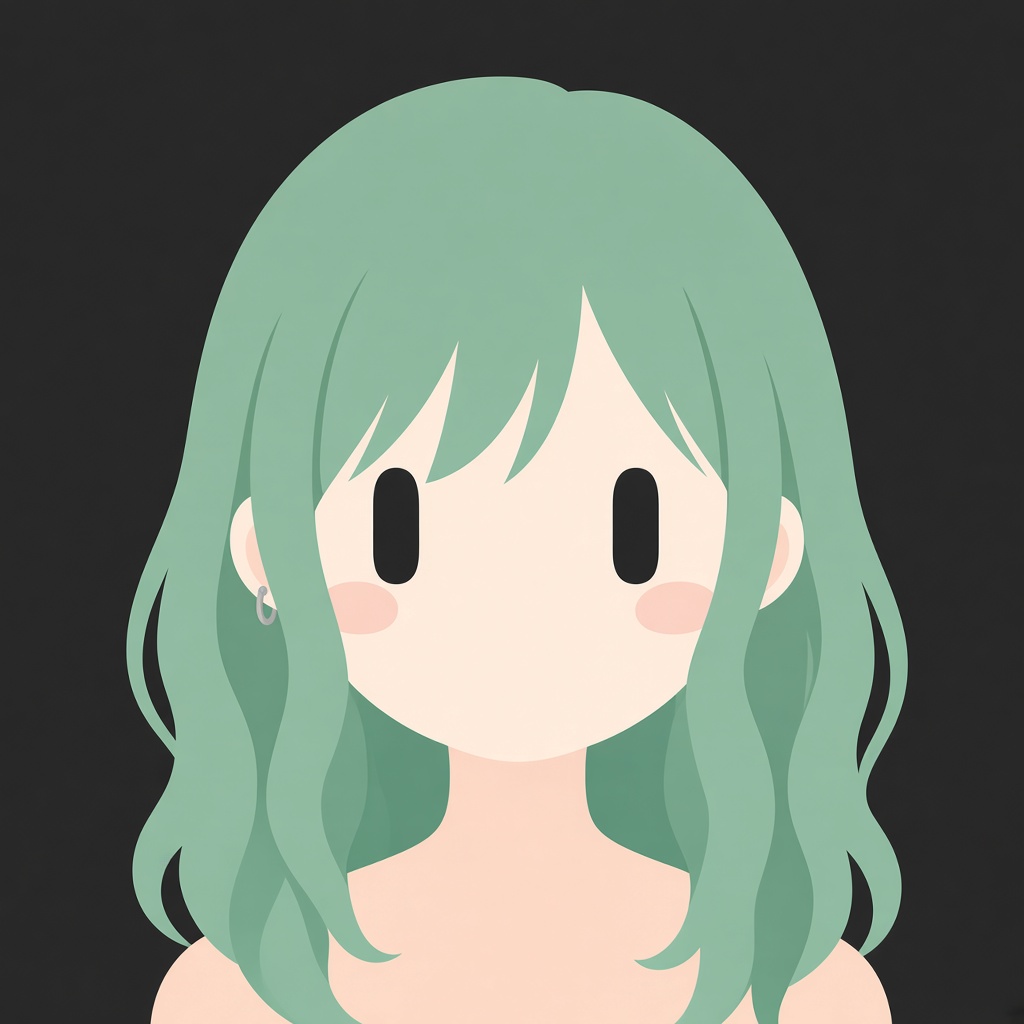
Ko‘rinish + qulflash + yaratish
Birgina vazifa: o‘qilishi oson Grokbot uslubida ikonka yaratish. Rasmlar qisqacha mazmunda berilgan.
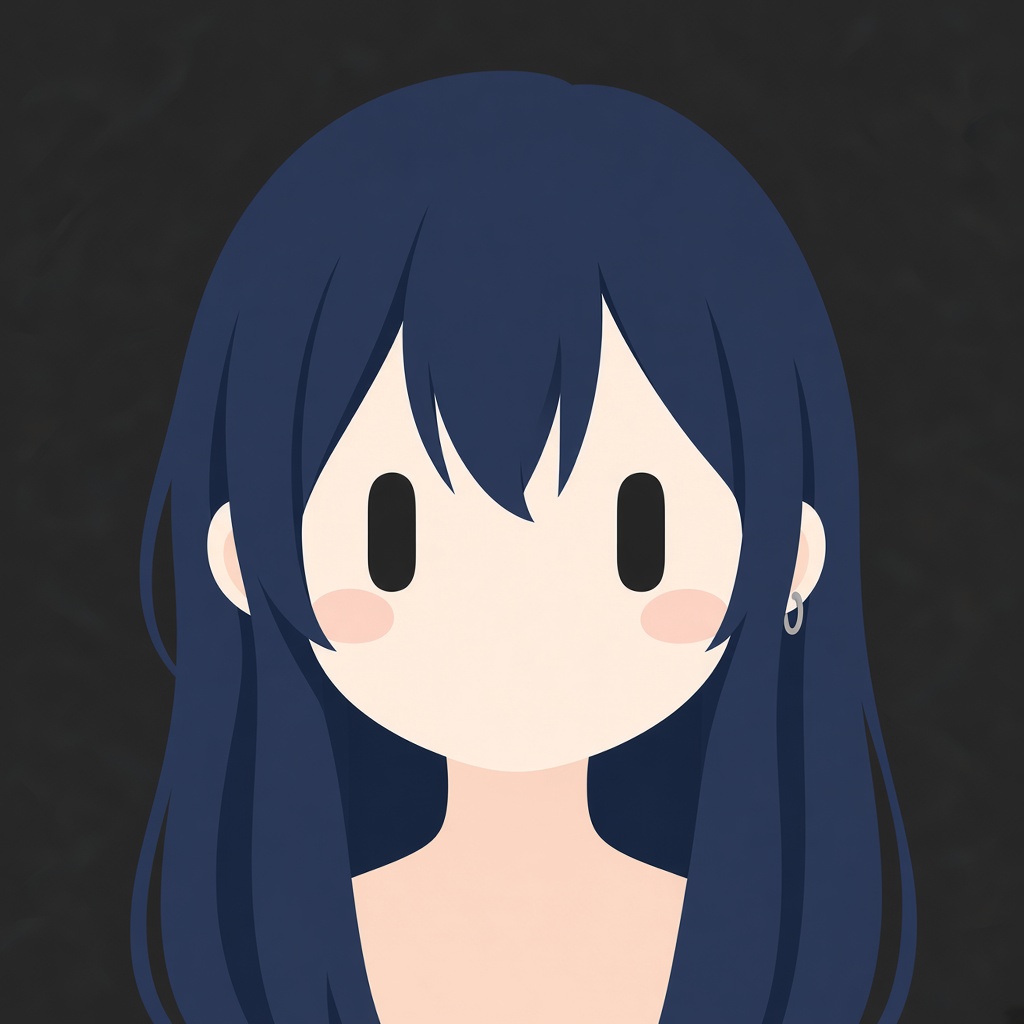
Ko‘k-jigar
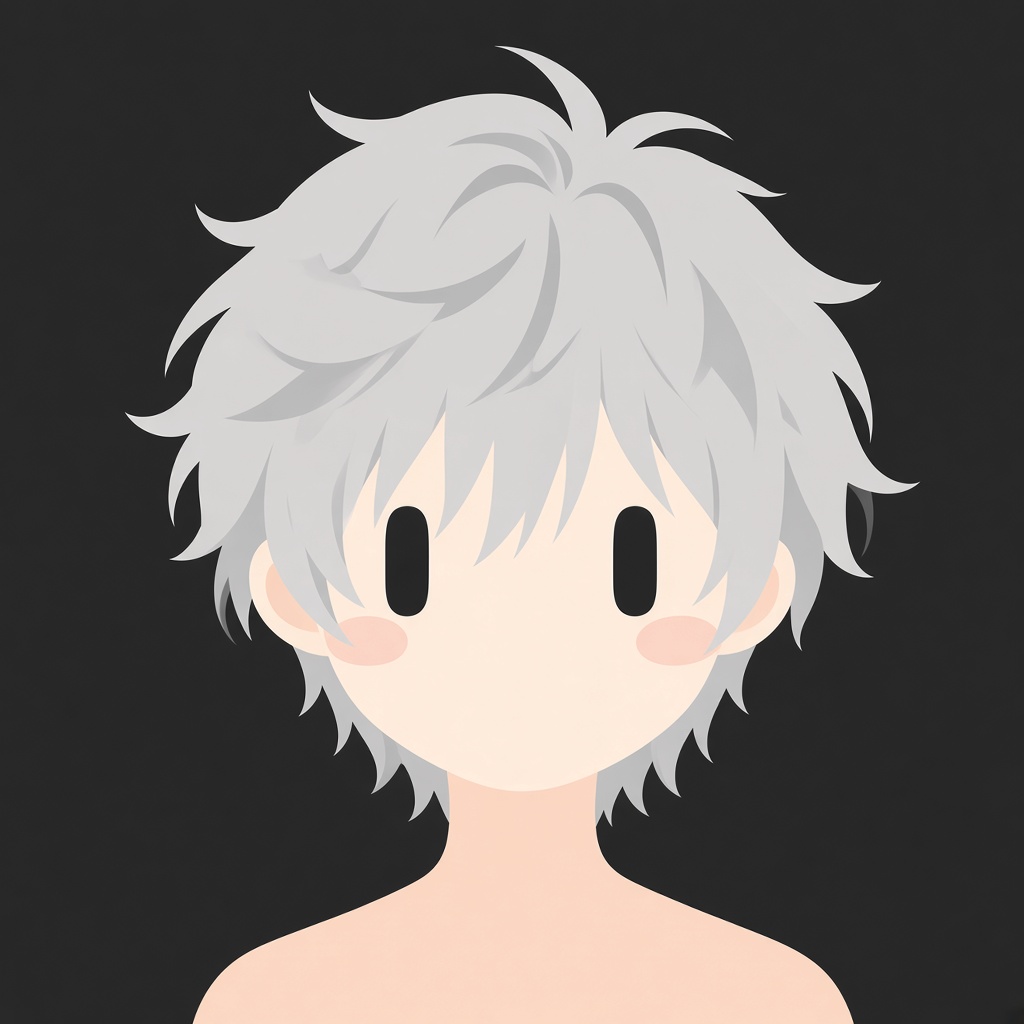
Kumush
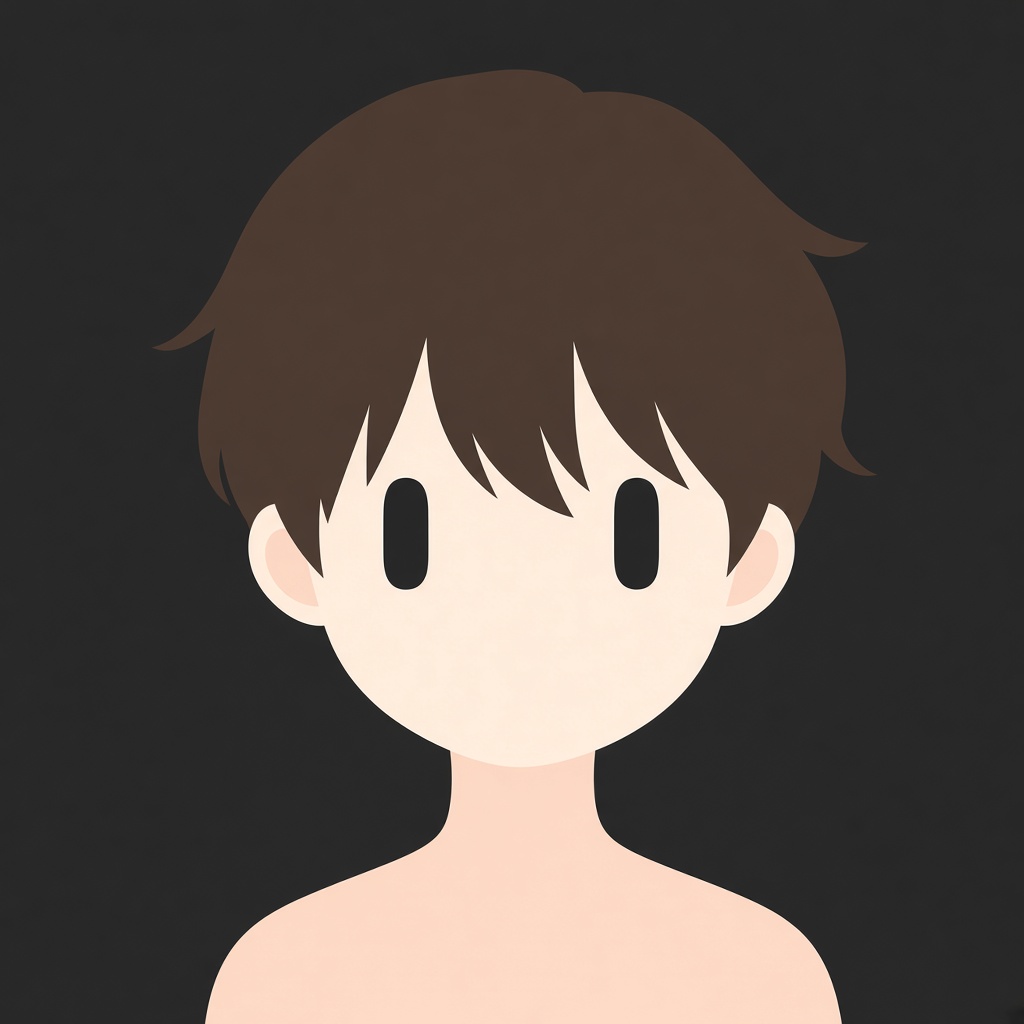
Qorong‘i
Qanday jihatlar qulflangan
Siz uslub haqida esse yozmaysiz. Generator Grokbot uslubi qoidalarini oldindan biladi.
Qanday ishlaydi?
- Rejimni tanlang. Shablonlar bepul boshlash uchun. Tavsif va yuklash — Pro uchun.
- Bitta eslatmani o‘zgartiring. Soch rangi, turi yoki halqali sirg‘a. Boshqasi emas.
- Ikonkani yarating. LlamaGen oval ko‘zlar, og‘izsiz va qora fonni saqlaydi. Pro 300+ ko‘rinishni ochadi.
Nimani qo‘shmaslik kerak
- Qorachirlar, yaltirash, tabassum, burun yoki qoshlar.
- Band kiyimlar, manzara yoki yorug‘ fon.
- Mo‘yqalam effektli tekstura. Bu uslub tekis va ikonka ko‘rinishida.
Grokbot uslubidagi qahramon baribir quyidagida tanilishi kerak 32 piksel.
Savollaringiz bormi? Javoblar tayyor
Mustaqil LlamaGen generatori. xAI yoki Grok bilan bog'lanmagan.
Grokbot uslubidagi qahramon nima?
Minimalist anime ikonka: ikkita uzun qora oval ko‘z, burun yo‘q, og‘iz yo‘q, oddiy soch va qora fonli silliq grafik uslub. Profil ikonlari va kichik o‘lchamda o‘qiladigan qahramon varaqalrida qo‘llaniladi.
Bu rasmiy Grok yoki xAI sahifasimi?
Yo‘q. Bu mashhur bo‘sh-yuz qahramon stili uchun mustaqil LlamaGen generatori. xAI yoki Grok bilan bog‘liq emas, unga tegishli emas yoki u tomonidan qo‘llab-quvvatlanmaydi.
Faqat promptni ko‘chirib olsam bo‘ladimi?
Ha. Uslub qulfi nusxalash tugmasi orqali oling, so‘ng uni LlamaGen yoki boshqa rasm modeliga joylashtiring. Agar bir xil ko‘rinish kerak bo‘lsa, ko‘z, yuz va fon qoidalarini saqlang.
Nega uzun prompt yuklamalari ayrim ilovalarda muvaffaqiyatsiz bo'ladi?
Ba’zi tasvir ilovalari juda uzun matnni ko‘chirib joylashni rad etadi. Ushbu sahifa qisqa mustahkam tavsifni saqlab, tasvirni shu yerning o‘zida yaratadi, shuning uchun boshqa forma uchun juda katta promptni joylashtirishingiz shart emas.
Mos keluvchi to‘plamni qanday saqlash mumkin?
Xuddi shu uslubni saqlab, faqat soch, zirak yoki bitta aksessuardan o‘zgartiring. Ko‘z qorachig‘i, og‘iz, kiyim qatlari yoki batafsil fon qo‘shmang.
Ushbu ikonkalardan tijoratda foydalana olamanmi?
Siz ushbu uslubda o‘z loyihalaringiz uchun original qahramonlar generatsiya qilishingiz mumkin. Himoyalangan qahramonni, savdo belgisini yoki rasmiy Grok Bot artwork’ini nusxa ko‘chirmang.
Keyingi bo‘sh yuzli ikonkani yarating
Yuqoridan ko‘rinishni tanlang, keyin uslub qulfi o‘zgarmagan holda Grokbot uslubida qahramon yarating.
Grokbot uslubida belgi yarating