1
Choose the real intent
Start from what the user is trying to do: generate from text, edit an image, restyle a reference, compare options, or make a specific asset.


Find the right LlamaGen workflow for text-to-image prompts, image-to-image transformations, AI image editing, character assets, covers, collectibles, and social-ready visuals.
Start from text, transform a reference image, edit an existing result, compare generators, or turn an image into video.
For creators comparing text-to-image, image-to-image, editing, and image-to-video workflows.
For creators comparing editors by identity preservation, prompt control, edit boundaries, and reusable output quality.
For creators who already have a reference image and want to restyle it, preserve identity, or turn it into a specific asset.
For users who want to refine an existing image: change outfit, fix composition, adjust style, or prepare a final shareable version.
For people comparing how AI image generation works before they choose a model, prompt, reference workflow, or output format.
For users who want a clear path from a plain idea to a finished image without learning prompt engineering first.
For users whose real goal is motion. Route them to video instead of forcing them through an image-only page.
Choose the asset you want to create, then open the workflow with the most relevant inputs and controls.
Start from what the user is trying to do: generate from text, edit an image, restyle a reference, compare options, or make a specific asset.
Each page explains the input, output, prompt examples, and quality checks for that job before sending the user into creation.
Create the first image, check identity and composition, then reuse the result across comics, product mockups, profile art, and campaign sets.
Start with the pages that represent the collection best: character presentations, physical-product mockups, cover formats, and playful object transformations.
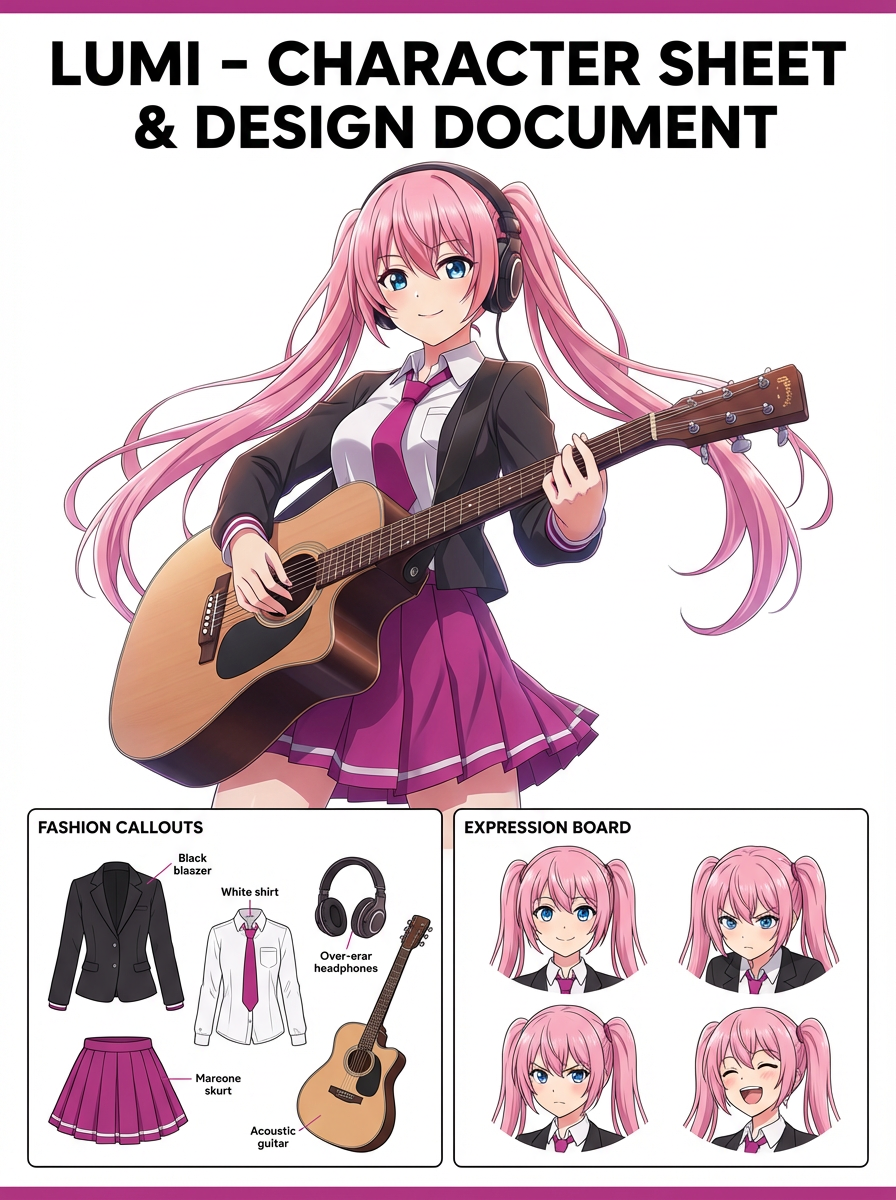
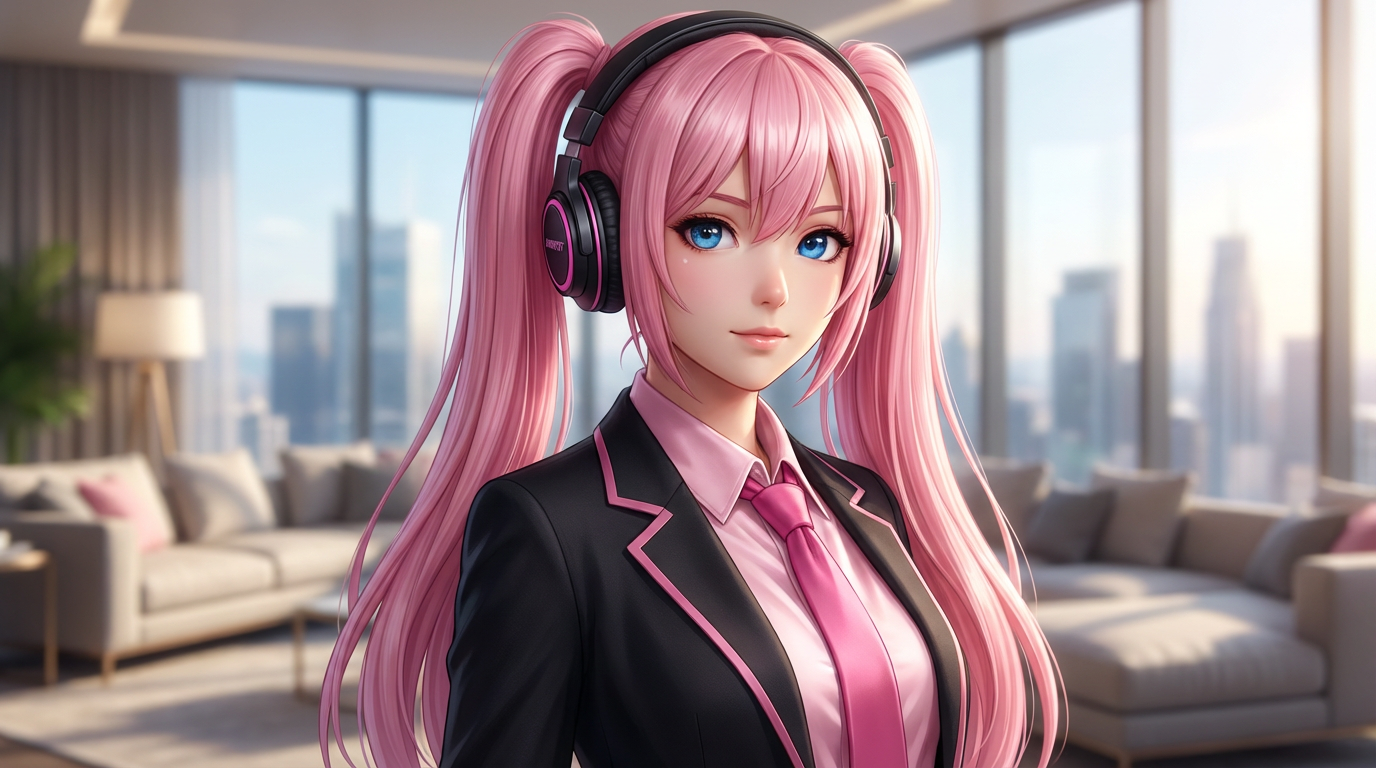
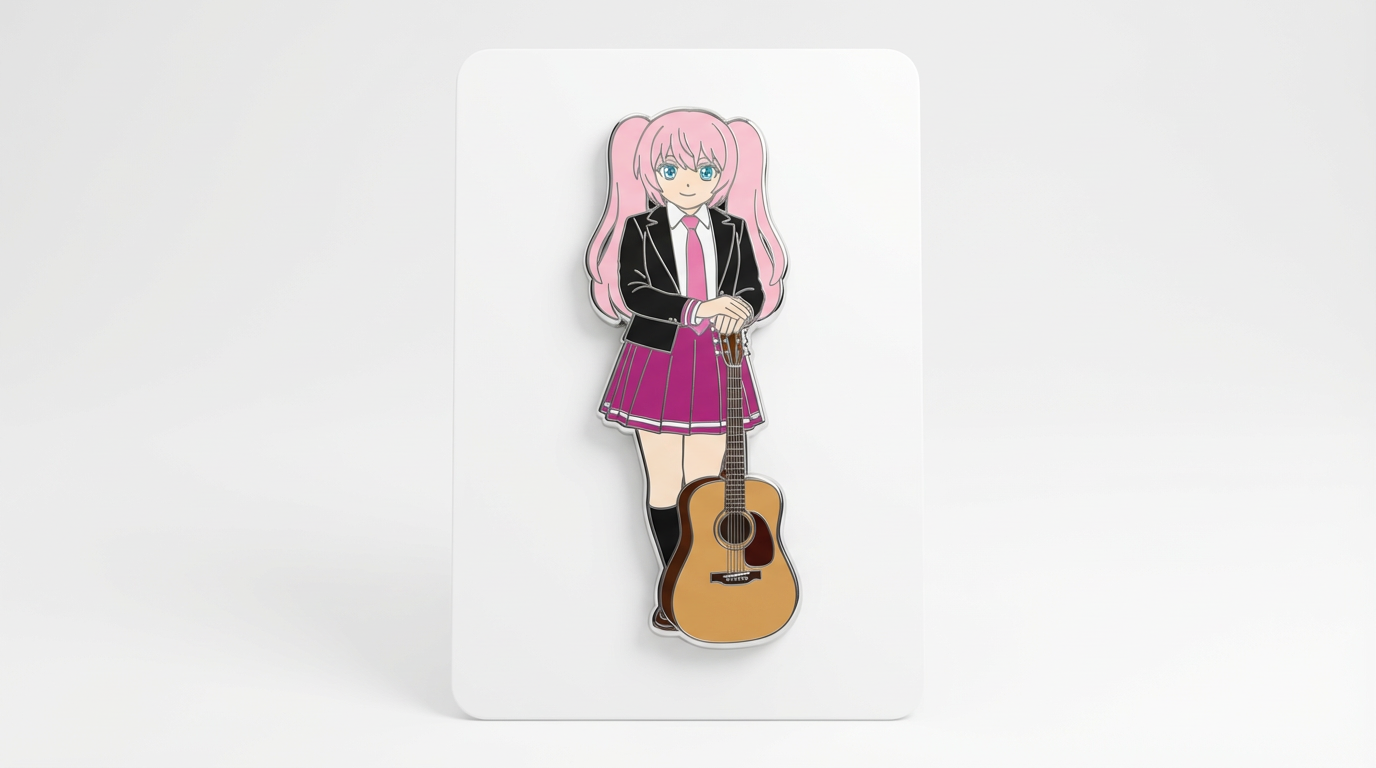
Each card includes examples, workflow guidance, practical answers, quality checks, and a direct creation path.
Compare LlamaGen image-generation workflows for text prompts, reference images, image editing, character consistency, and image-to-video handoff.
Evaluate AI image editors by control, identity preservation, prompt clarity, creative limits, and whether edited results are reusable.
Plan and create AI images with a workflow that separates text prompts, image-to-image references, editing goals, and final output checks.
Use an existing image as a reference, then turn it into a new style, asset, cover, mockup, badge, card, or character visual with AI.
Edit existing images with AI prompts for outfit changes, style fixes, composition cleanup, character variants, covers, badges, and campaign assets.

Compare what matters when choosing the best AI image generator for consistent characters, reference-based edits, comics, covers, and reusable assets.
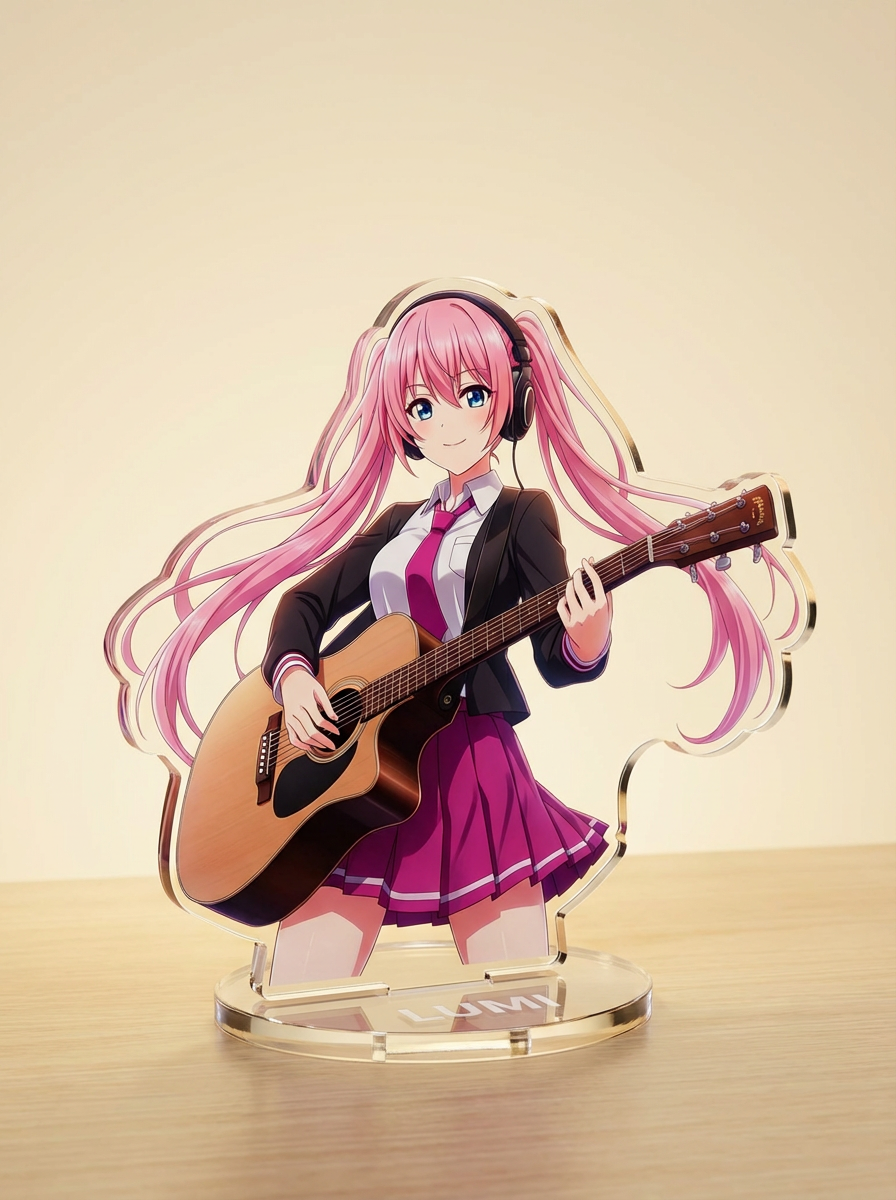
Generate images with AI from simple text prompts, then refine the subject, style, composition, and final asset format for practical creative use.
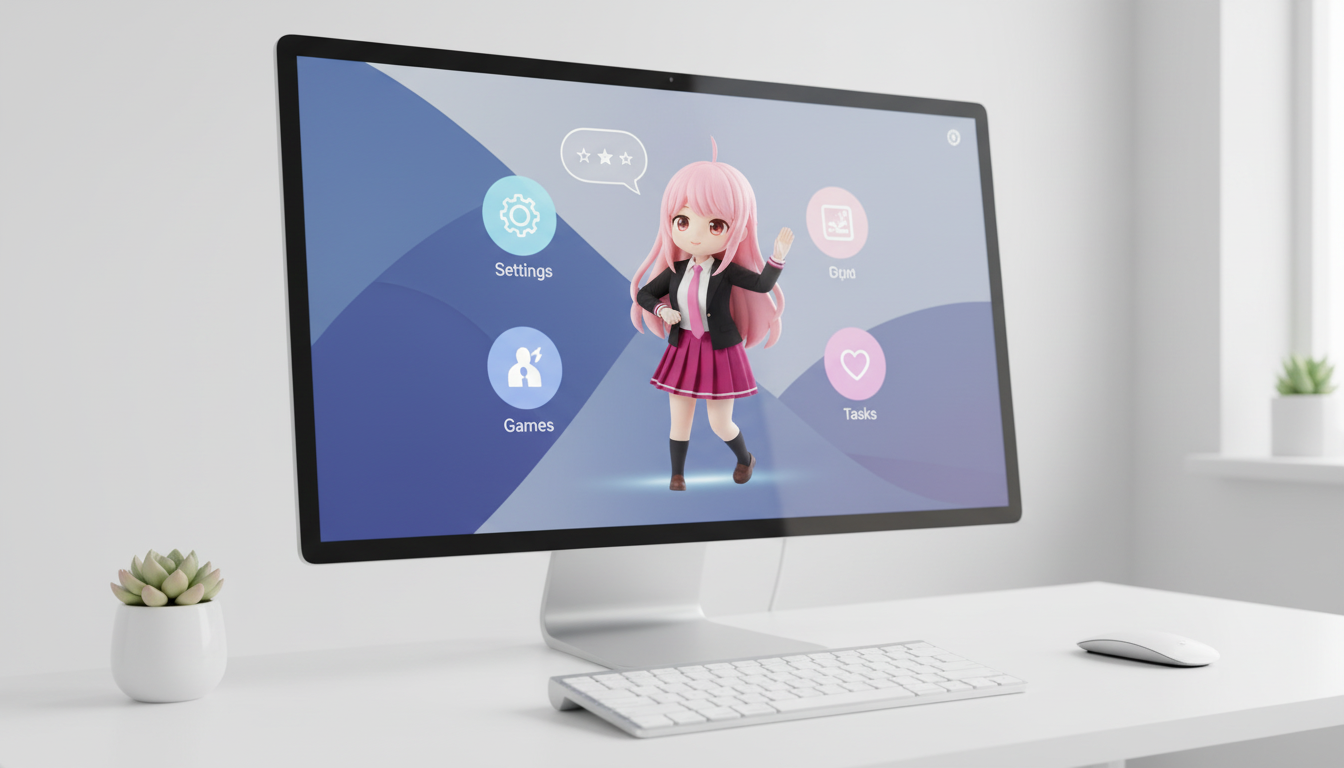
حوّل الشخصيات وOCs إلى تصاميم بستايل desktop pet مع تأطير يراعي التخطيط ليظهر بشكل مناسب على الشاشة.
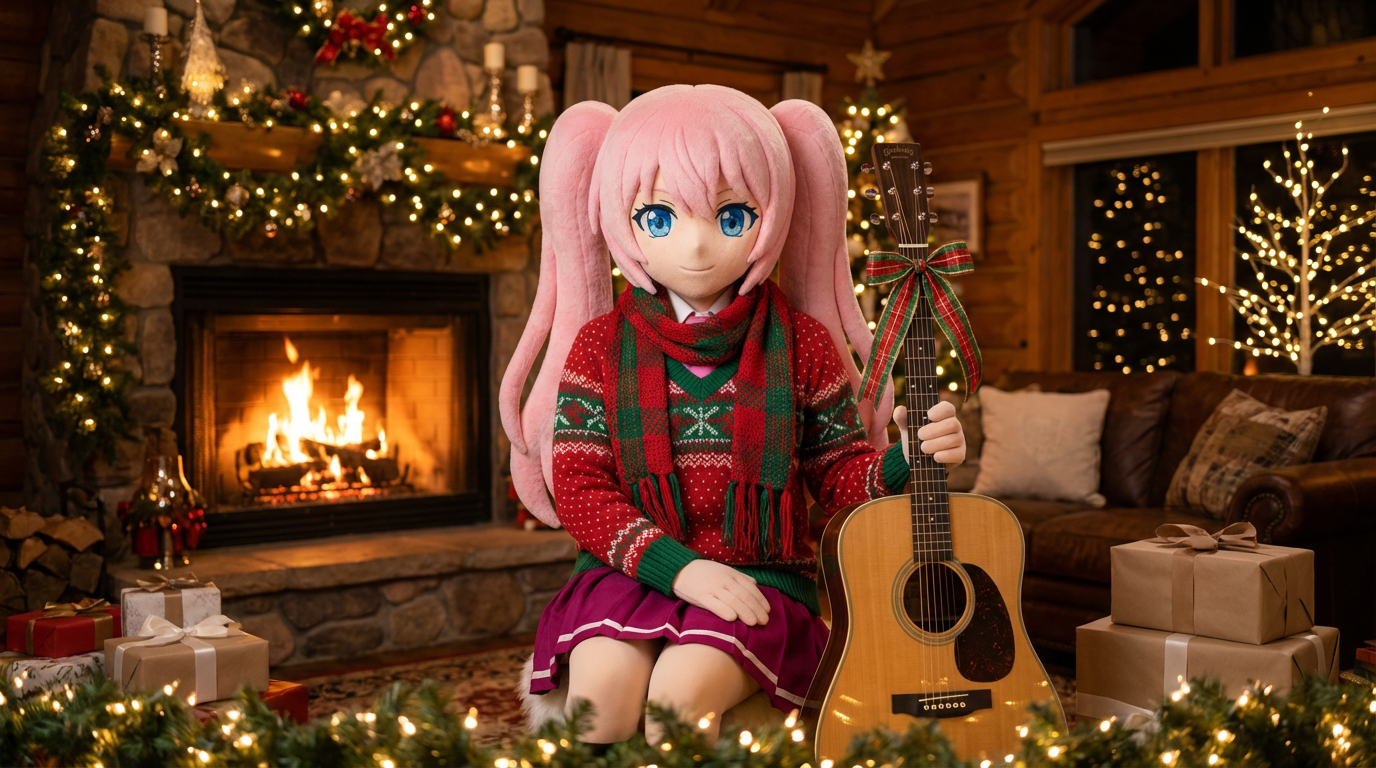
أضف لمسة احتفالية إلى الصور الشخصية ورسومات الشخصيات مع أوشحة وقبعات وتقديم احتفالي بأسلوب Lumi.
حوّل الشخصيات وOCs إلى صور أغلفة تحريرية لامعة بإطار بصري قوي، وأجواء فاخرة، وتموضع بأسلوب المجلات.
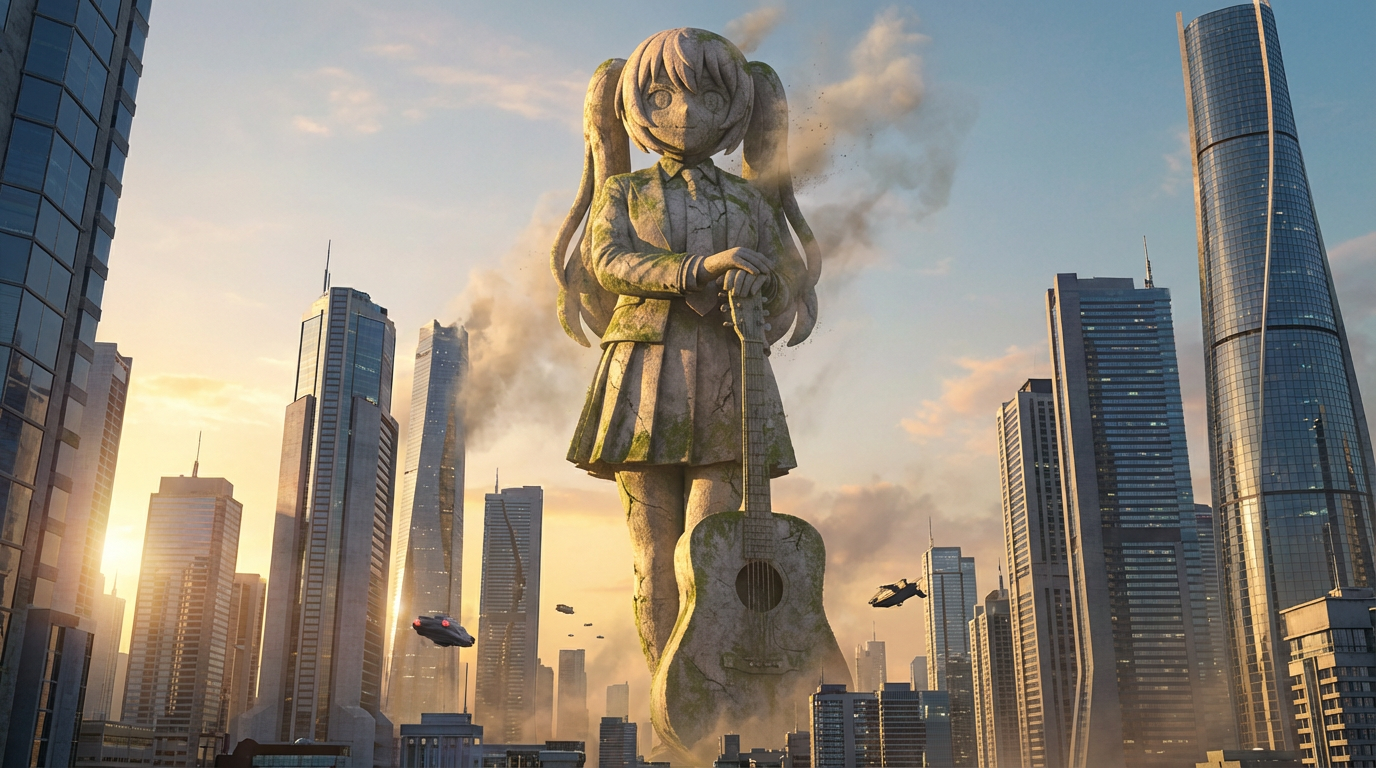
حوّل الشخصيات إلى مشاهد بصرية لتماثيل عملاقة بإطار يوحي بالحجم المدني، وخلفيات أفق المدينة، وحضور يشبه المعالم الشهيرة.
حوّل رسومات الشخصيات إلى تصاميم شارات بإطار دائري أنيق، ولمسة مناسبة للمنتجات، وتكوين مثالي للأيقونات.
حوّل الشخصيات إلى صور بأسلوب القصاصات الورقية بطبقات حرفية متداخلة وعمق ملموس وتحكّم دقيق في الشكل الخارجي.
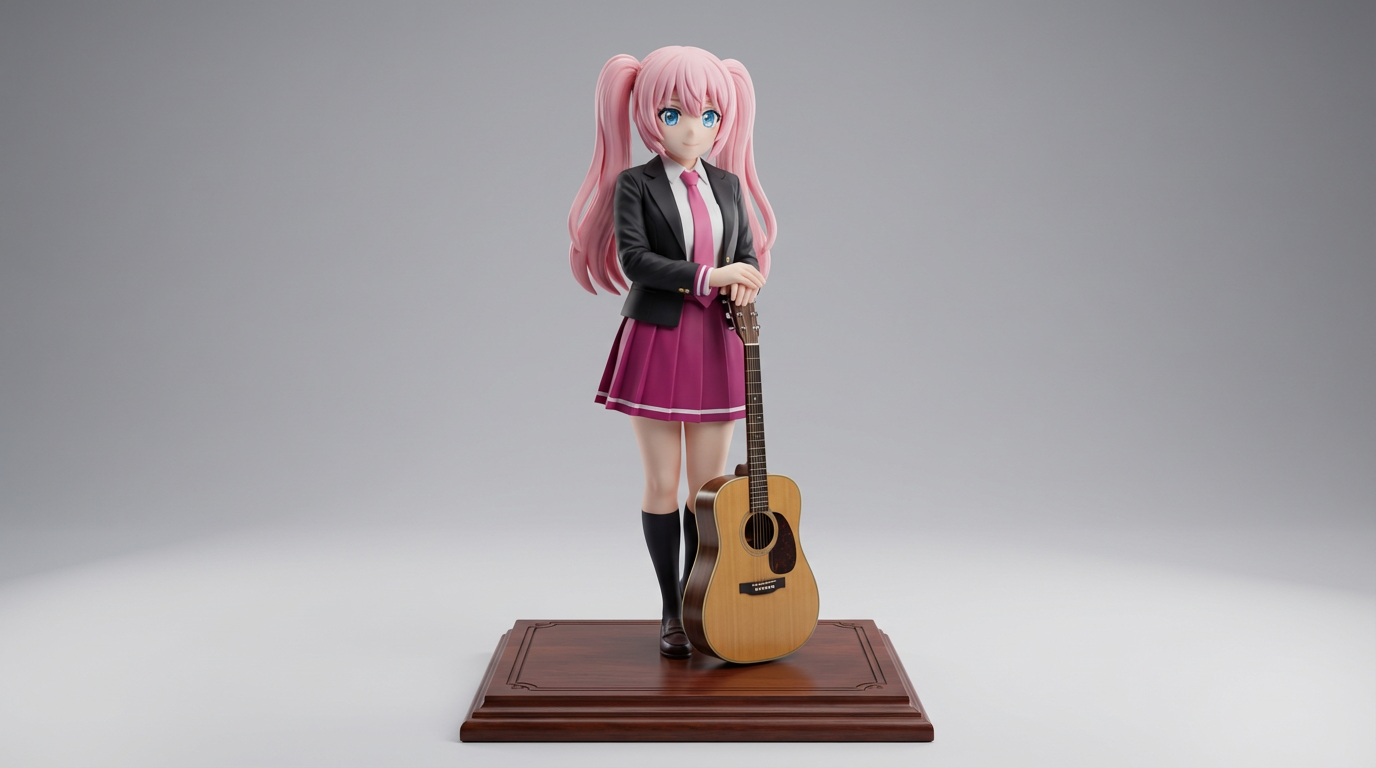
حوّل رسومات الشخصيات المسطّحة إلى صور بأسلوب مجسّمات العرض، مناسبة لتصوّرات القطع القابلة للاقتناء والعروض البصرية الشبيهة بالمنتجات.
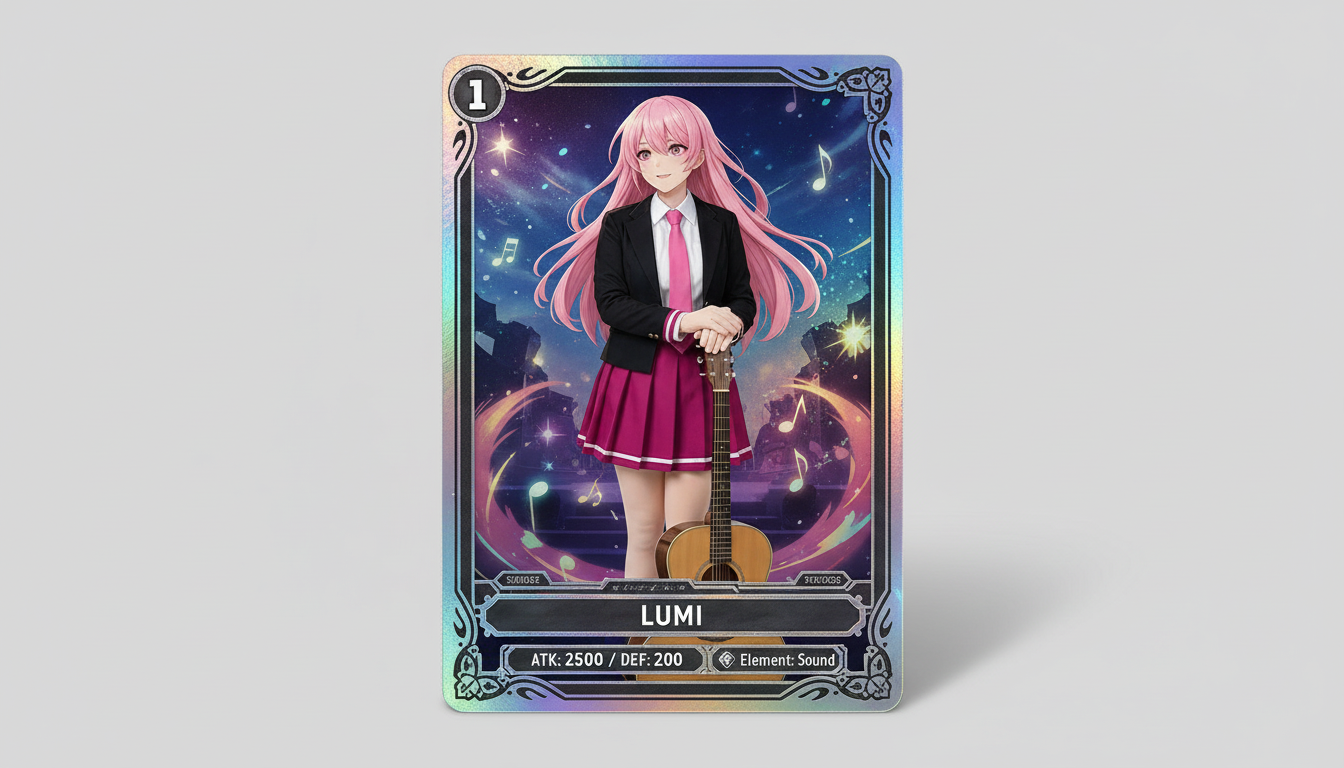
حوّل صور الشخصيات إلى تصاميم بطاقات تداول قابلة للاقتناء، بإحساس الندرة، وإطار يوحي بإحصائيات البطاقة، وتكوين جاهز للمنتجات.
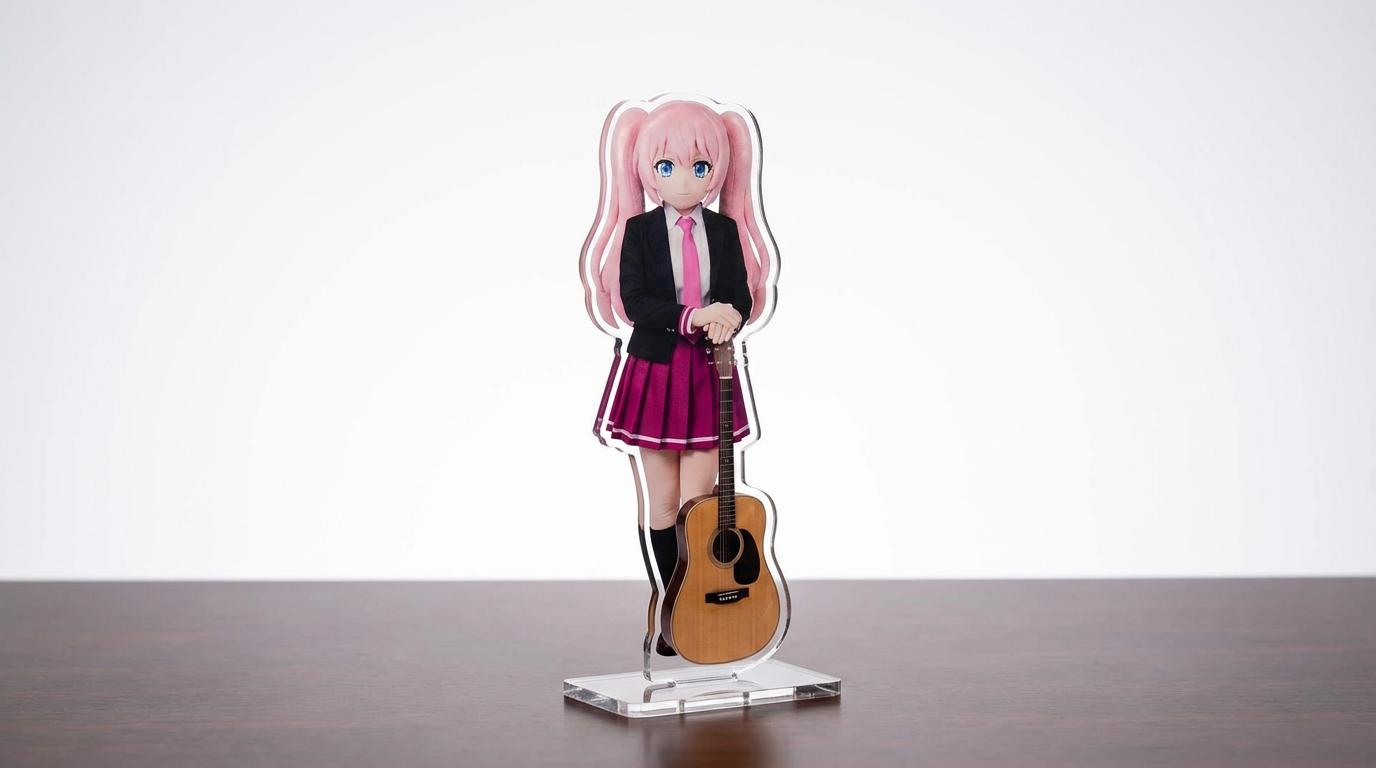
حوّل رسومات الشخصيات وصور الحيوانات الأليفة والتصاميم الأصلية إلى نماذج ستاندي أكريليك مع سير عمل قابل للتخصيص بقيادة Lumi.
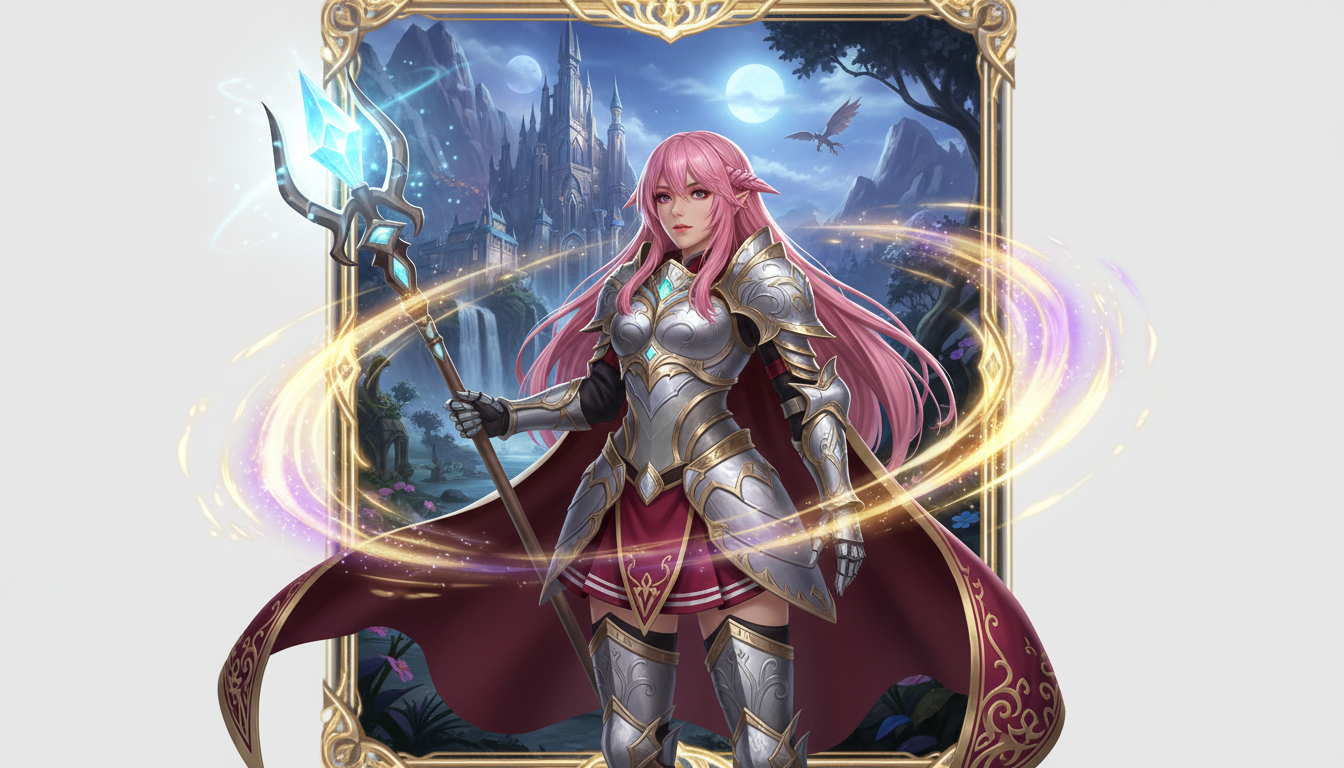
حوّل صورة شخصيتك إلى عرض لبطل فانتازي بتصميمات الفئات، وأجواء RPG، وطابع بطاقات المقتنيات.
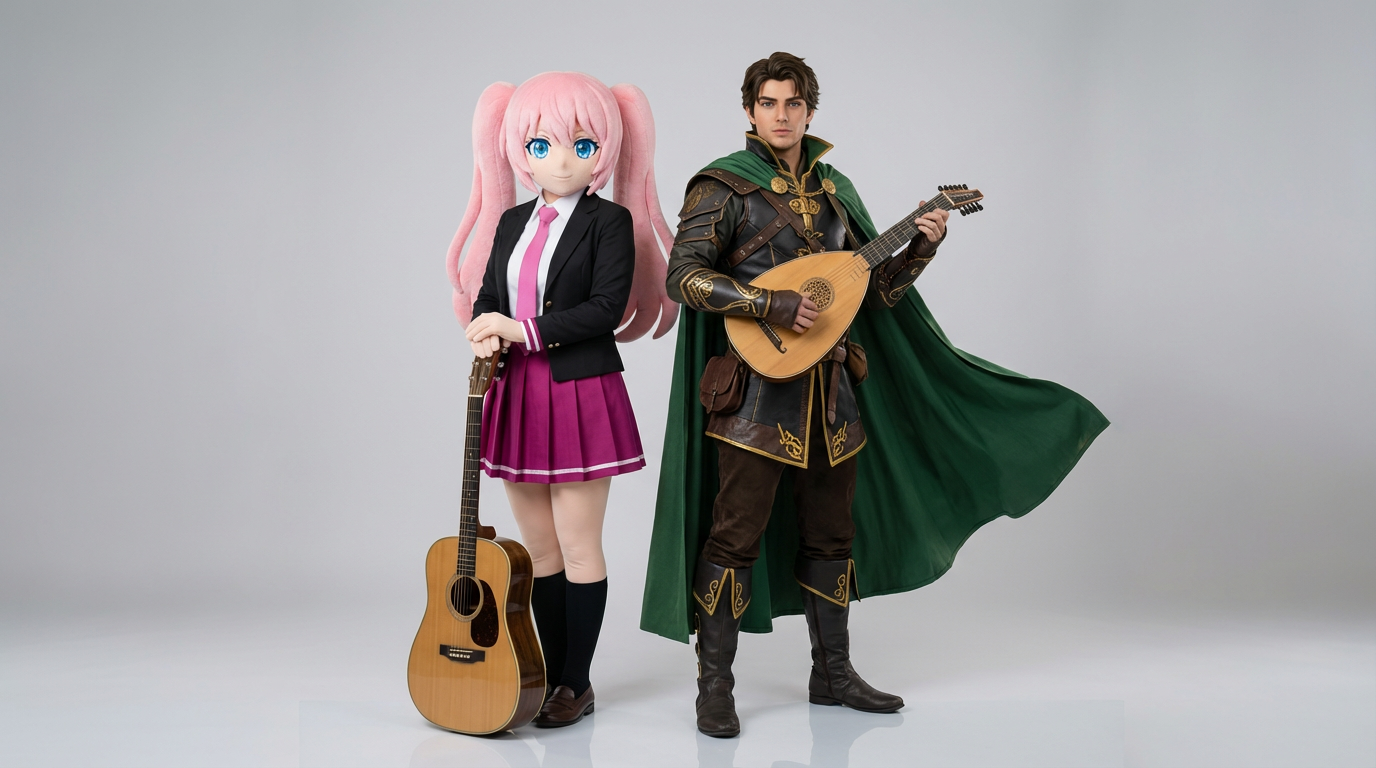
ارفع مرجعين لشخصيتين وأنشئ لقطات تفاعل واضحة، وتكوينات ثنائية متناسقة، وإطارات جاهزة للمشهد.
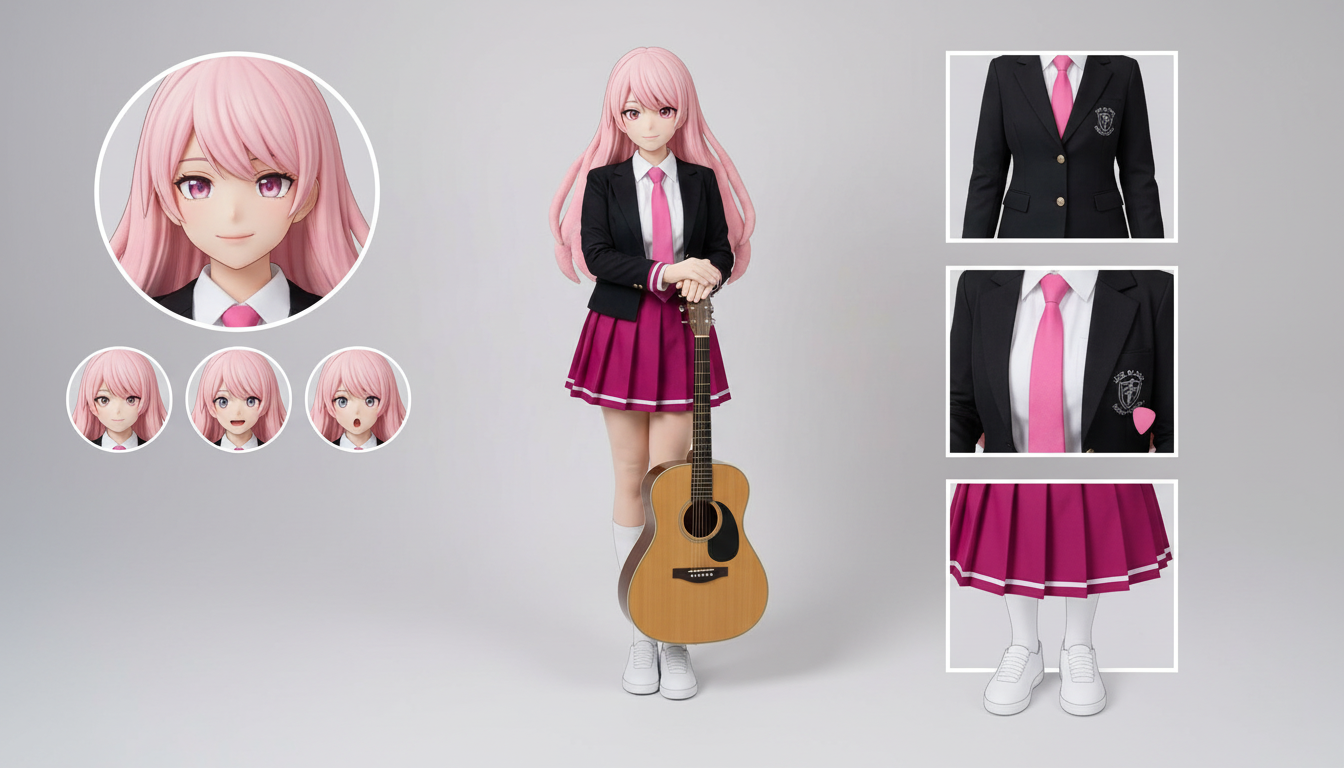
أنشئ تخطيطات شيتات الشخصيات للملابس والتعابير والإكسسوارات ومراجع الوضعيات انطلاقًا من تصميم واحد ترفعه.
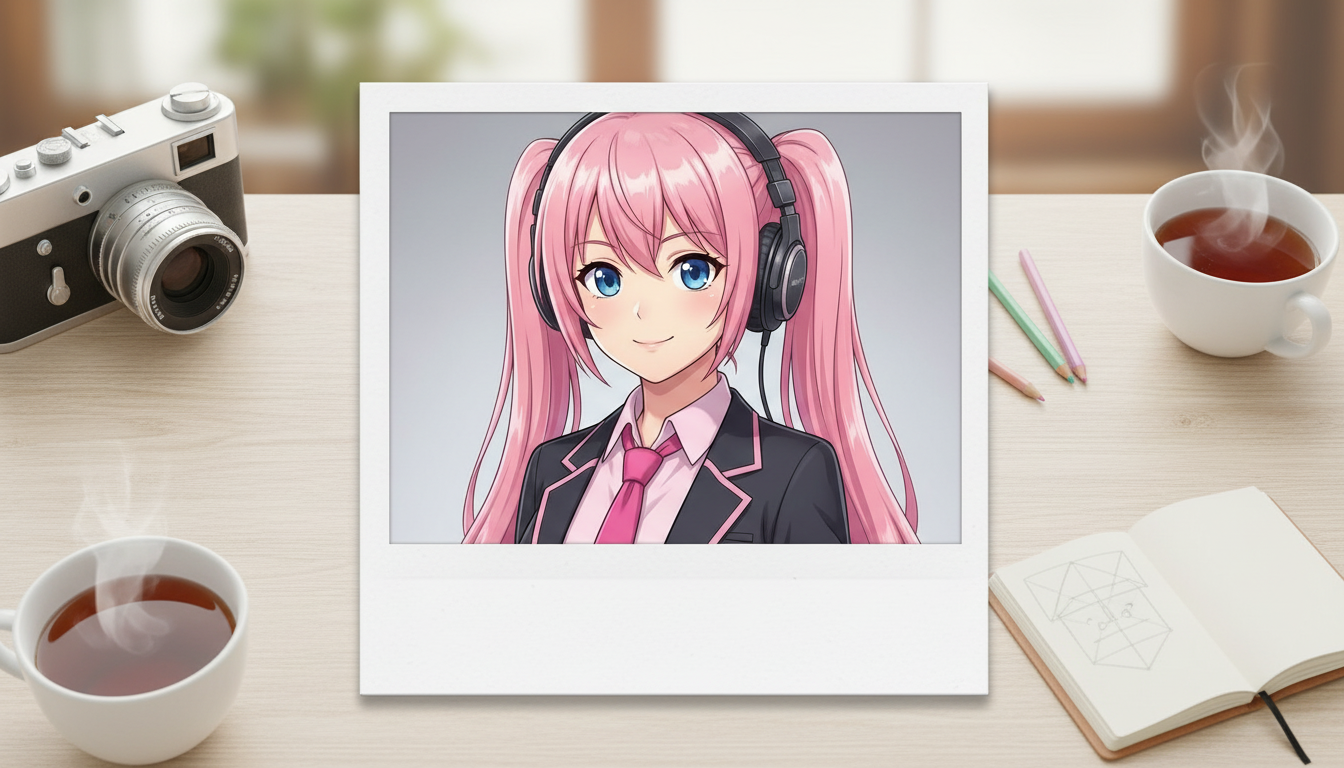
حوّل صور الشخصيات إلى مخرجات بأسلوب Polaroid بإطار يوحي بالصور الفورية الكلاسيكية ولمسة تذكارية قابلة للجمع.
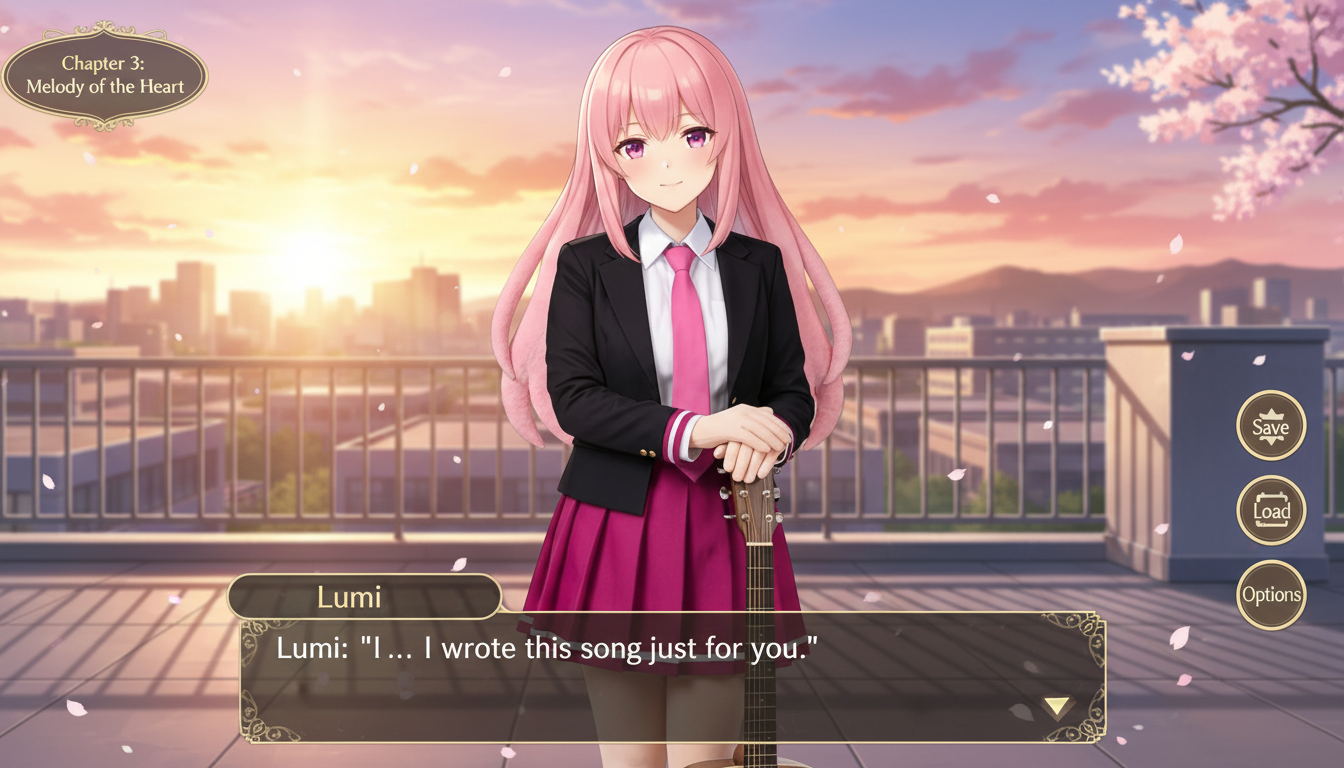
حوّل صورة شخصية إلى مشهد بأسلوب الرواية البصرية مع تأطير واجهة، وتوزيع مساحة الحوار، وتكوين شاشة لعبة متكامل.
Use this page when you know the kind of visual asset you want, but not the exact prompt or workflow yet.
Search behavior has moved beyond one broad text-to-image query. Many users now start with an existing image, ask for an editor, or compare image generation workflows before they create.
Yes. Each page is built around a specific problem, such as turning a reference image into a new style, creating a character sheet, or making a magazine-cover visual.
Pick the page that matches your starting point. Use text-to-image when you only have an idea, image-to-image when you have a reference, and AI image editor when you need controlled changes.