الشخصيات الشفافة: صف البيئة
يمكن أن يوفر ملف PNG الشفاف مرجعًا للشخصية. صف البيئة والوضعية والتفاصيل التي تريد الاحتفاظ بها. قد يضيف الكوميك المُنشأ خلفية؛ هذا المسار لا يَعِد بالحفاظ على قناة الشفافية الأصلية.


من PNG إلى كوميك
امنح شخصيتك أو لقطة الشاشة أو الرسم التوضيحي قصة. أنشئ كوميكًا من PNG الخاص بك، ثم اجعله بطابعك في Studio.
سجّل الدخول للرفع. الإنشاء يستخدم الرصيد.
سجّل الدخول وارفع ملف PNG حتى 20 MB. تشمل صيغ الصور الأخرى المدعومة JPG وWEBP. إذا كانت صورة شاشة، فاقصصها على المشهد المناسب واجعل النص كبيرًا بما يكفي للقراءة.
افتح الخيارات المتقدمة لوصف القصة ونمط اللوحات وتفاصيل الشخصية. للشخصية ذات الخلفية الشفافة، صف الخلفية التي تريدها. التوجيه اختياري.
أنشئ المسودة، ثم واصل العمل في Studio. راجع تفاصيل الشخصية ونص لقطة الشاشة مقابل المصدر، وحسّن الملصقات واللوحات قبل المشاركة.
يمكن أن يوفر ملف PNG الشفاف مرجعًا للشخصية. صف البيئة والوضعية والتفاصيل التي تريد الاحتفاظ بها. قد يضيف الكوميك المُنشأ خلفية؛ هذا المسار لا يَعِد بالحفاظ على قناة الشفافية الأصلية.
اقصص عناصر الواجهة غير المرتبطة واطلب شرحًا قصيرًا أو مشهدًا محددًا. قد يُقرأ النص الصغير بشكل غير صحيح أو يُعاد صياغته، لذا قارن الملصقات والأسماء والأرقام مع لقطة الشاشة.
استخدم الرسم التوضيحي كمرجع بصري واصفًا ما يحدث بعده. قد يتغير مظهر الشخصية والتكوين والألوان؛ راجع المسودة بدلًا من توقع تحويل مطابق للبكسل.
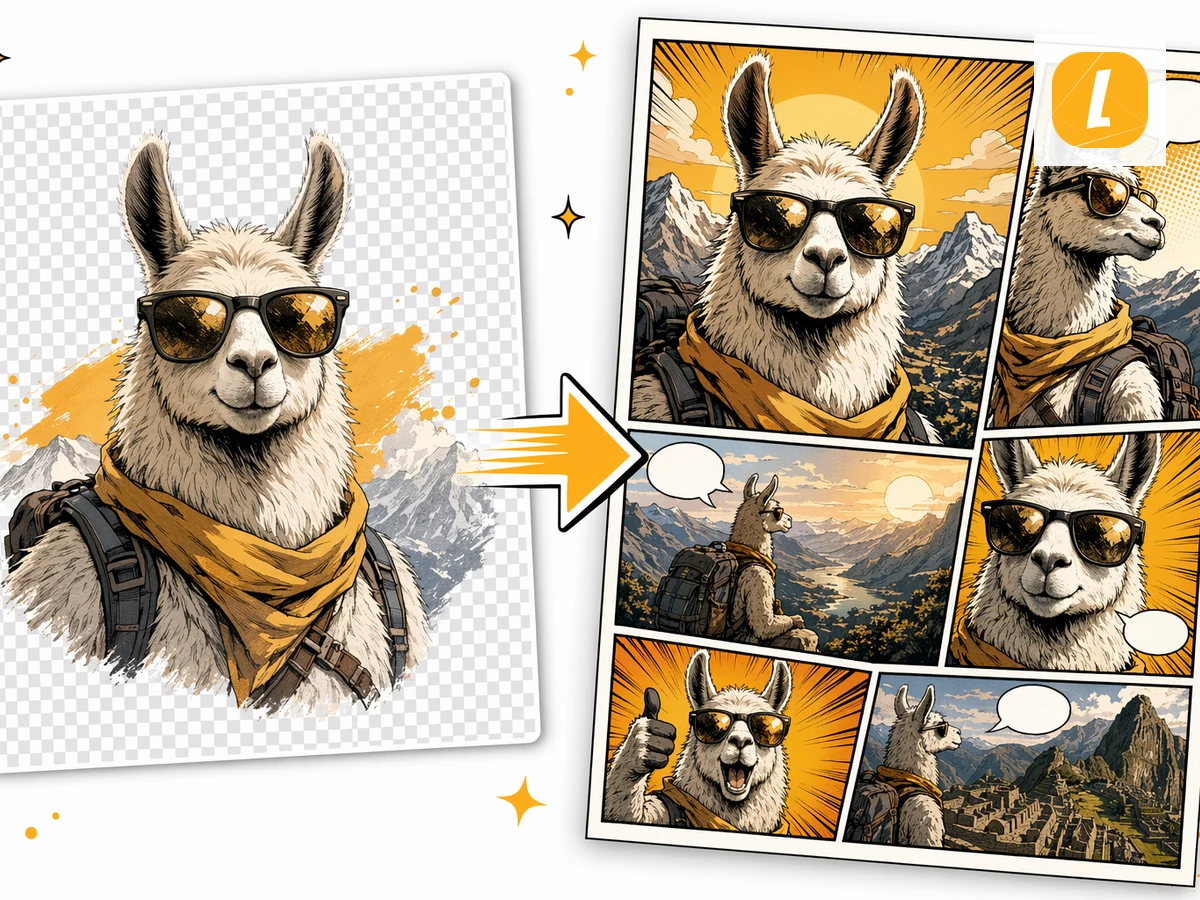
Check plans and credits before generating, or turn a picture into a comic, open the comic strip maker, or start from AI comic strips.
Keep creating Comic results from PDFs, Word docs, images, photos, and other source formats in the same AI workflow.
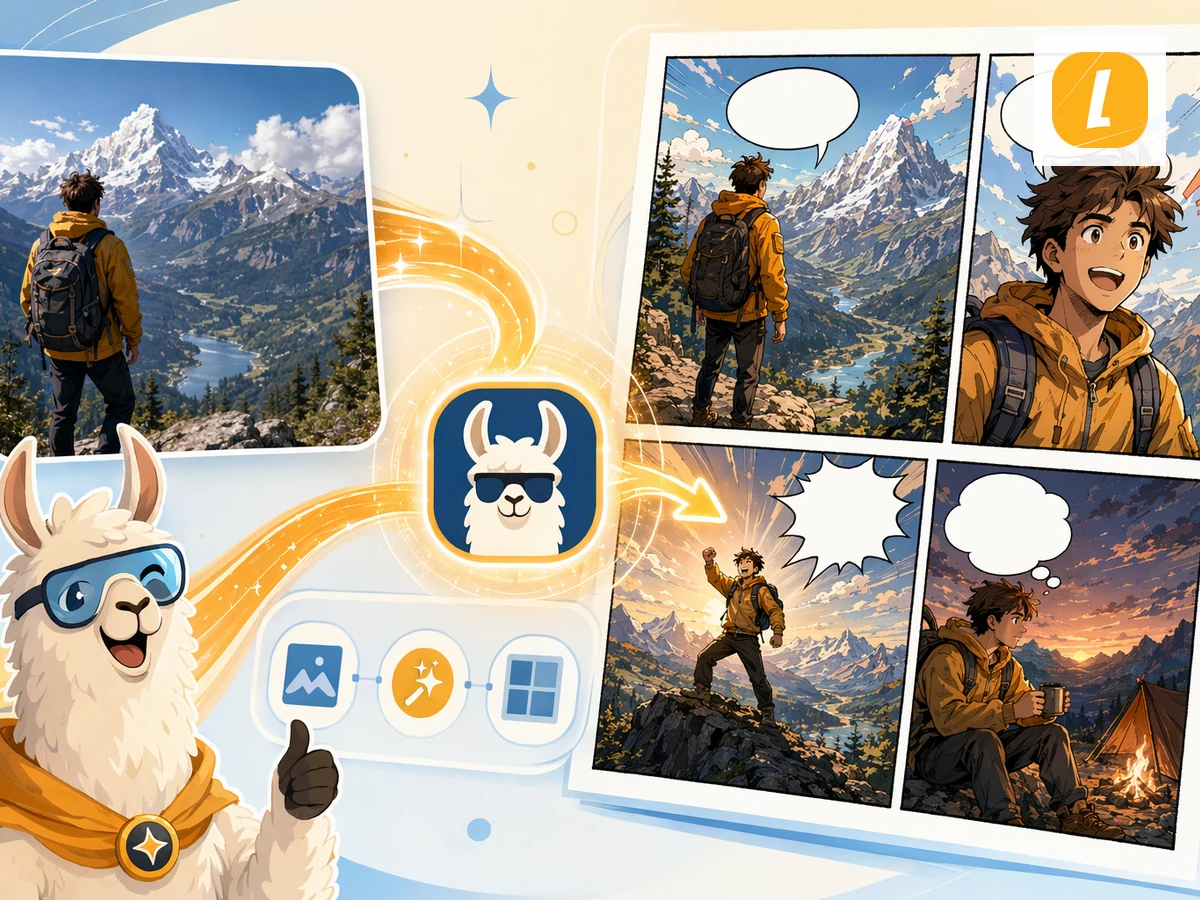
حوّل الصور إلى كوميك مُولّد بالذكاء الاصطناعي. ارفع صورة ودع LlamaGen يعيد تفسيرها كصفحة كوميك مع لوحات وملصقات وسرد بصري معبّر.
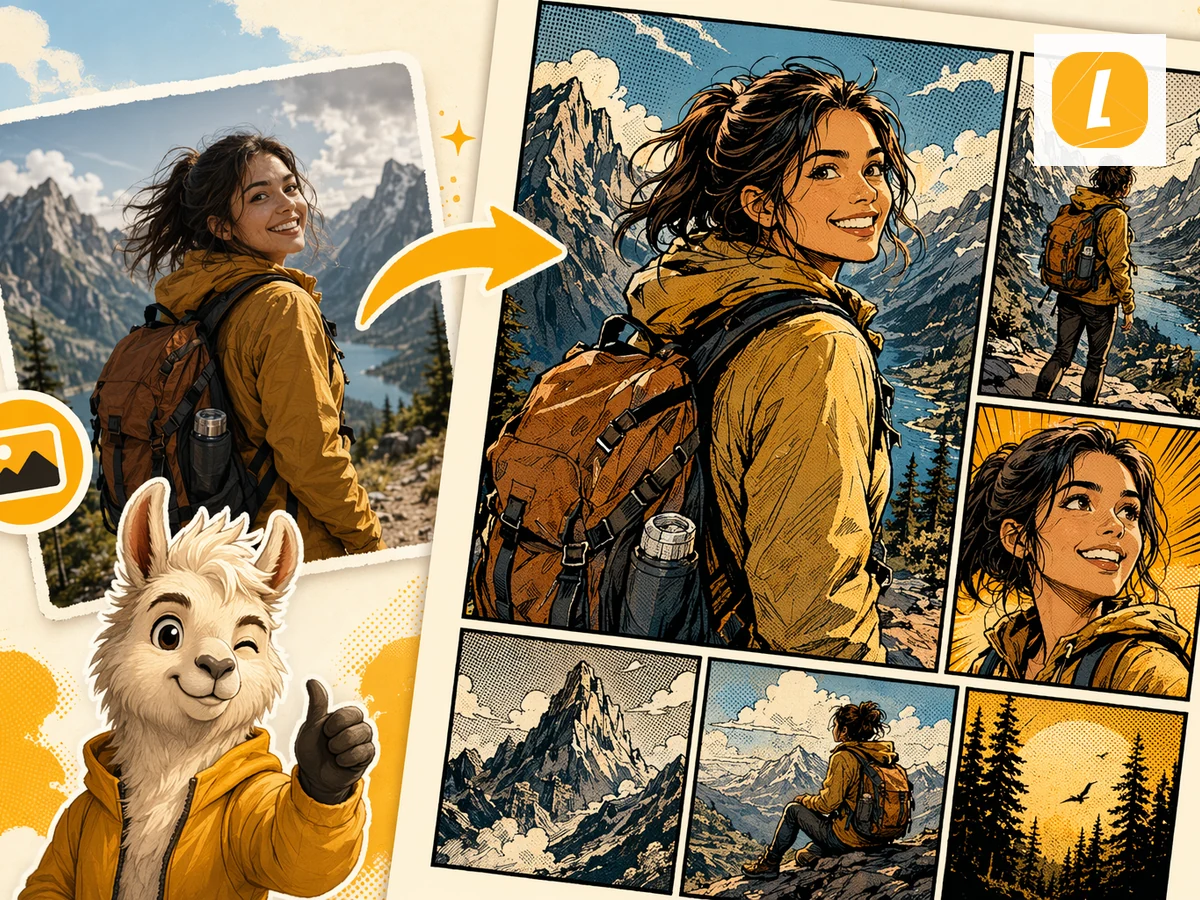
حوّل صور JPG إلى كوميك. ارفع صورة فوتوغرافية أو رسمًا توضيحيًا واستخدمها كمرجع بصري لصفحة كوميك مُولّدة بالذكاء الاصطناعي.
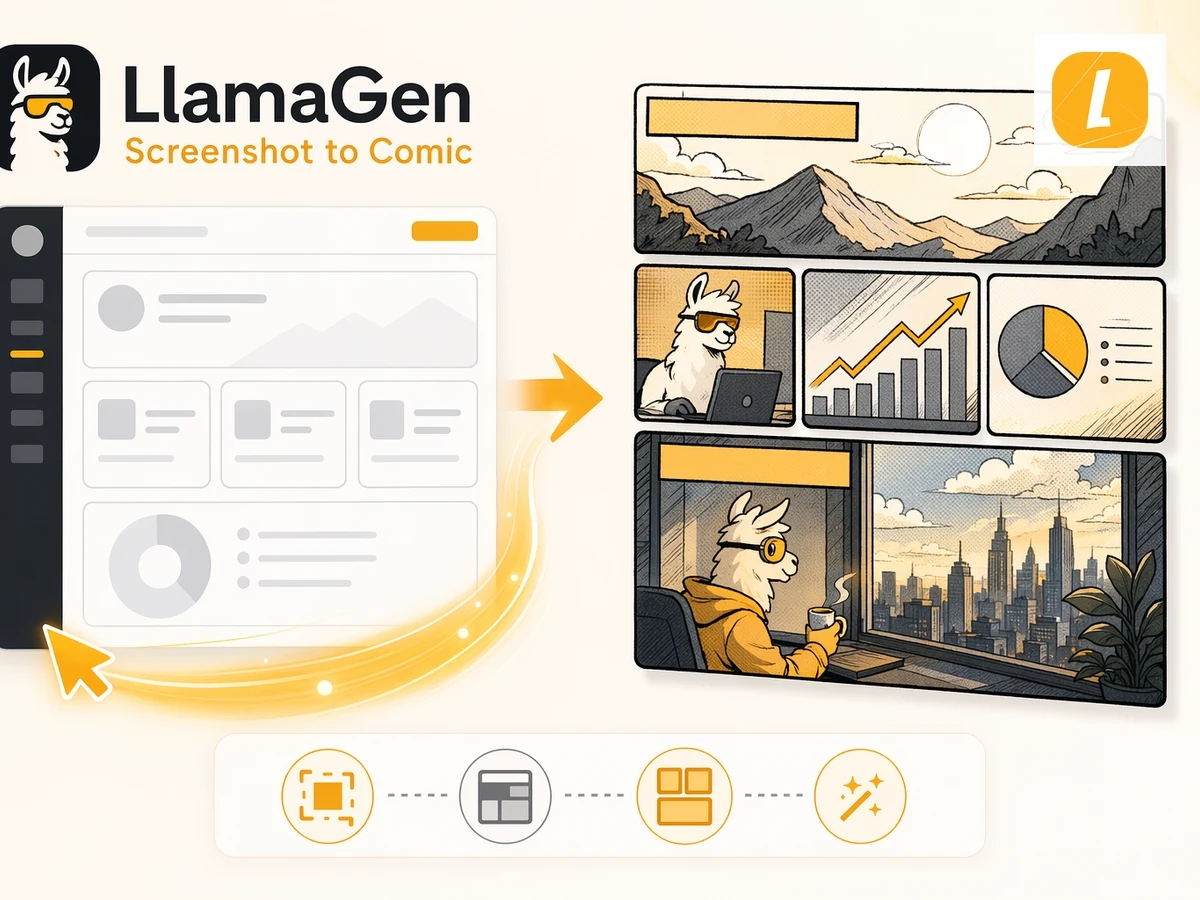
حوّل لقطات الشاشة إلى كوميك بالذكاء الاصطناعي. ارفع لقطة شاشة وسيعيد LlamaGen تفسير السياق البصري كصفحة كوميك.
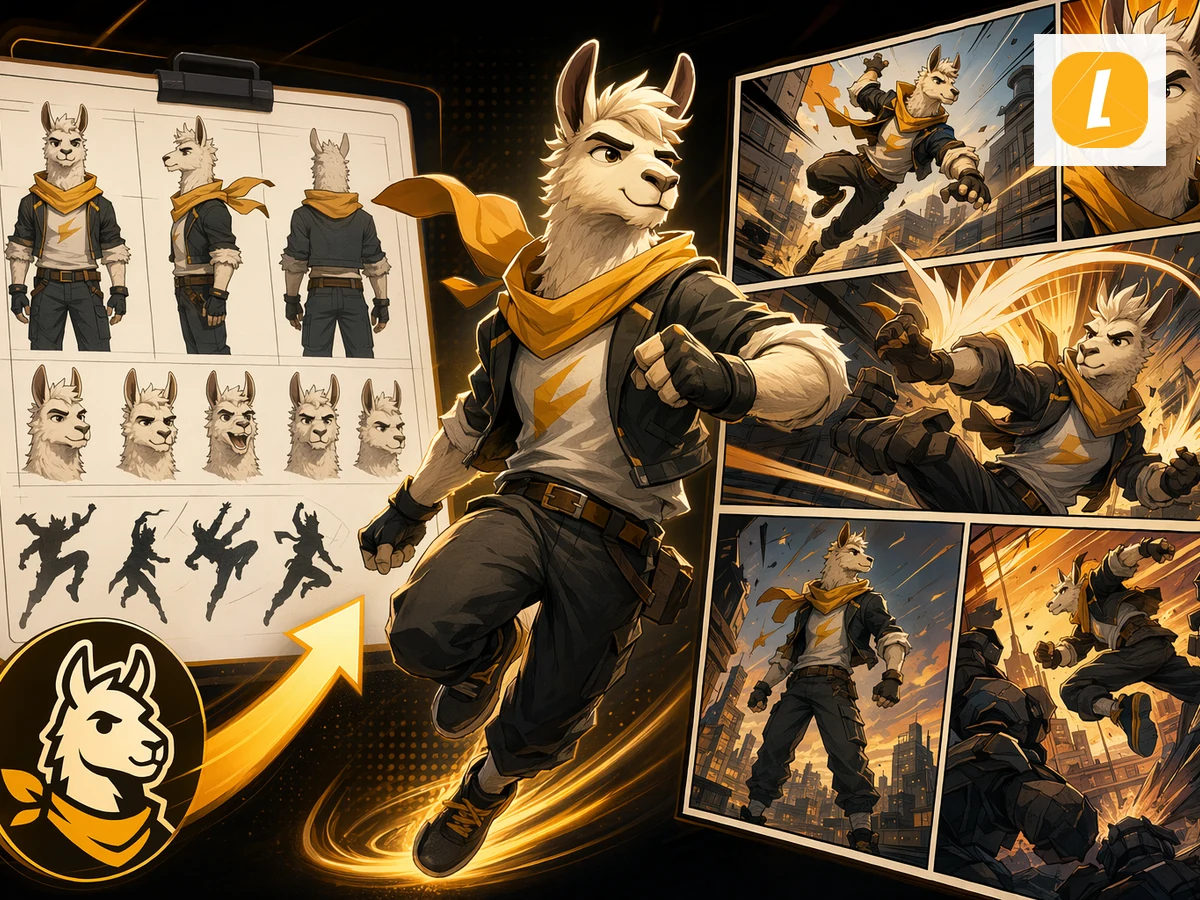
حوّل شخصية إلى صفحة كوميك. ارفع صورة شخصية أو الصق وصفًا للشخصية وأنشئ مشهدًا قصصيًا حولها.
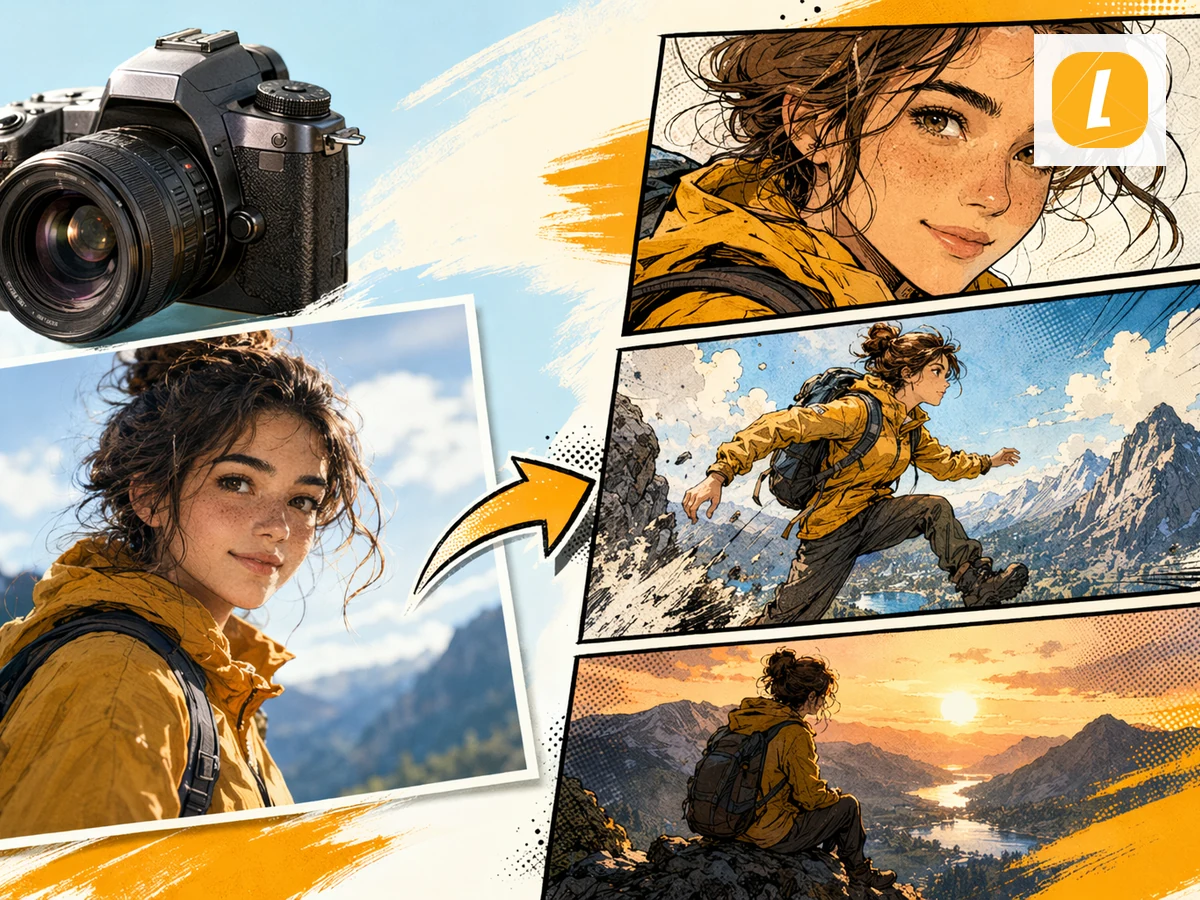
حوّل الصور الفوتوغرافية إلى كوميك مُولّد بالذكاء الاصطناعي. ارفع صورة وحوّل المشهد أو الأشخاص أو المزاج إلى صفحة كوميك بلوحات سينمائية.
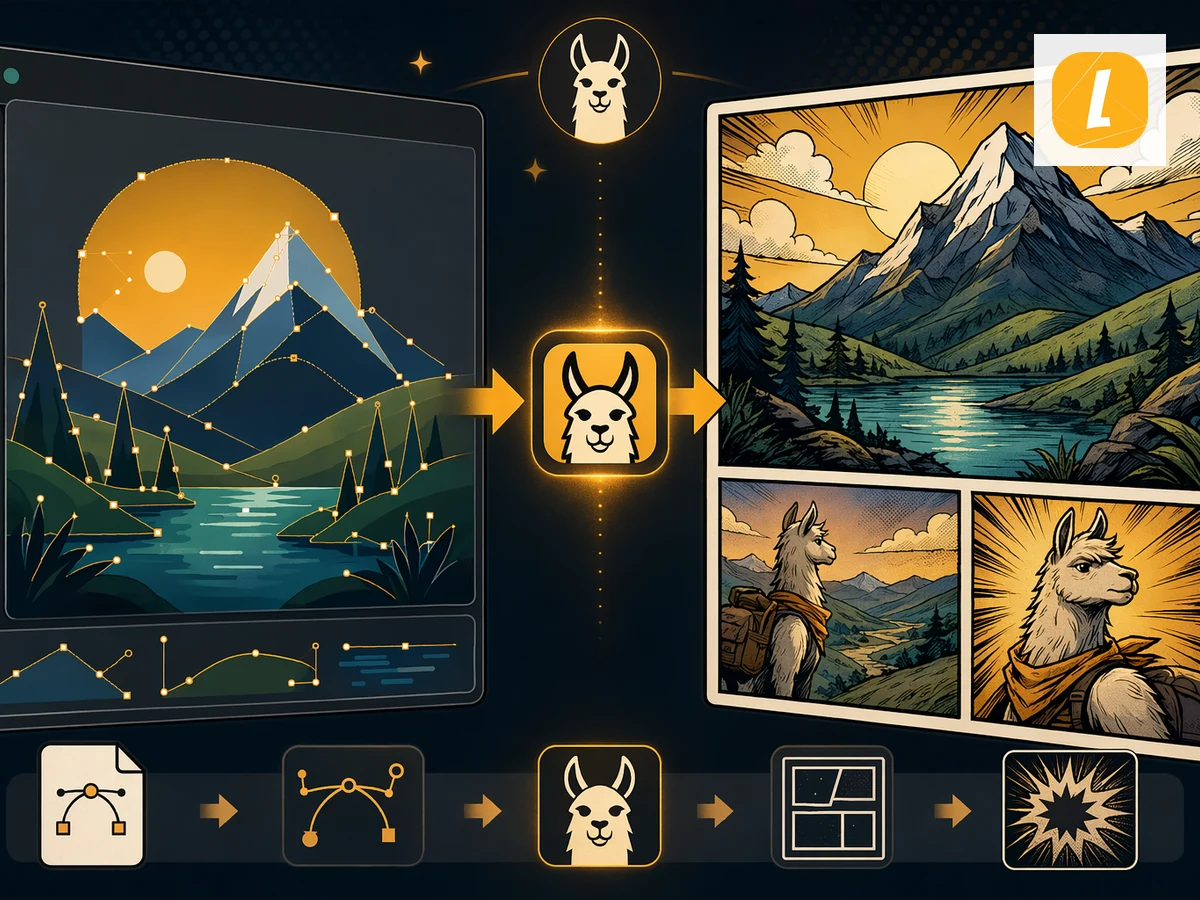
حوّل رسومات SVG إلى كوميك. ارفع رسومات SVG وأنشئ صفحة كوميك تتبع المادة الأصلية بدل البدء من Prompt فارغ.
أنشئ أول كوميكس لك في أقل من دقيقة. لا حاجة لبطاقة ائتمان.
Move from a single generated image or video into comics, manga, storyboards, and connected visual stories.