Find a story worth following
Explore a character's goal, an unusual setting, or a difficult choice. Compare different openings before you commit to a direction.


Използвайте LlamaGen.ai като AI генератор и писател на истории. Превърнете една проста идея в структуриран чернови вариант с сюжет, герои, диалог и път към storyboard или комикс панели.
Try the first draft here. Free access has limits; saved projects and visual tools use your account and plan credits.
See how it worksPick a prompt to read an illustrative opening, then generate your own version. These samples are prepared examples, not live results or customer testimonials.
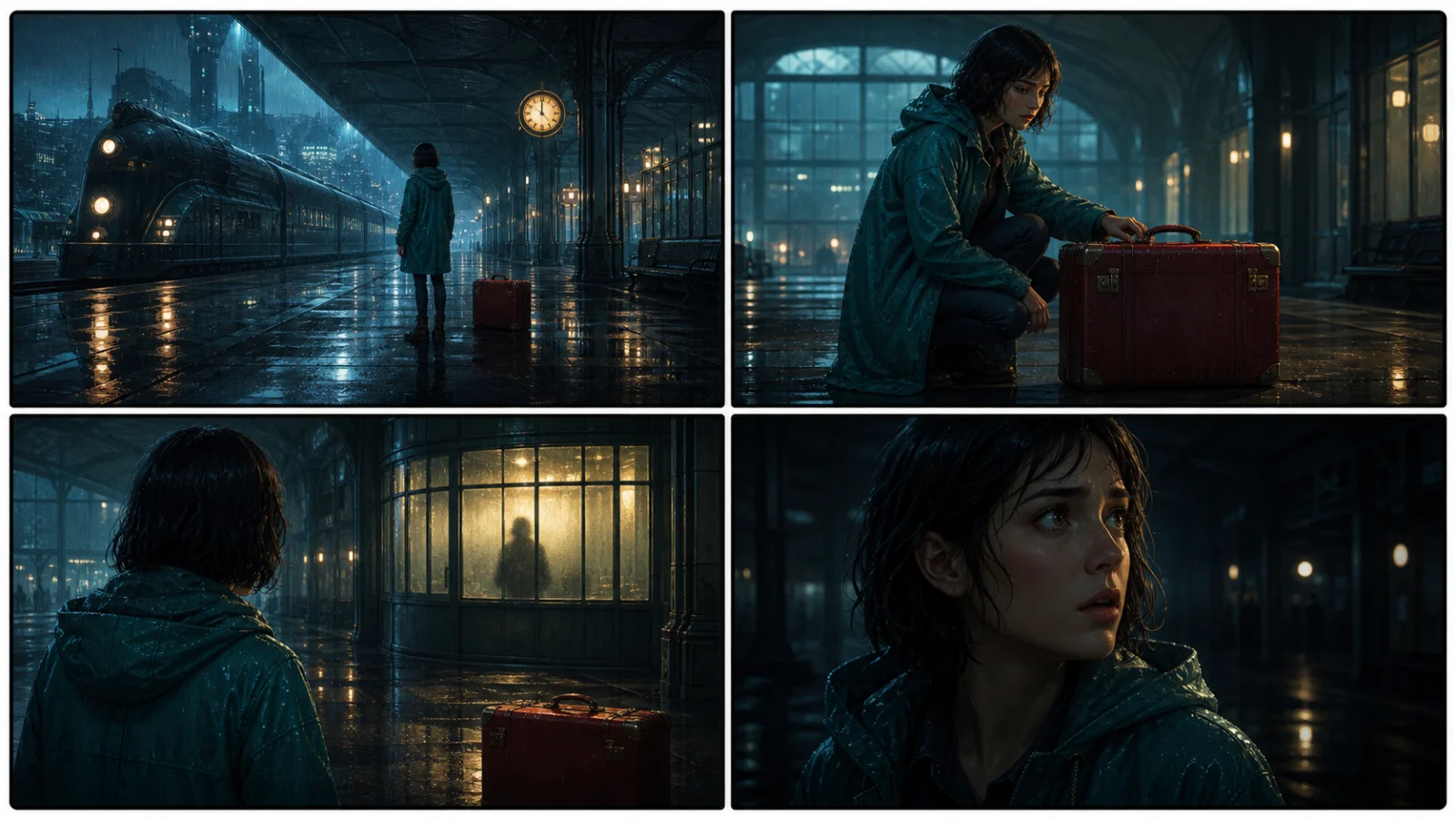
Example opening
The radio said Mara's name before she switched it on. On Platform Three, rain gathered around a red suitcase. She had checked the platform a minute ago. Empty. Now someone had left a case beneath the broken clock, with a luggage tag written in her handwriting.
Start with something specific: a radio operator alone at a station, a red suitcase, and a message that knows her name. Generate an opening, read what works, then change the stakes or point of view. The next decision stays yours.
Generate story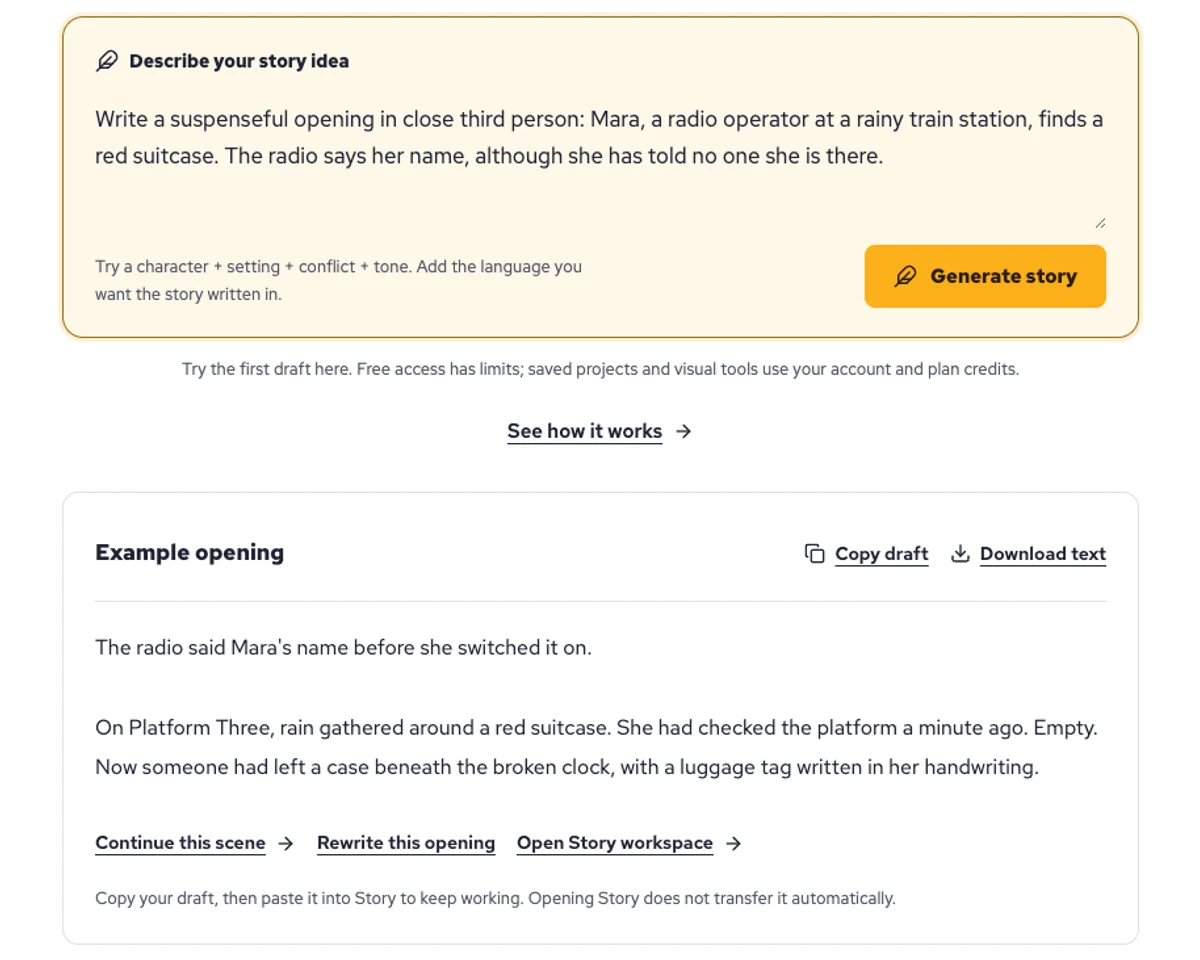
Explore a character's goal, an unusual setting, or a difficult choice. Compare different openings before you commit to a direction.
Paste an unfinished idea or use Continue after a draft. Read each new scene for names, motives, and details that need to stay consistent.
Use Rewrite to try a sharper opening. Copy a version you like before generating another, then edit the phrasing in your own voice.
This illustrative sequence follows Mara, her teal raincoat, and a red suitcase through four station shots. Use it as a guide: keep a character, location, and key prop consistent when you adapt your own draft into a storyboard or comic.
Explore script to storyboardThe same rainy-station story, imagined as a reading copy, a handheld proof, different cover designs, and a coordinated author set.
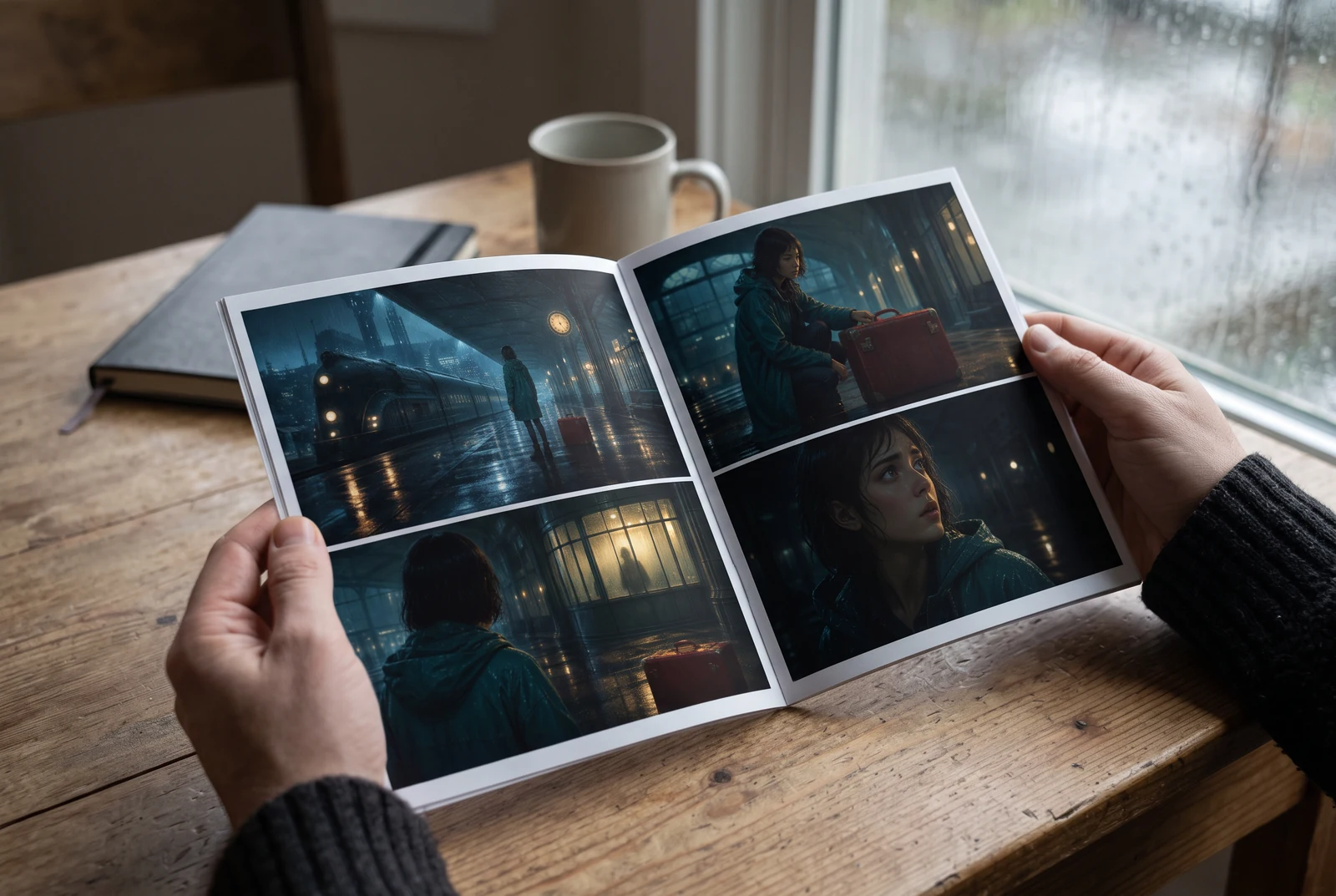
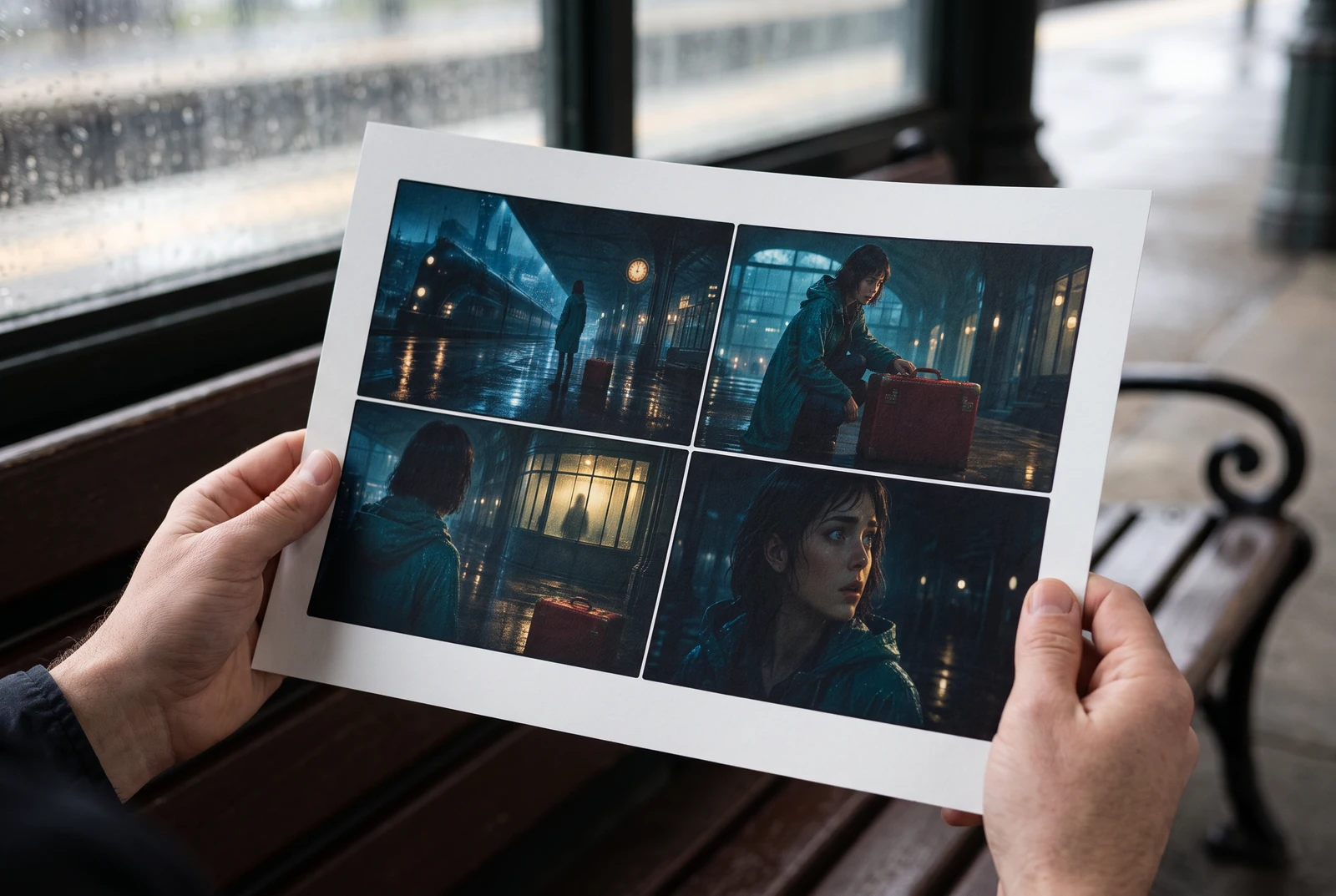
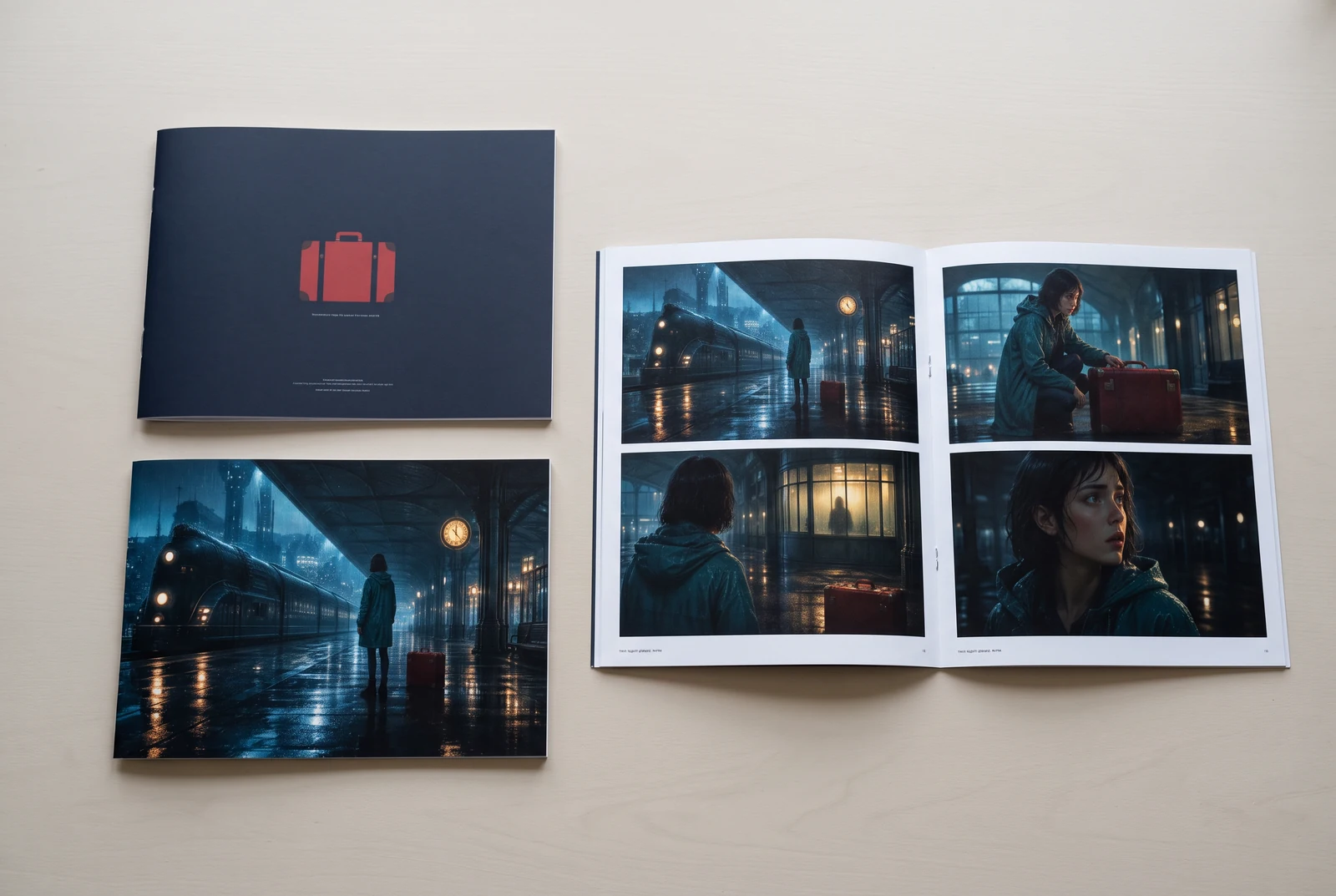
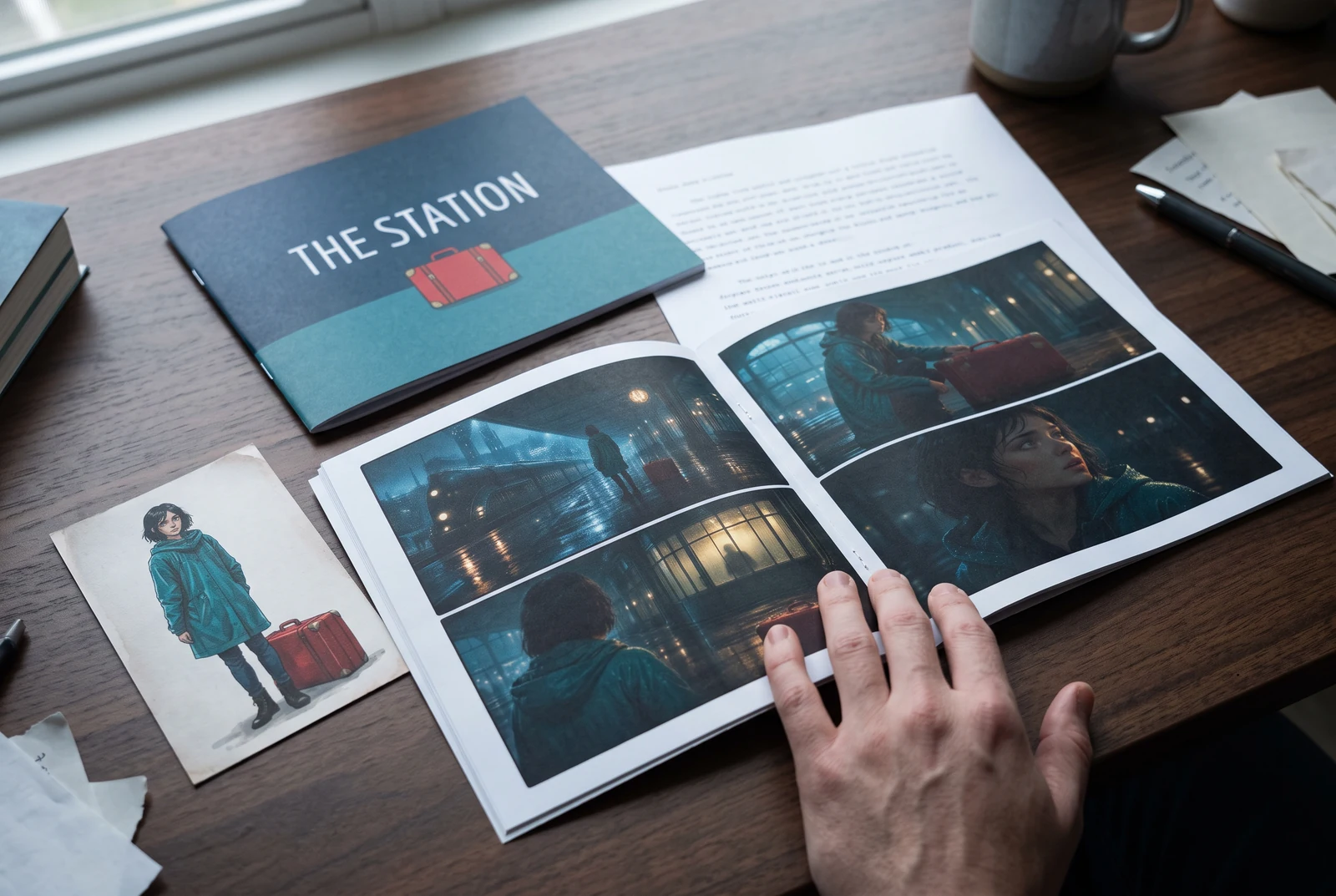
AI-generated display concepts using original LlamaGen story art. Paper examples illustrate personal printing and reading; they are not customer photographs or a print-delivery offer.
Test a premise, change the point of view, or work through the opening of a short story.
Draft scene beats and dialogue before planning comic panels or storyboard shots.
Create writing prompts and sample narratives. Review the output and follow your classroom or team's AI rules.
Describe a protagonist, setting, goal, and obstacle. Choose a tone and output language in your prompt.
Select Generate story. The result is a draft to review; one response is not a complete book.
Check the voice, facts, and continuity. Continue the next scene or rewrite the opening. Copy a version before replacing it.
Keep this text in this browser for up to seven days while you sign in, then choose a workspace and save it in Story. AI continuation uses your account's plan allowance.
AI can invent facts, repeat familiar phrasing, or lose track of a character. Review every draft before sharing it. Follow LlamaGen's terms and your school or workplace rules; check third-party material before publishing.
Това е инструмент в браузъра, който превръща идеите ви в структурирани истории с помощта на AI. Въведете prompt и получете чернова със сюжет, герои, диалог, сценични моменти и визуална насока за художествена проза, комикси, класно писане, видеа или визуални романи.
Добрият prompt включва идеята за историята, жанра и тона. Например: „Самотна вещица отваря кафе в гората“ с топло усещане slice‑of‑life. Колкото по-ясна е идеята ви, толкова по-добра ще е историята. Добавете конкретни детайли за героите, обстановката, емоционалния тон и ключовите сюжетни точки, които искате.
Можете да редактирате или разширите историята, или да я използвате като основа за създаване на комикс панели или сцени за визуален роман с илюстрации, layouts и диалог чрез нашите инструменти. Много създатели използват генерираните истории като сценарии за разработване на композиции на панелите, израженията на героите и визуалния поток.
Той спестява време, вдъхновява креативността и помага на писатели от всички нива да преодолеят блокажа. Независимо дали създавате художествена проза, комикс, визуален роман, класна задача или видео сценарий, той ви дава бърза отправна точка с наративна структура, която обикновено би отнела часове за разработване.
Yes. Choose Save this draft in Story, sign in, select a workspace, and confirm saving. The text stays in this browser for up to seven days and is never placed in the URL. If you reach a Story plan limit, compare plans and return to save the same draft.
Можете да генерирате първа чернова на тази страница, без да купувате софтуер за писане. Влизането в акаунт отключва Story, запазена история, storyboard, комикс и видео workflow-ове, които използват кредитите от вашия план.
Инструментът поддържа гъвкави story prompt-и за романтика, фентъзи, хорър, драма, комедия, училищен живот и експериментални жанрове. Той не насилва идеята ви в един общ шаблон, като същевременно запазва генерирането в рамките на правилата за безопасност на платформата.
Можете да продължавате да генерирате нови чернови, алтернативни финали, сюжетни обрати, арки на героите и варианти на сцените, докато експериментирате. По-дългите проекти, запазената история и визуалната продукция използват акаунта ви и кредитите от плана.
Повечето истории се генерират за 5-10 секунди в зависимост от сложността и дължината. Нашият AI обработва prompt-а ви почти мигновено, така че можете бързо да итеративате и да изследвате няколко посоки на историята за минути.
Поддържаме всички основни жанрове, включително романтика за млади, урбан фентъзи, супергеройски истории, Sci‑Fi, хорър, мистерия, slice‑of‑life, екшън, свръхестествено, комедия, драма, исторически жанр и още. Просто посочете предпочитания жанр в prompt-а.
Можете да генерирате първа чернова на тази страница, без да създавате акаунт. Влизането в акаунт отключва Story, история между сесиите, storyboard, комикс и видео workflow-ове, които използват кредитите от вашия план.
В момента prompt-и на английски дават най-надеждни чернови. Все пак можете да напишете идея и на друг език; прегледайте резултата внимателно и продължете редакцията в Story.
LlamaGen builds tools for writing, comics, and storyboards. Explore the team and product, check plan details, or contact support before choosing a workflow.
Write a premise. Explore an opening. Decide what happens next.
Generate story