Find a story worth following
Explore a character's goal, an unusual setting, or a difficult choice. Compare different openings before you commit to a direction.


Используйте LlamaGen.ai как генератор историй и писатель с ИИ. Превратите простую идею в структурированный черновик с сюжетом, персонажами, диалогами и переходом к сториборду или комикс-кадрам.
Try the first draft here. Free access has limits; saved projects and visual tools use your account and plan credits.
See how it worksPick a prompt to read an illustrative opening, then generate your own version. These samples are prepared examples, not live results or customer testimonials.
Example opening
The radio said Mara's name before she switched it on. On Platform Three, rain gathered around a red suitcase. She had checked the platform a minute ago. Empty. Now someone had left a case beneath the broken clock, with a luggage tag written in her handwriting.
Start with something specific: a radio operator alone at a station, a red suitcase, and a message that knows her name. Generate an opening, read what works, then change the stakes or point of view. The next decision stays yours.
Generate story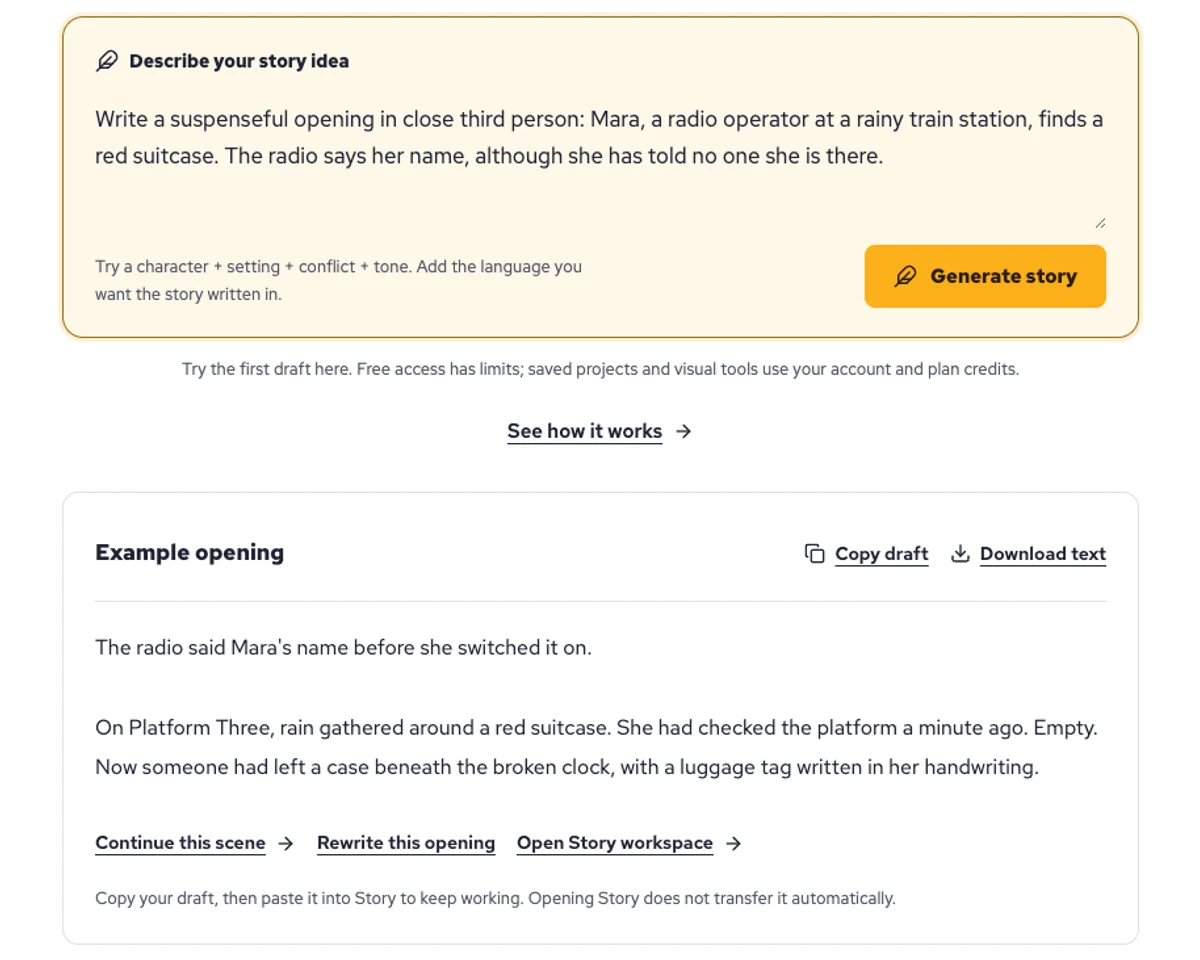
Explore a character's goal, an unusual setting, or a difficult choice. Compare different openings before you commit to a direction.
Paste an unfinished idea or use Continue after a draft. Read each new scene for names, motives, and details that need to stay consistent.
Use Rewrite to try a sharper opening. Copy a version you like before generating another, then edit the phrasing in your own voice.
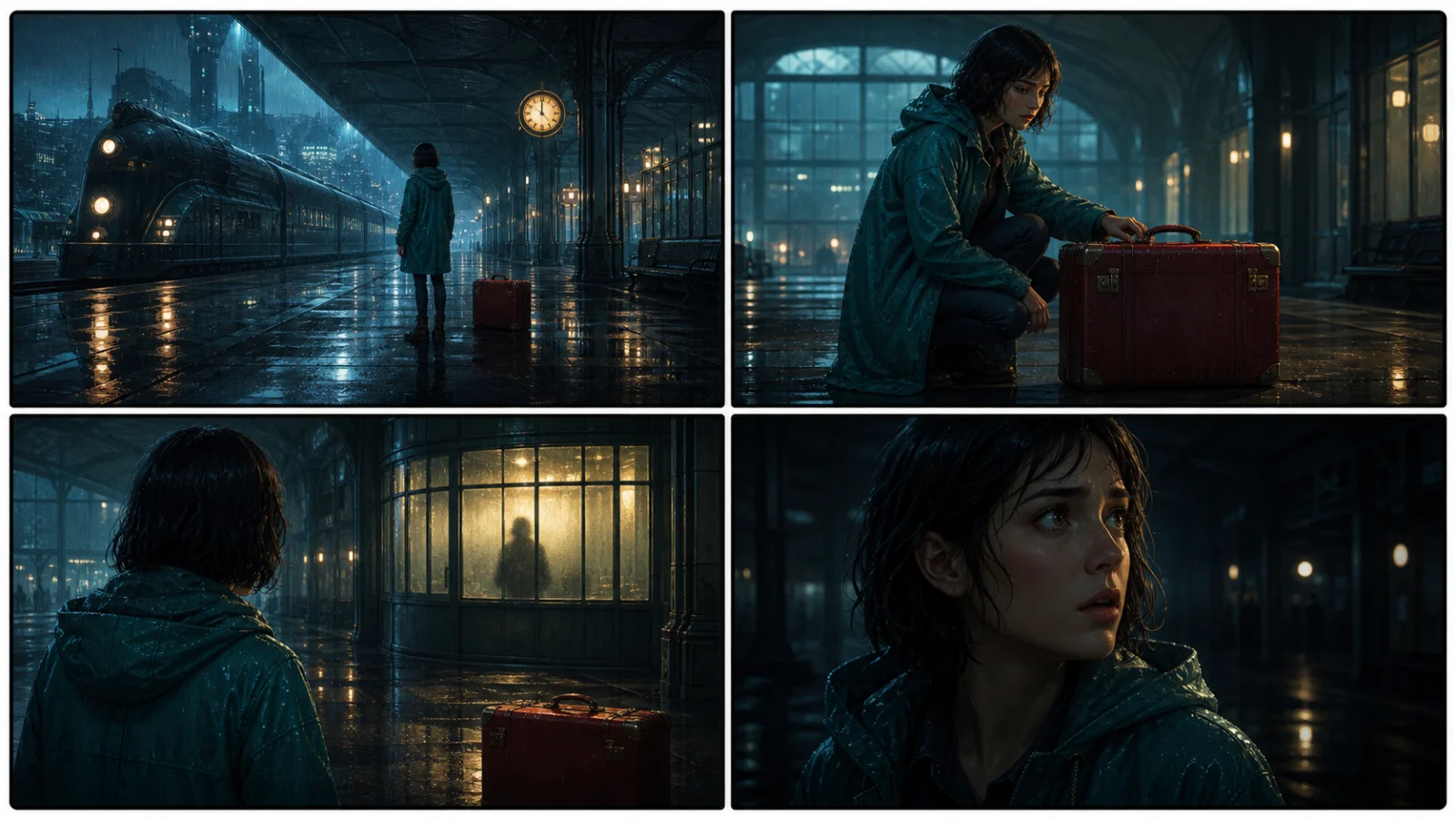
This illustrative sequence follows Mara, her teal raincoat, and a red suitcase through four station shots. Use it as a guide: keep a character, location, and key prop consistent when you adapt your own draft into a storyboard or comic.
Explore script to storyboardThe same rainy-station story, imagined as a reading copy, a handheld proof, different cover designs, and a coordinated author set.
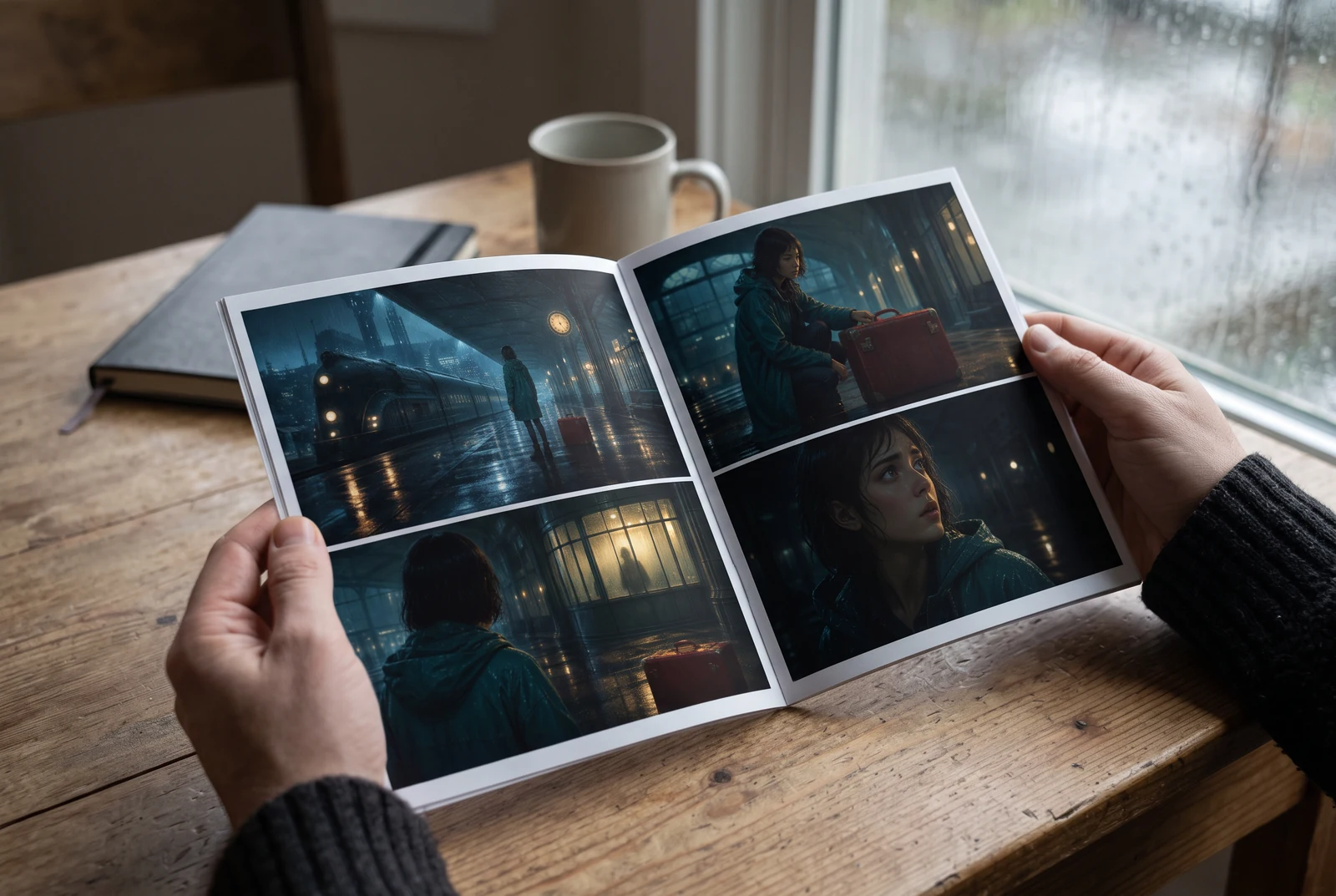
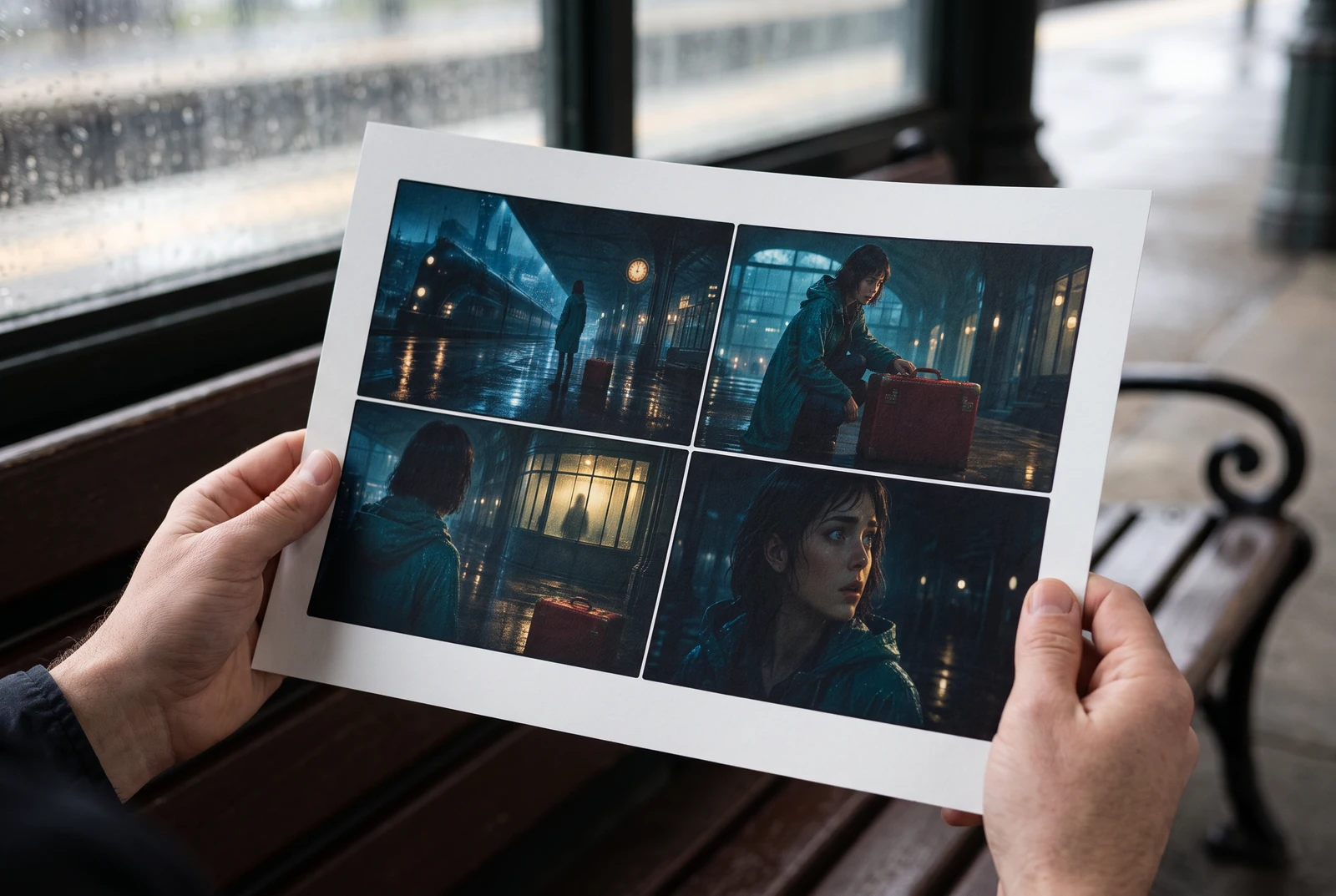
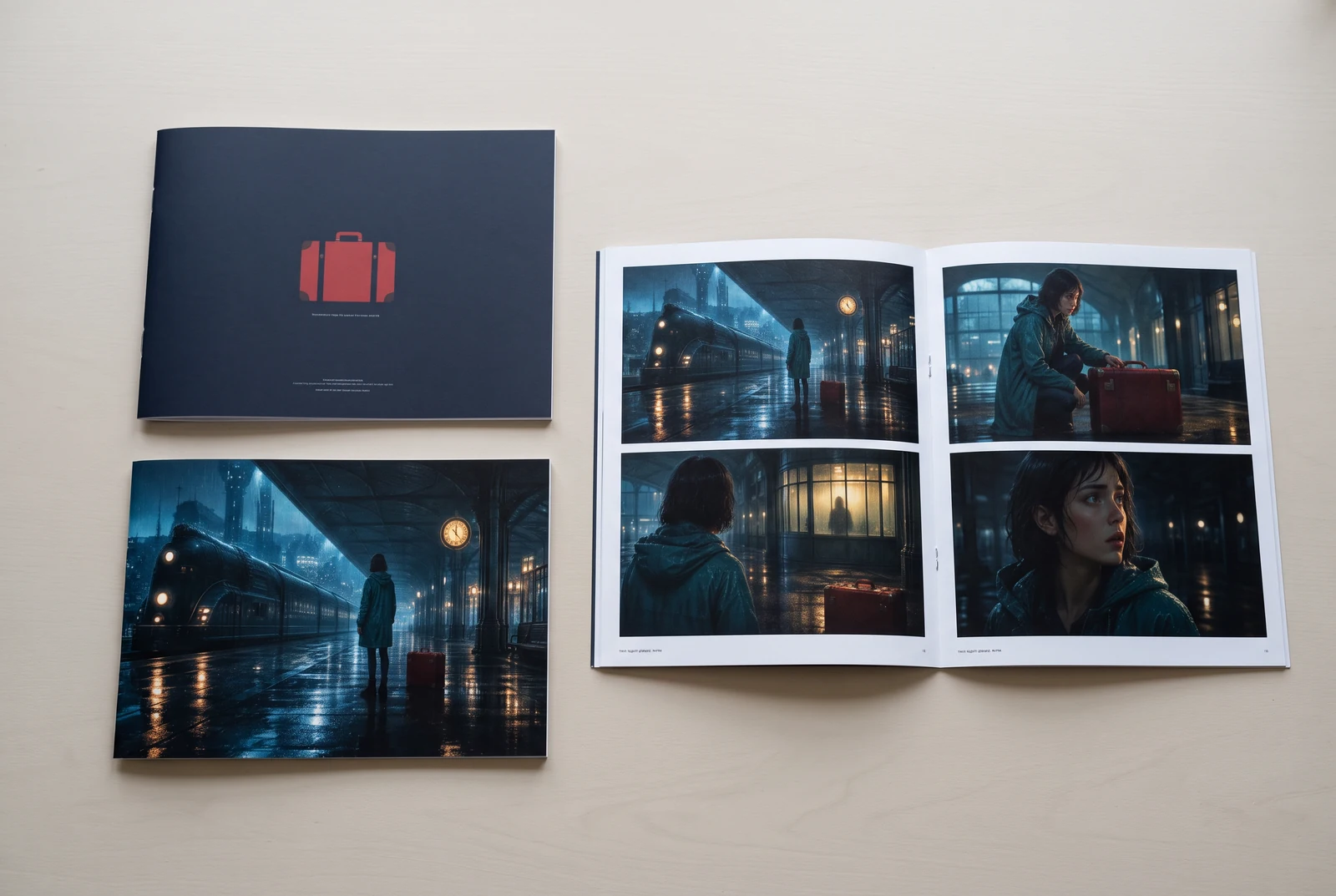
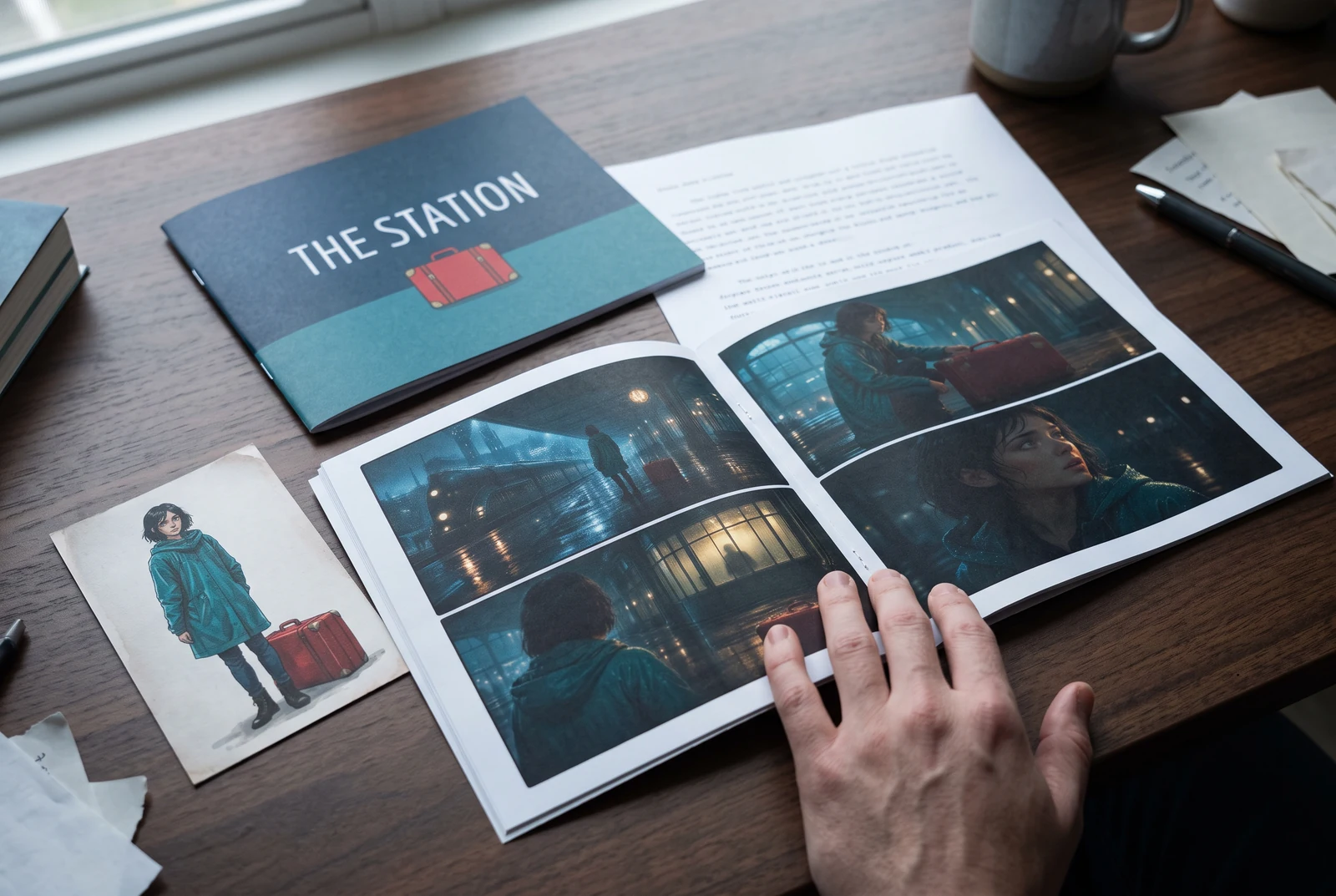
AI-generated display concepts using original LlamaGen story art. Paper examples illustrate personal printing and reading; they are not customer photographs or a print-delivery offer.
Test a premise, change the point of view, or work through the opening of a short story.
Draft scene beats and dialogue before planning comic panels or storyboard shots.
Create writing prompts and sample narratives. Review the output and follow your classroom or team's AI rules.
Describe a protagonist, setting, goal, and obstacle. Choose a tone and output language in your prompt.
Select Generate story. The result is a draft to review; one response is not a complete book.
Check the voice, facts, and continuity. Continue the next scene or rewrite the opening. Copy a version before replacing it.
Keep this text in this browser for up to seven days while you sign in, then choose a workspace and save it in Story. AI continuation uses your account's plan allowance.
AI can invent facts, repeat familiar phrasing, or lose track of a character. Review every draft before sharing it. Follow LlamaGen's terms and your school or workplace rules; check third-party material before publishing.
Это браузерный инструмент, который превращает ваши идеи в структурированные истории с помощью ИИ. Введите промпт и получите черновик с сюжетом, персонажами, диалогами, сценами и визуальным направлением для художественных текстов, комиксов, учебного письма, видео или визуальных новелл.
Хороший промпт включает идею истории, жанр и тон. Например: «Одинокая ведьма открывает кафе в лесу» с тёплым, slice‑of‑life настроением. Чем яснее ваша задумка, тем лучше получится история. Добавляйте конкретные детали о персонажах, сеттинге, эмоциональном тоне и любых ключевых сюжетных точках, которые вам нужны.
Вы можете отредактировать или расширить историю, либо использовать её как основу для создания комикс-кадров или сцен визуальной новеллы с иллюстрациями, макетами и диалогами с помощью наших инструментов. Многие создатели используют сгенерированные истории как сценарии для проработки композиции кадров, выражений персонажей и визуального ритма.
Он экономит время, помогает раскрыть творческий потенциал и помогает авторам любого уровня справляться с блоком. Создаёте ли вы художественный текст, комикс, визуальную новеллу, задание для класса или сценарий для видео, он даёт вам быстрый старт с нарративной структурой, на которую обычно уходят часы.
Yes. Choose Save this draft in Story, sign in, select a workspace, and confirm saving. The text stays in this browser for up to seven days and is never placed in the URL. If you reach a Story plan limit, compare plans and return to save the same draft.
Вы можете создать первый черновик на этой странице без покупки программы для письма. Вход в аккаунт открывает Story, сохранённую историю, сториборд, комикс и видеопотоки, которые используют кредиты вашего плана.
Инструмент поддерживает гибкие промпты для историй в жанрах романтики, фэнтези, хоррора, драмы, комедии, школьной жизни и экспериментальных форматов. Он не загоняет вашу идею в один общий шаблон, при этом сохраняя генерацию в рамках правил безопасности платформы.
Вы можете продолжать создавать новые черновики, альтернативные концовки, сюжетные повороты, арки персонажей и версии сцен, пока экспериментируете. Для более длинных проектов, сохранённой истории и визуального производства используются кредиты вашего аккаунта и плана.
Большинство историй генерируются за 5–10 секунд в зависимости от сложности и длины. Наш ИИ обрабатывает ваш промпт почти мгновенно, так что вы можете быстро итератировать и за несколько минут пробовать разные направления истории.
Мы поддерживаем все основные жанры, включая романтику для молодых взрослых, городское фэнтези, супергероев, научную фантастику, хоррор, мистику, Slice of Life, экшен, сверхъестественное, комедию, драму, исторические истории и многое другое. Просто укажите предпочитаемый жанр в промпте.
Вы можете создать первый черновик на этой странице без регистрации. Вход в аккаунт открывает Story, историю между сессиями, сториборд, комикс и видеопотоки, которые используют кредиты вашего плана.
Сейчас наиболее надёжные черновики получаются на английском языке. Вы всё ещё можете описать задумку на другом языке; внимательно проверьте результат и продолжите редактирование в Story.
LlamaGen builds tools for writing, comics, and storyboards. Explore the team and product, check plan details, or contact support before choosing a workflow.
Write a premise. Explore an opening. Decide what happens next.
Generate story