Find a story worth following
Explore a character's goal, an unusual setting, or a difficult choice. Compare different openings before you commit to a direction.


استخدم LlamaGen.ai كمولّد قصص وكاتب قصص بالذكاء الاصطناعي. حوّل فكرة بسيطة إلى مسودة منظمة تتضمن الحبكة، الشخصيات، الحوار، ومسارًا نحو لوحة القصة أو صفحات الكوميكس.
Try the first draft here. Free access has limits; saved projects and visual tools use your account and plan credits.
See how it worksPick a prompt to read an illustrative opening, then generate your own version. These samples are prepared examples, not live results or customer testimonials.
Example opening
The radio said Mara's name before she switched it on. On Platform Three, rain gathered around a red suitcase. She had checked the platform a minute ago. Empty. Now someone had left a case beneath the broken clock, with a luggage tag written in her handwriting.
Start with something specific: a radio operator alone at a station, a red suitcase, and a message that knows her name. Generate an opening, read what works, then change the stakes or point of view. The next decision stays yours.
Generate story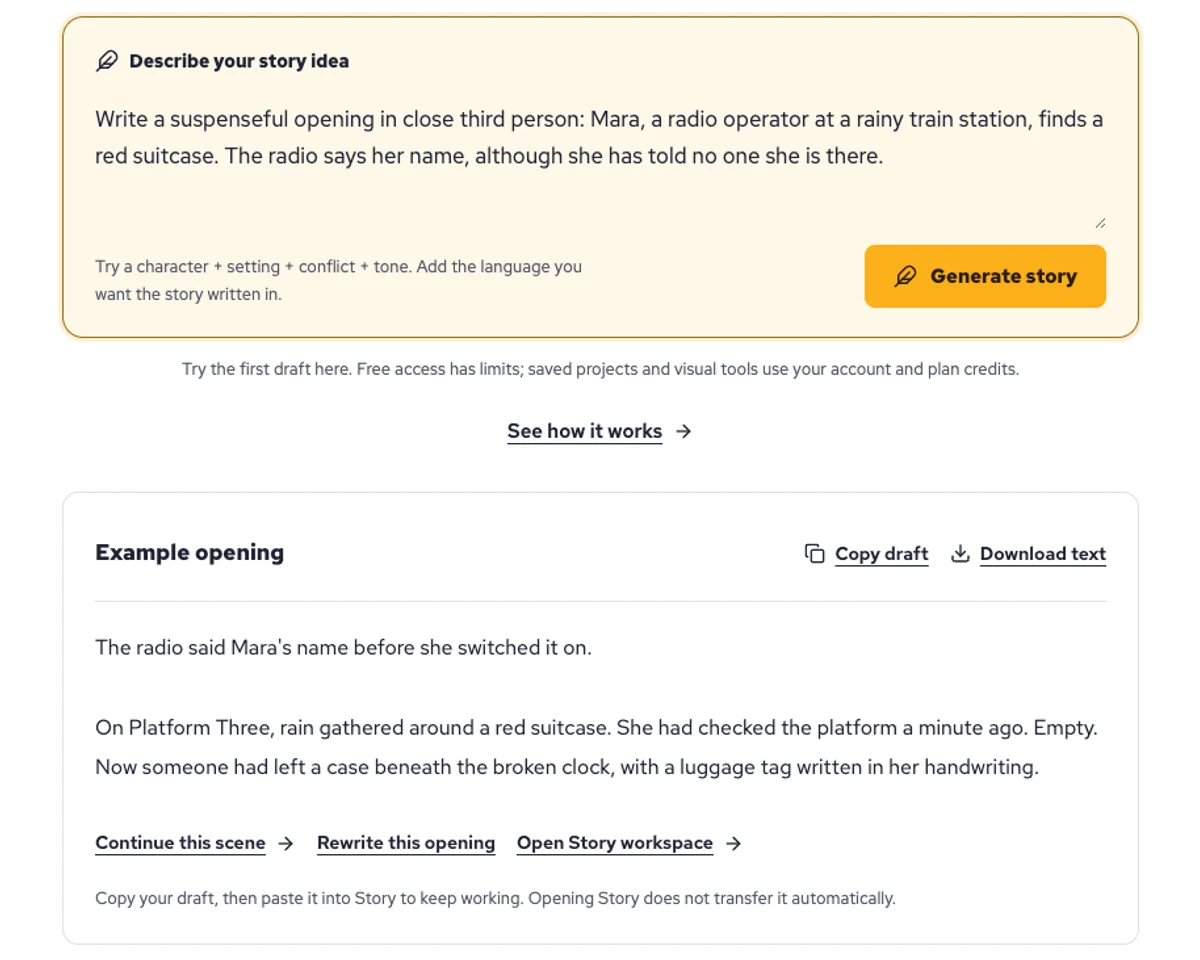
Explore a character's goal, an unusual setting, or a difficult choice. Compare different openings before you commit to a direction.
Paste an unfinished idea or use Continue after a draft. Read each new scene for names, motives, and details that need to stay consistent.
Use Rewrite to try a sharper opening. Copy a version you like before generating another, then edit the phrasing in your own voice.
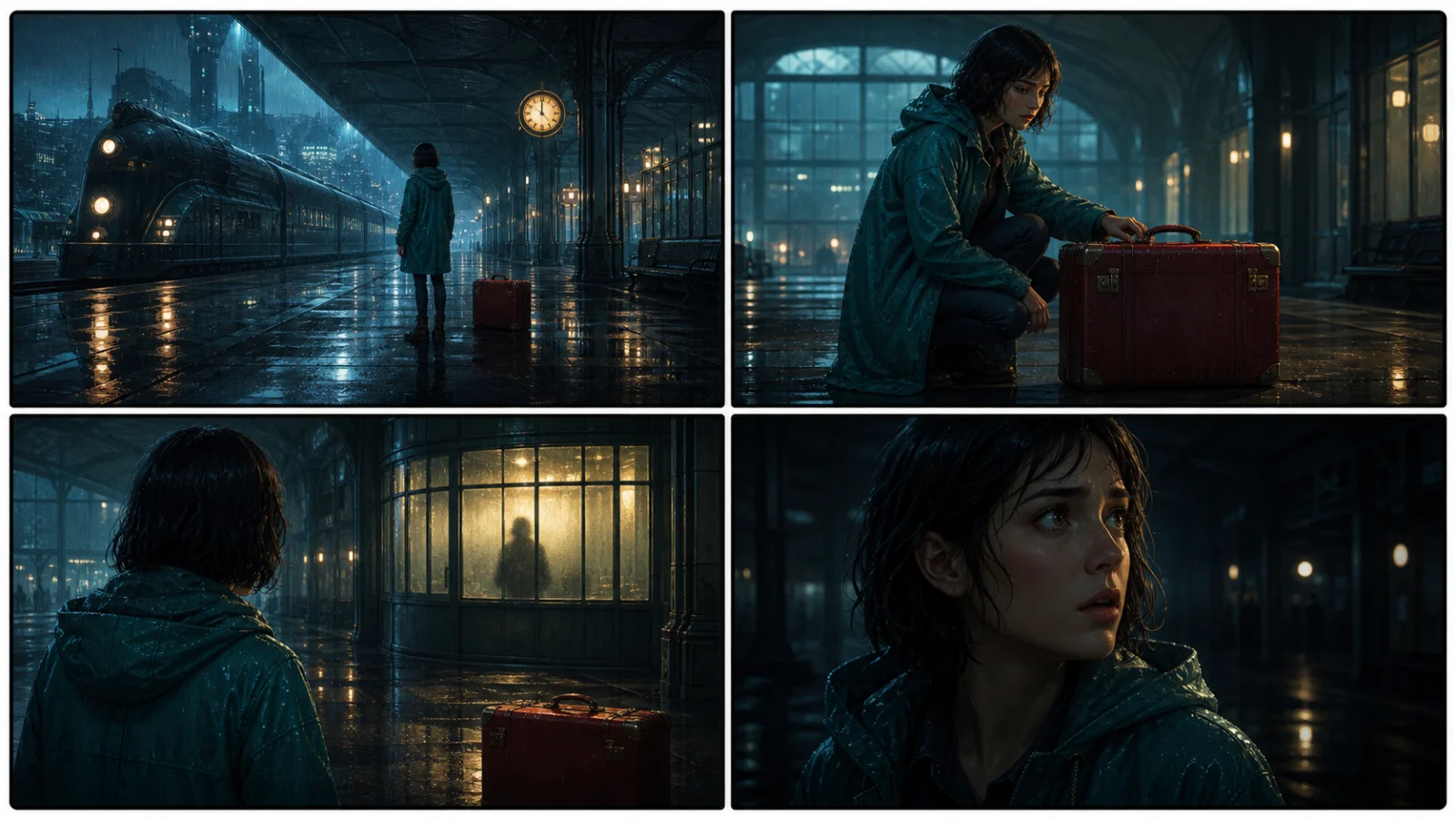
This illustrative sequence follows Mara, her teal raincoat, and a red suitcase through four station shots. Use it as a guide: keep a character, location, and key prop consistent when you adapt your own draft into a storyboard or comic.
Explore script to storyboardThe same rainy-station story, imagined as a reading copy, a handheld proof, different cover designs, and a coordinated author set.
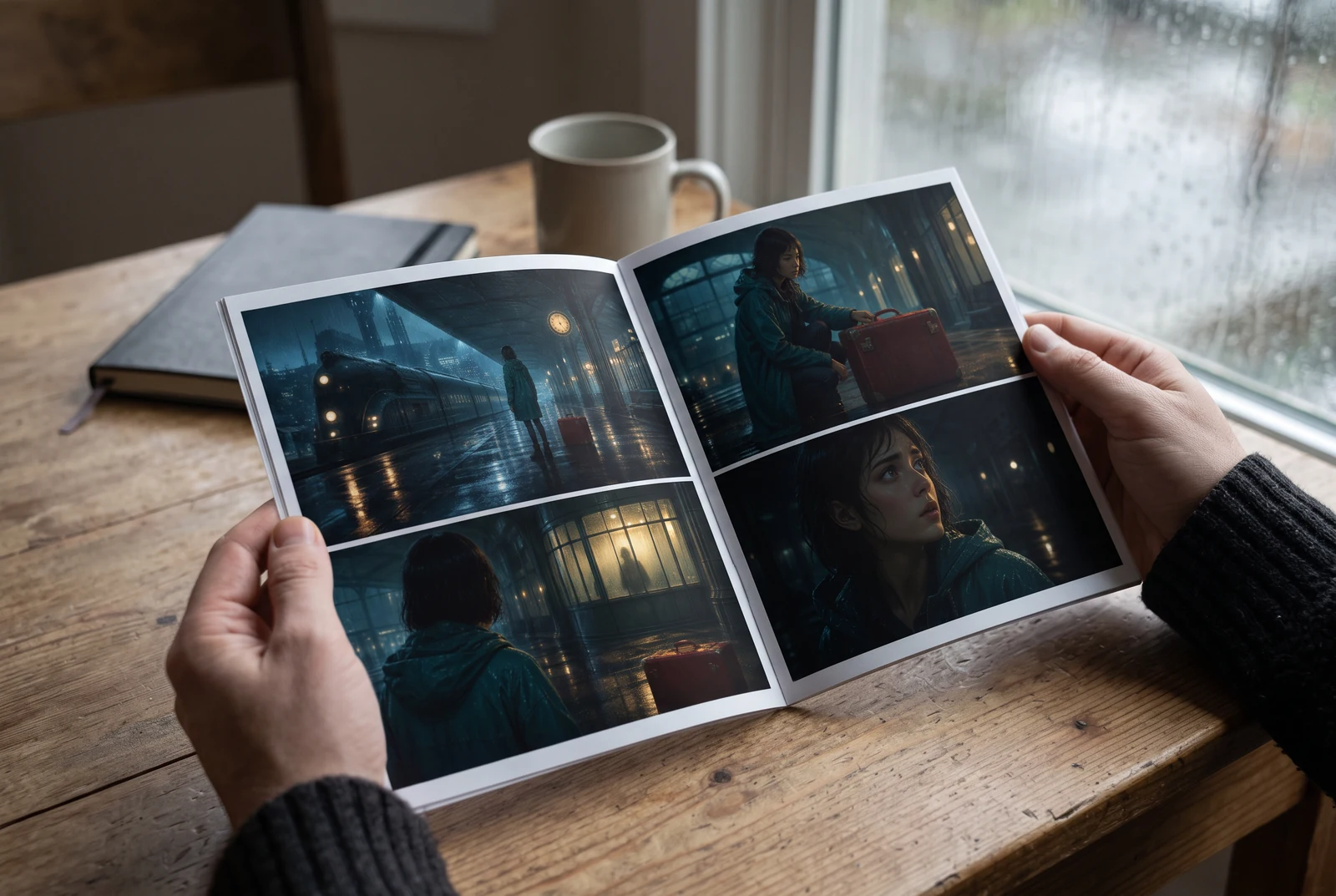
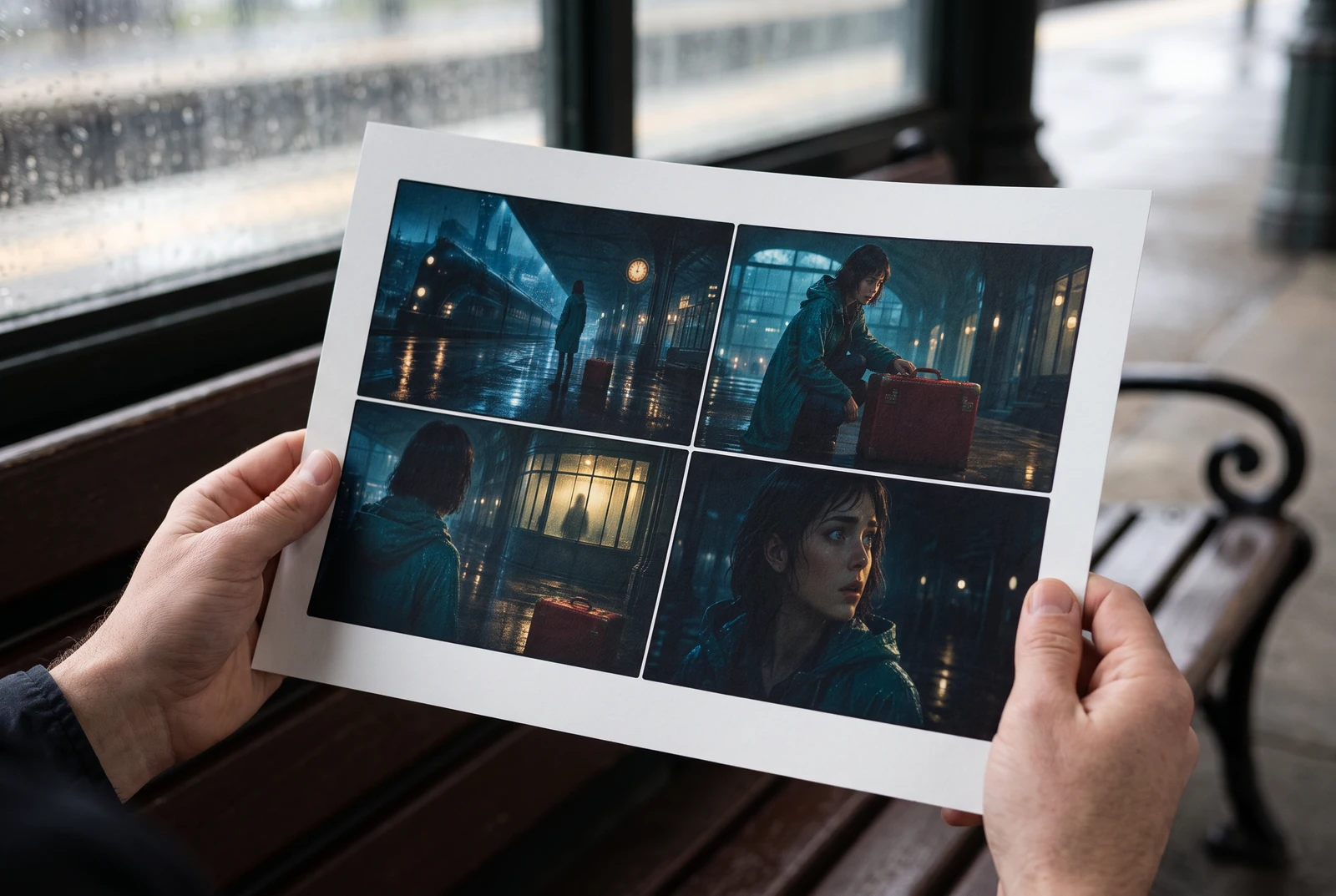
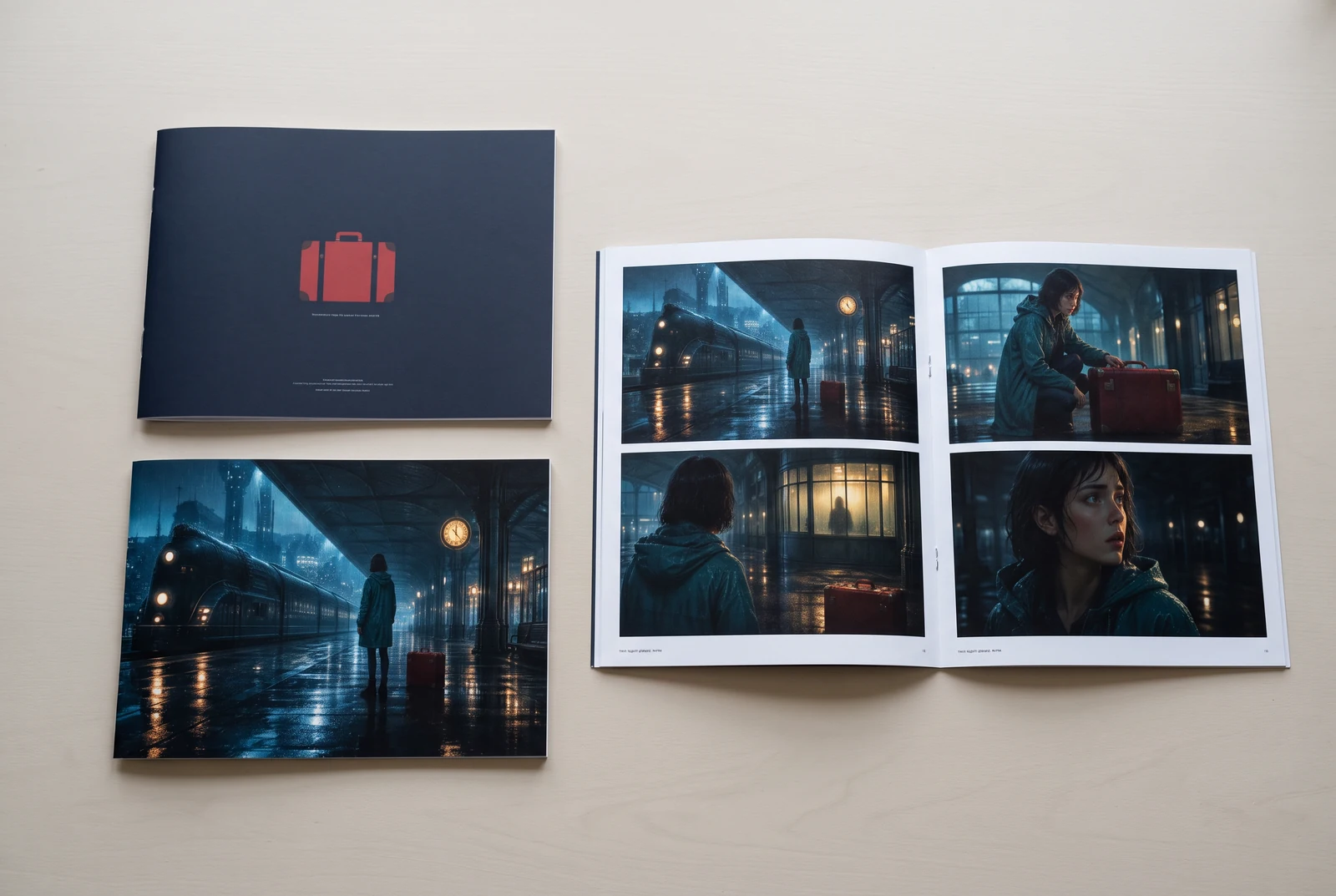
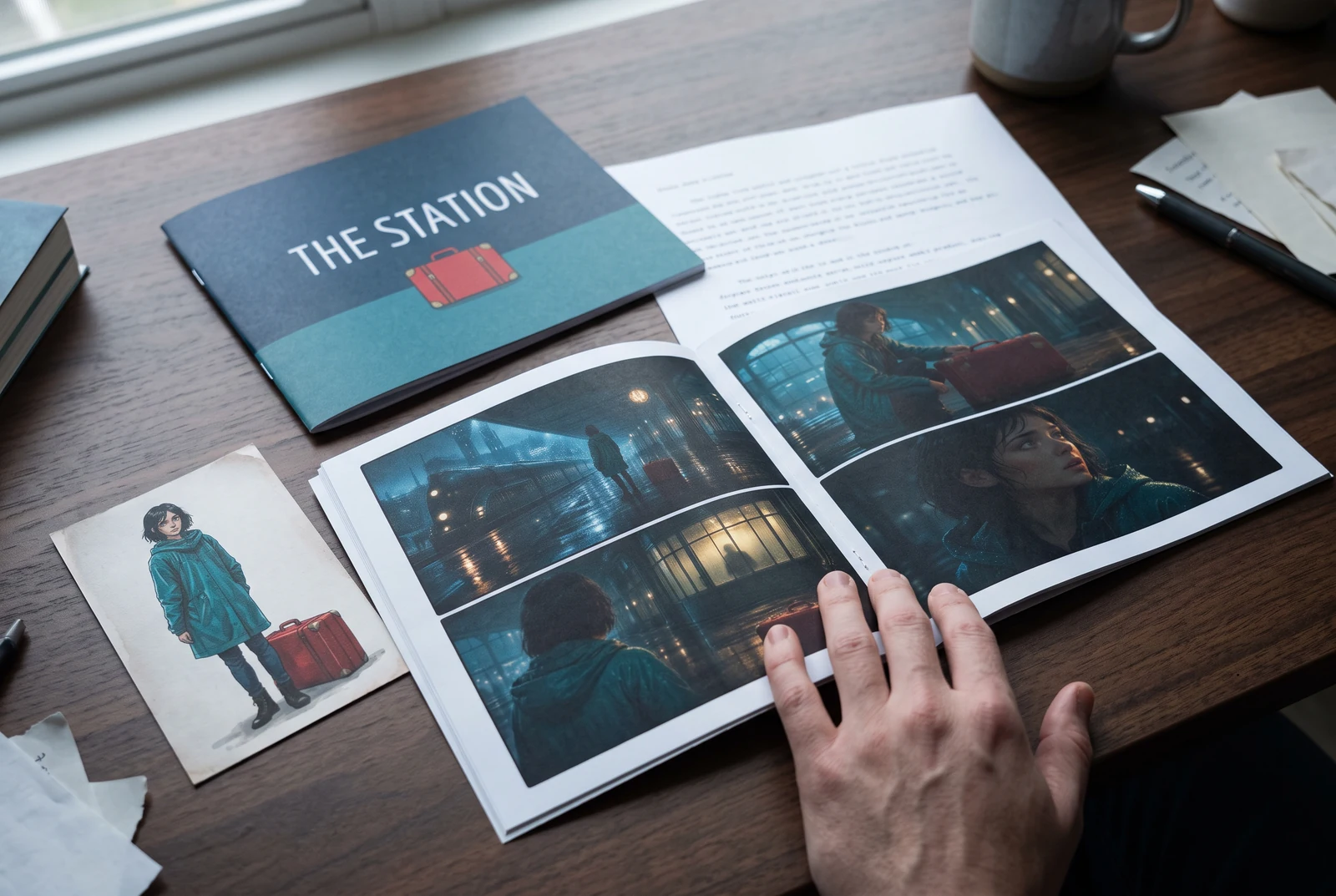
AI-generated display concepts using original LlamaGen story art. Paper examples illustrate personal printing and reading; they are not customer photographs or a print-delivery offer.
Test a premise, change the point of view, or work through the opening of a short story.
Draft scene beats and dialogue before planning comic panels or storyboard shots.
Create writing prompts and sample narratives. Review the output and follow your classroom or team's AI rules.
Describe a protagonist, setting, goal, and obstacle. Choose a tone and output language in your prompt.
Select Generate story. The result is a draft to review; one response is not a complete book.
Check the voice, facts, and continuity. Continue the next scene or rewrite the opening. Copy a version before replacing it.
Keep this text in this browser for up to seven days while you sign in, then choose a workspace and save it in Story. AI continuation uses your account's plan allowance.
AI can invent facts, repeat familiar phrasing, or lose track of a character. Review every draft before sharing it. Follow LlamaGen's terms and your school or workplace rules; check third-party material before publishing.
إنه أداة تعمل من المتصفح وتحول أفكارك إلى قصص منظمة باستخدام الذكاء الاصطناعي. أدخل أمرًا واحصل على مسودة تتضمن الحبكة والشخصيات والحوار وإيقاع المشاهد والتوجيه البصري للأدب والكوميكس والكتابة الصفية والفيديوهات والروايات البصرية.
الأمر الجيد يتضمن فكرة قصتك والنوع والنبرة. على سبيل المثال: 'ساحرة وحيدة تفتح مقهى في الغابة' مع طابع دافئ وشريحة من الحياة. كلما كانت فكرتك أوضح، كانت قصتك أفضل. أضف تفاصيل محددة عن الشخصيات والبيئة والنبرة العاطفية وأي نقاط حبكة أساسية تريدها.
يمكنك تحرير القصة أو توسيعها، أو استخدامها كأساس لإنشاء صفحات كوميكس أو مشاهد رواية بصرية مع الرسوم والتخطيطات والحوار باستخدام أدواتنا. يستخدم الكثير من المبدعين القصص المولدة كنصوص أولية لتطوير تكوين اللوحات وتعبيرات الشخصيات والتدفق البصري.
يوفر الوقت، ويحفز الإبداع، ويساعد الكتّاب من جميع المستويات على تجاوز حالة الجمود. سواء كنت تبني قصة أدبية أو كوميكس أو رواية بصرية أو محفزًا صفّيًا أو نص فيديو، فإنه يمنحك نقطة بداية سريعة ببنية سردية كان تطويرها يستغرق ساعات عادةً.
Yes. Choose Save this draft in Story, sign in, select a workspace, and confirm saving. The text stays in this browser for up to seven days and is never placed in the URL. If you reach a Story plan limit, compare plans and return to save the same draft.
يمكنك إنشاء مسودة أولى في هذه الصفحة دون شراء برنامج كتابة. يمنحك تسجيل الدخول وصولًا إلى Story، والسجل المحفوظ، ولوحة القصة، وتدفقات الكوميكس والفيديو، والتي تستخدم أرصدة خطتك.
تدعم الأداة أوامر قصصية مرنة عبر الرومانسية والفانتازيا والرعب والدراما والكوميديا والحياة المدرسية والأنواع التجريبية. لا تفرض فكرتك داخل قالب عام واحد، مع الحفاظ على التوليد ضمن قواعد الأمان في المنصة.
يمكنك الاستمرار في توليد مسودات جديدة ونهايات بديلة وتحولات في الحبكة ومسارات شخصيات ونسخ مشاهد أثناء الاستكشاف. تستخدم المشاريع الأطول والسجل المحفوظ والإنتاج البصري حسابك وأرصدة خطتك.
تُولَّد معظم القصص خلال 5-10 ثوانٍ حسب التعقيد والطول. يعالج الذكاء الاصطناعي أمرك تقريبًا على الفور، حتى تتمكن من التكرار بسرعة واستكشاف عدة اتجاهات قصصية في دقائق.
ندعم جميع الأنواع الرئيسية بما في ذلك رومانسية الشباب، والفانتازيا الحضرية، والأبطال الخارقين، والخيال العلمي، والرعب، والغموض، وشريحة من الحياة، والأكشن، والخوارق، والكوميديا، والدراما، والتاريخي، وغيرها. فقط حدّد النوع المفضل لديك في الأمر.
يمكنك إنشاء مسودة أولى في هذه الصفحة دون إنشاء حساب. يمنحك تسجيل الدخول الوصول إلى Story، والسجل عبر الجلسات، ولوحة القصة، وتدفقات الكوميكس والفيديو، والتي تستخدم أرصدة خطتك.
حاليًا، تعطي الأوامر باللغة الإنجليزية المسودات الأكثر موثوقية. يمكنك مع ذلك كتابة الفكرة بلغة أخرى؛ راجع النتيجة بعناية وواصل التحرير في Story.
LlamaGen builds tools for writing, comics, and storyboards. Explore the team and product, check plan details, or contact support before choosing a workflow.
Write a premise. Explore an opening. Decide what happens next.
Generate story