Find a story worth following
Explore a character's goal, an unusual setting, or a difficult choice. Compare different openings before you commit to a direction.


Dùng LlamaGen.ai như một trình tạo truyện và viết truyện bằng AI. Biến một ý tưởng đơn giản thành bản nháp có cấu trúc với cốt truyện, nhân vật, lời thoại và lối đi sang storyboard hoặc các khung truyện tranh.
Try the first draft here. Free access has limits; saved projects and visual tools use your account and plan credits.
See how it worksPick a prompt to read an illustrative opening, then generate your own version. These samples are prepared examples, not live results or customer testimonials.
Example opening
The radio said Mara's name before she switched it on. On Platform Three, rain gathered around a red suitcase. She had checked the platform a minute ago. Empty. Now someone had left a case beneath the broken clock, with a luggage tag written in her handwriting.
Start with something specific: a radio operator alone at a station, a red suitcase, and a message that knows her name. Generate an opening, read what works, then change the stakes or point of view. The next decision stays yours.
Generate story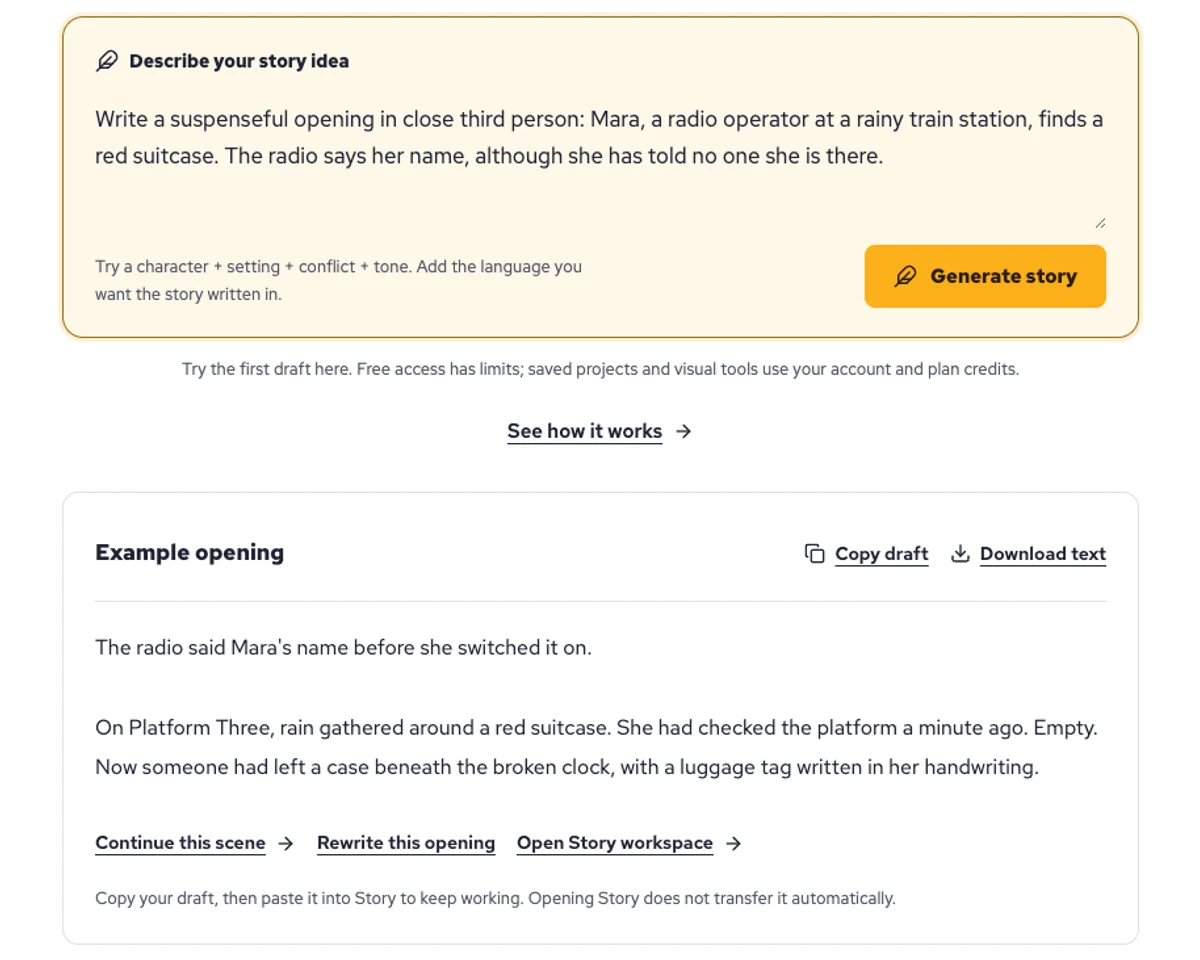
Explore a character's goal, an unusual setting, or a difficult choice. Compare different openings before you commit to a direction.
Paste an unfinished idea or use Continue after a draft. Read each new scene for names, motives, and details that need to stay consistent.
Use Rewrite to try a sharper opening. Copy a version you like before generating another, then edit the phrasing in your own voice.
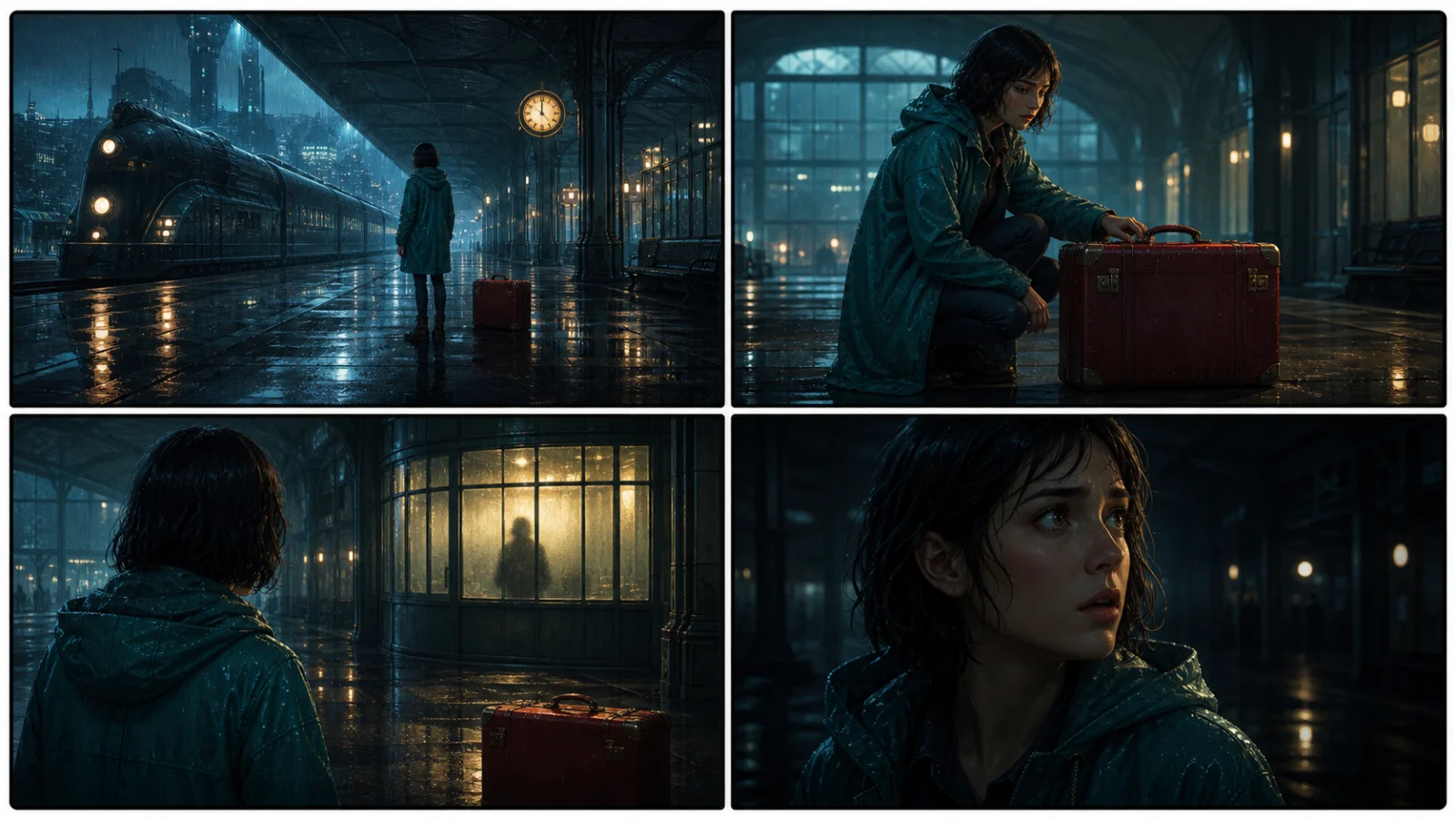
This illustrative sequence follows Mara, her teal raincoat, and a red suitcase through four station shots. Use it as a guide: keep a character, location, and key prop consistent when you adapt your own draft into a storyboard or comic.
Explore script to storyboardThe same rainy-station story, imagined as a reading copy, a handheld proof, different cover designs, and a coordinated author set.
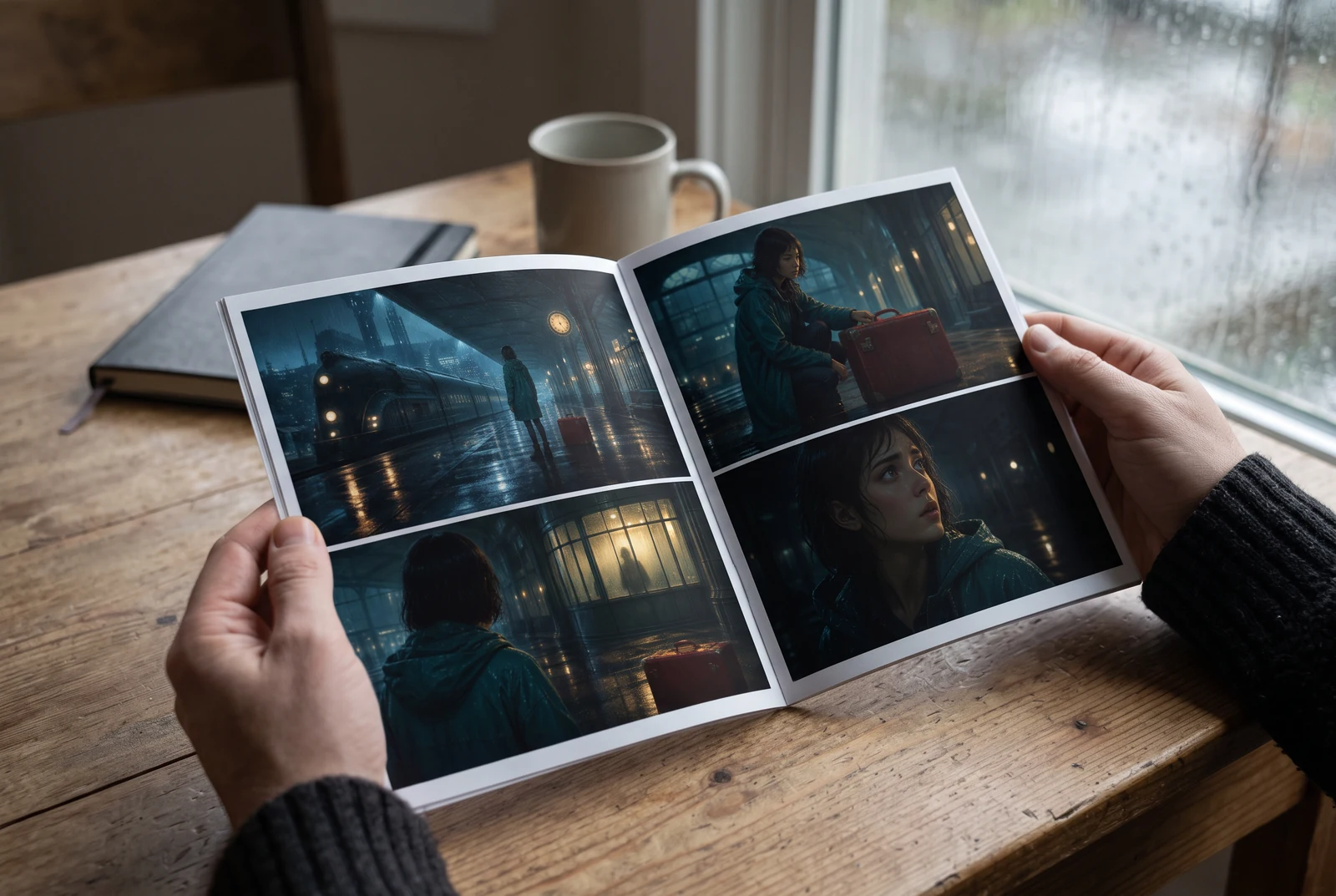

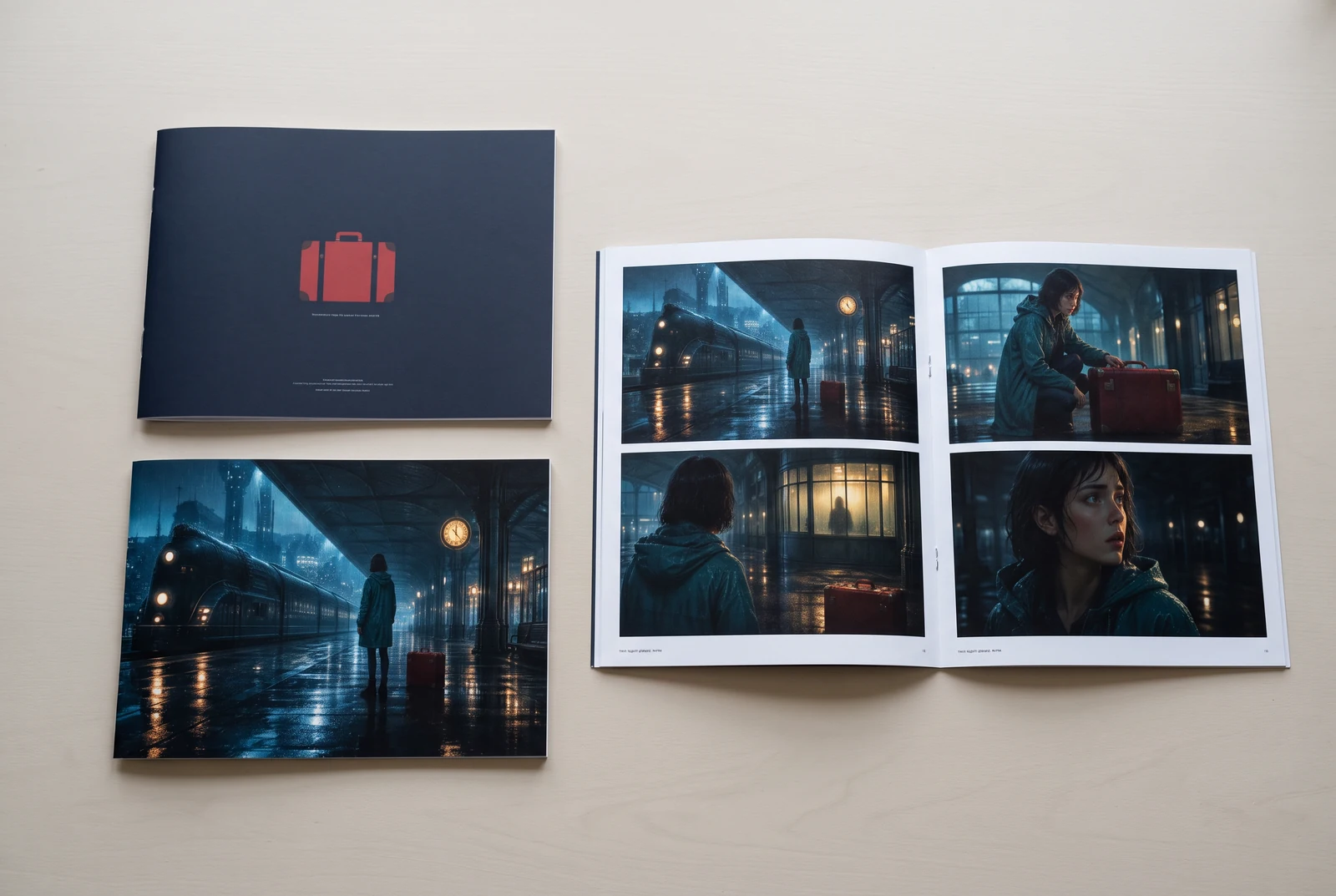
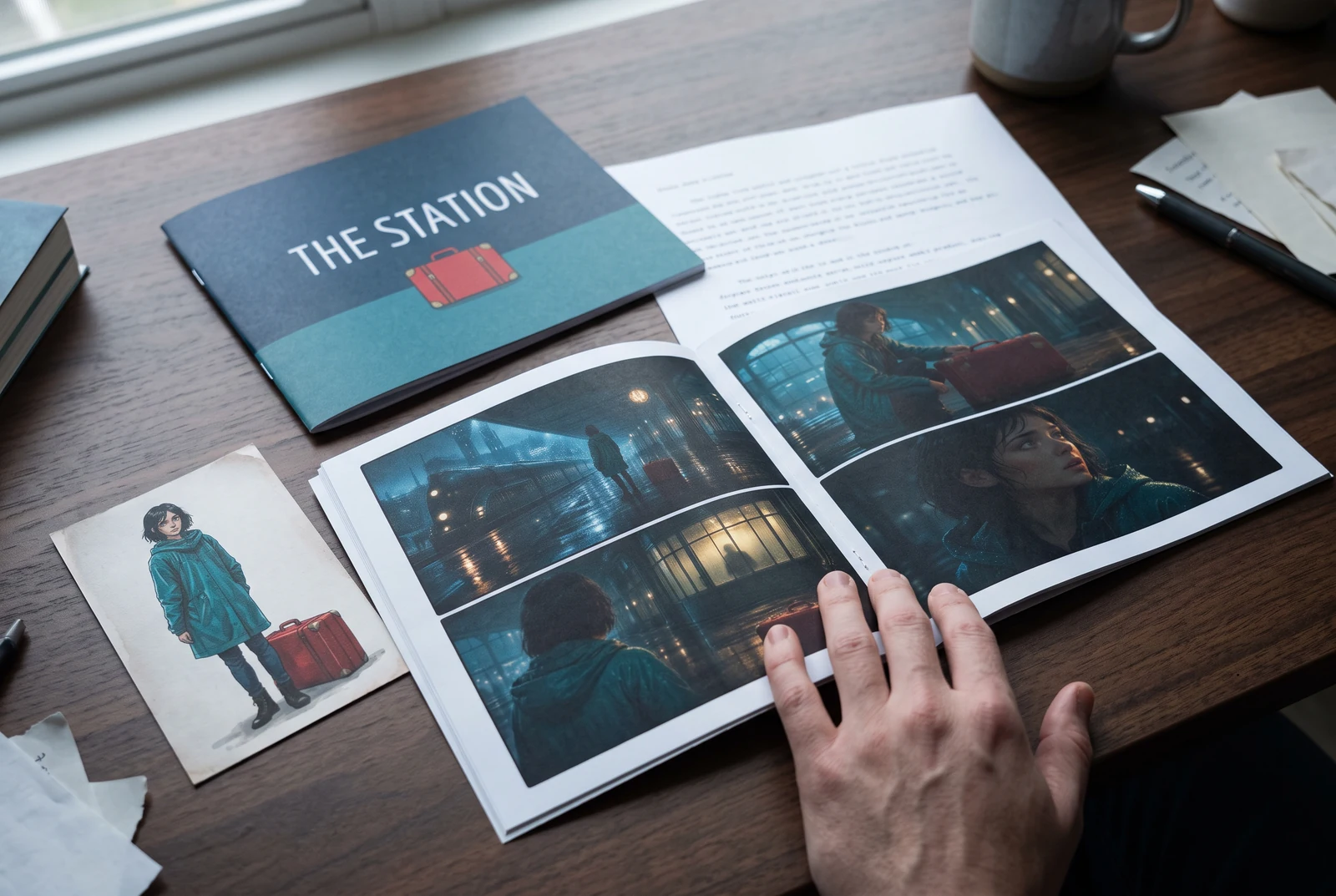
AI-generated display concepts using original LlamaGen story art. Paper examples illustrate personal printing and reading; they are not customer photographs or a print-delivery offer.
Test a premise, change the point of view, or work through the opening of a short story.
Draft scene beats and dialogue before planning comic panels or storyboard shots.
Create writing prompts and sample narratives. Review the output and follow your classroom or team's AI rules.
Describe a protagonist, setting, goal, and obstacle. Choose a tone and output language in your prompt.
Select Generate story. The result is a draft to review; one response is not a complete book.
Check the voice, facts, and continuity. Continue the next scene or rewrite the opening. Copy a version before replacing it.
Keep this text in this browser for up to seven days while you sign in, then choose a workspace and save it in Story. AI continuation uses your account's plan allowance.
AI can invent facts, repeat familiar phrasing, or lose track of a character. Review every draft before sharing it. Follow LlamaGen's terms and your school or workplace rules; check third-party material before publishing.
Đây là công cụ chạy trên trình duyệt, biến ý tưởng của bạn thành truyện có cấu trúc bằng AI. Nhập prompt và nhận bản nháp với cốt truyện, nhân vật, lời thoại, nhịp cảnh và định hướng hình ảnh cho tiểu thuyết, truyện tranh, bài viết trên lớp, video hoặc tiểu thuyết trực quan.
Một prompt tốt nên có ý tưởng truyện, thể loại và giọng điệu. Ví dụ: 'Một phù thủy cô đơn mở quán cà phê trong rừng' với cảm giác ấm áp, đời thường. Ý tưởng càng rõ, truyện tạo ra càng tốt. Hãy thêm chi tiết cụ thể về nhân vật, bối cảnh, sắc thái cảm xúc và những điểm cốt truyện chính bạn muốn.
Bạn có thể chỉnh sửa hoặc mở rộng truyện, hoặc dùng nó làm nền để tạo khung truyện tranh hay cảnh tiểu thuyết trực quan với minh họa, bố cục và lời thoại bằng các công cụ của chúng tôi. Nhiều nhà sáng tạo dùng truyện được tạo như kịch bản để phát triển bố cục khung, biểu cảm nhân vật và mạch hình ảnh.
Nó tiết kiệm thời gian, khơi gợi sáng tạo và giúp người viết ở mọi trình độ vượt qua bế tắc. Dù bạn đang xây dựng tiểu thuyết, truyện tranh, tiểu thuyết trực quan, prompt cho lớp học hay kịch bản video, nó đều cho bạn một điểm khởi đầu nhanh với cấu trúc kể chuyện mà bình thường sẽ mất hàng giờ để phát triển.
Yes. Choose Save this draft in Story, sign in, select a workspace, and confirm saving. The text stays in this browser for up to seven days and is never placed in the URL. If you reach a Story plan limit, compare plans and return to save the same draft.
Bạn có thể tạo bản nháp đầu tiên trên trang này mà không cần mua phần mềm viết. Đăng nhập sẽ mở khóa Story, lịch sử đã lưu, storyboard, truyện tranh và quy trình video, các tính năng này sẽ dùng credits của gói bạn đang có.
Công cụ hỗ trợ prompt truyện linh hoạt cho nhiều thể loại như lãng mạn, fantasy, kinh dị, drama, hài hước, đời sống học đường và các thể loại thử nghiệm. Nó không ép ý tưởng của bạn vào một mẫu chung, đồng thời vẫn giữ việc tạo nội dung trong phạm vi quy tắc an toàn của nền tảng.
Bạn có thể tiếp tục tạo bản nháp mới, kết thúc thay thế, cú ngoặt cốt truyện, cung nhân vật và các phiên bản cảnh khác nhau trong lúc khám phá. Các dự án dài hơn, lịch sử đã lưu và sản xuất hình ảnh sẽ dùng tài khoản và credits của gói bạn đang có.
Phần lớn truyện được tạo trong 5-10 giây tùy độ phức tạp và độ dài. AI của chúng tôi xử lý prompt gần như ngay lập tức, giúp bạn thử nhanh nhiều hướng truyện chỉ trong vài phút.
Chúng tôi hỗ trợ mọi thể loại lớn, bao gồm lãng mạn tuổi trẻ, fantasy đô thị, siêu anh hùng, khoa học viễn tưởng, kinh dị, bí ẩn, đời thường, hành động, siêu nhiên, hài hước, drama, lịch sử và nhiều hơn nữa. Chỉ cần nêu thể loại bạn thích trong prompt.
Bạn có thể tạo bản nháp đầu tiên trên trang này mà không cần tạo tài khoản. Đăng nhập sẽ mở khóa Story, lịch sử xuyên phiên, storyboard, truyện tranh và quy trình video, các tính năng này sẽ dùng credits của gói bạn đang có.
Hiện tại, prompt bằng tiếng Anh cho bản nháp ổn định nhất. Bạn vẫn có thể viết ý tưởng bằng ngôn ngữ khác; hãy xem lại kết quả cẩn thận và tiếp tục chỉnh sửa trong Story.
LlamaGen builds tools for writing, comics, and storyboards. Explore the team and product, check plan details, or contact support before choosing a workflow.
Write a premise. Explore an opening. Decide what happens next.
Generate story