01
Issue-first comic book drafts

 Create a comic book
LlamaGen Comic Books
Turn a story, script, or issue outline into a multi-page AI comic book with consistent characters, dialogue, and pages you can edit.
Create your comic bookWorks in your browser. Edit every page in the studio. Generation uses credits.
Paste the story or outline, then choose the page count and layout.
01
Issue-first comic book drafts
02
Editable multi-page workspace
03
Character continuity across pages
04
Built for LlamaGen comic books
Fit check
Writers and creators who need a multi-page comic book issue from a story, script, or outline, then want to edit pages in a comic studio.
People who only need one comic strip, a graphic novel manuscript, a personalized gift book, or a manga/webtoon scrolling chapter.
An issue outline, script, character notes, page count, and the beat that should close the book.
A multi-page comic book draft with panels, dialogue, and a workspace you can keep editing.
Generation uses credits. The first result is a draft; review continuity, lettering, facts, and rights before publishing or printing.
Working notes
AI Comic Book is a LlamaGen workflow for multi-page comic issues, not a single-image generator.
The useful input is an issue outline or script with characters, conflict, page count, and a closing hook.
Text to Comic is the sibling page for turning a story into panels; this page is for assembling a book.
Successful drafts open in the LlamaGen studio so pages, dialogue, and layout can be revised.
Generating pages uses credits. Review continuity and rights before publishing the book.
Example issues
Use these pages as art-direction references. Keep the characters, issue beat, and page count clear in your own brief.

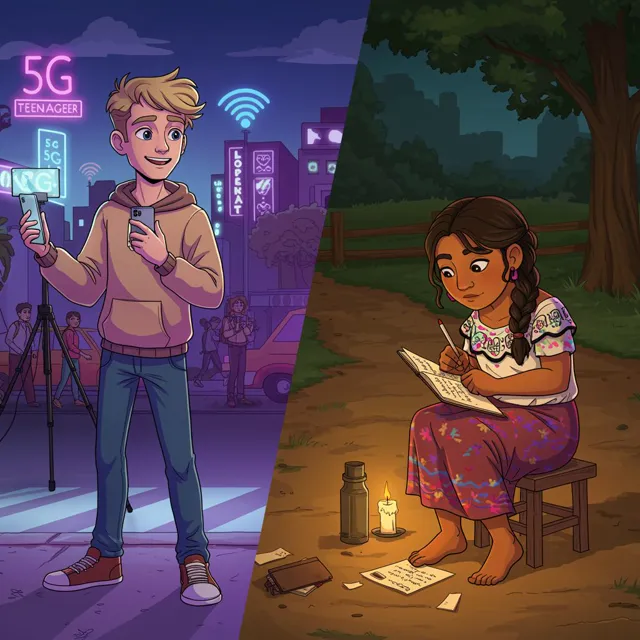
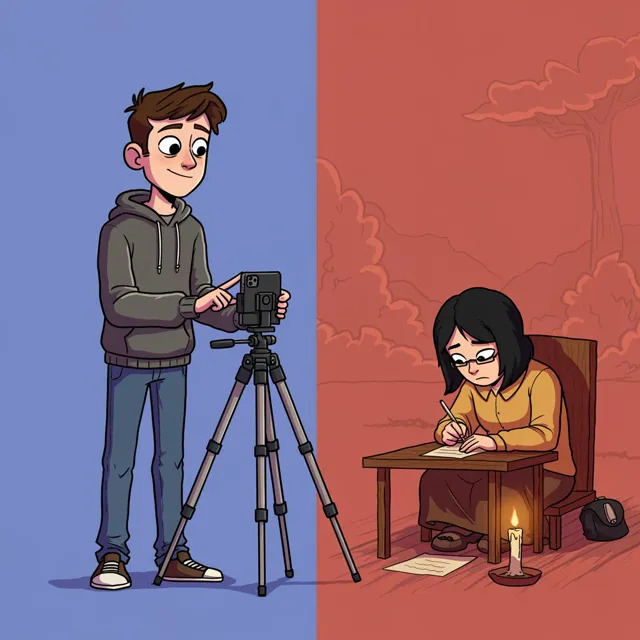
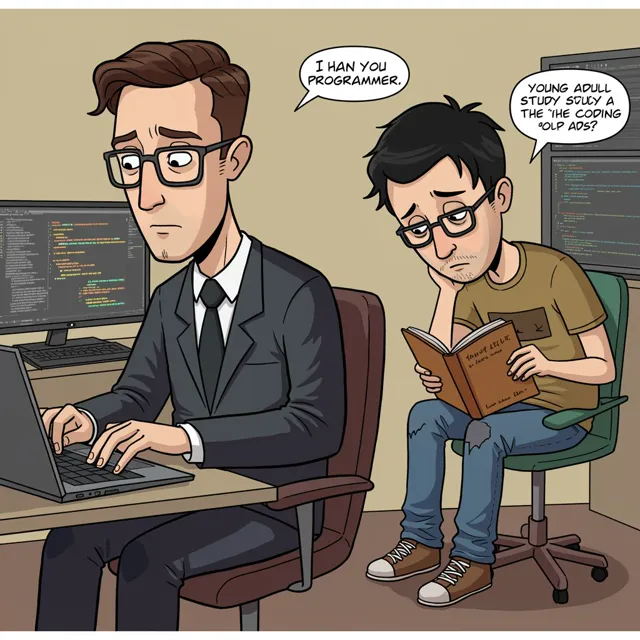
Issue directions
Use a direction as written or move it into the brief and replace the genre, characters, conflict, and last-page hook.
Workflow
Paste the story, script, or page-by-page outline. Name the genre, characters, conflict, and the hook that should close the issue.
Choose page count, panels per page, and aspect ratio so the draft reads like a comic book, not a single strip.
Create the first issue draft, then continue in LlamaGen Studio to revise pages, dialogue, captions, and continuity.
Start from an issue outline and generate pages with panel flow, dialogue, and a last-page beat you can keep editing.
Keep recurring heroes, outfits, and expressions consistent enough to review as a book, then refine identity in the studio.
Successful drafts open in the LlamaGen comic workspace so you can fix weak pages, captions, and layout without starting over.
Creator feedback
“This is a great AI product. It can really turn your imagination into reality. It's really cool! It opens up a new era of comics! Thank you very much for the hard work and dedication of the developers.”
“UNCOVERING AI TOOLS. Turn text into stunning and engaging comic images and strips - https://llamagen.ai”
“Thanks for sharing! I hope the product is fun to build”
FAQ
An AI comic book is a multi-page comic issue drafted from a story, script, or outline. LlamaGen turns that brief into editable pages with panels, dialogue, and visual continuity.
Paste the issue outline, choose the page count and layout, then generate. Review the draft in LlamaGen Studio and revise weak pages, captions, and character details.
Yes. This workflow is built for issues and multi-page drafts. Longer books still need human sequencing, lettering review, and page-by-page edits after the first generation.
No. Text to Comic turns a story into comic panels. AI Comic Book is for assembling a multi-page issue. Use Text to Comic for a scene; use this page when you want a book.
Yes. You can start the brief in the browser. Generating pages uses LlamaGen credits, and you can keep editing the result in the studio.
Yes. Successful generations open in the LlamaGen comic workspace, where you can continue editing pages, dialogue, captions, and layouts.
Start with a focused issue, review the pages, and keep refining dialogue, continuity, and layout in LlamaGen Studio.