

Μεταφορά Στυλ Εικόνας με AI
Εργαλείο μεταφοράς στυλ φωτογραφίας με AI
Στυλιζάρισμα: Μετατρέψτε τις ανεβασμένες εικόνες στο στυλ εικόνας που επιθυμείτε.
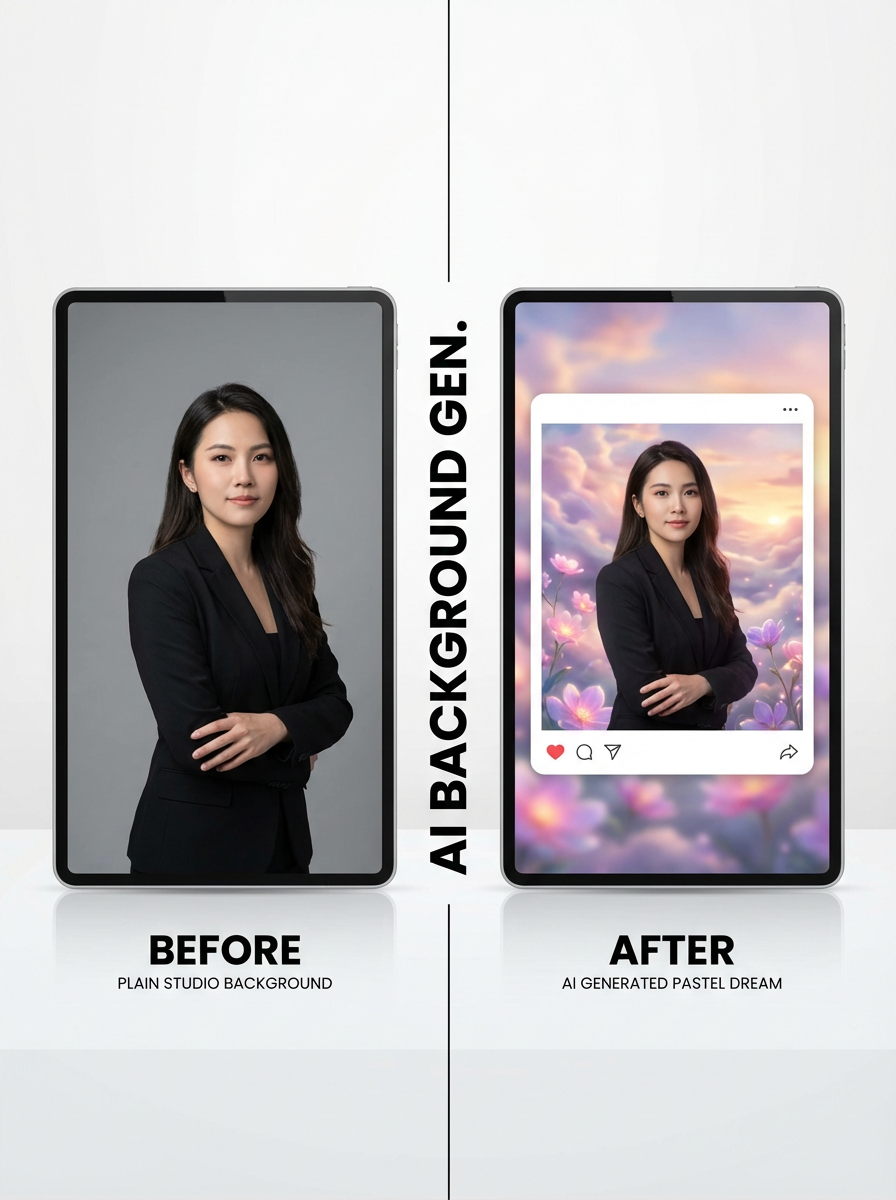
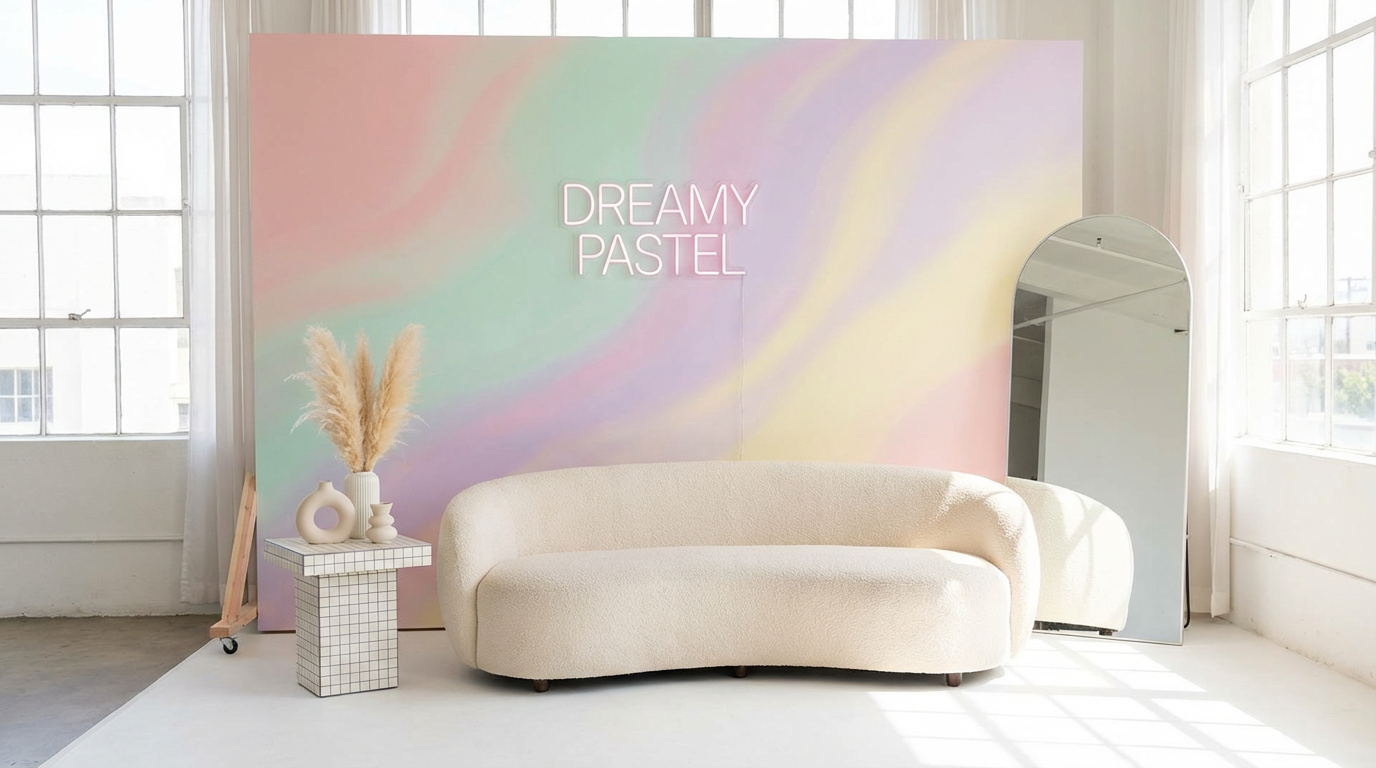
Studio workflow
Ανεβάστε, επιλέξτε στυλ και στυλιζάρετε μαζικά
Χρησιμοποιήστε το multi-step workflow για να ανεβάσετε εικόνες, να επιλέξετε preset στυλ ή εικόνες αναφοράς, να ορίσετε αναλογία διαστάσεων και να δημιουργήσετε στυλιζαρισμένα αποτελέσματα.
Image Upload
Upload images to transform with AI style transfer.
Drag and drop images here
or click to select files
Up to 20 images supported. Current plan limit: 1 (0/1)

Στυλιζάρισμα εικόνων με presets ή αναφορές
Επιλέξτε από υπάρχοντα style presets με το ImageStyleSelector ή ανεβάστε 1–2 εικόνες αναφοράς για καθοδήγηση στυλ.
Δοκιμάστε το στυλιζάρισμα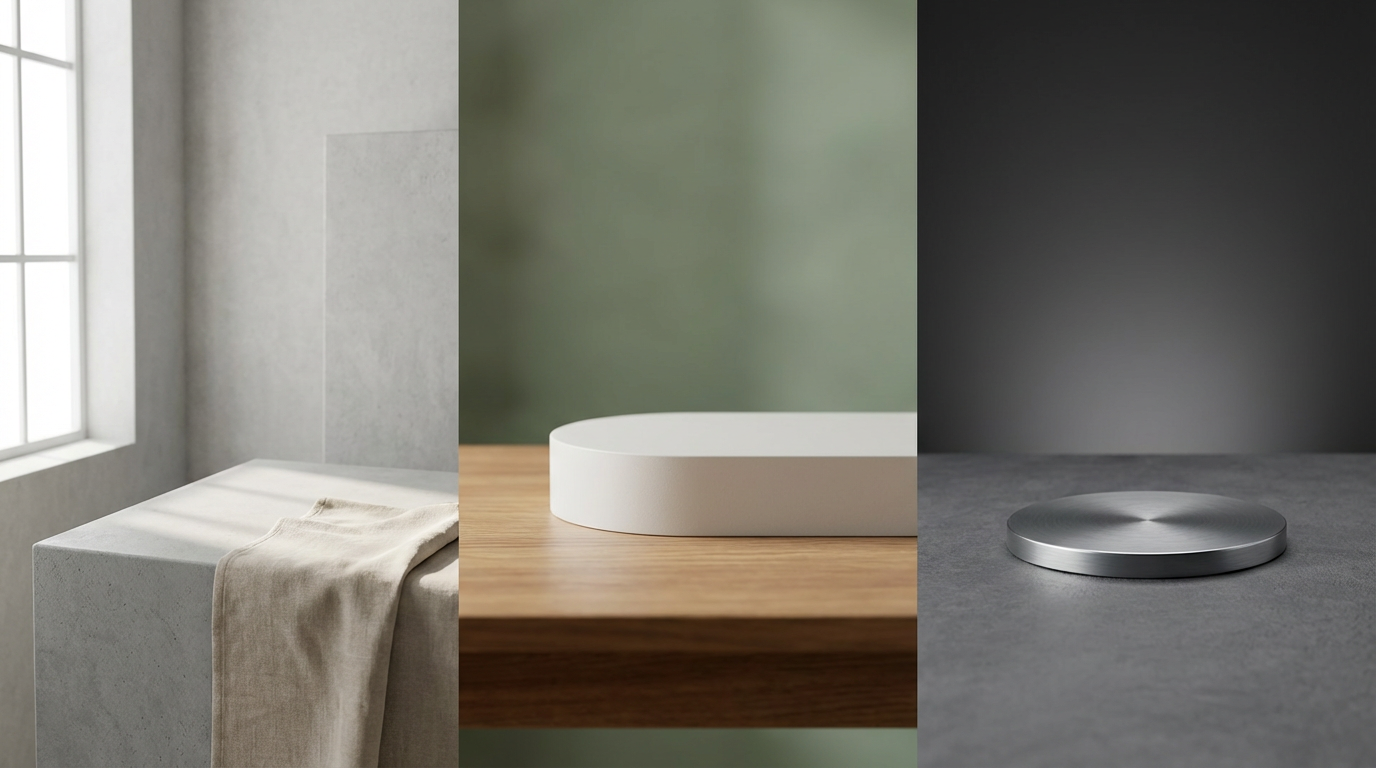
Batch workflow με όρια upload ανά πλάνο
Ανεβάστε πολλές αρχικές εικόνες και μετατρέψτε τις σε μία εκτέλεση. Οι Free χρήστες μπορούν να ανεβάσουν 1 εικόνα, οι πληρωμένοι χρήστες έως και 10 εικόνες.
Άνοιγμα studioΠώς να χρησιμοποιήσετε το AI Image Style Transfer σε 3 βήματα
Απλό workflow στυλιζαρίσματος στο studio.
Ανεβάστε τις αρχικές εικόνες
Προσθέστε τις εικόνες που θέλετε να στυλιζάρετε μαζικά.
Επιλέξτε στυλ και αναλογία διαστάσεων
Επιλέξτε preset στυλ, προσθέστε προαιρετικά εικόνες αναφοράς και ορίστε την αναλογία διαστάσεων του output.
Δημιουργία και λήψη
Τρέξτε το στυλιζάρισμα και κατεβάστε αποτελέσματα υψηλής ποιότητας.
Συχνές ερωτήσεις
Τι είναι η μεταφορά στυλ εικόνας με AI;
Η μεταφορά στυλ εικόνας με AI μετατρέπει μια αρχική εικόνα σε νέο οπτικό στυλ, διατηρώντας το βασικό περιεχόμενο.
Μπορώ να χρησιμοποιώ μαζί preset στυλ και στυλ αναφοράς;
Ναι. Μπορείτε να επιλέξετε preset στυλ και να ανεβάσετε έως 2 εικόνες στυλ αναφοράς.
Υποστηρίζεται αναλογία διαστάσεων;
Ναι. Μπορείτε να επιλέξετε την αναλογία διαστάσεων του output πριν από τη δημιουργία.
Πόσες αρχικές εικόνες μπορώ να ανεβάσω;
Οι Free χρήστες μπορούν να ανεβάσουν 1 εικόνα και οι πληρωμένοι χρήστες έως 10 εικόνες στο τρέχον workflow του εργαλείου.
Έτοιμοι να στυλιζάρετε τις εικόνες σας;
Ανοίξτε το studio και μετατρέψτε τα uploads σας με AI style transfer.