Add panels in order
Upload three to ten JPG, PNG, or WebP panels in the order readers should encounter them.


Preview panels inside a phone-sized reader, tune the vertical pause, and catch pacing gaps before exporting a long strip.
Add episode panels
Tune vertical spacing
Play the scroll preview
Get a concrete report before spending credits on regeneration.
Interactive workspace
Start with the sample sequence or upload 3–10 JPG, PNG, or WebP panels in reading order.
Episode panels
Upload 3–10 panels in reading order. Files stay in this browser preview.
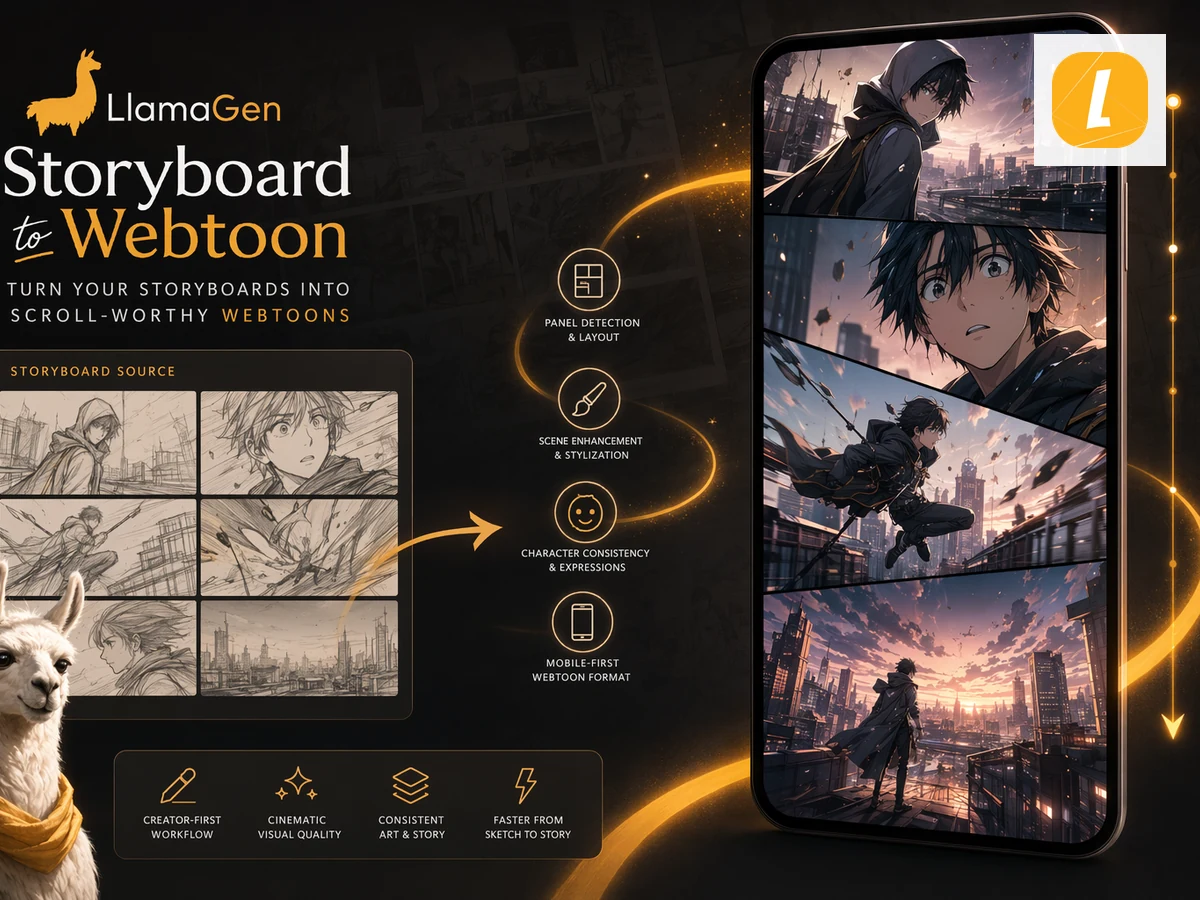 1
1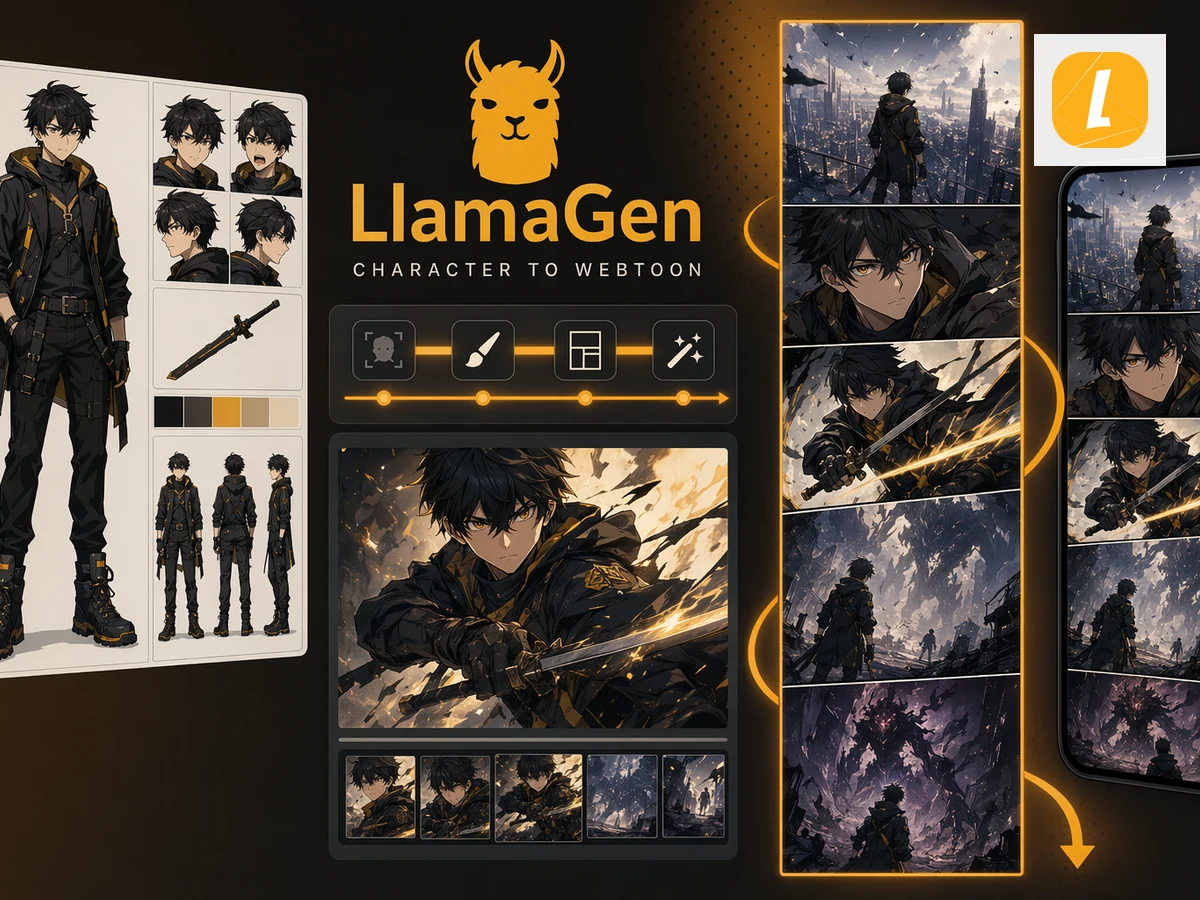 2
2 3
3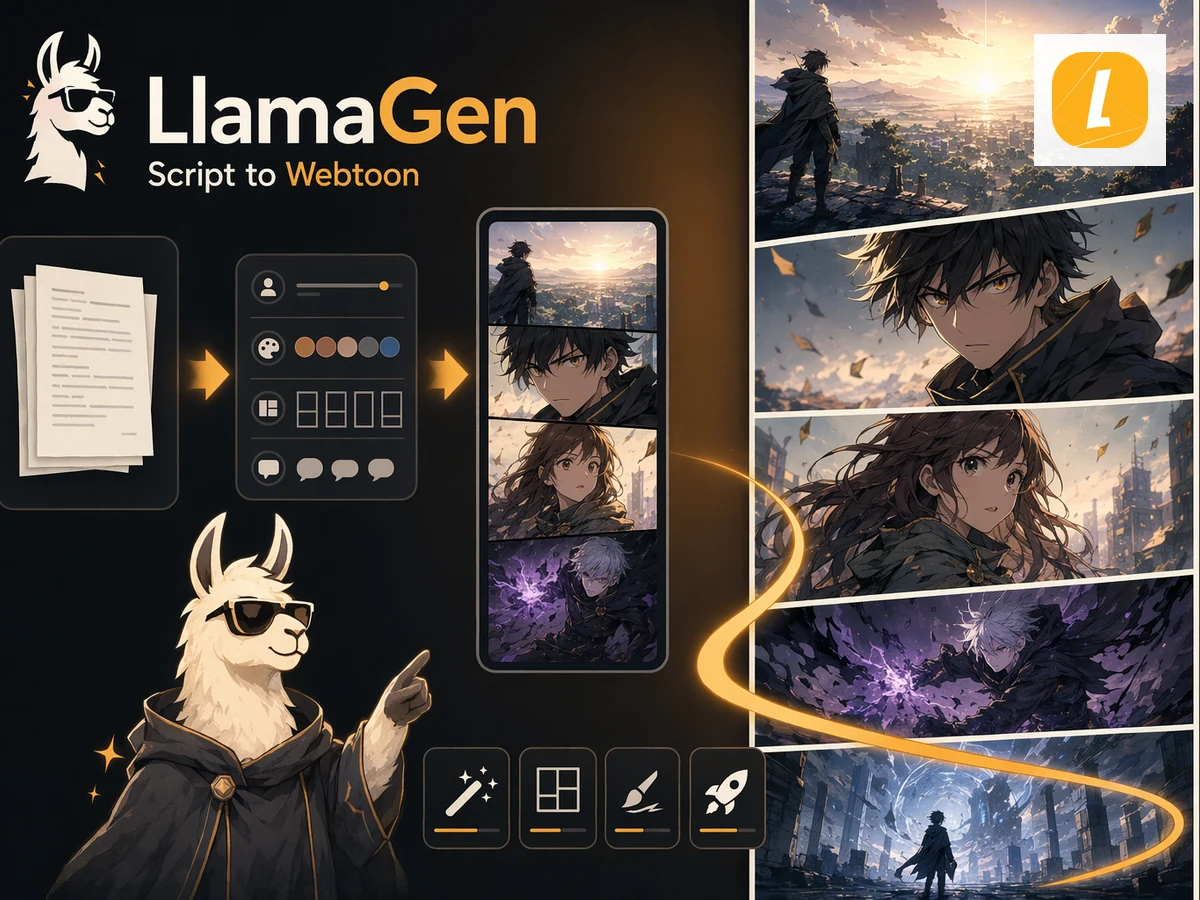 4
4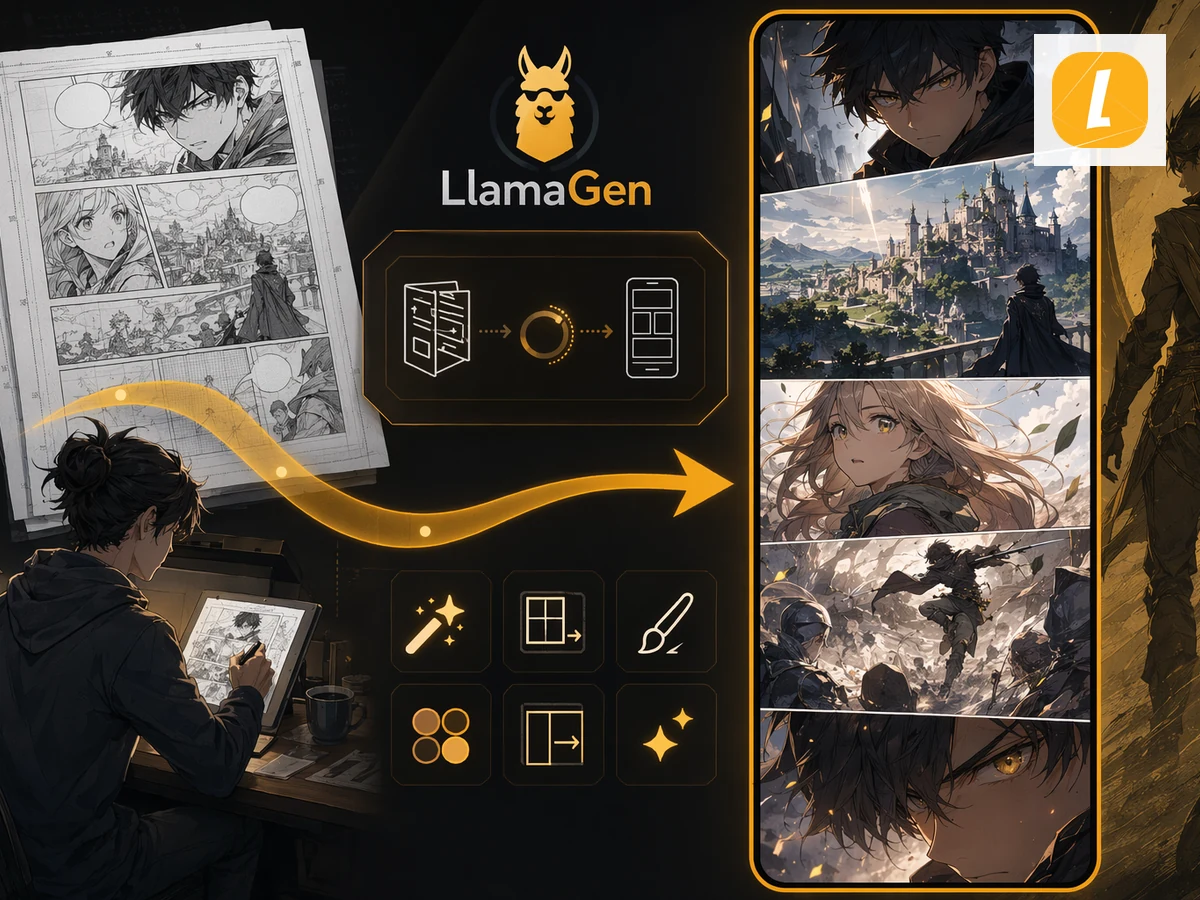 5
5Pacing score
3.2 screens · 17% screen pause
Upload three to ten JPG, PNG, or WebP panels in the order readers should encounter them.
Use a short gap for action continuity or a longer pause before a reveal, scene change, or emotional beat.
Watch the phone preview scroll, inspect the pacing report, and continue to Webtoon creation.
Production value
Each result is designed to continue into Storyboard, Comic Studio, or a focused image repair workflow.
See the episode through a constrained phone reader instead of judging the entire long strip at once.
Compare compressed action pacing with dialogue breathing room and long reveal gaps.
Translate panels and gaps into approximate mobile screens and catch sequences that may need splitting.
It places panels in a phone-sized vertical reader so you can feel how panel height, blank space, scrolling, and screen boundaries affect the episode.
There is no universal value. Short gaps preserve action continuity, medium gaps give dialogue breathing room, and long gaps should usually signal a deliberate pause or reveal.
Yes. Upload up to ten JPG, PNG, or WebP panels. They are previewed locally in the browser.
No. It is a pacing preflight tool. Continue to Storyboard to Webtoon or your publishing workflow after reviewing the episode.
Move from a single generated image or video into comics, manga, storyboards, and connected visual stories.